
 15
15presentation
College Essay Thesis Builder Slides
Build stronger academic arguments with a college essay thesis builder featuring guided examples, revision prompts, and editable PowerPoint and Google Slides.
Google SlidesPowerPoint
presentation · English
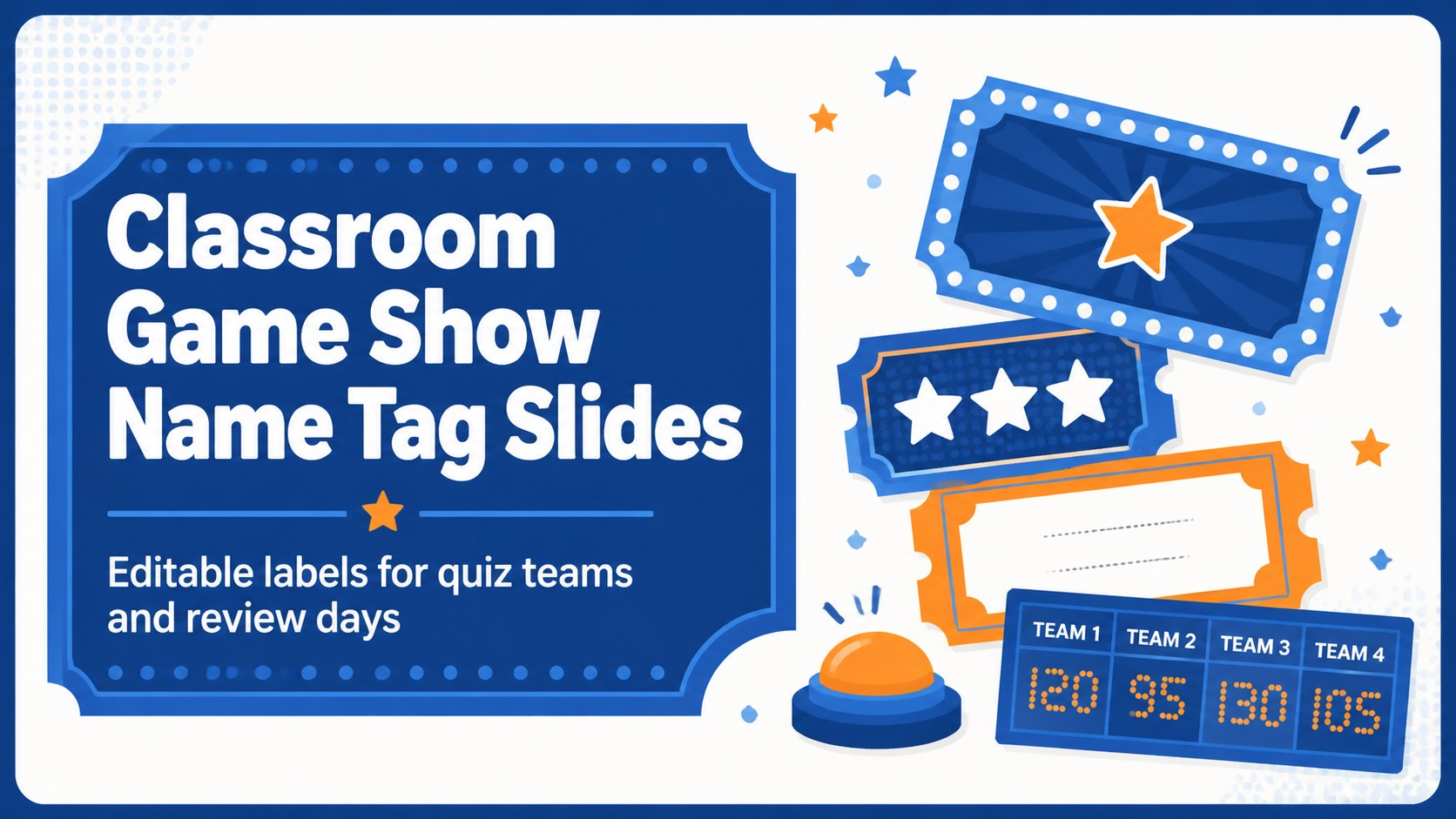
Create lively classroom game show name tag slides for team quizzes and review days, with editable blue layouts for PowerPoint and Google Slides in minutes.
Design notes
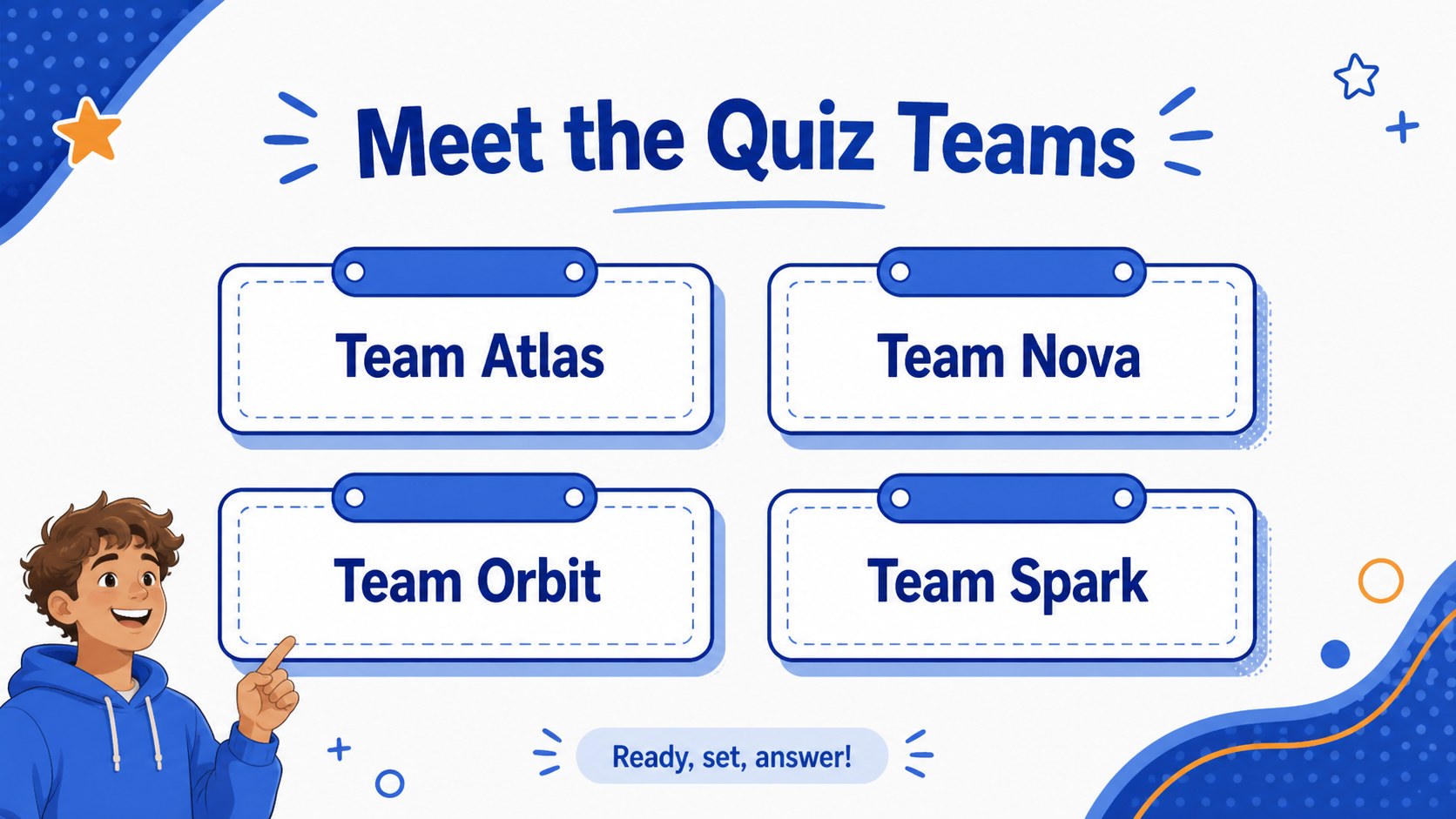
Classroom game show name tag slides give teachers a quick way to organize teams and add visual energy to quiz days, review sessions, and friendly competitions. The crisp blue palette, bold lettering, and playful illustrated details create a focused but upbeat atmosphere without overwhelming the classroom. Use the layouts to label teams, assign player roles, or identify discussion groups before an activity begins.
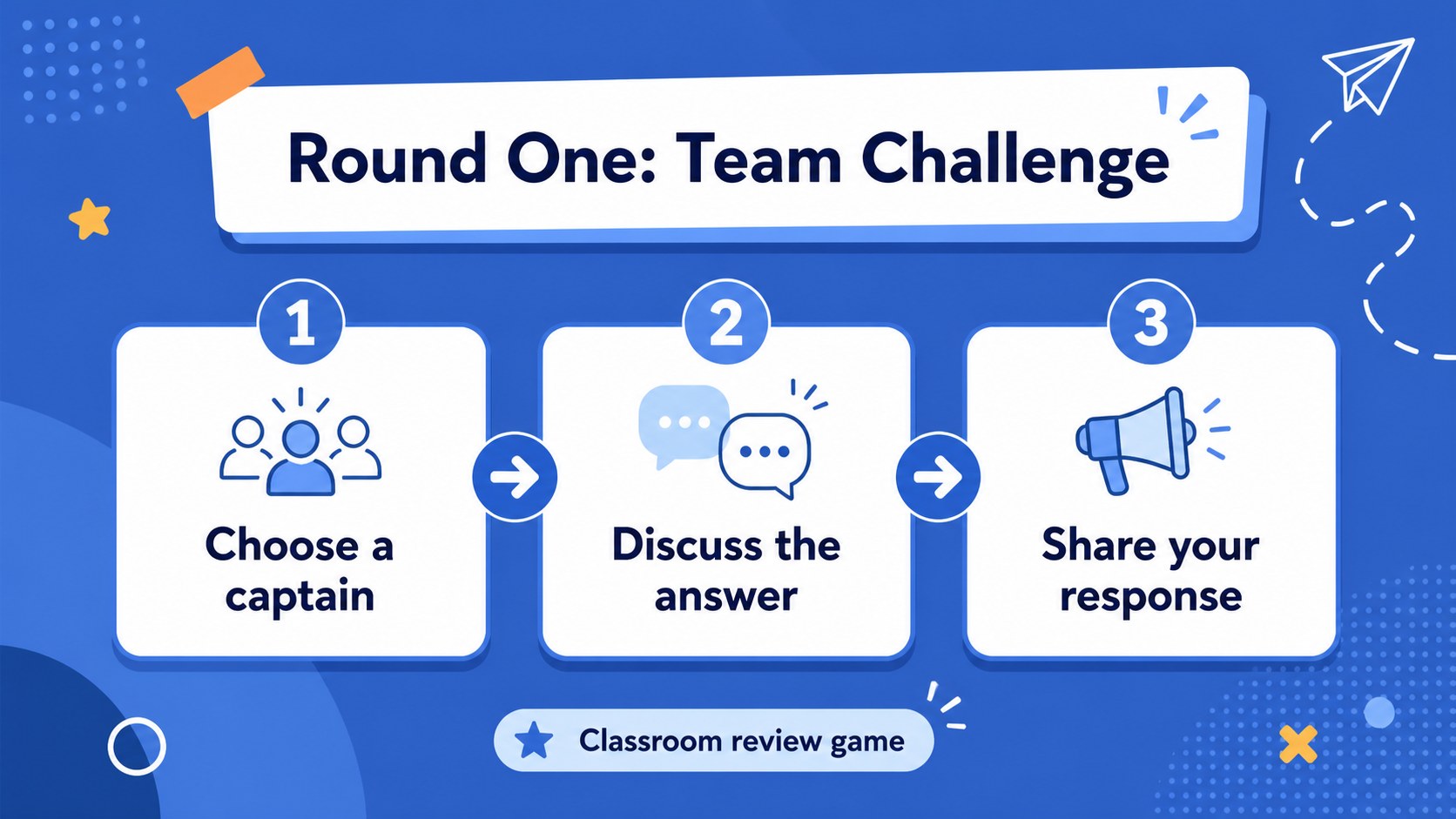
Inside, you will find three editable 16:9 presentation slides designed for easy classroom preparation. Adapt the text for team names, student groups, house colors, or rotating stations, then print the finished designs or display them on a projector. The deck works especially well as printable classroom game labels, interactive review activity graphics, and visual team assignment slides.
This resource is made for elementary and middle school teachers, tutors, camp leaders, and workshop facilitators who want a consistent look across game-based learning activities. Edit the wording, duplicate a layout for additional groups, and adjust the blue accents to match your lesson materials. The files are compatible with PowerPoint and Google Slides, making it simple to revise names, export pages, or share the deck with teaching partners.
Perfect for: elementary quiz day; team review competition; classroom station rotation; summer camp trivia game; student group assignment.
Frequently asked questions
Can I edit the team names and labels? Yes. Replace the sample wording with team names, student groups, player roles, or station labels. You can also duplicate a slide when you need more groups.
Practical details
Yes. Replace the sample wording with team names, student groups, player roles, or station labels. You can also duplicate a slide when you need more groups.
The template is designed for PowerPoint and Google Slides. You can edit the layouts digitally, present them on screen, or export finished pages for printing.
Yes. Change the text, fonts, shapes, and accent colors to suit your lesson or school identity. Keep the blue palette for the original game-show feel or adapt it to match your materials.
Yes. The layouts can be prepared as printable classroom game labels after you add your wording. Check the page size and printer settings before producing a full set.
Keep exploring
15Build stronger academic arguments with a college essay thesis builder featuring guided examples, revision prompts, and editable PowerPoint and Google Slides.
 15
15Build an engaging World UFO Day session with this flying saucer history lesson deck, featuring retro green-and-brown slides for PowerPoint and Google Slides.
 14
14Plan a memorable Lunar New Year campaign with the 2036 Dragon Year Celebration Theme, featuring bold red-and-yellow slides for lessons and events.
 15
15Build a thoughtful classroom discussion with this interfaith awareness lesson deck, featuring editable blue-and-white slides for PowerPoint and Google Slides.
 15
15Use this environmental awareness lesson deck to teach climate action through illustrated activities, discussion prompts, and ready-to-edit visuals.
 15
15Build playful lessons and party stories with a kid-friendly zombie celebration theme in purple, green and pastel blue for PowerPoint and Google Slides.
 15
15Build eerie lessons, campaigns, and story pitches with an undead survival scenario theme featuring editable slides for PowerPoint and Google Slides.
 16
16Turn environmental research into a clear story with a Watercolor Ecology Presentation Theme for PowerPoint and Google Slides in calming green and blue.