
 15
15presentation
College Essay Thesis Builder Slides
Build stronger academic arguments with a college essay thesis builder featuring guided examples, revision prompts, and editable PowerPoint and Google Slides.
Google SlidesPowerPoint
presentation · English
Organize lessons, events, and school holidays with a classroom event calendar poster kit for PowerPoint and Google Slides, ready to edit and print.
Design notes
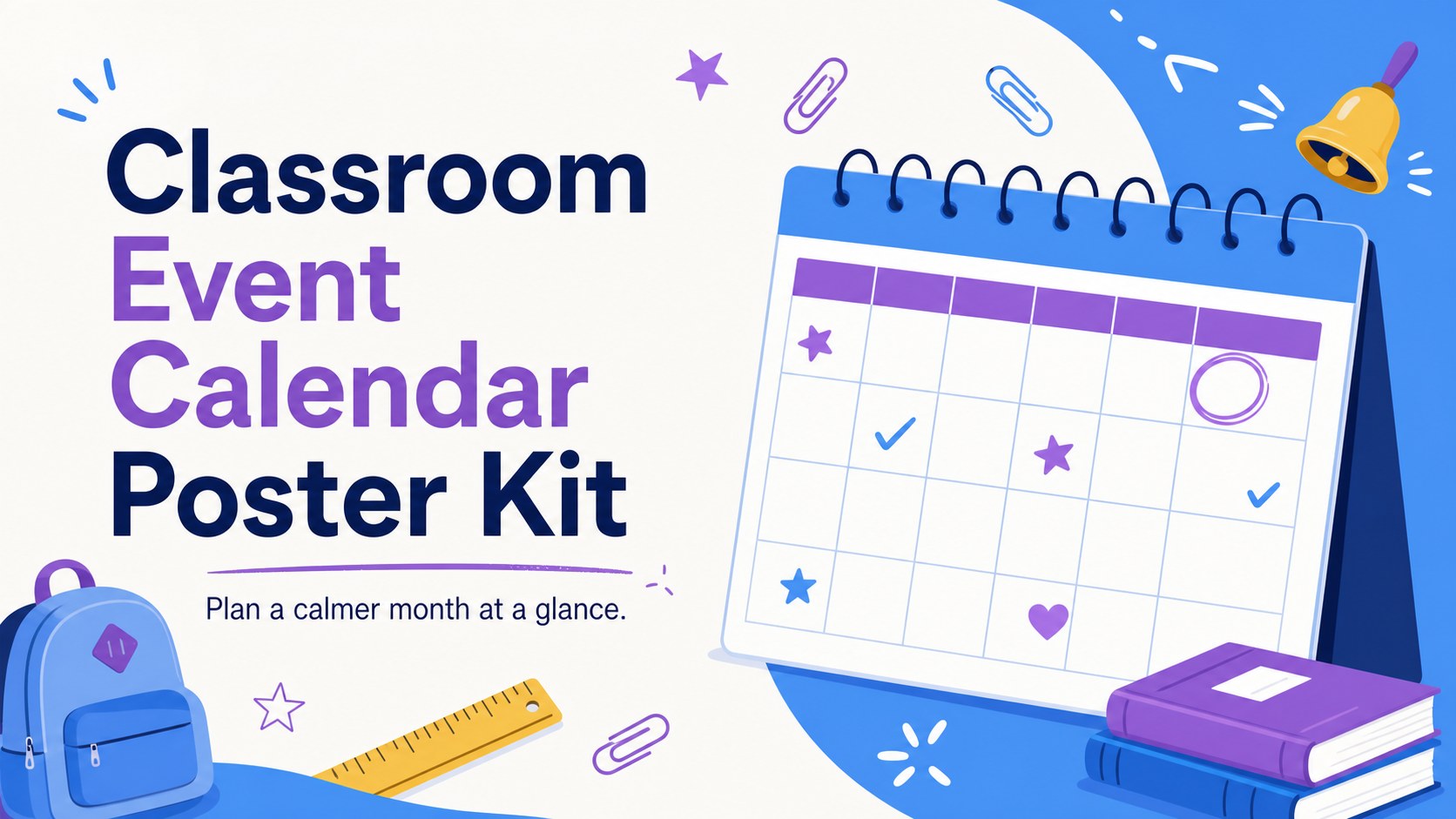
Bring important dates into clear view with the Classroom Event Calendar Poster Kit, a bright planning resource for teachers, classroom assistants, and school coordinators. Its playful illustrated style combines crisp white space with blue and purple accents, creating a friendly display that remains easy for students and families to scan.
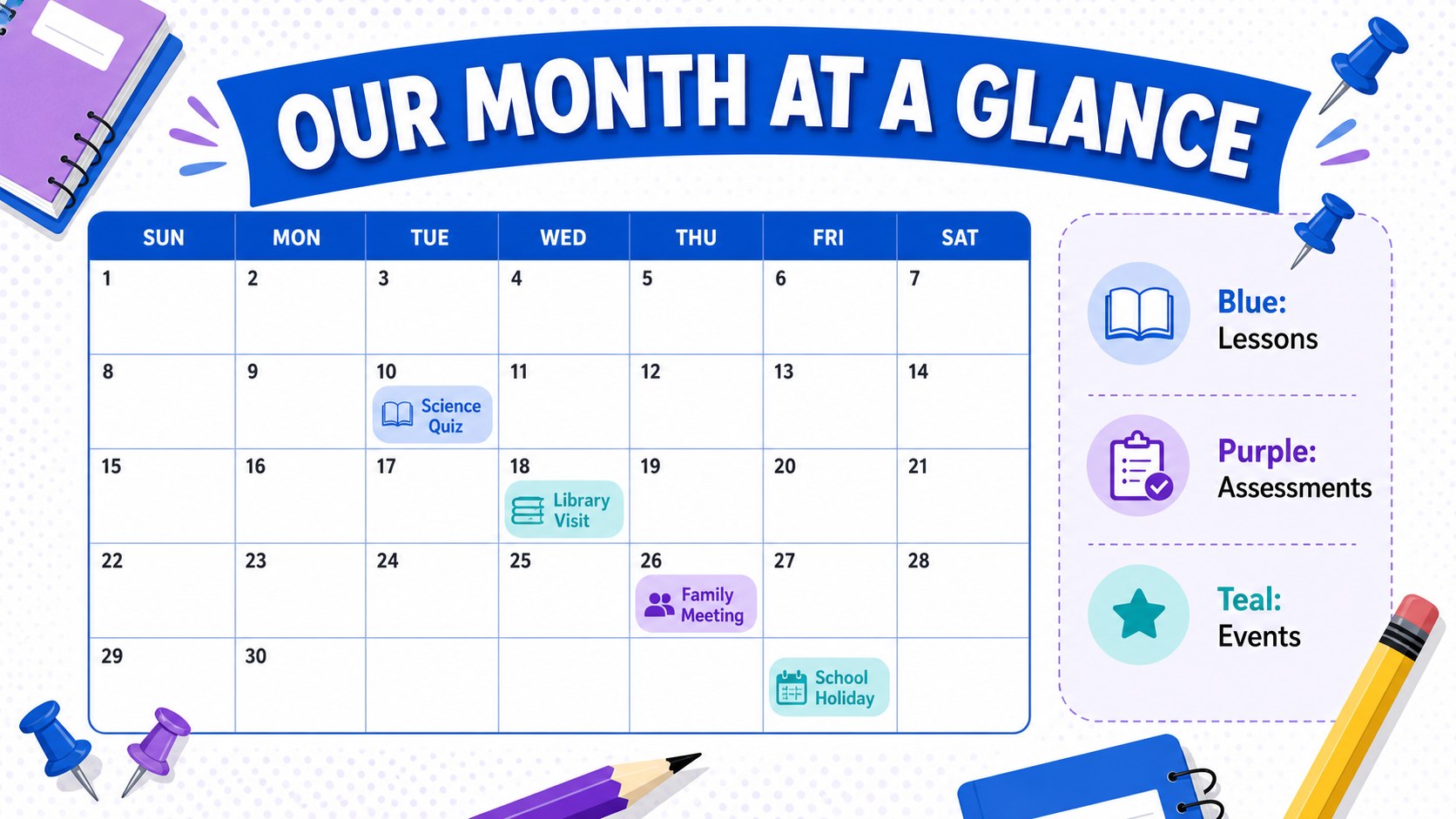
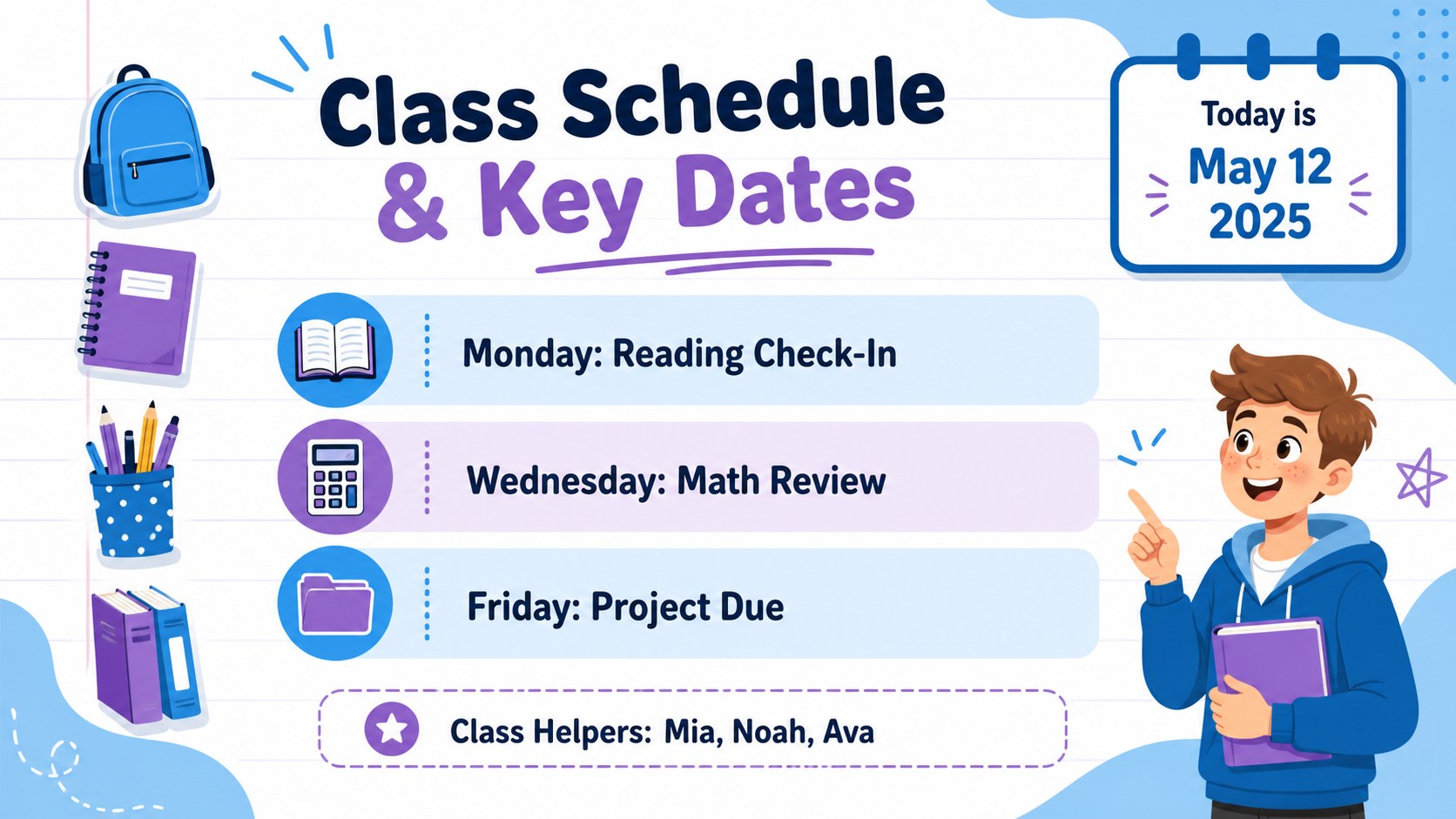
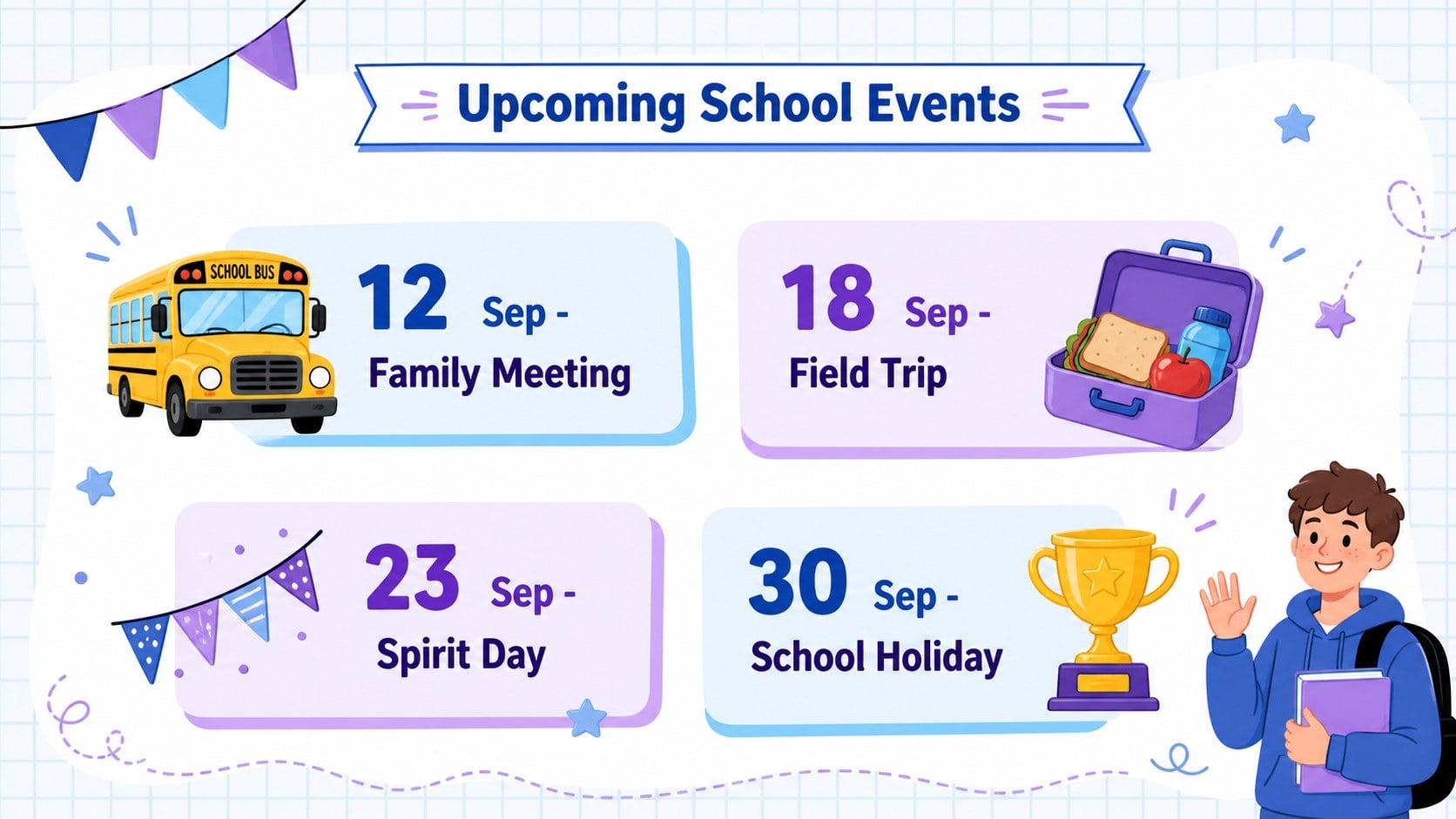
The kit includes four coordinated calendar poster layouts for monthly planning, assessment dates, classroom duties, and school events. Use it as an editable classroom calendar poster, build a color coded subject calendar template, or prepare a school holiday calendar in Google Slides. Text boxes, labels, icons, and decorative elements can be adjusted to suit different grade levels, term schedules, and communication needs. The layouts also work in PowerPoint and can be exported for printing or shared digitally with families.
This teacher classroom schedule poster template is useful for marking assignment deadlines, parent meetings, field trips, spirit days, national holidays, and seasonal celebrations. Educators can assign colors to subjects, highlight priority dates, and add short notes without crowding the page. The blue, white, and purple palette keeps the posters welcoming and organized, while original school-themed illustrations add personality. Use the complete set on a classroom wall, include selected pages in a weekly update, or present the calendar during morning meetings.
Perfect for: monthly classroom planning; school holiday tracking; assessment date display; class duty scheduling; parent event reminders.
Frequently asked questions
Can I edit every date and label? Yes. Replace the sample dates, headings, event labels, and notes with your own classroom information. You can also duplicate calendar blocks or remove sections that are not needed.
Practical details
Yes. Replace the sample dates, headings, event labels, and notes with your own classroom information. You can also duplicate calendar blocks or remove sections that are not needed.
The poster kit is designed for PowerPoint and Google Slides. Both platforms let you update the text, reposition elements, and export the finished pages for digital sharing or printing.
Yes. Change the blue and purple accents or assign a separate color to each subject, class group, or event type. Keep a small color key on the poster so students can understand the schedule quickly.
Review the dates and spacing, then export the finished design as a high-quality PDF from PowerPoint or Google Slides. Select the paper size and scaling options in your printer settings before producing the classroom copy.
Keep exploring
15Build stronger academic arguments with a college essay thesis builder featuring guided examples, revision prompts, and editable PowerPoint and Google Slides.
 15
15Build an engaging World UFO Day session with this flying saucer history lesson deck, featuring retro green-and-brown slides for PowerPoint and Google Slides.
 14
14Plan a memorable Lunar New Year campaign with the 2036 Dragon Year Celebration Theme, featuring bold red-and-yellow slides for lessons and events.
 15
15Build a thoughtful classroom discussion with this interfaith awareness lesson deck, featuring editable blue-and-white slides for PowerPoint and Google Slides.
 15
15Use this environmental awareness lesson deck to teach climate action through illustrated activities, discussion prompts, and ready-to-edit visuals.
 15
15Build playful lessons and party stories with a kid-friendly zombie celebration theme in purple, green and pastel blue for PowerPoint and Google Slides.
 15
15Build eerie lessons, campaigns, and story pitches with an undead survival scenario theme featuring editable slides for PowerPoint and Google Slides.
 16
16Turn environmental research into a clear story with a Watercolor Ecology Presentation Theme for PowerPoint and Google Slides in calming green and blue.