
 15
15presentation
College Essay Thesis Builder Slides
Build stronger academic arguments with a college essay thesis builder featuring guided examples, revision prompts, and editable PowerPoint and Google Slides.
Google SlidesPowerPoint
presentation · English
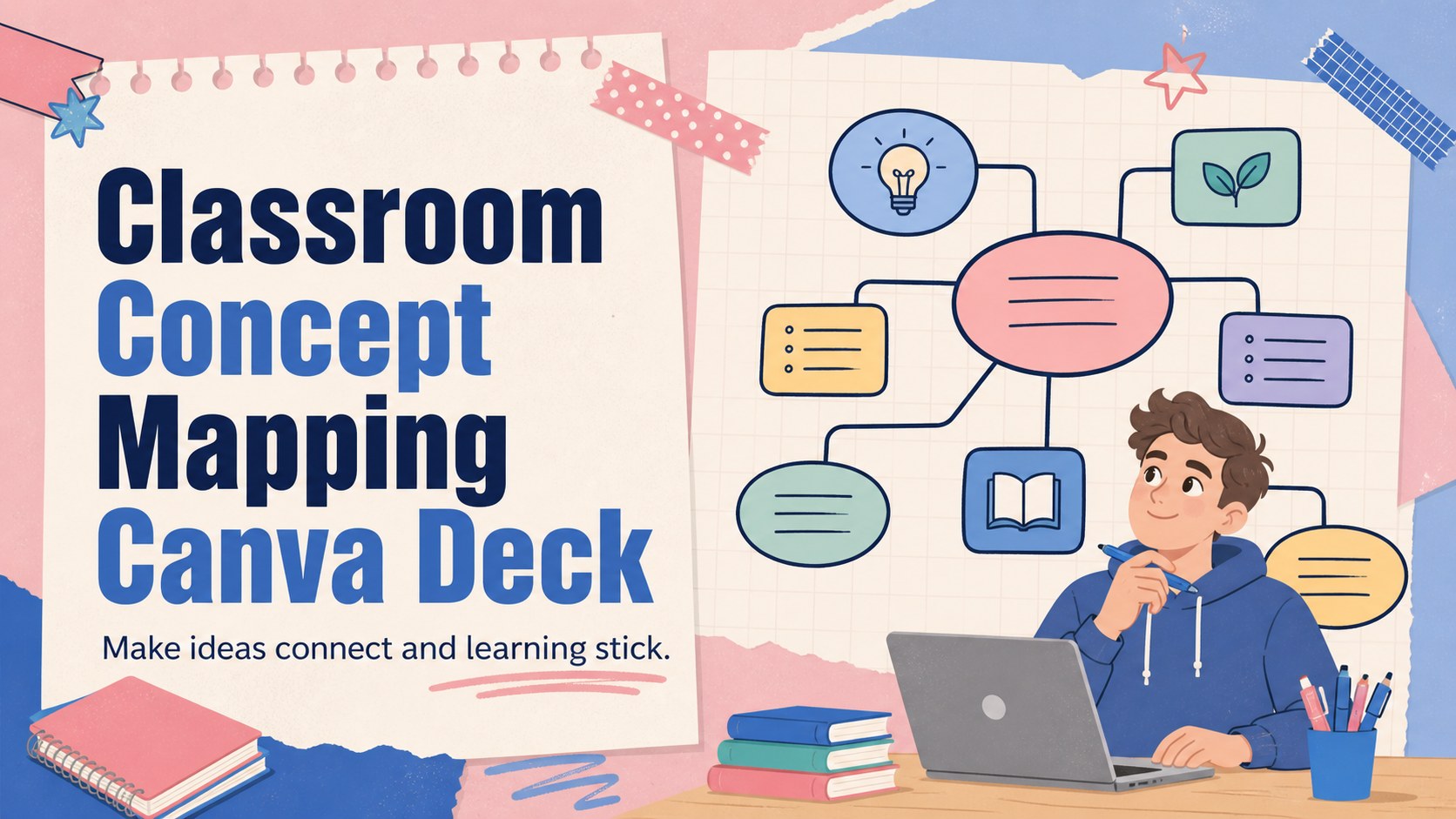
Build clearer lessons with a classroom concept mapping deck for linking ideas, explaining processes, and engaging learners in colorful visual activities.
Design notes
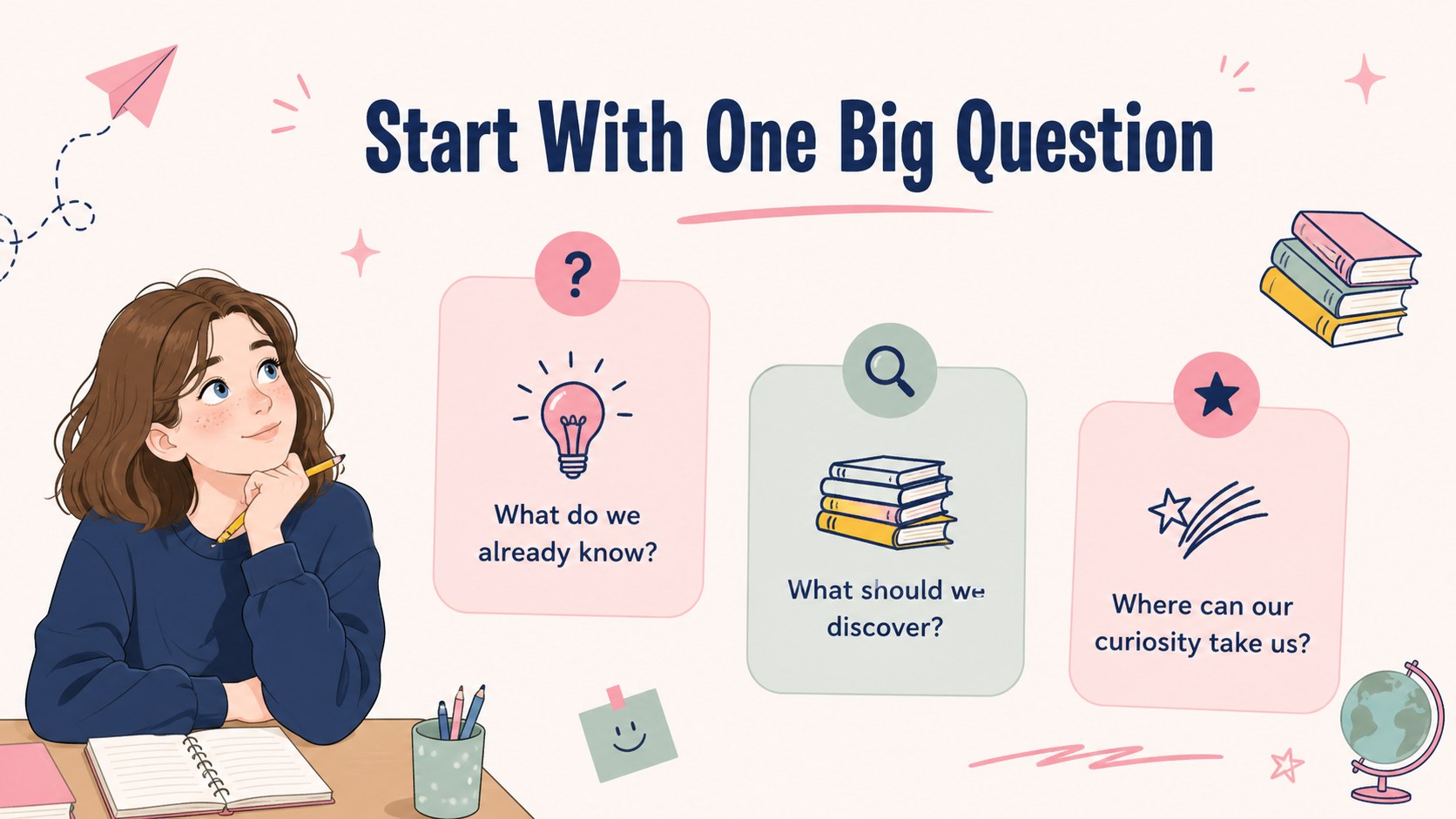
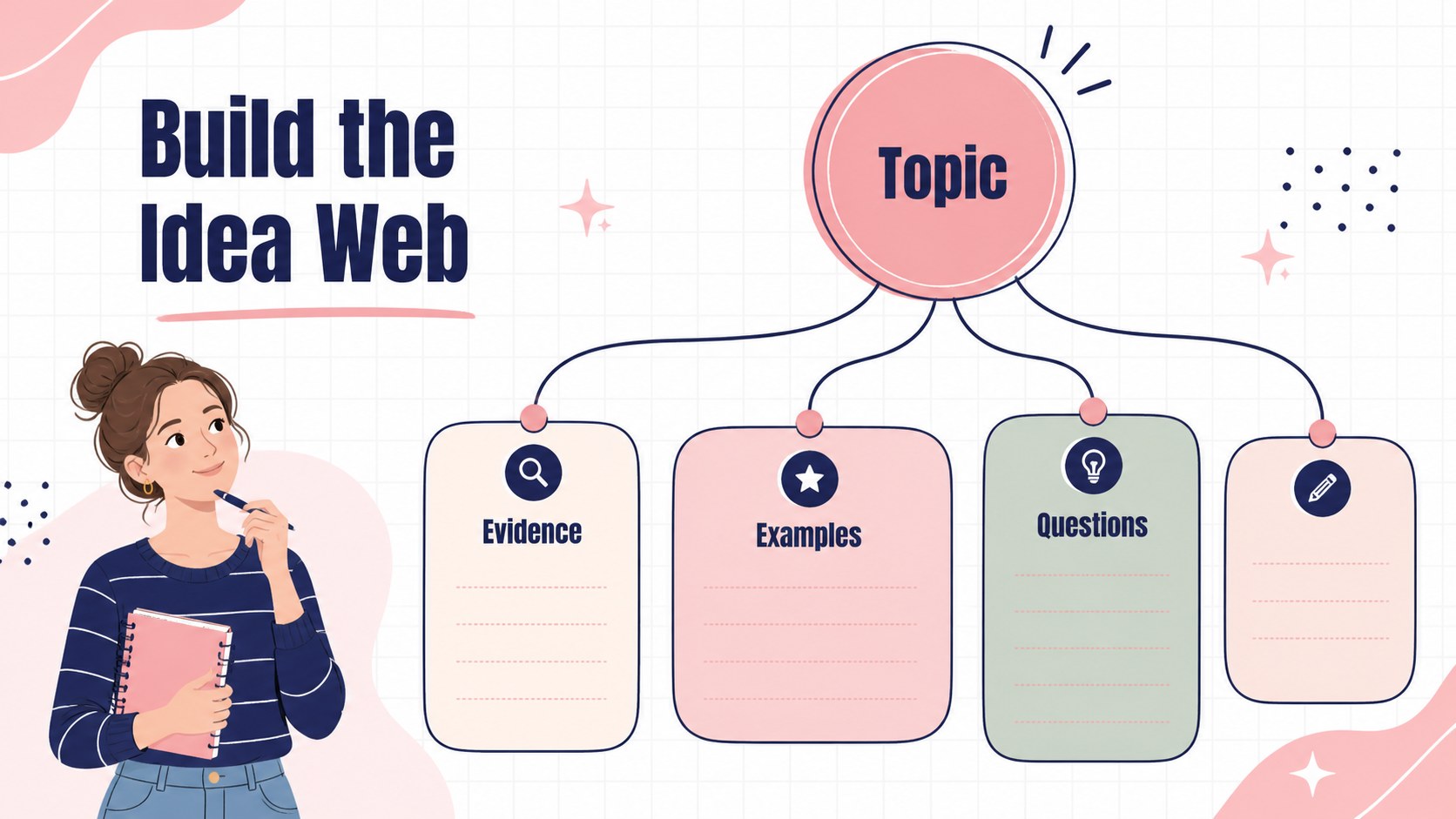
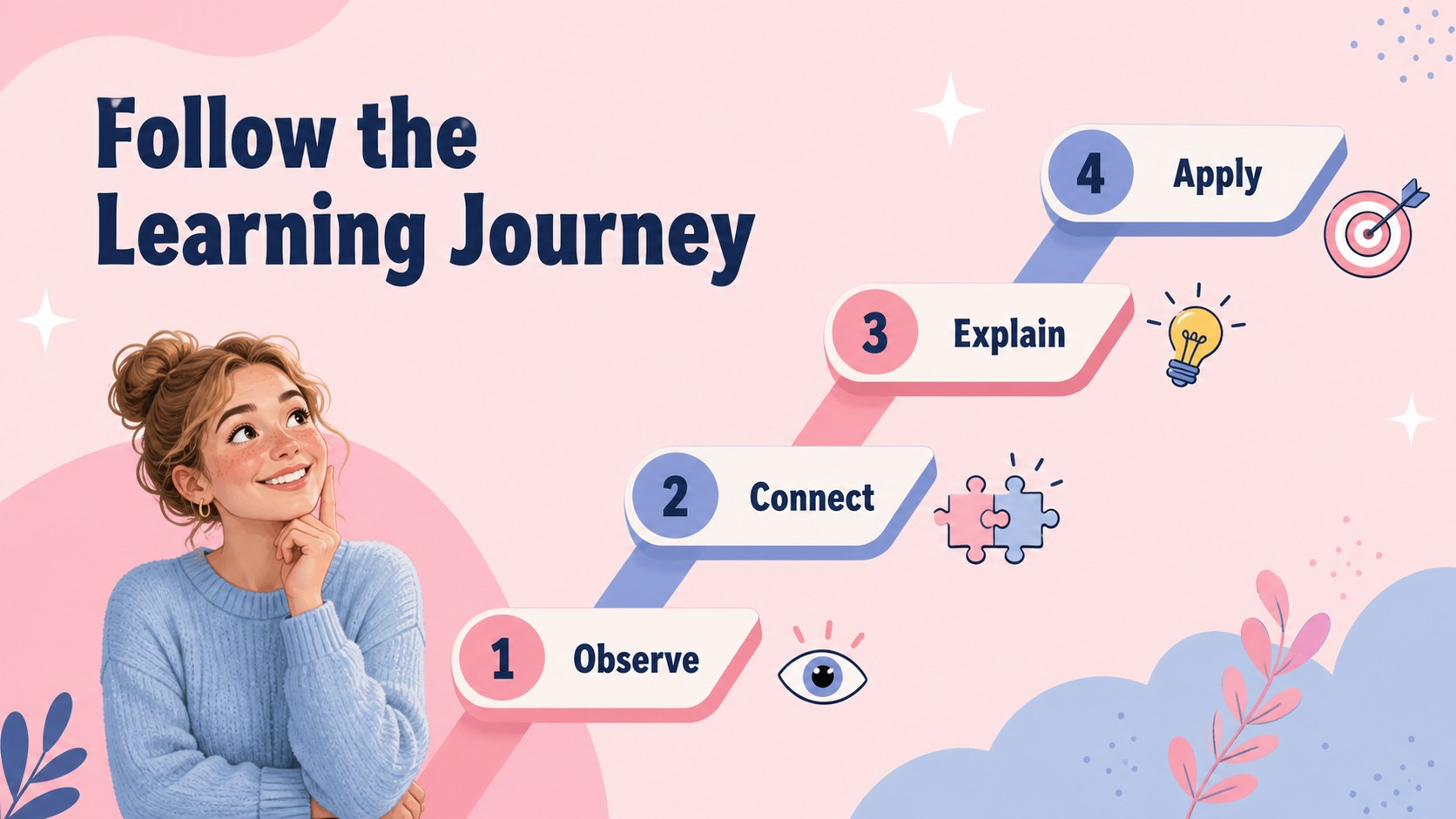
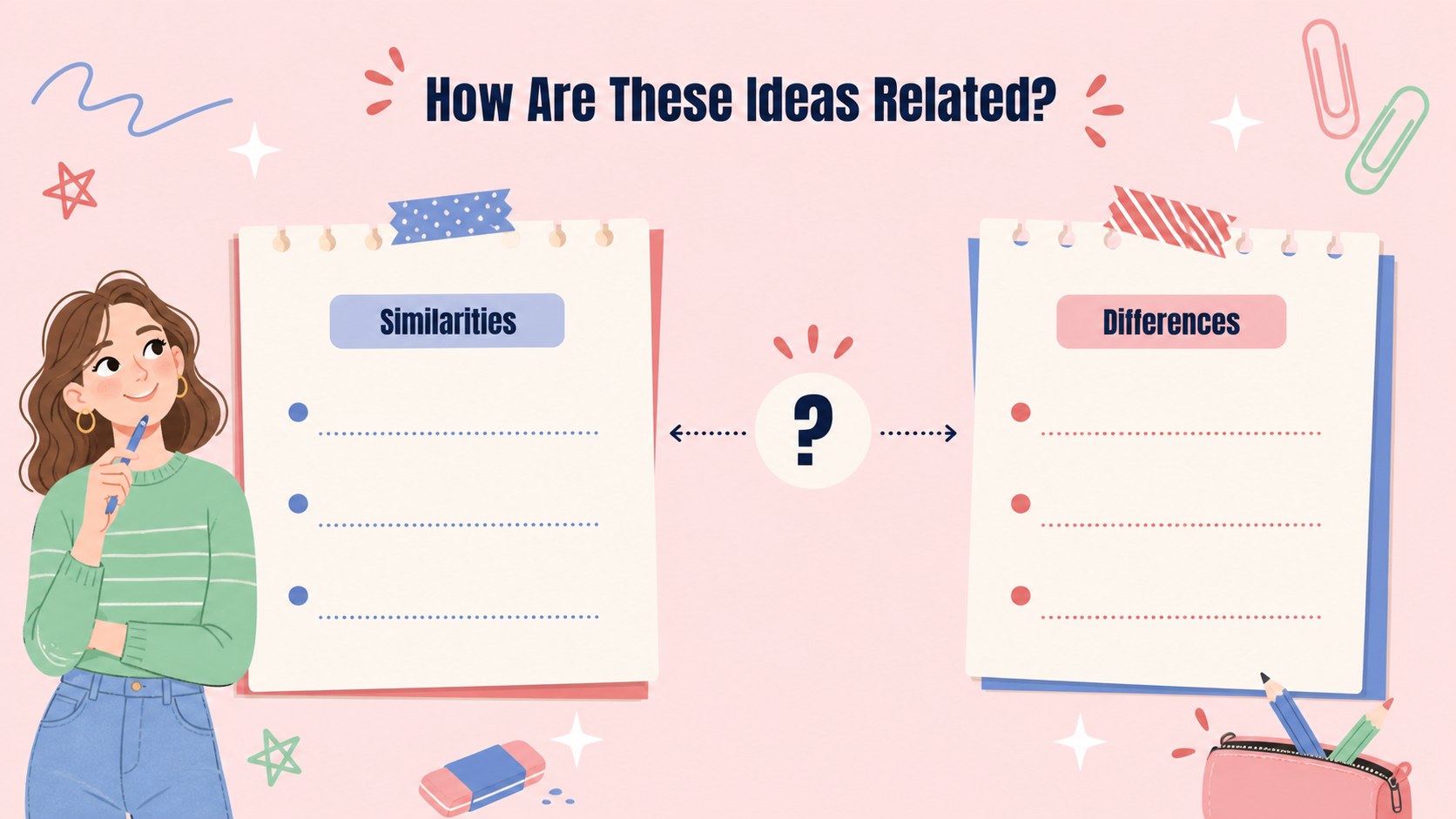
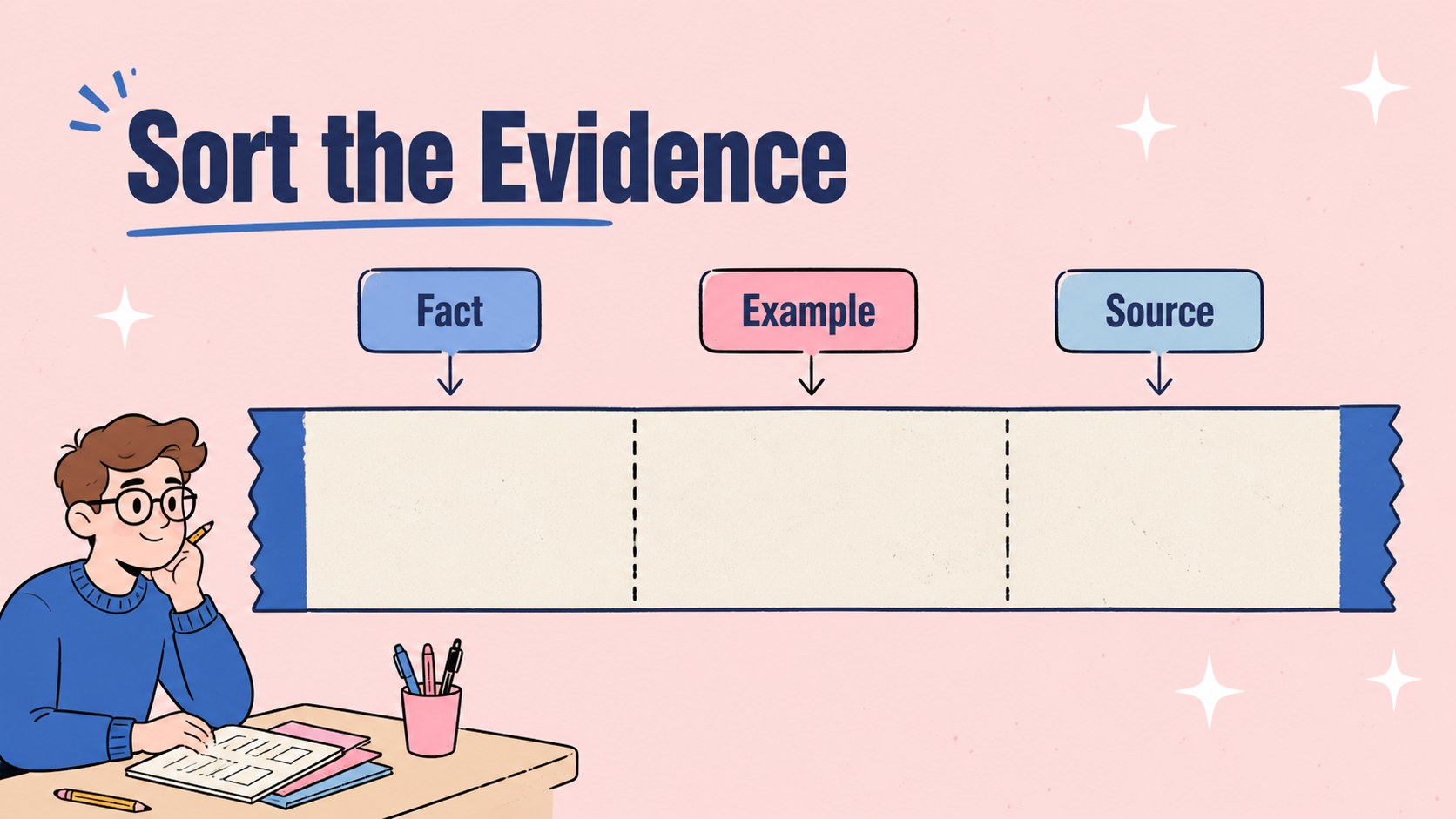
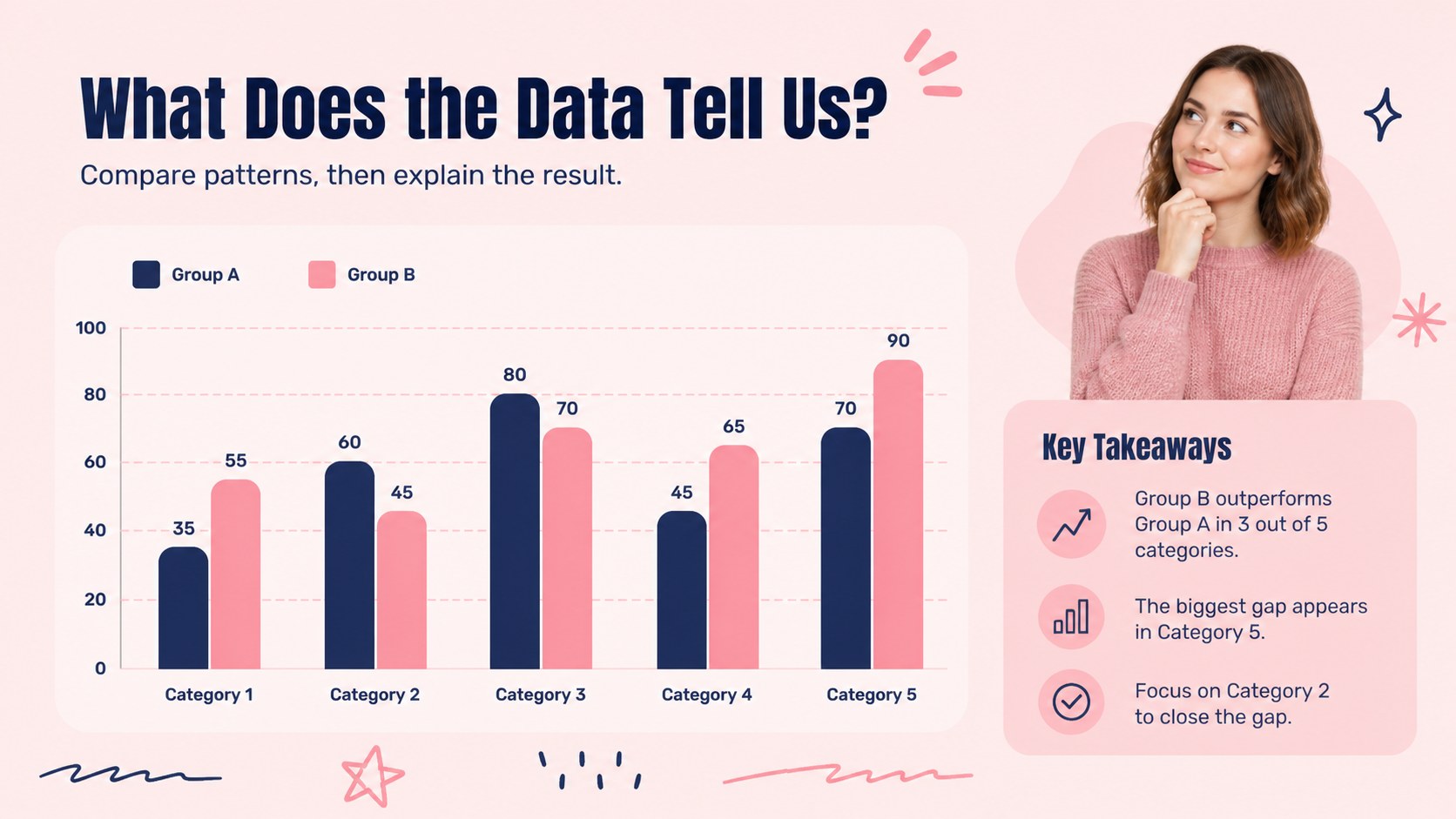
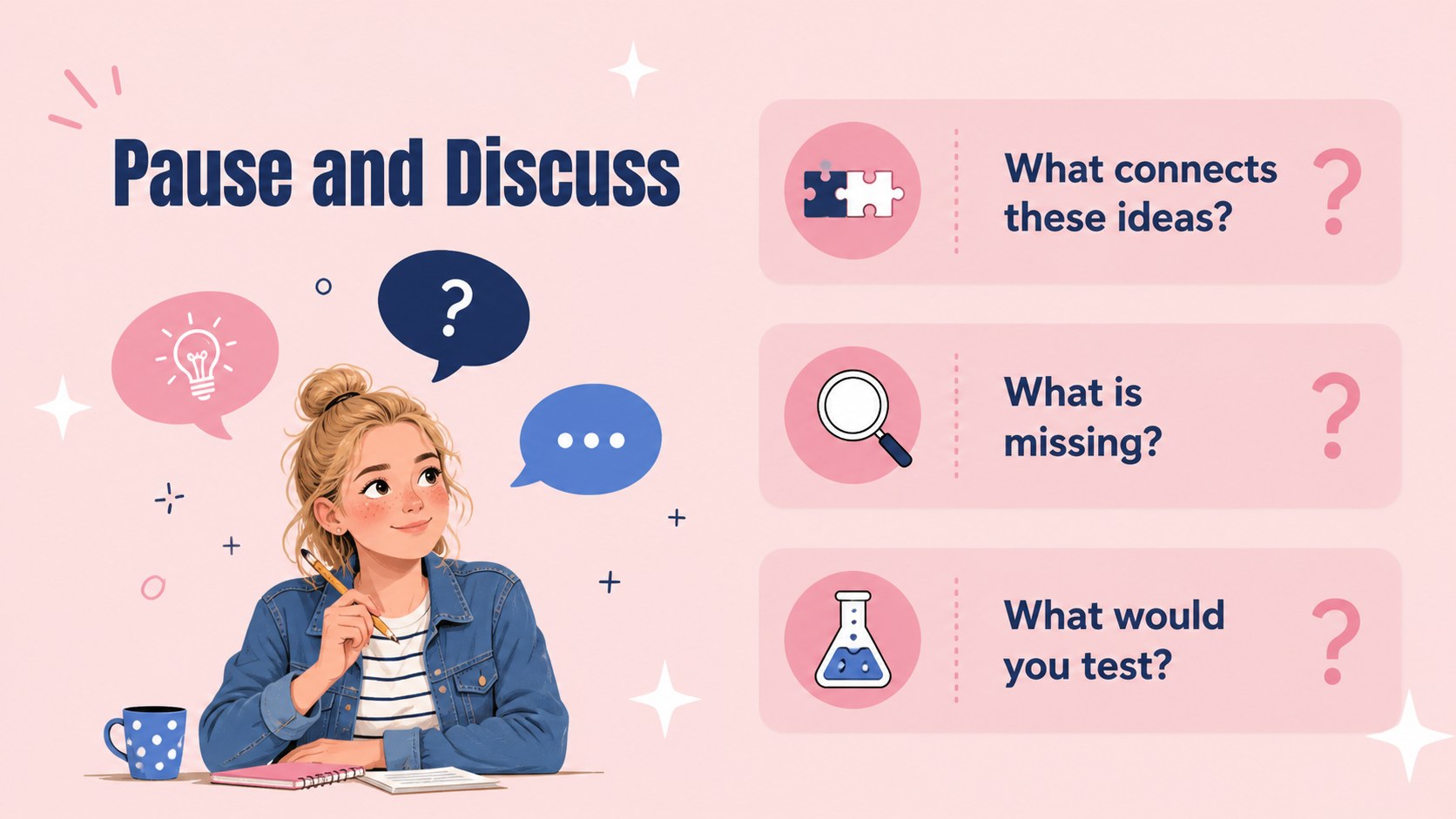
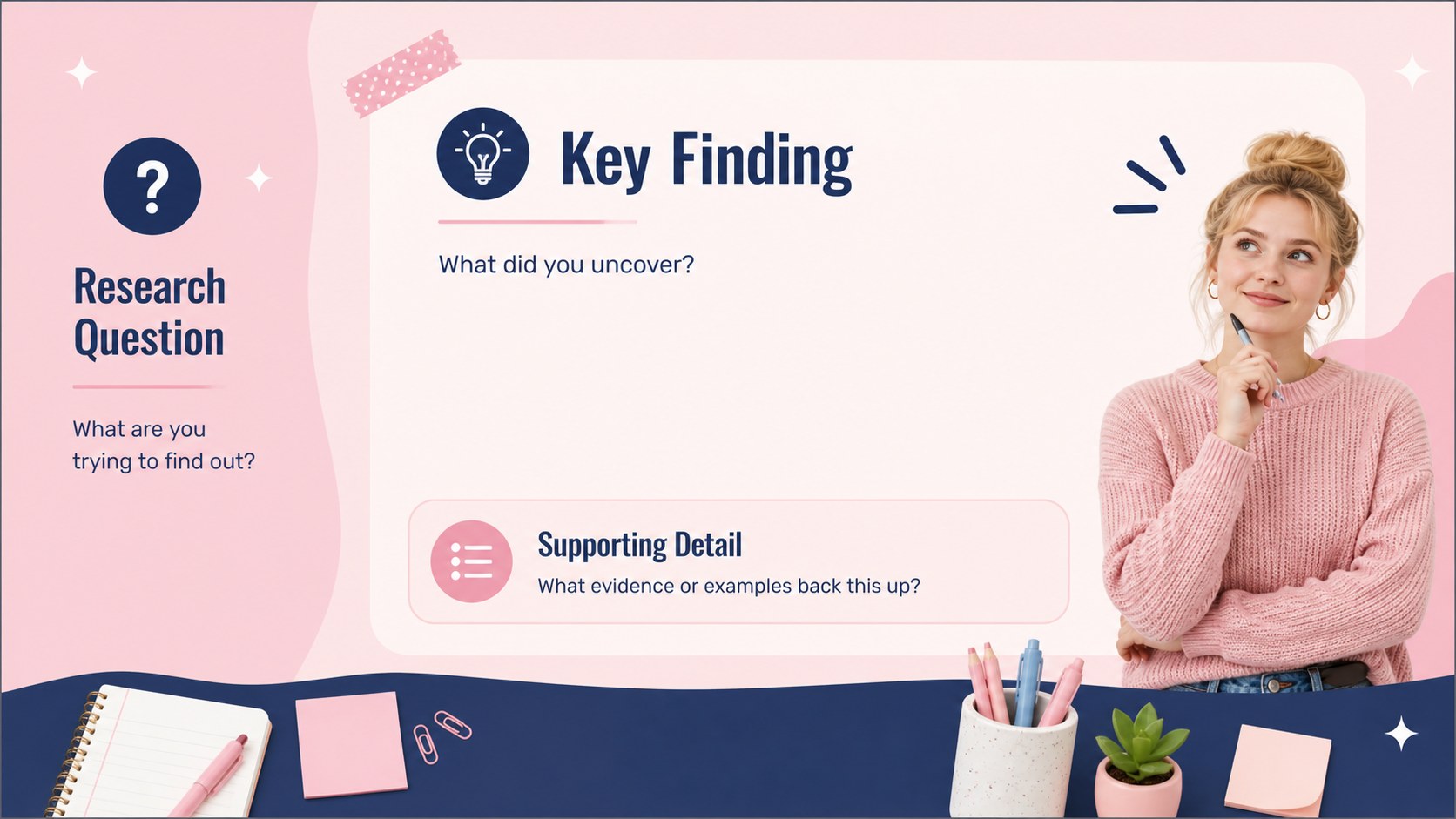
Make relationships between ideas easier to see with this classroom concept mapping deck. Its cheerful pink-and-blue palette, playful illustrations, and animated-ready layouts give teachers a practical way to introduce topics, break down systems, and guide discussion without overwhelming students.
Inside, you’ll find more than 25 customizable slides for lesson openings, key concepts, branching diagrams, step-by-step explanations, comparisons, quizzes, research summaries, and closing reflections. Editable charts, icons, sticky-note shapes, frames, arrows, and infographic elements help you build a clear visual story. The portrait-friendly layouts also work well for handouts, classroom displays, and student-led presentations.
This collection is designed for primary and secondary educators, tutors, instructional designers, and learners preparing visual assignments. Use it as concept mapping lesson slides for science, language arts, social studies, or project-based learning. It can also become an interactive classroom diagram template for workshops and training sessions, or a deck for teachers who want quick drag-and-drop editing. Customize the wording, colors, fonts, illustrations, and transitions, then share online or export the finished presentation for classroom use.
Perfect for: science systems lesson; student research presentation; primary classroom activity; teacher training workshop; project-based learning review.
Frequently asked questions
Can I edit this deck? Yes. Open the template to change the text, colors, fonts, diagrams, icons, and illustrations. The drag-and-drop editor makes it suitable for teachers with no design experience.
Practical details
Yes. Open the template to change the text, colors, fonts, diagrams, icons, and illustrations. The drag-and-drop editor makes it suitable for teachers with no design experience.
Yes. After editing, export the presentation as a PowerPoint file or save it to Google Drive for use in Google Slides. Some animations and interactive elements may not transfer exactly.
The layouts suit subjects that involve relationships, sequences, categories, or systems, including science, history, language arts, and social studies. You can also adapt the slides for tutoring, training, or student project showcases.
Yes. lets you replace the palette, adjust individual design elements, and apply your own brand or school colors. Keep strong contrast between text and background so the diagrams remain easy to read.
Keep exploring
15Build stronger academic arguments with a college essay thesis builder featuring guided examples, revision prompts, and editable PowerPoint and Google Slides.
 15
15Build an engaging World UFO Day session with this flying saucer history lesson deck, featuring retro green-and-brown slides for PowerPoint and Google Slides.
 14
14Plan a memorable Lunar New Year campaign with the 2036 Dragon Year Celebration Theme, featuring bold red-and-yellow slides for lessons and events.
 15
15Build a thoughtful classroom discussion with this interfaith awareness lesson deck, featuring editable blue-and-white slides for PowerPoint and Google Slides.
 15
15Use this environmental awareness lesson deck to teach climate action through illustrated activities, discussion prompts, and ready-to-edit visuals.
 15
15Build playful lessons and party stories with a kid-friendly zombie celebration theme in purple, green and pastel blue for PowerPoint and Google Slides.
 15
15Build eerie lessons, campaigns, and story pitches with an undead survival scenario theme featuring editable slides for PowerPoint and Google Slides.
 16
16Turn environmental research into a clear story with a Watercolor Ecology Presentation Theme for PowerPoint and Google Slides in calming green and blue.