
 15
15presentation
College Essay Thesis Builder Slides
Build stronger academic arguments with a college essay thesis builder featuring guided examples, revision prompts, and editable PowerPoint and Google Slides.
Google SlidesPowerPoint
presentation · English
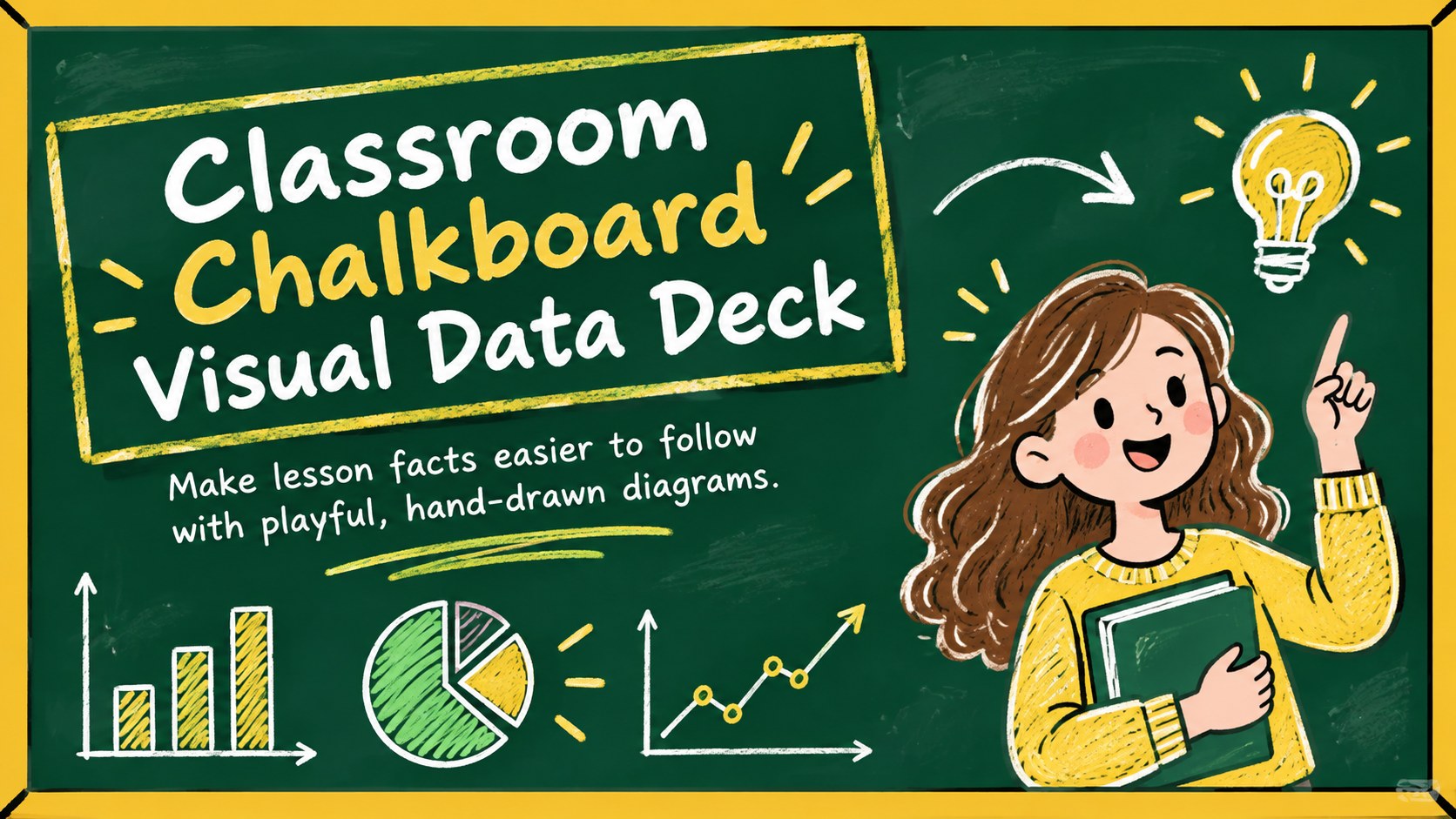
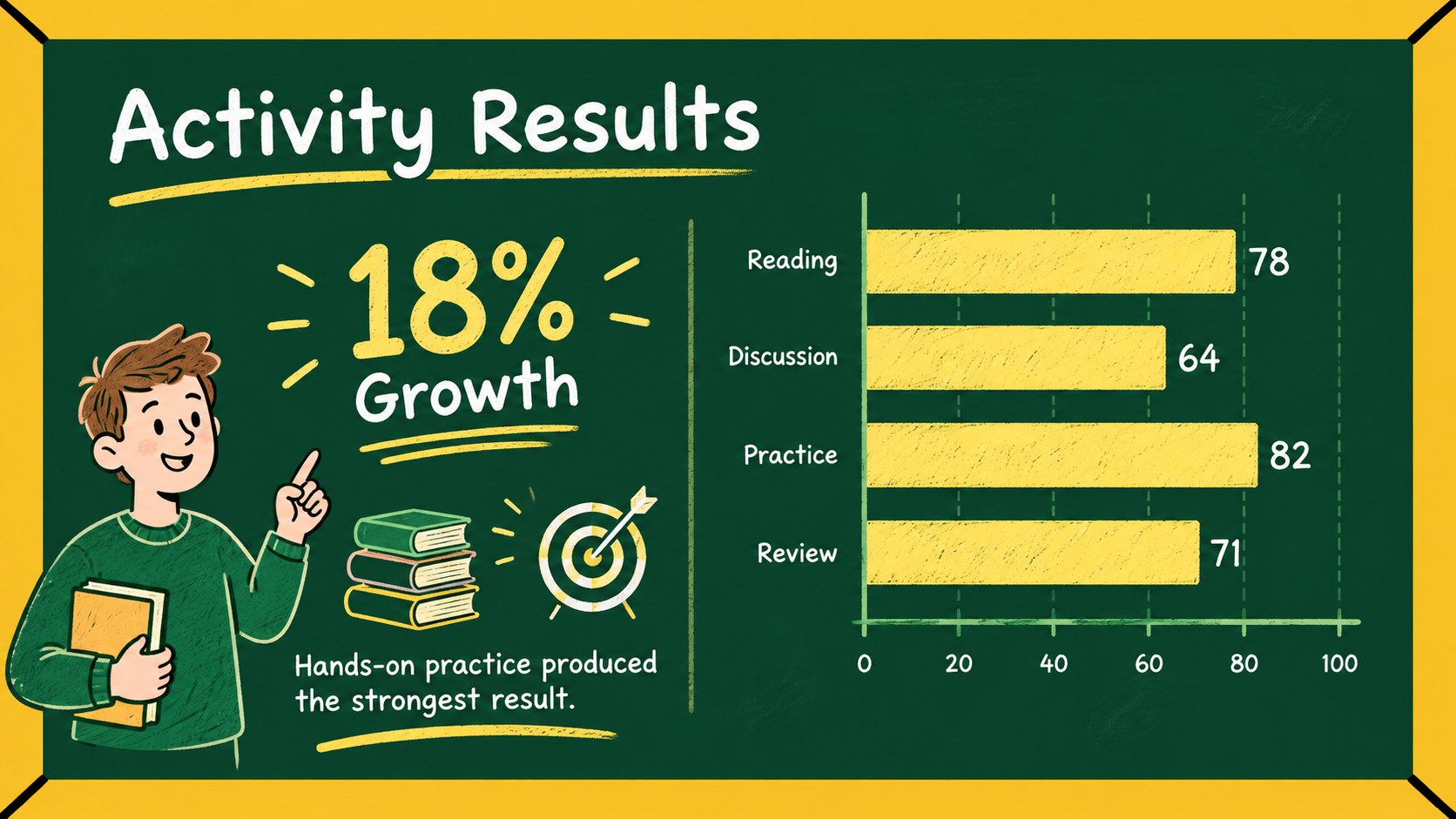
Turn lesson data into clear, lively visuals with the Classroom Chalkboard Visual Data Deck, editable in PowerPoint and Google Slides for busy teachers.
Design notes
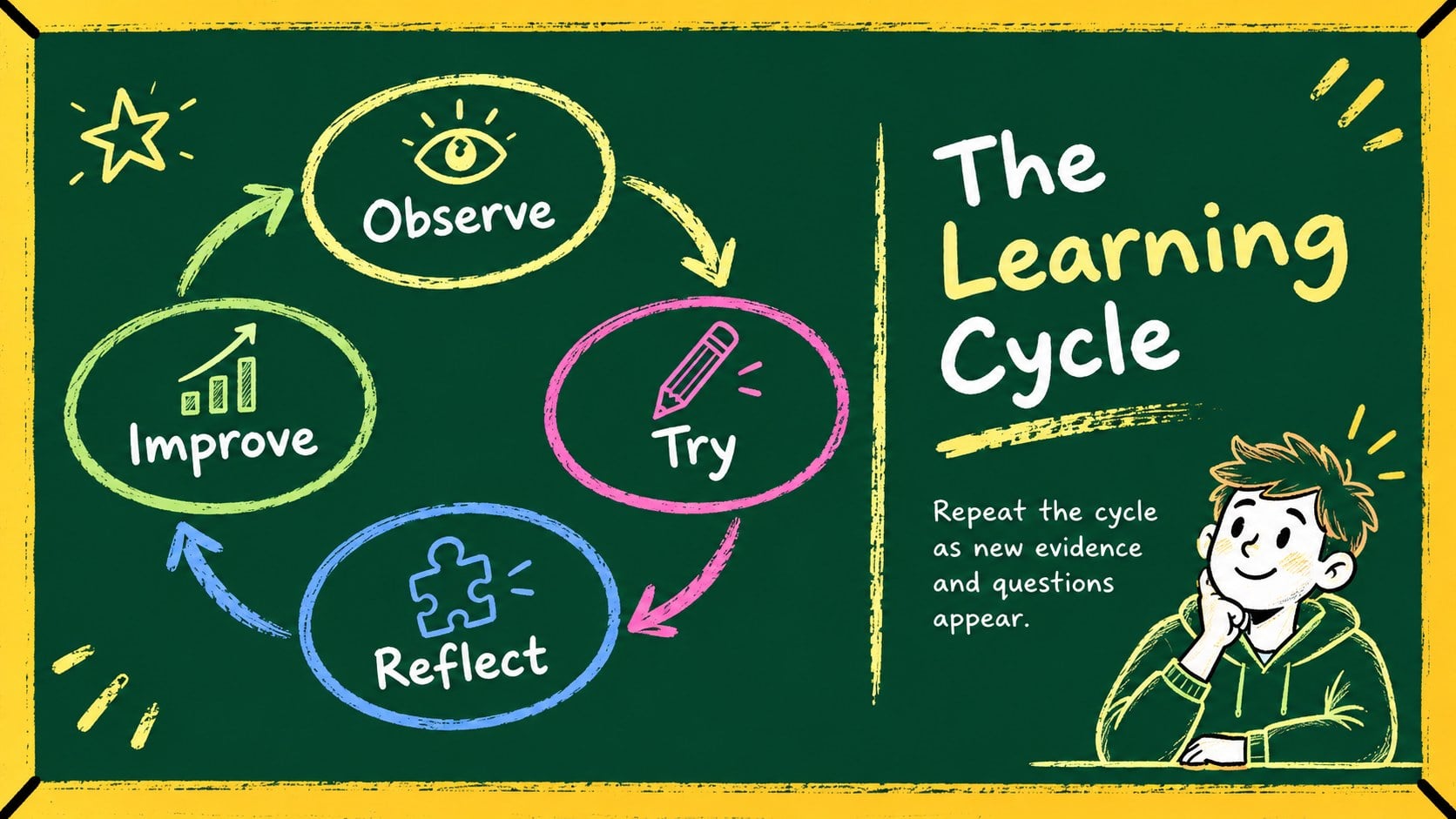
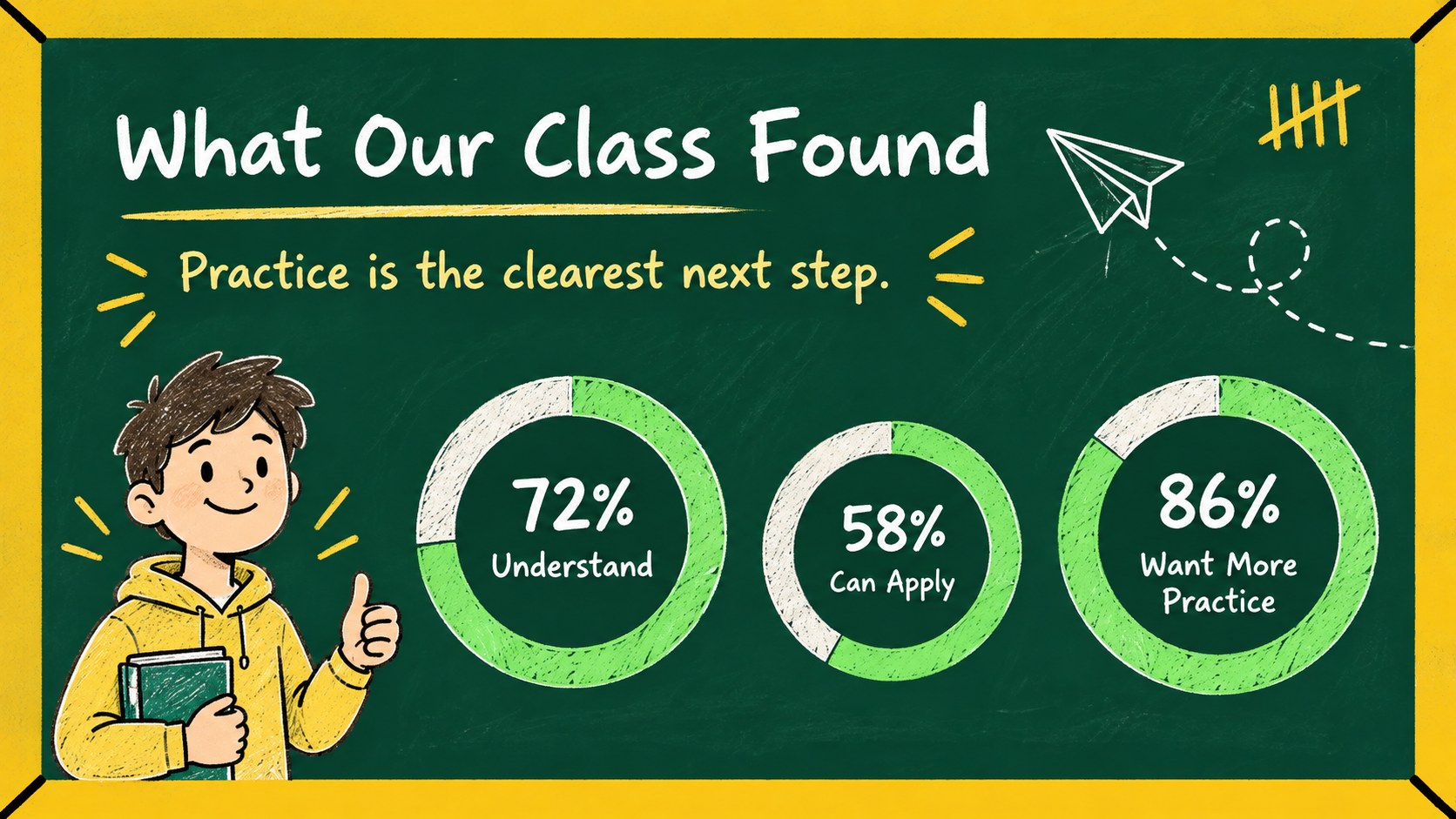
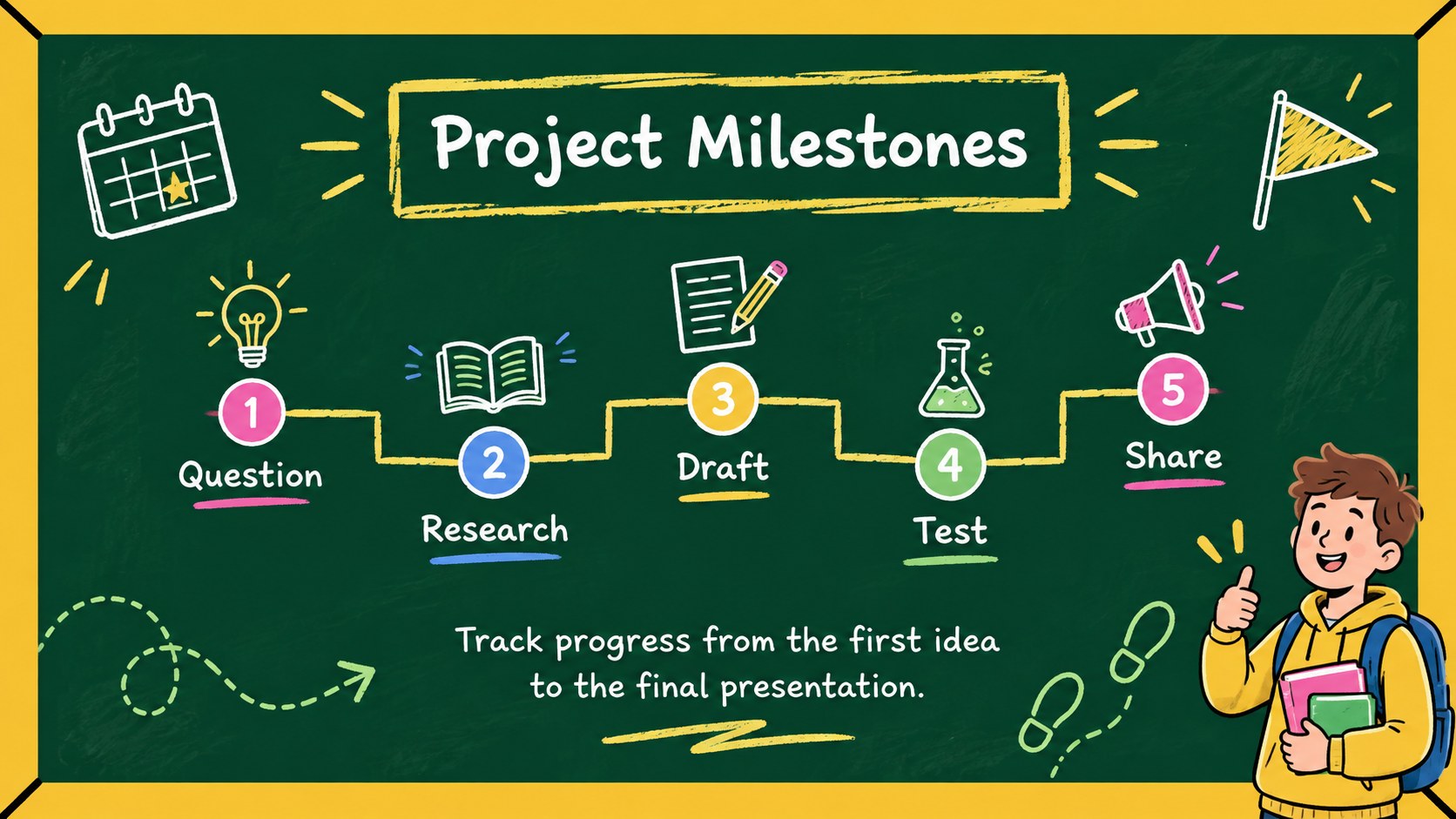
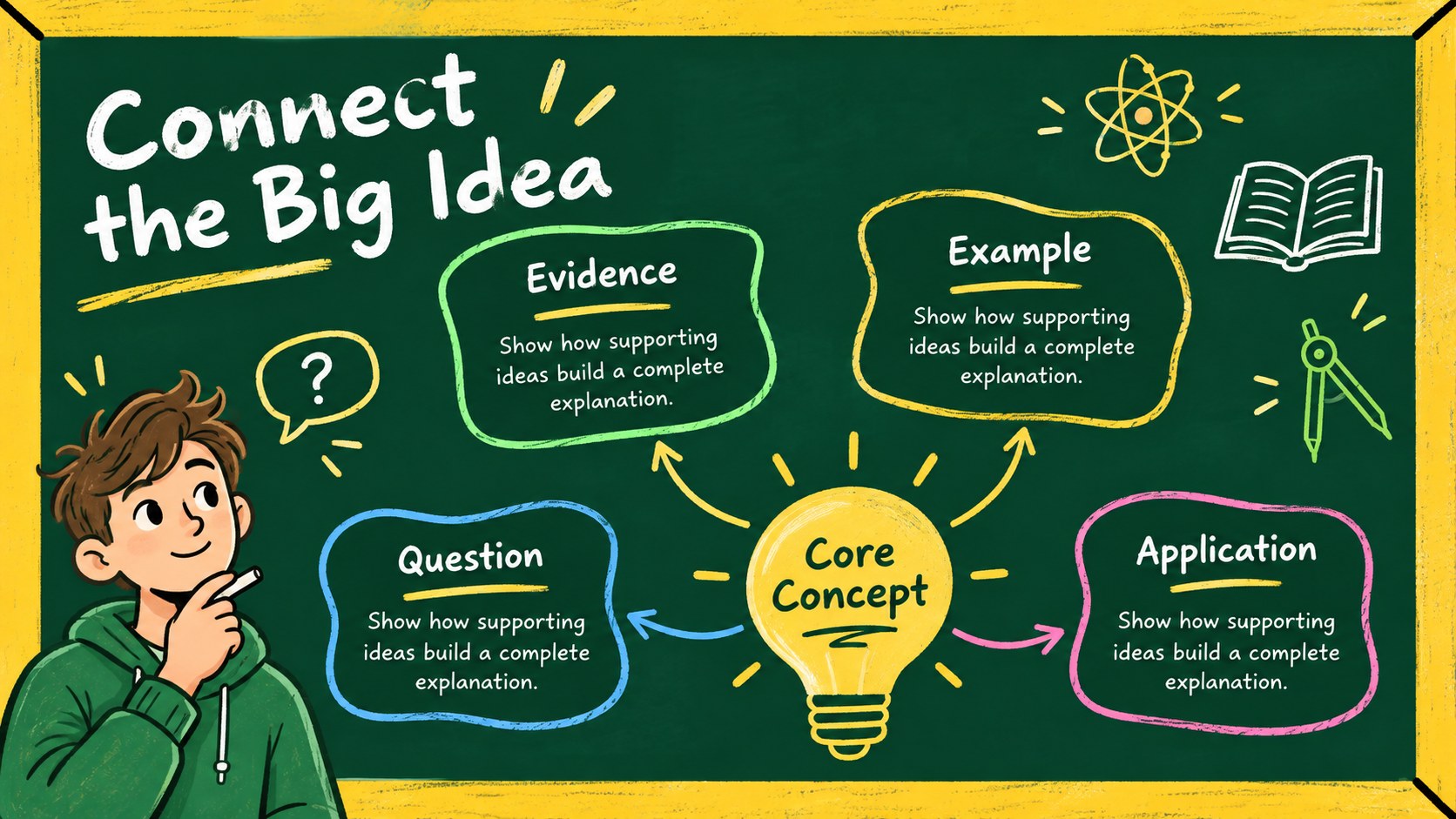
Turn classroom information into approachable visual stories with the Classroom Chalkboard Visual Data Deck. Created for teachers, tutors, and education teams, this green-and-yellow slide set combines a familiar blackboard look with clear diagrams, friendly lettering, and playful school-themed details. It works especially well as a chalkboard infographic presentation for teachers who want to explain ideas without relying on dense paragraphs.
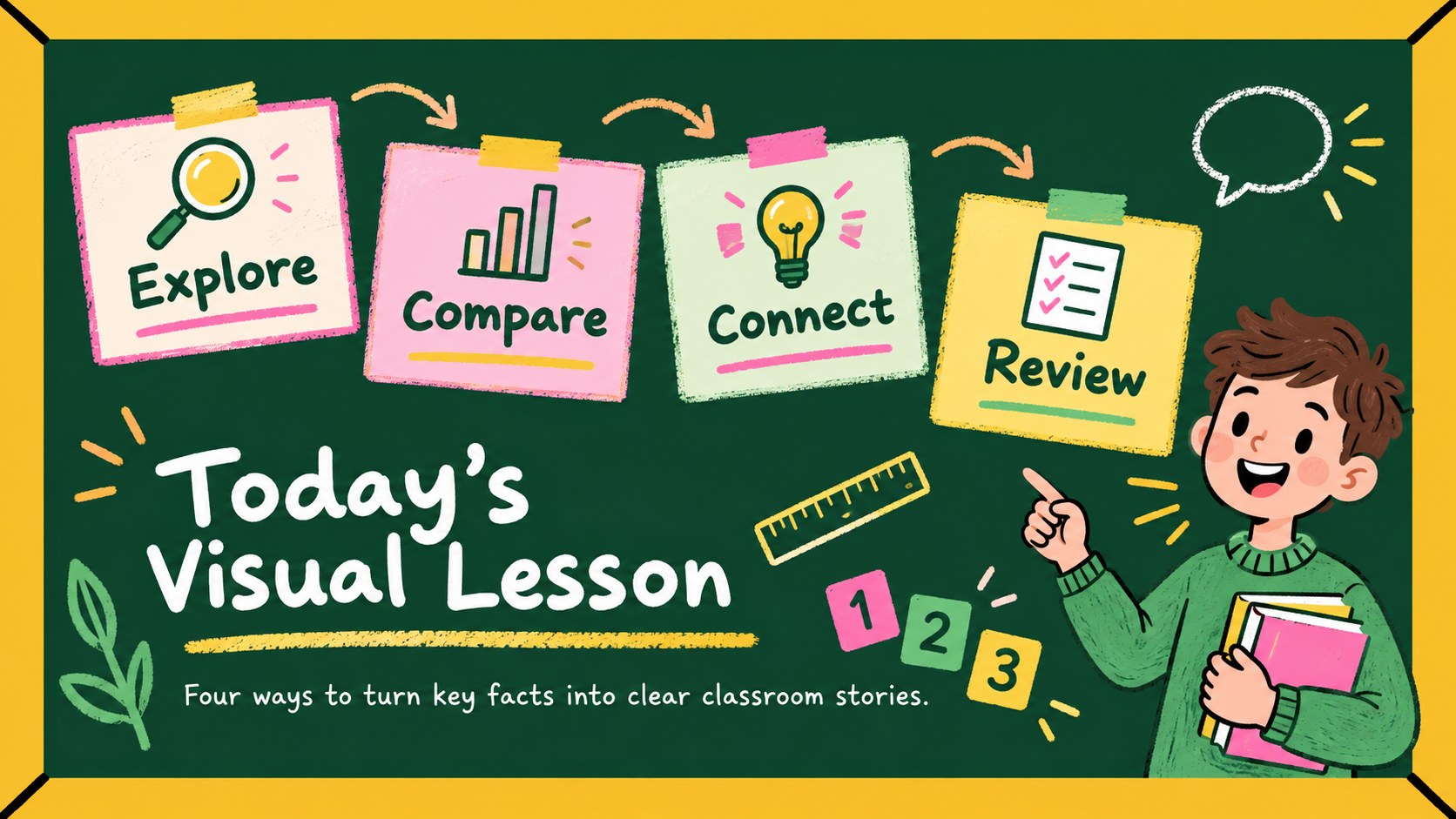
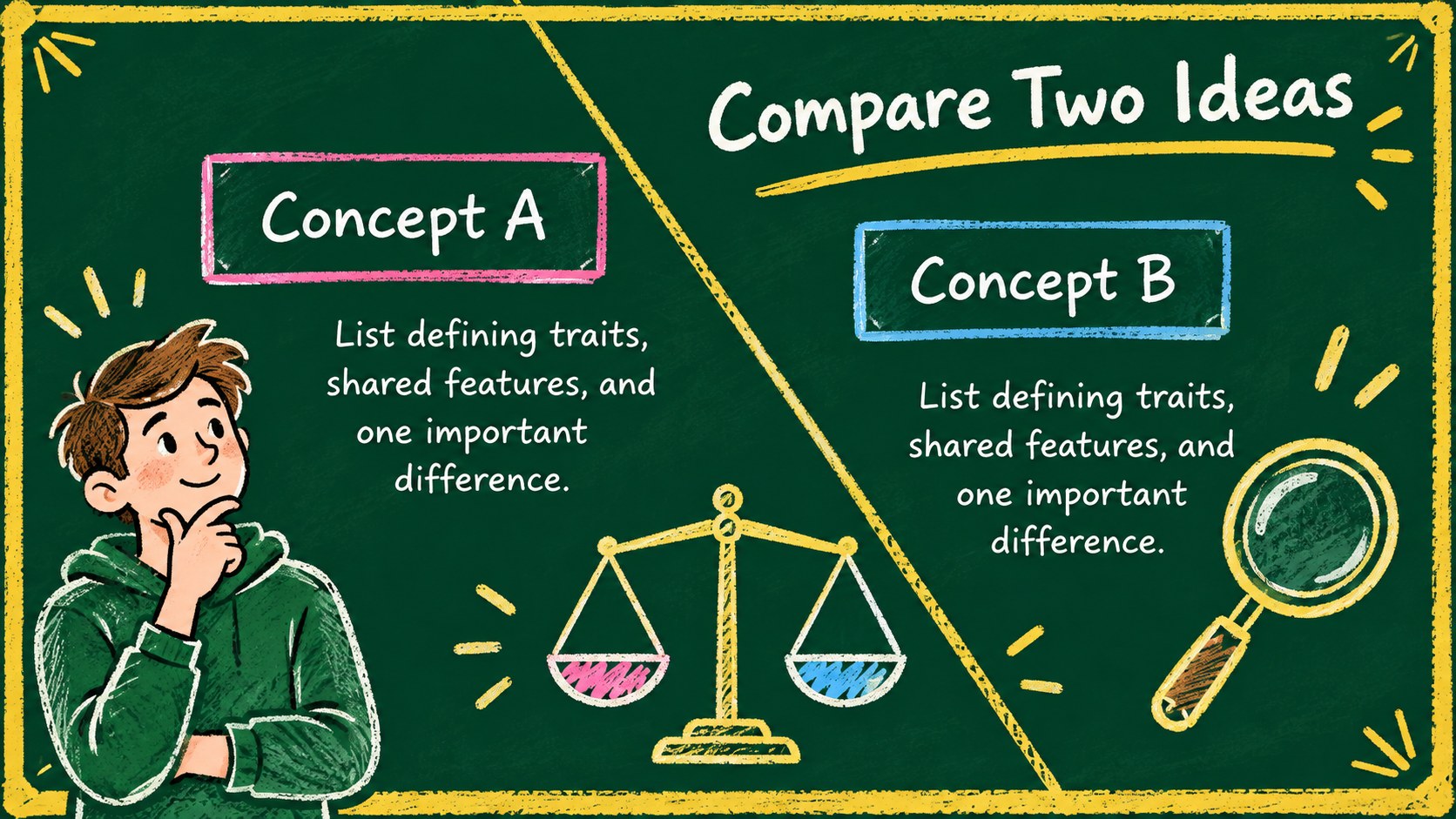
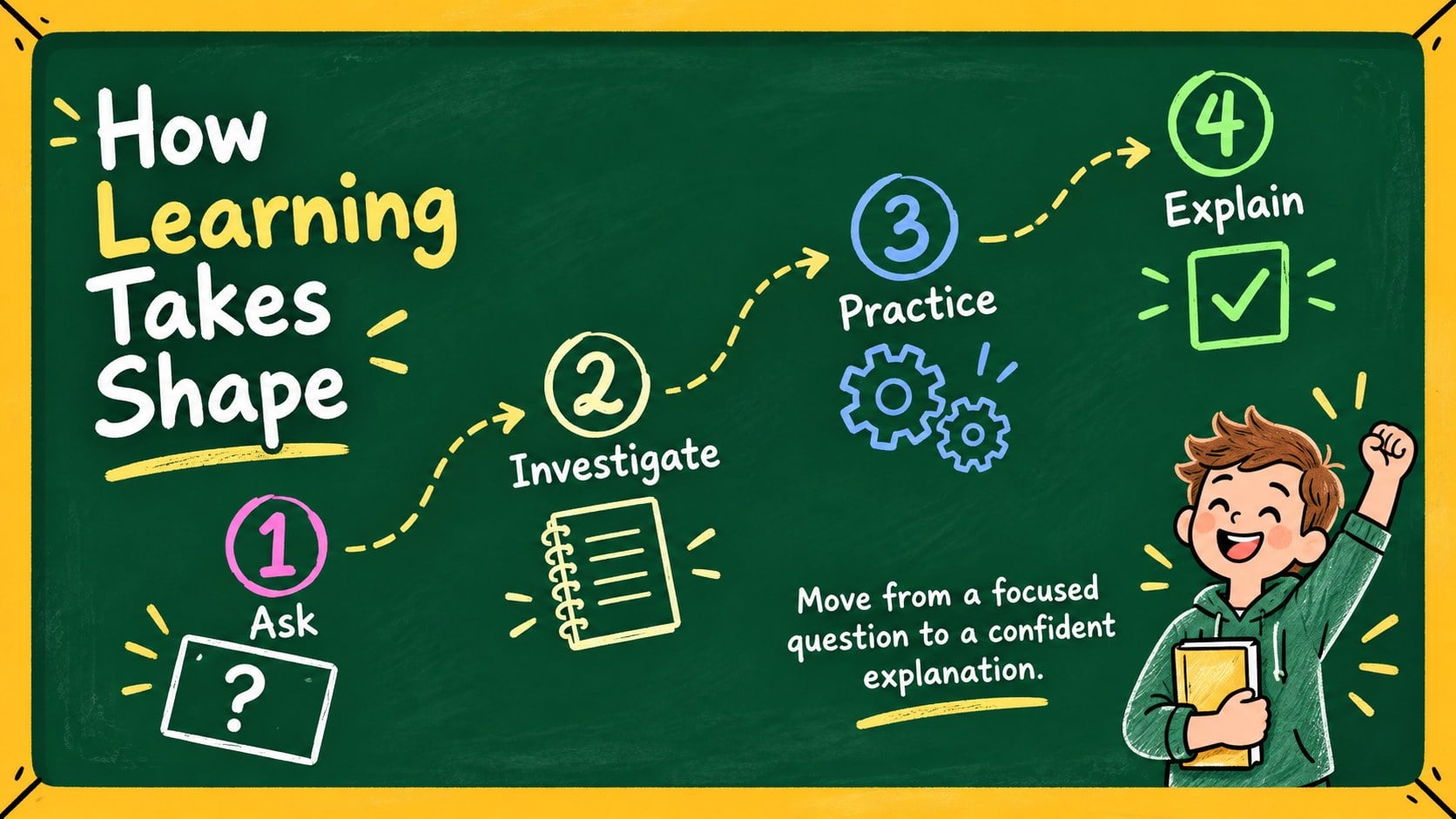
The deck includes 15 editable widescreen layouts for comparisons, processes, timelines, percentages, cycles, concept maps, and lesson summaries. Use the coordinated charts and illustrated labels to organize facts, introduce a topic, review key points, or present classroom survey results. Every layout can be adjusted in PowerPoint or Google Slides, including its text, colors, shapes, icons, and data. These editable classroom data visualization slides can be adapted for different subjects, grade levels, and teaching goals.
Choose this green and yellow education slide theme for science explanations, mathematics reviews, history recaps, literacy activities, professional development, or student projects. The informal hand-drawn style feels welcoming for younger learners while retaining enough structure for staff training and academic presentations. Add your own examples, simplify diagrams for elementary classes, or expand them with detailed notes for secondary and adult education. The consistent visual system helps audiences follow relationships, sequences, and takeaways from the opening slide through the final review.
Perfect for: classroom concept explanation; student survey results; science process lesson; mathematics review; teacher training session; end-of-unit recap.
Frequently asked questions
Can I edit the diagrams and charts? Yes. Text, shapes, labels, colors, icons, and chart values can be customized to match your lesson content and preferred visual hierarchy.
Practical details
Yes. Text, shapes, labels, colors, icons, and chart values can be customized to match your lesson content and preferred visual hierarchy.
The deck is designed for PowerPoint and Google Slides. Some fonts or animations may render slightly differently between platforms, so review the presentation before teaching.
Yes. Replace the accent colors or board background while preserving strong contrast between text and graphics. Applying theme colors is the fastest way to update multiple slides consistently.
Yes. Use shorter labels and larger visuals for younger learners, or add detailed figures and supporting notes for secondary, college, and professional audiences.
Keep exploring
15Build stronger academic arguments with a college essay thesis builder featuring guided examples, revision prompts, and editable PowerPoint and Google Slides.
 15
15Build an engaging World UFO Day session with this flying saucer history lesson deck, featuring retro green-and-brown slides for PowerPoint and Google Slides.
 14
14Plan a memorable Lunar New Year campaign with the 2036 Dragon Year Celebration Theme, featuring bold red-and-yellow slides for lessons and events.
 15
15Build a thoughtful classroom discussion with this interfaith awareness lesson deck, featuring editable blue-and-white slides for PowerPoint and Google Slides.
 15
15Use this environmental awareness lesson deck to teach climate action through illustrated activities, discussion prompts, and ready-to-edit visuals.
 15
15Build playful lessons and party stories with a kid-friendly zombie celebration theme in purple, green and pastel blue for PowerPoint and Google Slides.
 15
15Build eerie lessons, campaigns, and story pitches with an undead survival scenario theme featuring editable slides for PowerPoint and Google Slides.
 16
16Turn environmental research into a clear story with a Watercolor Ecology Presentation Theme for PowerPoint and Google Slides in calming green and blue.