
 15
15presentation
College Essay Thesis Builder Slides
Build stronger academic arguments with a college essay thesis builder featuring guided examples, revision prompts, and editable PowerPoint and Google Slides.
Google SlidesPowerPoint
presentation · English
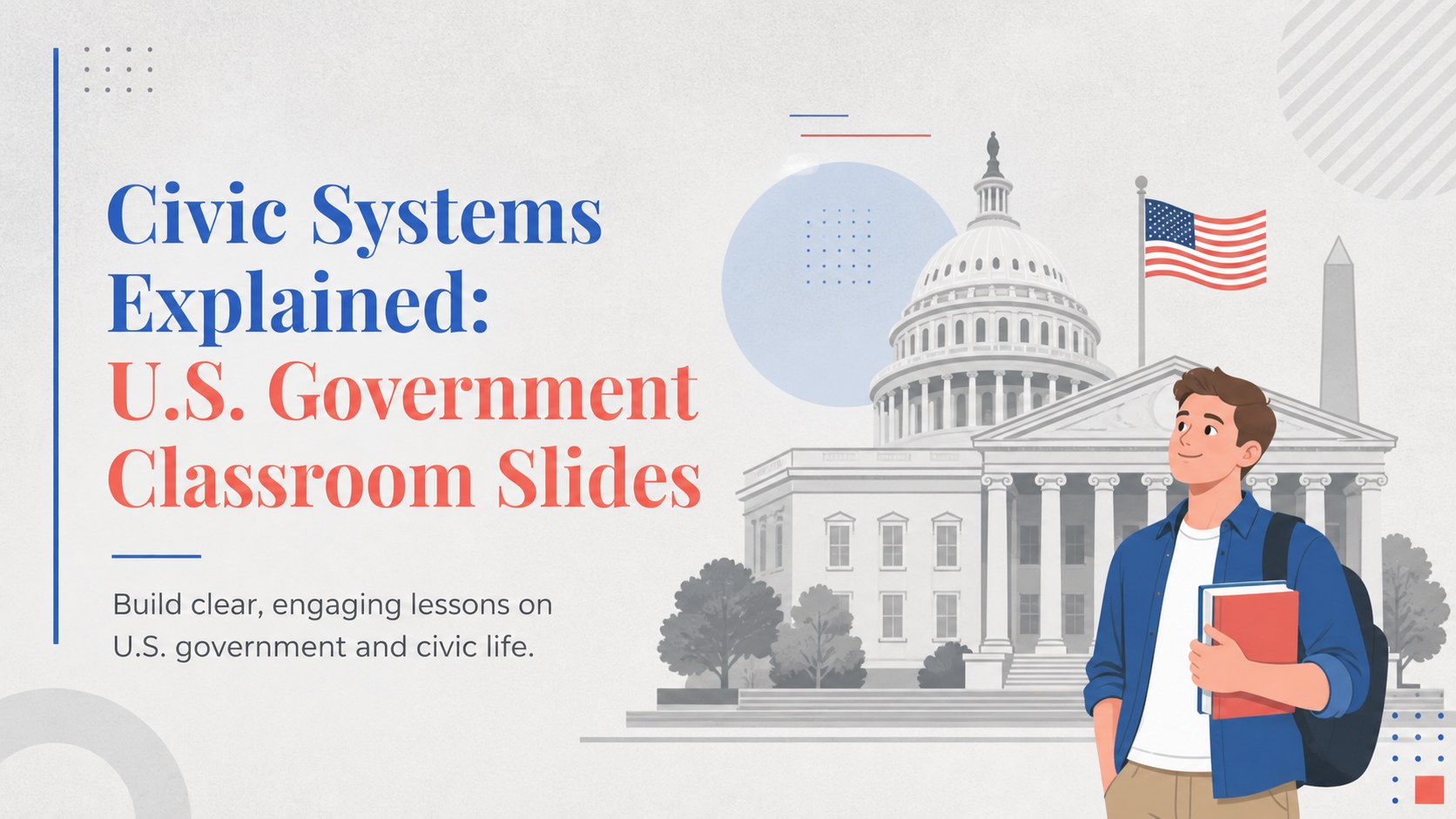
Teach U.S. government with clear classroom slides covering civic systems, branches, rights, and elections in a customizable grey presentation for teens.


Design notes
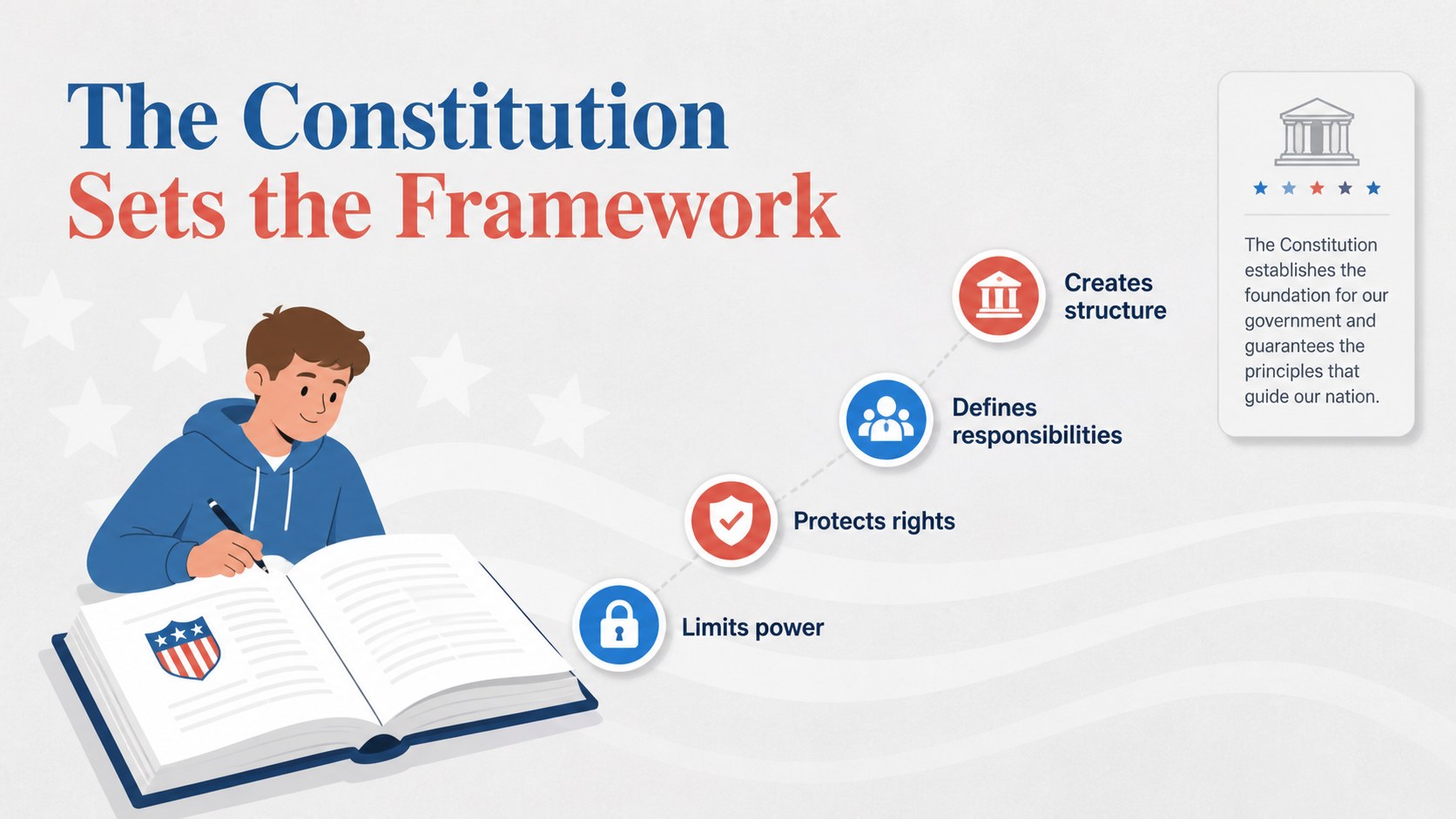
Civic Systems Explained: U.S. Government Classroom Slides gives educators a structured, approachable way to introduce high school learners to the institutions and ideas that shape civic life. The restrained grey palette, Inter and Playfair Display typography, and simple illustrated style keep complex topics readable while leaving room for discussion, examples, and student responses.
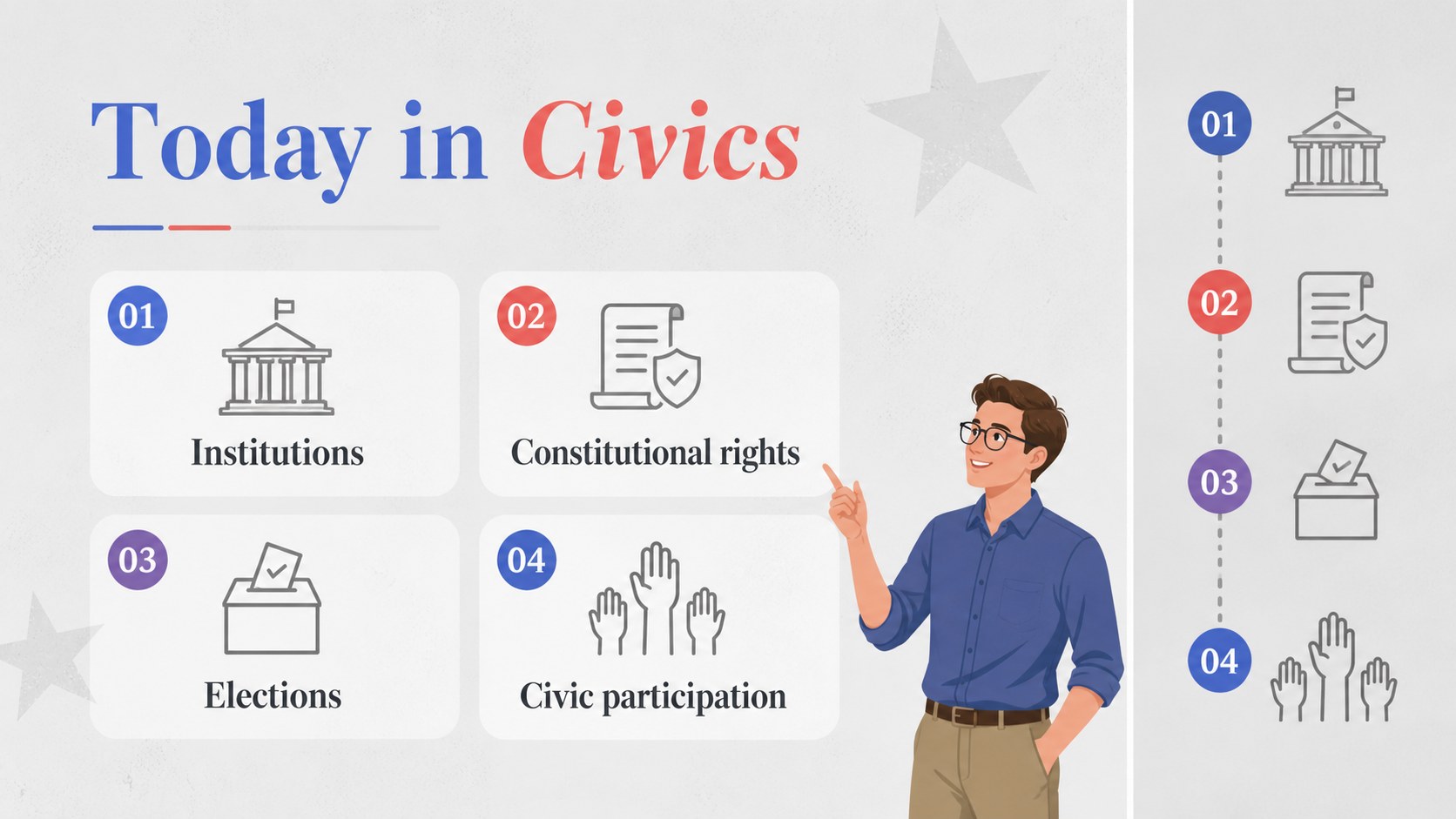
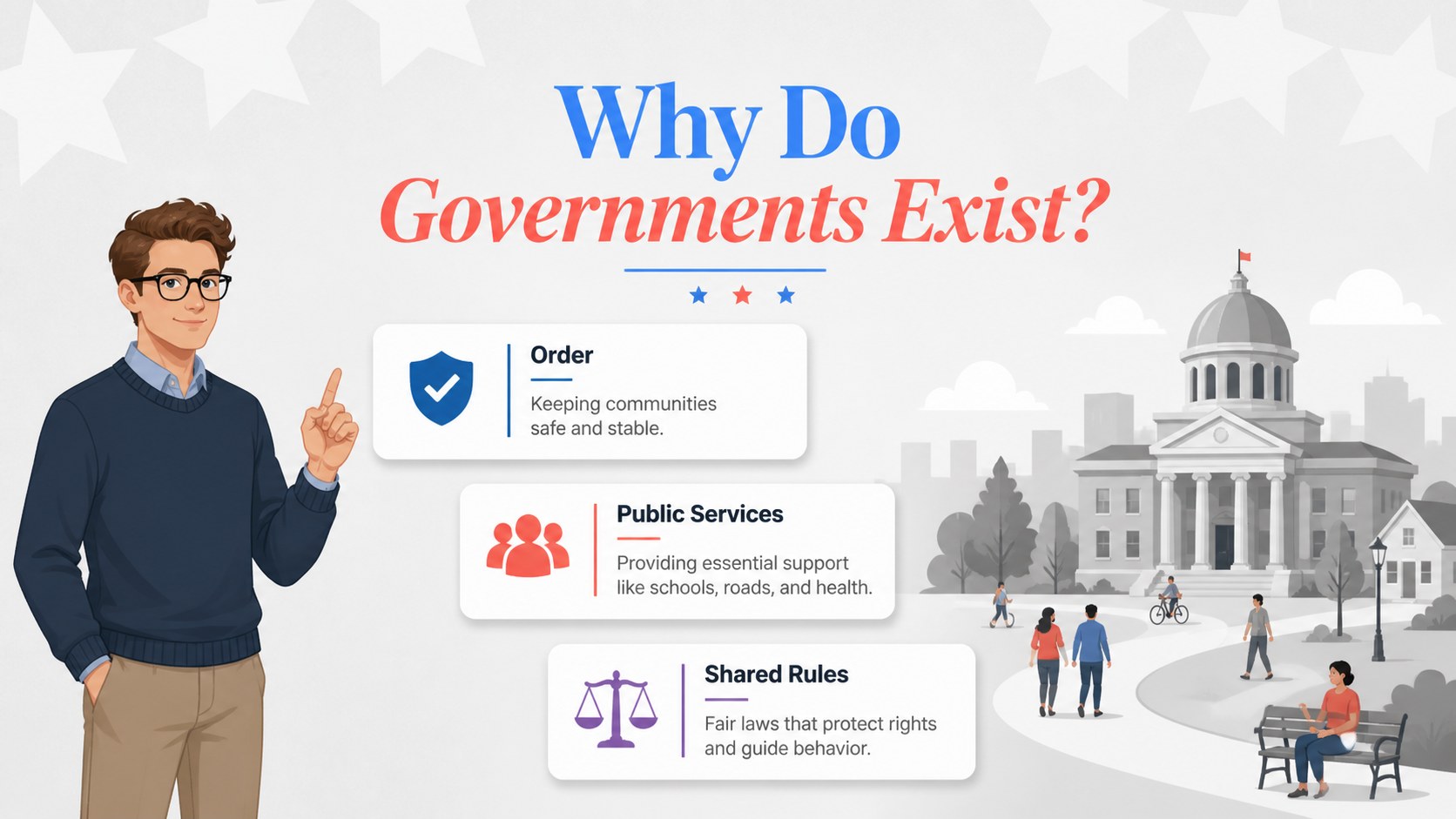
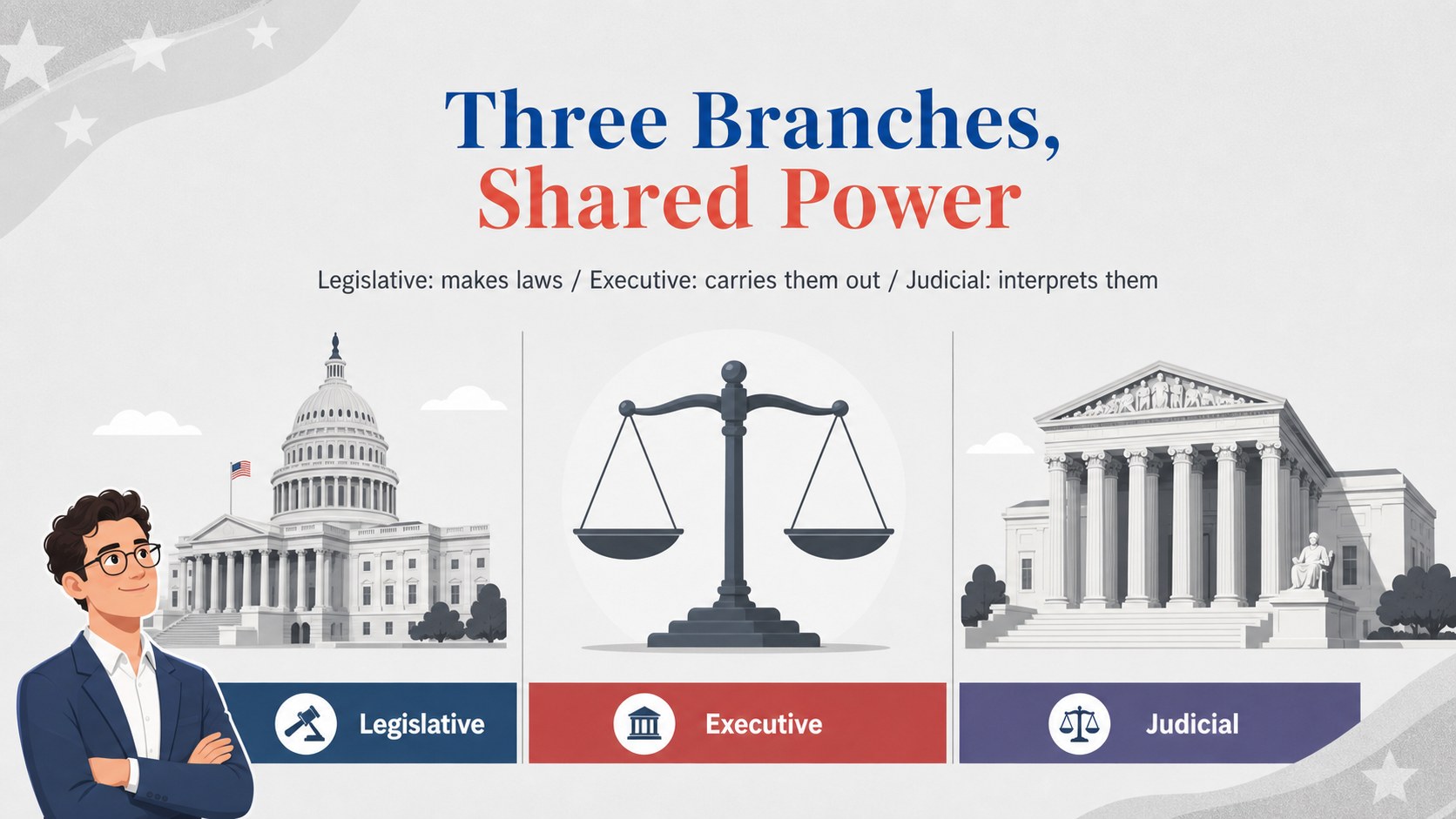
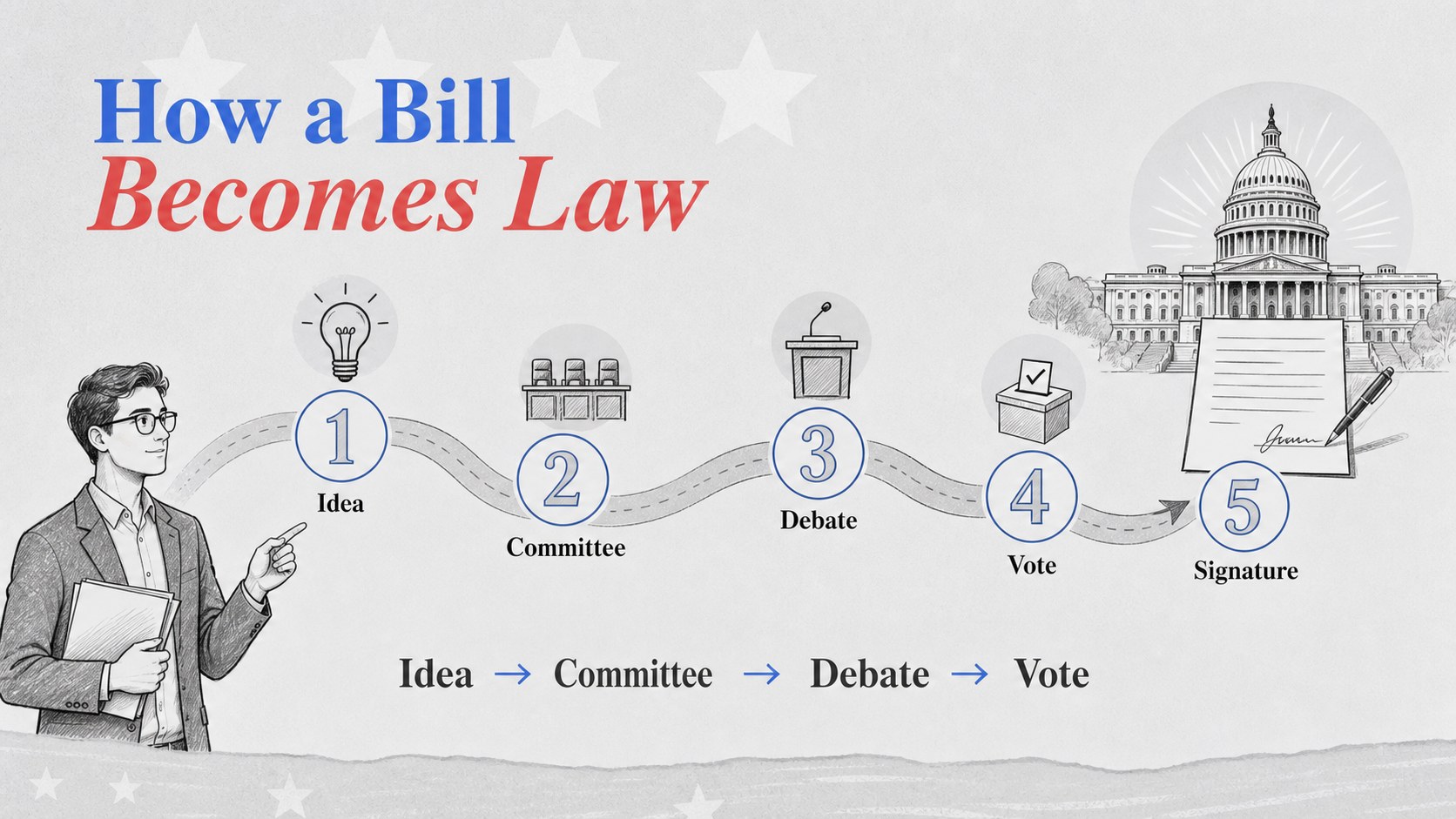
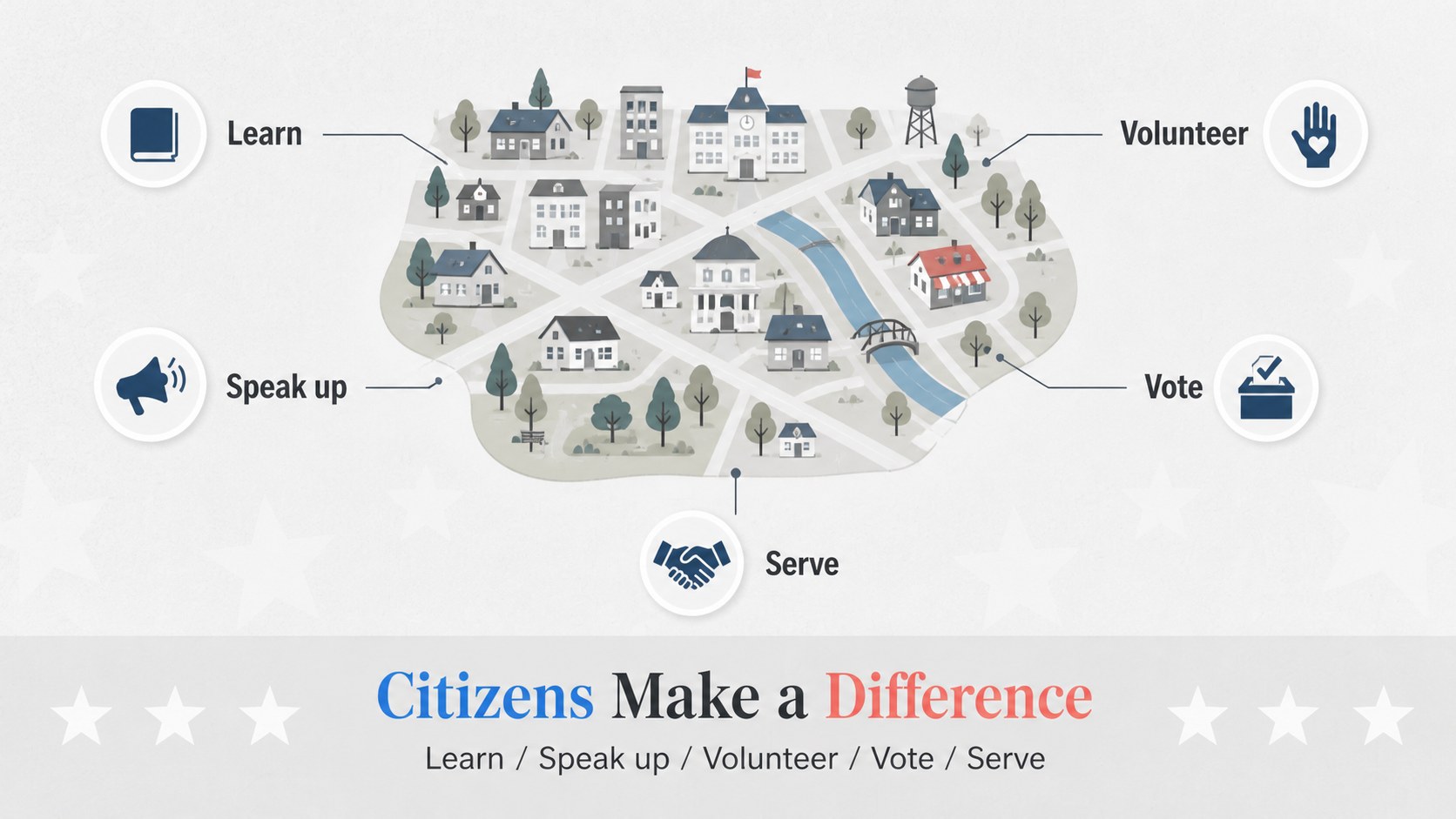
The deck includes adaptable layouts for explaining the three branches, constitutional principles, individual rights, elections, public participation, and the relationship between citizens and government. Use the visual framework to compare responsibilities, map how a bill becomes law, present historical context, or organize a classroom debate. Charts, diagrams, timelines, icons, and editable text areas make it easy to build a lesson around your curriculum and teaching style.
This resource is designed for high school social studies teachers, civics instructors, substitute teachers, and homeschool educators. It works well for a government unit introduction, a review before an assessment, or a guided conversation about democratic participation. Edit the slides in Google Slides or PowerPoint, then add local examples, source excerpts, prompts, and assessment questions. The presentation is free to use and fully customizable.
Perfect for: high school civics introduction; branches of government unit; constitutional rights review; election process classroom lesson; student government debate; social studies assessment preparation.
Frequently asked questions
Can I edit these U.S. government classroom slides? Yes. Text, colors, diagrams, icons, and other editable elements can be adapted to match your lesson plan. Add local examples, discussion prompts, or assessment questions as needed.
Practical details
Yes. Text, colors, diagrams, icons, and other editable elements can be adapted to match your lesson plan. Add local examples, discussion prompts, or assessment questions as needed.
The template is available for Google Slides and PowerPoint. You can edit it online or in desktop software, depending on the version you choose.
The layouts support lessons about government branches, constitutional principles, rights, elections, lawmaking, and civic participation. You can also repurpose the diagrams for review activities or classroom debates.
Yes. The neutral grey palette can remain intact for a consistent classroom look or be adjusted with accent colors from your school or course materials. The Inter and Playfair Display fonts can also be replaced with compatible alternatives.
Keep exploring
15Build stronger academic arguments with a college essay thesis builder featuring guided examples, revision prompts, and editable PowerPoint and Google Slides.
 15
15Build an engaging World UFO Day session with this flying saucer history lesson deck, featuring retro green-and-brown slides for PowerPoint and Google Slides.
 14
14Plan a memorable Lunar New Year campaign with the 2036 Dragon Year Celebration Theme, featuring bold red-and-yellow slides for lessons and events.
 15
15Build a thoughtful classroom discussion with this interfaith awareness lesson deck, featuring editable blue-and-white slides for PowerPoint and Google Slides.
 15
15Use this environmental awareness lesson deck to teach climate action through illustrated activities, discussion prompts, and ready-to-edit visuals.
 15
15Build playful lessons and party stories with a kid-friendly zombie celebration theme in purple, green and pastel blue for PowerPoint and Google Slides.
 15
15Build eerie lessons, campaigns, and story pitches with an undead survival scenario theme featuring editable slides for PowerPoint and Google Slides.
 16
16Turn environmental research into a clear story with a Watercolor Ecology Presentation Theme for PowerPoint and Google Slides in calming green and blue.