
 15
15presentation
College Essay Thesis Builder Slides
Build stronger academic arguments with a college essay thesis builder featuring guided examples, revision prompts, and editable PowerPoint and Google Slides.
Google SlidesPowerPoint
presentation · English
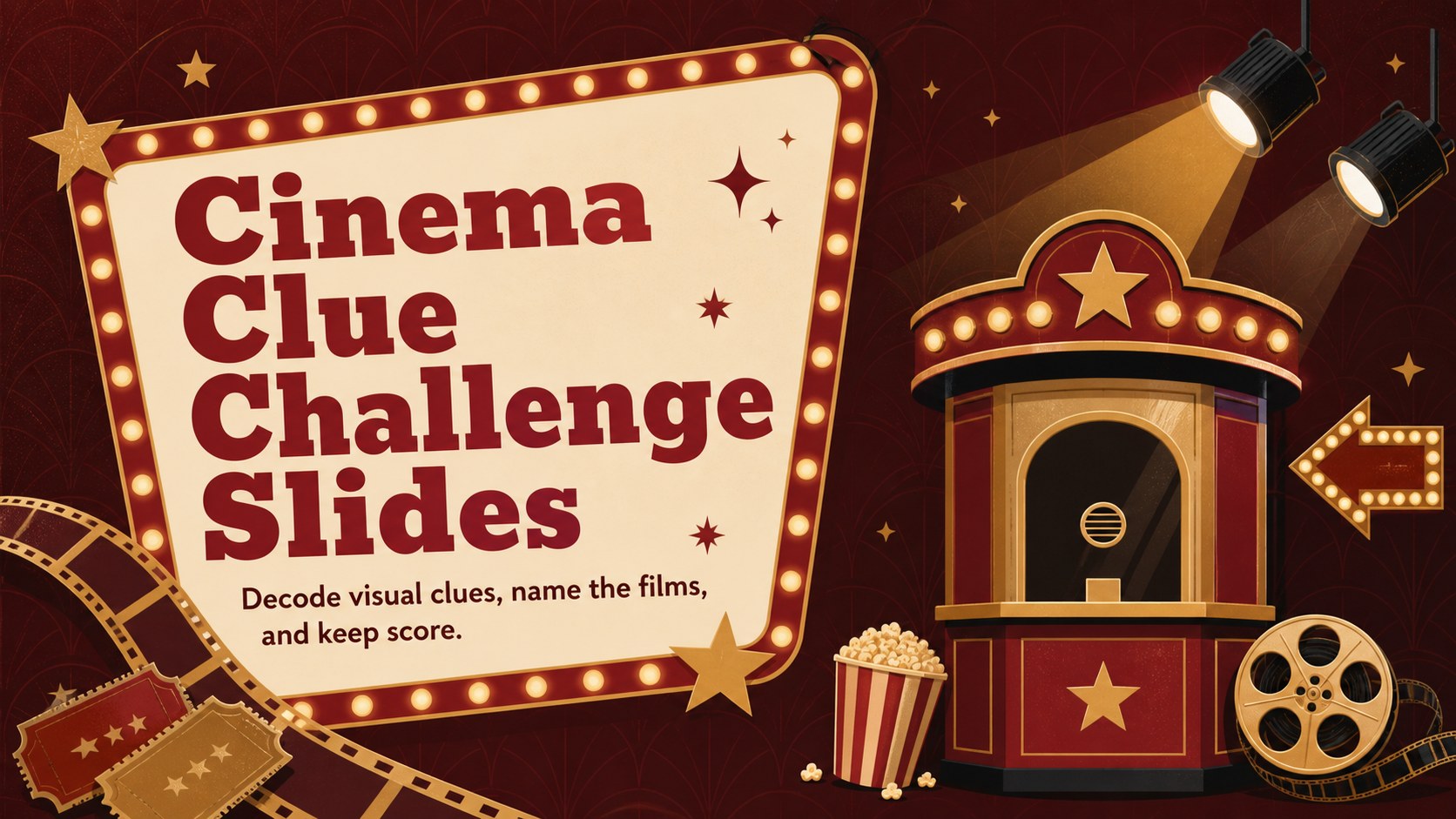
Host a fast-paced film quiz with Cinema Clue Challenge Slides, a customizable gold-and-red game deck for PowerPoint and Google Slides at any gathering.


Design notes
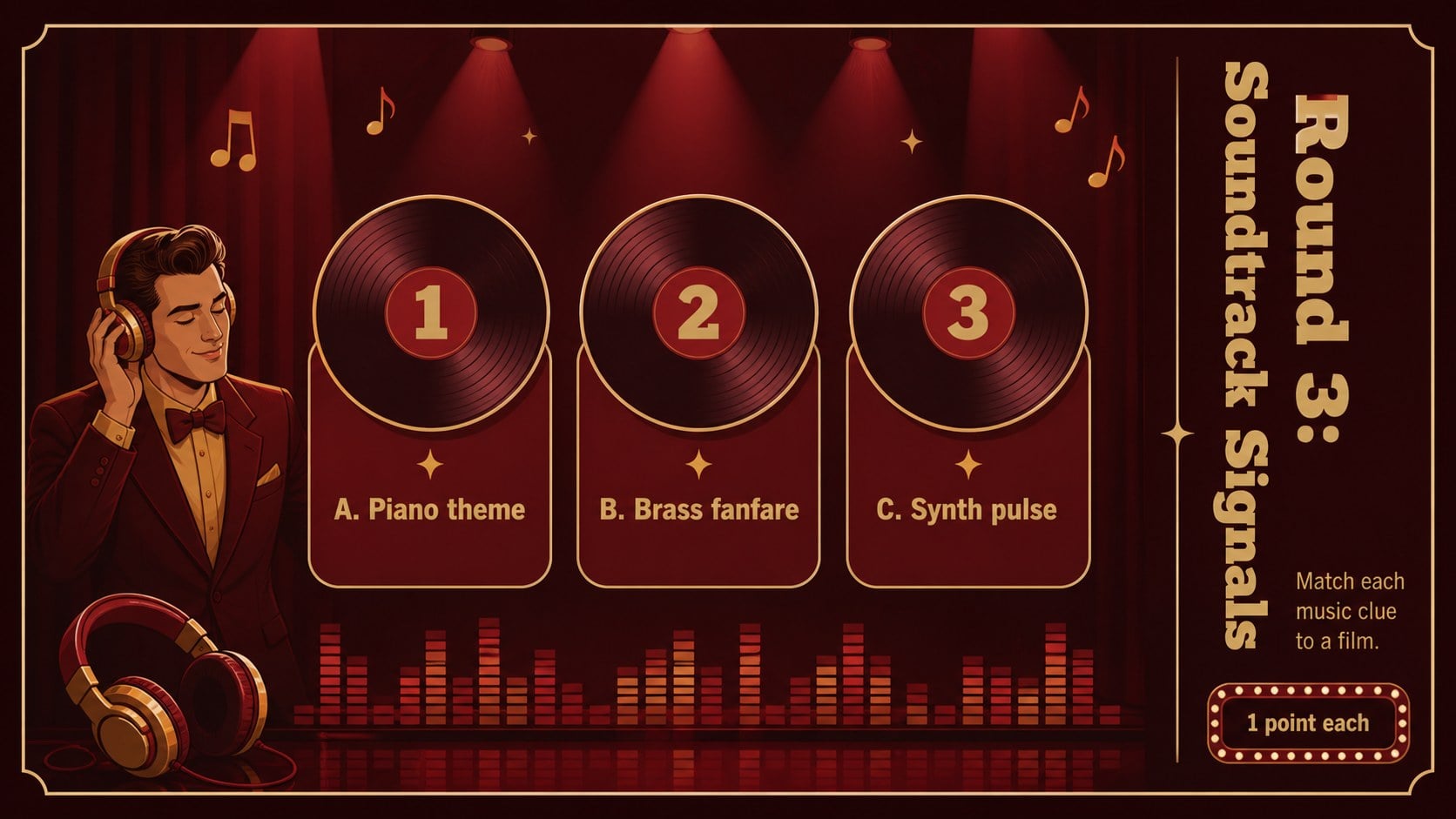
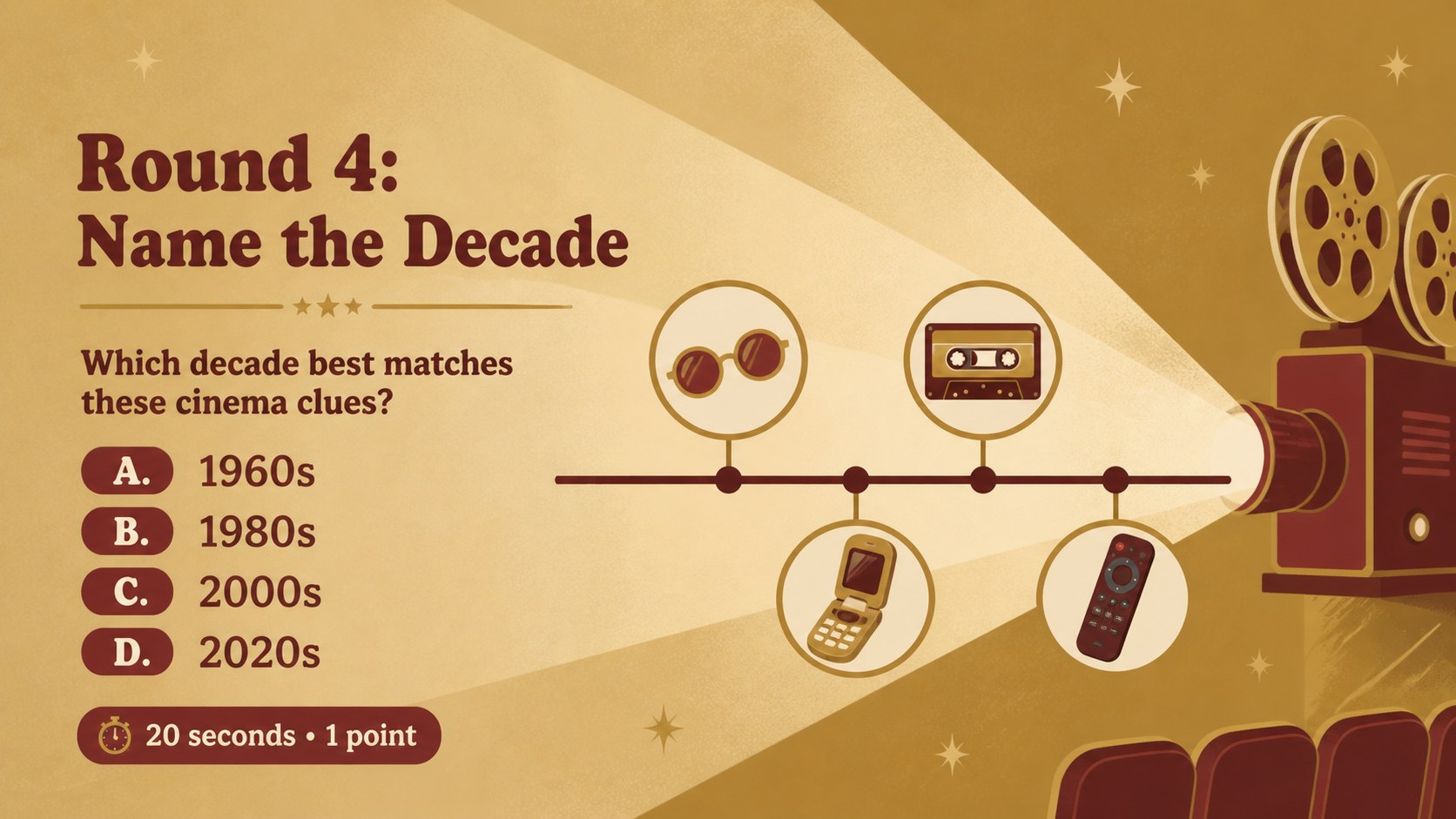
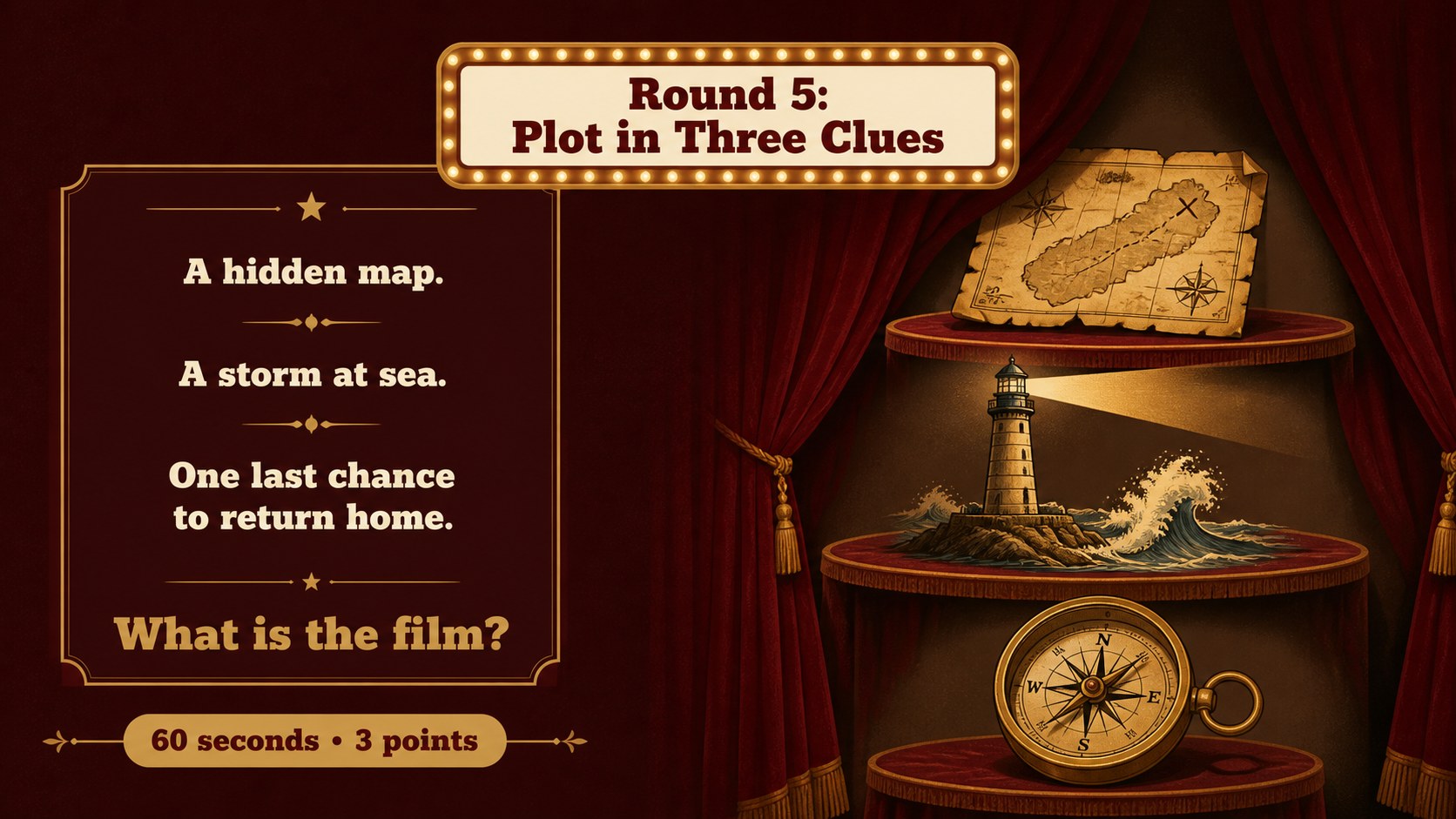
Cinema Clue Challenge Slides turn familiar film knowledge into a polished, host-ready competition. The gold and red visual style draws on classic theater marquees, while bold illustrations and clear question layouts keep every round easy to follow. Customize the clues, answers, categories, and scoring in PowerPoint or Google Slides to create an interactive film trivia presentation for any audience.
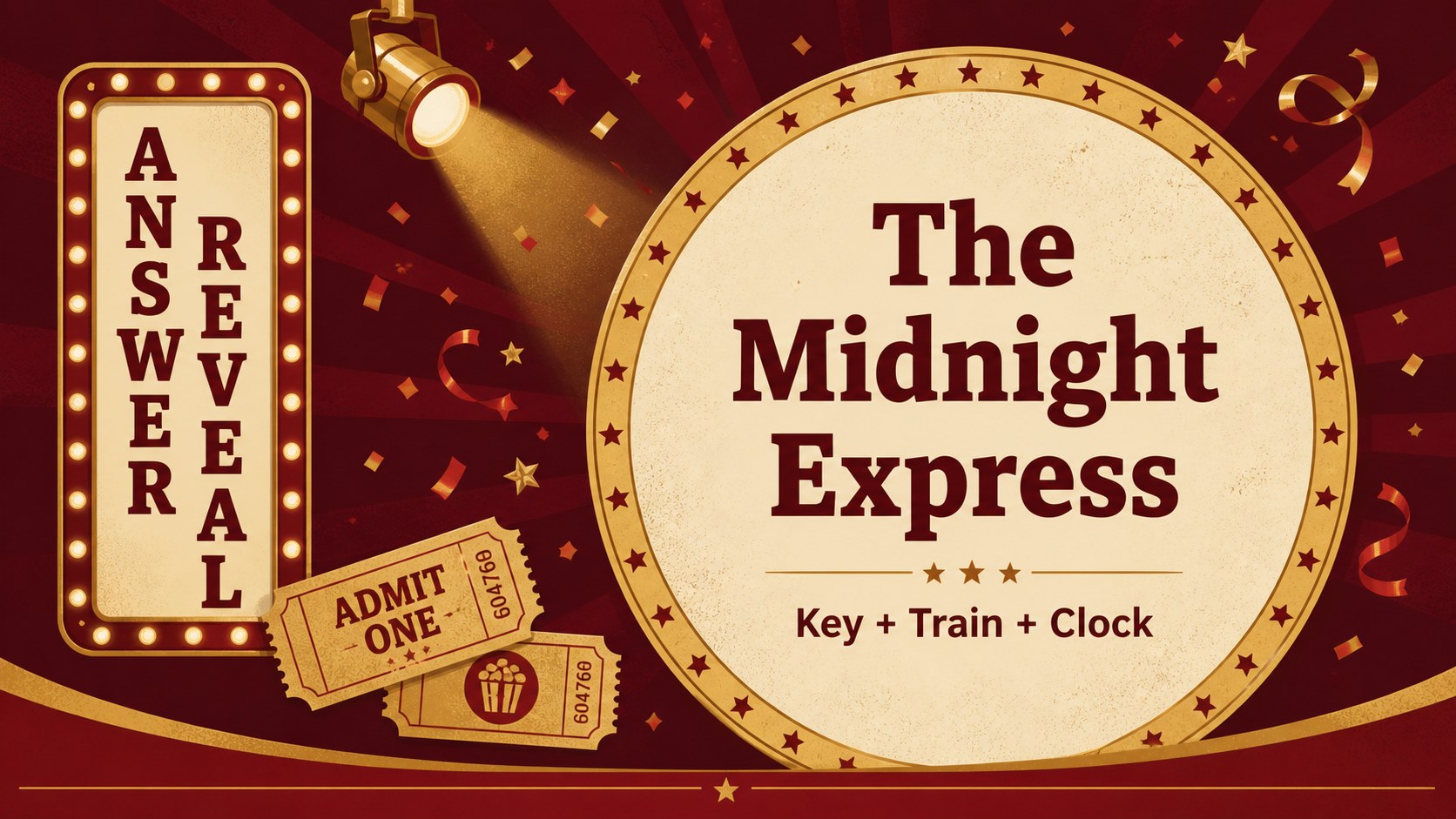
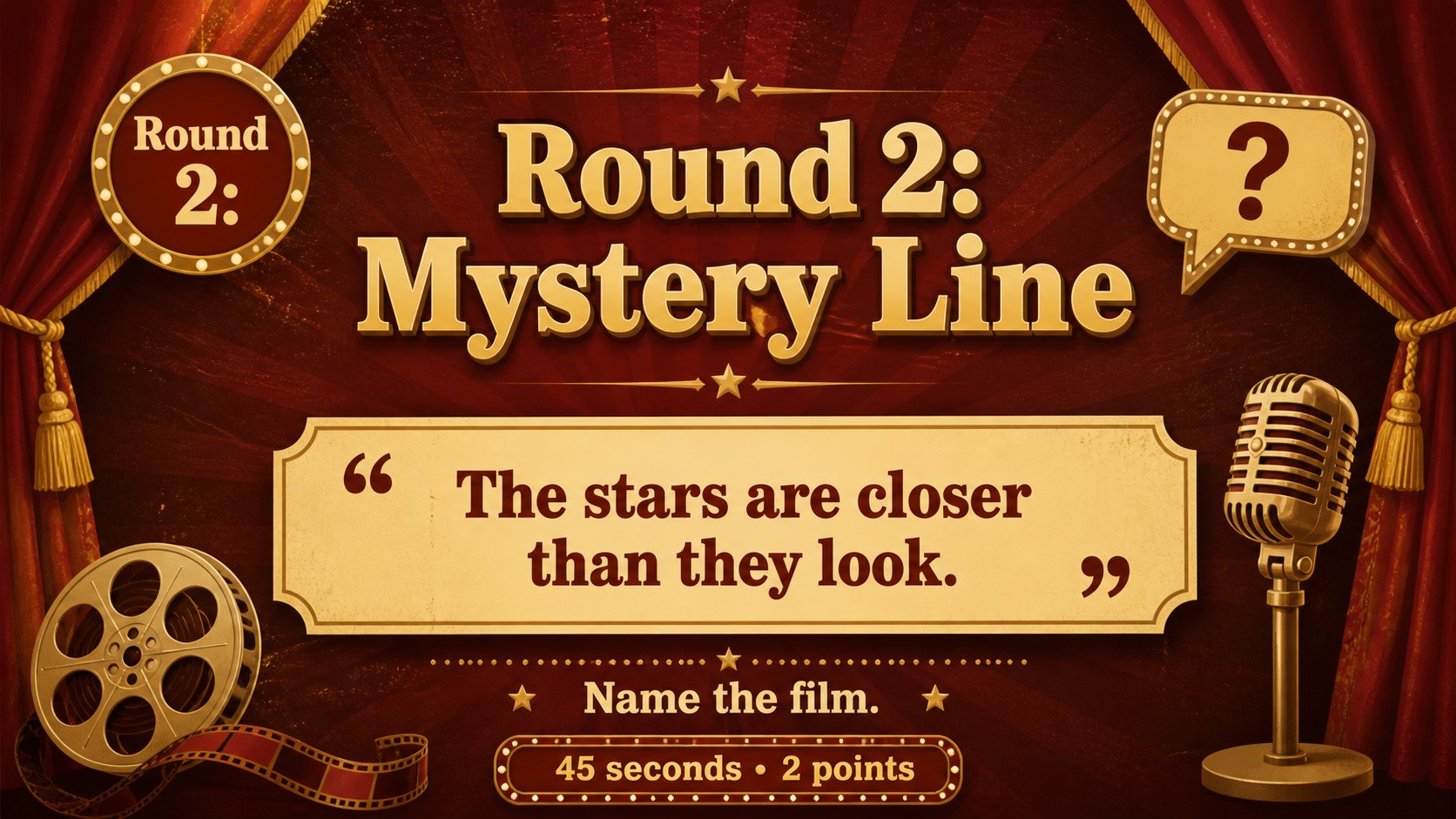
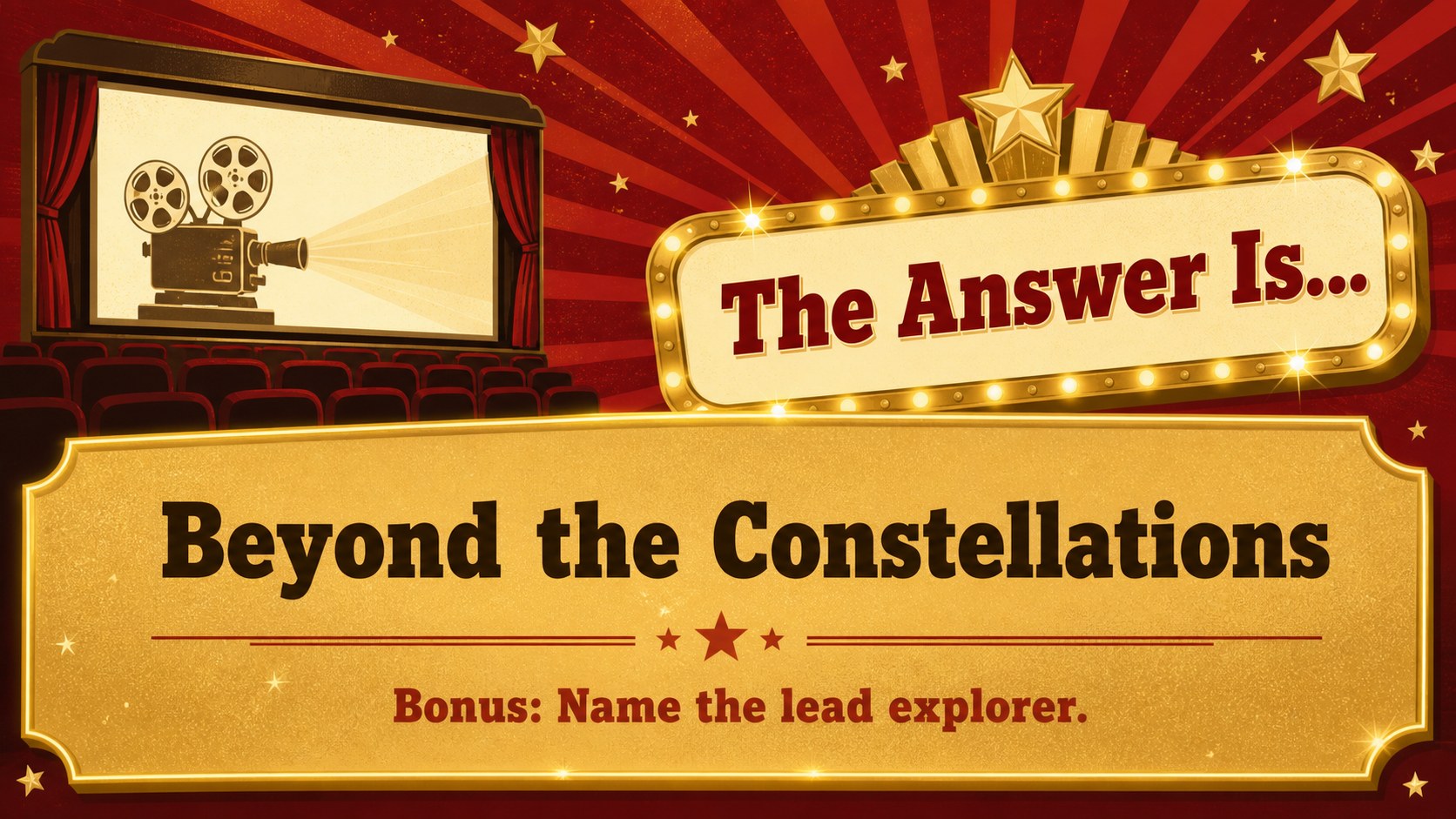
Inside, you will find a cover, game instructions, visual clue questions, mystery lines, plot puzzles, soundtrack prompts, decade challenges, answer reveals, a scoreboard, a tie-breaker, host guidance, and a closing screen. The varied formats make this gold and red movie quiz deck flexible enough for a quick activity or a complete evening tournament. Asap and Rokkitt typography supports readable questions and a playful retro-theater atmosphere.
Use the template for family movie nights, birthday parties, film clubs, classroom rewards, community events, or workplace socials. Teachers can adapt it into a classroom film knowledge quiz, while hosts can organize players into teams and add bonus points for titles, actors, directors, or release decades. Every slide is editable, so you can adjust difficulty, duplicate rounds, replace illustrations, update colors, and tailor the game to a specific genre or age group.
Perfect for: family movie night competition; classroom reward activity; film club trivia event; birthday party quiz; workplace team social; community cinema fundraiser.
Frequently asked questions
Can I change the movie clues and answers? Yes. All question text, answers, categories, point values, and supporting graphics can be edited to match your chosen films and audience.
Practical details
Yes. All question text, answers, categories, point values, and supporting graphics can be edited to match your chosen films and audience.
The deck is designed for PowerPoint and Google Slides. Review fonts, transitions, and animations after importing so they display as intended on your chosen platform.
Use recognizable visuals and multiple-choice options for an easier game, or switch to indirect plot hints, release decades, and soundtrack clues for experienced players. You can also assign different point values by difficulty.
Yes. Rename the scoreboard columns, duplicate question rounds, and add team-specific colors or icons. The tie-breaker slide can be reused whenever two or more teams finish with the same score.
Keep exploring
15Build stronger academic arguments with a college essay thesis builder featuring guided examples, revision prompts, and editable PowerPoint and Google Slides.
 15
15Build an engaging World UFO Day session with this flying saucer history lesson deck, featuring retro green-and-brown slides for PowerPoint and Google Slides.
 14
14Plan a memorable Lunar New Year campaign with the 2036 Dragon Year Celebration Theme, featuring bold red-and-yellow slides for lessons and events.
 15
15Build a thoughtful classroom discussion with this interfaith awareness lesson deck, featuring editable blue-and-white slides for PowerPoint and Google Slides.
 15
15Use this environmental awareness lesson deck to teach climate action through illustrated activities, discussion prompts, and ready-to-edit visuals.
 15
15Build playful lessons and party stories with a kid-friendly zombie celebration theme in purple, green and pastel blue for PowerPoint and Google Slides.
 15
15Build eerie lessons, campaigns, and story pitches with an undead survival scenario theme featuring editable slides for PowerPoint and Google Slides.
 16
16Turn environmental research into a clear story with a Watercolor Ecology Presentation Theme for PowerPoint and Google Slides in calming green and blue.