
 15
15presentation
College Essay Thesis Builder Slides
Build stronger academic arguments with a college essay thesis builder featuring guided examples, revision prompts, and editable PowerPoint and Google Slides.
Google SlidesPowerPoint
presentation · English
Build a lively Cinco de Mayo fiesta deck for lessons, cultural events, and party plans with editable brown-and-green illustrations for PowerPoint and Google…

Design notes
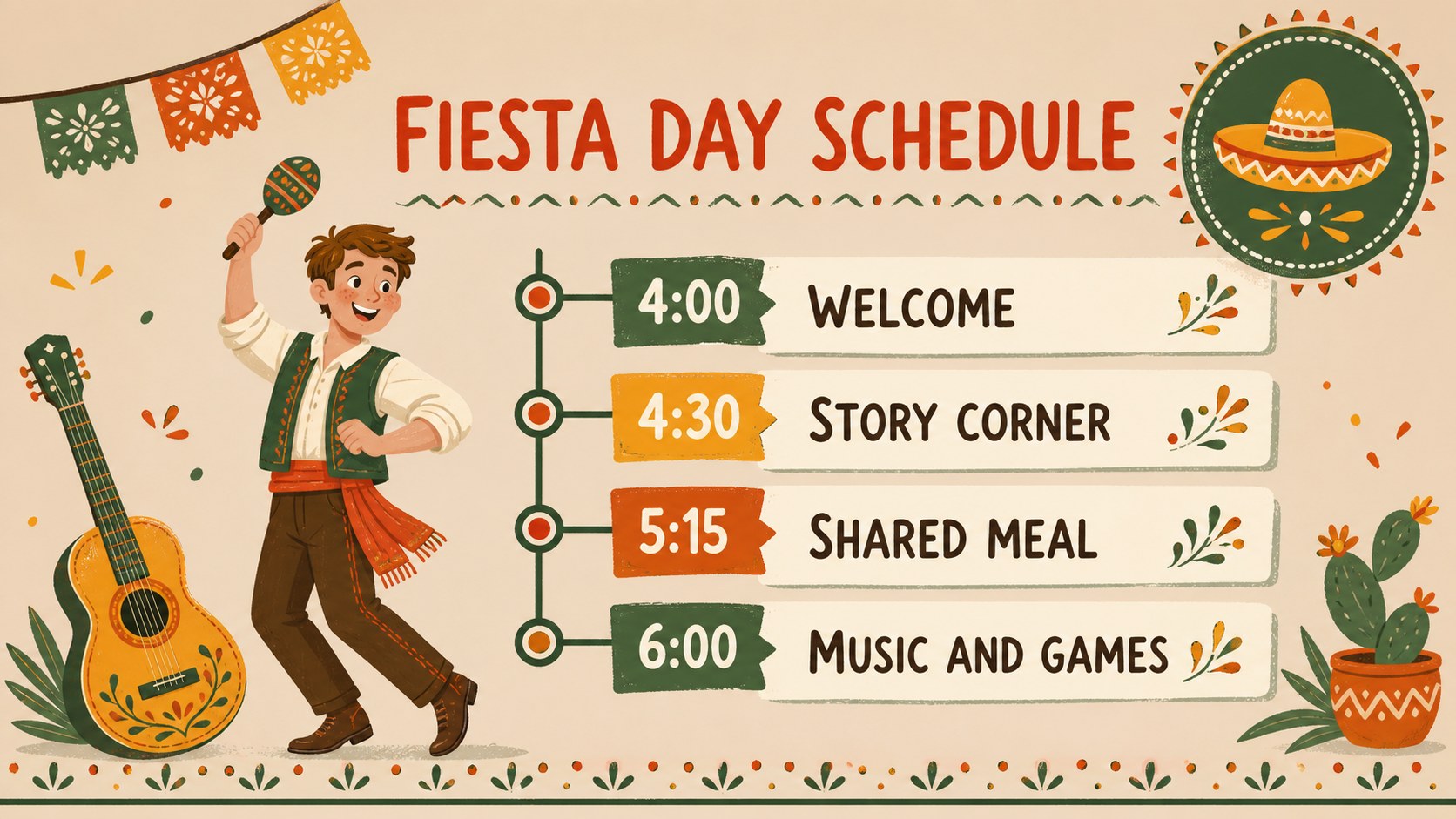
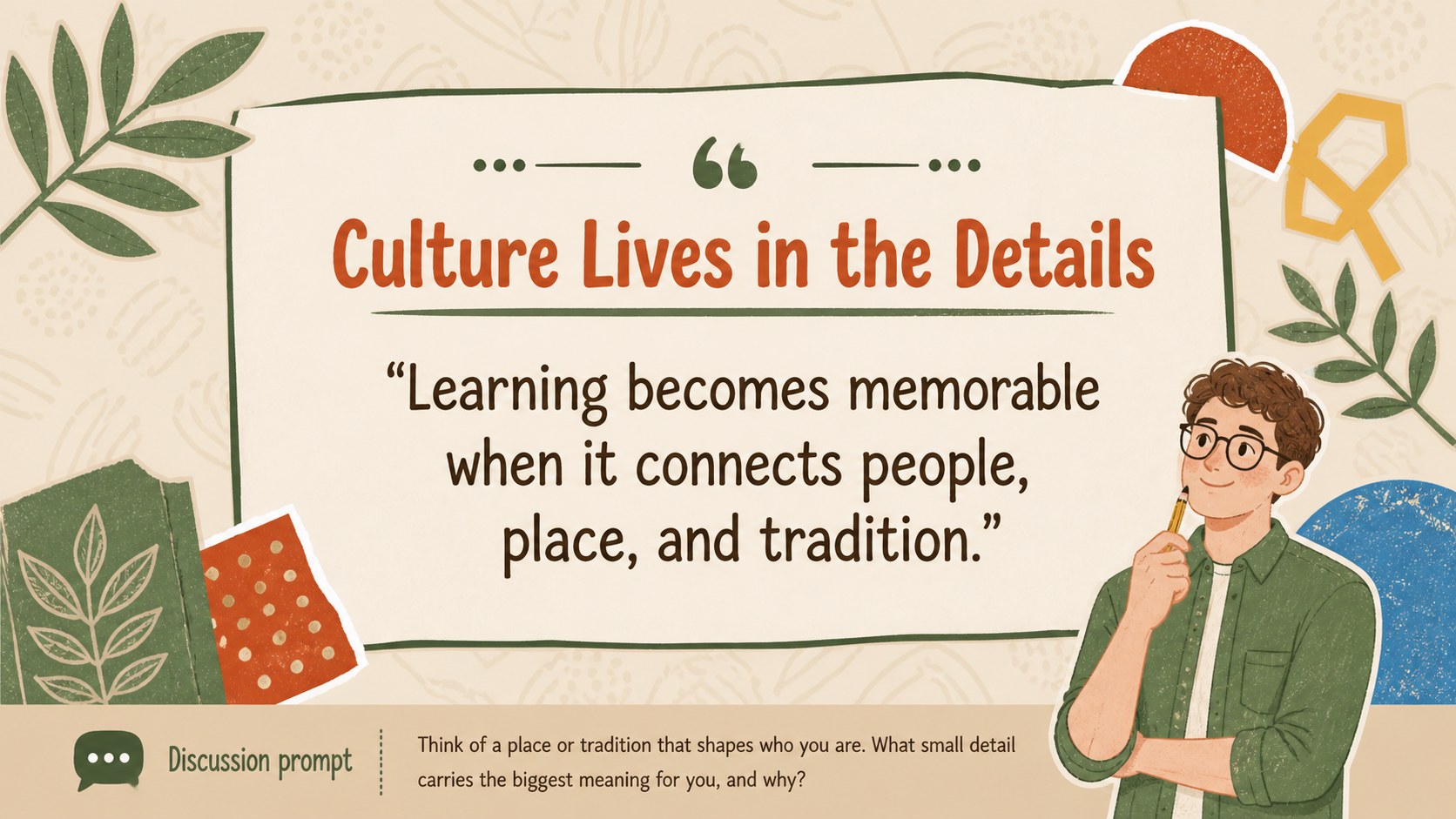
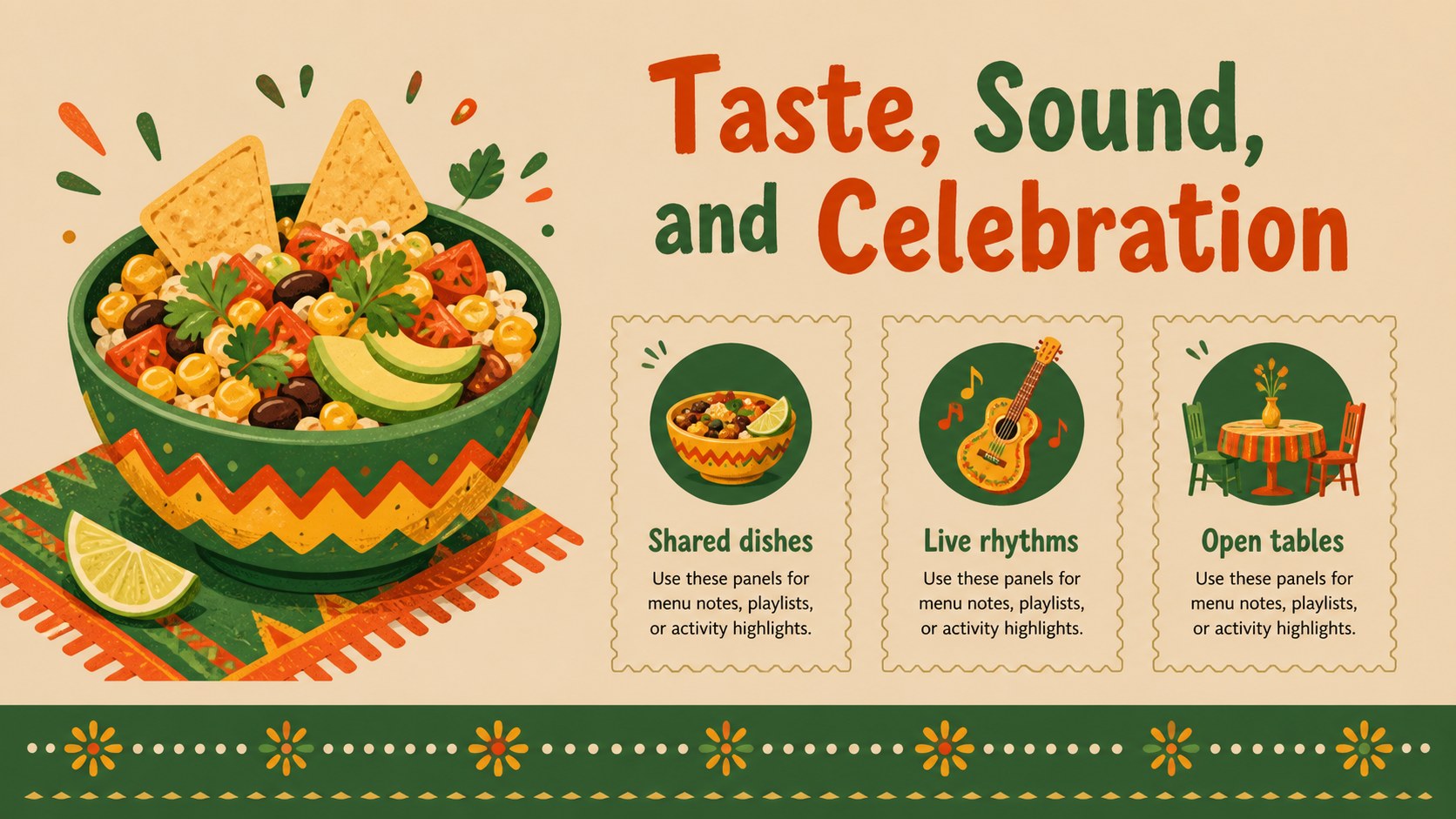
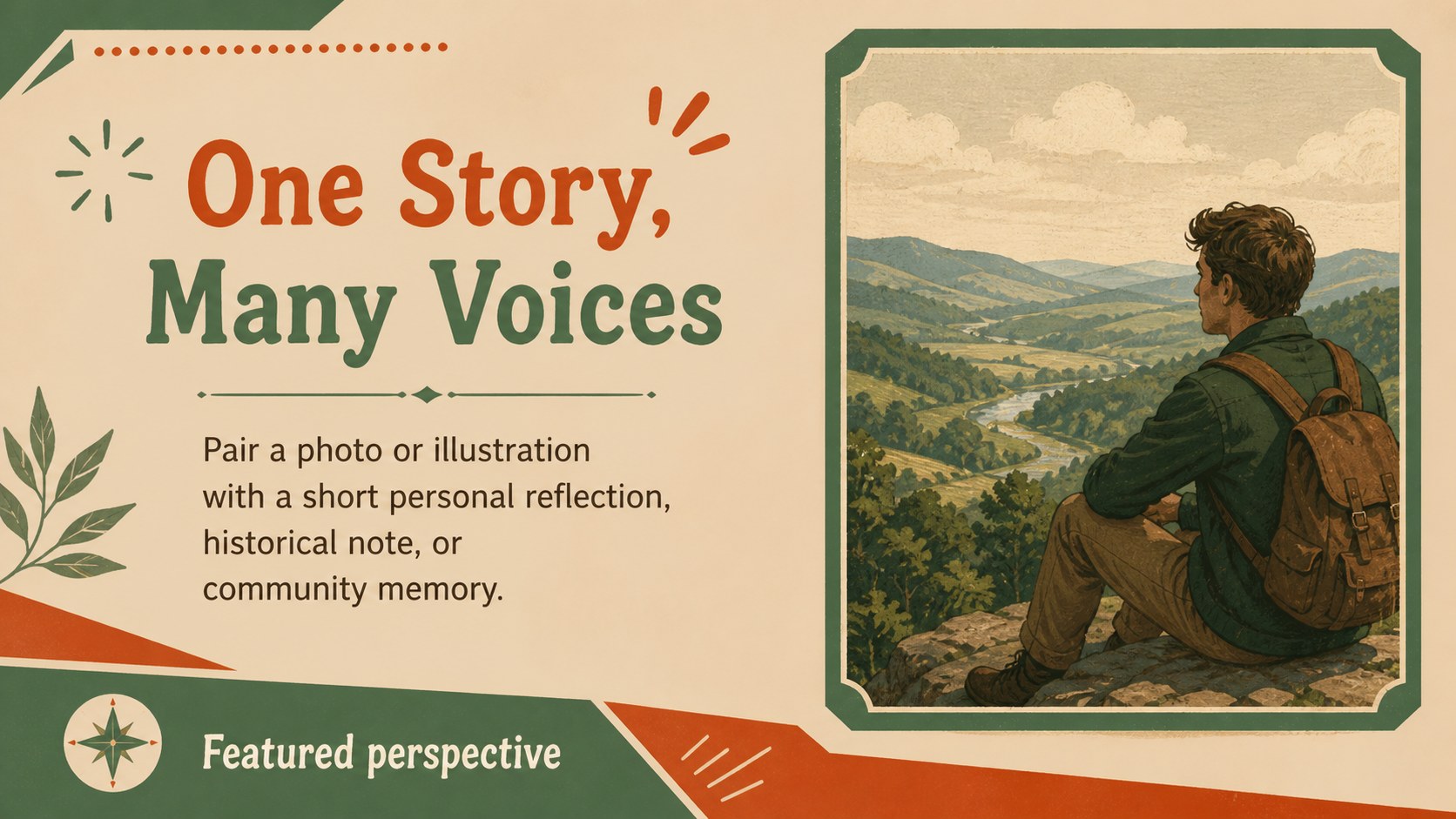
Make cultural storytelling more engaging with this Cinco de Mayo fiesta deck, designed for educators, event organizers, community groups, and anyone planning a festive presentation. The illustrated brown-and-green visual system gives each page a welcoming, handcrafted feel while leaving room for clear explanations, schedules, photos, and activity details.
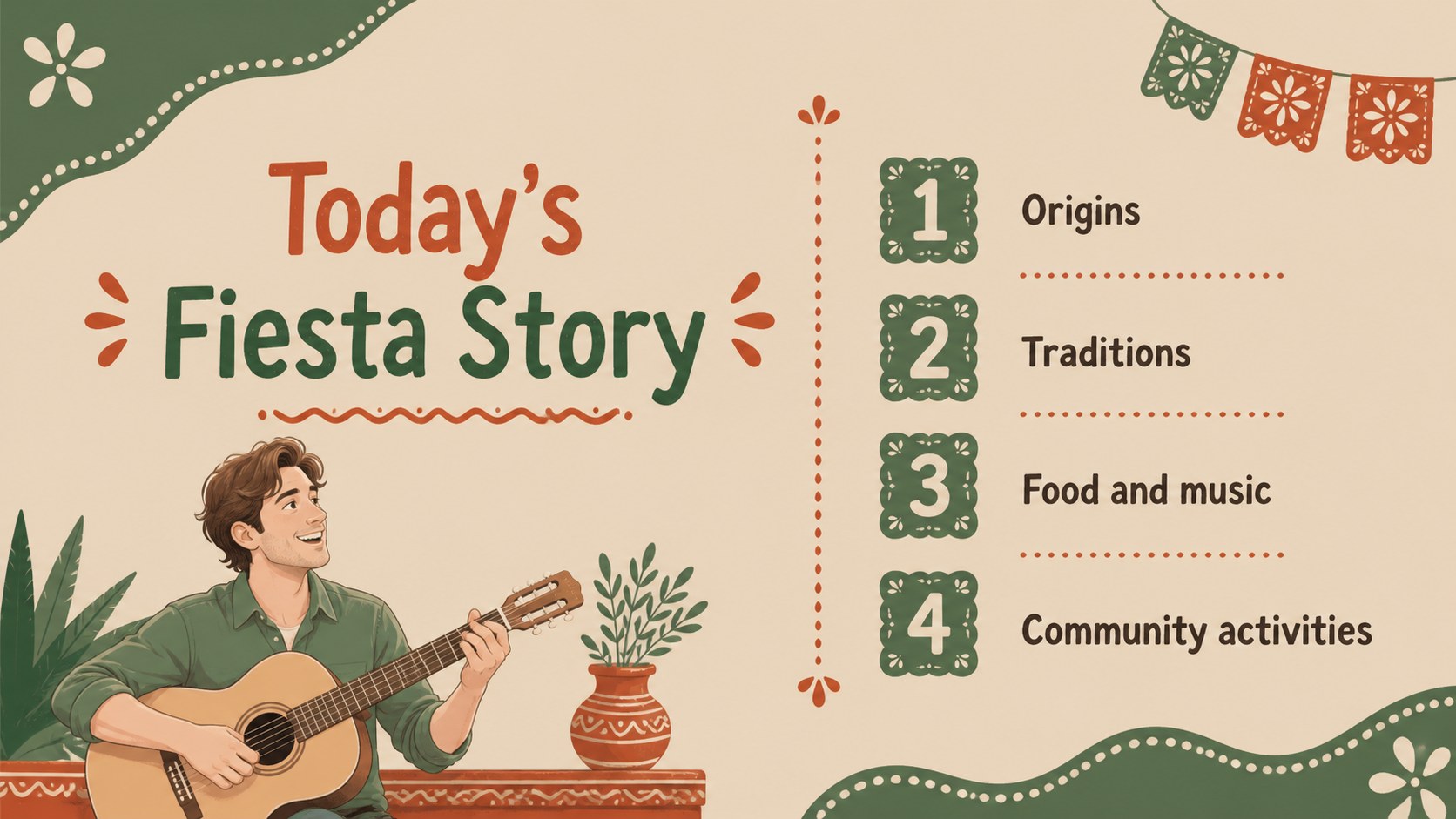
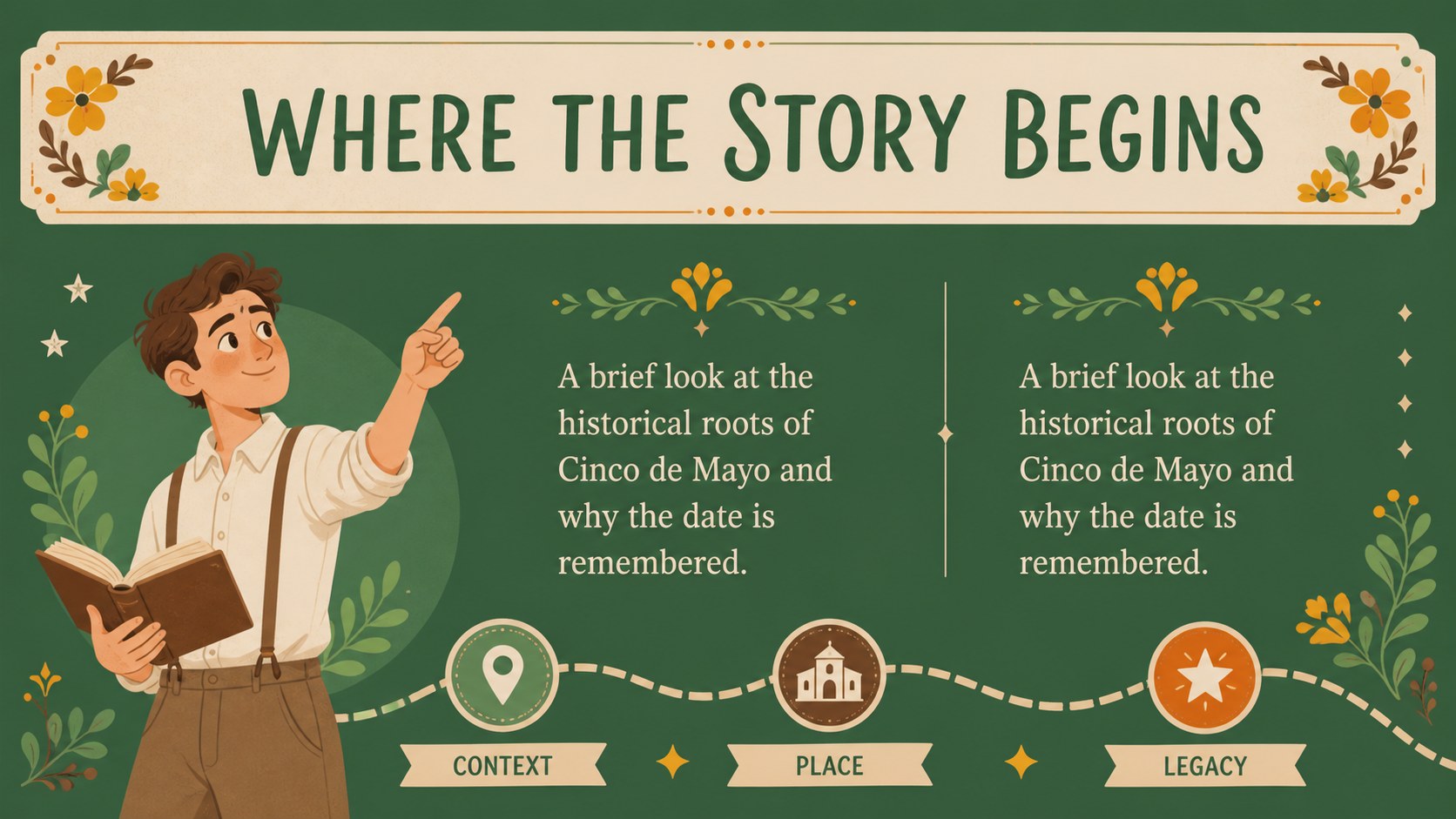
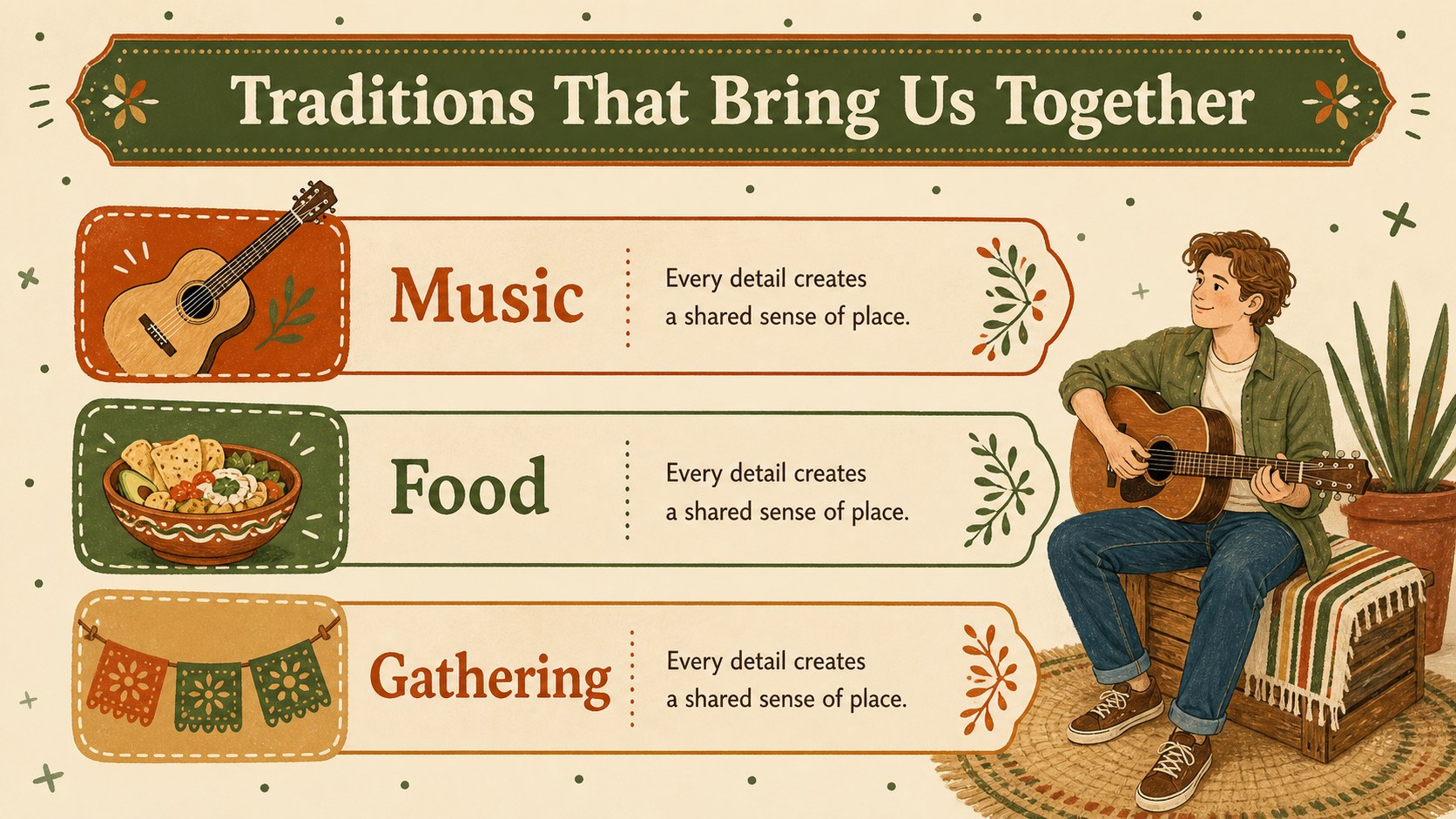
Inside, you will find 15 editable 16:9 slides for introducing Cinco de Mayo, outlining historical context, presenting cultural traditions, organizing a fiesta agenda, and sharing food, music, or community activities. Decorative shapes, playful illustrations, charts, image frames, timeline layouts, and text sections help you build a polished deck without starting from a blank page. Use the layouts for a classroom culture lesson, a neighborhood celebration plan, a nonprofit event briefing, or a social media content presentation.
The files work with PowerPoint and Google Slides, making it simple to revise colors, typography, illustrations, photos, and wording. The design also supports a Mexican heritage classroom presentation, a Cinco de Mayo event schedule, or an educational fiesta slideshow while keeping the mood bright, approachable, and informative.
Perfect for: classroom culture lesson; community fiesta event plan; nonprofit heritage program briefing; party schedule presentation; social studies project; cultural celebration proposal.
Frequently asked questions
Can I edit this deck in PowerPoint? Yes. The presentation is designed for PowerPoint and can be customized with your own text, images, colors, and layout adjustments. Use the editable 16:9 slides to create a presentation that matches your event or lesson.
Practical details
Yes. The presentation is designed for PowerPoint and can be customized with your own text, images, colors, and layout adjustments. Use the editable 16:9 slides to create a presentation that matches your event or lesson.
Yes, you can open and edit the deck in Google Slides. Replace the sample wording, adjust the illustrations, and collaborate with teachers, coworkers, or event volunteers in your shared workspace.
You can change headlines, body copy, fonts, colors, photos, charts, and decorative shapes. The brown-and-green palette can remain intact or be adapted for a school, community organization, or celebration brand.
The template includes 15 ready-to-edit 16:9 slides. Layouts cover introductions, historical notes, cultural activities, schedules, visual storytelling, and closing messages.
Keep exploring
15Build stronger academic arguments with a college essay thesis builder featuring guided examples, revision prompts, and editable PowerPoint and Google Slides.
 15
15Build an engaging World UFO Day session with this flying saucer history lesson deck, featuring retro green-and-brown slides for PowerPoint and Google Slides.
 14
14Plan a memorable Lunar New Year campaign with the 2036 Dragon Year Celebration Theme, featuring bold red-and-yellow slides for lessons and events.
 15
15Build a thoughtful classroom discussion with this interfaith awareness lesson deck, featuring editable blue-and-white slides for PowerPoint and Google Slides.
 15
15Use this environmental awareness lesson deck to teach climate action through illustrated activities, discussion prompts, and ready-to-edit visuals.
 15
15Build playful lessons and party stories with a kid-friendly zombie celebration theme in purple, green and pastel blue for PowerPoint and Google Slides.
 15
15Build eerie lessons, campaigns, and story pitches with an undead survival scenario theme featuring editable slides for PowerPoint and Google Slides.
 16
16Turn environmental research into a clear story with a Watercolor Ecology Presentation Theme for PowerPoint and Google Slides in calming green and blue.