
 15
15presentation
College Essay Thesis Builder Slides
Build stronger academic arguments with a college essay thesis builder featuring guided examples, revision prompts, and editable PowerPoint and Google Slides.
Google SlidesPowerPoint
spreadsheet · English
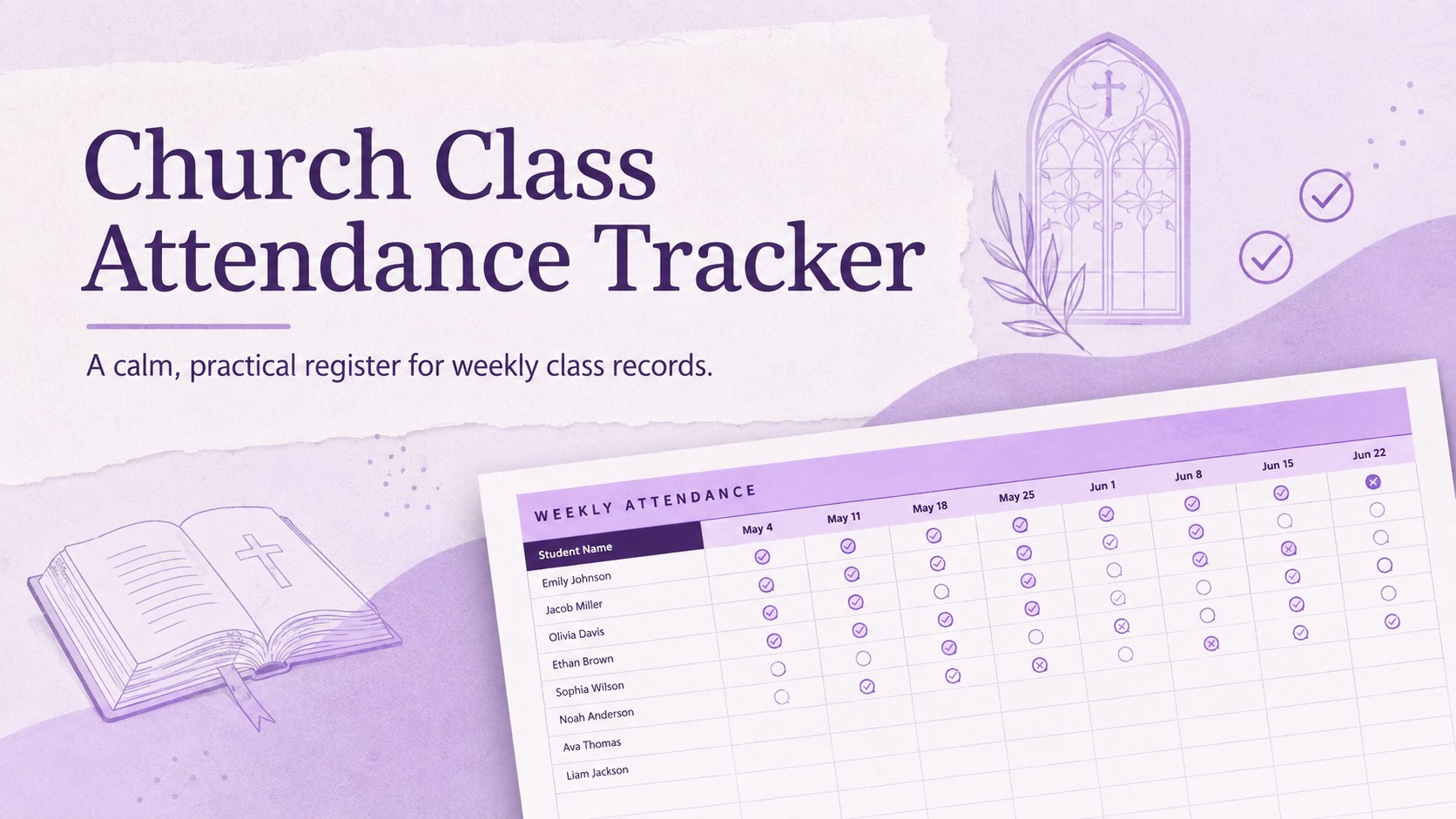
Keep weekly records organized with a church class attendance tracker in a calm purple gradient, ready to customize in Excel or Google Sheets for any group.
Design notes
Keep class records clear and current with this church class attendance tracker, designed for Sunday School teachers, ministry coordinators, and volunteer leaders. Its calm purple gradient and structured table make weekly roll calls easy to complete without distracting from lesson preparation or time with students.
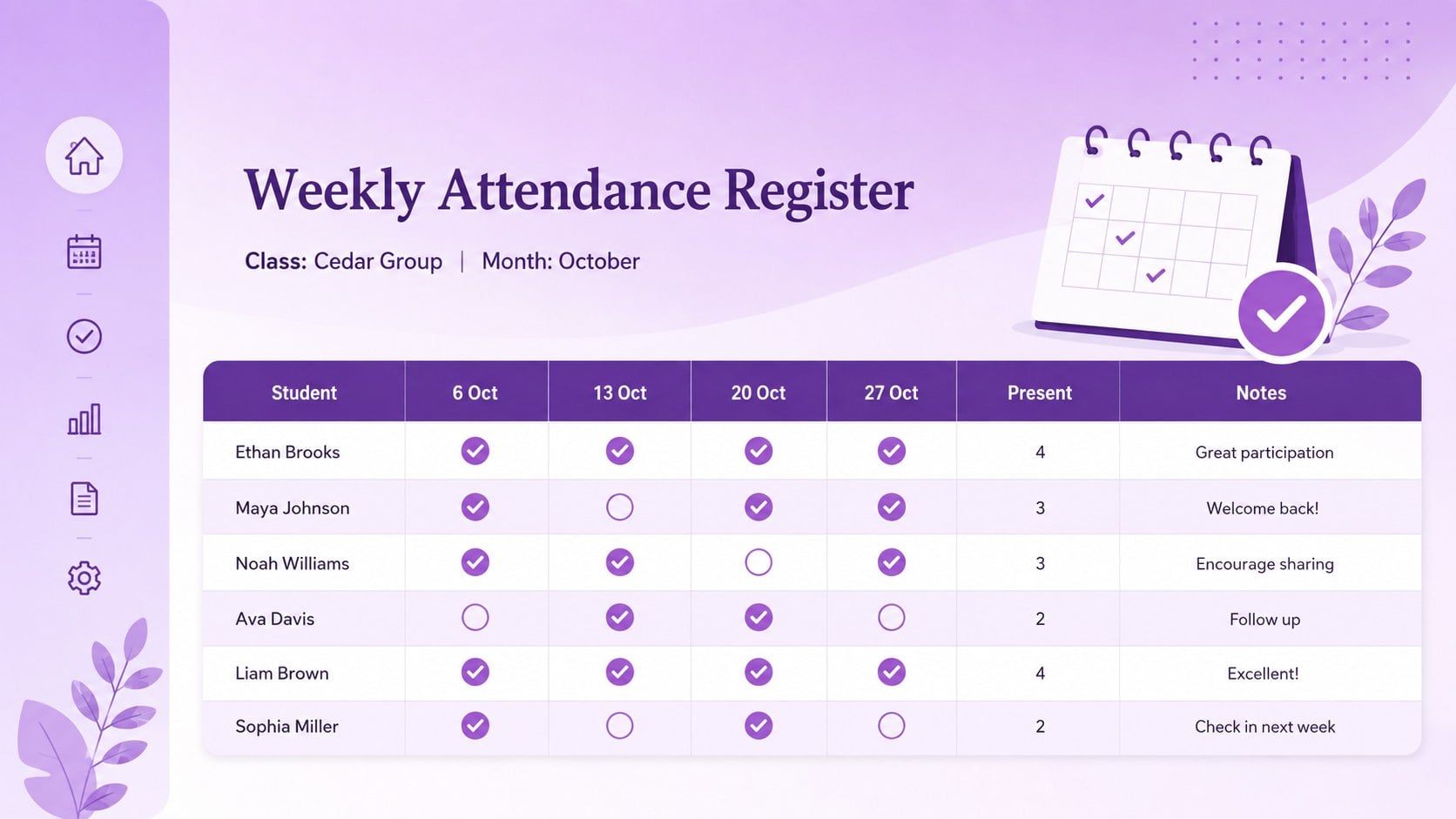
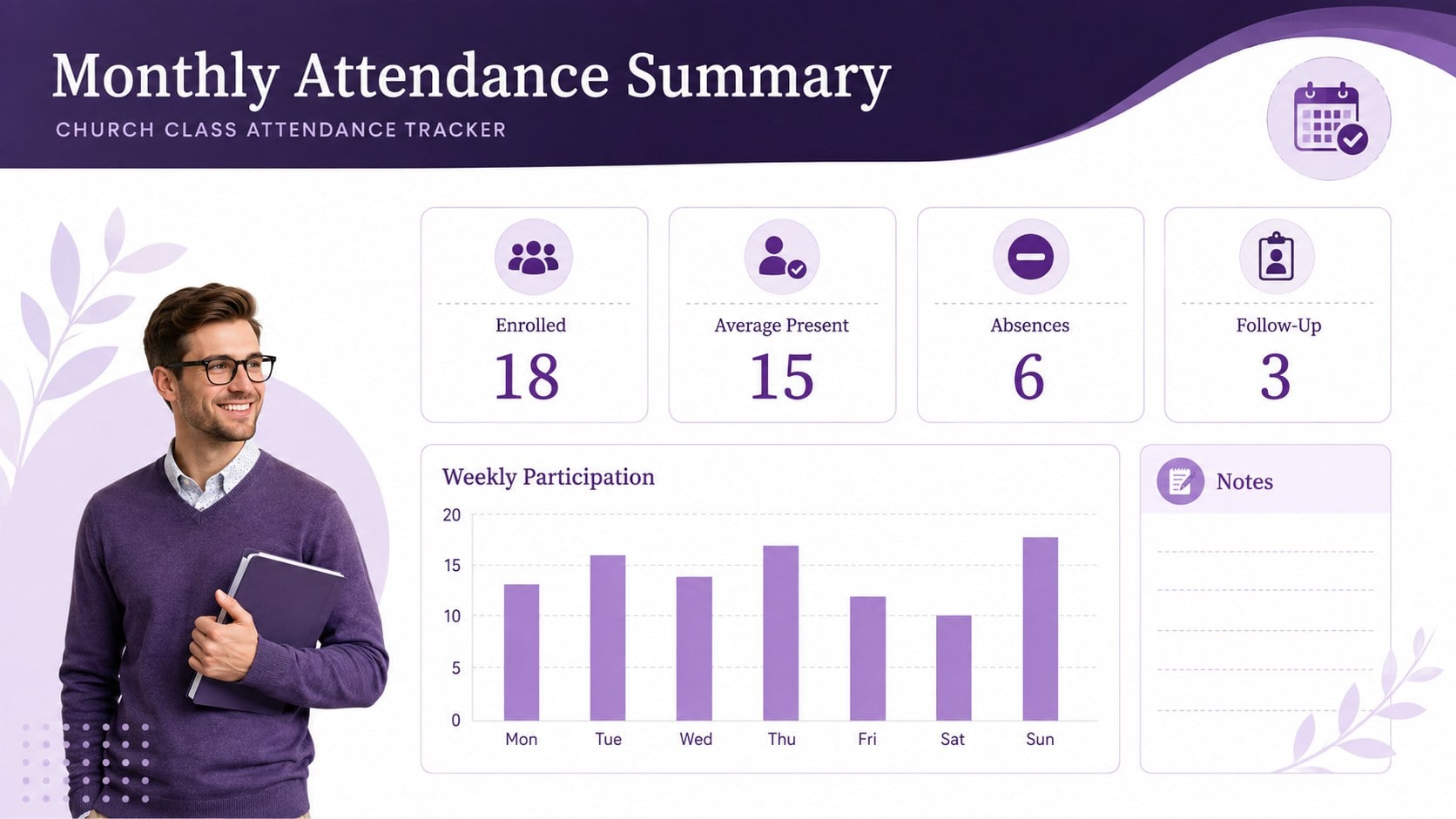
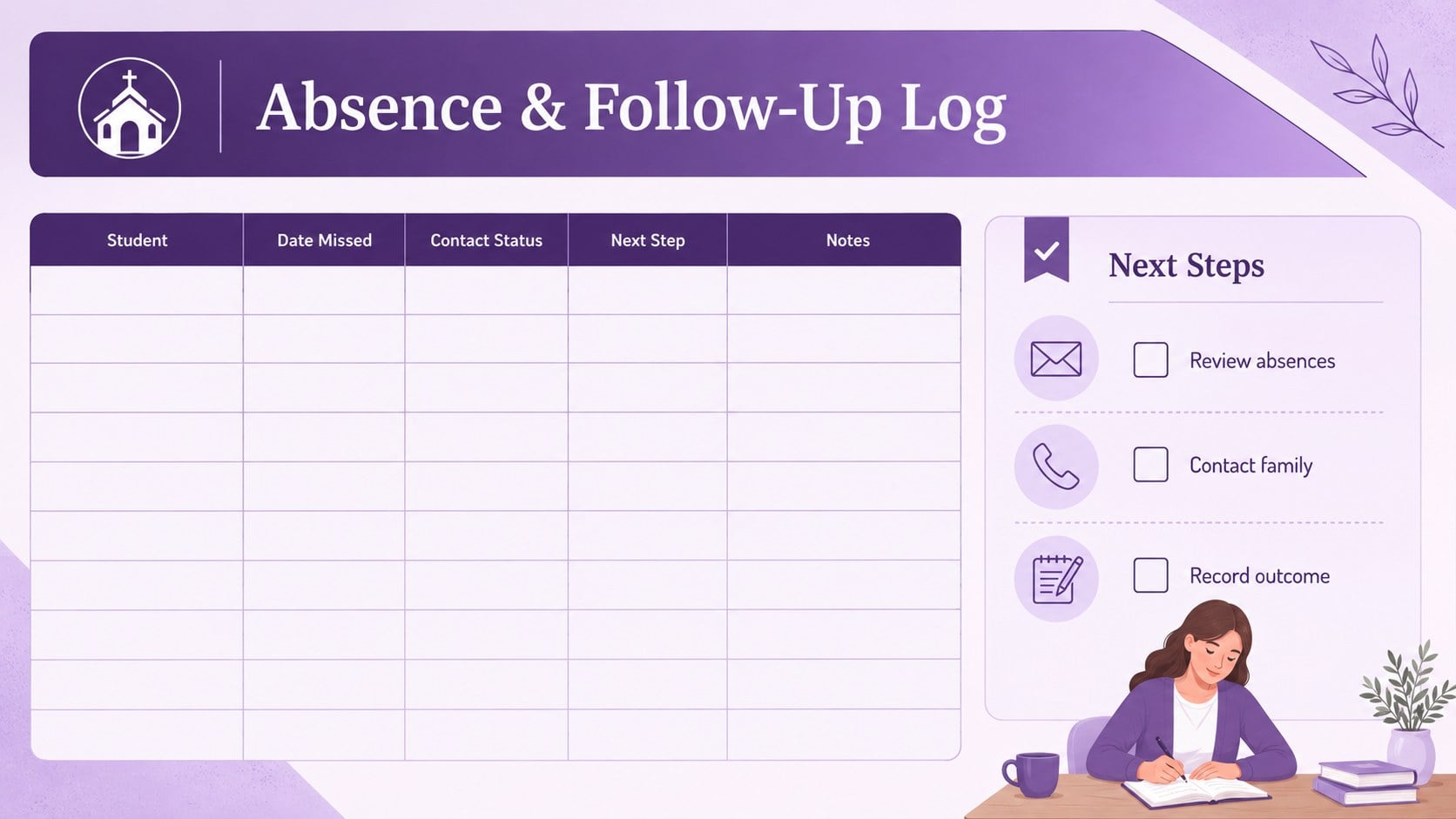
Inside, you will find an editable attendance register with space for student names, meeting dates, presence marks, totals, and follow-up notes. A monthly overview helps reveal recurring absences and participation patterns at a glance. Use it as a weekly church attendance spreadsheet, adapt it into a children's ministry attendance log, or create a separate tab for each class or age group. Clearly labeled fields keep the workbook straightforward for both regular teachers and occasional substitutes.
The template works in Excel and Google Sheets, where colors, labels, dates, formulas, and class details can be adjusted to suit your program. Its 16:9 preview layouts can also support attendance updates in PowerPoint or Google Slides. Whether you lead a small Bible study, a large Sunday School group, or a recurring religious education program, this organized format provides a consistent way to document participation, prepare follow-up lists, and maintain reliable records throughout the term.
Perfect for: weekly Sunday School roll call; children's ministry attendance; Bible study participation records; religious education class tracking; student absence follow-up.
Frequently asked questions
Can I edit the attendance columns and class details? Yes. You can rename columns, change meeting dates, add students, adjust colors, and create extra tabs for different classes or age groups.
Practical details
Yes. You can rename columns, change meeting dates, add students, adjust colors, and create extra tabs for different classes or age groups.
The spreadsheet is designed for Excel and Google Sheets. Its 16:9 preview and summary pages can also be presented in PowerPoint or Google Slides.
Yes. Add or customize simple formulas to count present, absent, or late marks for each student. You can also calculate class totals for individual meeting dates.
Yes. The register can be adjusted to fit a landscape page before printing. Check the print preview after adding names or extra date columns to confirm that all fields remain visible.
Keep exploring
15Build stronger academic arguments with a college essay thesis builder featuring guided examples, revision prompts, and editable PowerPoint and Google Slides.
 15
15Build an engaging World UFO Day session with this flying saucer history lesson deck, featuring retro green-and-brown slides for PowerPoint and Google Slides.
 14
14Plan a memorable Lunar New Year campaign with the 2036 Dragon Year Celebration Theme, featuring bold red-and-yellow slides for lessons and events.
 15
15Build a thoughtful classroom discussion with this interfaith awareness lesson deck, featuring editable blue-and-white slides for PowerPoint and Google Slides.
 15
15Use this environmental awareness lesson deck to teach climate action through illustrated activities, discussion prompts, and ready-to-edit visuals.
 15
15Build playful lessons and party stories with a kid-friendly zombie celebration theme in purple, green and pastel blue for PowerPoint and Google Slides.
 15
15Build eerie lessons, campaigns, and story pitches with an undead survival scenario theme featuring editable slides for PowerPoint and Google Slides.
 16
16Turn environmental research into a clear story with a Watercolor Ecology Presentation Theme for PowerPoint and Google Slides in calming green and blue.