
 15
15presentation
College Essay Thesis Builder Slides
Build stronger academic arguments with a college essay thesis builder featuring guided examples, revision prompts, and editable PowerPoint and Google Slides.
Google SlidesPowerPoint
presentation · English
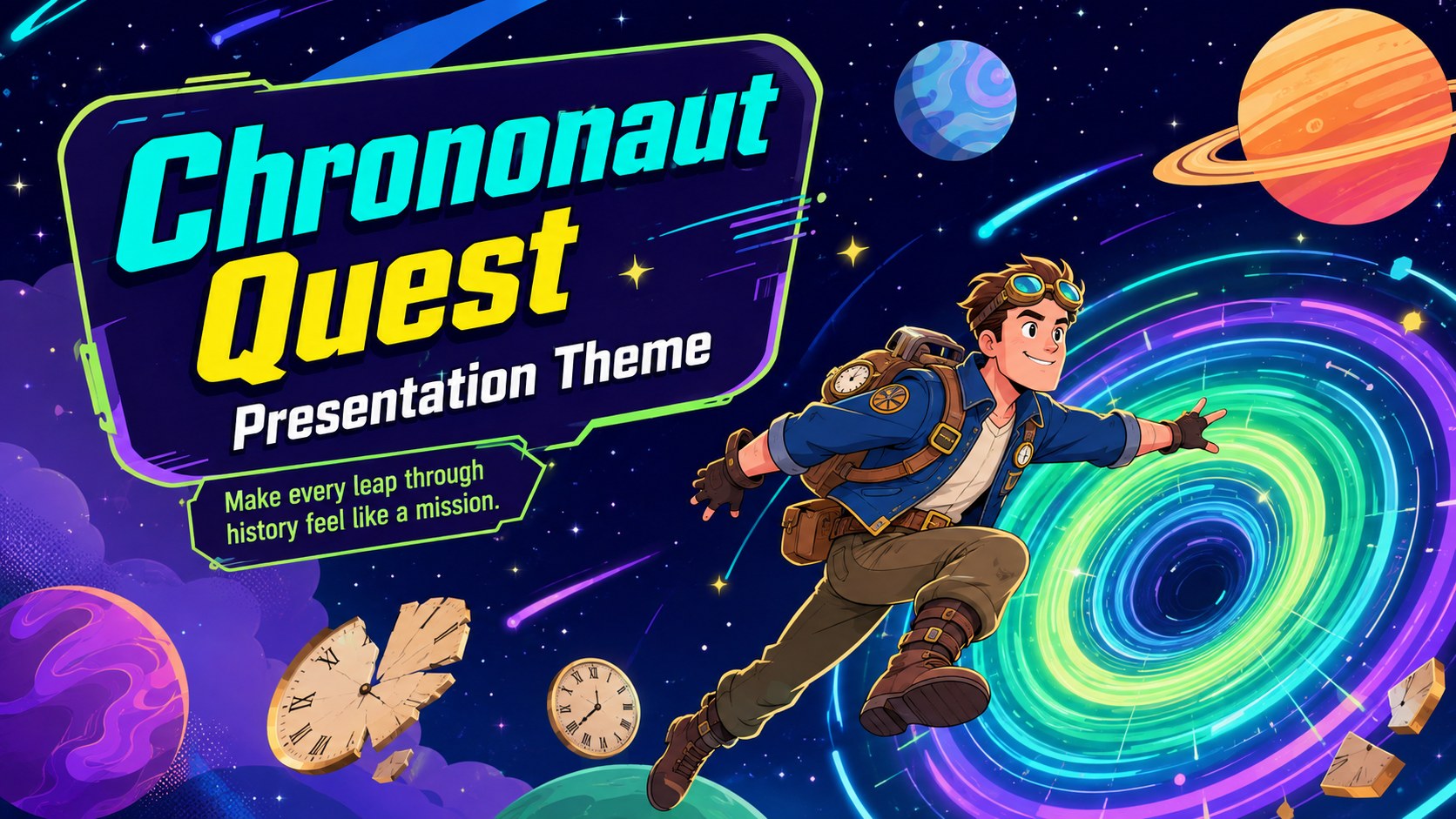
Build vivid classroom stories with this Chrononaut Quest Presentation Theme, featuring colorful cartoon layouts for PowerPoint and Google Slides.
Design notes
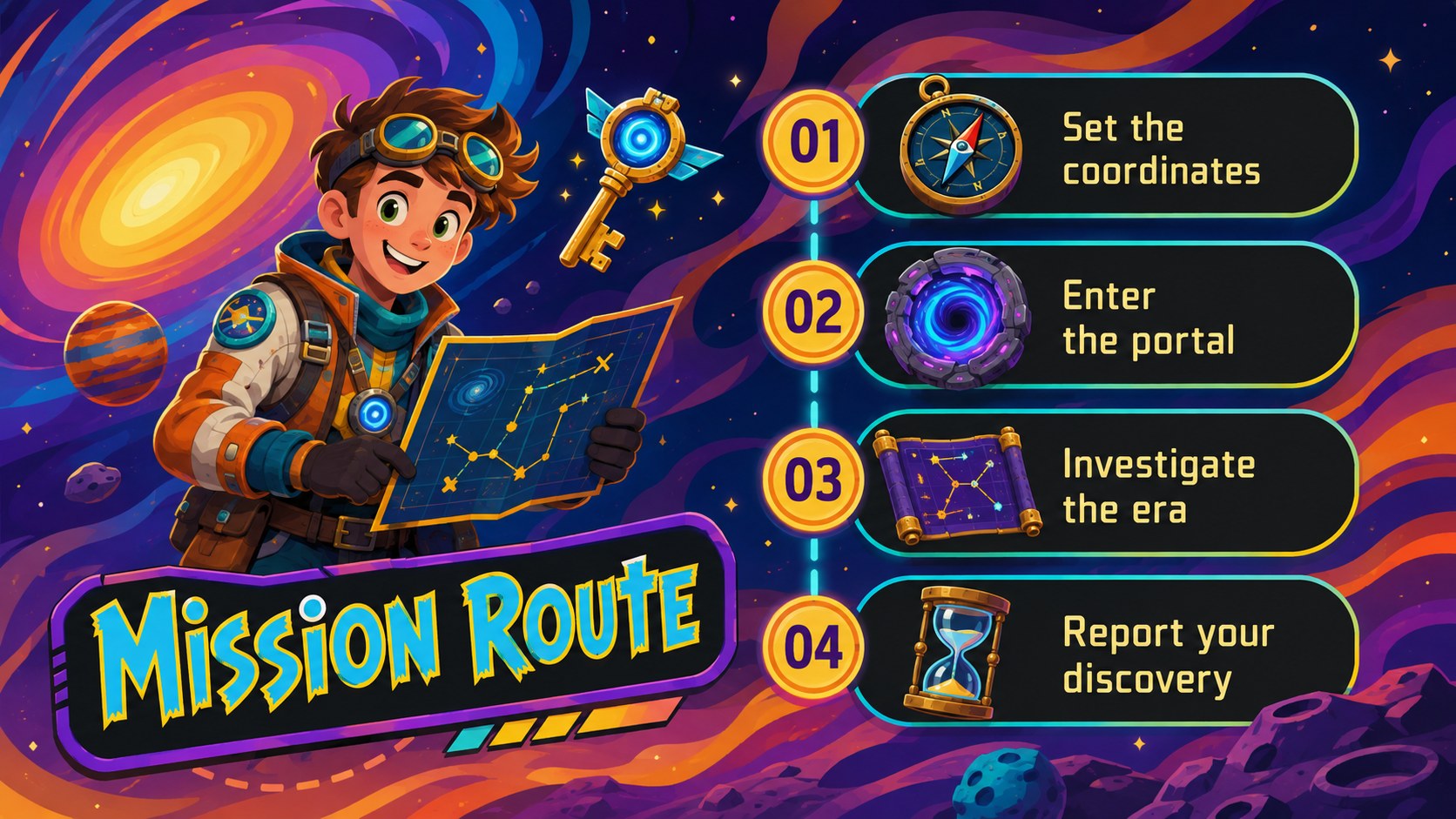
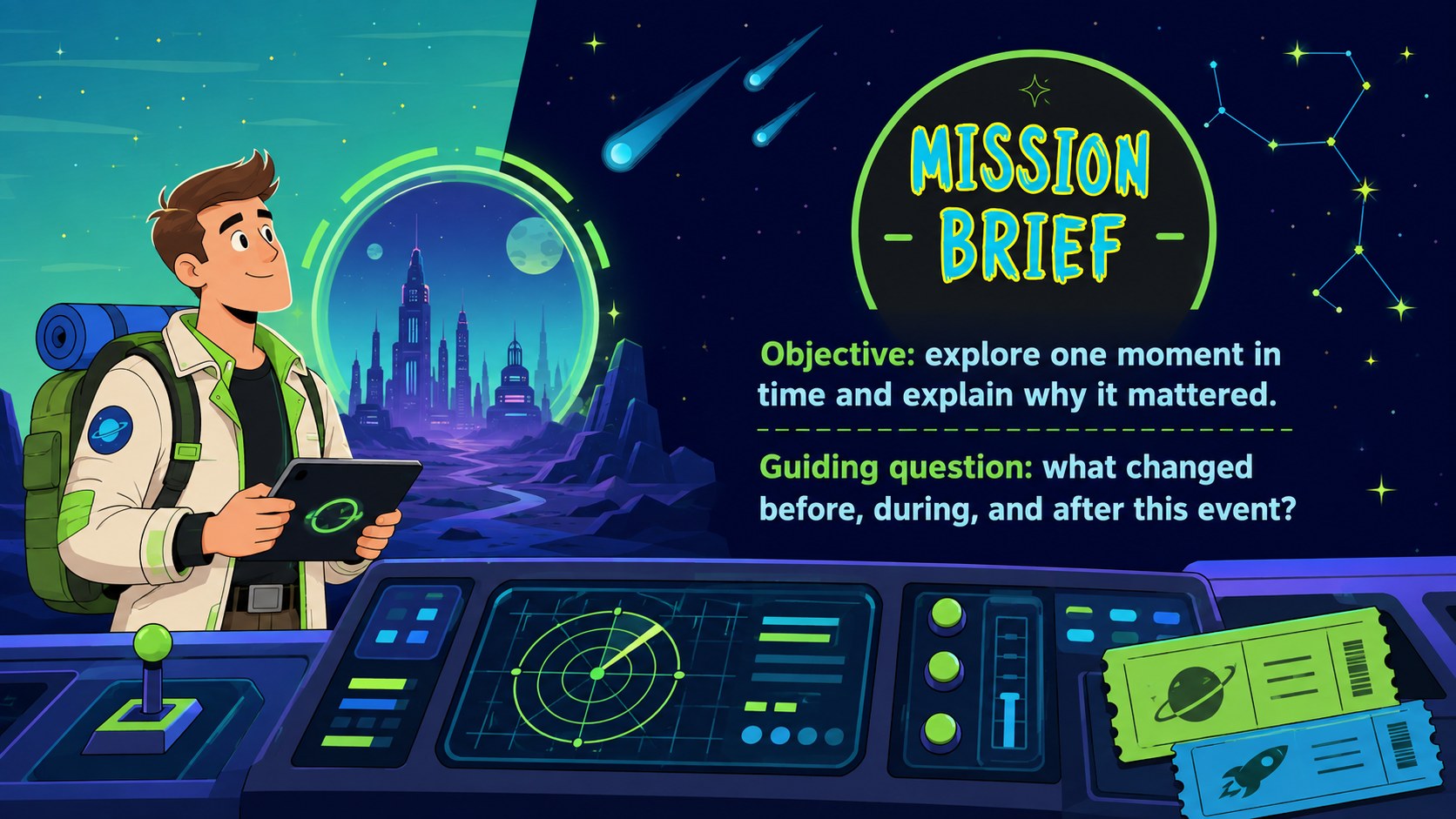
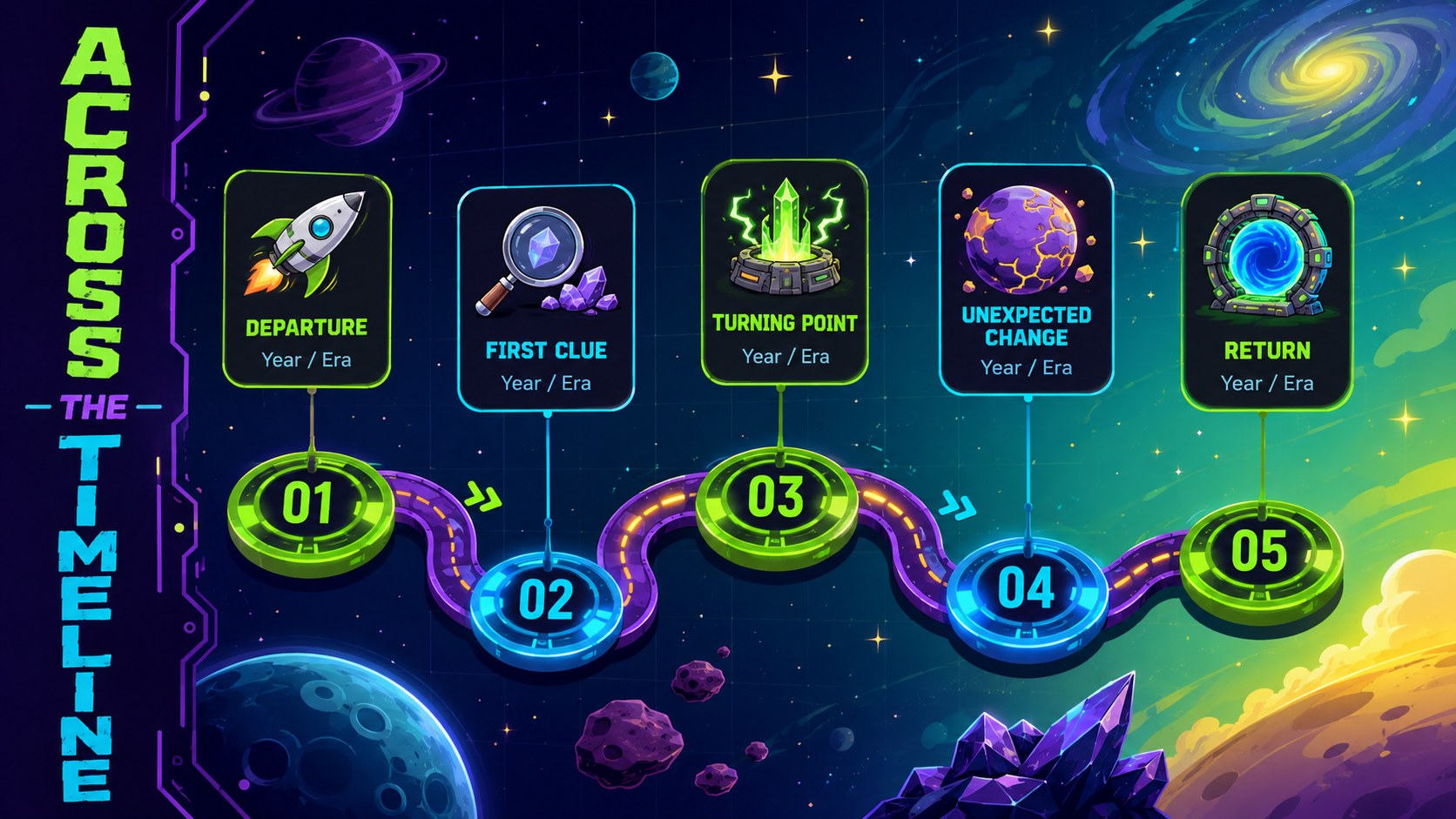
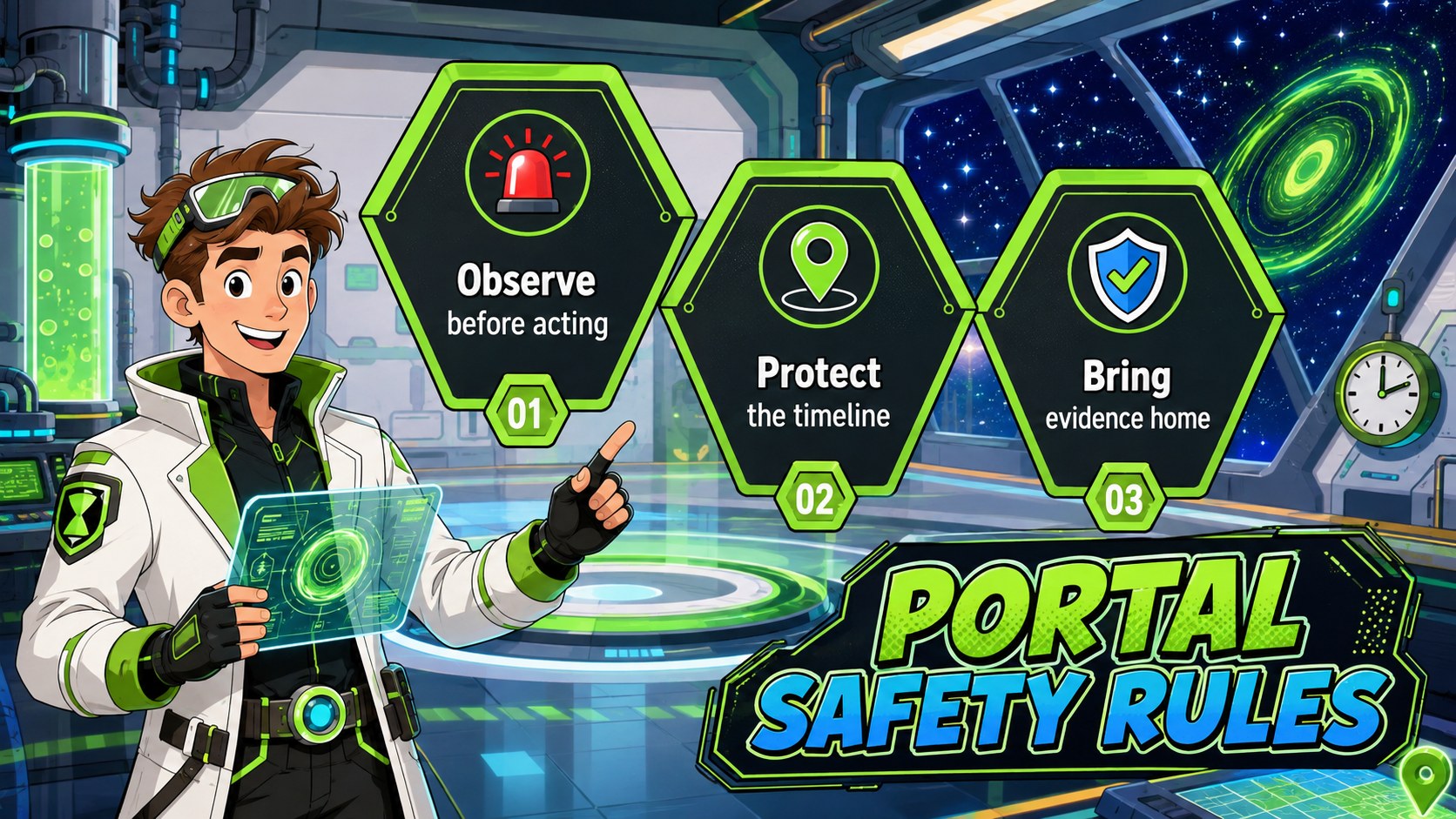
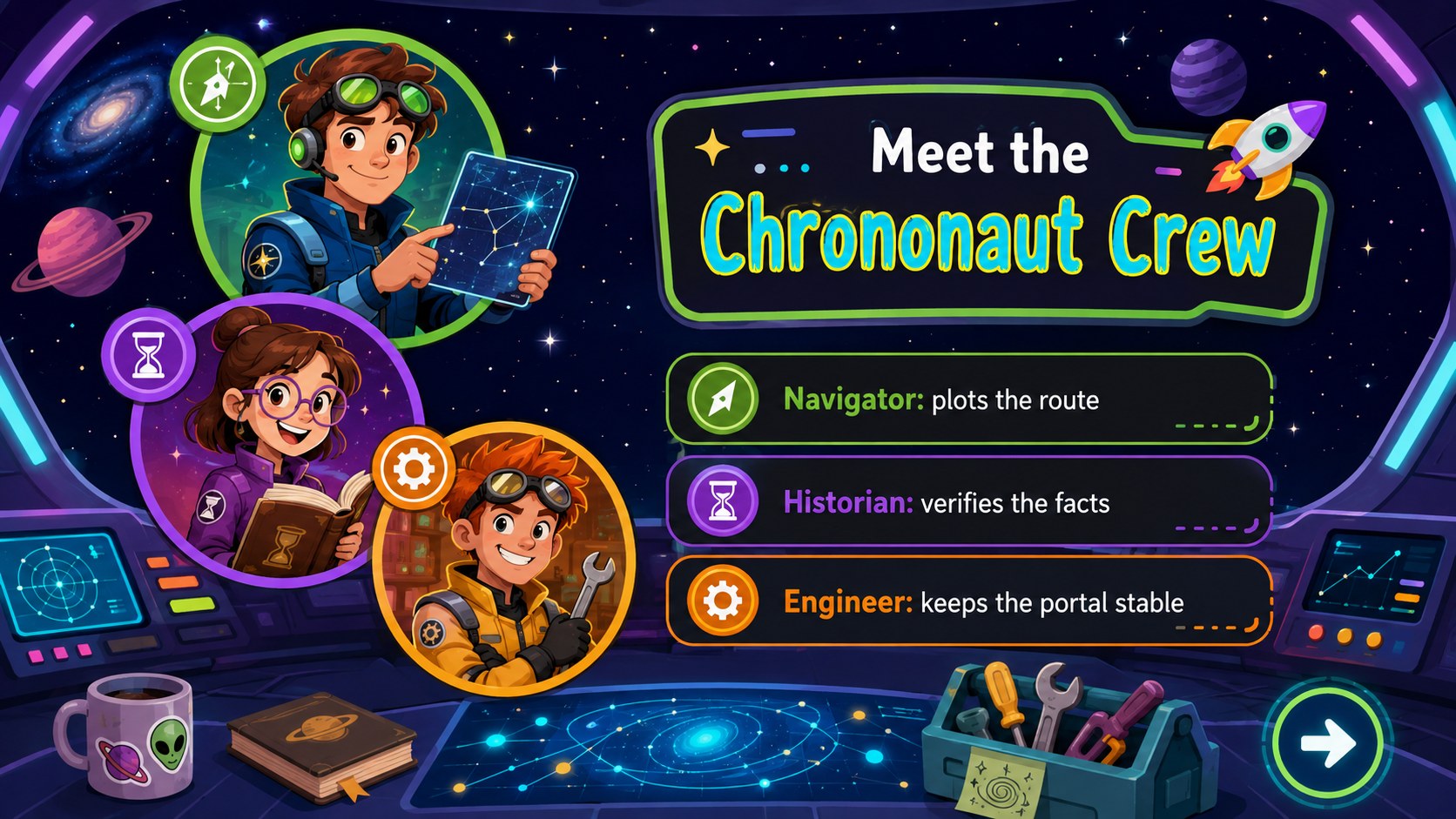
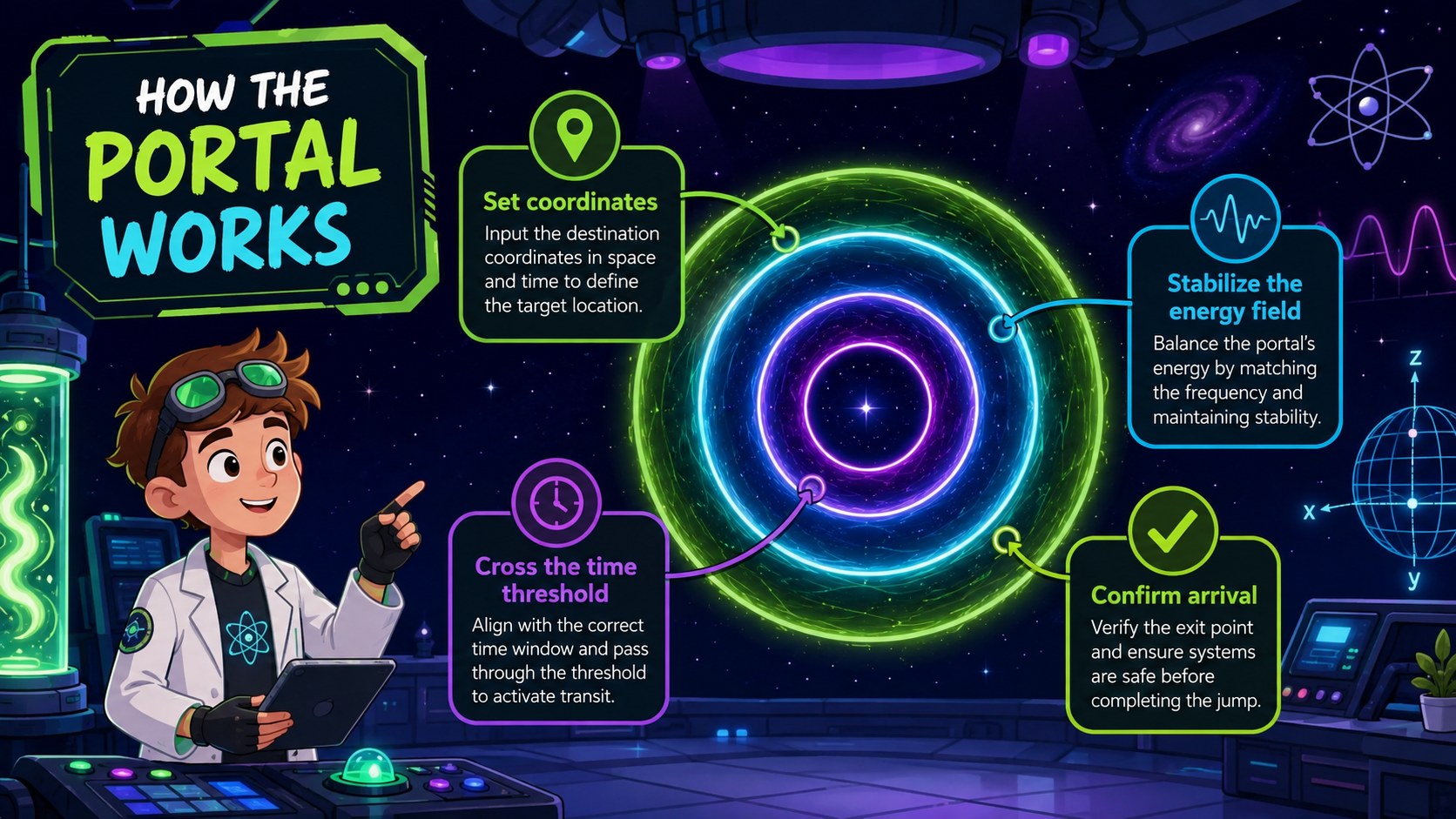
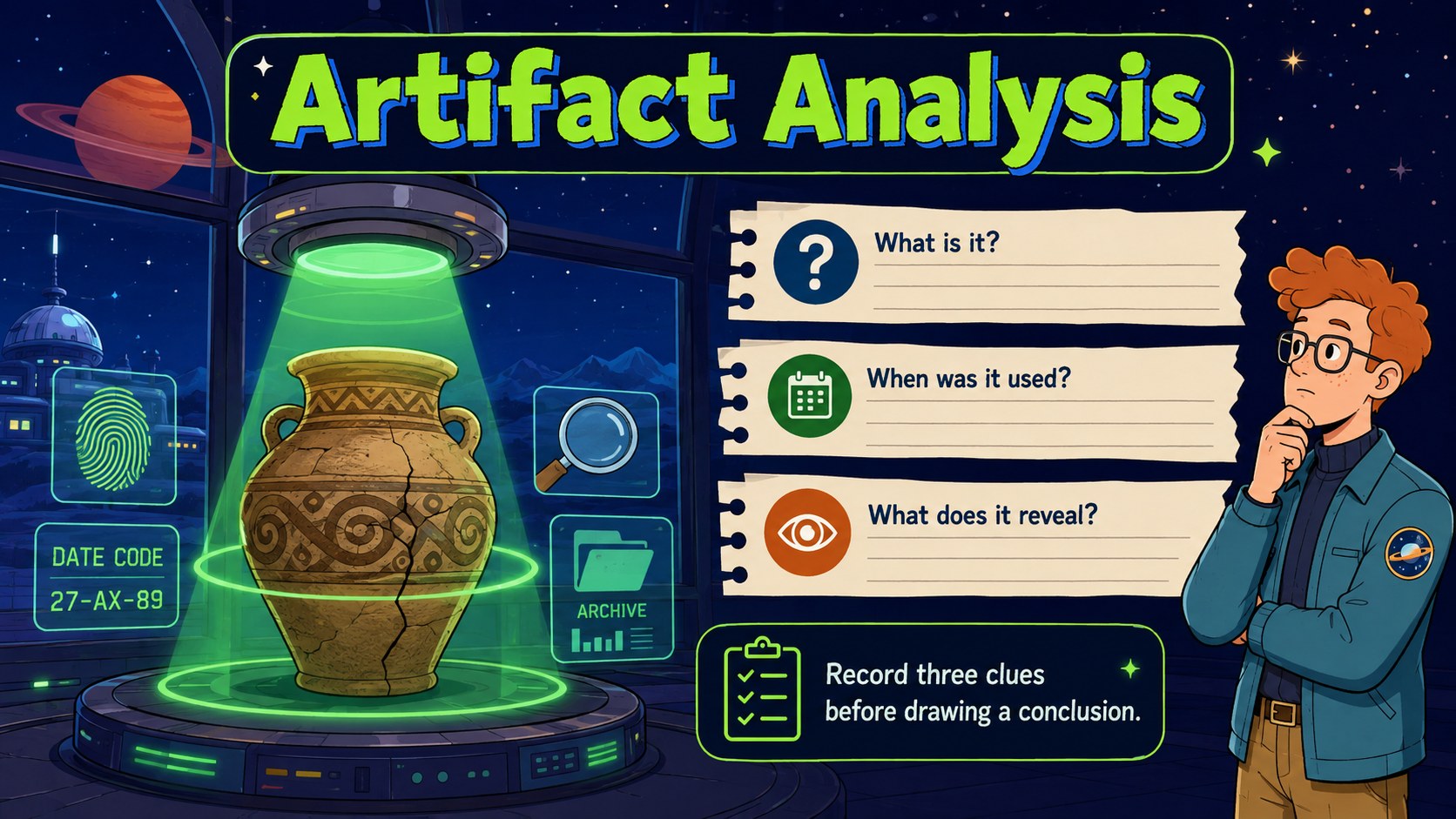
The chrononaut quest presentation theme transforms timelines, science topics, and imaginative stories into a colorful voyage across space and history. Playful portals, futuristic controls, cosmic scenery, and original cartoon explorers give each idea a lively narrative setting without distracting from the information on screen.
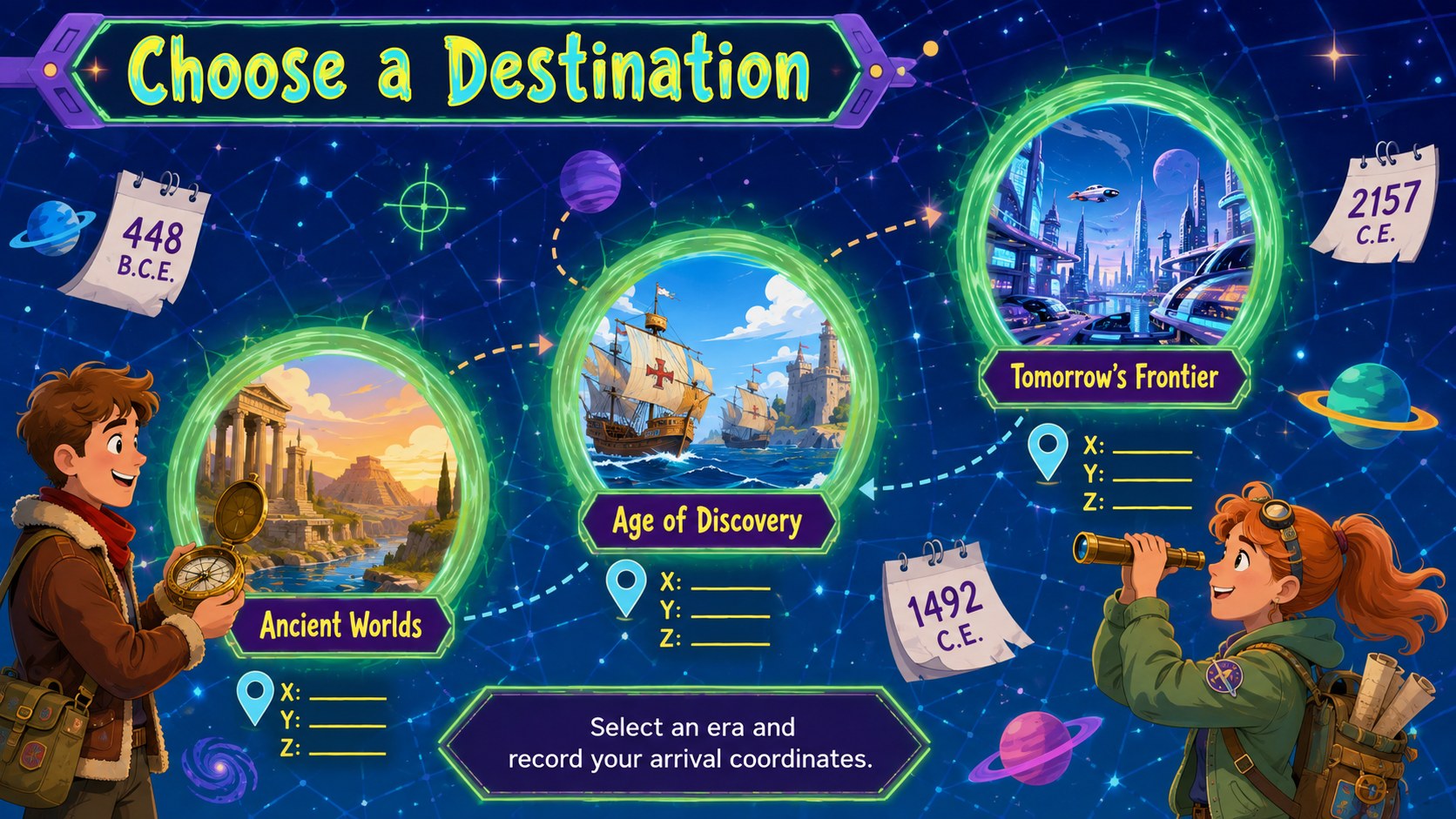
The deck includes 15 editable 16:9 layouts for mission introductions, destination overviews, chronological events, character profiles, scientific explanations, artifact analysis, comparisons, quizzes, and final reflections. Use the illustrated time travel lesson slides to guide students through historical eras, or adapt the cartoon science fiction presentation for a creative pitch, book report, writing prompt, or science fair topic. Clear content areas leave room for short explanations, images, diagrams, charts, and discussion questions.
Designed for teachers, students, storytellers, and creative professionals, this colorful space adventure slide deck works in PowerPoint and Google Slides. Change the text, rearrange visual elements, adjust colors, and add your own photographs or data. The Tomorrow-inspired futuristic typography, bold multicolor palette, and friendly illustrated style help audiences follow complex journeys while keeping the presentation energetic, approachable, and cohesive.
Perfect for: time travel classroom lesson; historical era project; science fiction story pitch; creative writing presentation; space-time science explainer; interactive classroom quiz.
Frequently asked questions
Can I edit every part of the presentation? Yes. Text, colors, images, shapes, and layout elements can be customized to match your lesson or story. You can also duplicate slides and rearrange them for a shorter or longer presentation.
Practical details
Yes. Text, colors, images, shapes, and layout elements can be customized to match your lesson or story. You can also duplicate slides and rearrange them for a shorter or longer presentation.
The template is designed for PowerPoint and Google Slides. Some fonts or transition effects may vary slightly between the two platforms, so review the finished deck before presenting.
Assign each destination slide to a historical period, then add dates, artifacts, notable people, and discussion questions. The timeline and comparison layouts can help students connect events across different eras.
Yes. Adjust the palette to fit a subject, school identity, or story setting, and replace illustrations with your own approved images. Keep strong contrast between text and backgrounds for readability.
Keep exploring
15Build stronger academic arguments with a college essay thesis builder featuring guided examples, revision prompts, and editable PowerPoint and Google Slides.
 15
15Build an engaging World UFO Day session with this flying saucer history lesson deck, featuring retro green-and-brown slides for PowerPoint and Google Slides.
 14
14Plan a memorable Lunar New Year campaign with the 2036 Dragon Year Celebration Theme, featuring bold red-and-yellow slides for lessons and events.
 15
15Build a thoughtful classroom discussion with this interfaith awareness lesson deck, featuring editable blue-and-white slides for PowerPoint and Google Slides.
 15
15Use this environmental awareness lesson deck to teach climate action through illustrated activities, discussion prompts, and ready-to-edit visuals.
 15
15Build playful lessons and party stories with a kid-friendly zombie celebration theme in purple, green and pastel blue for PowerPoint and Google Slides.
 15
15Build eerie lessons, campaigns, and story pitches with an undead survival scenario theme featuring editable slides for PowerPoint and Google Slides.
 16
16Turn environmental research into a clear story with a Watercolor Ecology Presentation Theme for PowerPoint and Google Slides in calming green and blue.