
 15
15presentation
College Essay Thesis Builder Slides
Build stronger academic arguments with a college essay thesis builder featuring guided examples, revision prompts, and editable PowerPoint and Google Slides.
Google SlidesPowerPoint
presentation · English
Build a China National Day holiday culture deck for lessons, travel briefings, or campaigns, using red-and-gold PowerPoint and Google Slides layouts.


Design notes
Introduce one of China's busiest annual celebrations with a China National Day holiday culture deck designed for clear, engaging storytelling. The vivid red and gold palette, playful illustrations, and uncluttered layouts bring energy to the topic while keeping facts, dates, and talking points easy to follow.
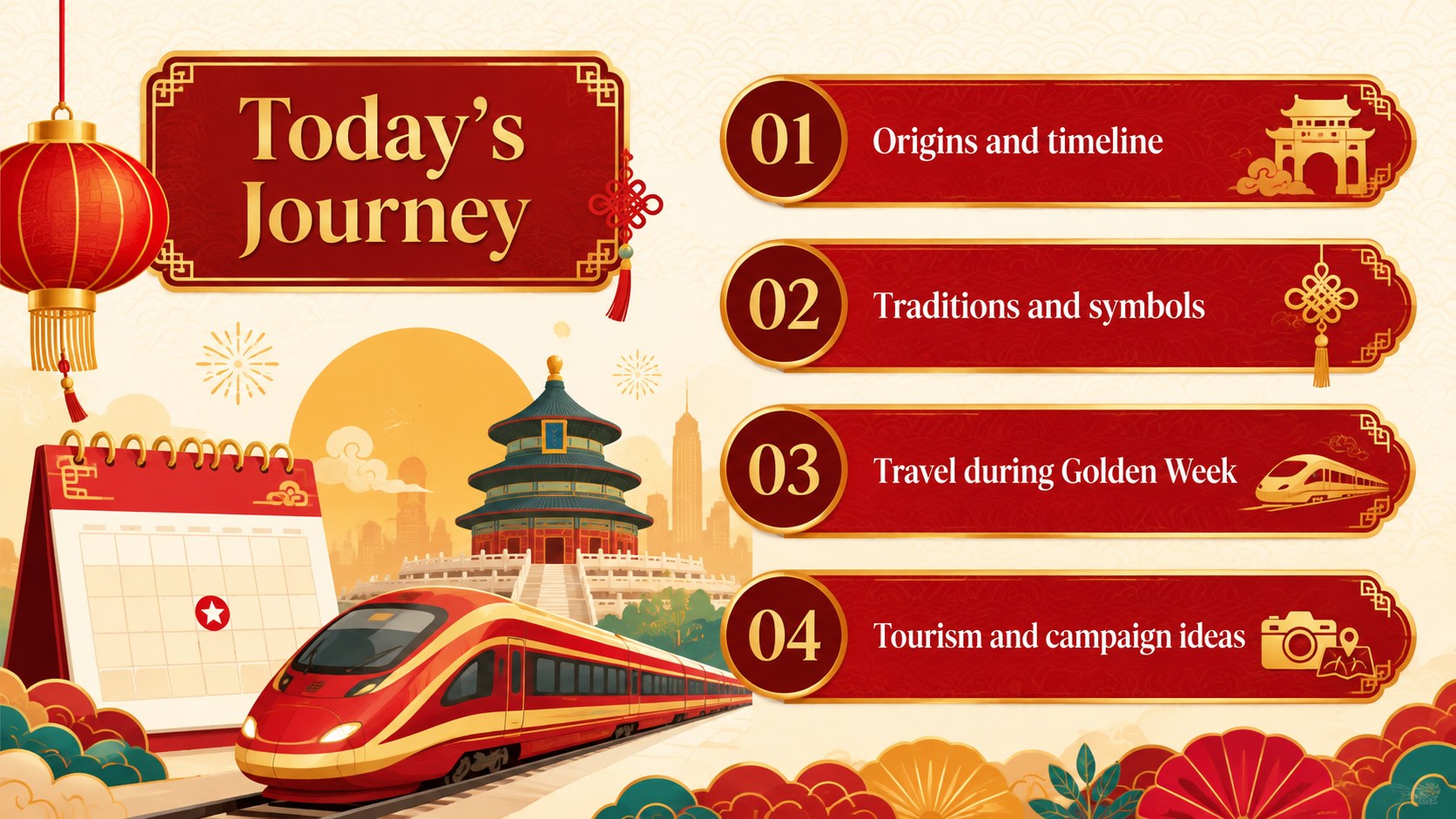
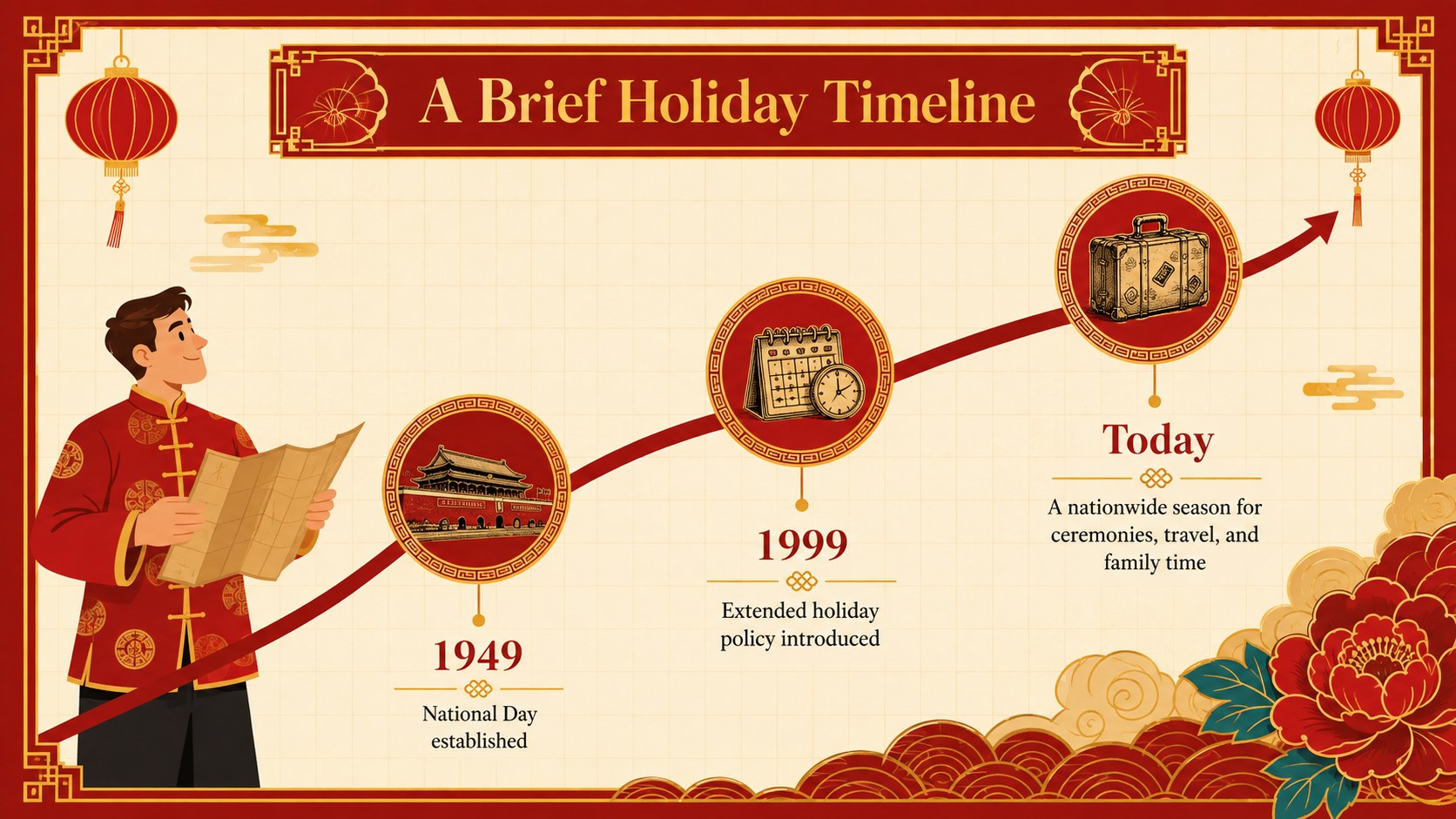
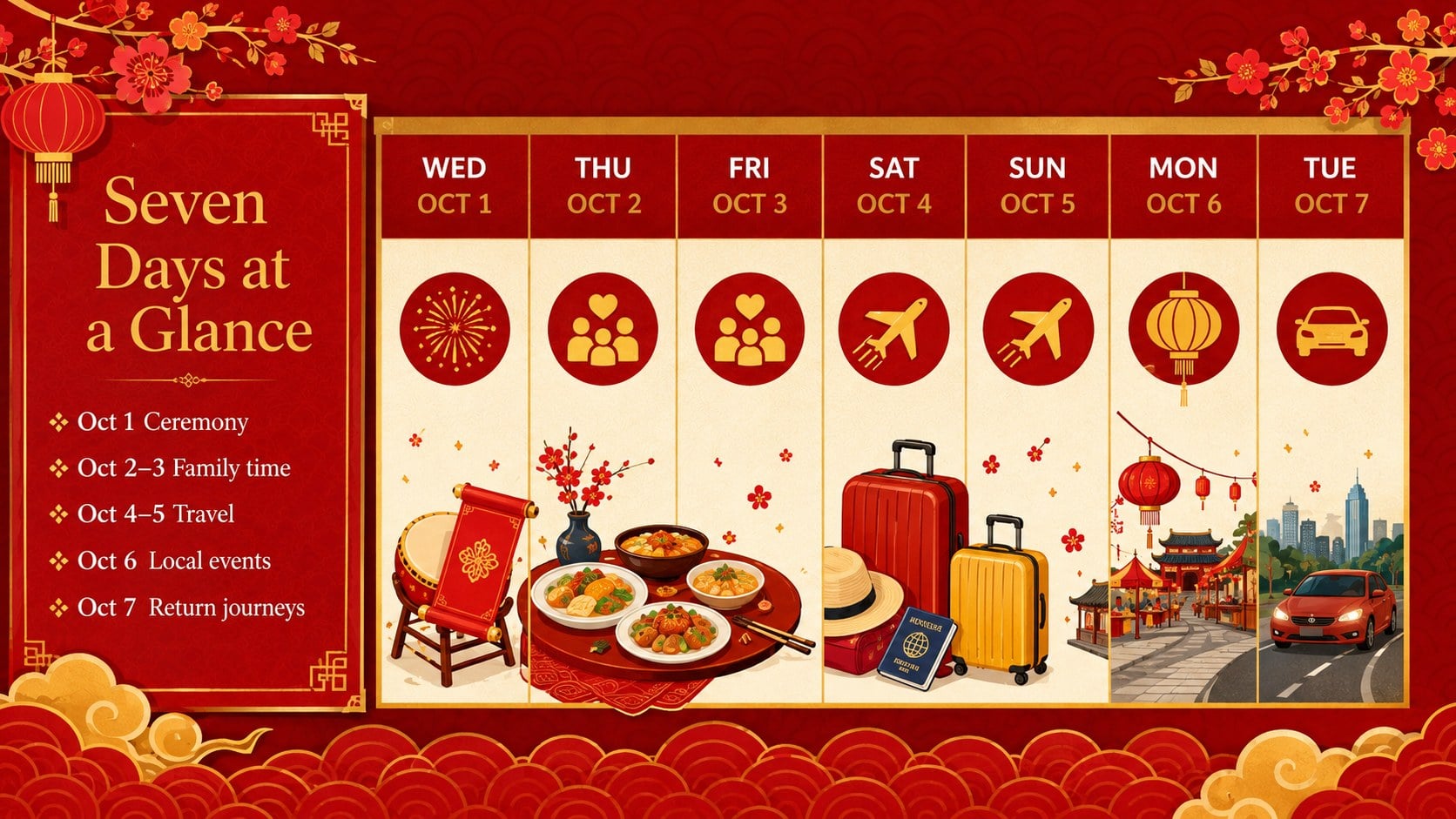
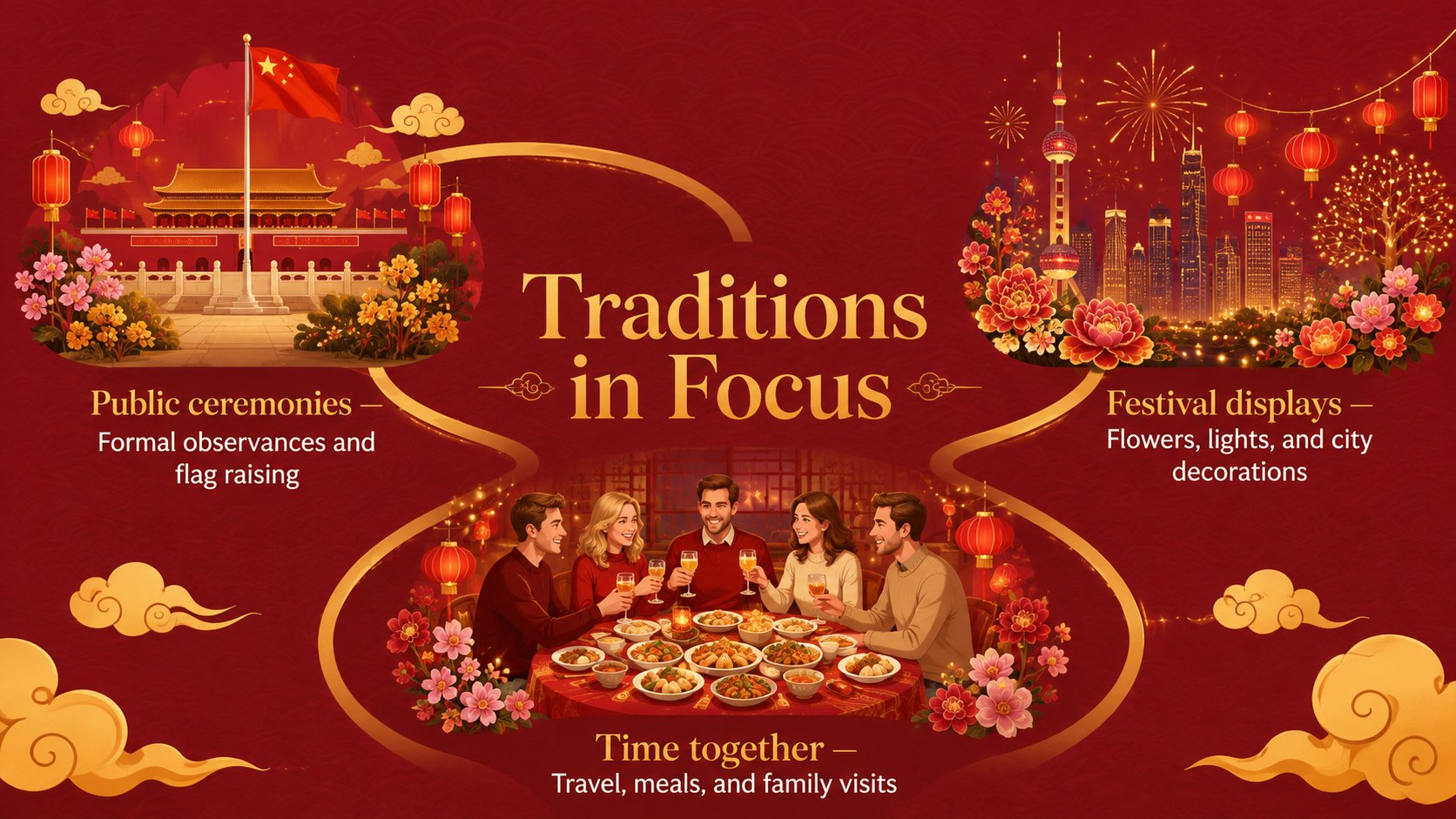
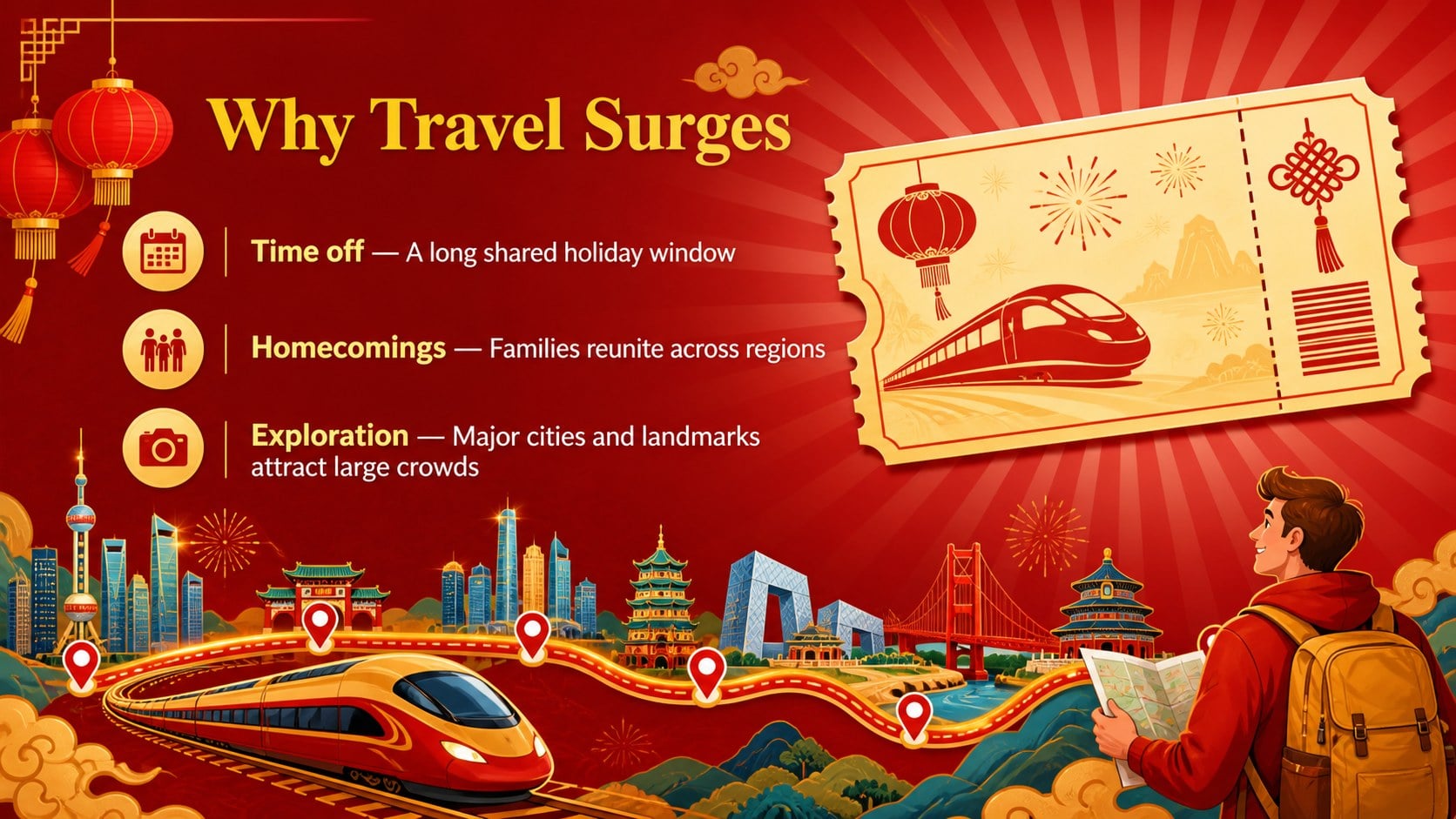
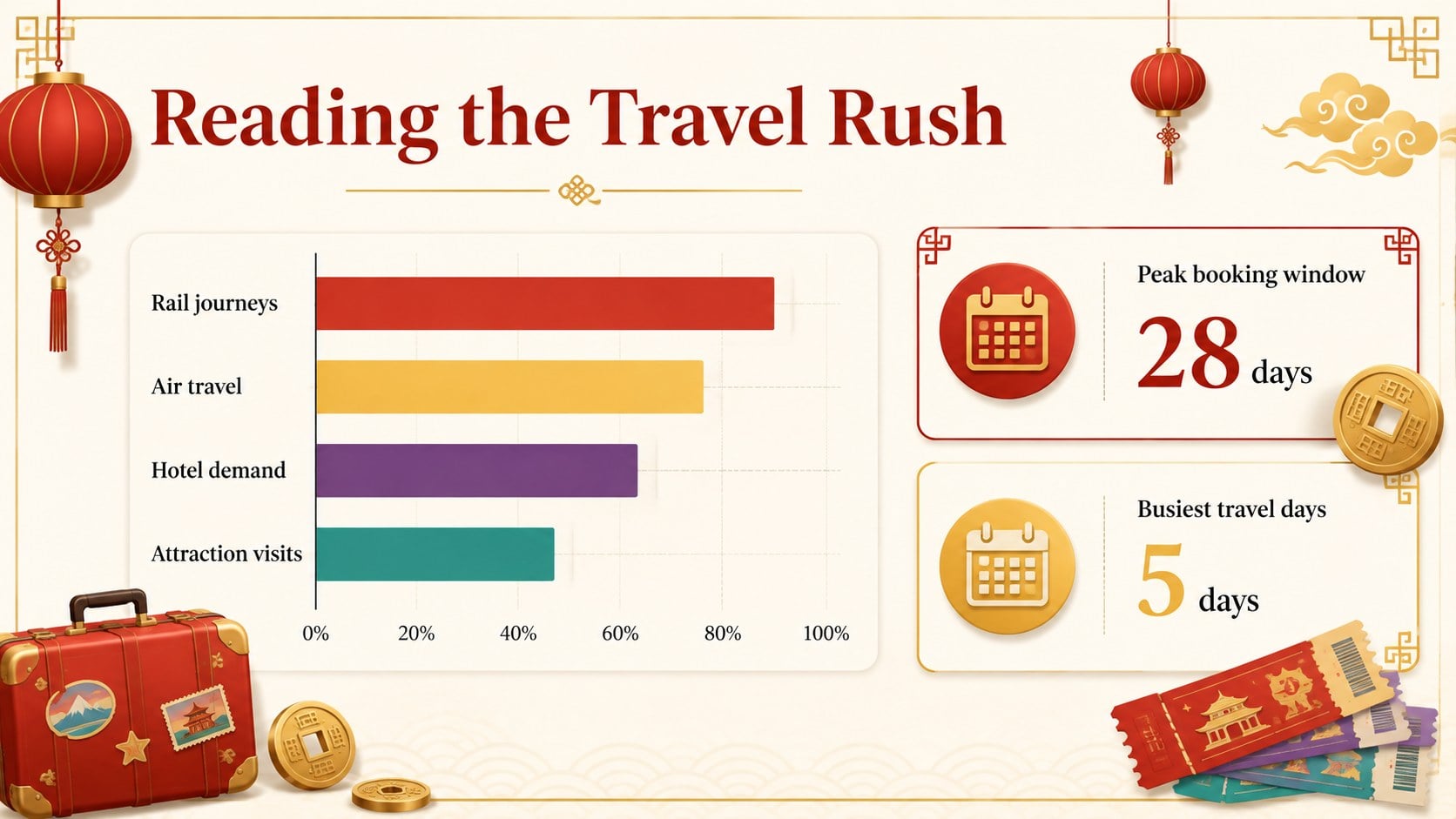
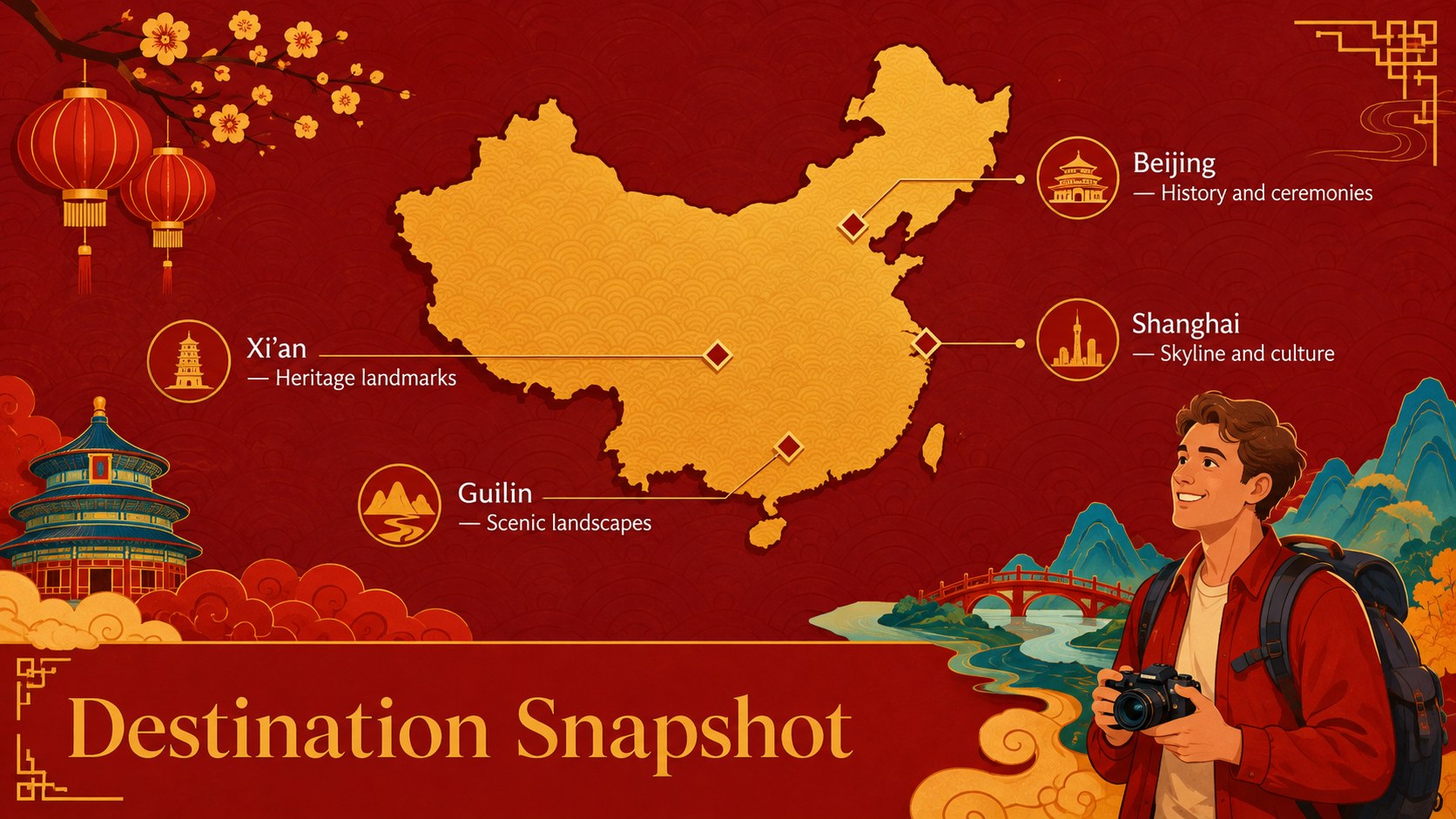
The deck includes an opening overview, a historical timeline, a Golden Week calendar, key traditions, landmark highlights, travel insights, tourism data, regional comparisons, and a practical campaign planning section. Use it as a China National Day classroom presentation, an October Golden Week lesson, or a polished China tourism campaign presentation. Maps, charts, timelines, and image-led layouts provide several ways to explain the holiday without overcrowding each slide.
Created for teachers, students, tourism teams, cultural organizations, nonprofit groups, and event marketers, this red and gold China culture deck can be adapted to different audiences and presentation lengths. Replace the sample wording, update statistics, add local examples, and adjust the visual hierarchy directly in PowerPoint or Google Slides. The coordinated typography and reusable graphic elements also make it simple to expand the deck with extra discussion prompts, itinerary ideas, or campaign results while preserving a consistent illustrated style.
Perfect for: China culture classroom lesson; Golden Week tourism briefing; National Day event introduction; October travel campaign pitch; Cultural organization workshop.
Frequently asked questions
Can I edit this deck in PowerPoint and Google Slides? Yes. All slide text, colors, images, charts, and layout elements can be edited in PowerPoint or Google Slides. Some fonts or visual effects may vary slightly between the two platforms.
Practical details
Yes. All slide text, colors, images, charts, and layout elements can be edited in PowerPoint or Google Slides. Some fonts or visual effects may vary slightly between the two platforms.
Yes. The statistics, timeline entries, labels, and supporting text are intended as editable placeholders. Check current sources before presenting time-sensitive travel or economic figures.
Use the theme color controls in PowerPoint or Google Slides to adjust the palette consistently. You can also replace illustrations and photographs while retaining the existing spacing and typography.
Yes. Teachers can use the history, traditions, and discussion layouts, while tourism or event teams can adapt the charts, itinerary, and campaign slides. Unneeded sections can be removed without disrupting the rest of the deck.
Keep exploring
15Build stronger academic arguments with a college essay thesis builder featuring guided examples, revision prompts, and editable PowerPoint and Google Slides.
 15
15Build an engaging World UFO Day session with this flying saucer history lesson deck, featuring retro green-and-brown slides for PowerPoint and Google Slides.
 14
14Plan a memorable Lunar New Year campaign with the 2036 Dragon Year Celebration Theme, featuring bold red-and-yellow slides for lessons and events.
 15
15Build a thoughtful classroom discussion with this interfaith awareness lesson deck, featuring editable blue-and-white slides for PowerPoint and Google Slides.
 15
15Use this environmental awareness lesson deck to teach climate action through illustrated activities, discussion prompts, and ready-to-edit visuals.
 15
15Build playful lessons and party stories with a kid-friendly zombie celebration theme in purple, green and pastel blue for PowerPoint and Google Slides.
 15
15Build eerie lessons, campaigns, and story pitches with an undead survival scenario theme featuring editable slides for PowerPoint and Google Slides.
 16
16Turn environmental research into a clear story with a Watercolor Ecology Presentation Theme for PowerPoint and Google Slides in calming green and blue.