
 15
15presentation
College Essay Thesis Builder Slides
Build stronger academic arguments with a college essay thesis builder featuring guided examples, revision prompts, and editable PowerPoint and Google Slides.
Google SlidesPowerPoint
presentation · English
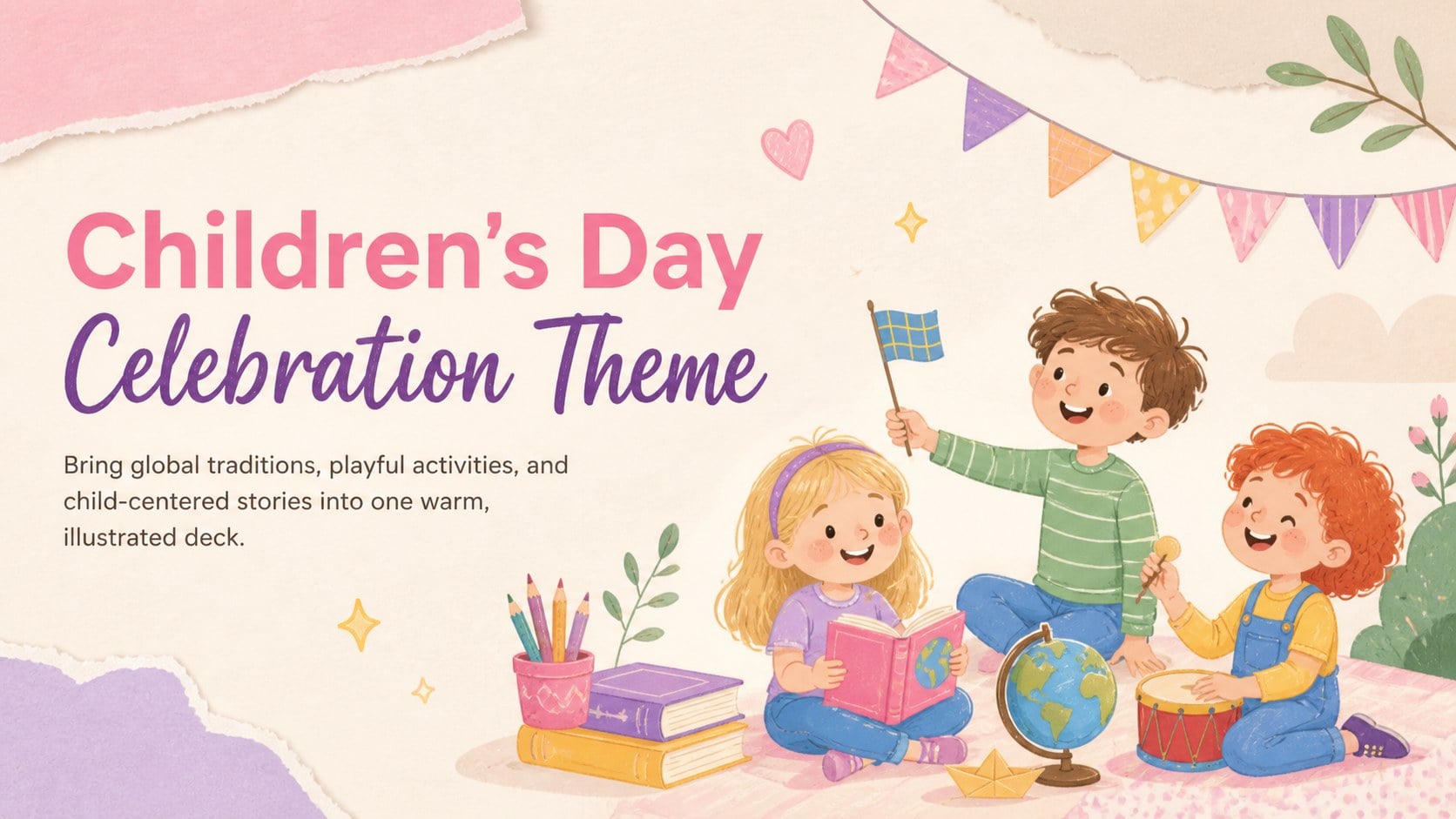
Make classroom events easy with a Children's Day celebration theme featuring cheerful beige-and-pink illustrations for PowerPoint and Google Slides.


Design notes
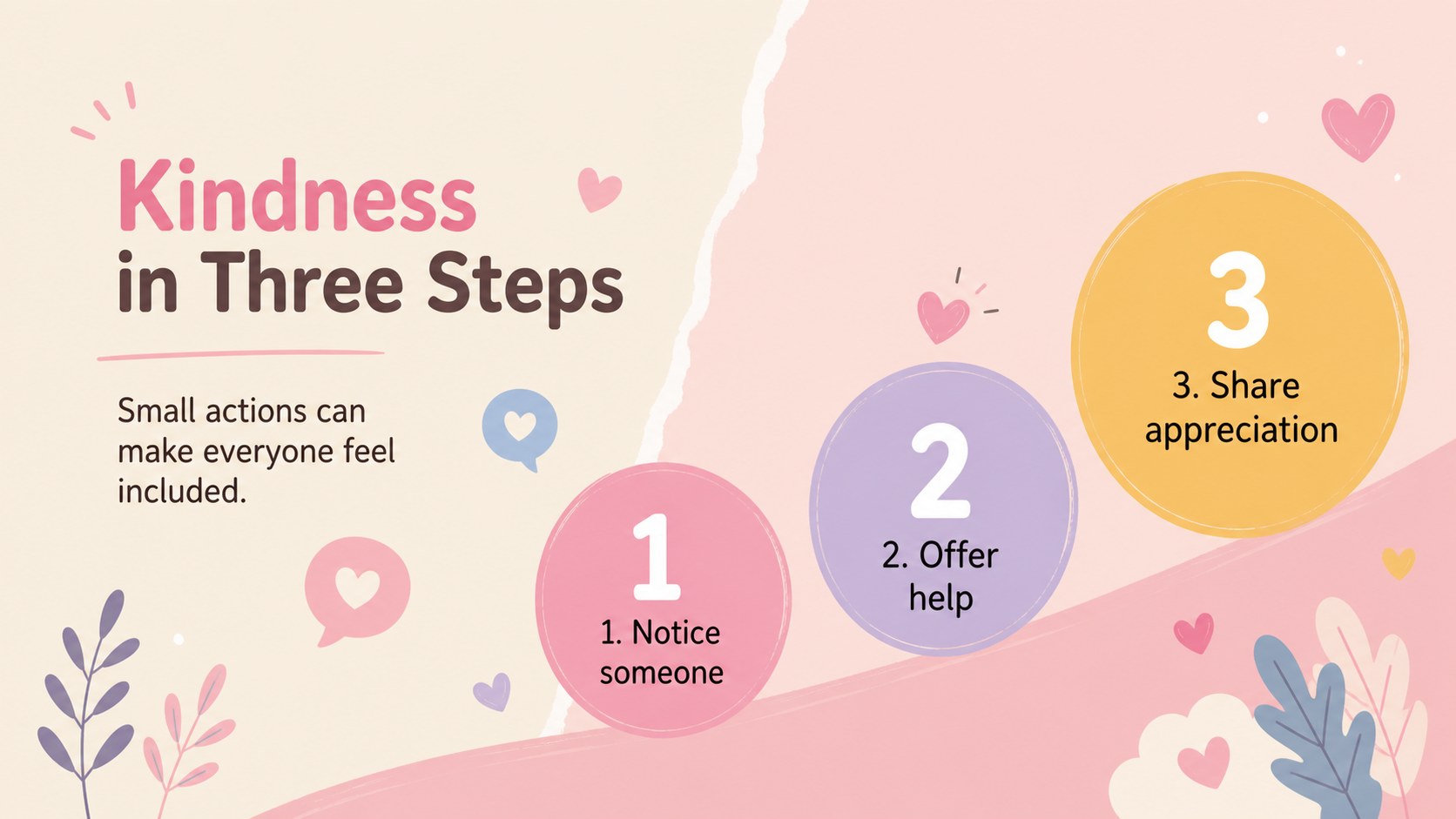
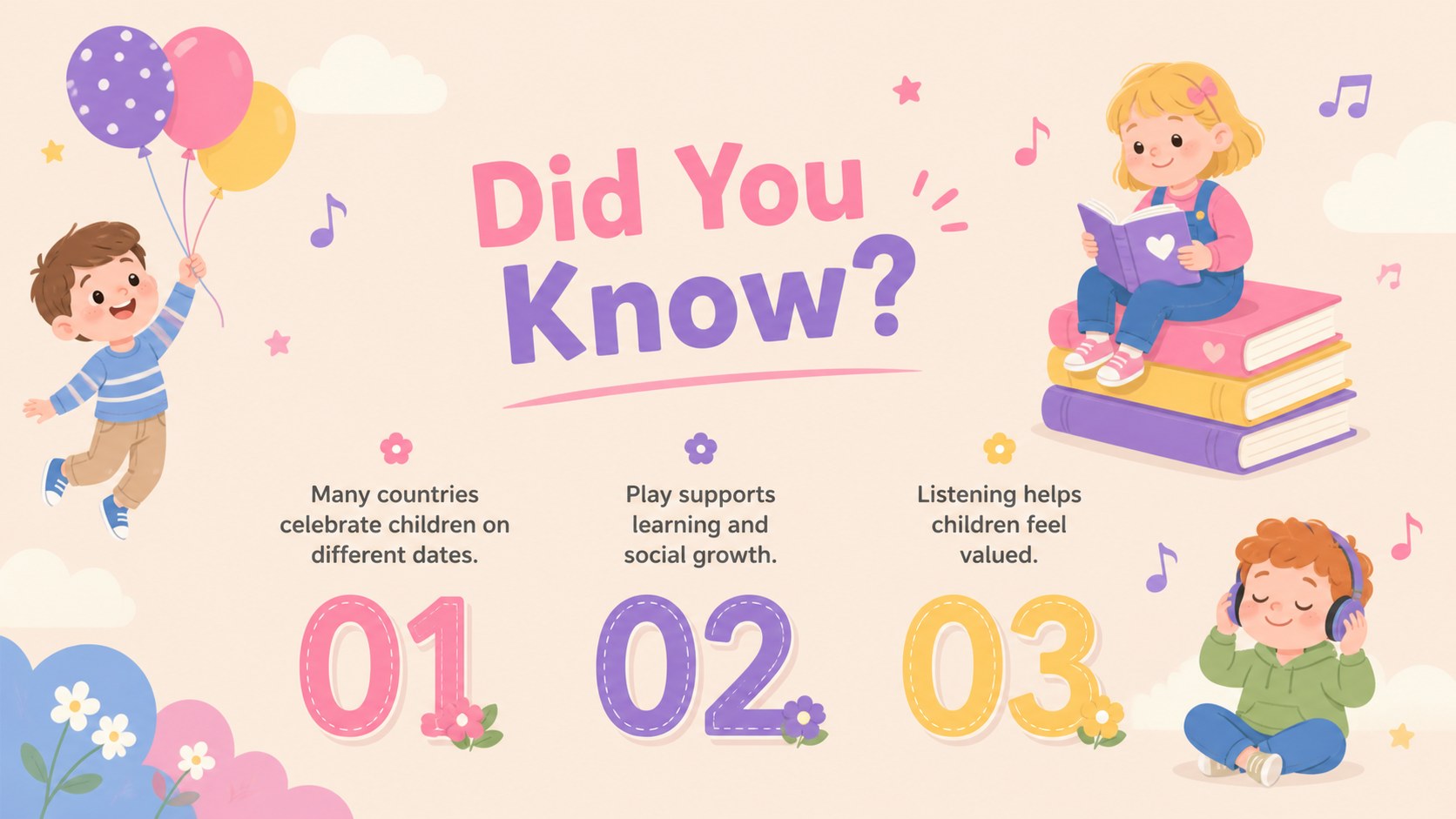
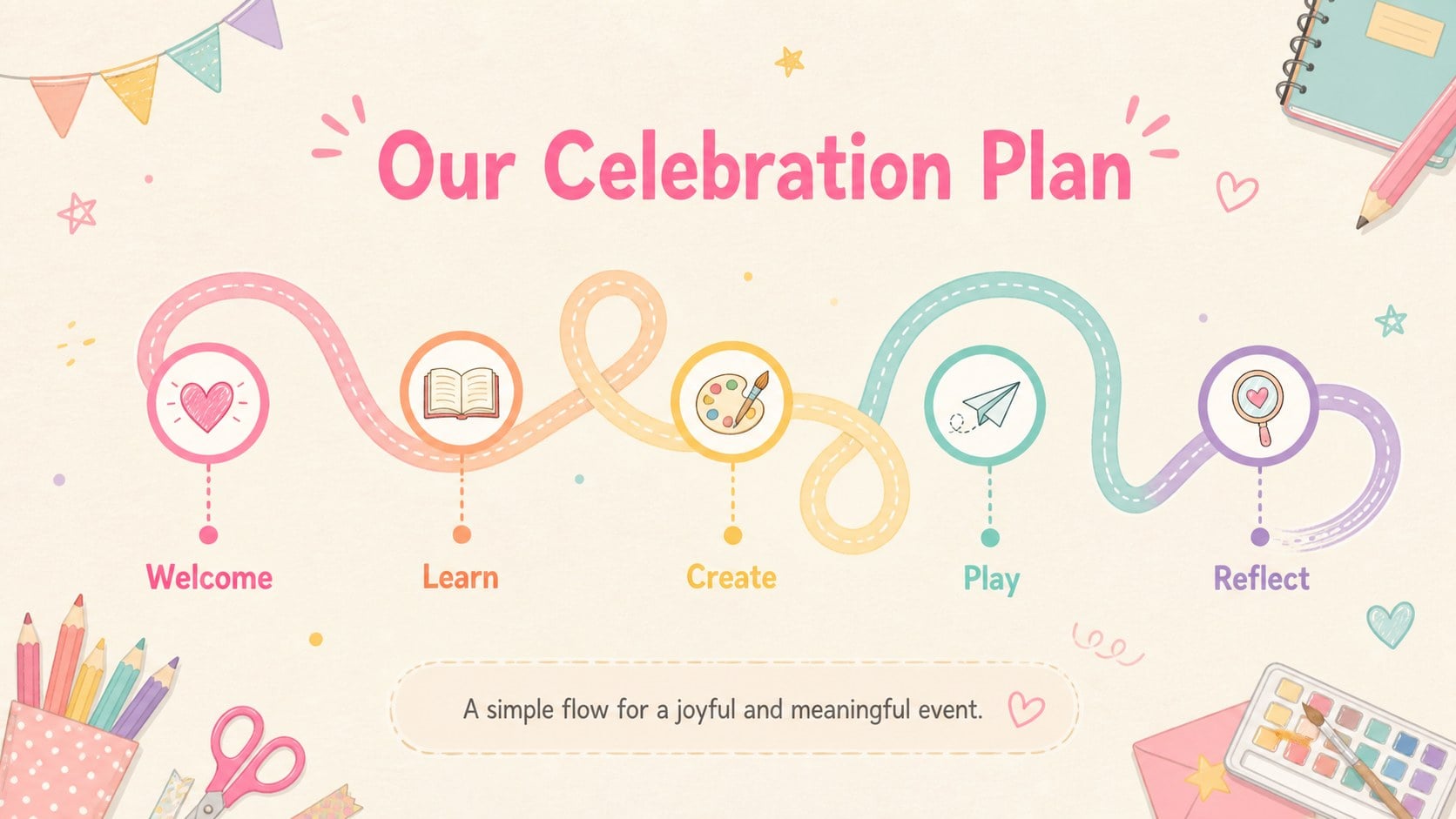
Bring warmth and energy to your event with this Children's Day celebration theme, created for sharing meaningful stories, global traditions, and playful learning moments. Soft beige backgrounds, cheerful pink accents, and original child-friendly illustrations give every slide an inviting look without distracting from your message.
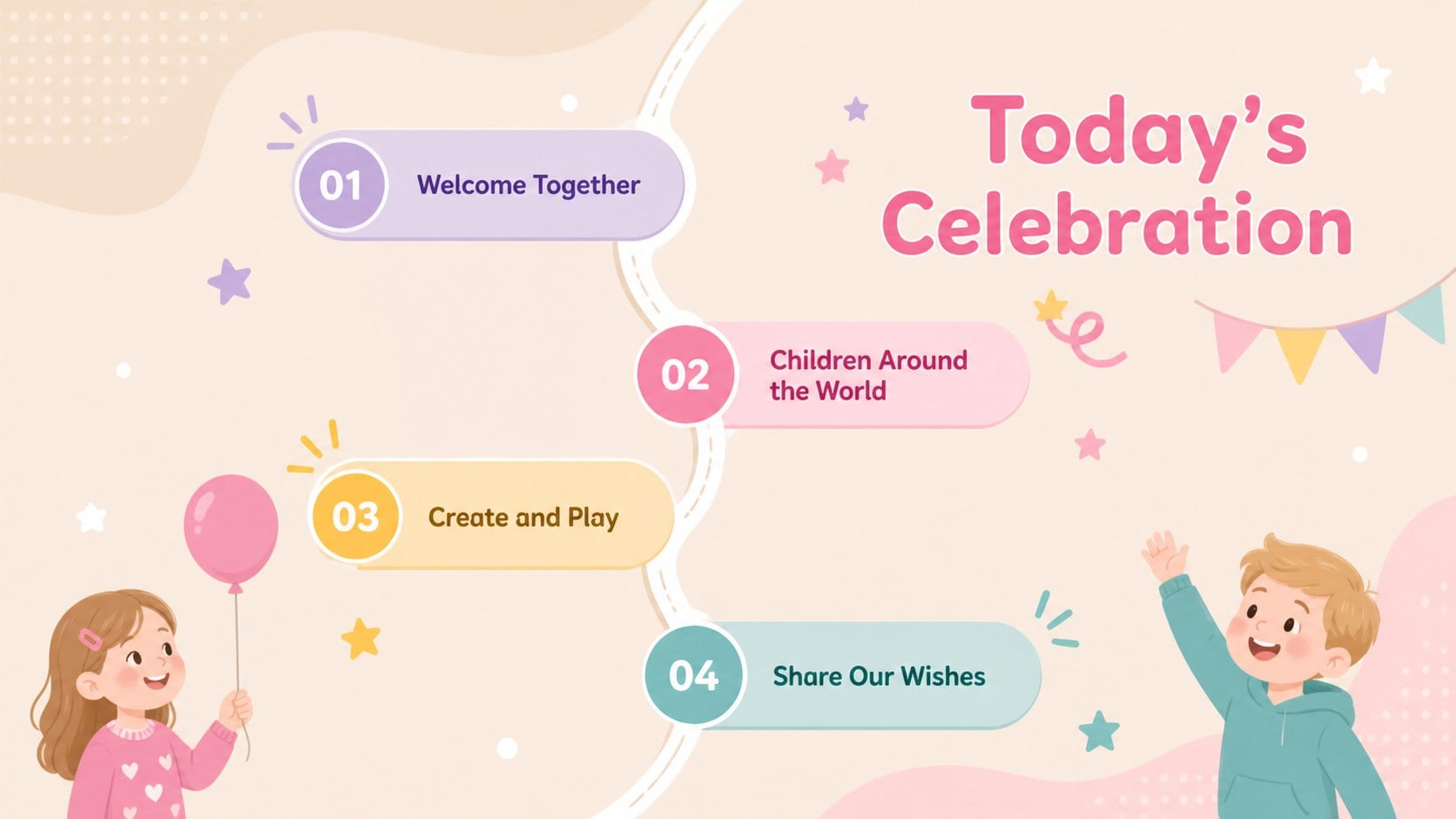
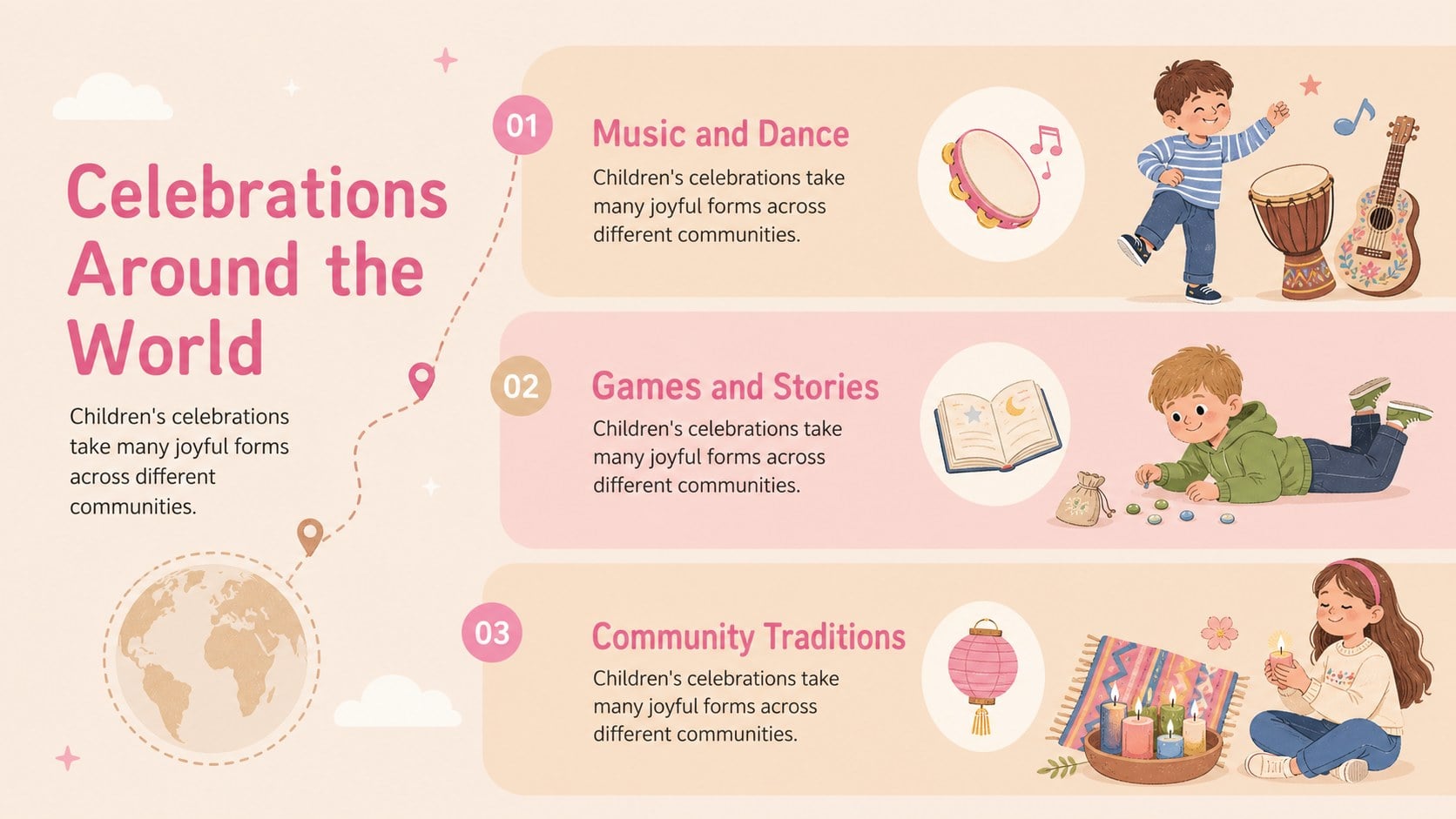
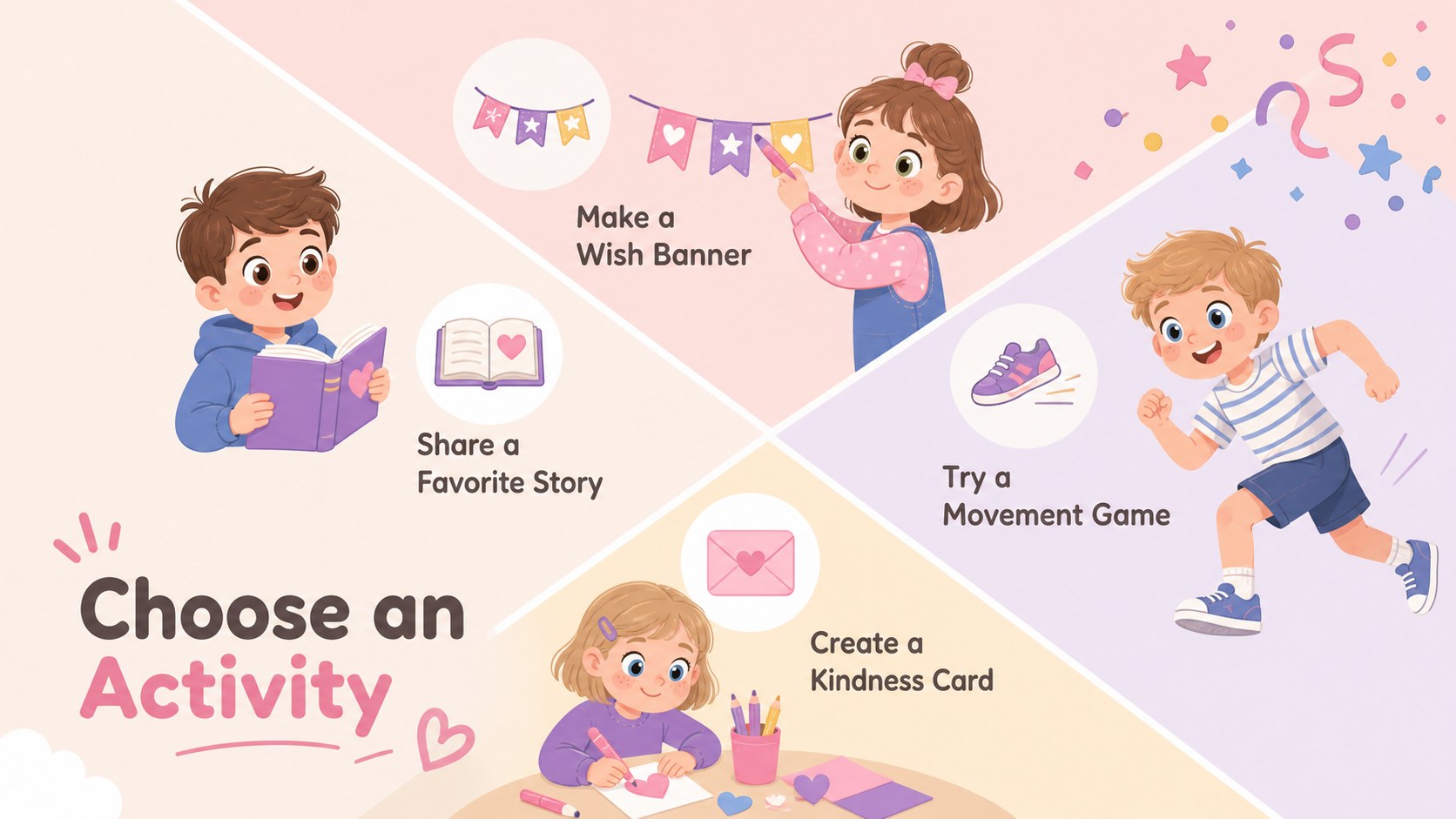
The 15-slide deck includes layouts for an opening welcome, event agenda, children's rights, traditions around the world, classroom activities, fun facts, a celebration timeline, a photo collage, discussion prompts, and a closing message. Flexible text areas and visual placeholders make it easy to build a children's day classroom presentation or an international children's day school assembly. Charts, icons, timelines, and activity layouts can be adapted to match different age groups and event formats.
Teachers can use the theme for lessons, creative projects, or morning meetings, while parents and community organizers can prepare family events and awareness programs. It also works as a kids celebration PowerPoint template for libraries, youth clubs, and nonprofit gatherings. Every element can be edited in PowerPoint or Google Slides, including colors, type, illustrations, and page order. Add local traditions, student artwork, photographs, or translated text to create a celebration that reflects your audience.
Perfect for: school assembly program; classroom culture lesson; children's rights workshop; family celebration event; community youth program.
Frequently asked questions
Can I edit this theme in PowerPoint and Google Slides? Yes. The slide text, colors, images, and layout elements can be customized in both PowerPoint and Google Slides. Use the platform's standard editing tools to add your own event details.
Practical details
Yes. The slide text, colors, images, and layout elements can be customized in both PowerPoint and Google Slides. Use the platform's standard editing tools to add your own event details.
Yes. Replace the sample wording and activities with content suited to preschool, elementary, or middle school audiences. You can also simplify layouts or add more detailed educational material.
Swap illustration placeholders for student artwork, photos, or graphics that represent your community. The beige and pink palette can also be adjusted while keeping enough contrast for clear reading.
Yes. Its layouts support country spotlights, cultural traditions, multilingual greetings, and global children's rights topics. Review all examples and terminology to ensure they fit the communities represented at your event.
Keep exploring
15Build stronger academic arguments with a college essay thesis builder featuring guided examples, revision prompts, and editable PowerPoint and Google Slides.
 15
15Build an engaging World UFO Day session with this flying saucer history lesson deck, featuring retro green-and-brown slides for PowerPoint and Google Slides.
 14
14Plan a memorable Lunar New Year campaign with the 2036 Dragon Year Celebration Theme, featuring bold red-and-yellow slides for lessons and events.
 15
15Build a thoughtful classroom discussion with this interfaith awareness lesson deck, featuring editable blue-and-white slides for PowerPoint and Google Slides.
 15
15Use this environmental awareness lesson deck to teach climate action through illustrated activities, discussion prompts, and ready-to-edit visuals.
 15
15Build playful lessons and party stories with a kid-friendly zombie celebration theme in purple, green and pastel blue for PowerPoint and Google Slides.
 15
15Build eerie lessons, campaigns, and story pitches with an undead survival scenario theme featuring editable slides for PowerPoint and Google Slides.
 16
16Turn environmental research into a clear story with a Watercolor Ecology Presentation Theme for PowerPoint and Google Slides in calming green and blue.