
 15
15presentation
College Essay Thesis Builder Slides
Build stronger academic arguments with a college essay thesis builder featuring guided examples, revision prompts, and editable PowerPoint and Google Slides.
Google SlidesPowerPoint
presentation · English
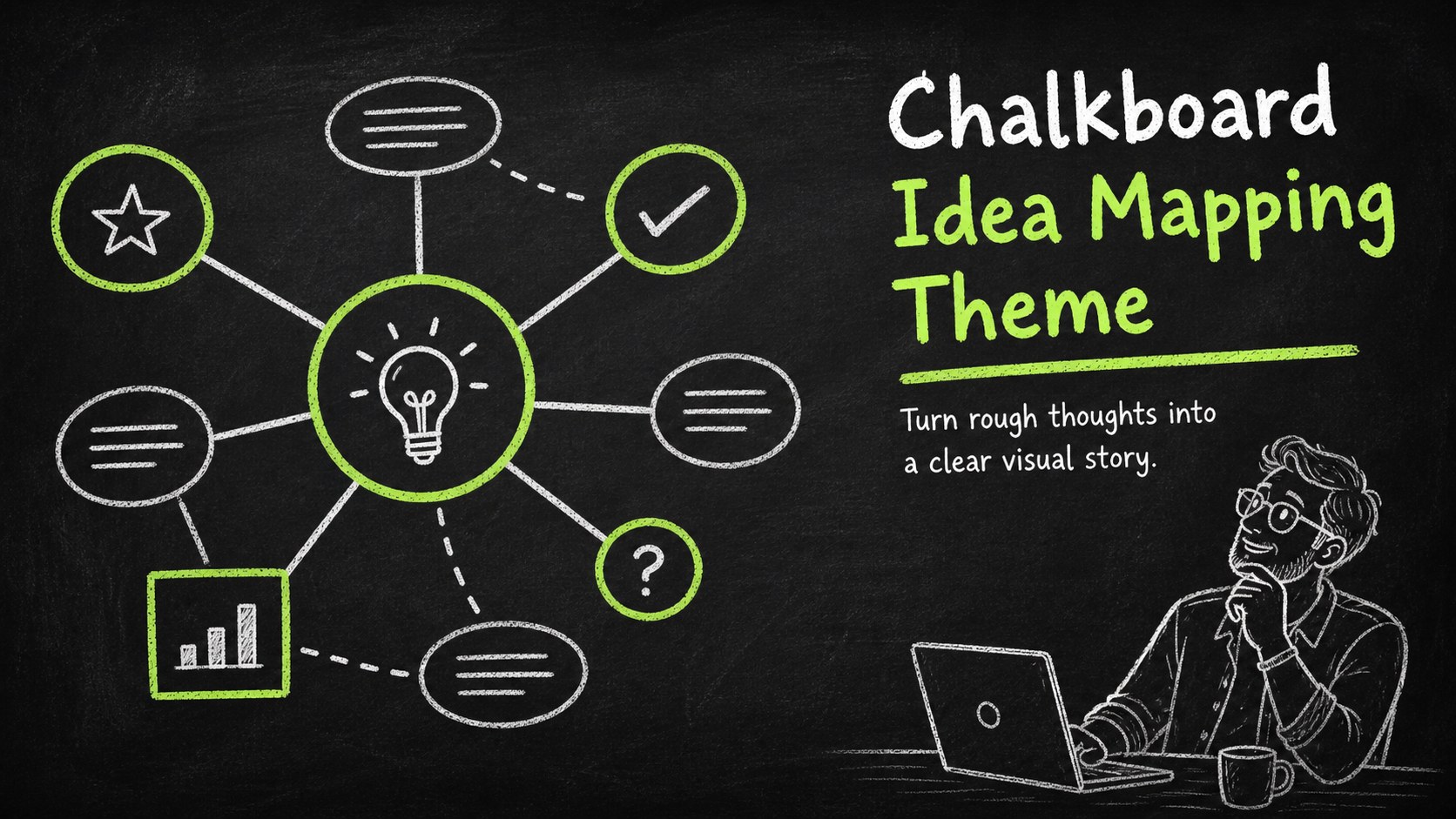
Shape classroom ideas into clear visuals with a chalkboard idea mapping theme for PowerPoint and Google Slides, featuring playful black-and-green layouts.



Design notes
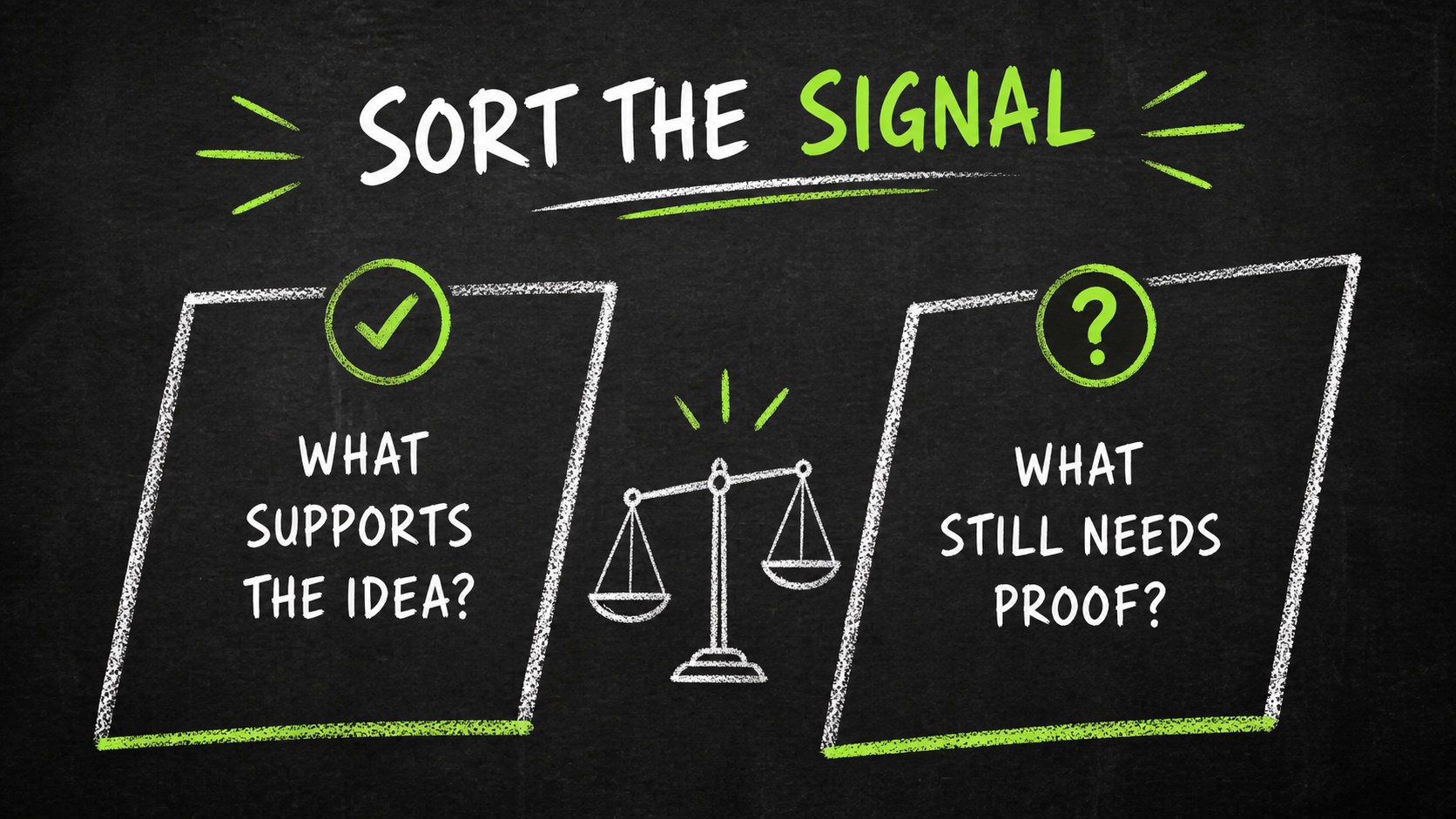
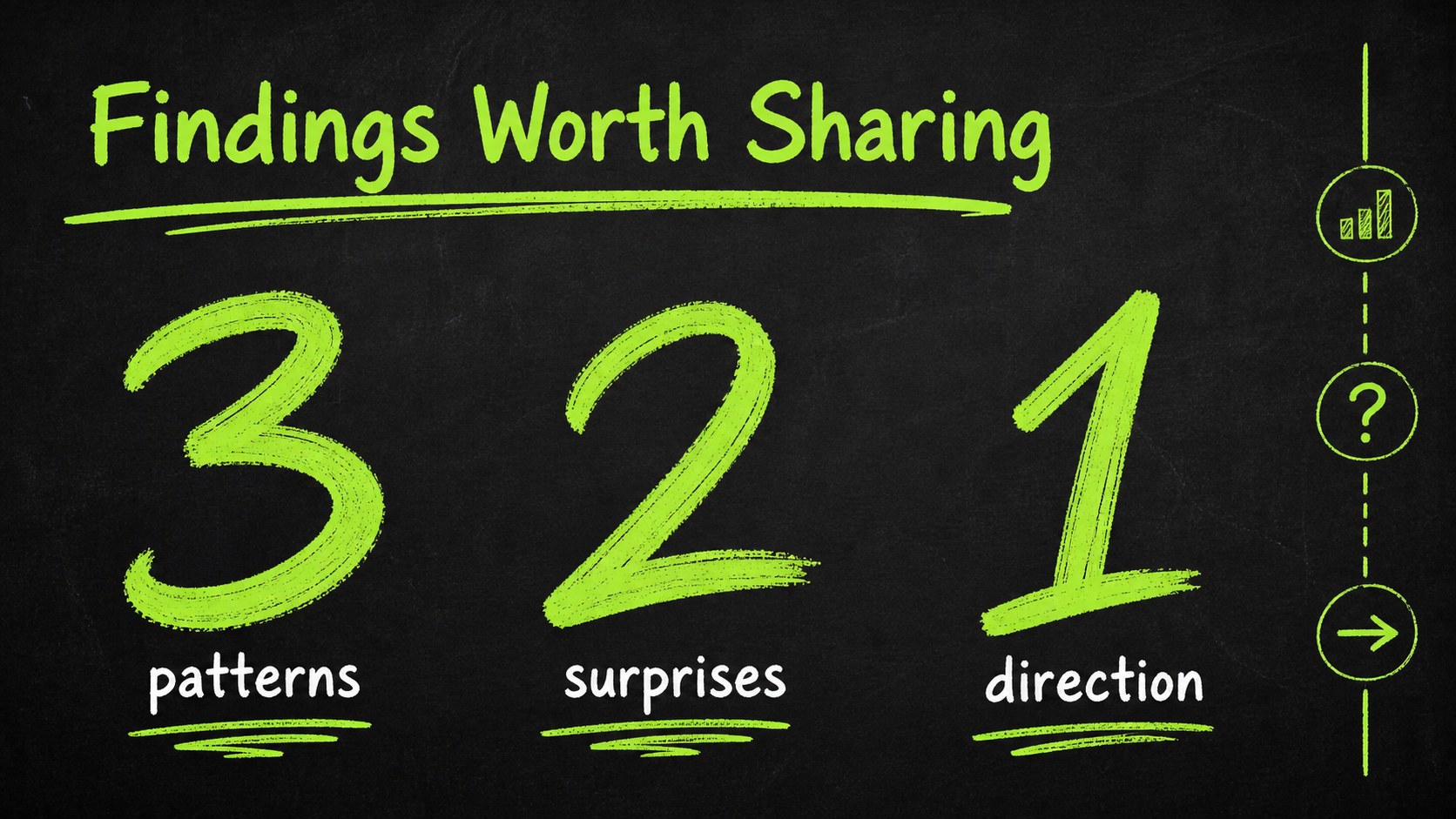
Chalkboard idea mapping theme brings the energy of a classroom blackboard into a flexible presentation system for organizing thoughts, explaining concepts, and inviting participation. Its hand-drawn visual language, dark background, bright green accents, and informal typography help educational and creative content feel approachable without losing structure.
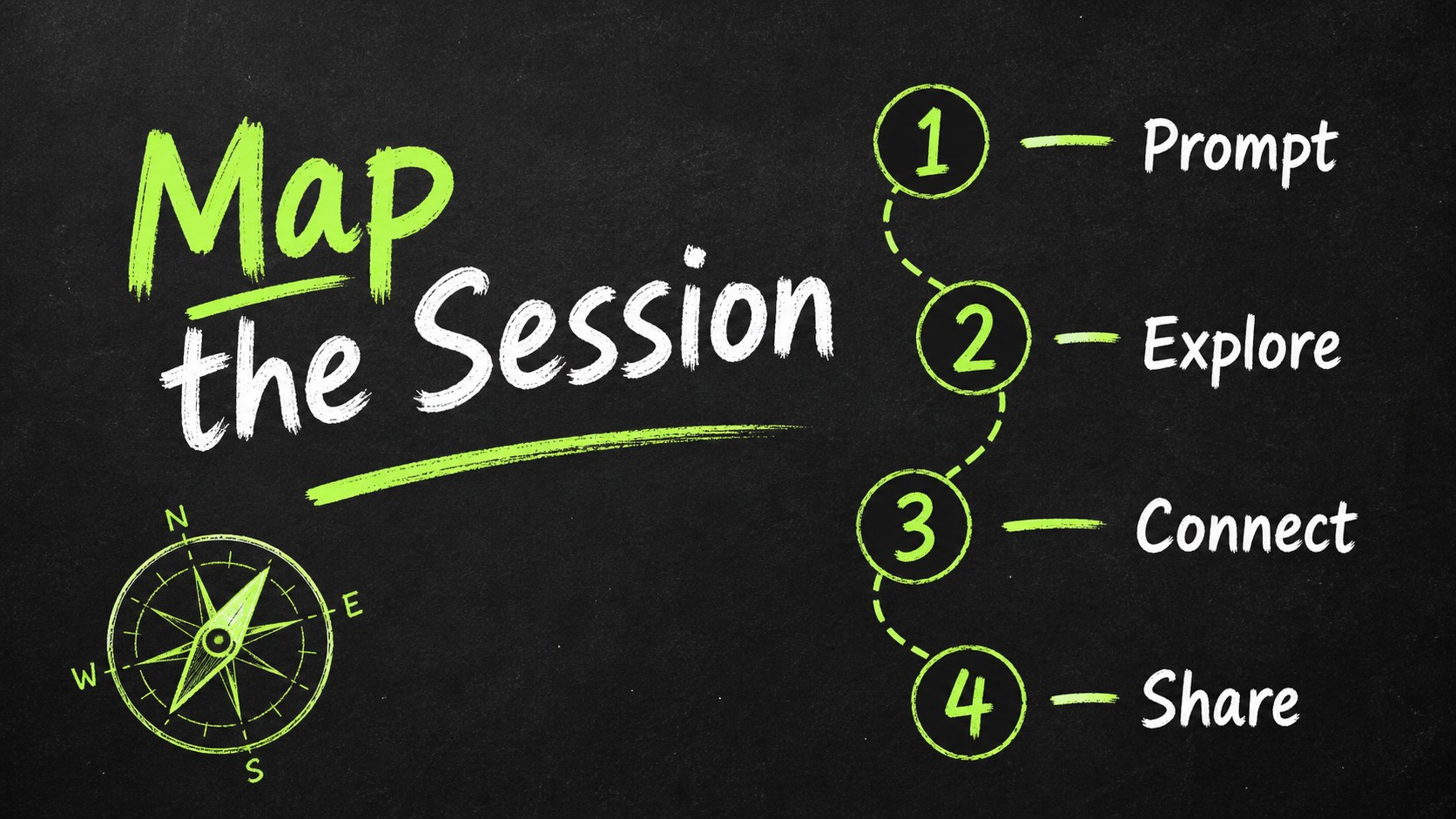
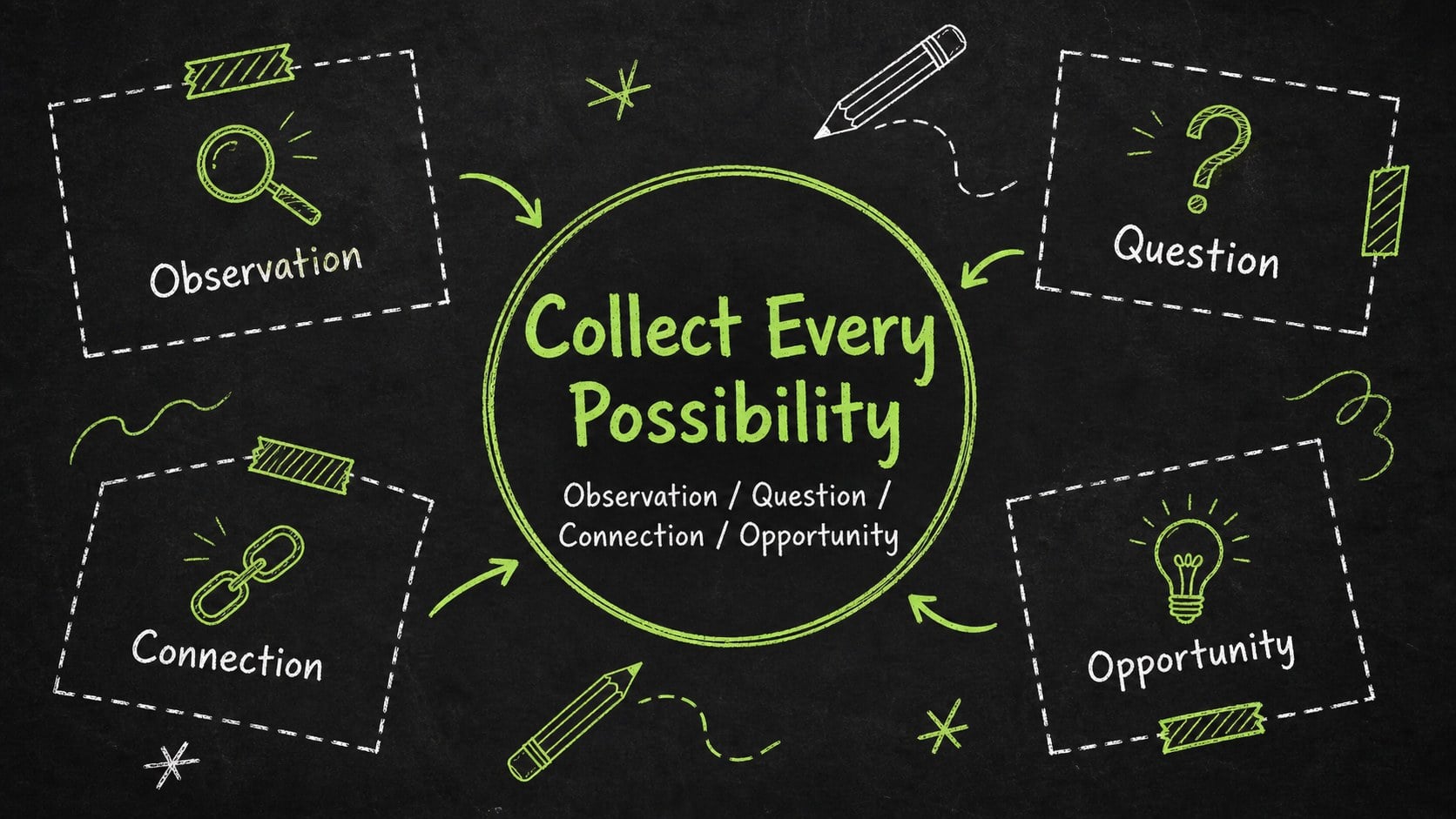
Inside, you will find 15 editable 16:9 layouts for an opening statement, session goals, brainstorming prompts, mind maps, comparison points, process steps, research summaries, data snapshots, and a final takeaway. Doodle-style lines, frames, arrows, icons, and diagram elements make it easy to connect ideas or highlight key evidence. The layouts can also support a visual thinking workshop deck, student project review, or team ideation session.
This resource is designed for teachers, students, facilitators, marketers, and creative teams who need an approachable way to present information. Replace the sample wording, adjust the green highlights, add images, or rearrange the diagrams to fit your subject. The files work with PowerPoint and Google Slides, so you can present directly, collaborate with others, or export the finished deck in a practical format.
Perfect for: classroom brainstorming lesson; student research presentation; visual thinking workshop; creative team ideation session; marketing concept development.
Frequently asked questions
Can I edit this theme in PowerPoint? Yes. The layouts are designed for PowerPoint editing, including text, diagrams, shapes, and color accents. Replace the sample content and adapt the slide sequence to your presentation.
Practical details
Yes. The layouts are designed for PowerPoint editing, including text, diagrams, shapes, and color accents. Replace the sample content and adapt the slide sequence to your presentation.
Yes, you can open and customize the presentation in Google Slides. Text, shapes, diagrams, and other editable elements can be adjusted for collaborative work.
Yes. The palette is editable, so you can replace the green highlights or modify the background treatment while keeping the chalkboard-inspired structure. Font settings and sample illustrations can also be adapted.
The deck suits brainstorming, concept mapping, classroom instruction, project reviews, and workshop facilitation. Use the diagram and comparison layouts for ideas, evidence, steps, or discussion outcomes.
Keep exploring
15Build stronger academic arguments with a college essay thesis builder featuring guided examples, revision prompts, and editable PowerPoint and Google Slides.
 15
15Build an engaging World UFO Day session with this flying saucer history lesson deck, featuring retro green-and-brown slides for PowerPoint and Google Slides.
 14
14Plan a memorable Lunar New Year campaign with the 2036 Dragon Year Celebration Theme, featuring bold red-and-yellow slides for lessons and events.
 15
15Build a thoughtful classroom discussion with this interfaith awareness lesson deck, featuring editable blue-and-white slides for PowerPoint and Google Slides.
 15
15Use this environmental awareness lesson deck to teach climate action through illustrated activities, discussion prompts, and ready-to-edit visuals.
 15
15Build playful lessons and party stories with a kid-friendly zombie celebration theme in purple, green and pastel blue for PowerPoint and Google Slides.
 15
15Build eerie lessons, campaigns, and story pitches with an undead survival scenario theme featuring editable slides for PowerPoint and Google Slides.
 16
16Turn environmental research into a clear story with a Watercolor Ecology Presentation Theme for PowerPoint and Google Slides in calming green and blue.