
 15
15presentation
College Essay Thesis Builder Slides
Build stronger academic arguments with a college essay thesis builder featuring guided examples, revision prompts, and editable PowerPoint and Google Slides.
Google SlidesPowerPoint
presentation · English
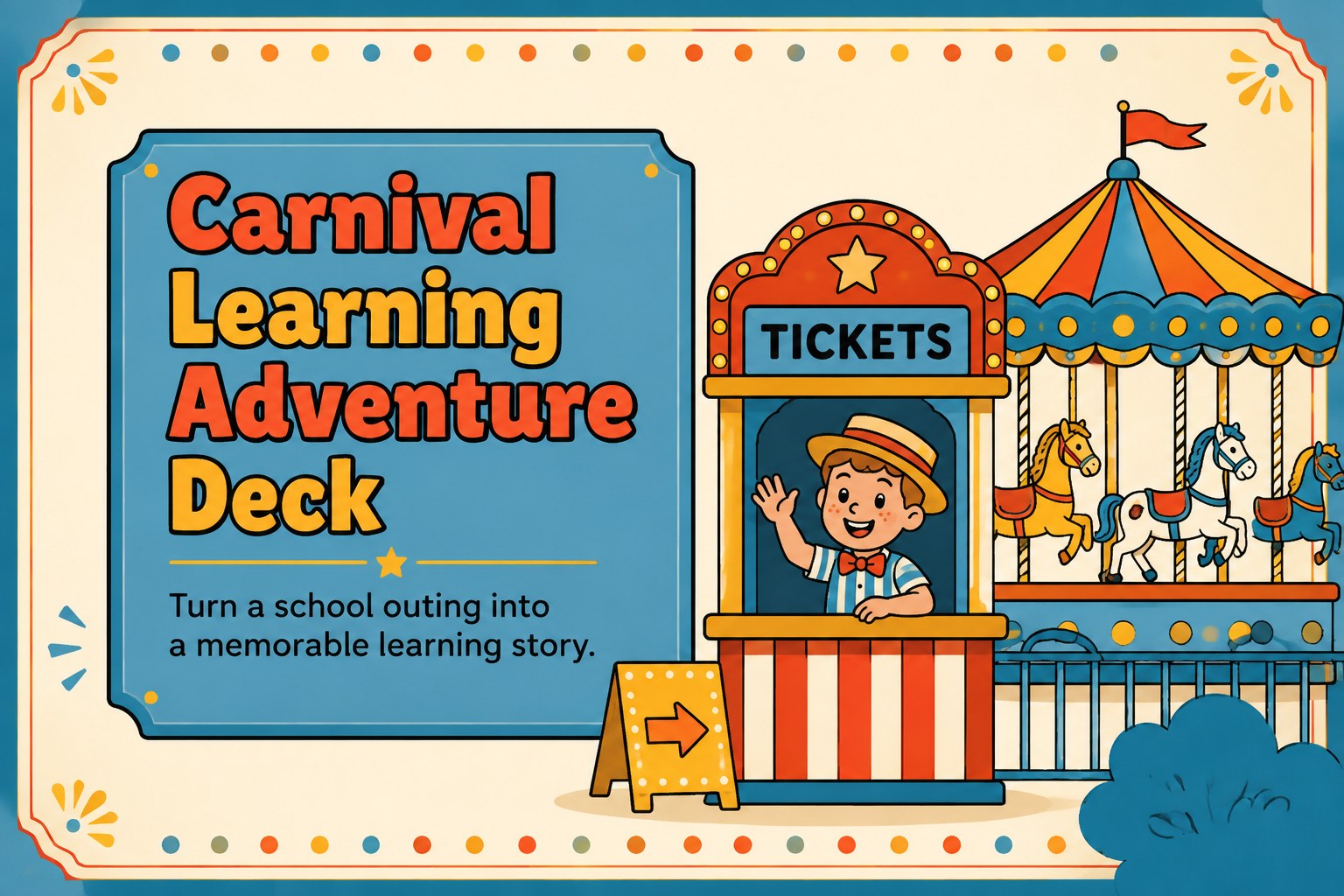
Build an engaging carnival learning adventure deck for school outings, with playful blue visuals, activity prompts, schedules, and editable PPT slides.

Design notes
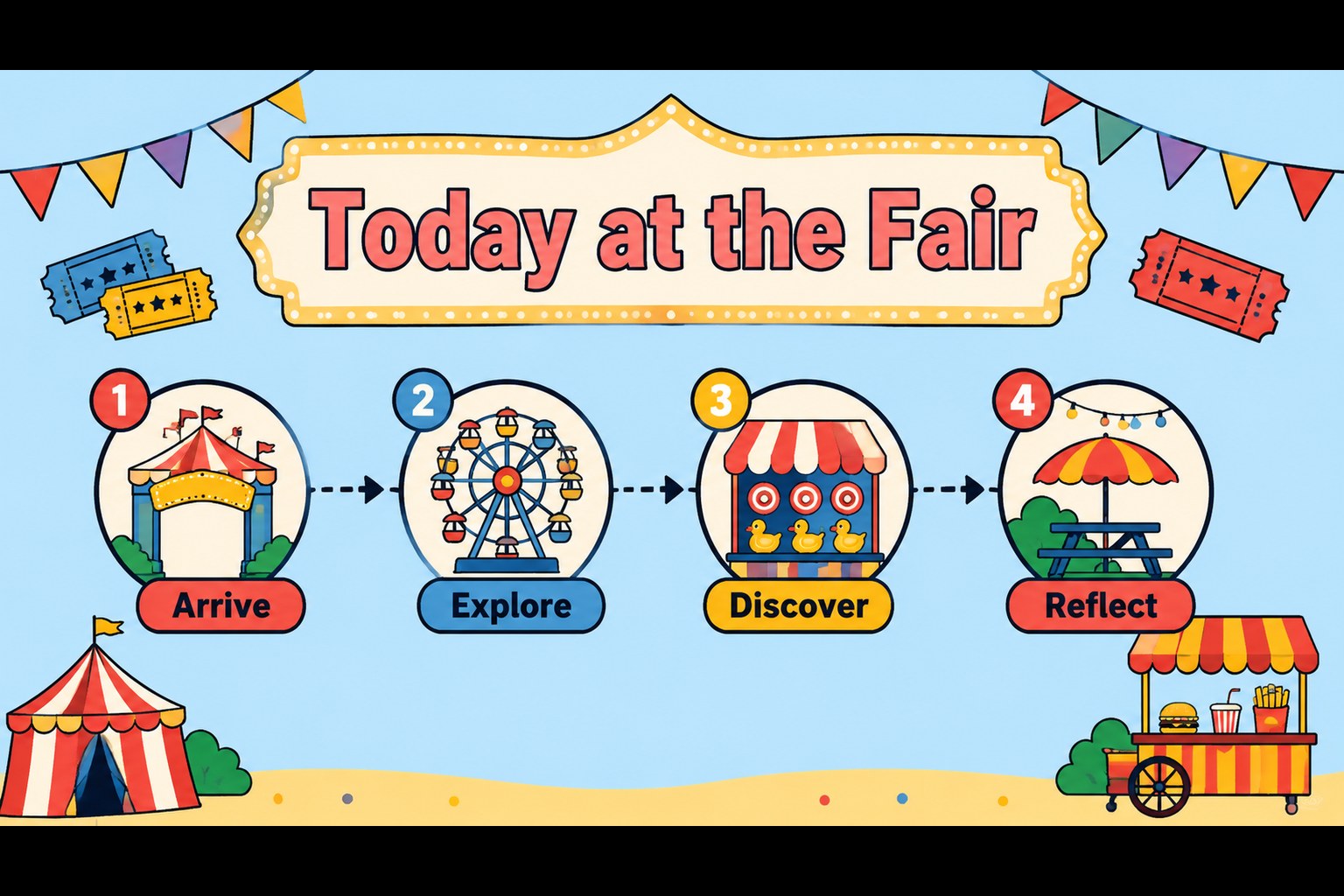
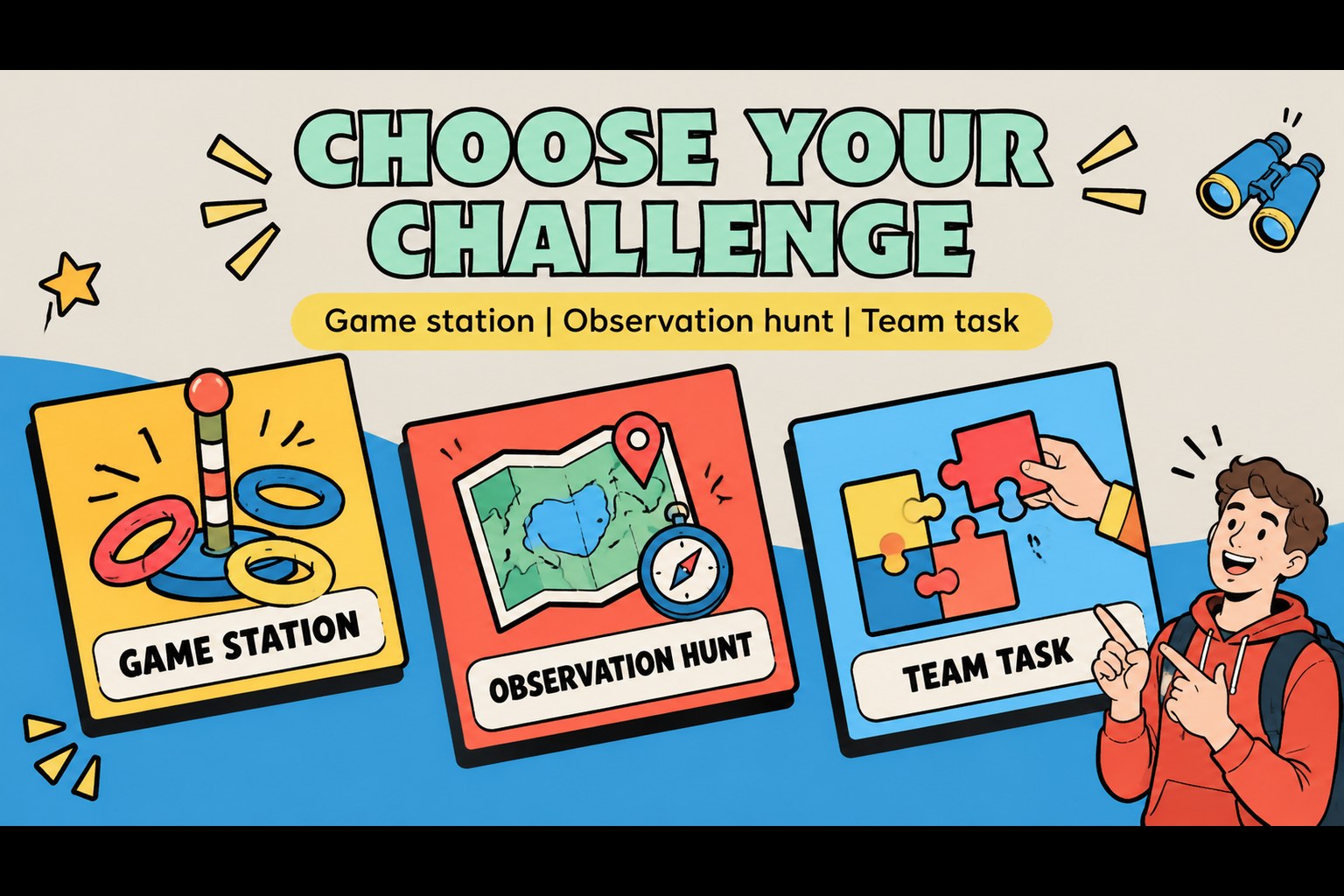
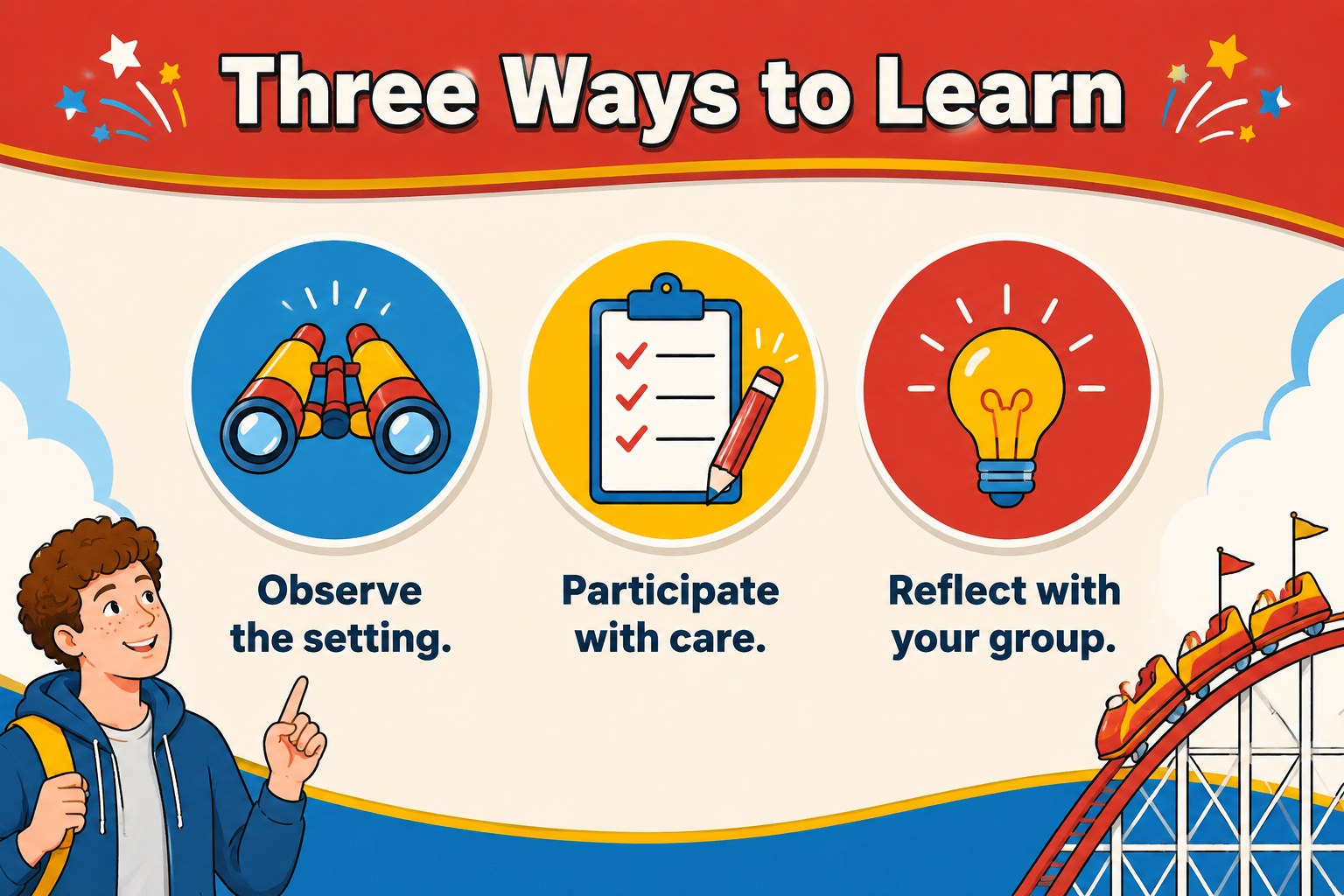
Make every school outing easier to explain and more exciting to follow with this carnival learning adventure deck. Designed in a cheerful blue-led palette with yellow and red accents, the template combines cute retro illustration, clear layouts, and energetic visual details for an educational experience that feels memorable without becoming distracting. Use it to introduce the destination, organize the day, and connect carnival activities with classroom learning.
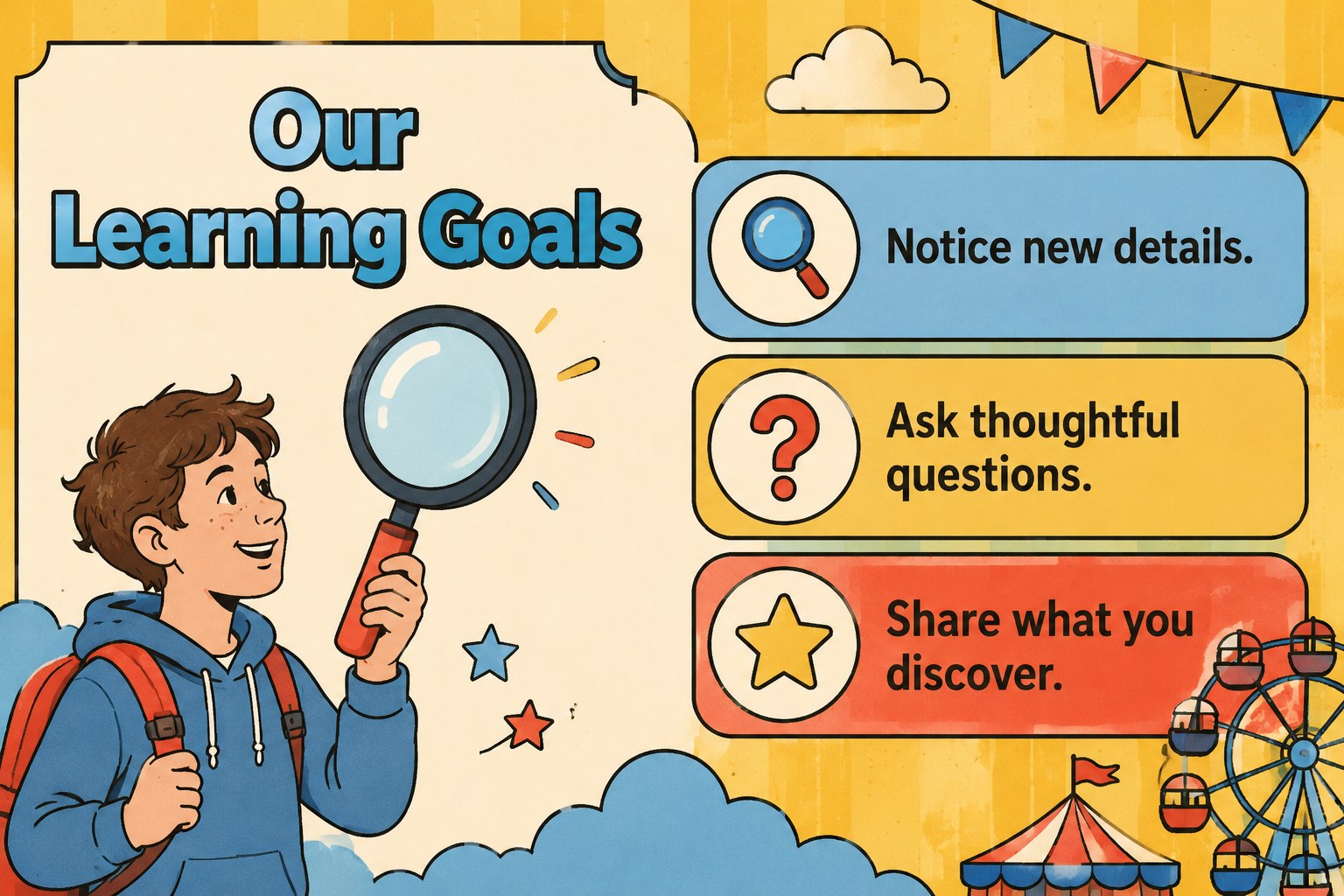
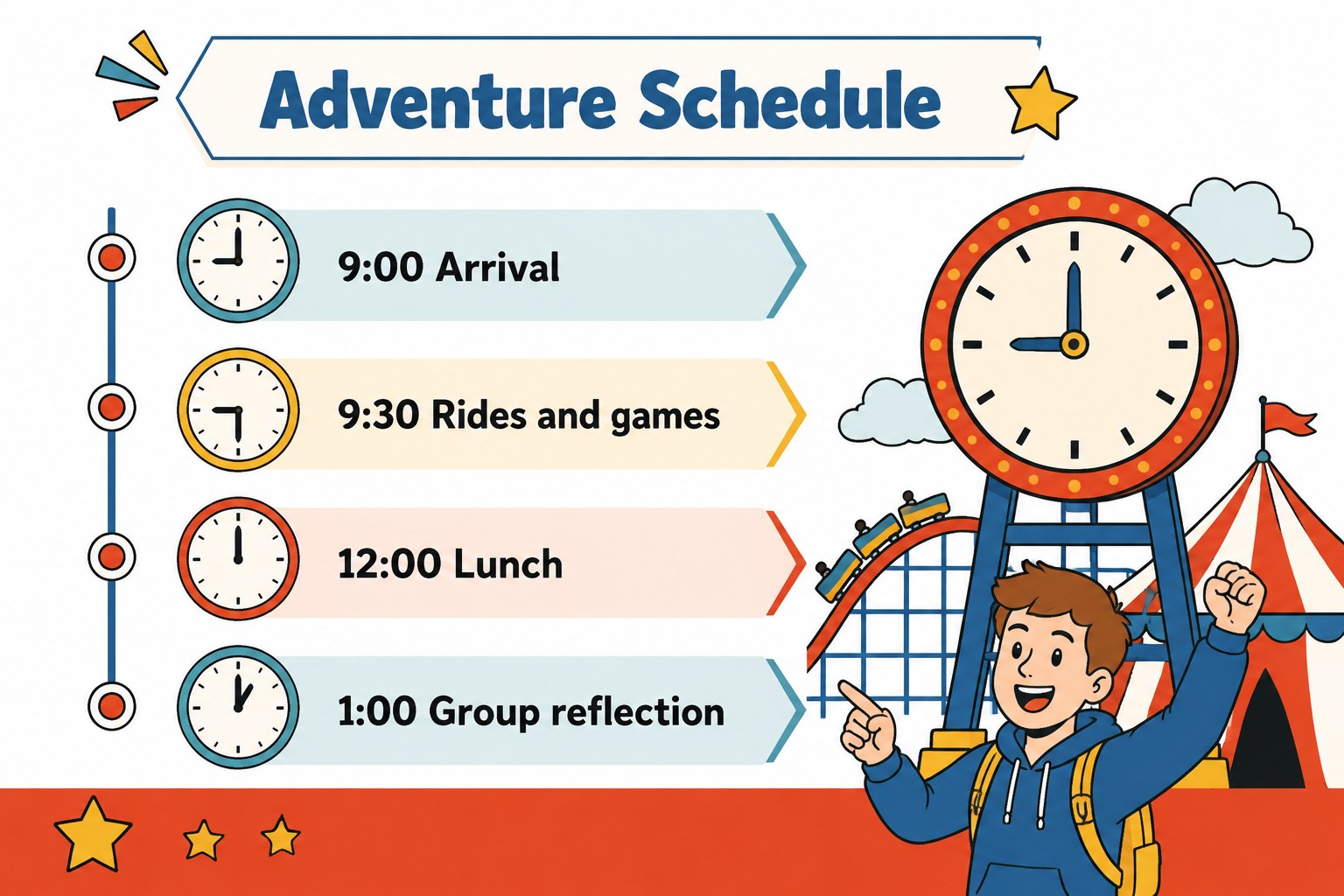
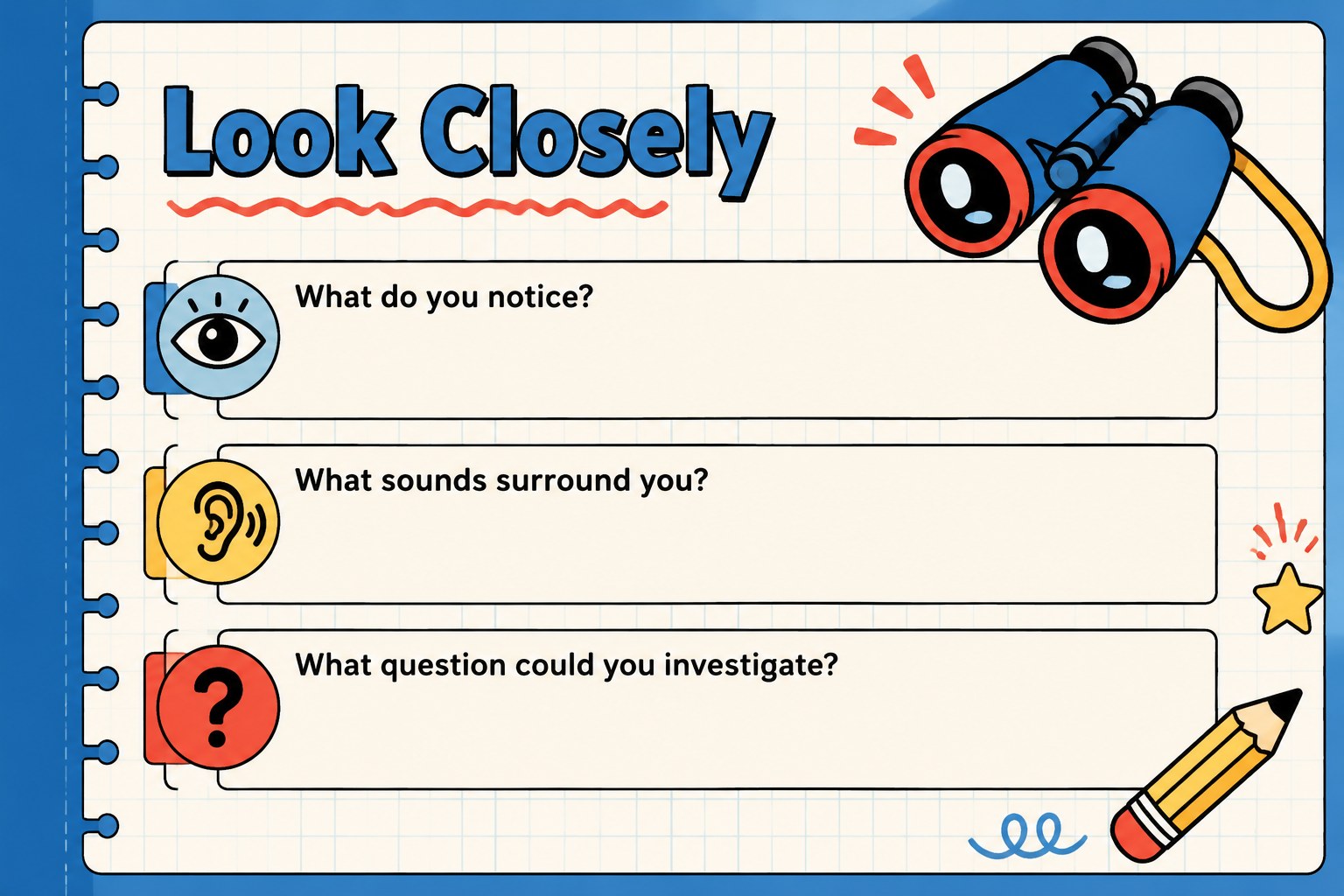
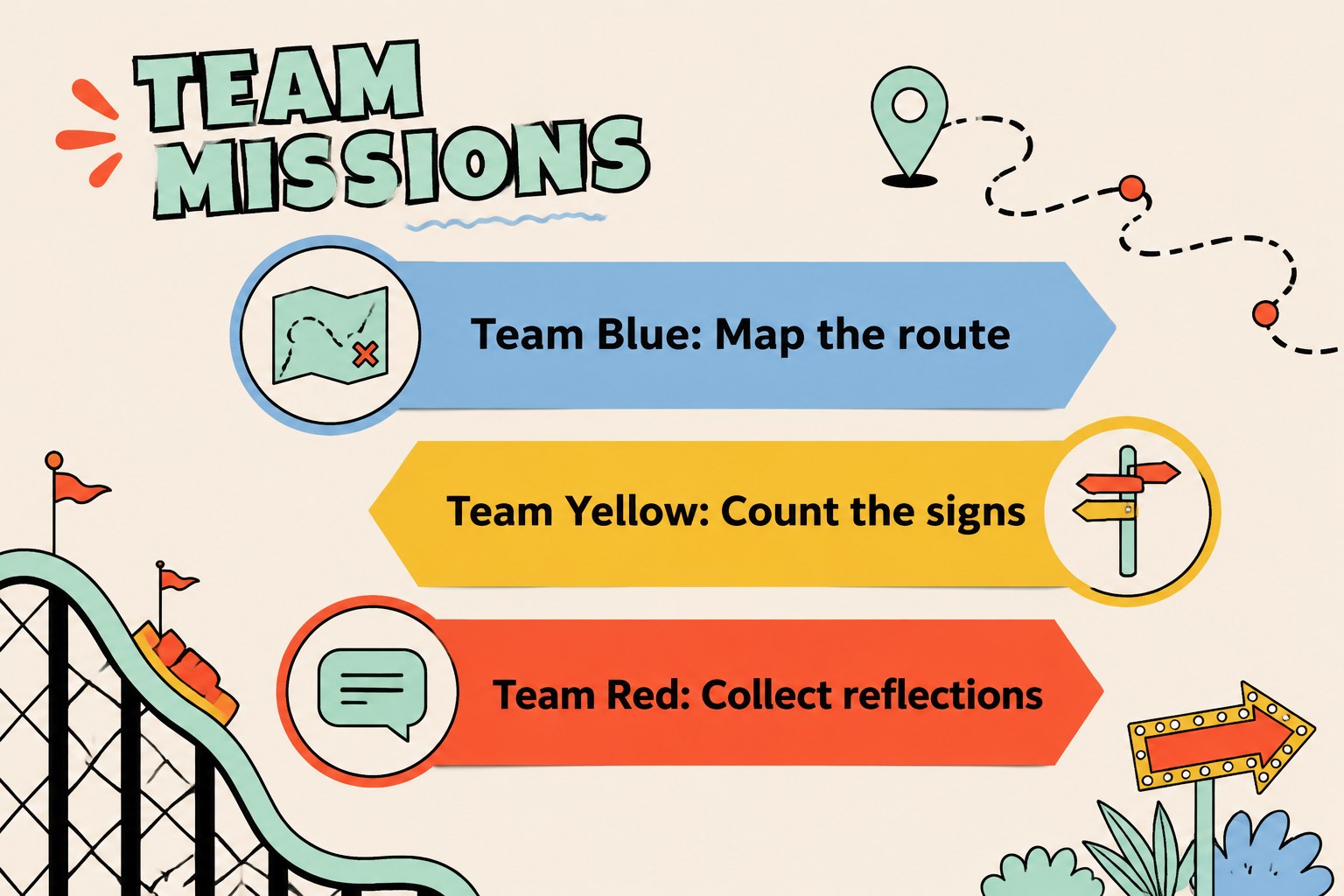
Inside, you will find more than 25 editable layouts for an itinerary, learning goals, safety reminders, activity stations, observation prompts, group assignments, reflection questions, photo moments, and a final recap. The deck works well as an elementary school field trip slides presentation, a carnival themed classroom presentation, or an educational outing itinerary template. Add your own timings, notes, illustrations, charts, and images in PowerPoint or Google Slides, then adjust the text and colors to suit your school or organization.
This resource is made for teachers, school coordinators, tour leaders, and youth program teams preparing students for a fair, museum visit, community event, or outdoor learning day. Its friendly retro style helps turn practical information into a story students can understand and remember.
Perfect for: elementary school fair briefing; student field trip itinerary; carnival activity station guide; museum or community outing recap; classroom event planning.
Frequently asked questions
Can I edit this template in PowerPoint and Google Slides? Yes. The presentation is designed for both PowerPoint and Google Slides. You can change the wording, images, colors, layouts, and activity details in either platform.
Practical details
Yes. The presentation is designed for both PowerPoint and Google Slides. You can change the wording, images, colors, layouts, and activity details in either platform.
Yes. The bright retro illustrations and straightforward layouts work well for elementary classrooms and youth programs. Teachers can simplify the text or add age-specific prompts for different groups.
You can replace the sample itinerary with arrival times, activity stations, breaks, transportation details, and meeting points. Duplicate or remove layouts as needed to match the length of your outing.
The layouts can organize games, observation tasks, group challenges, safety instructions, and reflection exercises. They can be adapted for a carnival, fair, museum, community visit, or outdoor lesson.
Keep exploring
15Build stronger academic arguments with a college essay thesis builder featuring guided examples, revision prompts, and editable PowerPoint and Google Slides.
 15
15Build an engaging World UFO Day session with this flying saucer history lesson deck, featuring retro green-and-brown slides for PowerPoint and Google Slides.
 14
14Plan a memorable Lunar New Year campaign with the 2036 Dragon Year Celebration Theme, featuring bold red-and-yellow slides for lessons and events.
 15
15Build a thoughtful classroom discussion with this interfaith awareness lesson deck, featuring editable blue-and-white slides for PowerPoint and Google Slides.
 15
15Use this environmental awareness lesson deck to teach climate action through illustrated activities, discussion prompts, and ready-to-edit visuals.
 15
15Build playful lessons and party stories with a kid-friendly zombie celebration theme in purple, green and pastel blue for PowerPoint and Google Slides.
 15
15Build eerie lessons, campaigns, and story pitches with an undead survival scenario theme featuring editable slides for PowerPoint and Google Slides.
 16
16Turn environmental research into a clear story with a Watercolor Ecology Presentation Theme for PowerPoint and Google Slides in calming green and blue.