
 15
15presentation
College Essay Thesis Builder Slides
Build stronger academic arguments with a college essay thesis builder featuring guided examples, revision prompts, and editable PowerPoint and Google Slides.
Google SlidesPowerPoint
presentation · English
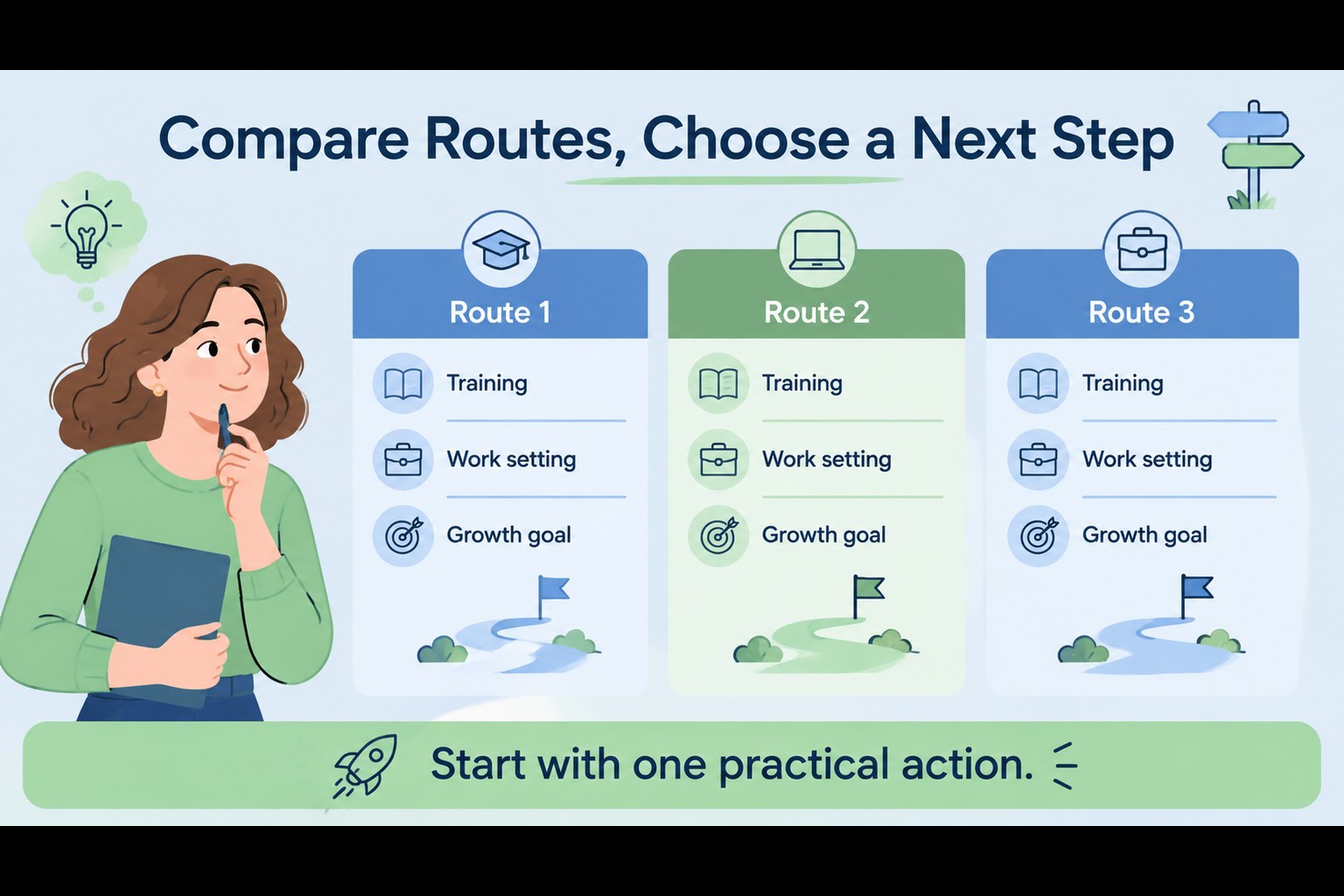
Map career options with a blue and green career path navigator slides template for PowerPoint and Google Slides, built for clear workshops and planning.


Design notes
Career path navigator slides help audiences turn uncertain choices into a structured visual journey. This illustrated presentation template uses a calm blue and green palette, clean typography, and simple route-based graphics to make career options easier to compare and discuss. Use it for guidance sessions, professional development conversations, classroom activities, or team workshops where participants need to identify goals and possible next steps.
Inside, you’ll find three customizable A4 infographic layouts adapted for a 16:9 presentation workflow. Build a career planning presentation with branching choices, milestone markers, labels, icons, and supporting notes. The layouts can also serve as career decision infographic pages for comparing interests, skills, training routes, and work environments. Edit colors, text, shapes, charts, and illustrations in PowerPoint or Google Slides, then present, print, or share the finished material in the format your audience needs.
This resource is suited to educators, career counselors, HR teams, coaches, and professionals planning a change. Use the included visual structure to guide one-to-one discussions, explain progression routes, or help learners reflect on realistic options. The flexible design keeps complex decisions approachable while leaving enough room for your own examples, questions, and recommendations.
Perfect for: student career guidance session; professional development workshop; employee growth discussion; career counseling presentation; skills planning classroom activity.
Frequently asked questions
Can I edit these slides in PowerPoint? Yes. The layouts are designed for PowerPoint editing, including text, colors, shapes, icons, and diagrams. Replace the sample labels with your own career routes and recommendations.
Practical details
Yes. The layouts are designed for PowerPoint editing, including text, colors, shapes, icons, and diagrams. Replace the sample labels with your own career routes and recommendations.
Yes, you can open and customize the presentation in Google Slides. Check fonts and spacing after import, then adjust any elements that shift during conversion.
Absolutely. Change the decision points to match a student activity, employee development plan, or counseling framework. The blue and green palette can remain intact while the examples and labels are tailored to your audience.
Use short questions, clear alternatives, milestones, and action steps. Longer explanations can be placed in speaker notes or added as supporting text beside the main route.
Keep exploring
15Build stronger academic arguments with a college essay thesis builder featuring guided examples, revision prompts, and editable PowerPoint and Google Slides.
 15
15Build an engaging World UFO Day session with this flying saucer history lesson deck, featuring retro green-and-brown slides for PowerPoint and Google Slides.
 14
14Plan a memorable Lunar New Year campaign with the 2036 Dragon Year Celebration Theme, featuring bold red-and-yellow slides for lessons and events.
 15
15Build a thoughtful classroom discussion with this interfaith awareness lesson deck, featuring editable blue-and-white slides for PowerPoint and Google Slides.
 15
15Use this environmental awareness lesson deck to teach climate action through illustrated activities, discussion prompts, and ready-to-edit visuals.
 15
15Build playful lessons and party stories with a kid-friendly zombie celebration theme in purple, green and pastel blue for PowerPoint and Google Slides.
 15
15Build eerie lessons, campaigns, and story pitches with an undead survival scenario theme featuring editable slides for PowerPoint and Google Slides.
 16
16Turn environmental research into a clear story with a Watercolor Ecology Presentation Theme for PowerPoint and Google Slides in calming green and blue.