
 15
15presentation
College Essay Thesis Builder Slides
Build stronger academic arguments with a college essay thesis builder featuring guided examples, revision prompts, and editable PowerPoint and Google Slides.
Google SlidesPowerPoint
presentation · English
Explain major diagnoses clearly with a cardiovascular conditions teaching deck featuring warm beige illustrations for PowerPoint and Google Slides.


Design notes
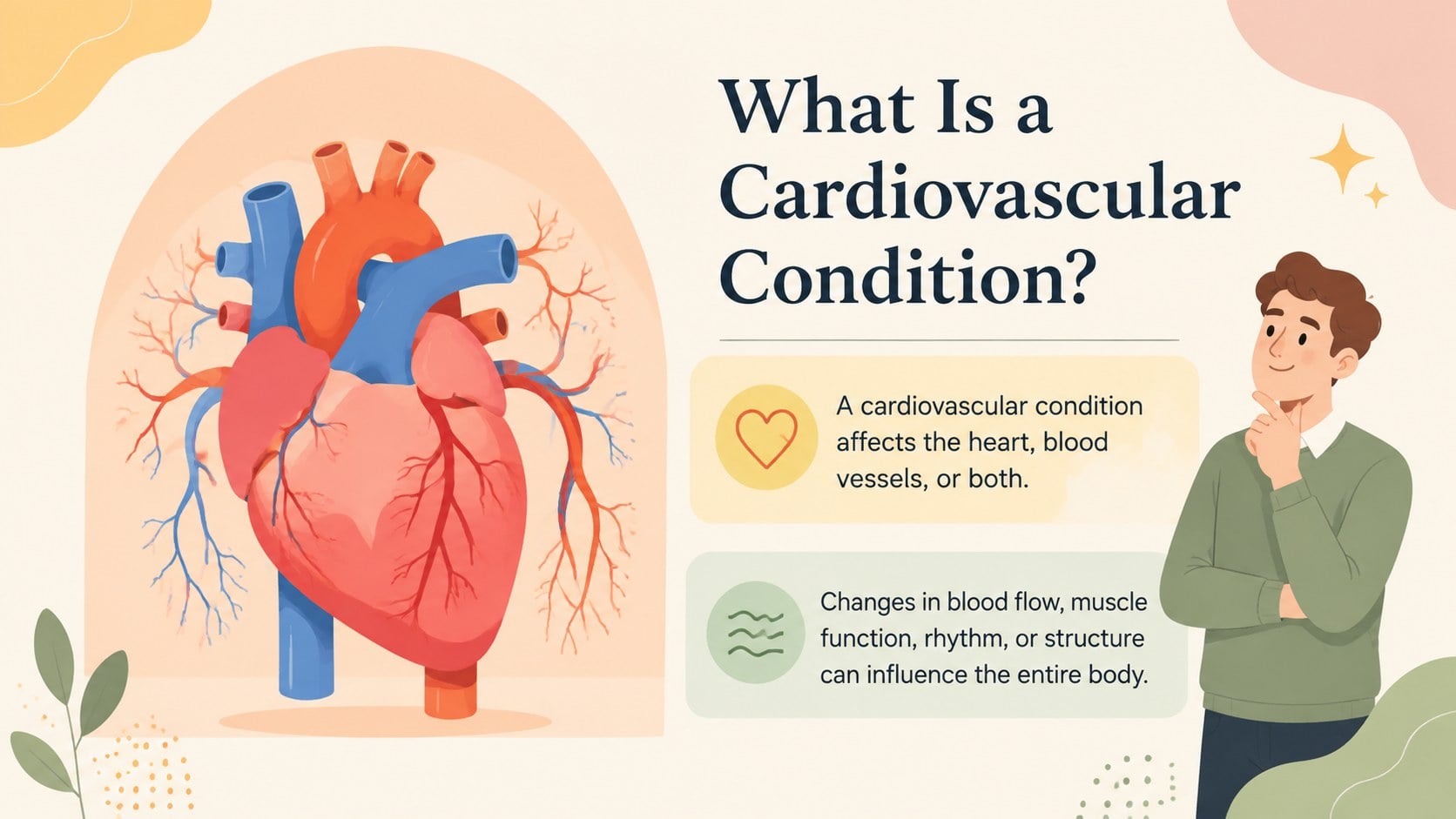
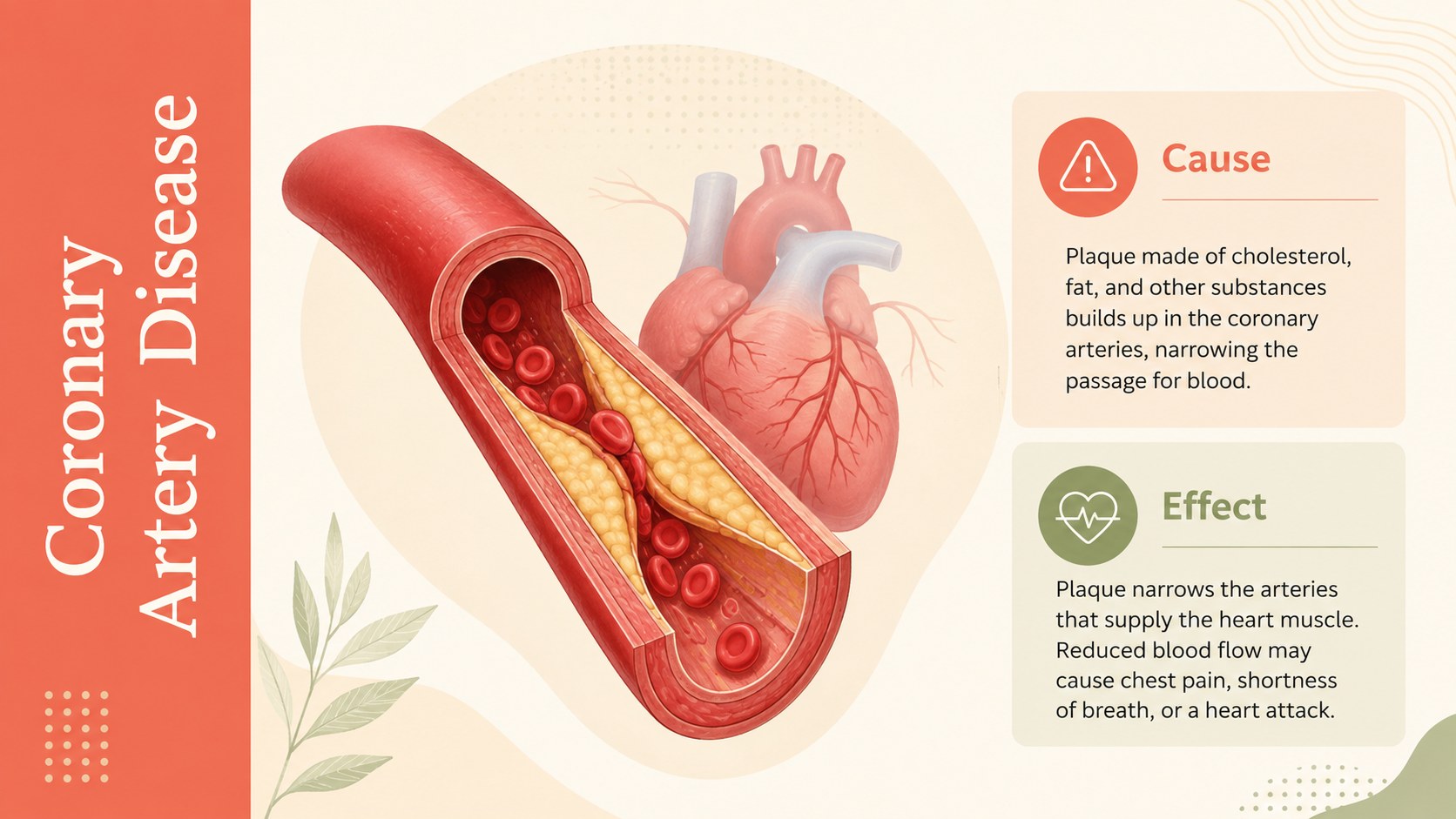
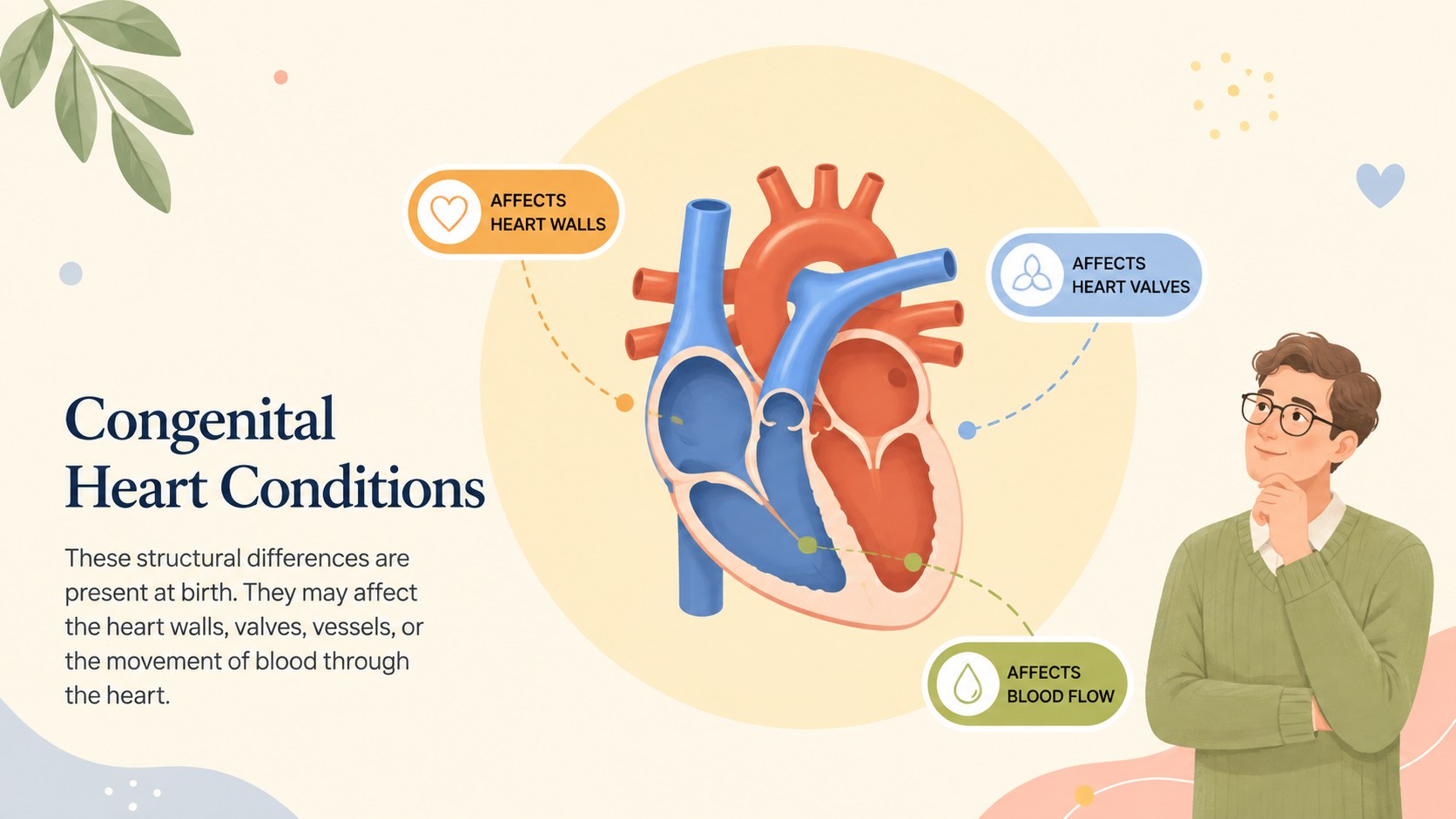
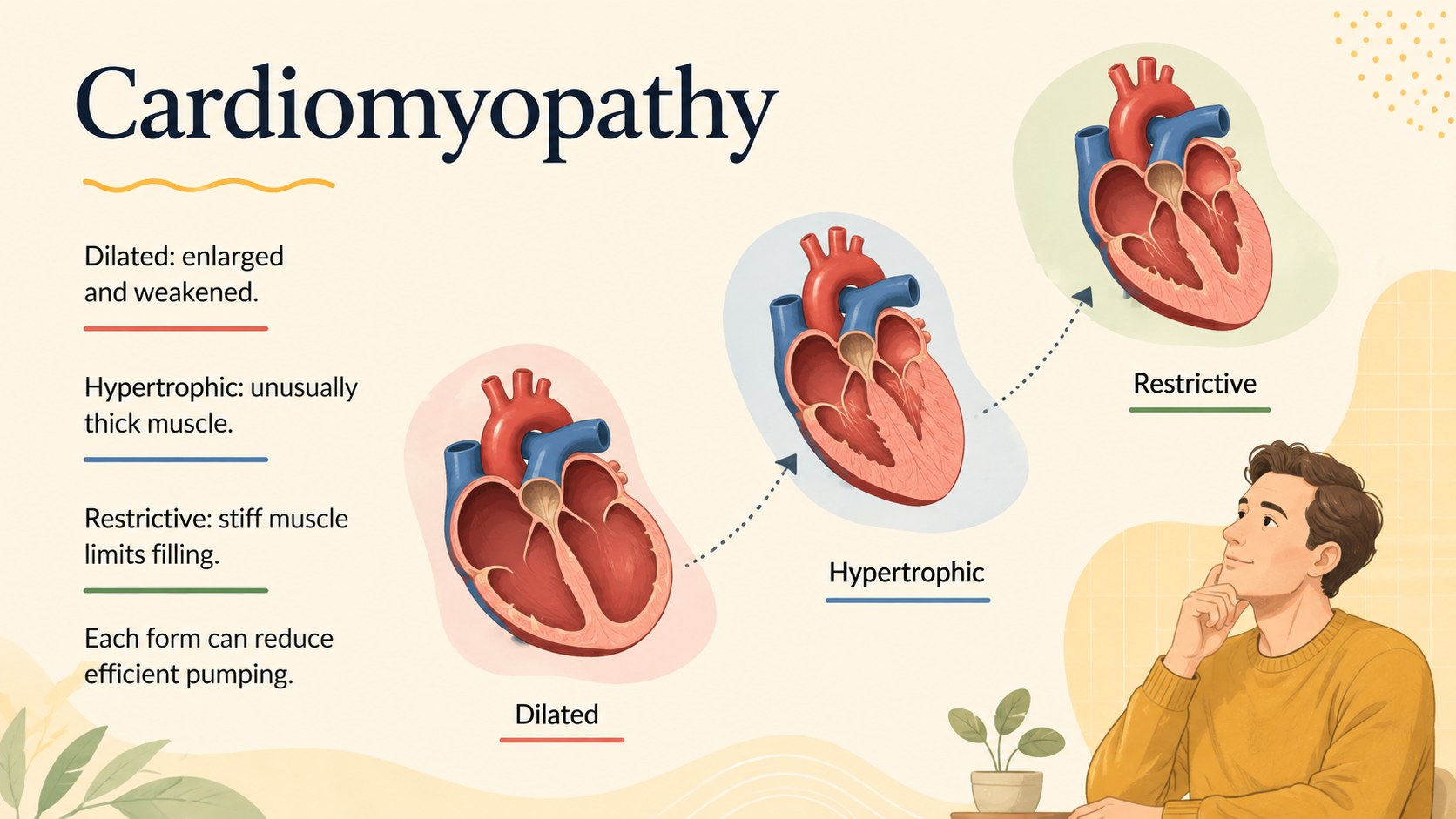
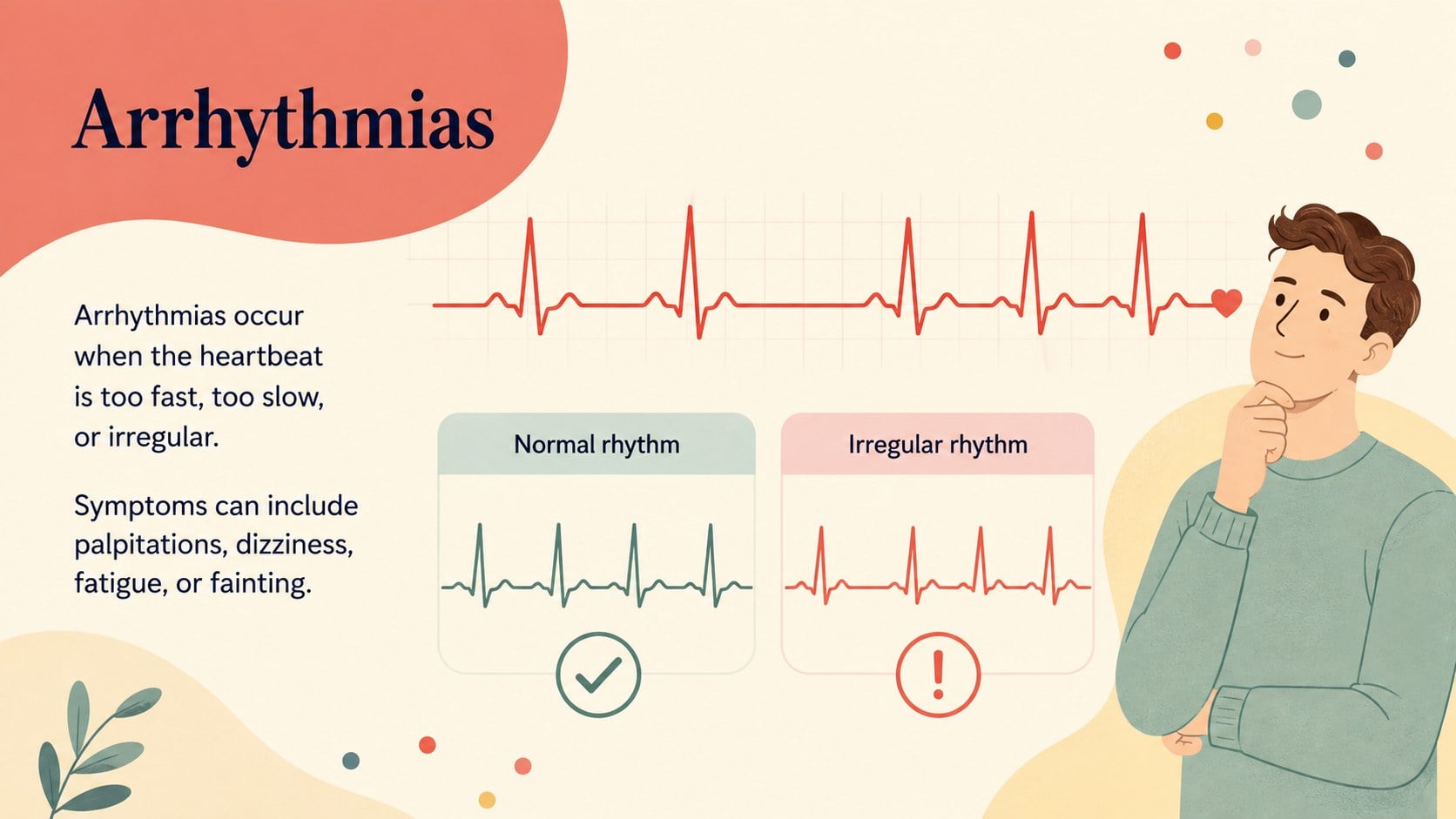
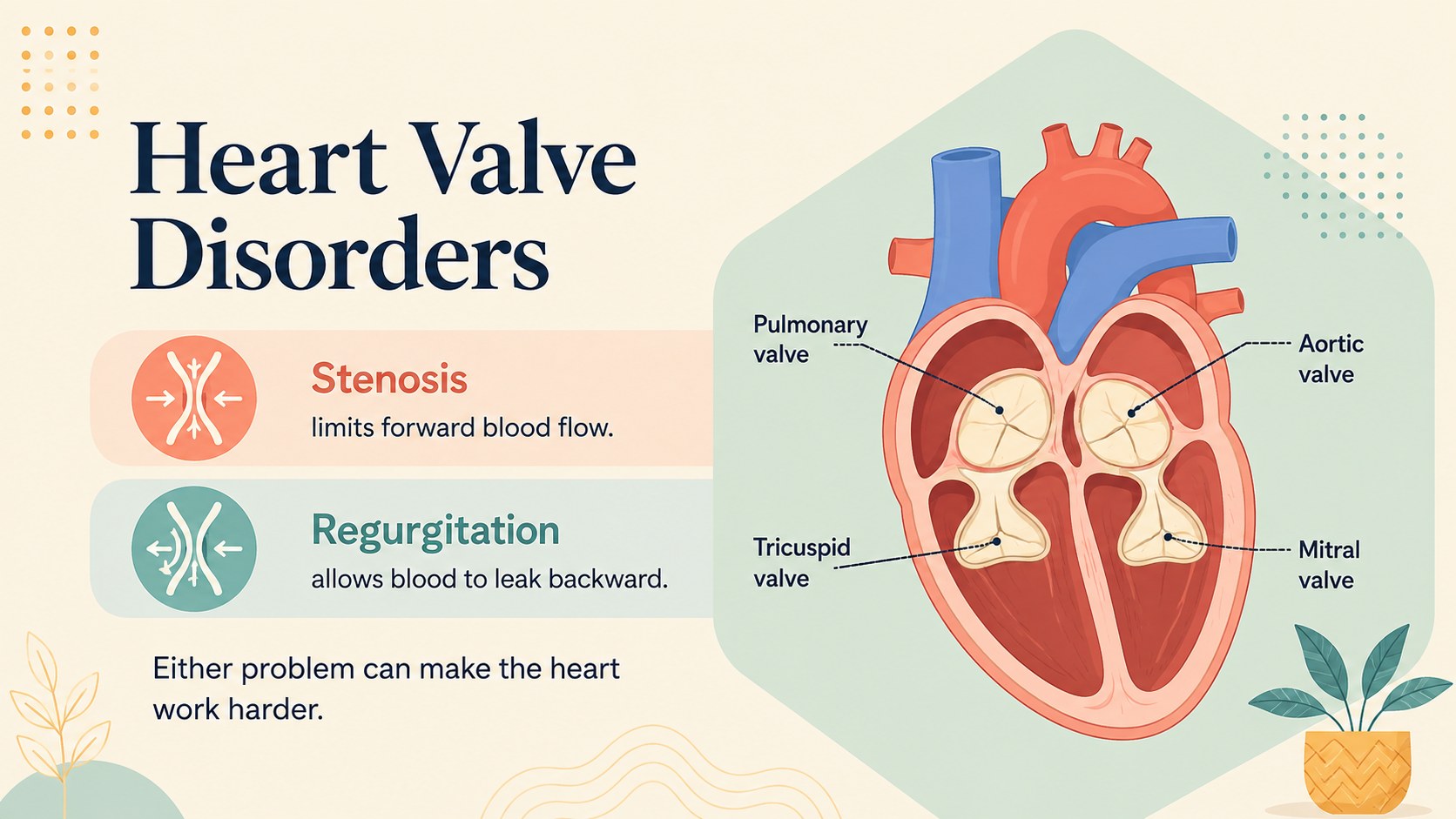
Build a clear, approachable lesson with this cardiovascular conditions teaching deck. Warm beige backgrounds, colorful medical illustrations, and uncluttered layouts help learners distinguish among coronary artery disease, congenital heart conditions, cardiomyopathy, arrhythmias, and valve disorders without making the material feel overwhelming.
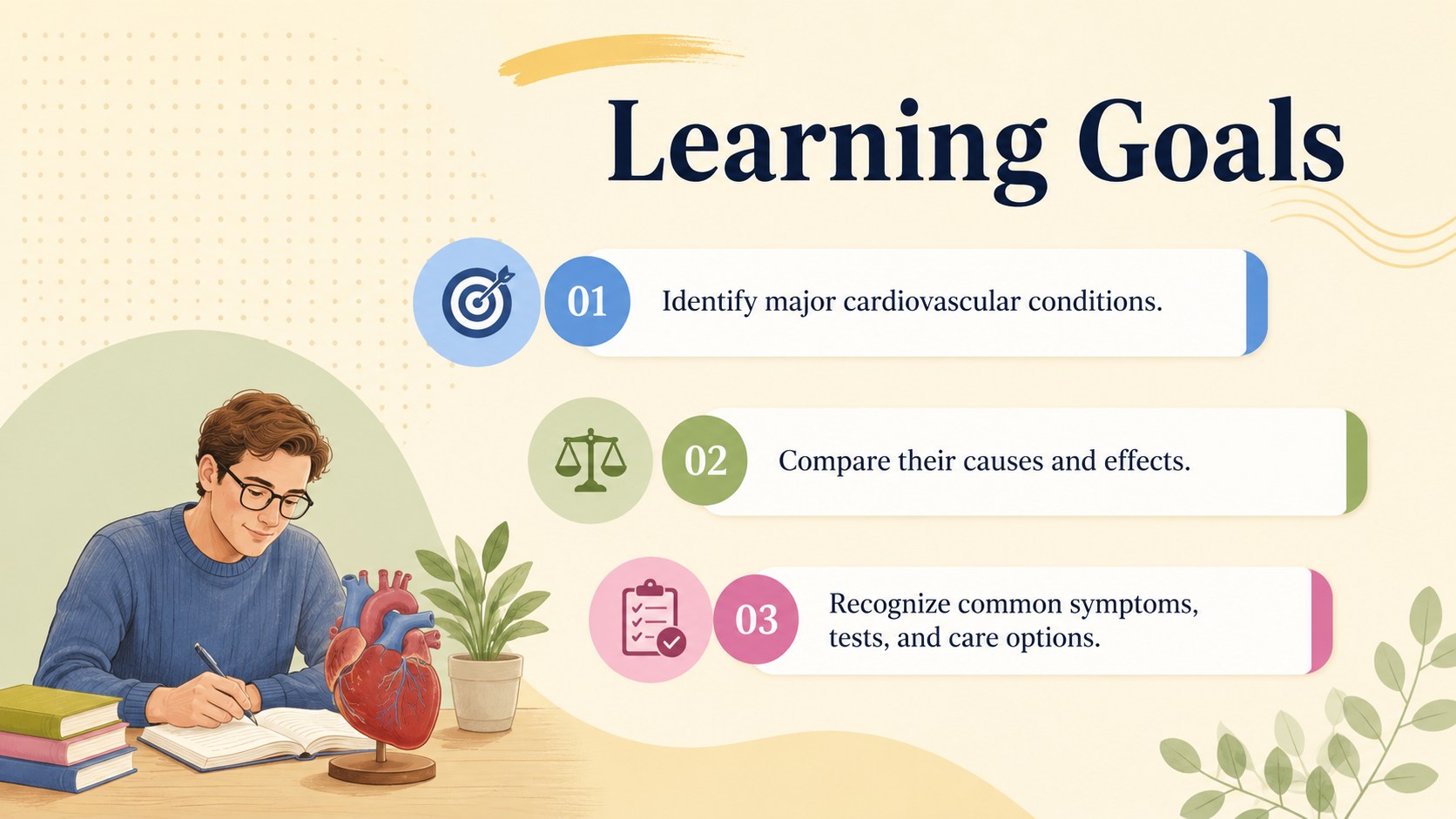
The 15-slide cardiovascular disease classroom slides include learning objectives, concise condition summaries, a comparison table, symptoms, risk factors, diagnostic methods, treatment approaches, prevention guidance, and a final knowledge check. Visual diagrams and structured text areas make the deck useful as a heart disease lesson presentation, while editable charts, labels, colors, and typography let you adjust the depth of information for different age groups. The widescreen format works in both PowerPoint and Google Slides.
Designed for secondary science teachers, college instructors, nursing educators, health trainers, and student presenters, this cardiomyopathy presentation template can support classroom instruction, revision sessions, patient education planning, or introductory clinical training. Use the complete sequence for a guided lecture, or select individual slides to explain one diagnosis. The restrained illustrated style keeps attention on accurate comparisons, essential vocabulary, and practical heart-health takeaways.
Perfect for: secondary science lesson; nursing classroom lecture; cardiovascular health workshop; student medical presentation; clinical training introduction.
Frequently asked questions
Which presentation platforms are supported? The deck is designed for PowerPoint and Google Slides in a 16:9 widescreen format. Text, colors, illustrations, and layout elements can be adjusted in either platform.
Practical details
The deck is designed for PowerPoint and Google Slides in a 16:9 widescreen format. Text, colors, illustrations, and layout elements can be adjusted in either platform.
Yes. Shorten the explanations for introductory classes or add clinical terminology, citations, and case details for advanced learners. You can also remove conditions that fall outside your lesson plan.
Yes. You can replace the warm beige palette, update accent colors, and choose fonts that match your institution or accessibility requirements. Check contrast after making changes to preserve readability.
Yes. The condition summaries, comparison chart, symptoms overview, and prevention slide are structured to work independently. They can be inserted into a longer lecture or shared as focused review material.
Keep exploring
15Build stronger academic arguments with a college essay thesis builder featuring guided examples, revision prompts, and editable PowerPoint and Google Slides.
 15
15Build an engaging World UFO Day session with this flying saucer history lesson deck, featuring retro green-and-brown slides for PowerPoint and Google Slides.
 14
14Plan a memorable Lunar New Year campaign with the 2036 Dragon Year Celebration Theme, featuring bold red-and-yellow slides for lessons and events.
 15
15Build a thoughtful classroom discussion with this interfaith awareness lesson deck, featuring editable blue-and-white slides for PowerPoint and Google Slides.
 15
15Use this environmental awareness lesson deck to teach climate action through illustrated activities, discussion prompts, and ready-to-edit visuals.
 15
15Build playful lessons and party stories with a kid-friendly zombie celebration theme in purple, green and pastel blue for PowerPoint and Google Slides.
 15
15Build eerie lessons, campaigns, and story pitches with an undead survival scenario theme featuring editable slides for PowerPoint and Google Slides.
 16
16Turn environmental research into a clear story with a Watercolor Ecology Presentation Theme for PowerPoint and Google Slides in calming green and blue.