
 15
15presentation
College Essay Thesis Builder Slides
Build stronger academic arguments with a college essay thesis builder featuring guided examples, revision prompts, and editable PowerPoint and Google Slides.
Google SlidesPowerPoint
presentation · English
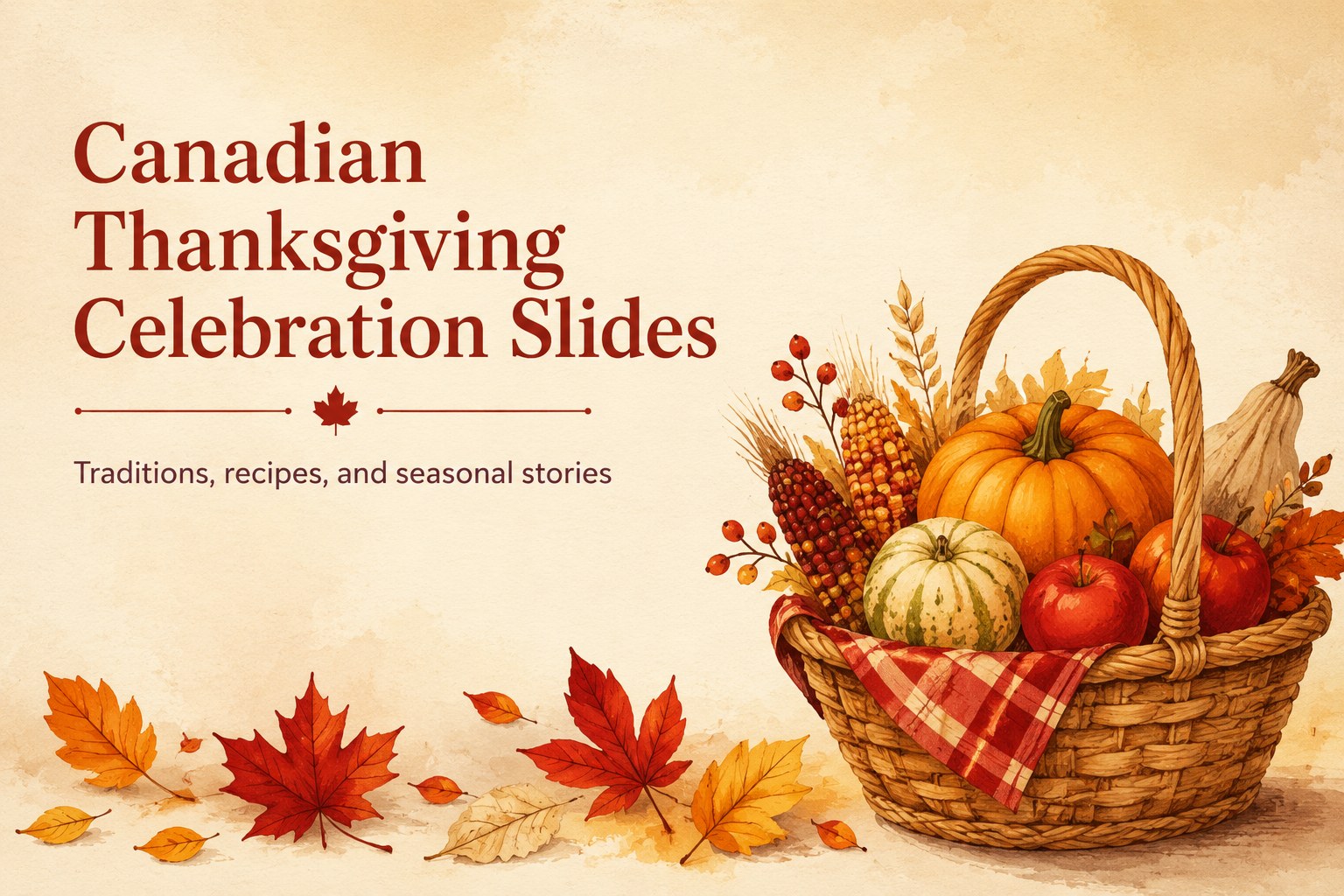
Build Canadian Thanksgiving celebration slides for traditions, recipes, history, and family activities with a warm beige and red illustrated design for…



Design notes
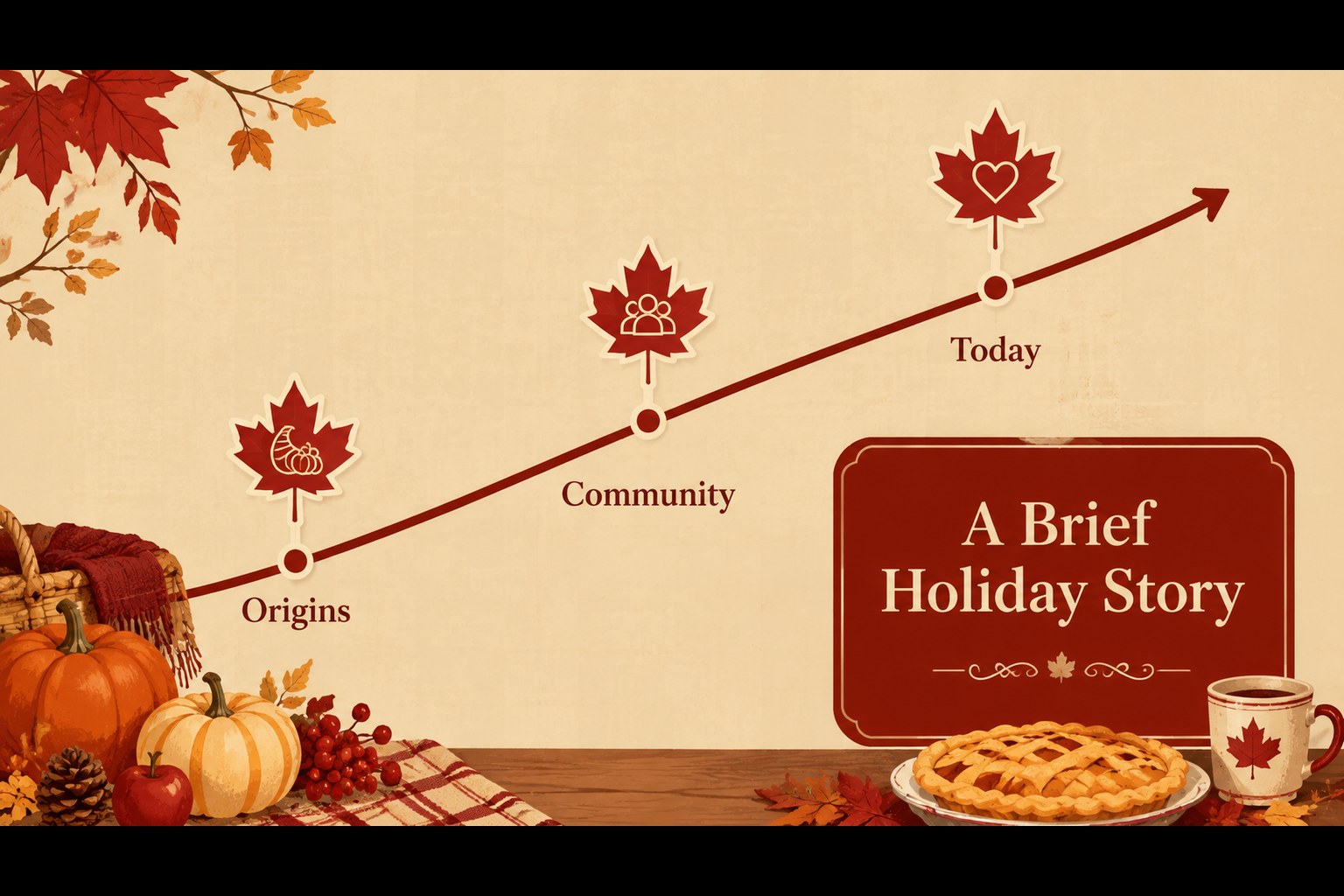
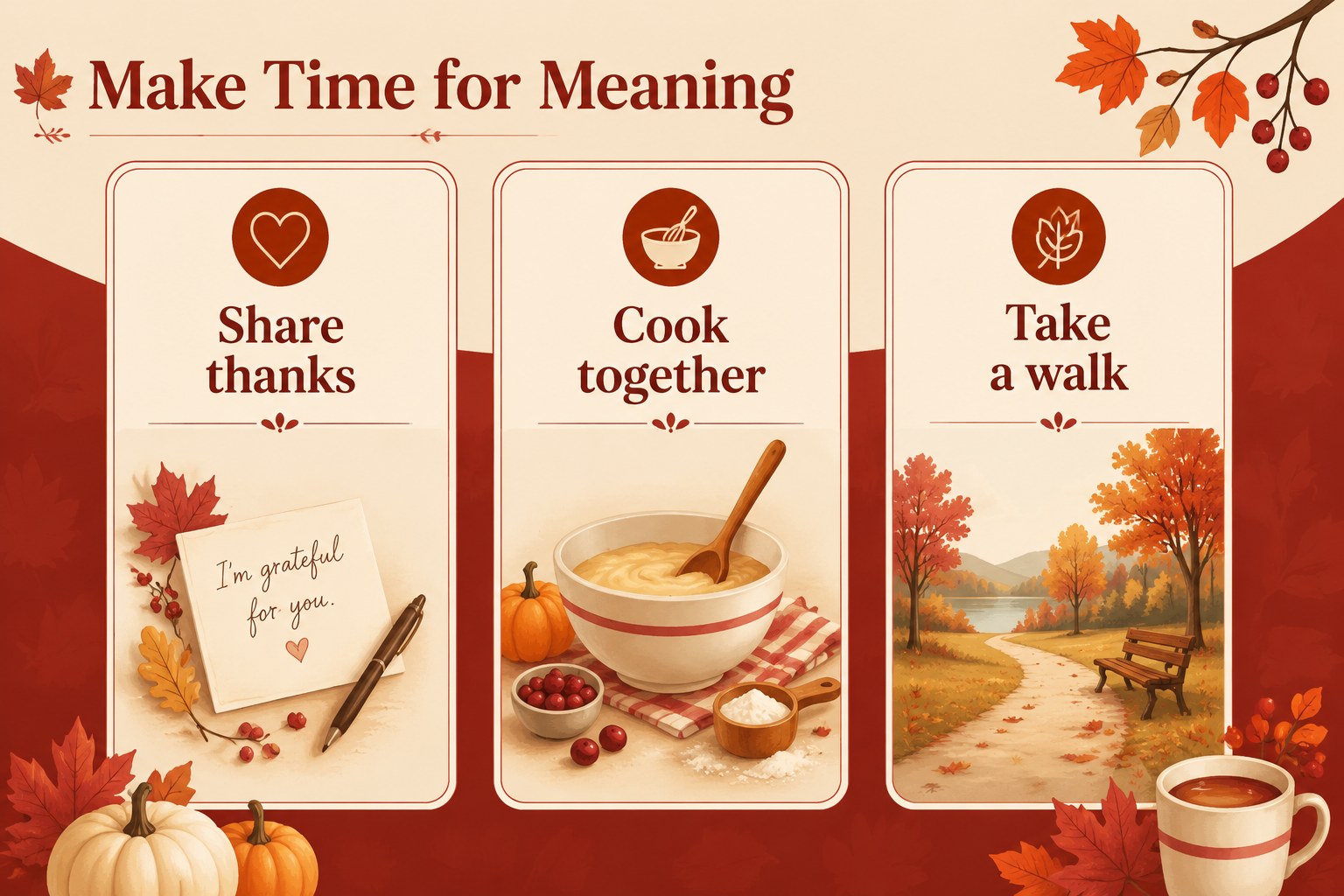
Canadian Thanksgiving celebration slides give you a welcoming visual format for sharing the meaning, traditions, and seasonal spirit of the holiday. The hand-drawn illustrations, warm beige backgrounds, and deep red accents create a friendly setting for family stories, classroom activities, recipe sharing, or community event presentations.
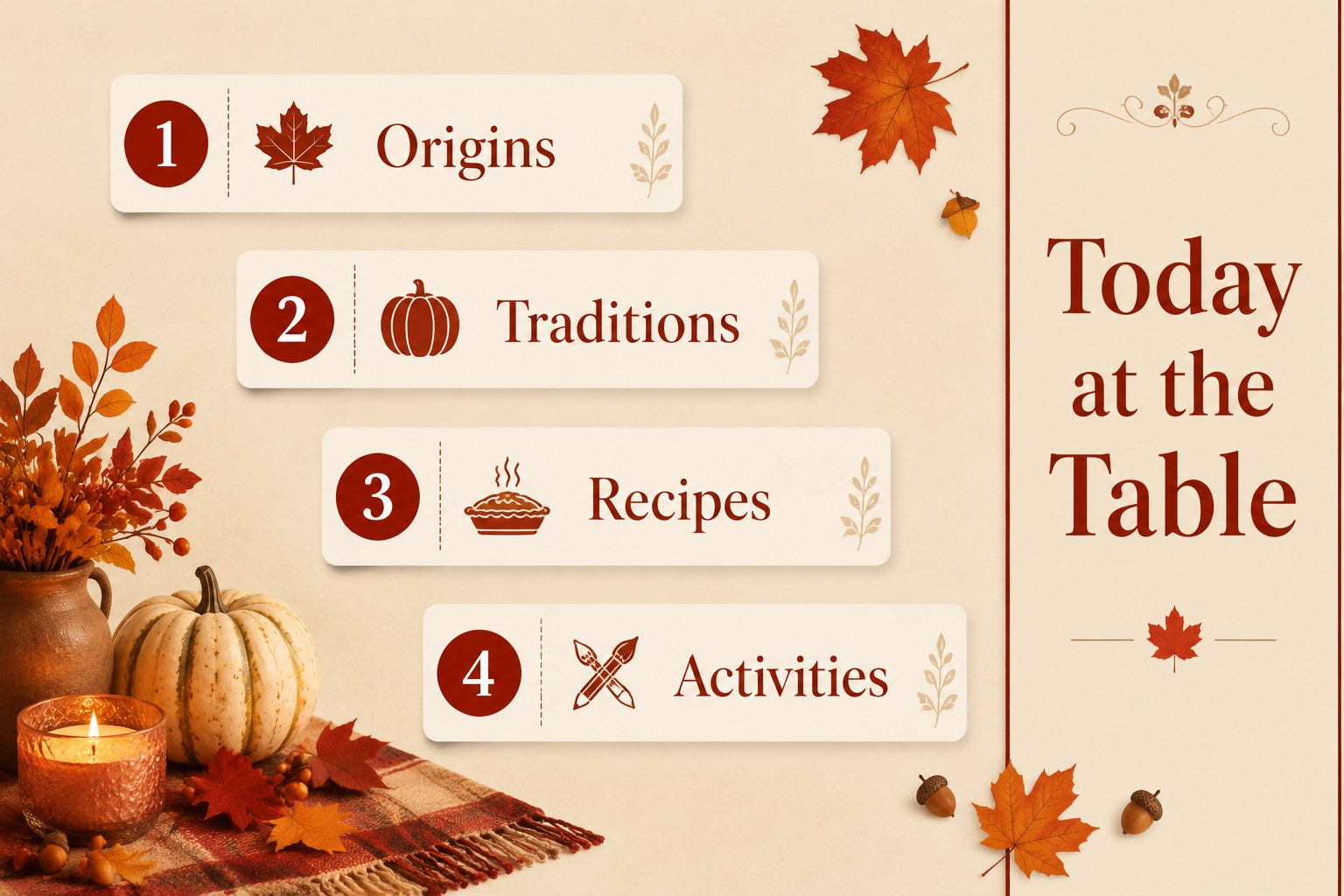
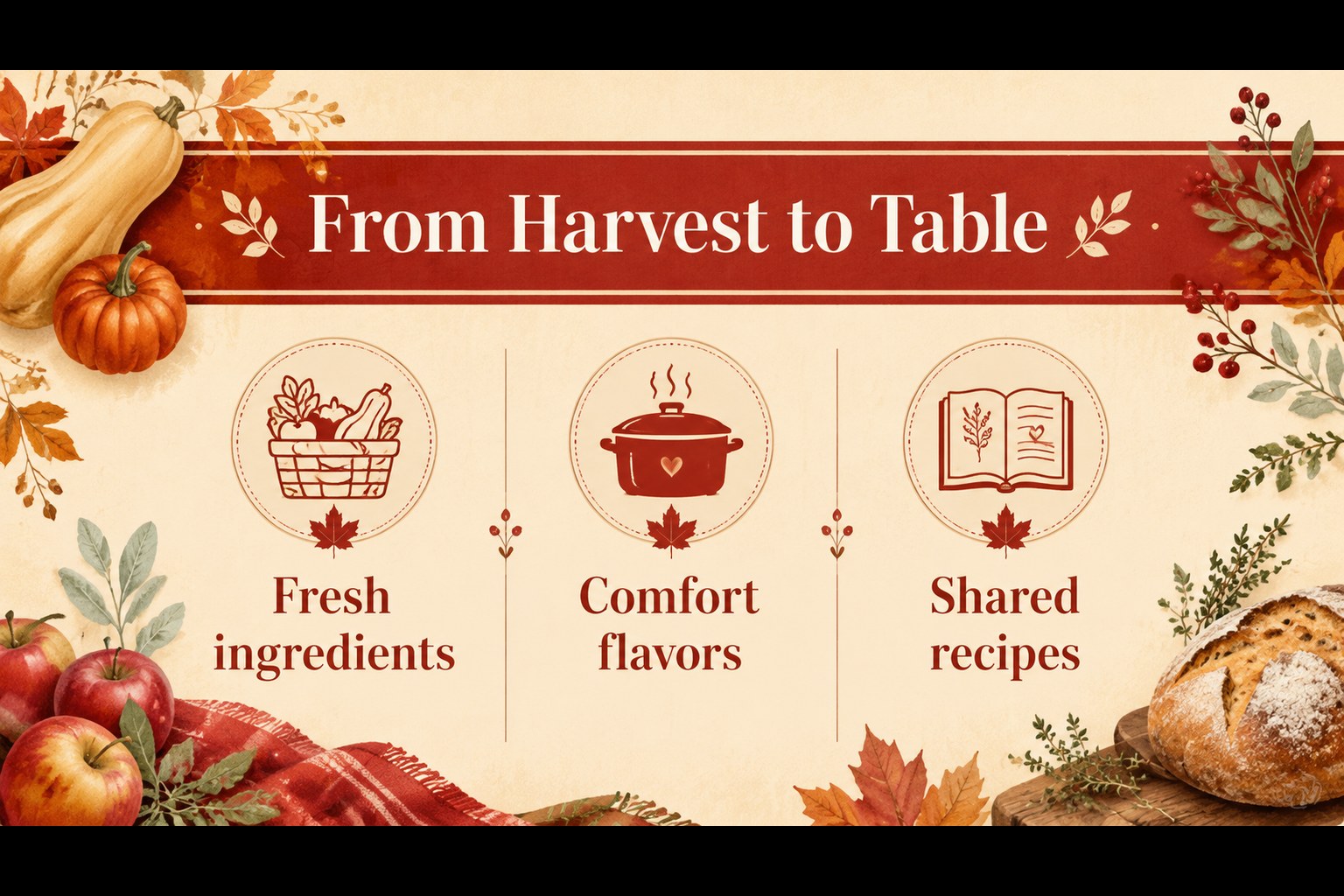
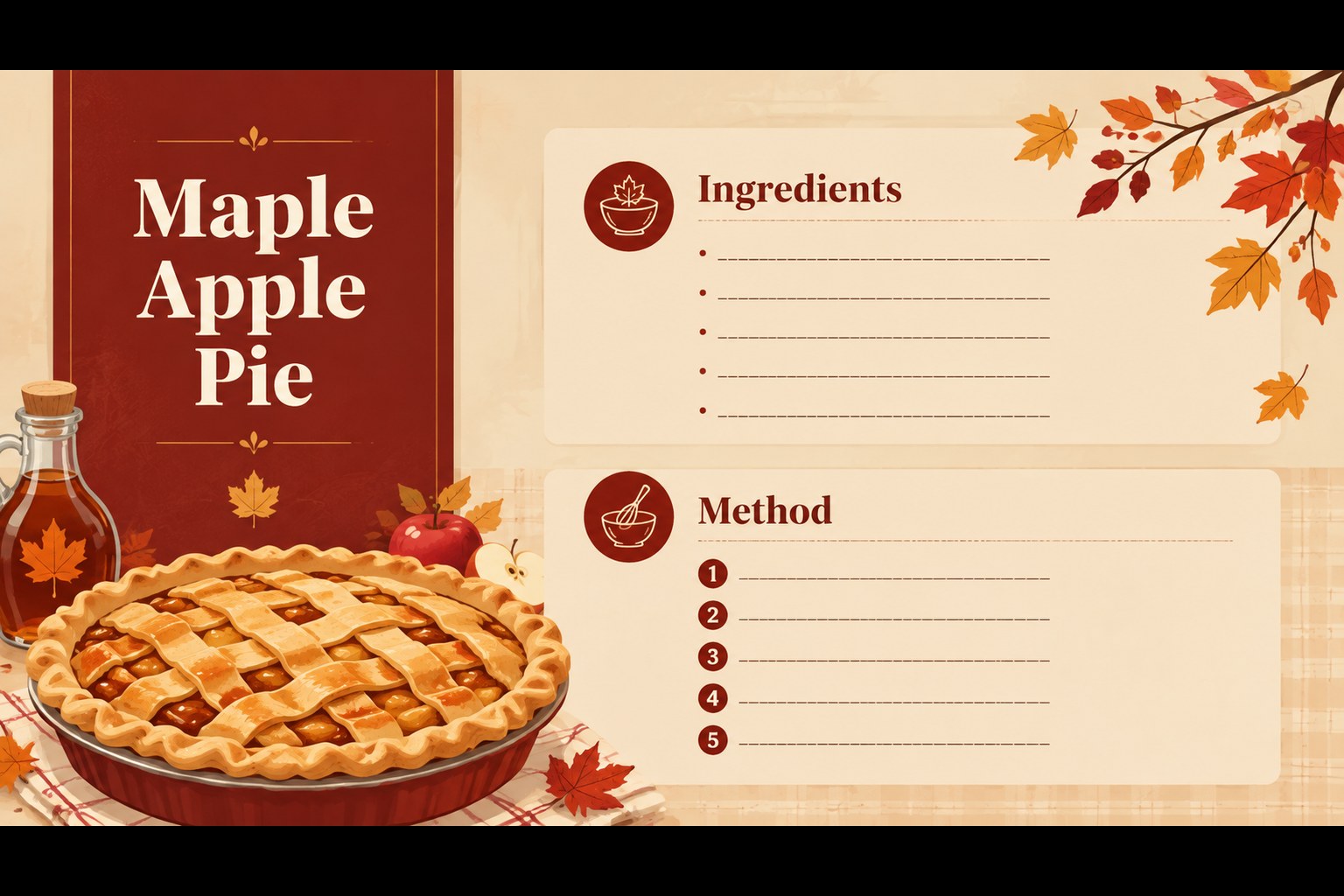
Inside, you will find 15 editable 16:9 layouts for a cover, holiday overview, agenda, tradition highlights, recipe features, family activities, historical notes, comparison sections, image-led storytelling, and a closing message. The design system uses expressive typography, watercolor-style details, leaves, harvest motifs, and playful food illustrations while leaving room for your own text and photographs. It can also support a Thanksgiving history presentation for kids or a Canadian Thanksgiving recipe slideshow.
Use the deck for a school lesson, a family reunion program, a community center gathering, a seasonal cooking demonstration, or a short cultural presentation. Edit the layouts in PowerPoint or Google Slides, adjust the wording, replace images, and tailor the content for children or adults. Charts, frames, shapes, and text areas make it easy to adapt the template without losing its cheerful fall harvest presentation theme.
Perfect for: Canadian Thanksgiving classroom lesson; family traditions presentation; seasonal cooking demonstration; community harvest event; holiday history talk.
Frequently asked questions
Can I edit these slides in PowerPoint? Yes. The layouts are designed for PowerPoint and can be customized with your own text, photos, colors, and illustrations. You can also move or remove individual design elements.
Practical details
Yes. The layouts are designed for PowerPoint and can be customized with your own text, photos, colors, and illustrations. You can also move or remove individual design elements.
Yes, the deck can be used in Google Slides. Upload or import the presentation, then edit the text, images, and layout directly in your browser.
Yes. The illustrated style and spacious layouts work well for younger audiences. Replace the sample copy with simple explanations, discussion prompts, recipes, or classroom activities.
You can present family traditions, harvest facts, Canadian Thanksgiving history, recipes, event schedules, or seasonal activities. The varied layouts support short stories, image comparisons, lists, and closing messages.
Keep exploring
15Build stronger academic arguments with a college essay thesis builder featuring guided examples, revision prompts, and editable PowerPoint and Google Slides.
 15
15Build an engaging World UFO Day session with this flying saucer history lesson deck, featuring retro green-and-brown slides for PowerPoint and Google Slides.
 14
14Plan a memorable Lunar New Year campaign with the 2036 Dragon Year Celebration Theme, featuring bold red-and-yellow slides for lessons and events.
 15
15Build a thoughtful classroom discussion with this interfaith awareness lesson deck, featuring editable blue-and-white slides for PowerPoint and Google Slides.
 15
15Use this environmental awareness lesson deck to teach climate action through illustrated activities, discussion prompts, and ready-to-edit visuals.
 15
15Build playful lessons and party stories with a kid-friendly zombie celebration theme in purple, green and pastel blue for PowerPoint and Google Slides.
 15
15Build eerie lessons, campaigns, and story pitches with an undead survival scenario theme featuring editable slides for PowerPoint and Google Slides.
 16
16Turn environmental research into a clear story with a Watercolor Ecology Presentation Theme for PowerPoint and Google Slides in calming green and blue.