
 15
15presentation
College Essay Thesis Builder Slides
Build stronger academic arguments with a college essay thesis builder featuring guided examples, revision prompts, and editable PowerPoint and Google Slides.
Google SlidesPowerPoint
presentation · English
Build a lively student welcome experience with student orientation week slides in pink and blue, ready for schedules, policies, introductions, and activities.


Design notes
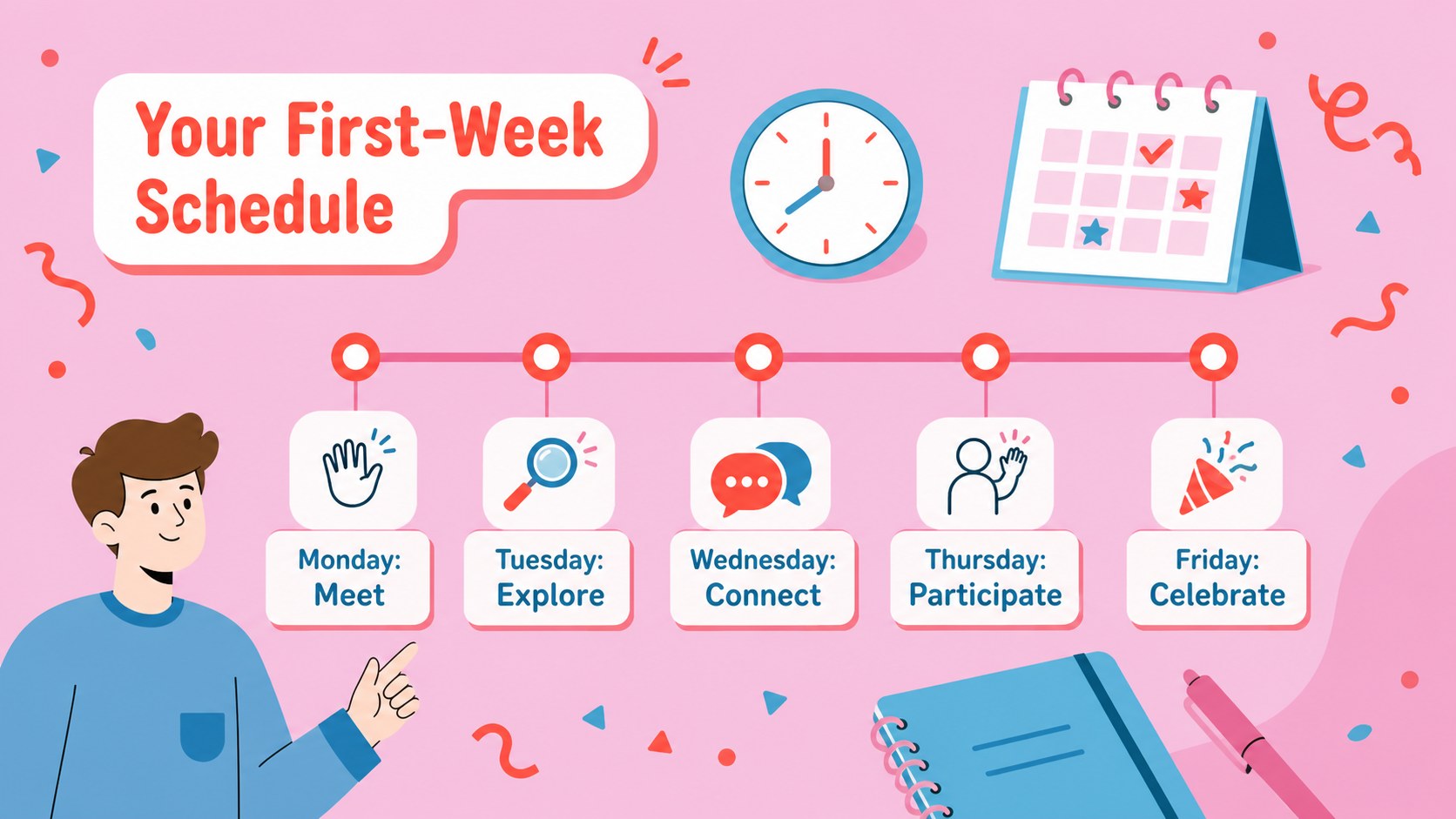
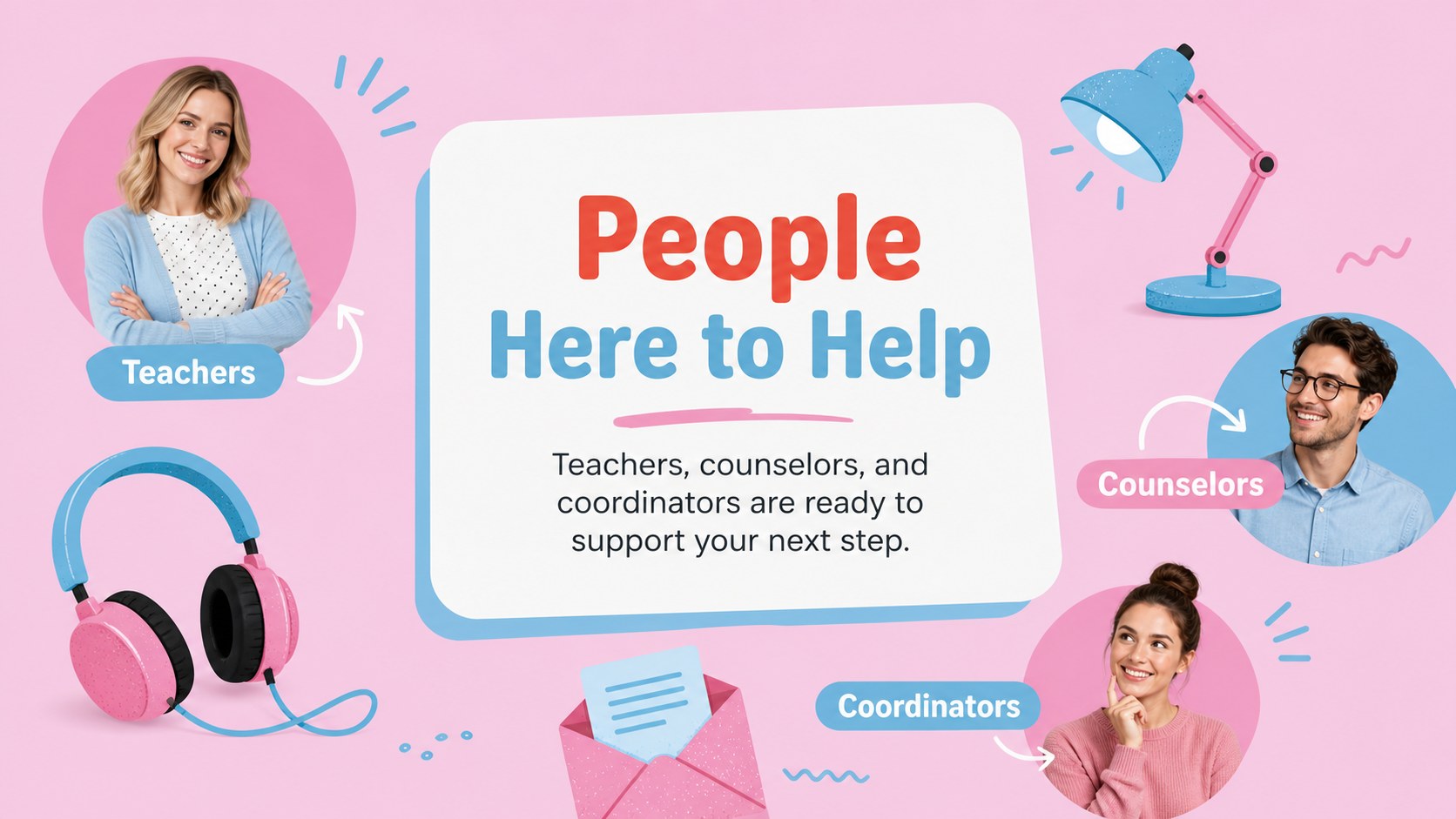
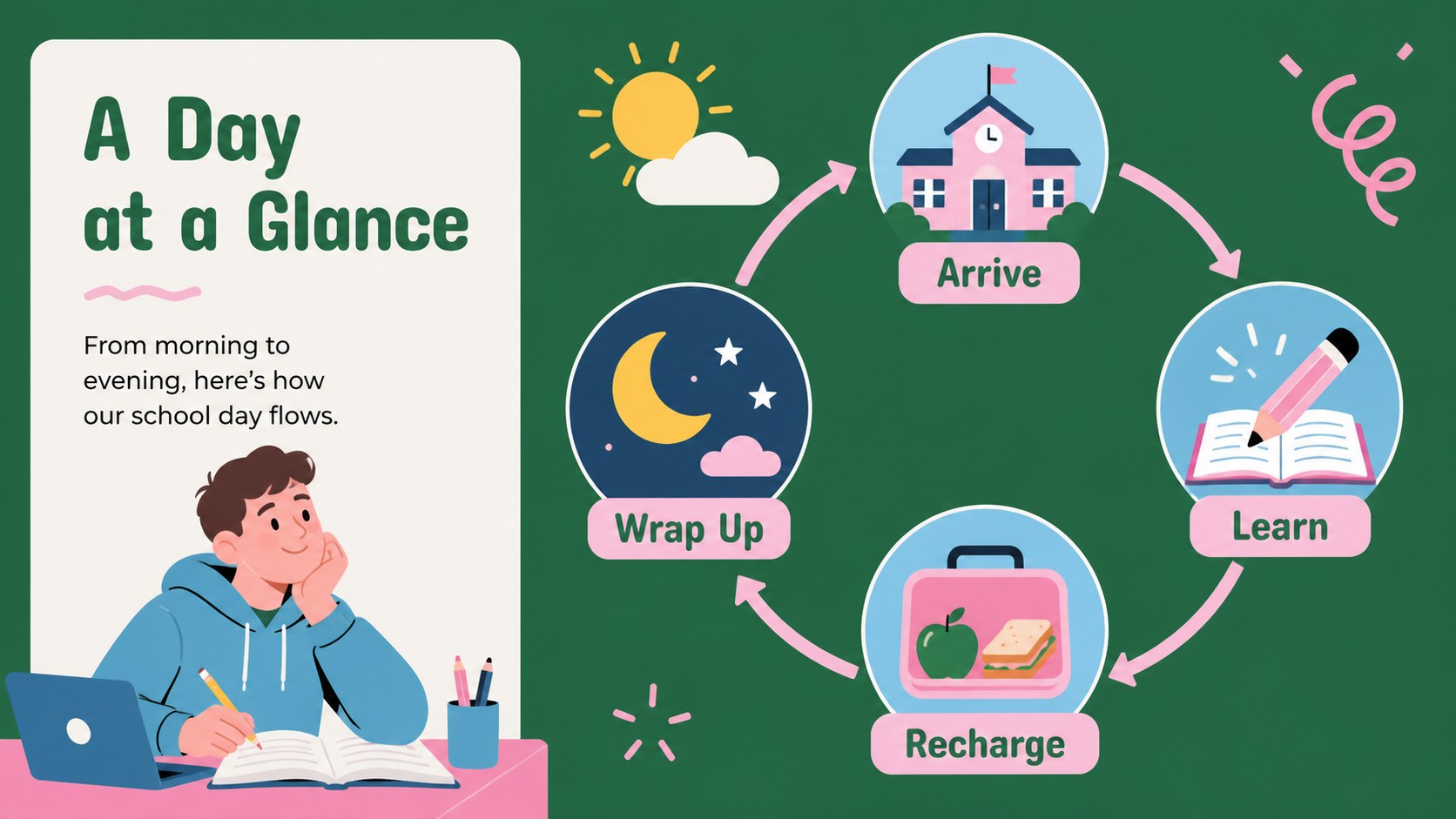
Student orientation week slides can turn a busy first-week briefing into a clear, memorable welcome for new and returning learners. Campus Kickoff Week: Student Welcome Slides uses a bright pink-and-blue palette, bold typography, and playful modern illustrations to help teachers, coordinators, and school teams present essential information with energy. The visual system is friendly enough for younger students while remaining structured for practical announcements.
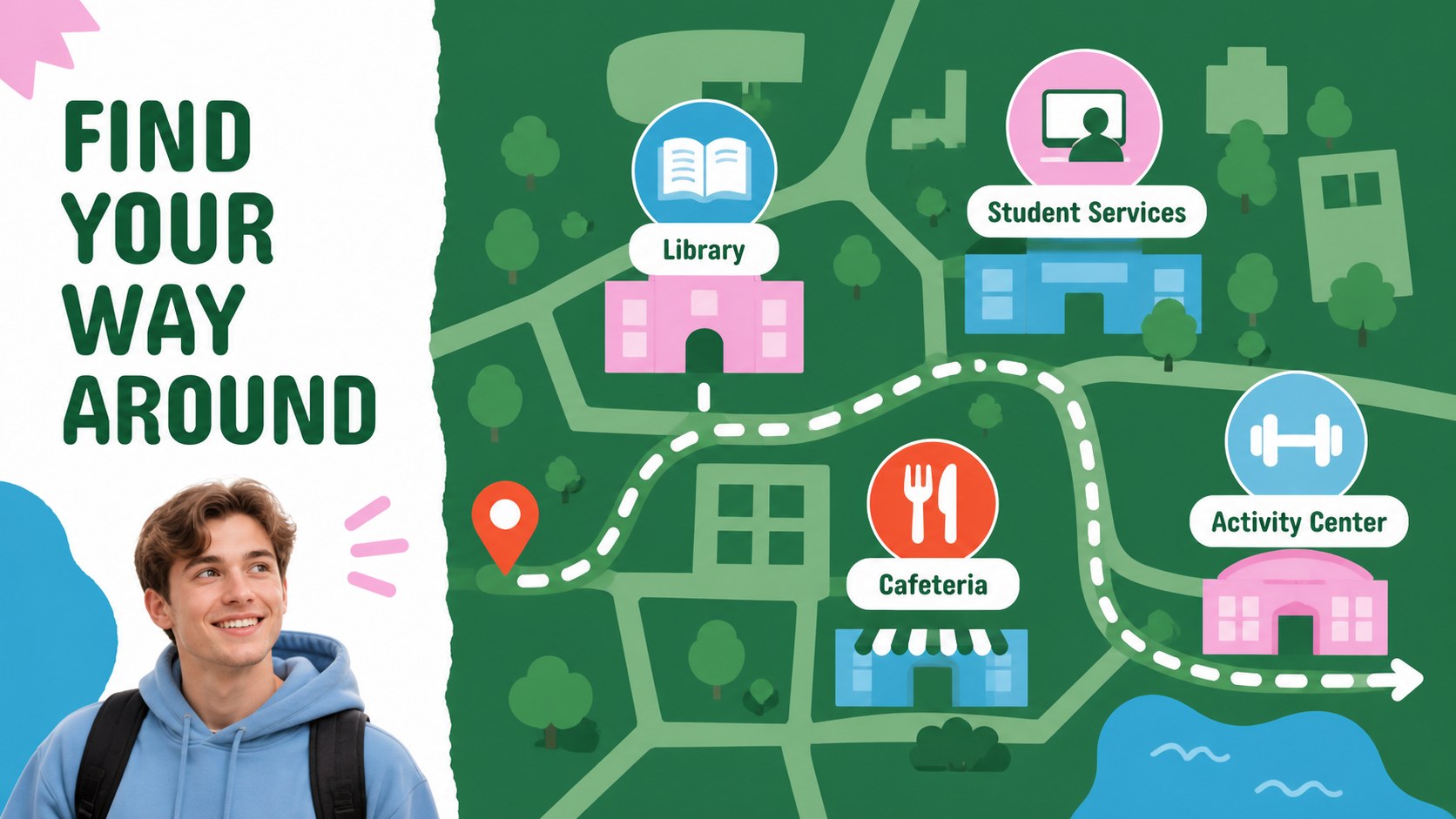
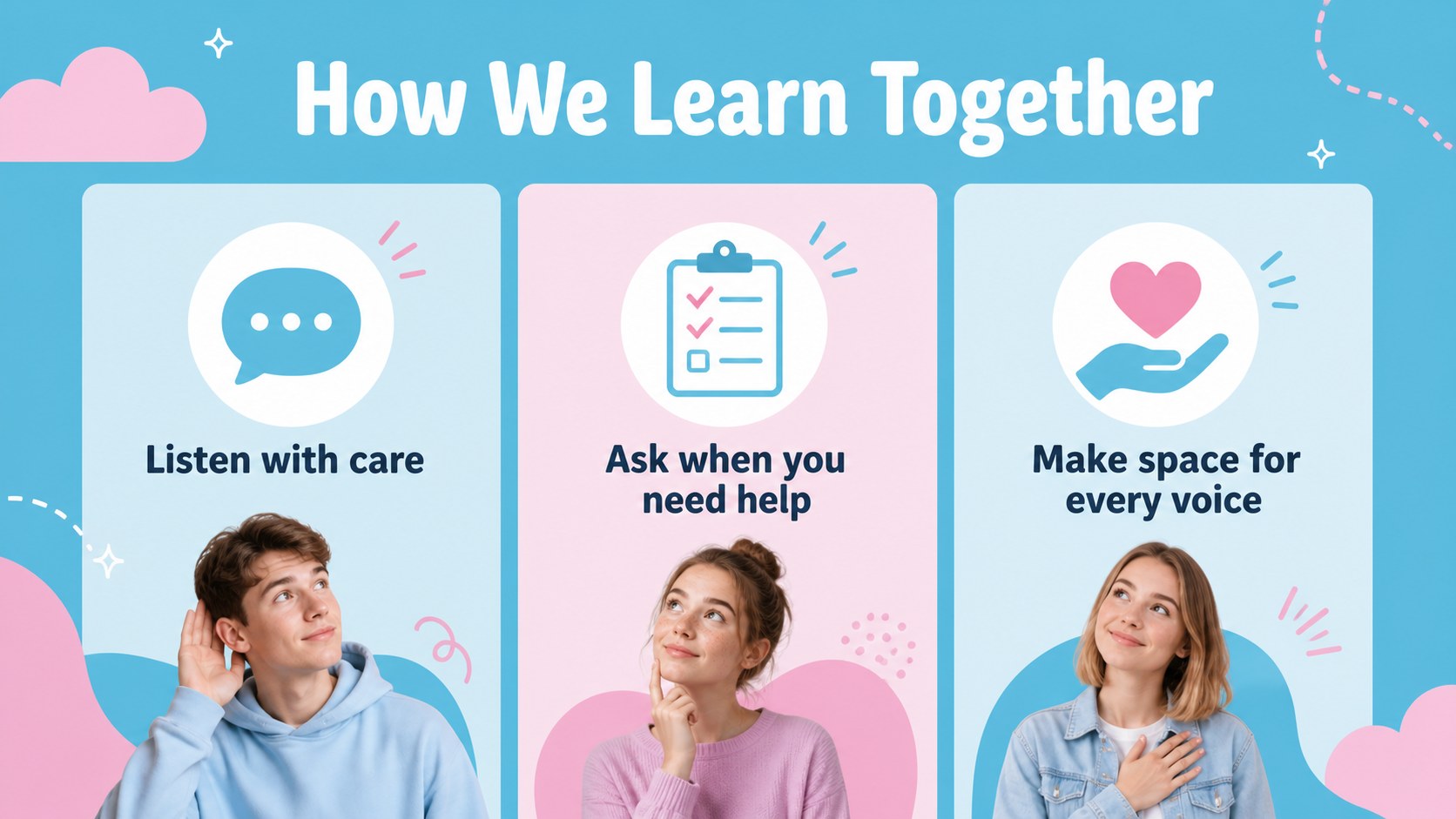
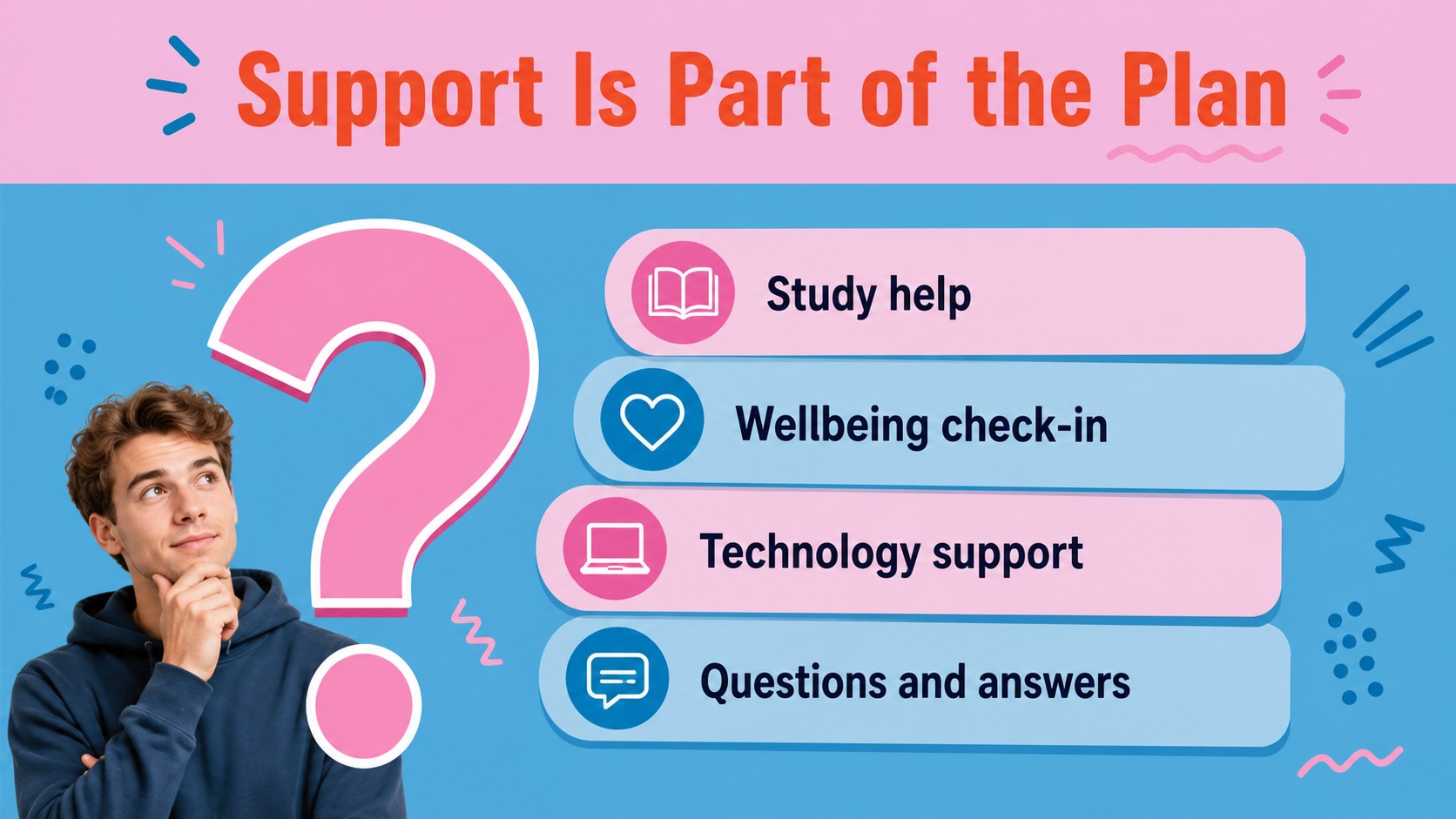
Inside, you will find layouts for welcome messages, weekly schedules, classroom expectations, campus navigation, staff introductions, community activities, key policies, and closing reminders. Charts, frames, lines, shapes, animations, and transitions can be adjusted to match your program. The deck works as a school orientation presentation for assemblies, homeroom sessions, student services briefings, club fairs, and family welcome events.
Edit the slides in PowerPoint or Google Slides, then add your own dates, room numbers, links, images, and talking points. The 16:9 format is designed for projection and online sharing, while adds drag-and-drop graphics, image libraries, notes, collaboration, audio, and presentation practice tools. Use the included layouts as a complete welcome deck or select individual pages for a focused first-week presentation.
Perfect for: new student assembly; teacher orientation meeting; campus services briefing; homeroom welcome session; family information night.
Frequently asked questions
Can I edit these student orientation week slides in Google Slides? Yes. The deck is designed for Google Slides and PowerPoint. Replace the sample wording, update schedules and policies, and adjust the visual elements in the platform you prefer.
Practical details
Yes. The deck is designed for Google Slides and PowerPoint. Replace the sample wording, update schedules and policies, and adjust the visual elements in the platform you prefer.
Yes. Pink and blue define the original visual style, but the color palette, font choices, illustrations, shapes, and backgrounds can be modified. You can keep the same look while matching your school's brand.
Use the layouts for introductions, schedules, campus directions, classroom expectations, support services, activities, and reminders. Add room numbers, contact details, dates, links, photos, or speaker notes as needed.
Yes. The 16:9 format works for video calls, recorded briefings, and shared presentations as well as projected events. also provides tools for collaboration, presentation practice, notes, and media.
Keep exploring
15Build stronger academic arguments with a college essay thesis builder featuring guided examples, revision prompts, and editable PowerPoint and Google Slides.
 15
15Build an engaging World UFO Day session with this flying saucer history lesson deck, featuring retro green-and-brown slides for PowerPoint and Google Slides.
 14
14Plan a memorable Lunar New Year campaign with the 2036 Dragon Year Celebration Theme, featuring bold red-and-yellow slides for lessons and events.
 15
15Build a thoughtful classroom discussion with this interfaith awareness lesson deck, featuring editable blue-and-white slides for PowerPoint and Google Slides.
 15
15Use this environmental awareness lesson deck to teach climate action through illustrated activities, discussion prompts, and ready-to-edit visuals.
 15
15Build playful lessons and party stories with a kid-friendly zombie celebration theme in purple, green and pastel blue for PowerPoint and Google Slides.
 15
15Build eerie lessons, campaigns, and story pitches with an undead survival scenario theme featuring editable slides for PowerPoint and Google Slides.
 16
16Turn environmental research into a clear story with a Watercolor Ecology Presentation Theme for PowerPoint and Google Slides in calming green and blue.