
 15
15presentation
College Essay Thesis Builder Slides
Build stronger academic arguments with a college essay thesis builder featuring guided examples, revision prompts, and editable PowerPoint and Google Slides.
Google SlidesPowerPoint
presentation · English
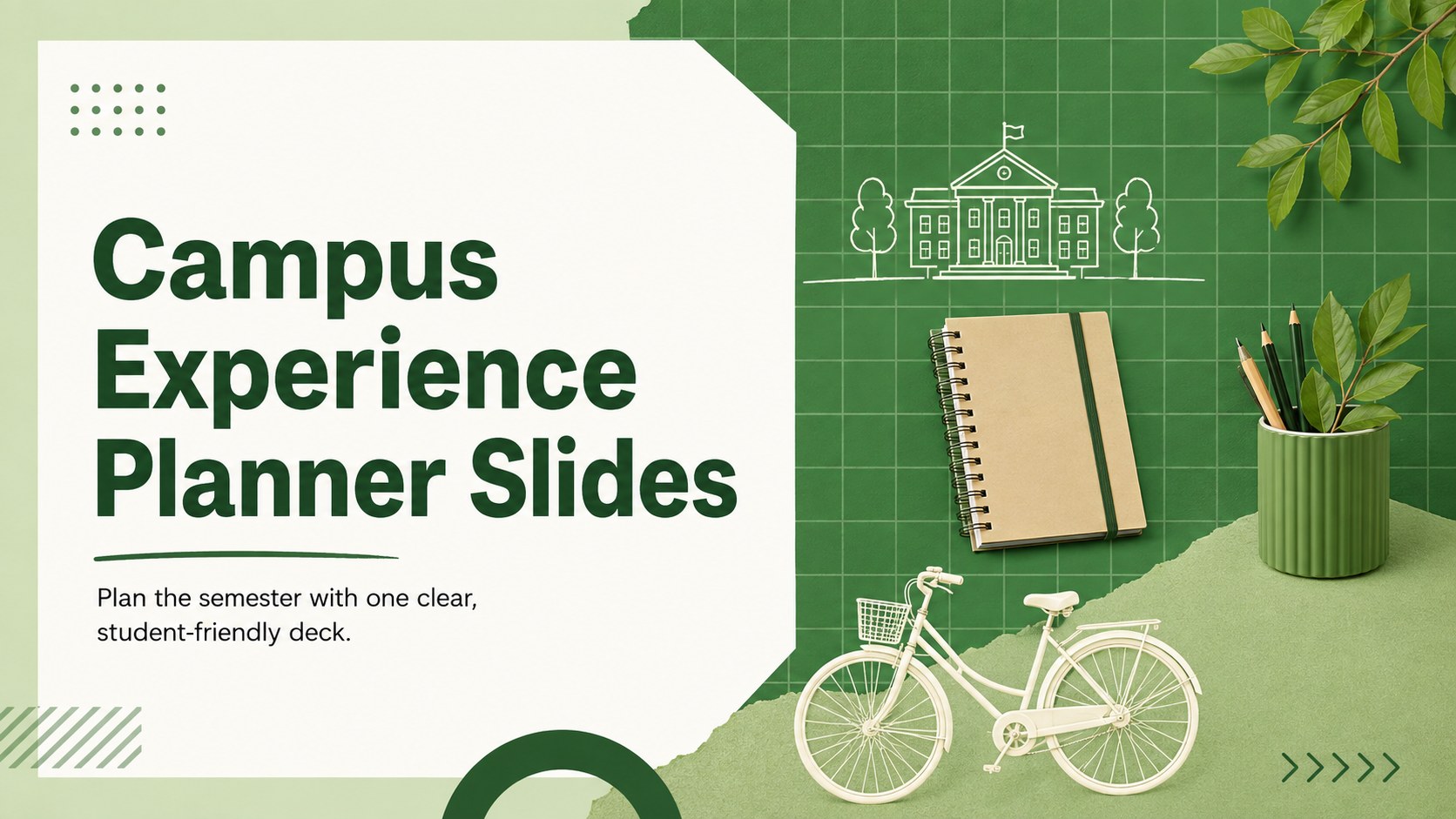
Organize classes, clubs, goals, and campus events with Campus Experience Planner Slides, a fresh green grid deck for PowerPoint and Google Slides.


Design notes
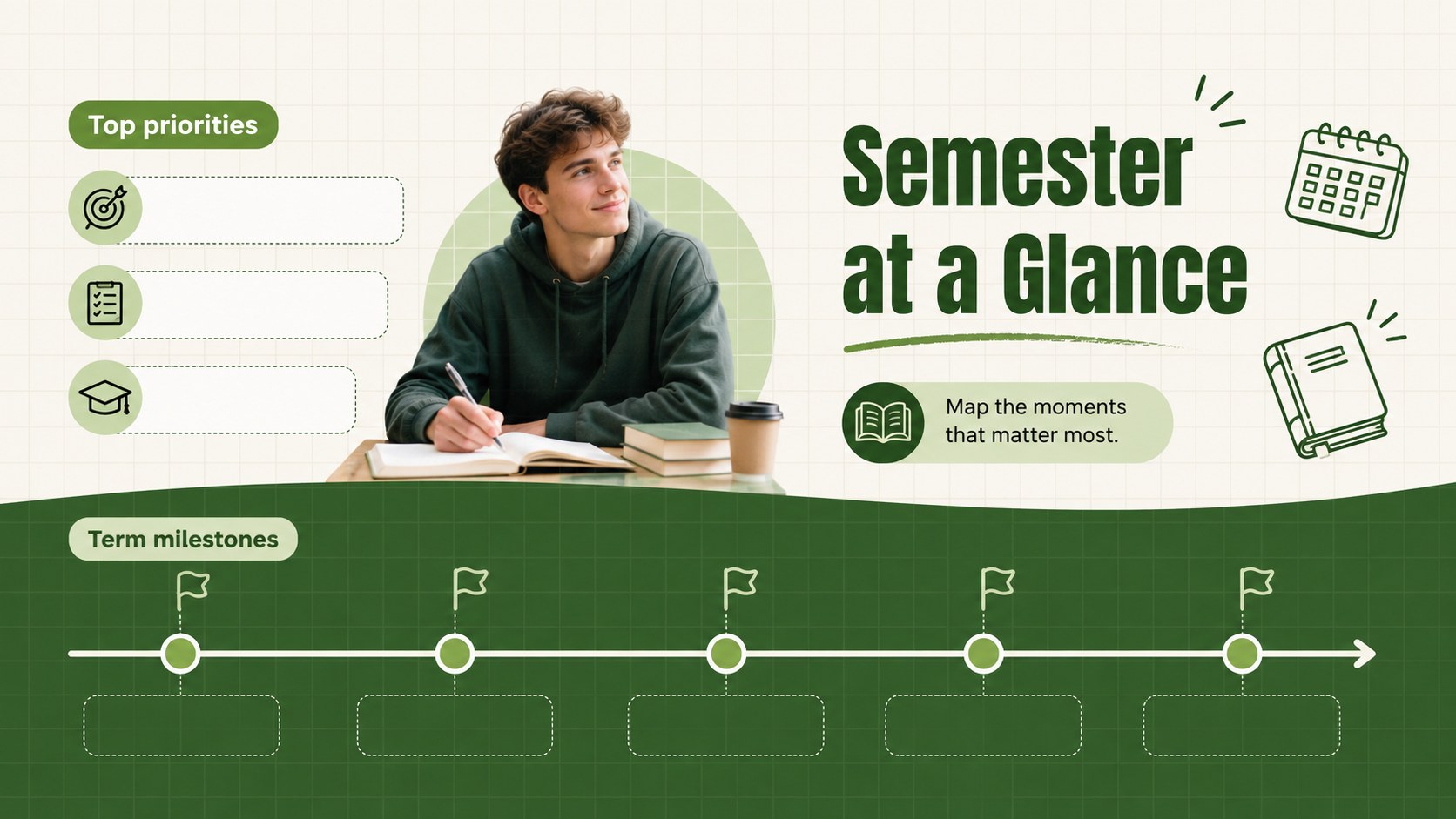
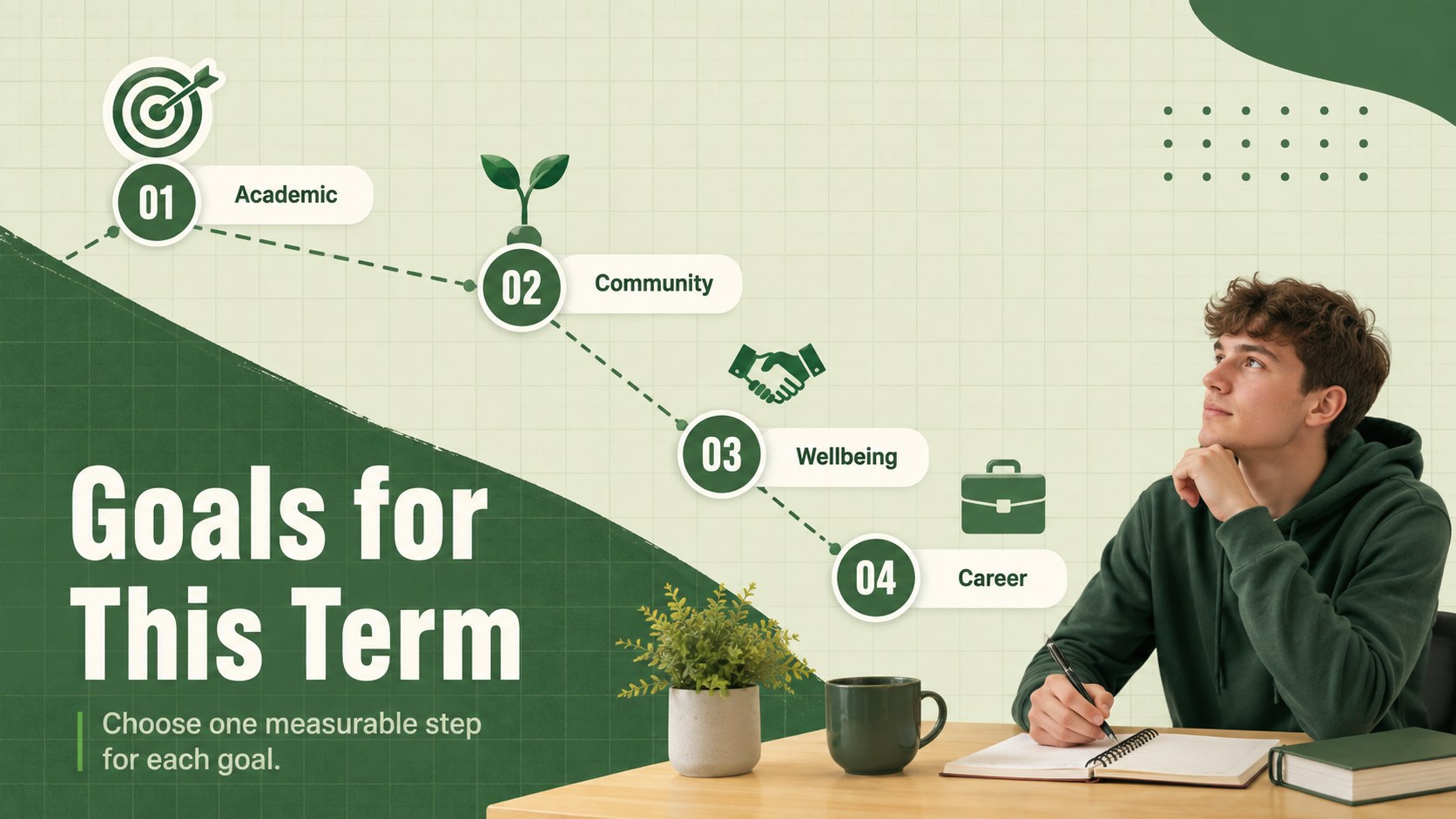
Campus Experience Planner Slides gives students a practical way to organize and present the many sides of campus life. The clean grid structure, bright green palette, and playful academic graphics create a friendly visual system for discussing coursework, activities, goals, and upcoming events. Use these academic semester planning slides to turn a busy schedule into a clear story your audience can follow.
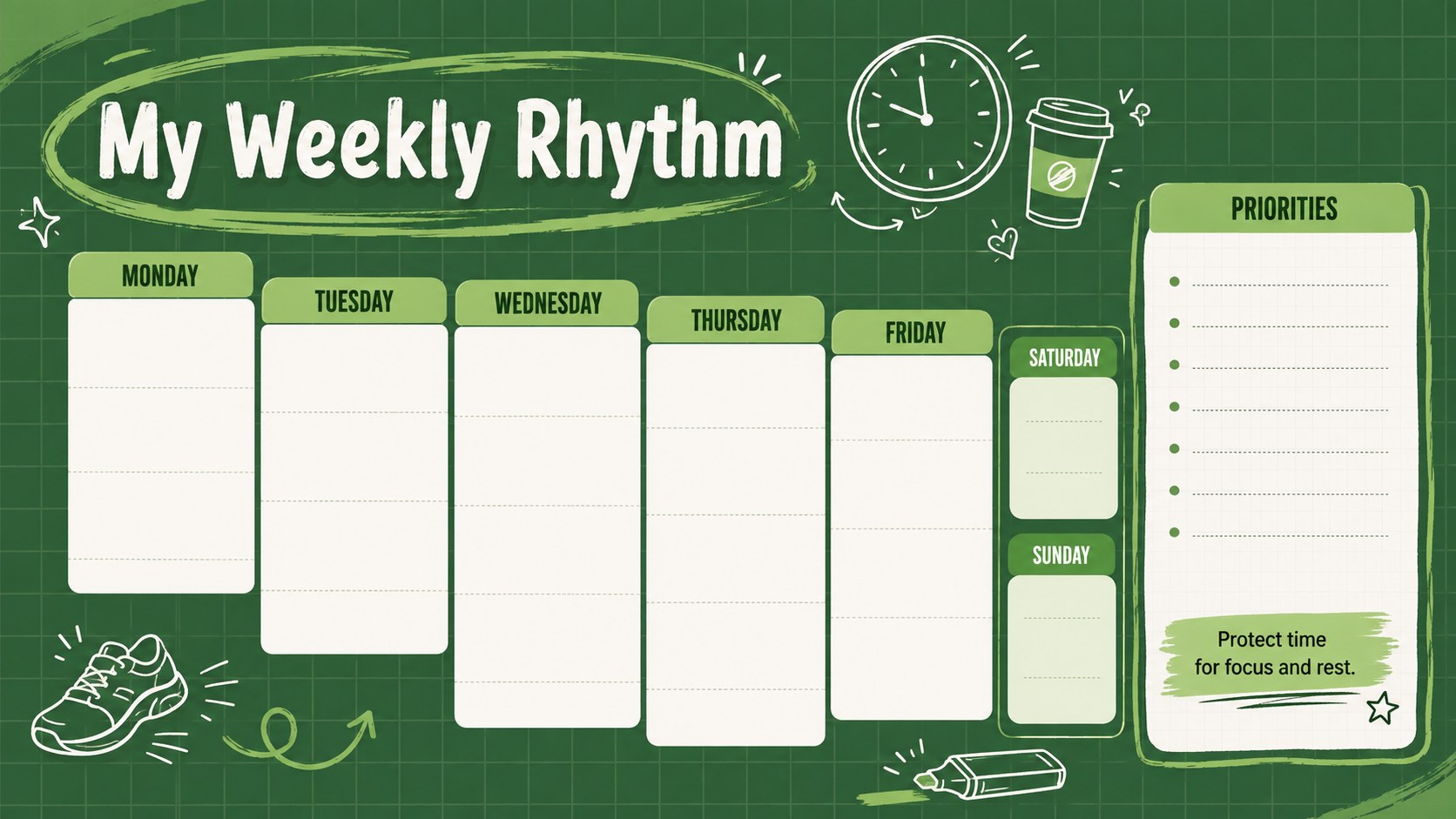
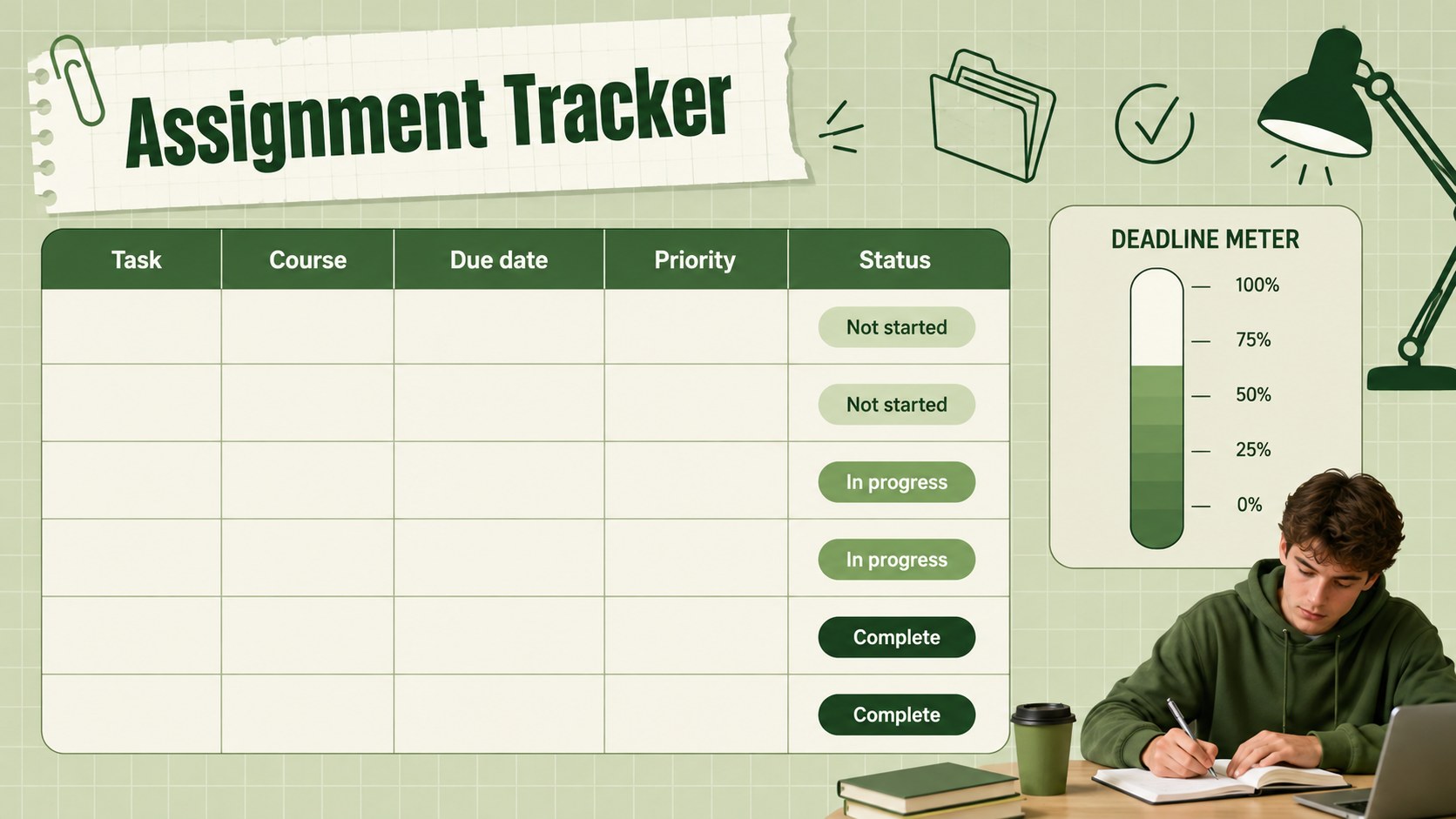
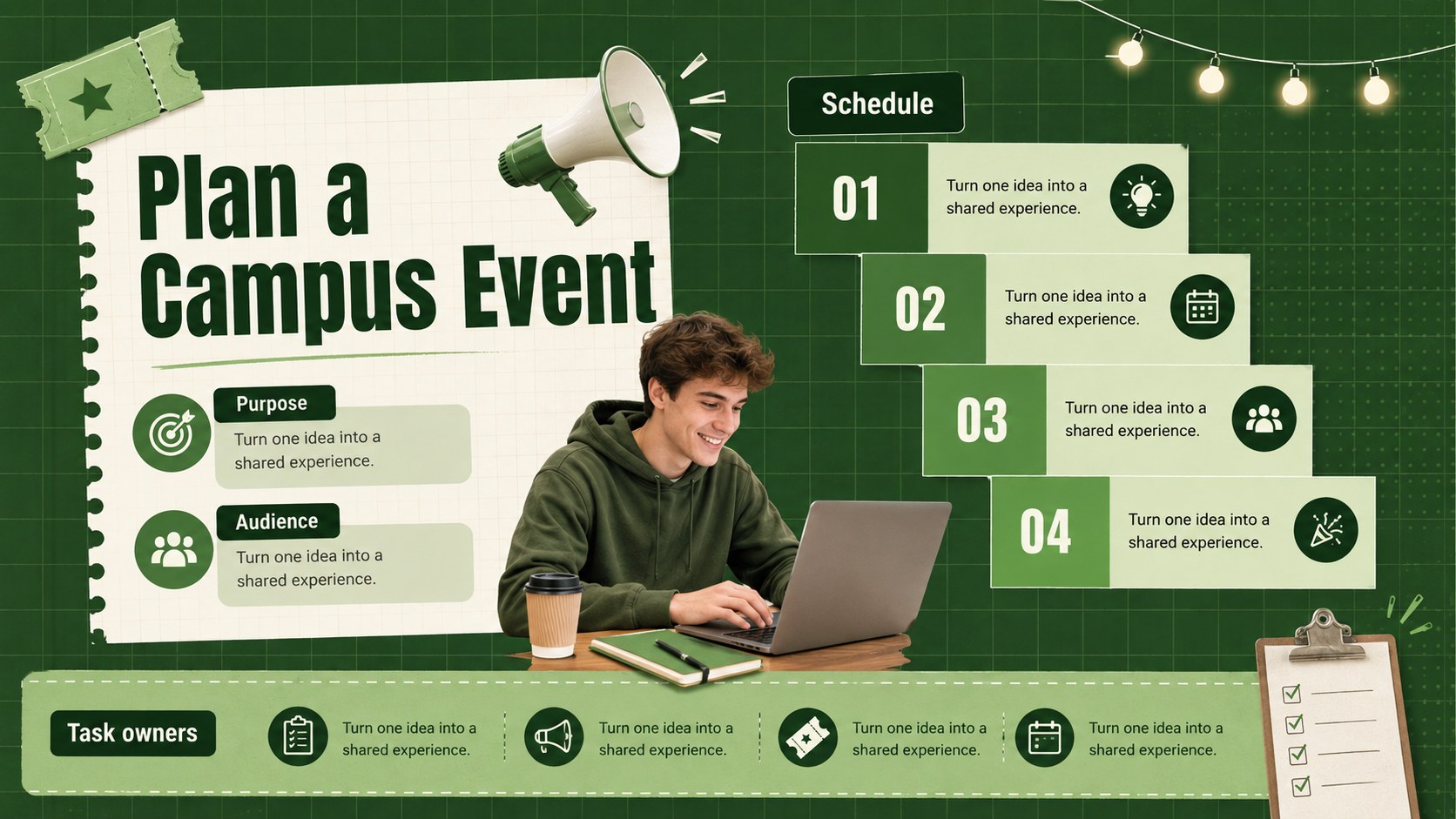
Inside, you will find flexible layouts for semester priorities, weekly routines, course summaries, assignment tracking, group projects, student clubs, event planning, budgeting, and personal reflection. Tables, timelines, checklists, diagrams, and progress sections can be adapted for an individual plan or a college club meeting presentation. Every slide supports concise information while leaving enough room for photos, charts, and key takeaways.
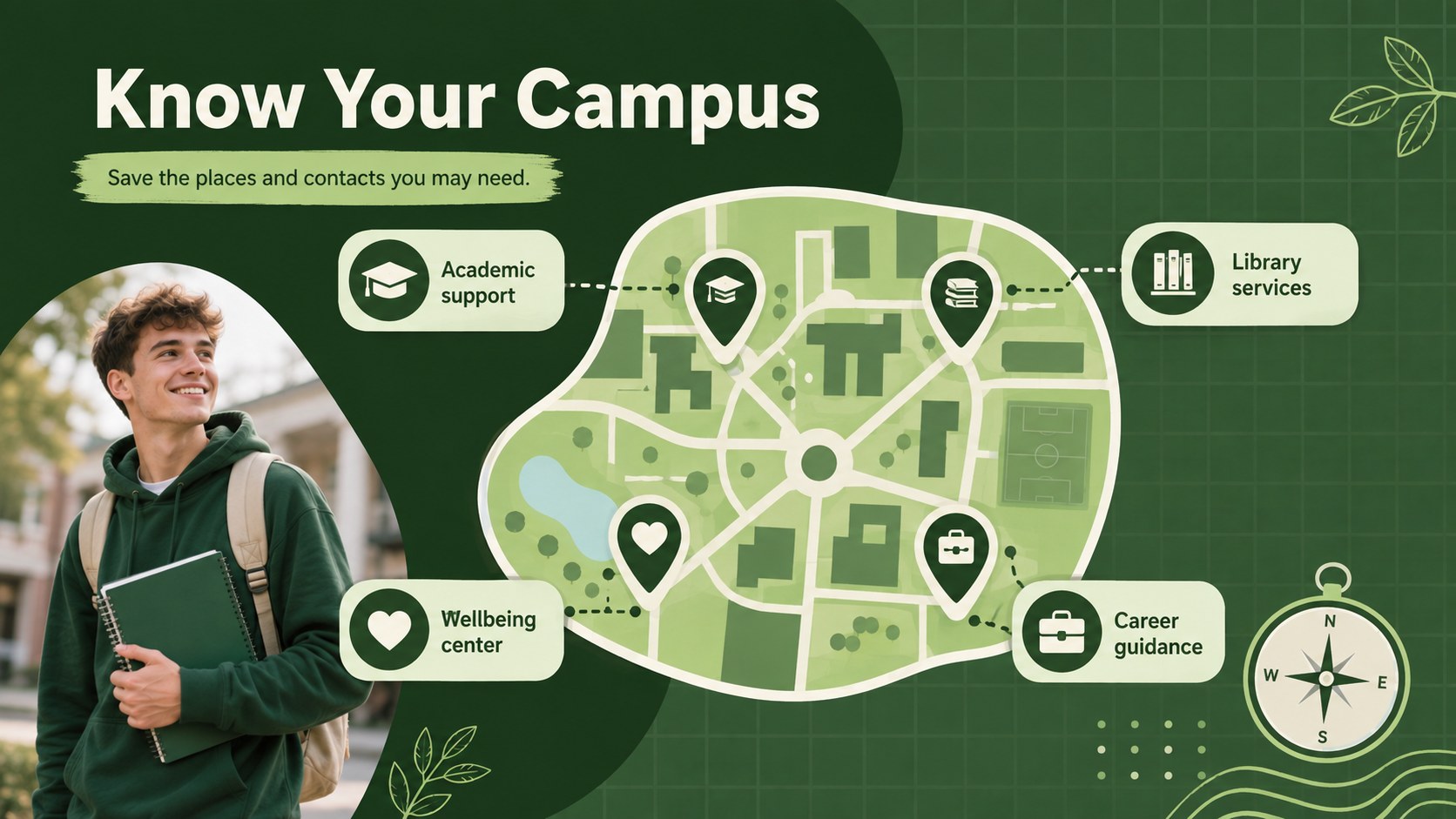
This deck is designed for university students, student leaders, academic advisors, resident assistants, and orientation teams. It also works as a student orientation slide template for introducing campus resources or helping new students prepare for their first term. Edit the text, colors, and layout in PowerPoint or Google Slides to match a course, department, organization, or personal planning style.
Perfect for: semester planning presentation; new student orientation; college club meeting; campus event proposal; academic progress review.
Frequently asked questions
Can I edit these slides in PowerPoint and Google Slides? Yes. The layouts, text, colors, graphics, and images can be edited in both PowerPoint and Google Slides. Some font spacing or animation timing may require minor adjustment after switching platforms.
Practical details
Yes. The layouts, text, colors, graphics, and images can be edited in both PowerPoint and Google Slides. Some font spacing or animation timing may require minor adjustment after switching platforms.
Replace the sample text and images, then adjust the green accents to match your university, department, or club colors. Keep the grid structure consistent across slides to preserve the clean academic style.
Yes. The layouts can present schedules, campus resources, student organizations, important contacts, and first-week priorities. Reorder the slides to match the sequence of your orientation session.
The slides use a widescreen format intended primarily for presenting, but individual planner pages can also be exported as PDF files. Check printer margins and background settings before producing paper copies.
Keep exploring
15Build stronger academic arguments with a college essay thesis builder featuring guided examples, revision prompts, and editable PowerPoint and Google Slides.
 15
15Build an engaging World UFO Day session with this flying saucer history lesson deck, featuring retro green-and-brown slides for PowerPoint and Google Slides.
 14
14Plan a memorable Lunar New Year campaign with the 2036 Dragon Year Celebration Theme, featuring bold red-and-yellow slides for lessons and events.
 15
15Build a thoughtful classroom discussion with this interfaith awareness lesson deck, featuring editable blue-and-white slides for PowerPoint and Google Slides.
 15
15Use this environmental awareness lesson deck to teach climate action through illustrated activities, discussion prompts, and ready-to-edit visuals.
 15
15Build playful lessons and party stories with a kid-friendly zombie celebration theme in purple, green and pastel blue for PowerPoint and Google Slides.
 15
15Build eerie lessons, campaigns, and story pitches with an undead survival scenario theme featuring editable slides for PowerPoint and Google Slides.
 16
16Turn environmental research into a clear story with a Watercolor Ecology Presentation Theme for PowerPoint and Google Slides in calming green and blue.