
 15
15presentation
College Essay Thesis Builder Slides
Build stronger academic arguments with a college essay thesis builder featuring guided examples, revision prompts, and editable PowerPoint and Google Slides.
Google SlidesPowerPoint
presentation · English
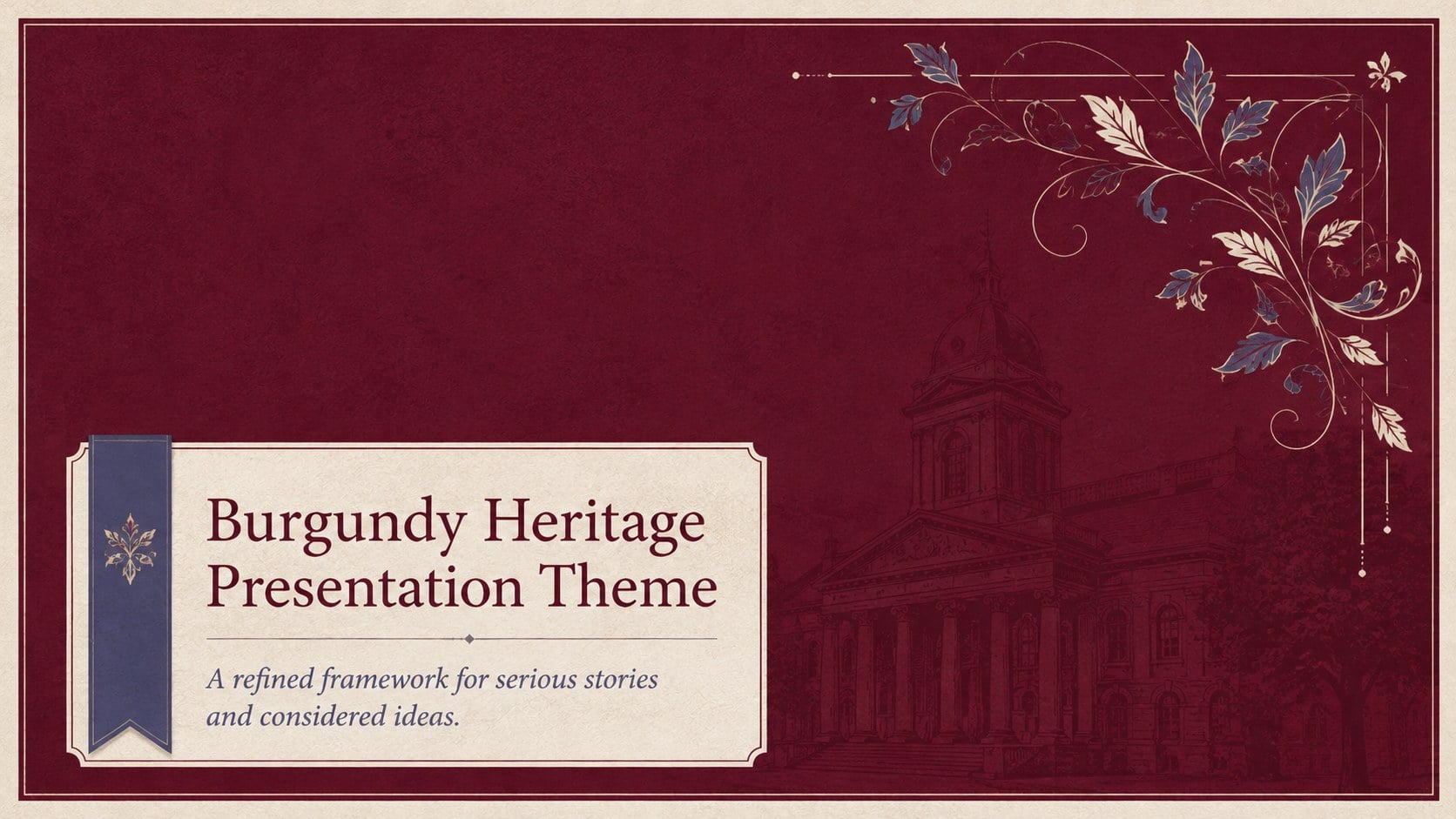
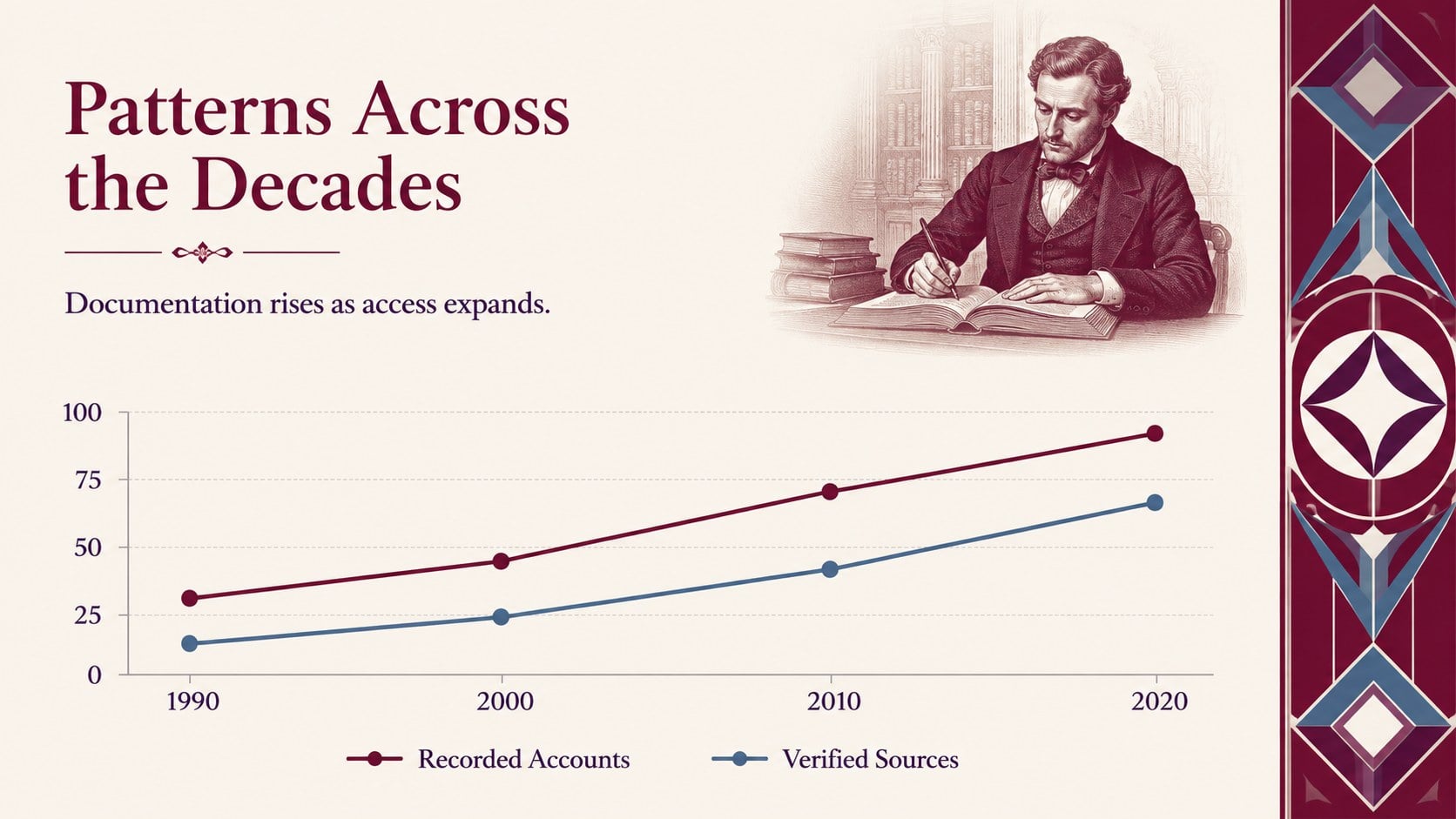
Give literature, law, history, or winery content a refined frame with this burgundy heritage presentation theme for PowerPoint and Google Slides.
Design notes
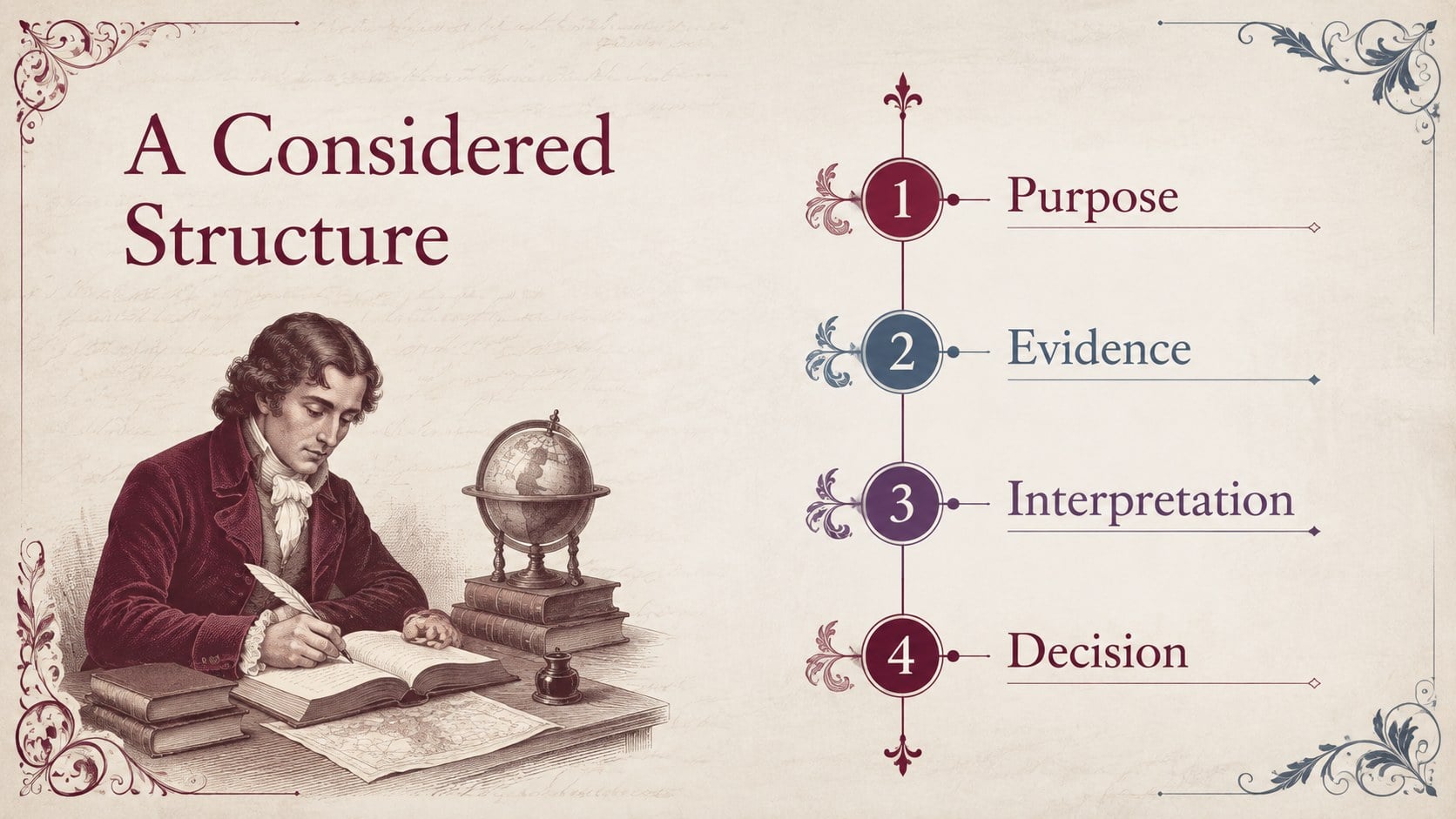
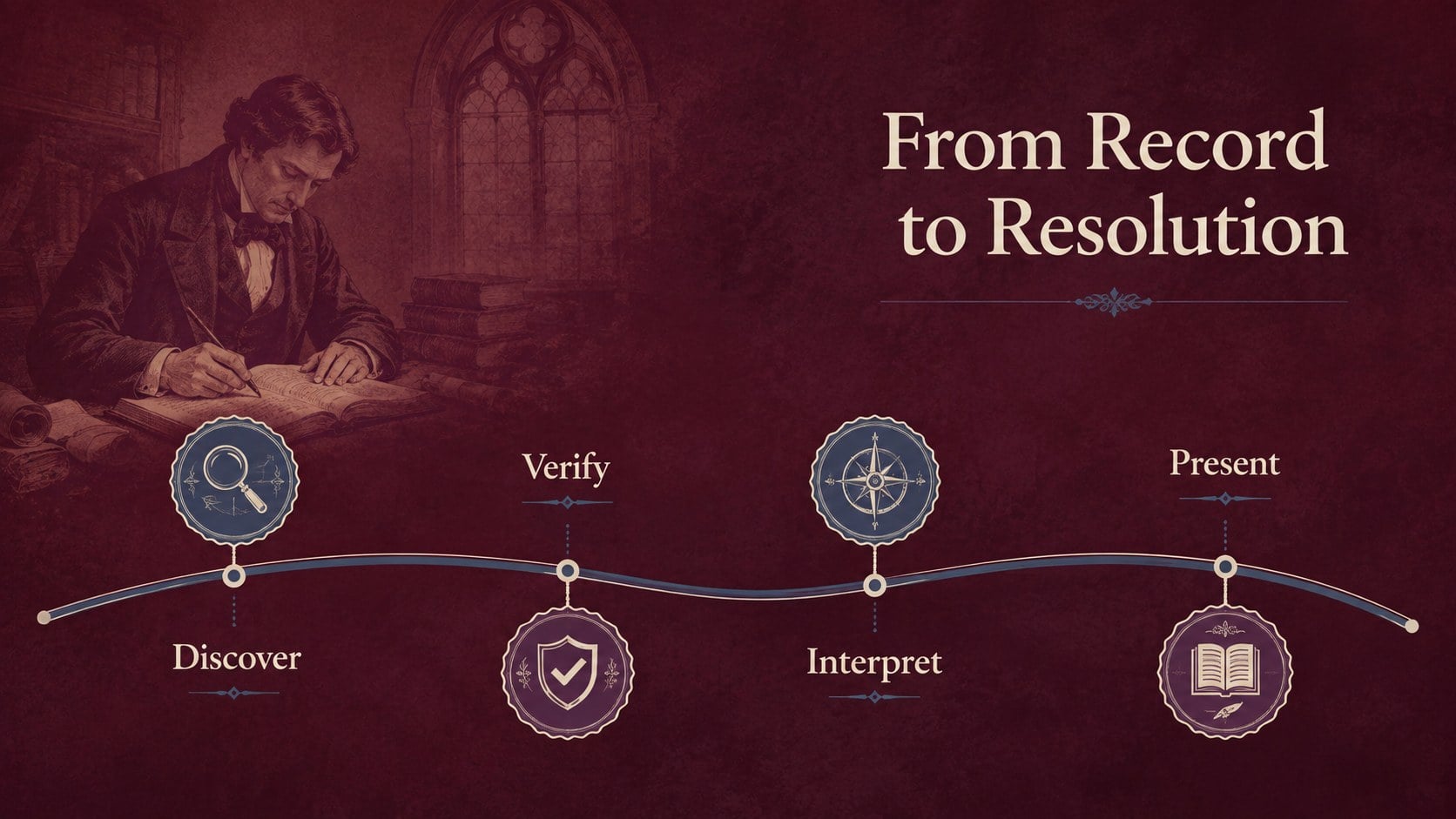
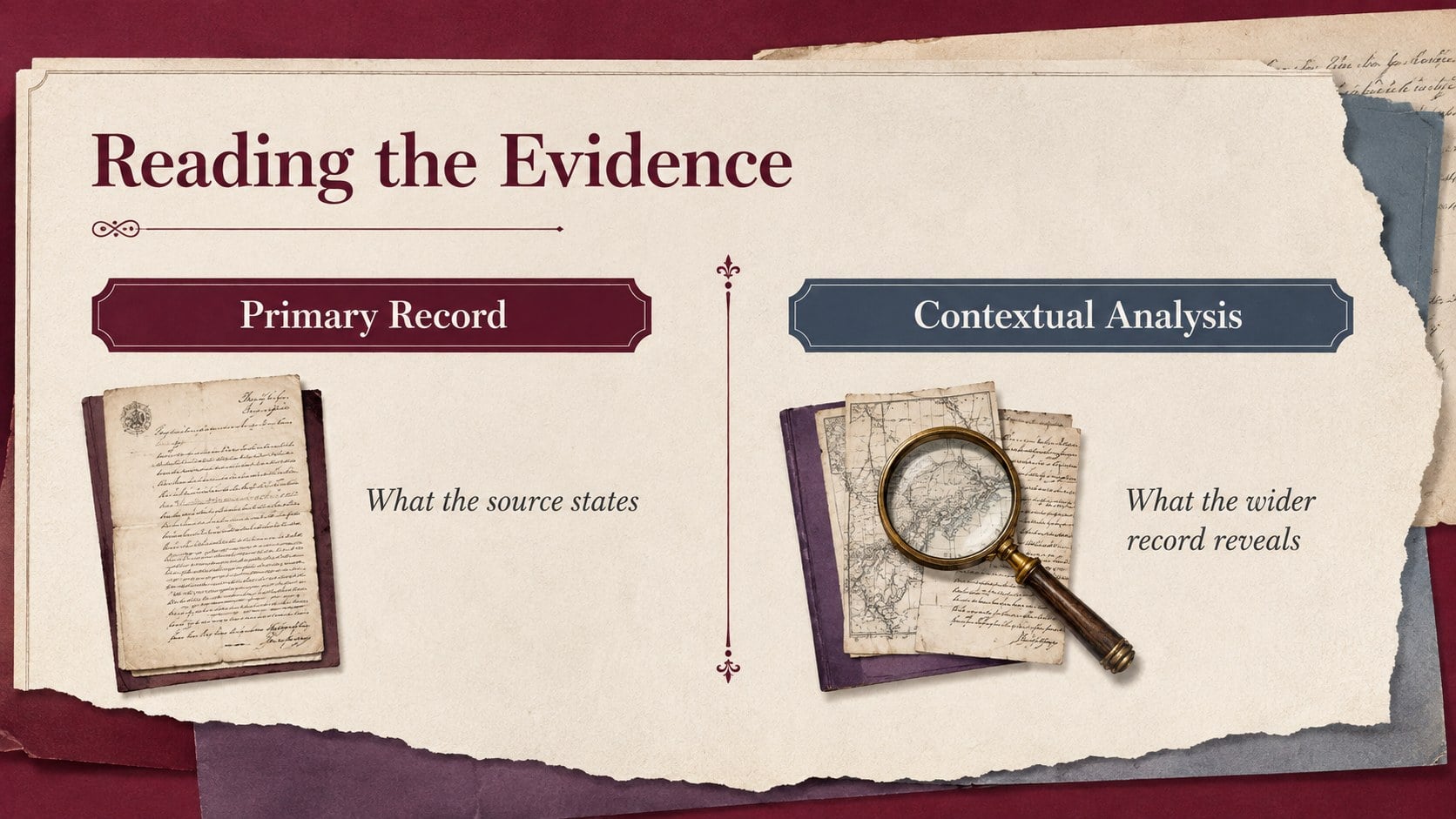
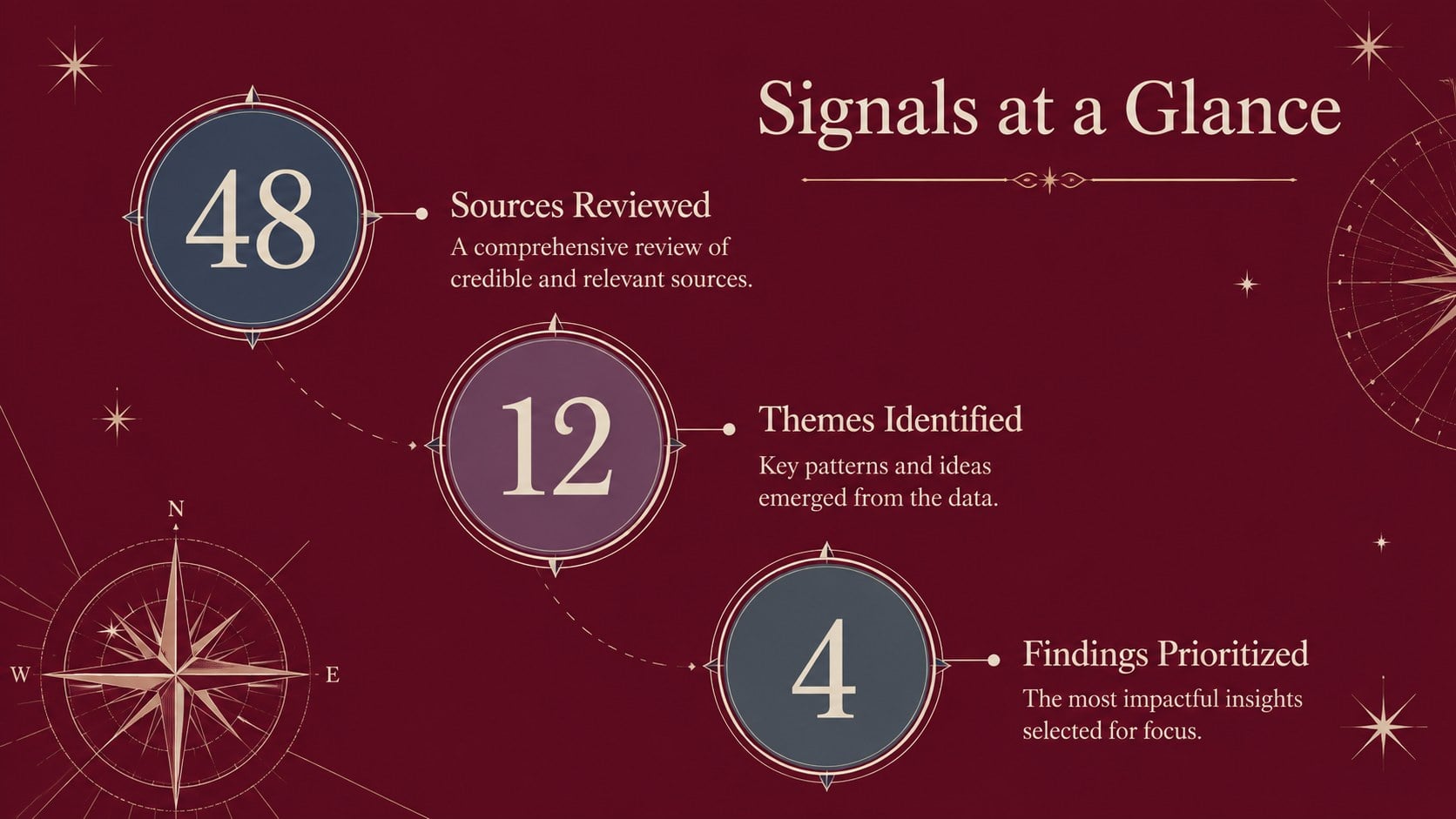
Designed for subjects that deserve clarity and gravitas, the burgundy heritage presentation theme pairs deep wine-red backgrounds with muted blue and purple accents, elegant serif headlines, and clean sans-serif body copy. Its composed visual language gives research, evidence, and storytelling a polished setting without distracting from the message.
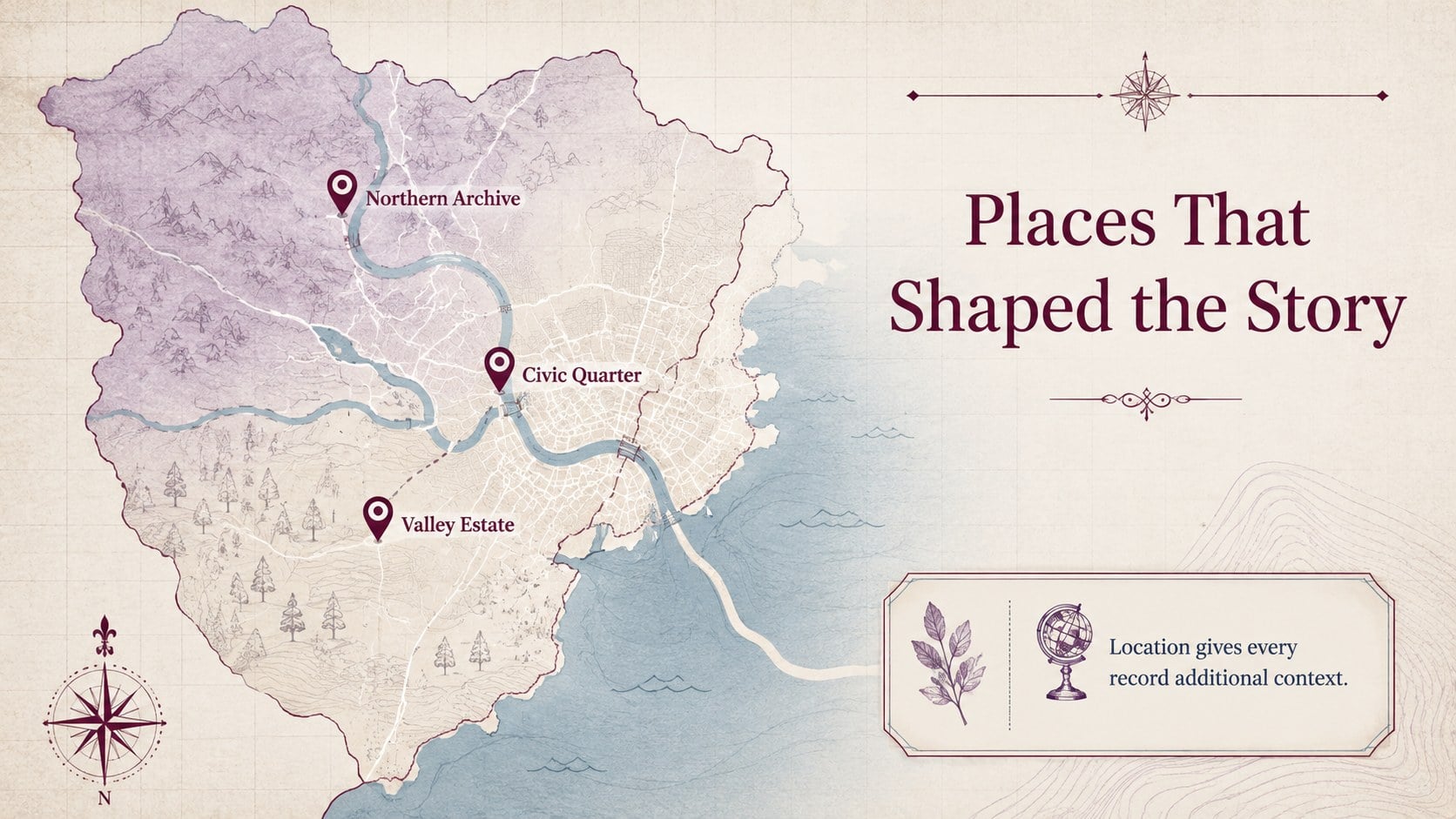
The deck includes adaptable covers, section openers, quotations, timelines, maps, comparison tables, charts, image layouts, team profiles, and closing pages. Every element can be edited in PowerPoint or Google Slides, including colors, typography, photographs, icons, and data graphics. The widescreen 16:9 format works well for projectors, conference displays, and online presentations. Use the existing palette for a traditional atmosphere or introduce a brighter accent color for a more contemporary interpretation.
This design is suited to lecturers, researchers, legal professionals, cultural organizations, wineries, and established businesses. It can become an elegant law presentation slides collection, a literature lecture PowerPoint theme, or a wine cellar presentation deck with only minor content changes. The balanced layouts also support historical seminars, archival reports, policy briefings, museum proposals, and formal corporate narratives. With generous space for both evidence and imagery, the theme helps presenters turn complex material into a structured, credible story.
Perfect for: university literature lecture; legal evidence briefing; historical research seminar; winery heritage presentation; museum exhibition proposal; archival project report.
Frequently asked questions
Can I edit this presentation in PowerPoint and Google Slides? Yes. The layouts, text, colors, images, icons, charts, and tables can be customized in both PowerPoint and Google Slides.
Practical details
Yes. The layouts, text, colors, images, icons, charts, and tables can be customized in both PowerPoint and Google Slides.
Replace the background and accent colors with your approved brand values, then update the theme fonts if needed. Maintaining strong contrast between the background, headings, and body text will preserve readability.
No. Its formal editorial style also works for legal briefings, winery profiles, cultural proposals, policy reports, and established corporate presentations.
The presentation uses a widescreen 16:9 layout suitable for modern displays and virtual meetings. It can be resized, although charts, images, and ornaments may need repositioning afterward.
Keep exploring
15Build stronger academic arguments with a college essay thesis builder featuring guided examples, revision prompts, and editable PowerPoint and Google Slides.
 15
15Build an engaging World UFO Day session with this flying saucer history lesson deck, featuring retro green-and-brown slides for PowerPoint and Google Slides.
 14
14Plan a memorable Lunar New Year campaign with the 2036 Dragon Year Celebration Theme, featuring bold red-and-yellow slides for lessons and events.
 15
15Build a thoughtful classroom discussion with this interfaith awareness lesson deck, featuring editable blue-and-white slides for PowerPoint and Google Slides.
 15
15Use this environmental awareness lesson deck to teach climate action through illustrated activities, discussion prompts, and ready-to-edit visuals.
 15
15Build playful lessons and party stories with a kid-friendly zombie celebration theme in purple, green and pastel blue for PowerPoint and Google Slides.
 15
15Build eerie lessons, campaigns, and story pitches with an undead survival scenario theme featuring editable slides for PowerPoint and Google Slides.
 16
16Turn environmental research into a clear story with a Watercolor Ecology Presentation Theme for PowerPoint and Google Slides in calming green and blue.