
 15
15presentation
College Essay Thesis Builder Slides
Build stronger academic arguments with a college essay thesis builder featuring guided examples, revision prompts, and editable PowerPoint and Google Slides.
Google SlidesPowerPoint
presentation · English
Create Buddhist culture lesson slides for classroom teaching, with cheerful yellow artwork, colorful illustrations, editable layouts, and PowerPoint or…
Design notes
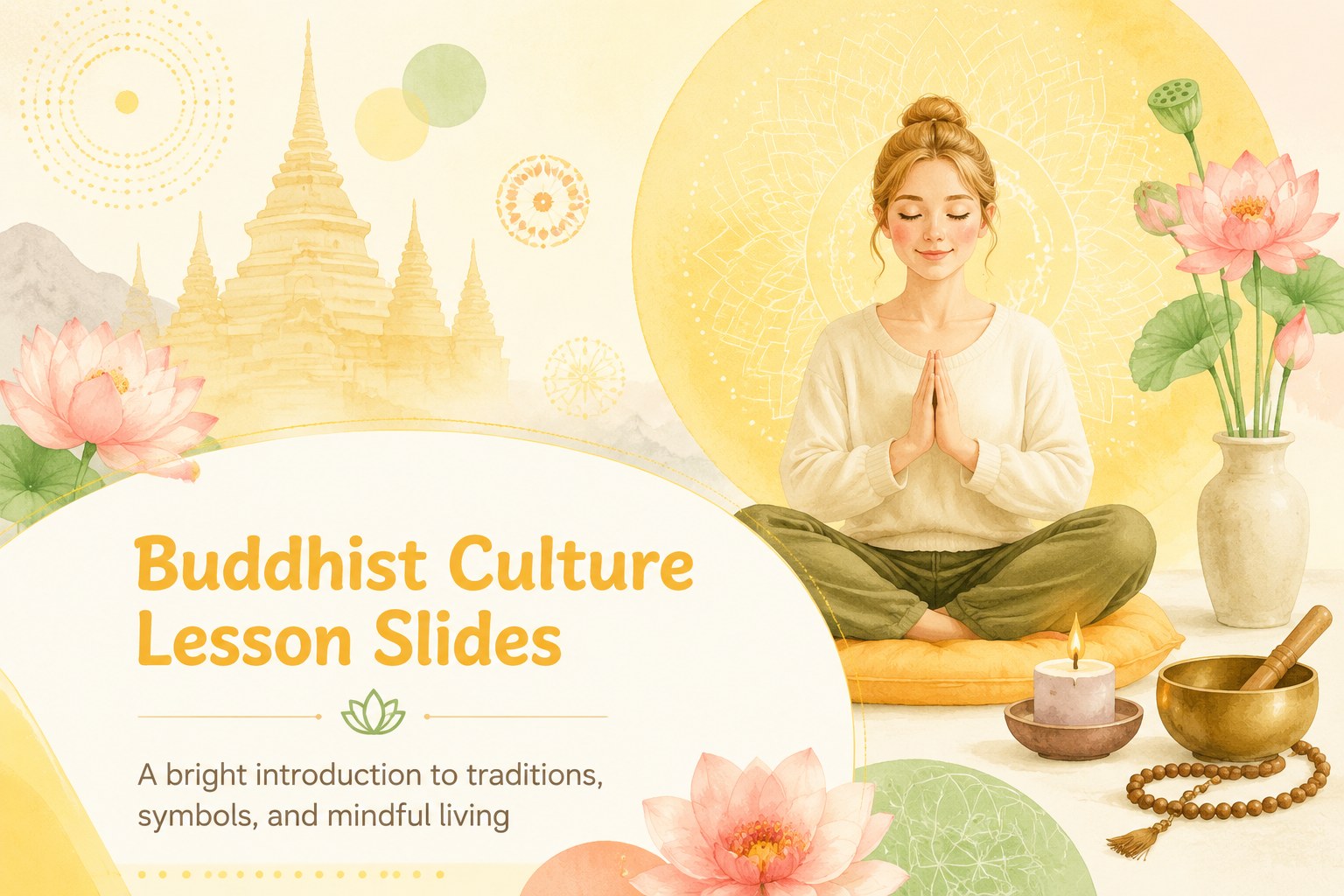
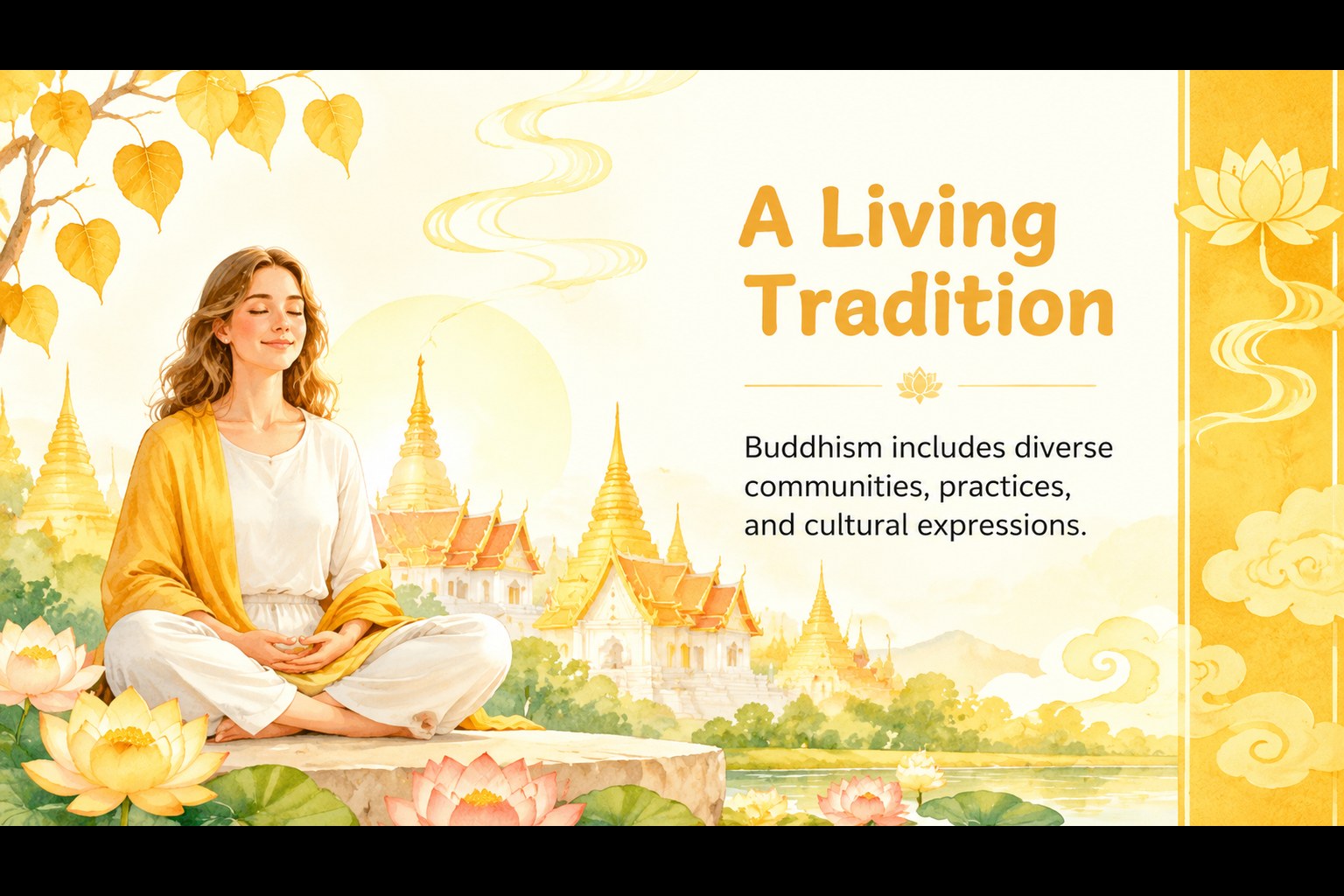
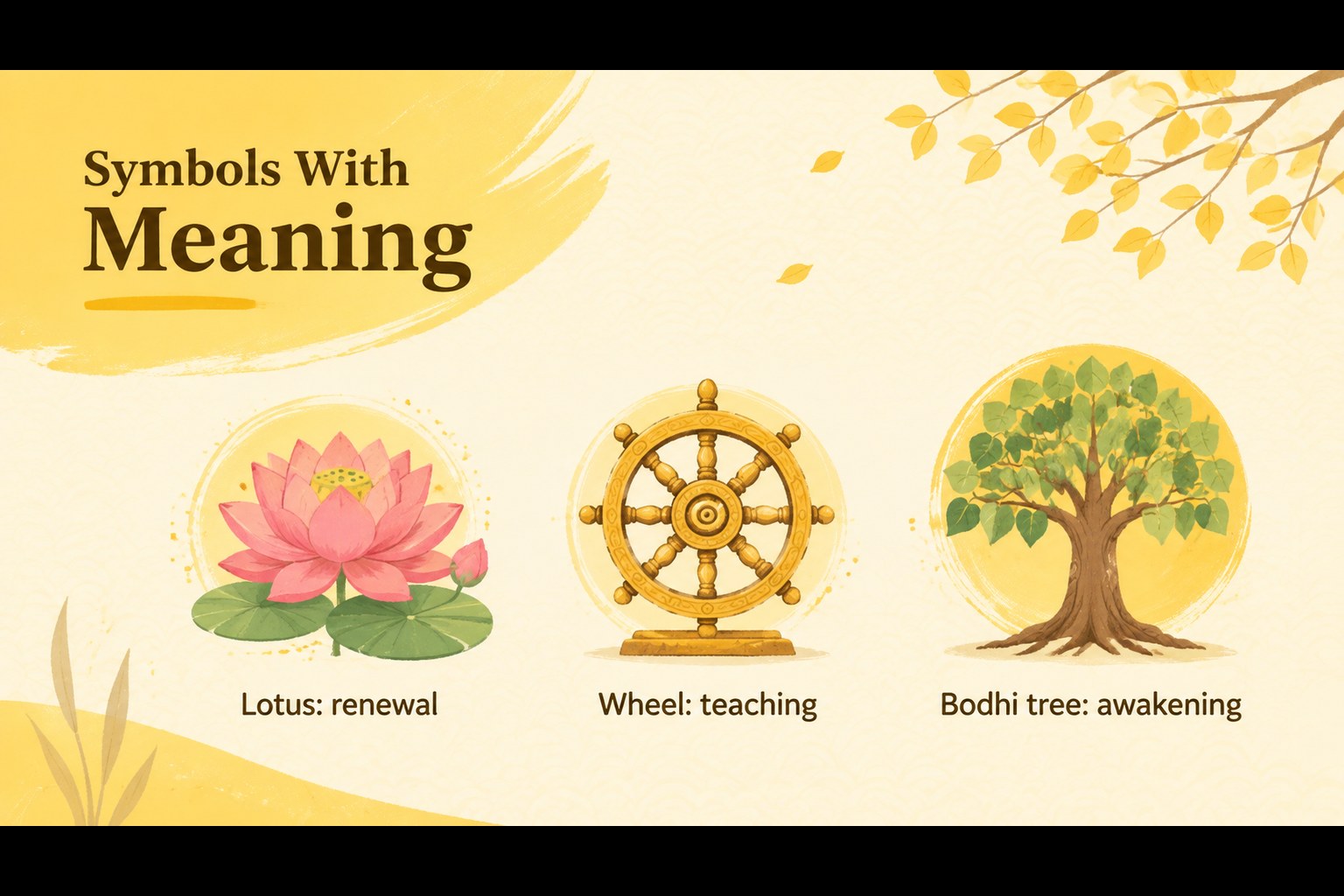
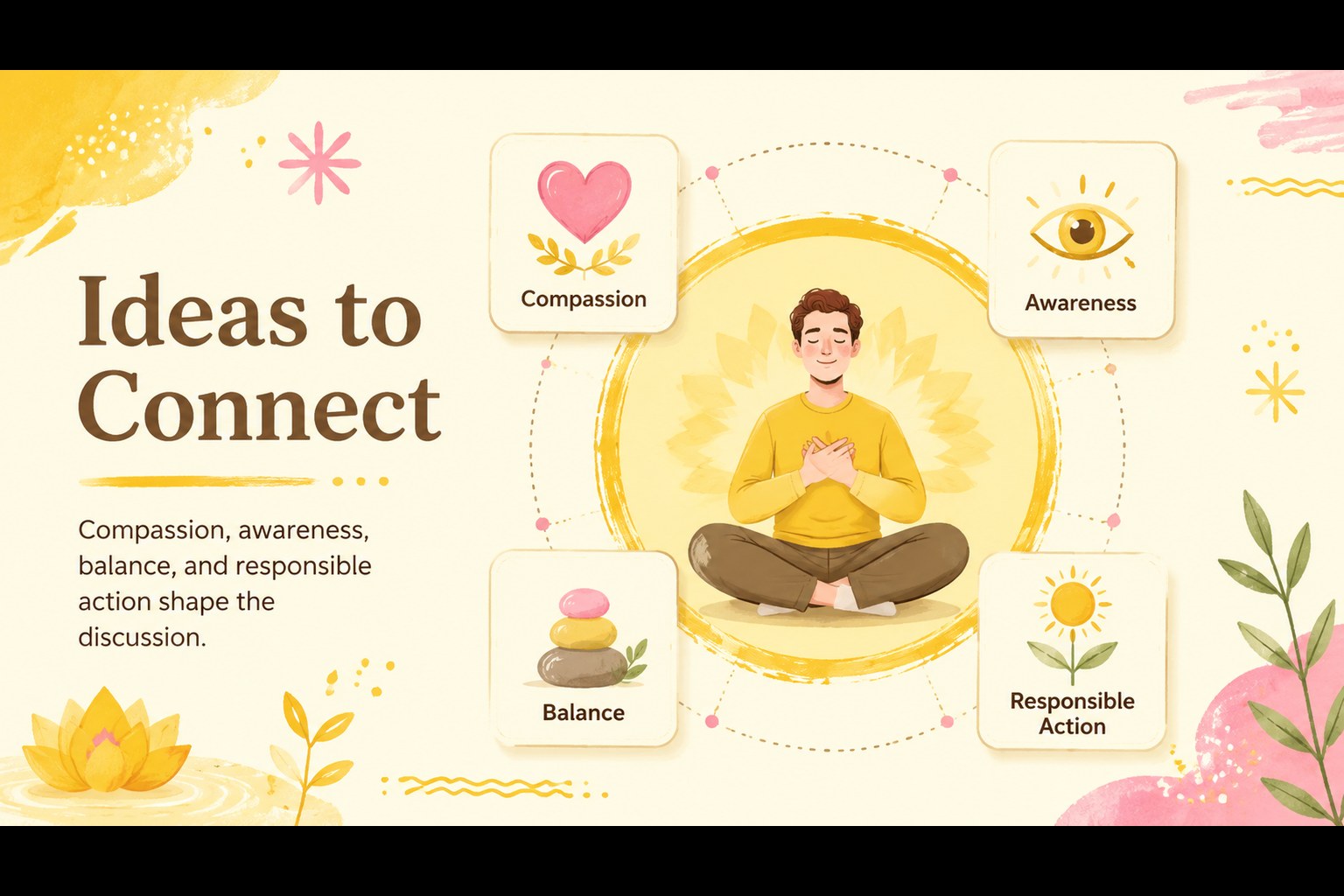
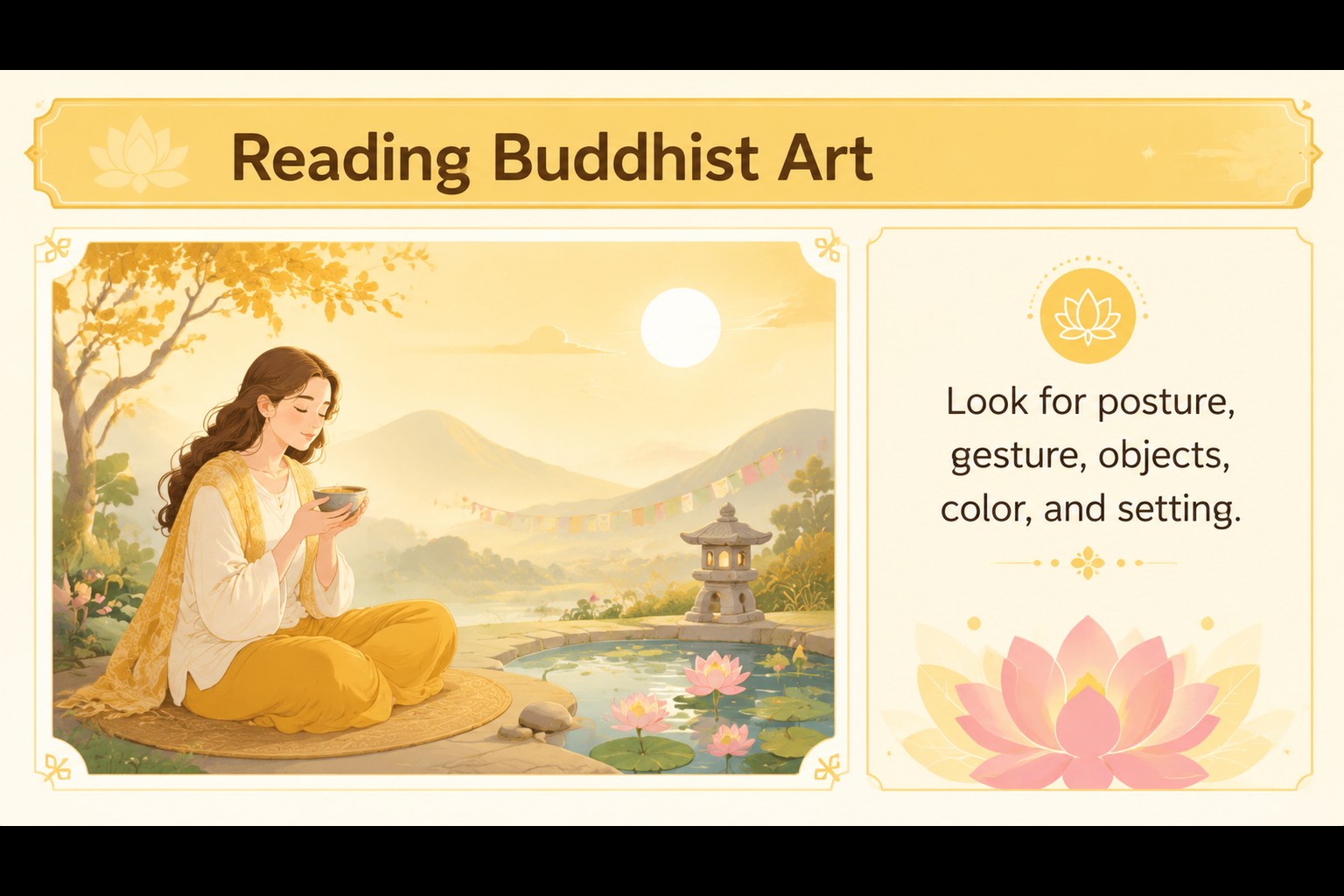
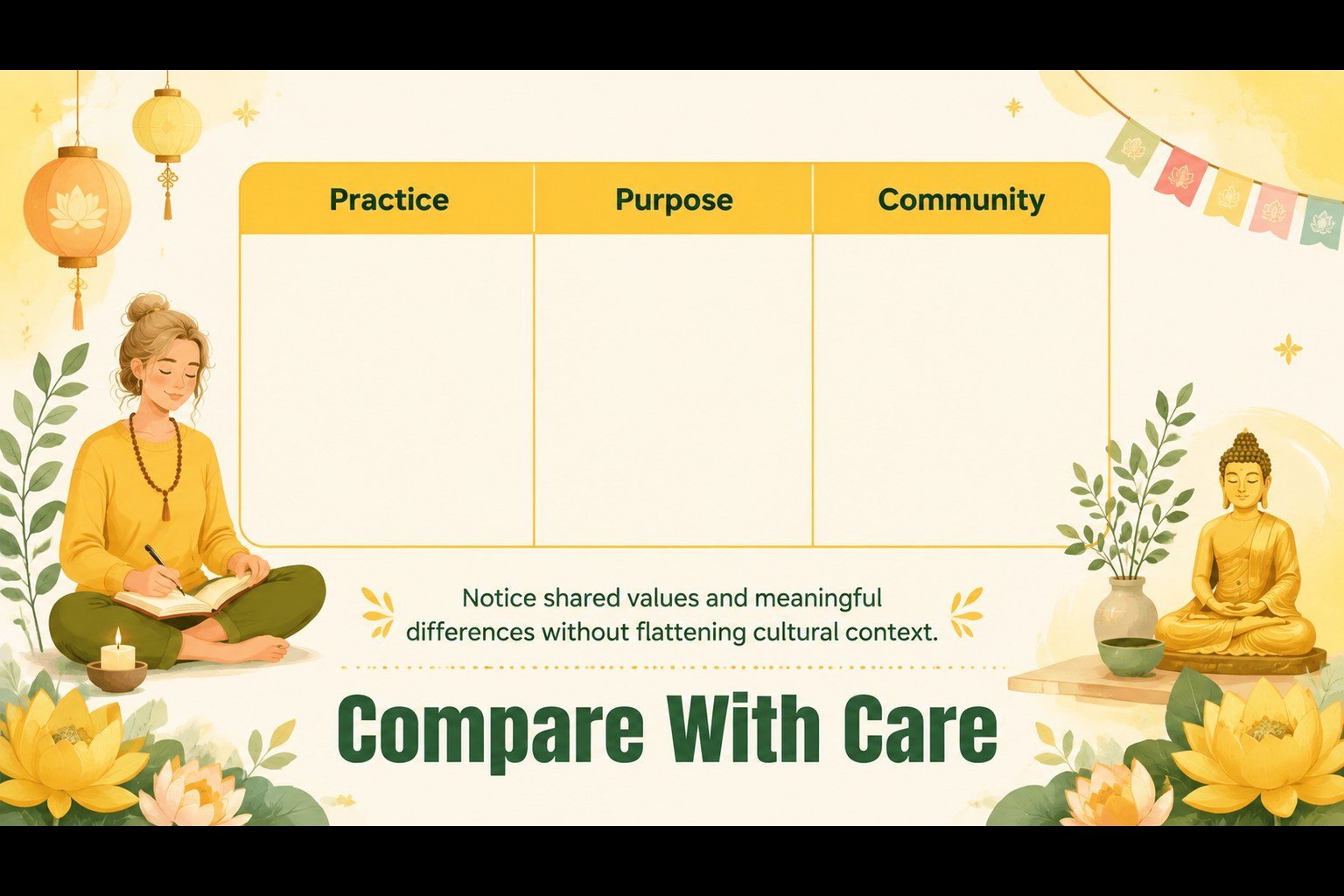
Buddhist culture lesson slides give teachers a warm, approachable way to introduce Buddhism, Eastern philosophy, and Asian cultural traditions. The colorful visual language combines sunny yellow with playful illustrated details, creating an engaging setting for classroom discussion without overwhelming the subject matter. Use the deck to explain core concepts, introduce important symbols, compare traditions, or connect Buddhist art with broader cultural studies.
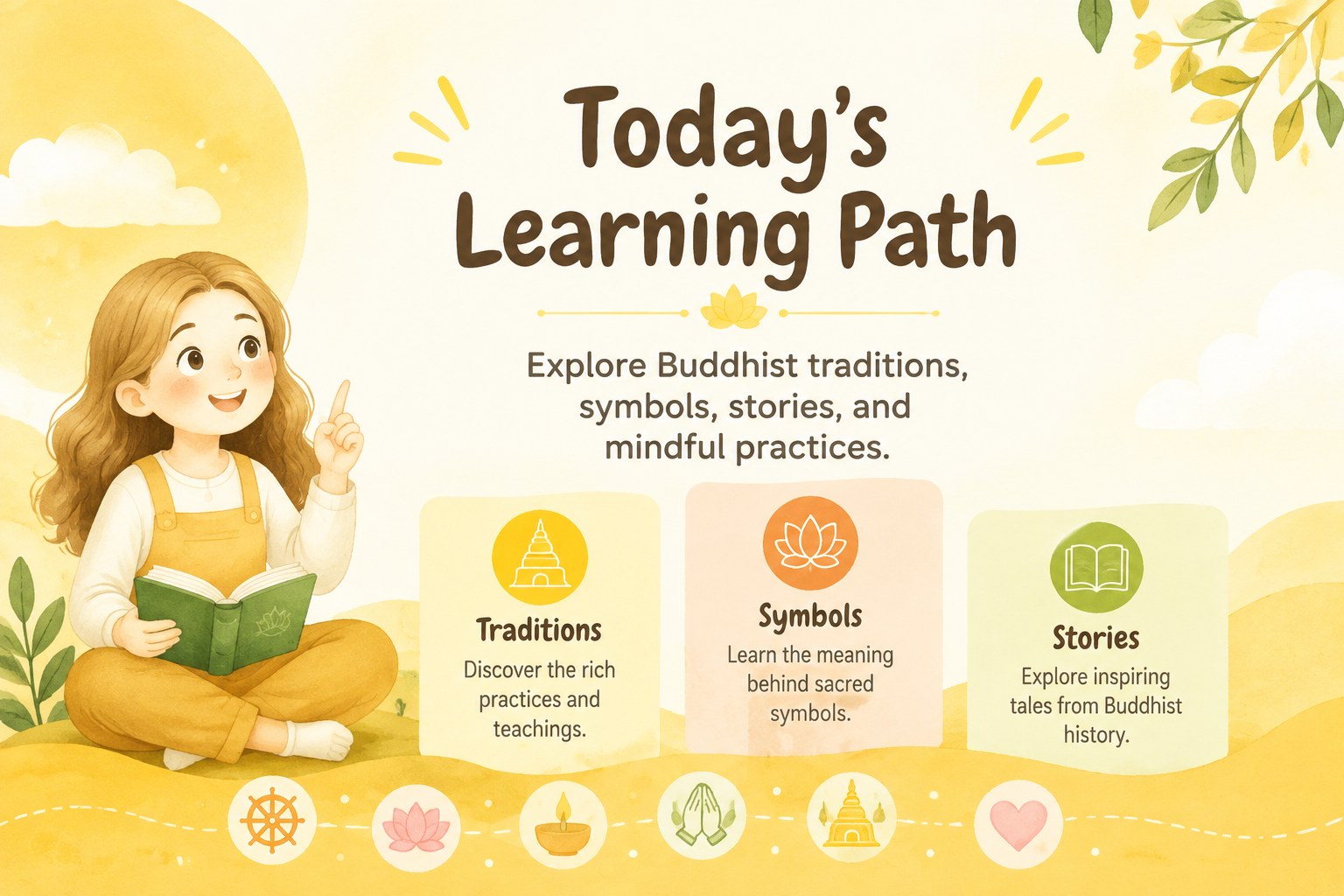
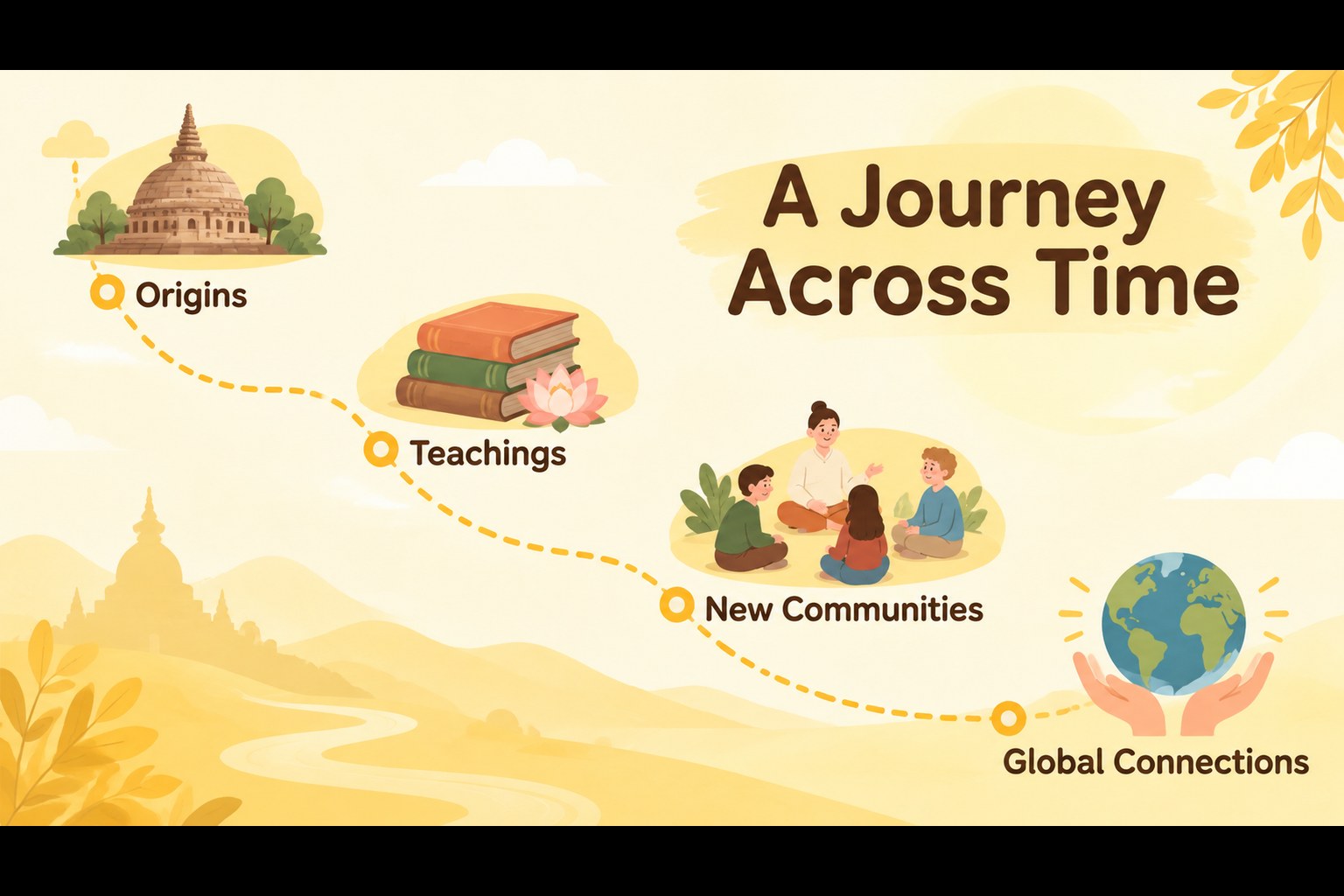
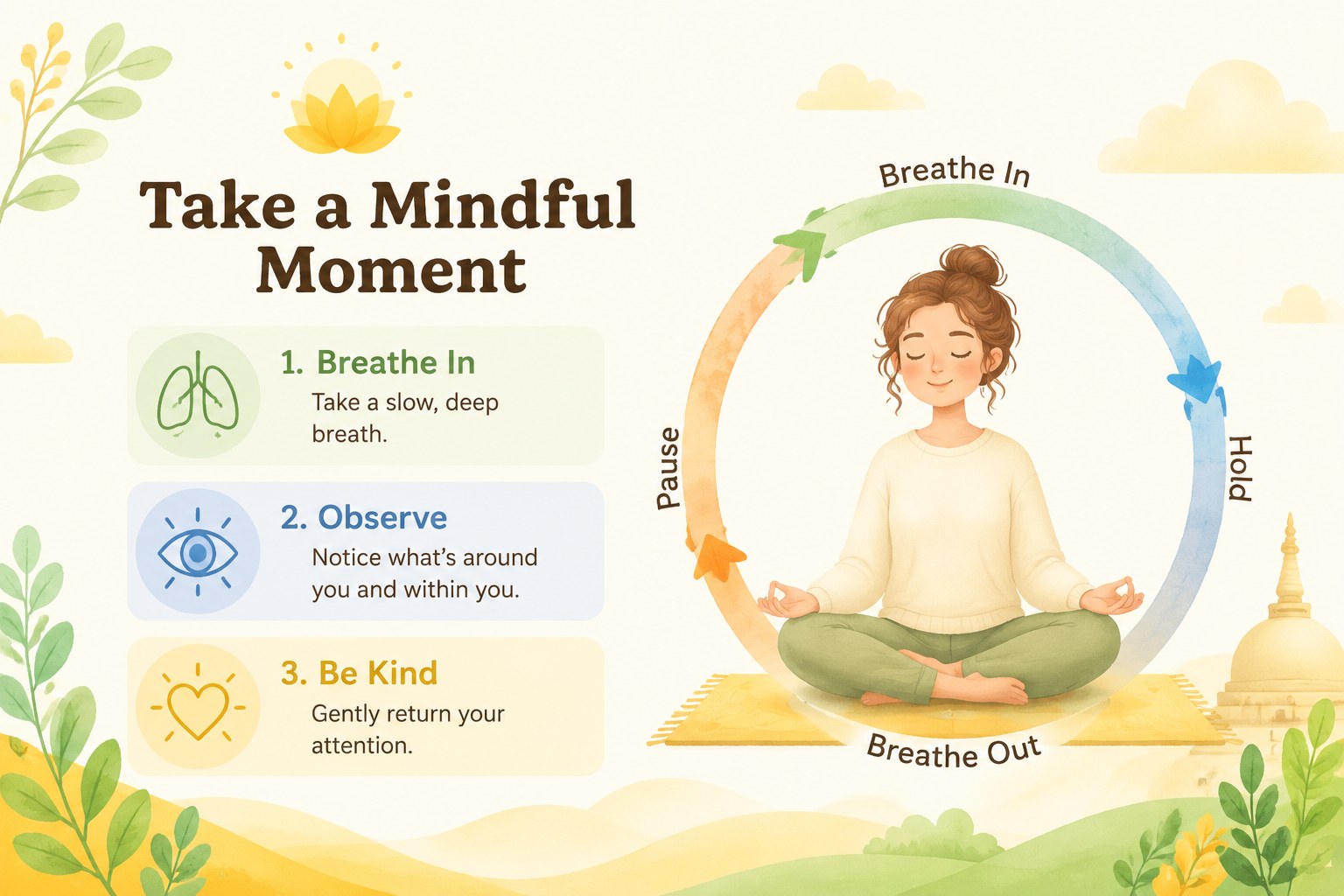
Inside, you will find 20 editable 16:9 layouts for titles, lesson objectives, key ideas, image-led explanations, timelines, comparisons, discussion prompts, and closing reflections. The flexible structure also works well for a Buddhist symbols presentation, a world religions unit, or an introduction to meditation and mindfulness. Modify the text, rearrange elements, add diagrams, and adapt the pacing to suit younger learners or older students.
The template is designed for educators, cultural studies instructors, museum presenters, and community groups. It can be edited in PowerPoint or Google Slides, with customizable colors, typography, illustrations, shapes, and transitions. Use the included layouts as a complete lesson sequence or select individual slides to support a larger teaching project.
Perfect for: world religions classroom lesson; Buddhist symbols presentation; Asian art history unit; mindfulness workshop for students; museum culture talk; Eastern philosophy introduction.
Frequently asked questions
Can I edit these Buddhist culture lesson slides in PowerPoint? Yes. The layouts can be opened and customized in PowerPoint, including the text, colors, illustrations, shapes, and slide order. Use the editable structure to match your lesson plan and audience.
Practical details
Yes. The layouts can be opened and customized in PowerPoint, including the text, colors, illustrations, shapes, and slide order. Use the editable structure to match your lesson plan and audience.
Yes. You can open the presentation in Google Slides and adjust the content online. This makes it practical for classroom collaboration, remote teaching, and shared lesson preparation.
The visual system can support related topics such as Asian art, cultural traditions, mindfulness, and Eastern philosophy. Replace the sample copy and illustrations with material that fits your curriculum.
You can add lesson summaries, discussion questions, timelines, comparison tables, diagrams, photographs, and classroom activities. The 16:9 layouts are structured for both short presentations and complete teaching units.
Keep exploring
15Build stronger academic arguments with a college essay thesis builder featuring guided examples, revision prompts, and editable PowerPoint and Google Slides.
 15
15Build an engaging World UFO Day session with this flying saucer history lesson deck, featuring retro green-and-brown slides for PowerPoint and Google Slides.
 14
14Plan a memorable Lunar New Year campaign with the 2036 Dragon Year Celebration Theme, featuring bold red-and-yellow slides for lessons and events.
 15
15Build a thoughtful classroom discussion with this interfaith awareness lesson deck, featuring editable blue-and-white slides for PowerPoint and Google Slides.
 15
15Use this environmental awareness lesson deck to teach climate action through illustrated activities, discussion prompts, and ready-to-edit visuals.
 15
15Build playful lessons and party stories with a kid-friendly zombie celebration theme in purple, green and pastel blue for PowerPoint and Google Slides.
 15
15Build eerie lessons, campaigns, and story pitches with an undead survival scenario theme featuring editable slides for PowerPoint and Google Slides.
 16
16Turn environmental research into a clear story with a Watercolor Ecology Presentation Theme for PowerPoint and Google Slides in calming green and blue.