
 15
15presentation
College Essay Thesis Builder Slides
Build stronger academic arguments with a college essay thesis builder featuring guided examples, revision prompts, and editable PowerPoint and Google Slides.
Google SlidesPowerPoint
presentation · English
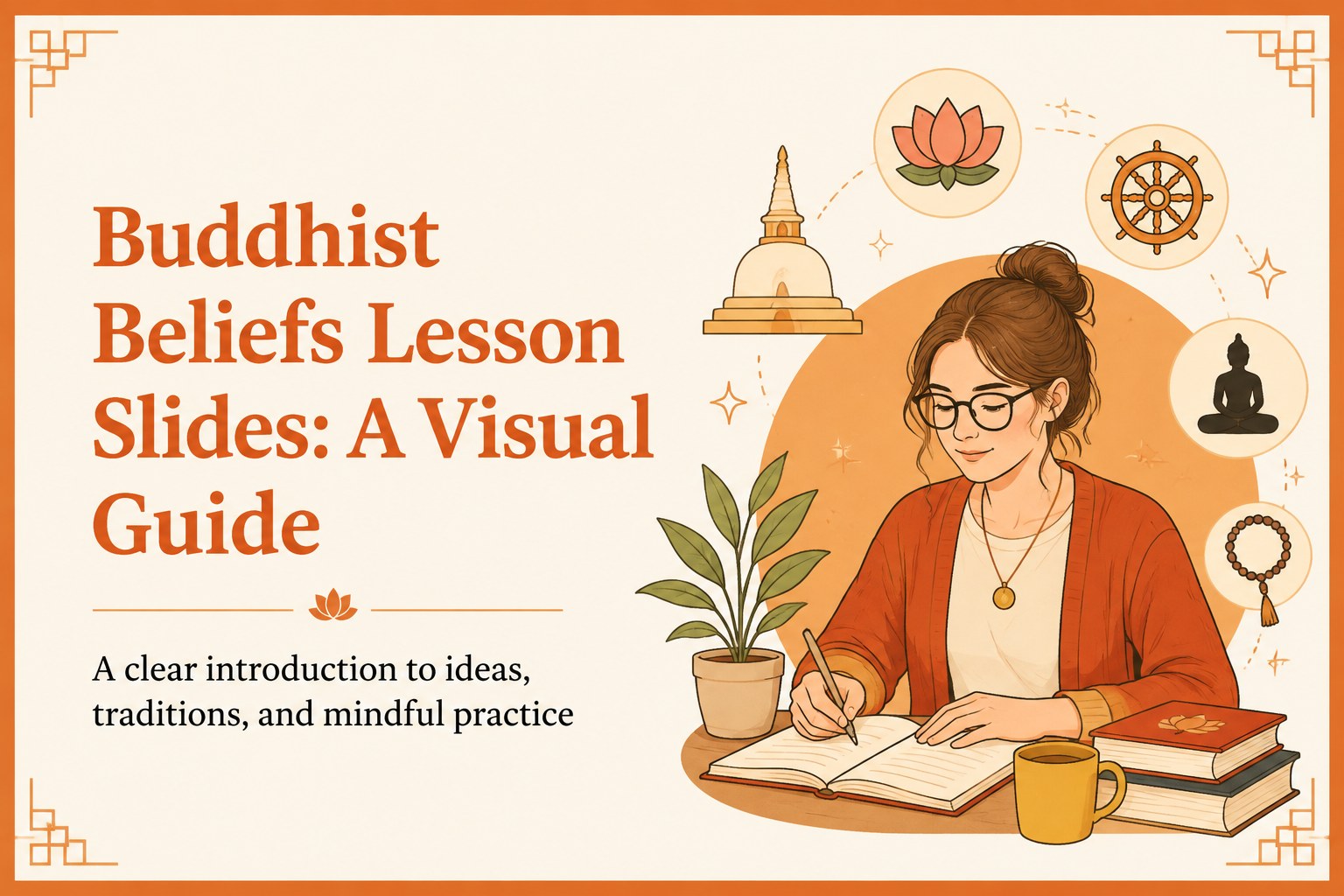
Teach Buddhist beliefs and practices with a bright orange visual lesson deck for PowerPoint and Google Slides, built for clear, engaging classroom learning.

Design notes
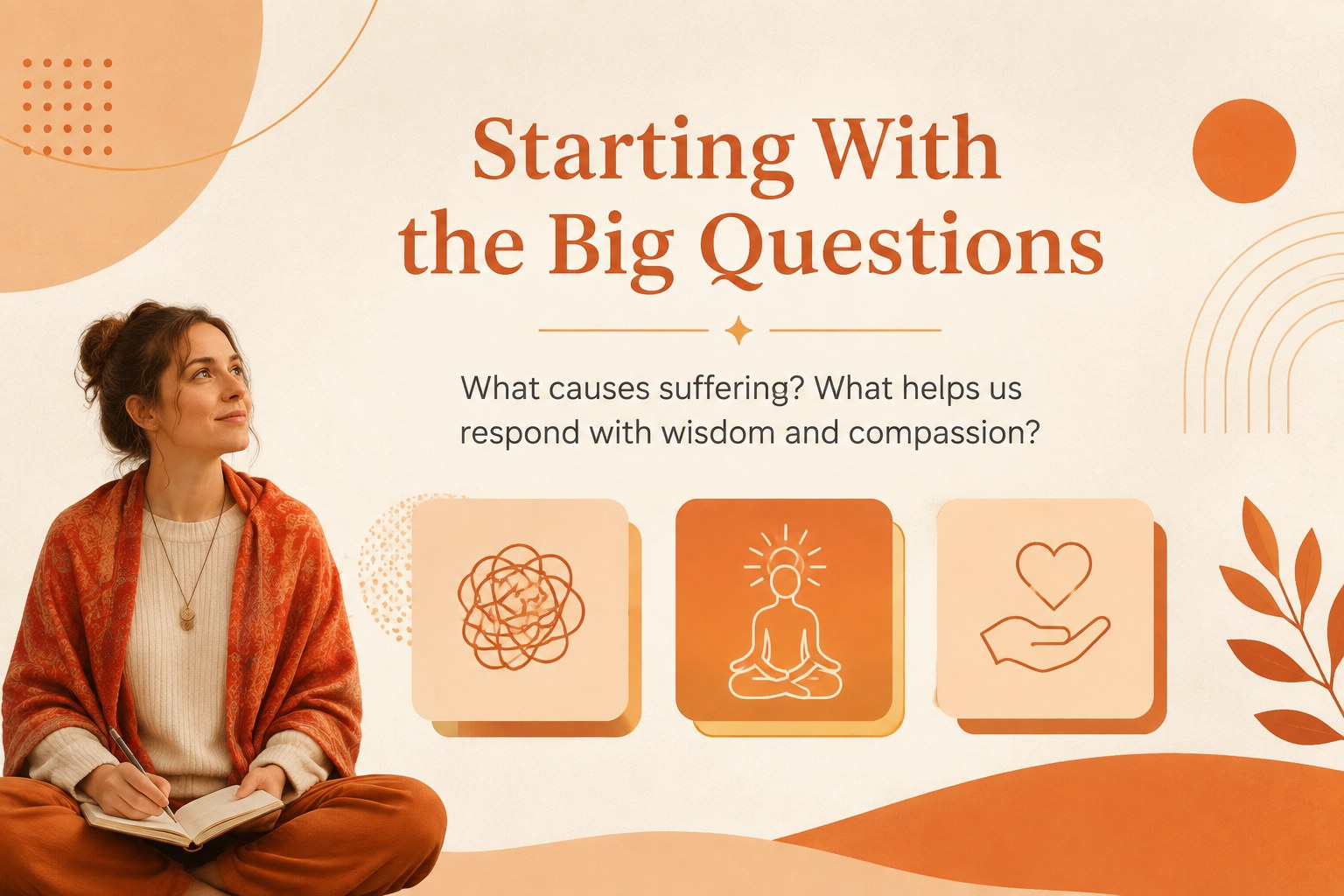
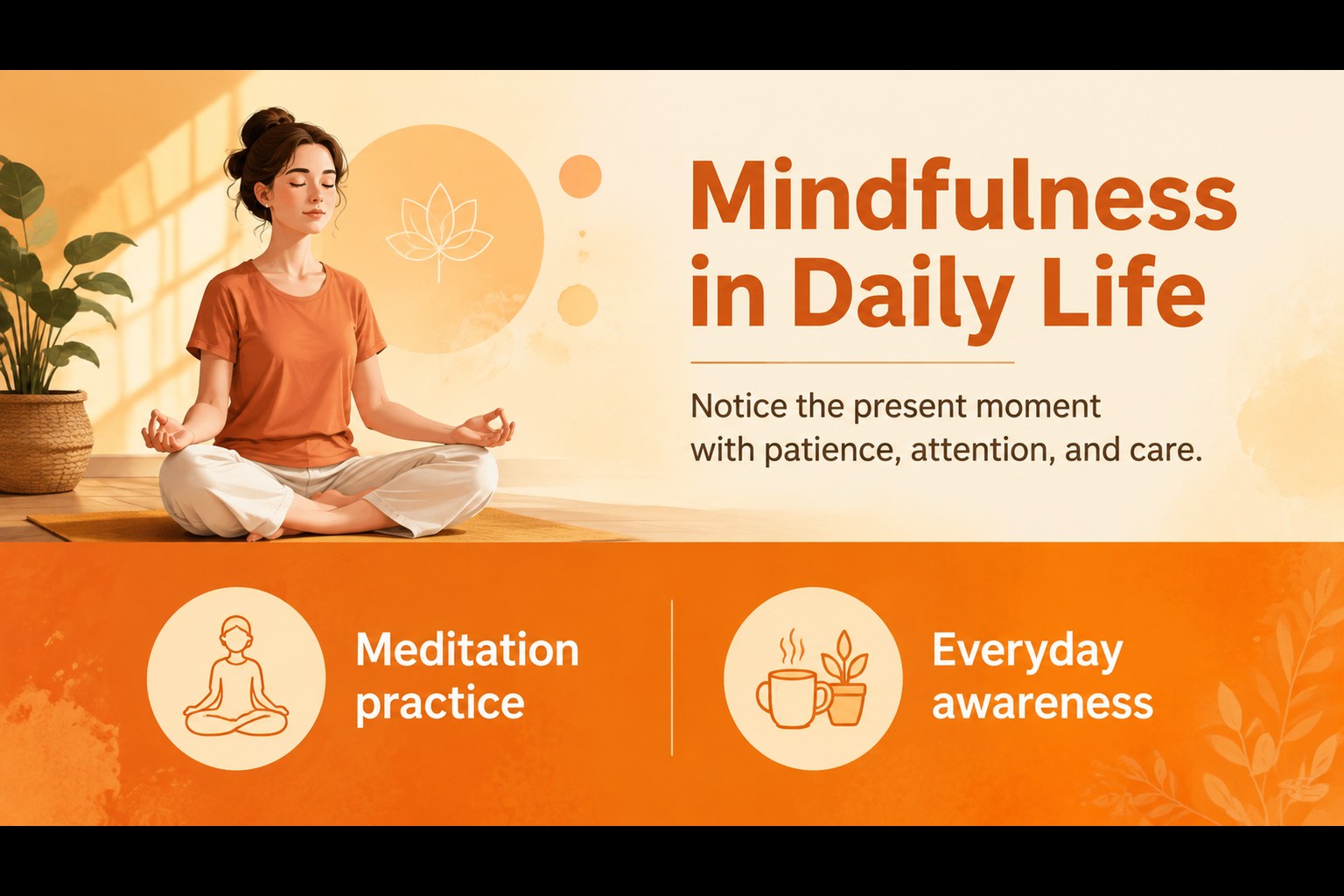
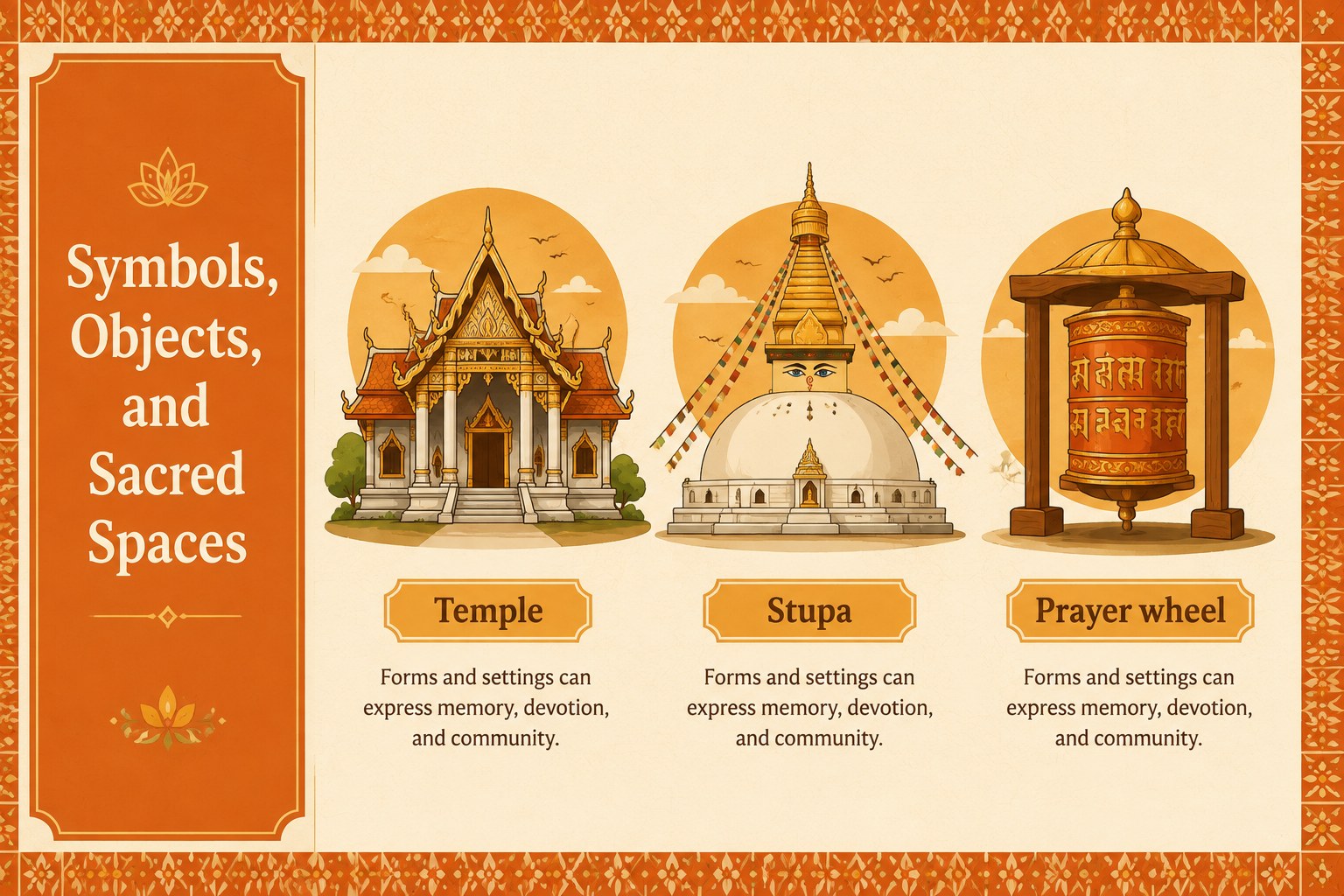
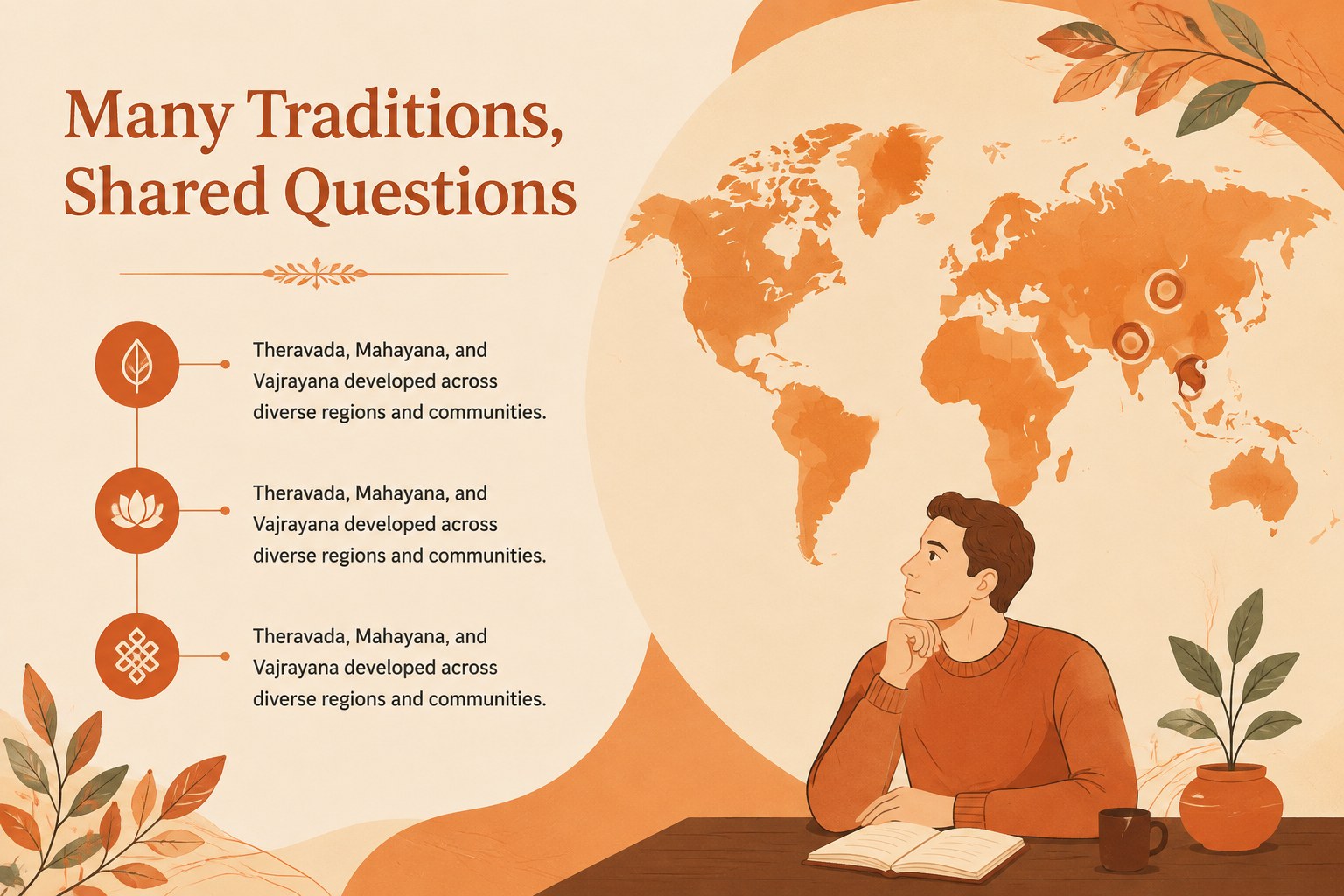
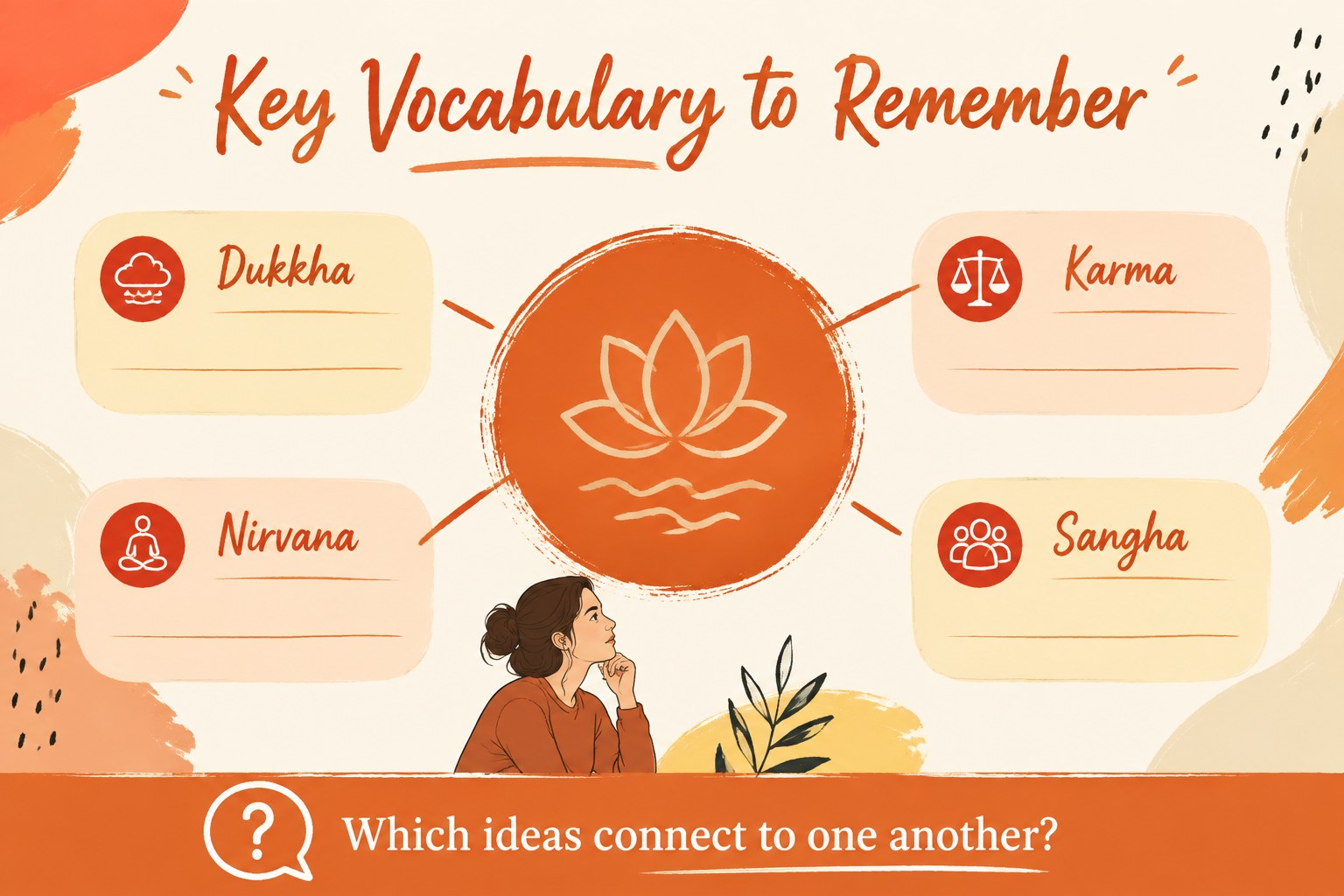
Buddhist beliefs lesson slides give educators a welcoming way to introduce core ideas, traditions, and everyday practices. The bright orange palette, friendly flat illustrations, and handwritten accents create an approachable learning environment for students exploring Buddhism in a classroom or workshop.
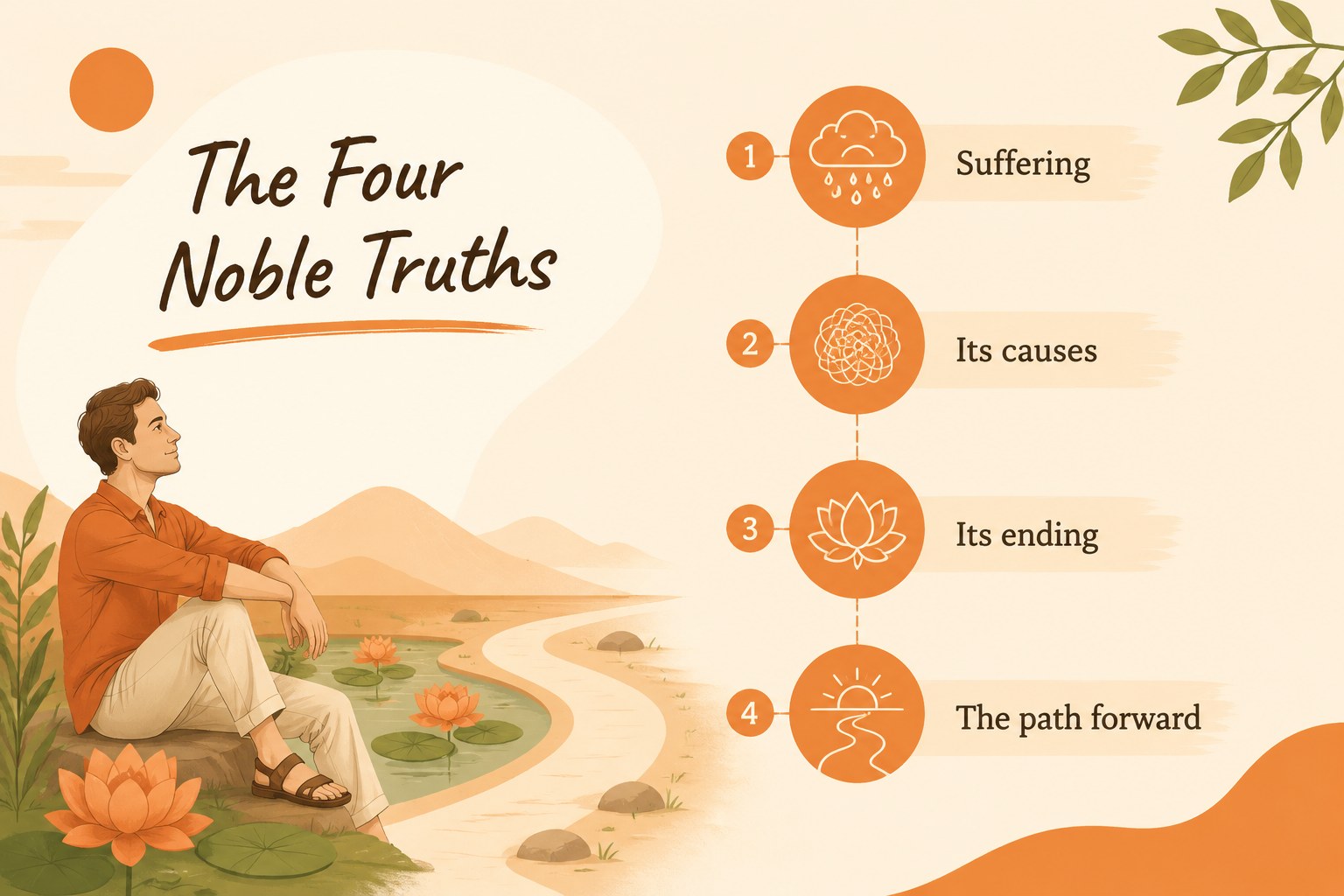
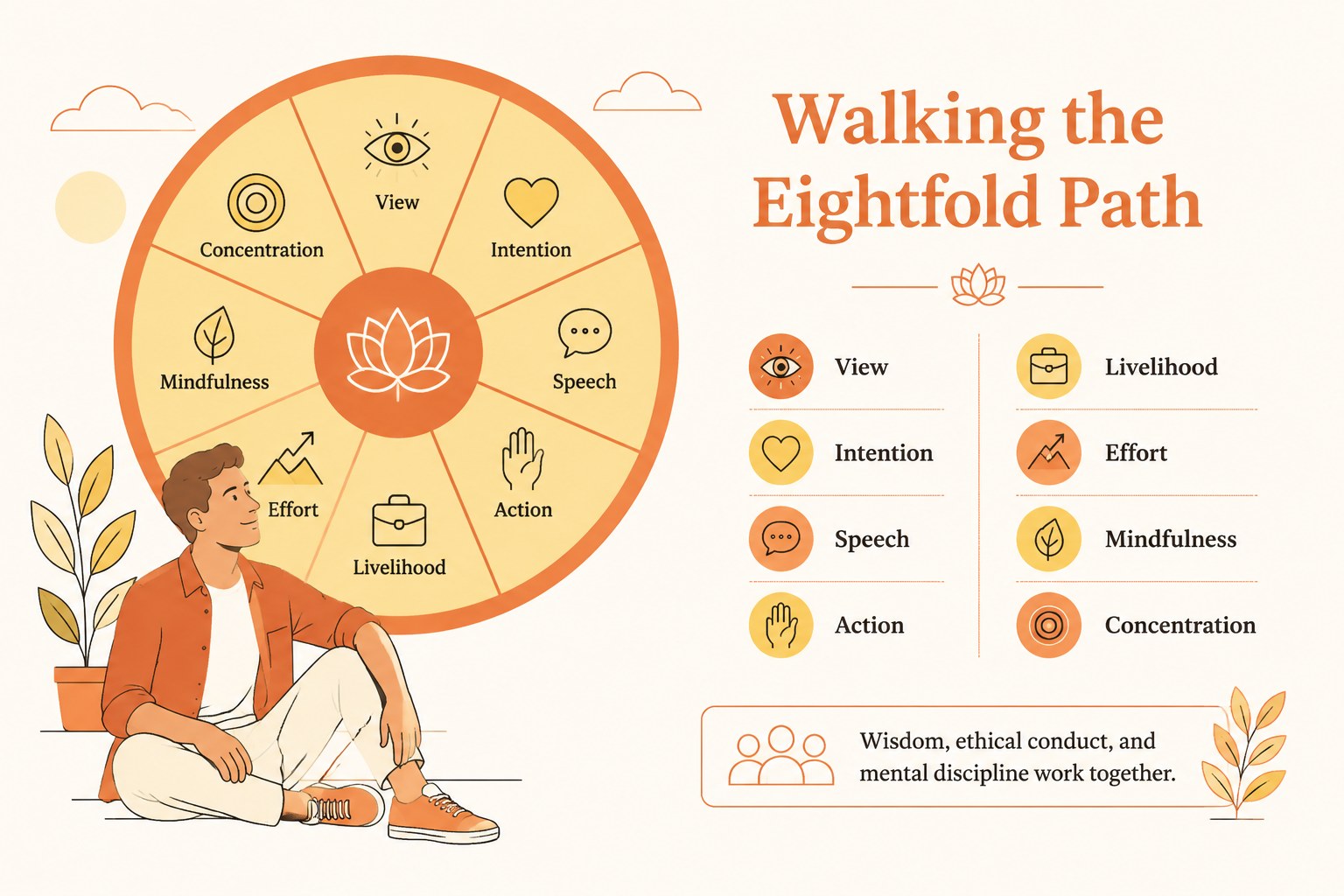
Inside, you will find 17 editable 16:9 layouts for presenting key concepts, comparing ideas, organizing vocabulary, and prompting thoughtful discussion. The structure works well for lessons on the Four Noble Truths, the Eightfold Path, meditation, compassion, mindfulness, sacred spaces, and Buddhist cultural traditions. Charts, frames, shapes, and visual callouts make it easy to adapt the material without rebuilding each page. The Alegreya and Caveat font pairing adds personality while keeping headings and supporting text readable.
This Buddhist beliefs lesson slides template is designed for teachers, homeschool instructors, curriculum developers, and community educators. Present it in PowerPoint or Google Slides, adjust the wording for different age groups, and add maps, quotations, activities, or reflection questions. It can support a single introductory class, a multi-part world religions unit, or a visual handout for group learning.
Perfect for: world religions classroom lesson; homeschool Buddhism unit; mindfulness workshop; introductory meditation seminar; cultural studies presentation.
Frequently asked questions
Can I edit the lesson content for different age groups? Yes. All text, illustrations, colors, charts, and shapes can be adjusted to suit elementary, secondary, or adult learners. Replace examples and activities while keeping the visual structure intact.
Practical details
Yes. All text, illustrations, colors, charts, and shapes can be adjusted to suit elementary, secondary, or adult learners. Replace examples and activities while keeping the visual structure intact.
The deck is designed for PowerPoint and Google Slides. You can edit the layouts in either platform and present from the desktop, browser, or exported file.
Yes. Add maps, photographs, quotations, discussion prompts, worksheets, or reflection exercises to the existing layouts. The editable frames and open content areas make new material easy to place.
It provides a flexible visual foundation for an introductory unit, including beliefs, practices, mindfulness, and cultural context. Teachers can duplicate layouts or add subject-specific slides for a longer course.
Keep exploring
15Build stronger academic arguments with a college essay thesis builder featuring guided examples, revision prompts, and editable PowerPoint and Google Slides.
 15
15Build an engaging World UFO Day session with this flying saucer history lesson deck, featuring retro green-and-brown slides for PowerPoint and Google Slides.
 14
14Plan a memorable Lunar New Year campaign with the 2036 Dragon Year Celebration Theme, featuring bold red-and-yellow slides for lessons and events.
 15
15Build a thoughtful classroom discussion with this interfaith awareness lesson deck, featuring editable blue-and-white slides for PowerPoint and Google Slides.
 15
15Use this environmental awareness lesson deck to teach climate action through illustrated activities, discussion prompts, and ready-to-edit visuals.
 15
15Build playful lessons and party stories with a kid-friendly zombie celebration theme in purple, green and pastel blue for PowerPoint and Google Slides.
 15
15Build eerie lessons, campaigns, and story pitches with an undead survival scenario theme featuring editable slides for PowerPoint and Google Slides.
 16
16Turn environmental research into a clear story with a Watercolor Ecology Presentation Theme for PowerPoint and Google Slides in calming green and blue.