
 15
15presentation
College Essay Thesis Builder Slides
Build stronger academic arguments with a college essay thesis builder featuring guided examples, revision prompts, and editable PowerPoint and Google Slides.
Google SlidesPowerPoint
presentation · English
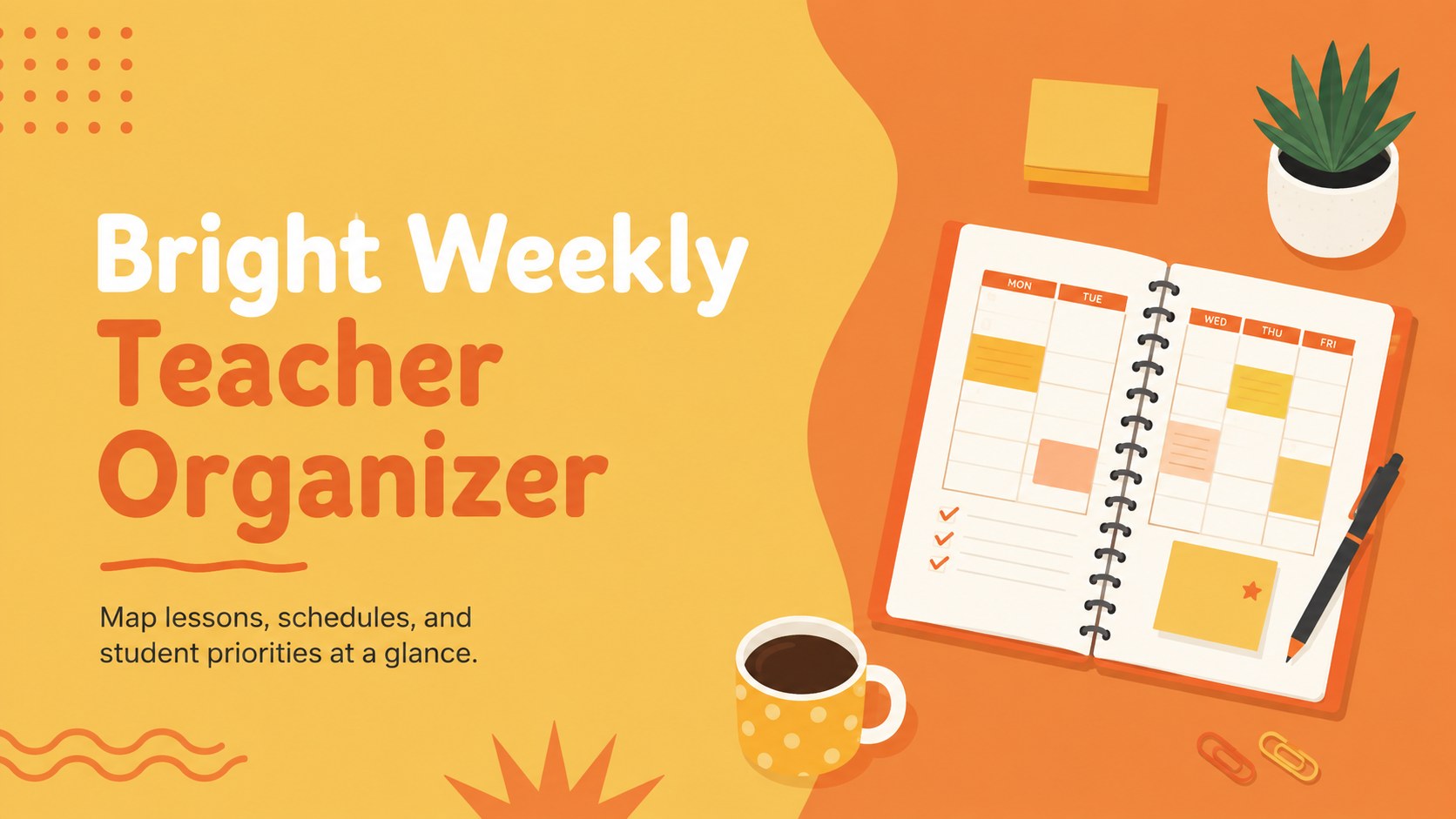
Build calmer classroom routines with a weekly teacher organizer in sunny yellow and orange, ready to edit in PowerPoint or Google Slides for daily planning.
Design notes
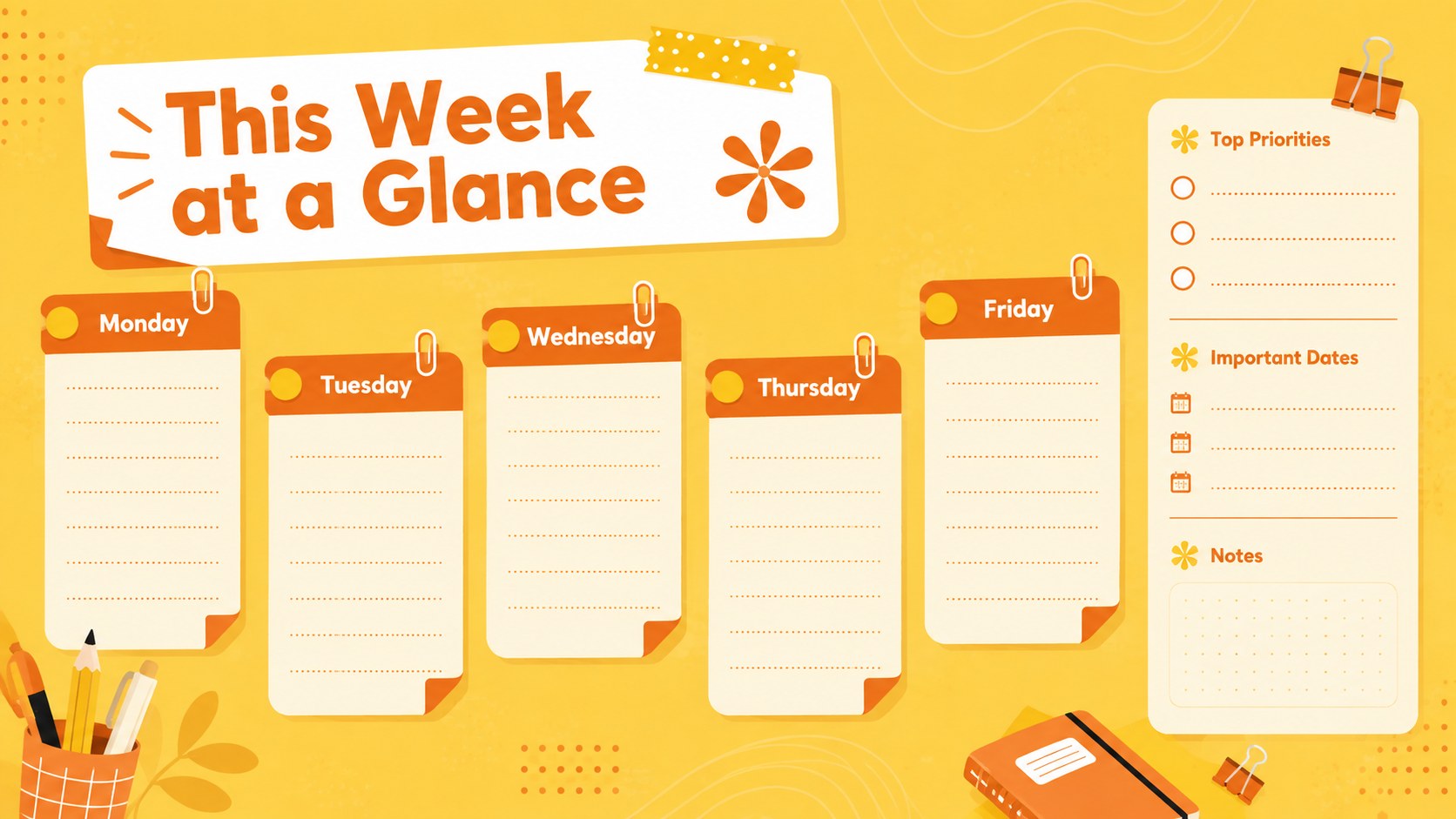
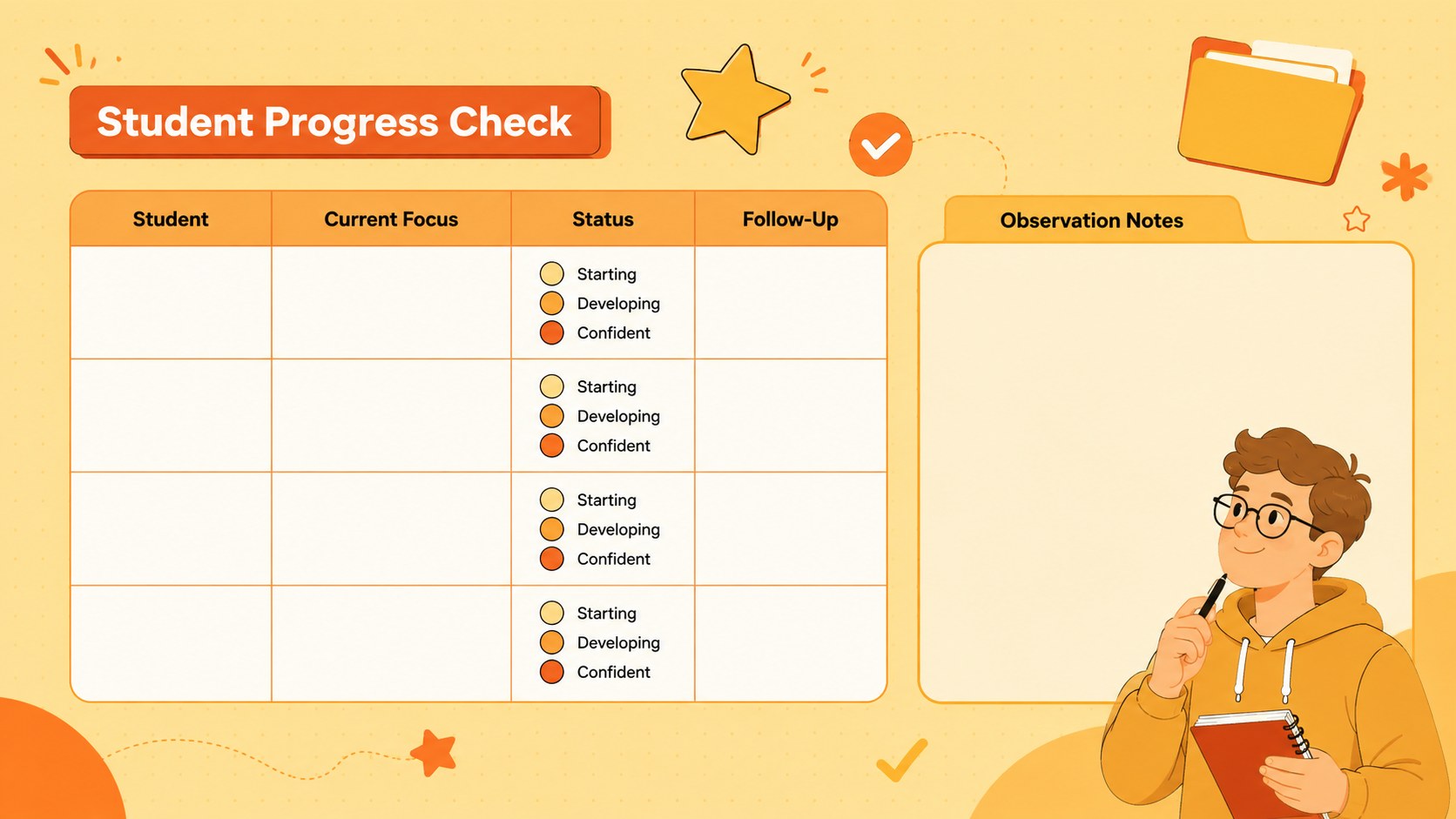
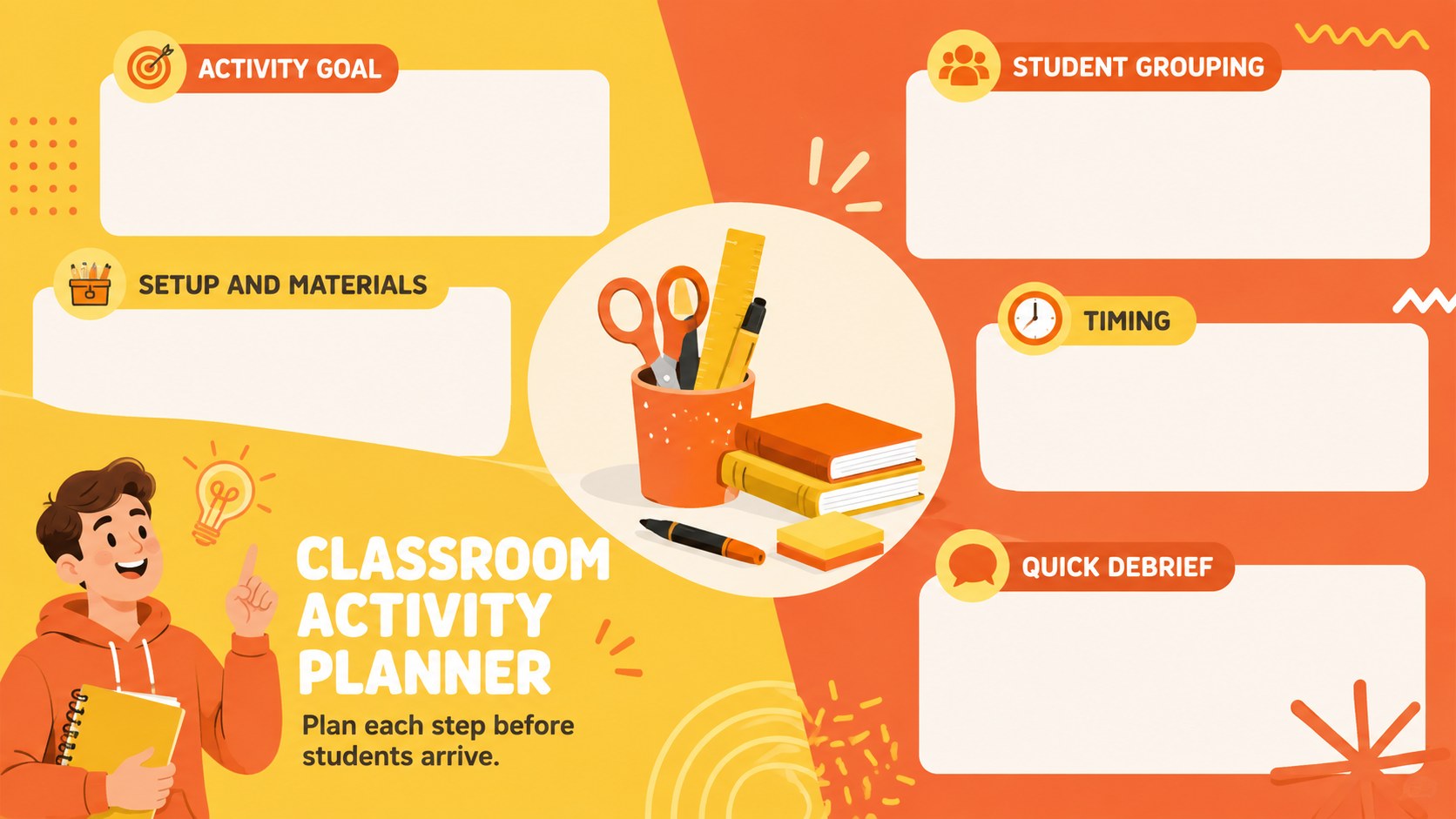
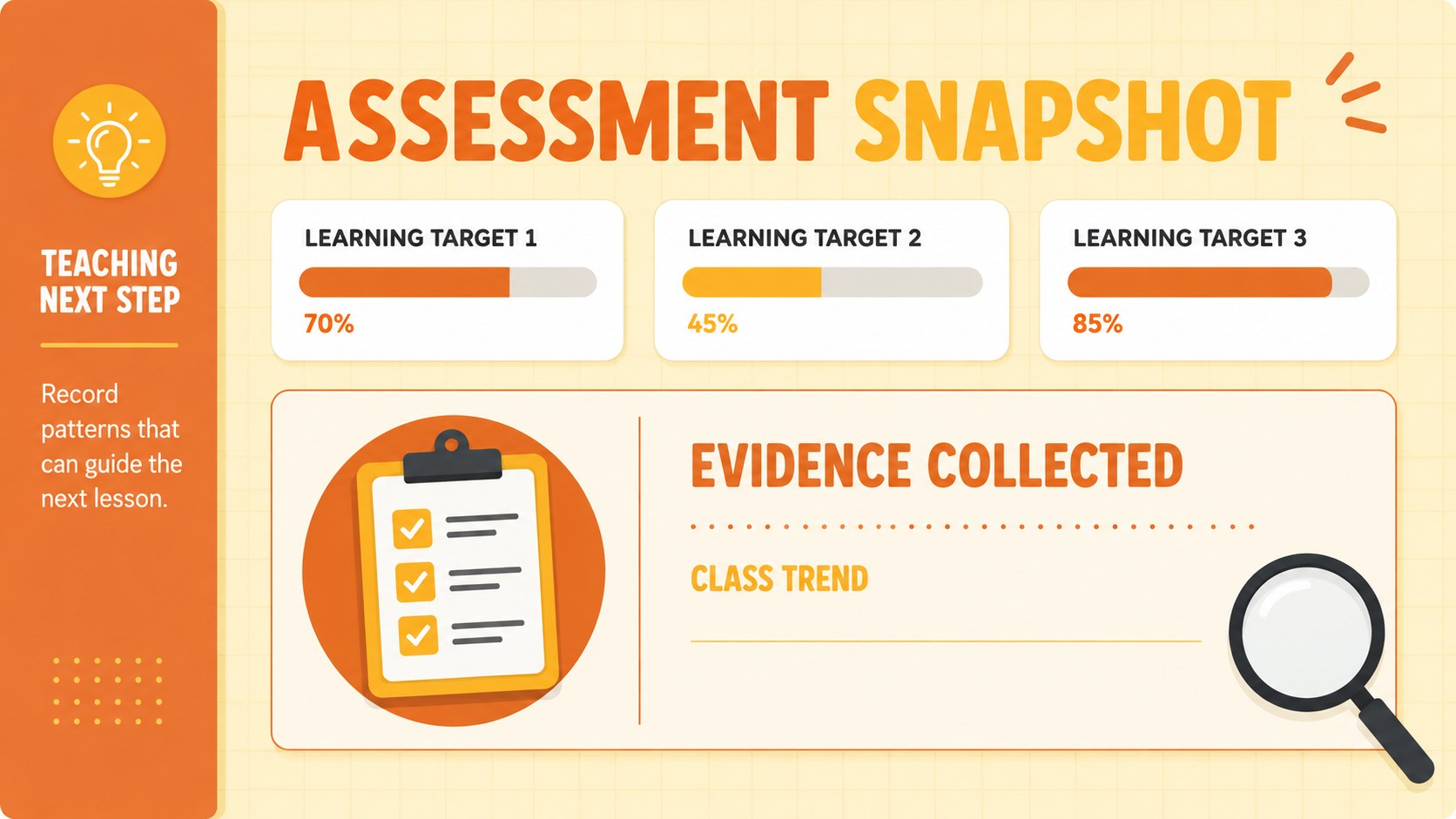
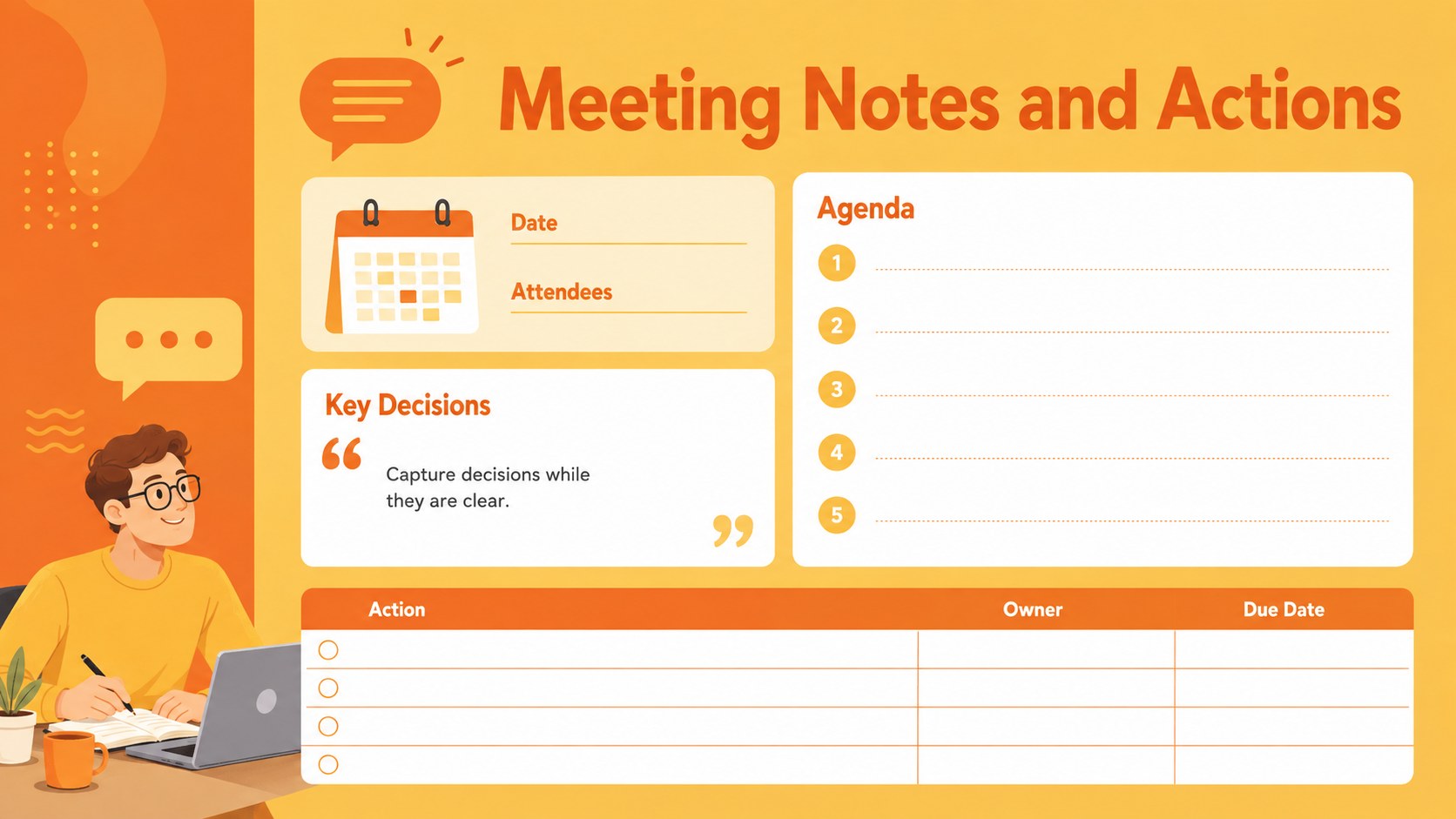
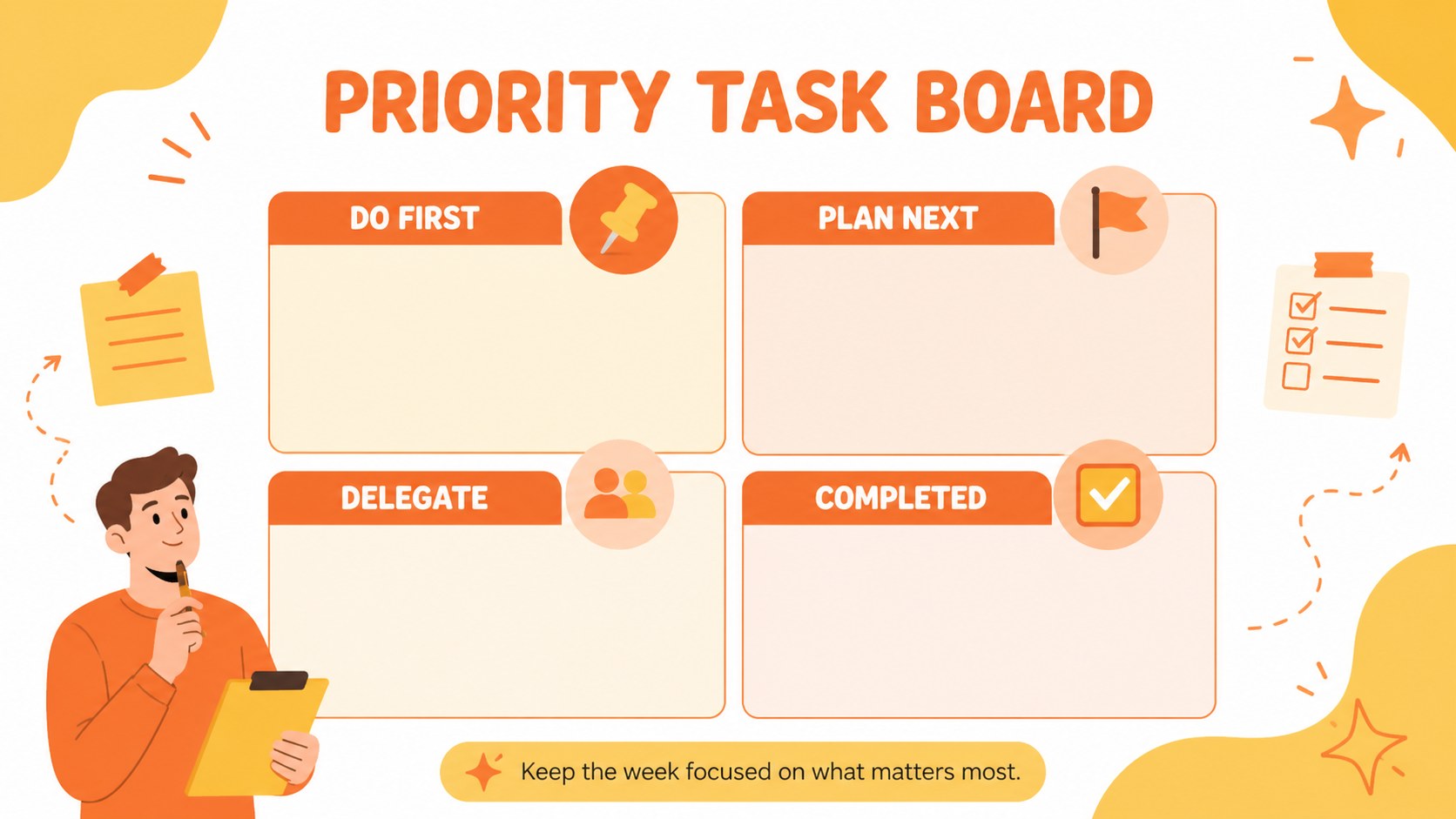
Bring structure to the school week with a weekly teacher organizer designed for practical classroom planning. Its modern minimal layouts combine sunny yellow and orange accents with playful illustrations, creating an upbeat workspace that remains clear and easy to scan. Use the slides to map lessons, organize priorities, record meetings, and keep upcoming activities visible.
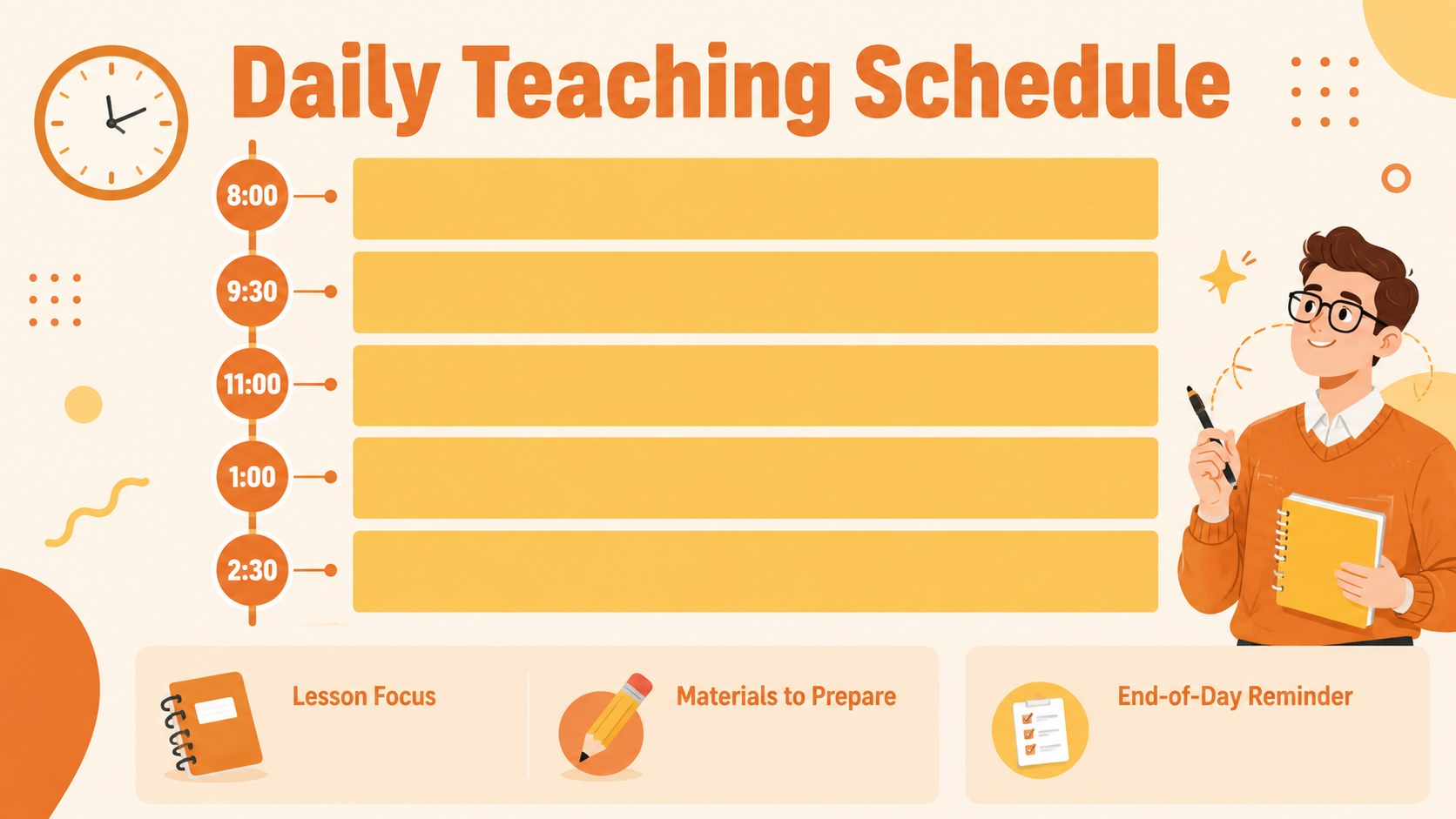
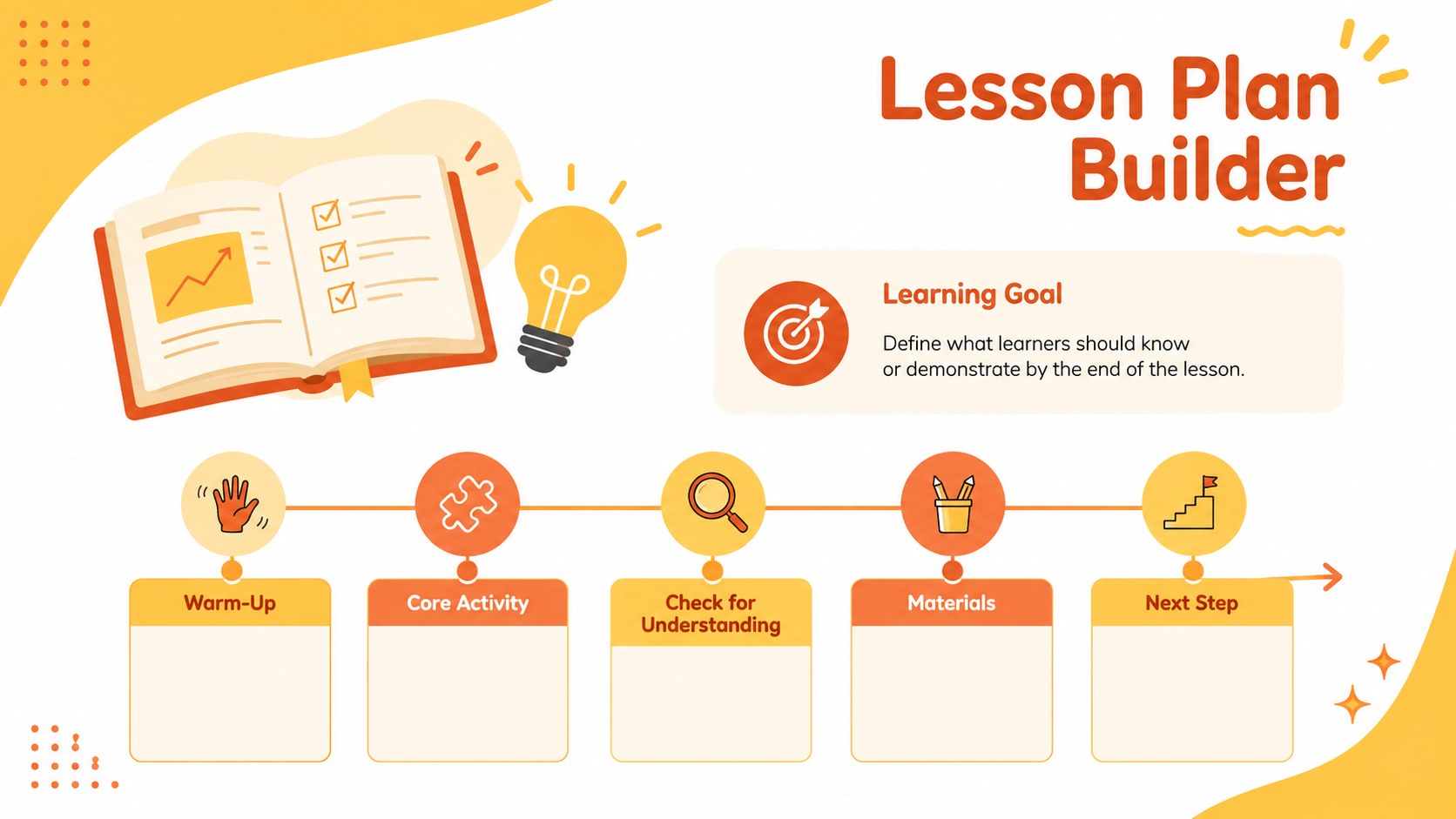
Inside, you will find layouts for weekly schedules, daily lesson details, classroom activity planning, student progress notes, assessment snapshots, resource lists, and end-of-week reflection. A monthly calendar, communication log, and focused task page make this an editable weekly teacher organizer that can support both instruction and administration. Every slide can be adapted with your own subjects, dates, class names, and teaching goals.
The deck works especially well for elementary and middle school educators, substitute teachers, tutors, and teaching teams who want a yellow orange classroom planning template without visual clutter. Customize the fonts, colors, illustrations, and page order in PowerPoint or Google Slides. Whether you need PowerPoint teacher schedule slides for staff preparation or a shared organizer for collaborative planning, the flexible 16:9 format keeps information polished on screen, in meetings, or when exported for printing.
Perfect for: weekly lesson coordination; student progress review; classroom activity planning; teaching team meetings; substitute teacher preparation.
Frequently asked questions
Can I edit this organizer in PowerPoint and Google Slides? Yes. All text, colors, shapes, and planning sections can be edited in PowerPoint or Google Slides. Font availability may vary slightly between the two platforms.
Practical details
Yes. All text, colors, shapes, and planning sections can be edited in PowerPoint or Google Slides. Font availability may vary slightly between the two platforms.
Yes. Replace the sample labels with your own subjects, class periods, learning goals, or grade-specific information. You can also duplicate useful layouts and remove pages that do not fit your routine.
Yes. The 16:9 pages can be exported as PDF files and printed, although margins may depend on your printer settings. For handwriting space, simplify dense sections or enlarge the relevant text boxes before exporting.
Select the accent shapes, icons, and backgrounds to apply your preferred school or classroom colors. Keep strong contrast between text and background areas so schedules and notes remain easy to read.
Keep exploring
15Build stronger academic arguments with a college essay thesis builder featuring guided examples, revision prompts, and editable PowerPoint and Google Slides.
 15
15Build an engaging World UFO Day session with this flying saucer history lesson deck, featuring retro green-and-brown slides for PowerPoint and Google Slides.
 14
14Plan a memorable Lunar New Year campaign with the 2036 Dragon Year Celebration Theme, featuring bold red-and-yellow slides for lessons and events.
 15
15Build a thoughtful classroom discussion with this interfaith awareness lesson deck, featuring editable blue-and-white slides for PowerPoint and Google Slides.
 15
15Use this environmental awareness lesson deck to teach climate action through illustrated activities, discussion prompts, and ready-to-edit visuals.
 15
15Build playful lessons and party stories with a kid-friendly zombie celebration theme in purple, green and pastel blue for PowerPoint and Google Slides.
 15
15Build eerie lessons, campaigns, and story pitches with an undead survival scenario theme featuring editable slides for PowerPoint and Google Slides.
 16
16Turn environmental research into a clear story with a Watercolor Ecology Presentation Theme for PowerPoint and Google Slides in calming green and blue.