
 15
15presentation
College Essay Thesis Builder Slides
Build stronger academic arguments with a college essay thesis builder featuring guided examples, revision prompts, and editable PowerPoint and Google Slides.
Google SlidesPowerPoint
presentation · English
Build healthy habits with a dental hygiene lesson slides deck for children, featuring illustrated brushing steps, oral care tips, and editable PowerPoint…
Design notes
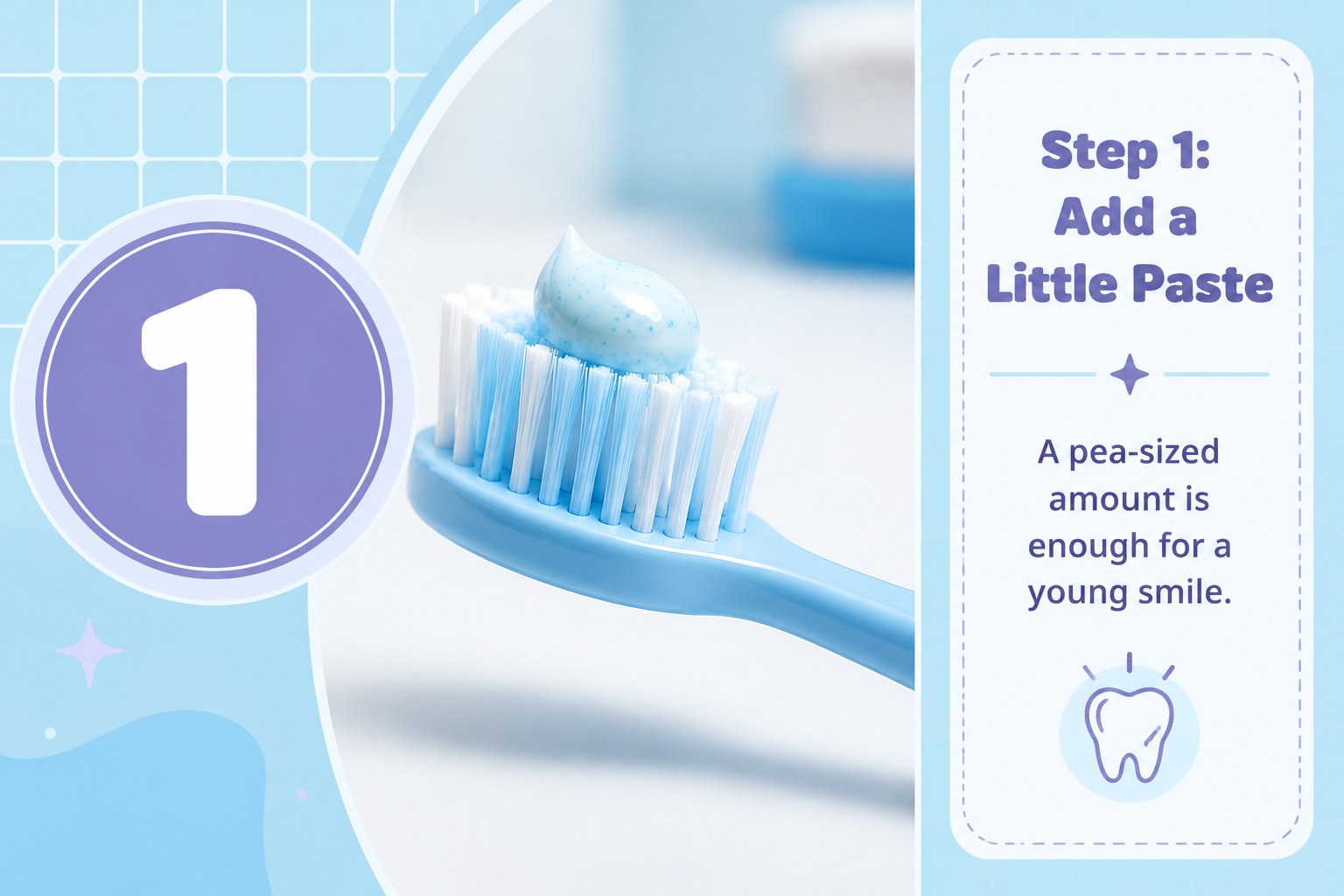
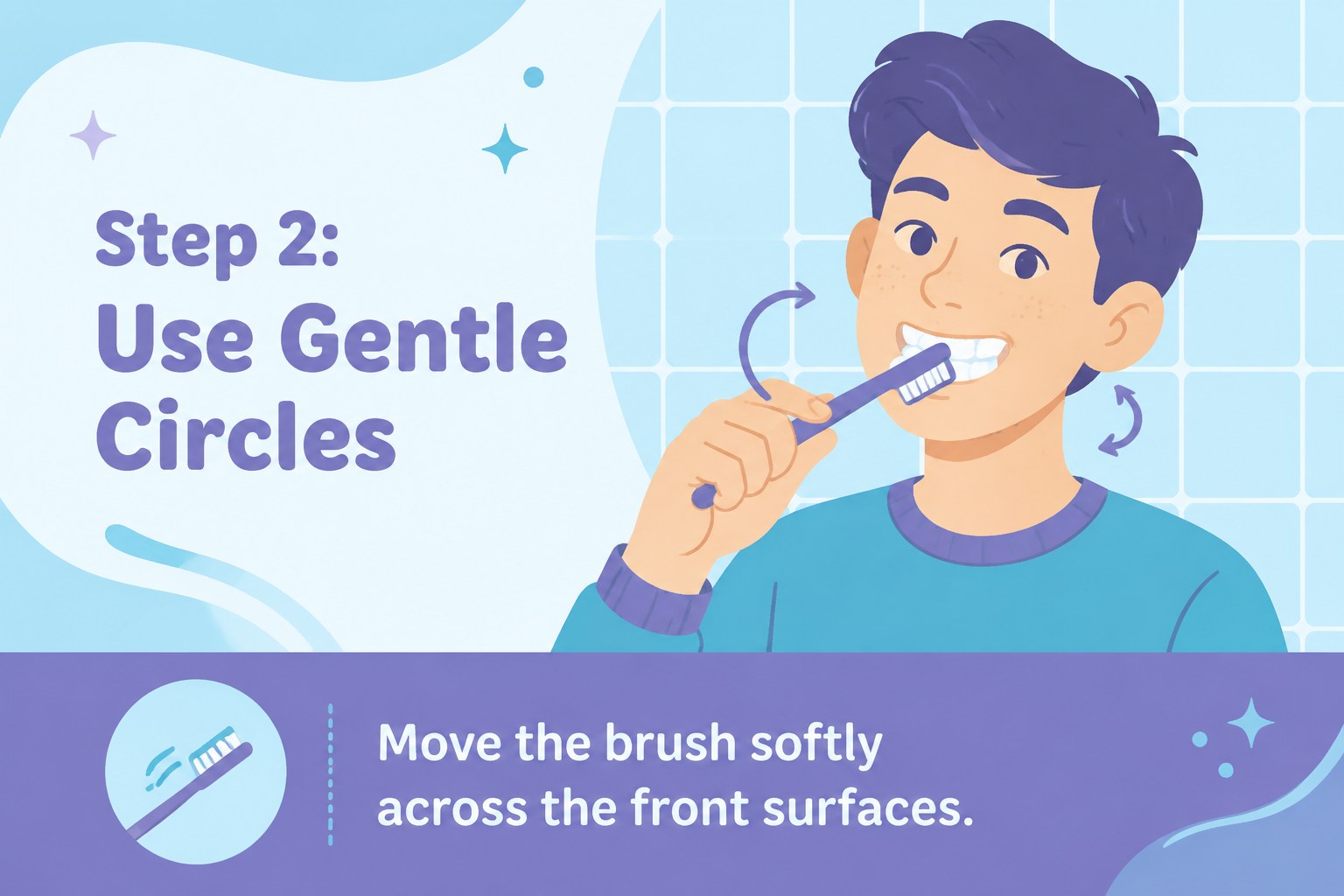
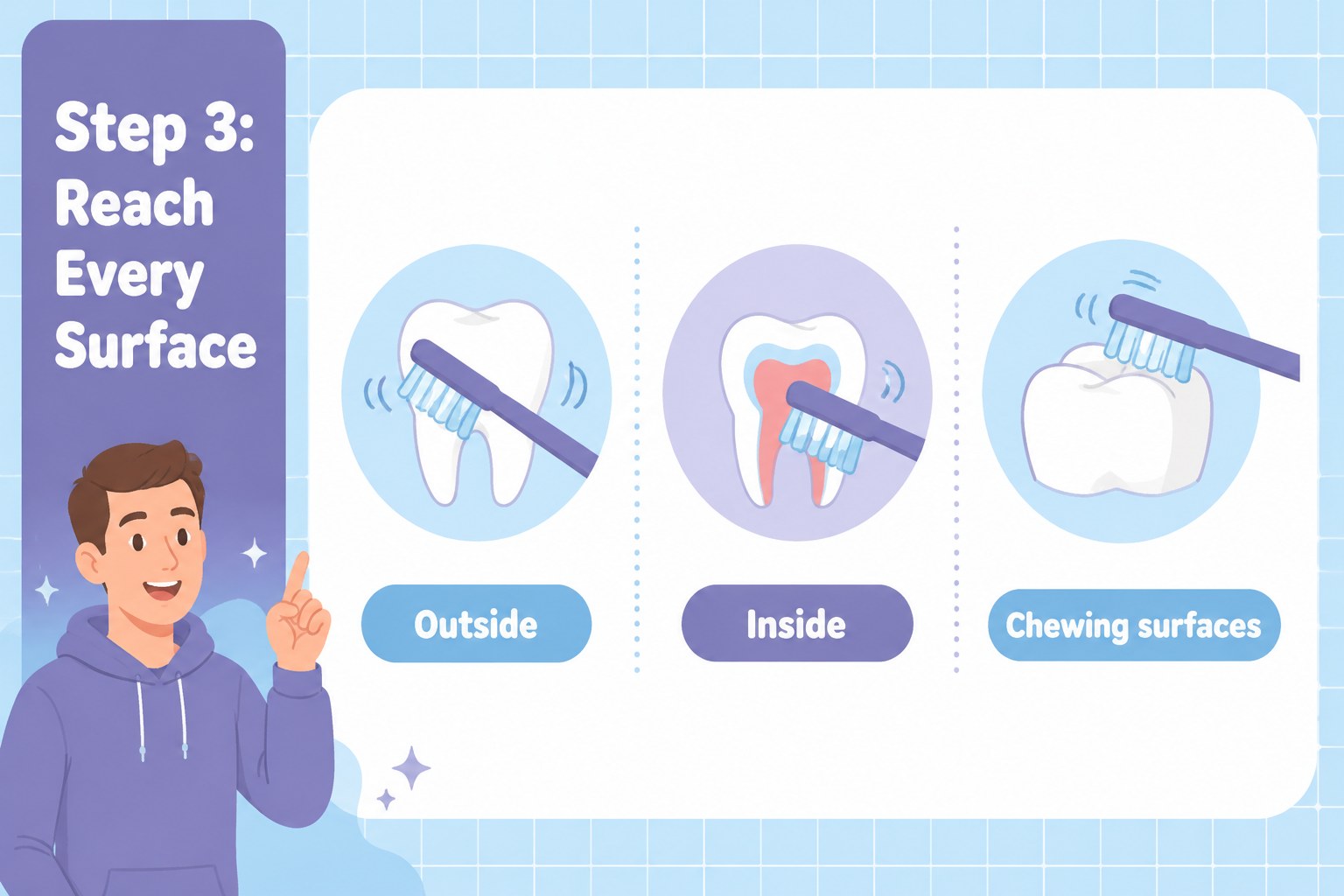
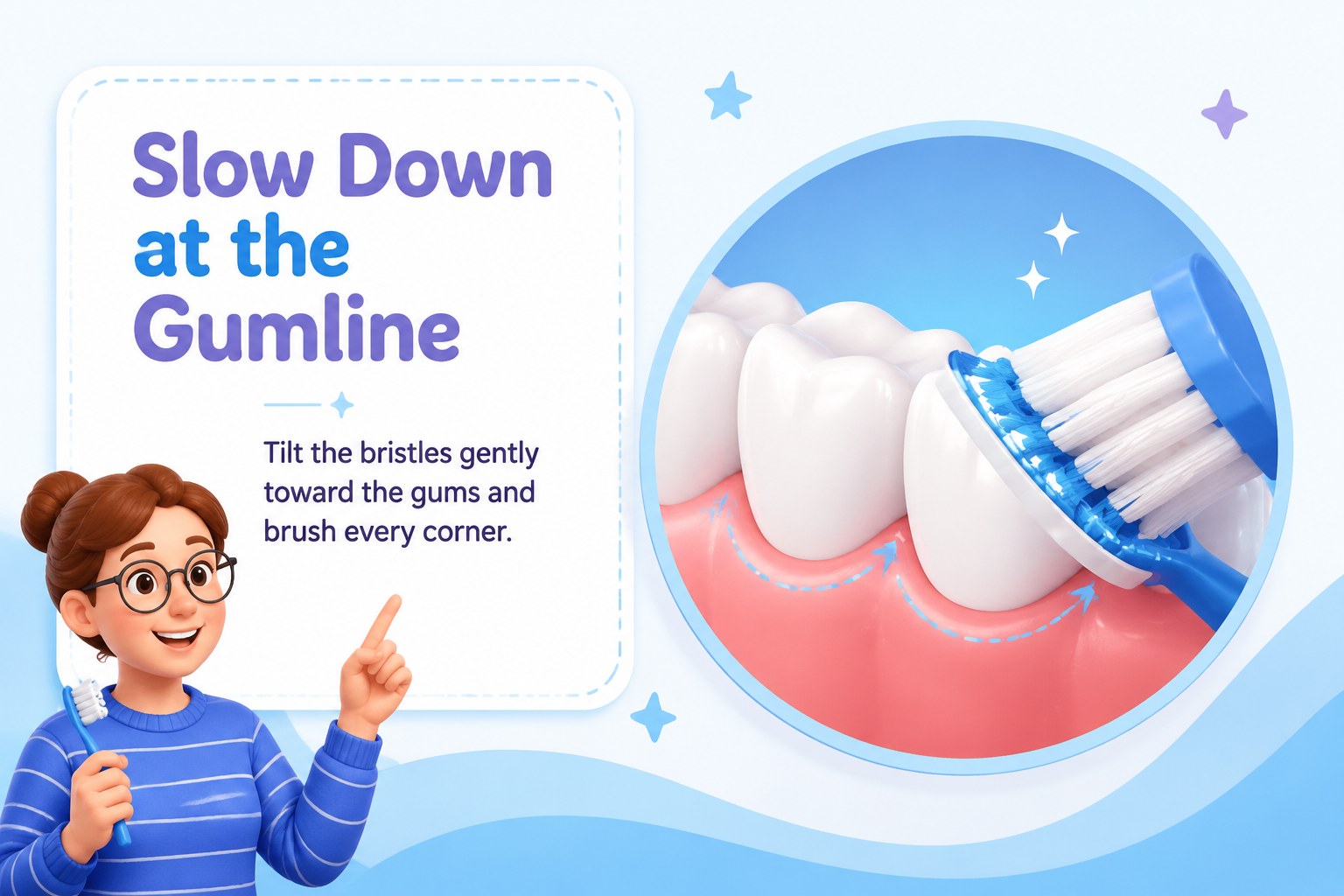
Bright Smiles Dental Hygiene Lesson is a cheerful visual presentation for teaching children how to care for their teeth. Its blue and purple palette, friendly illustrated style, and clear sequencing make oral health easier to explain, remember, and discuss.
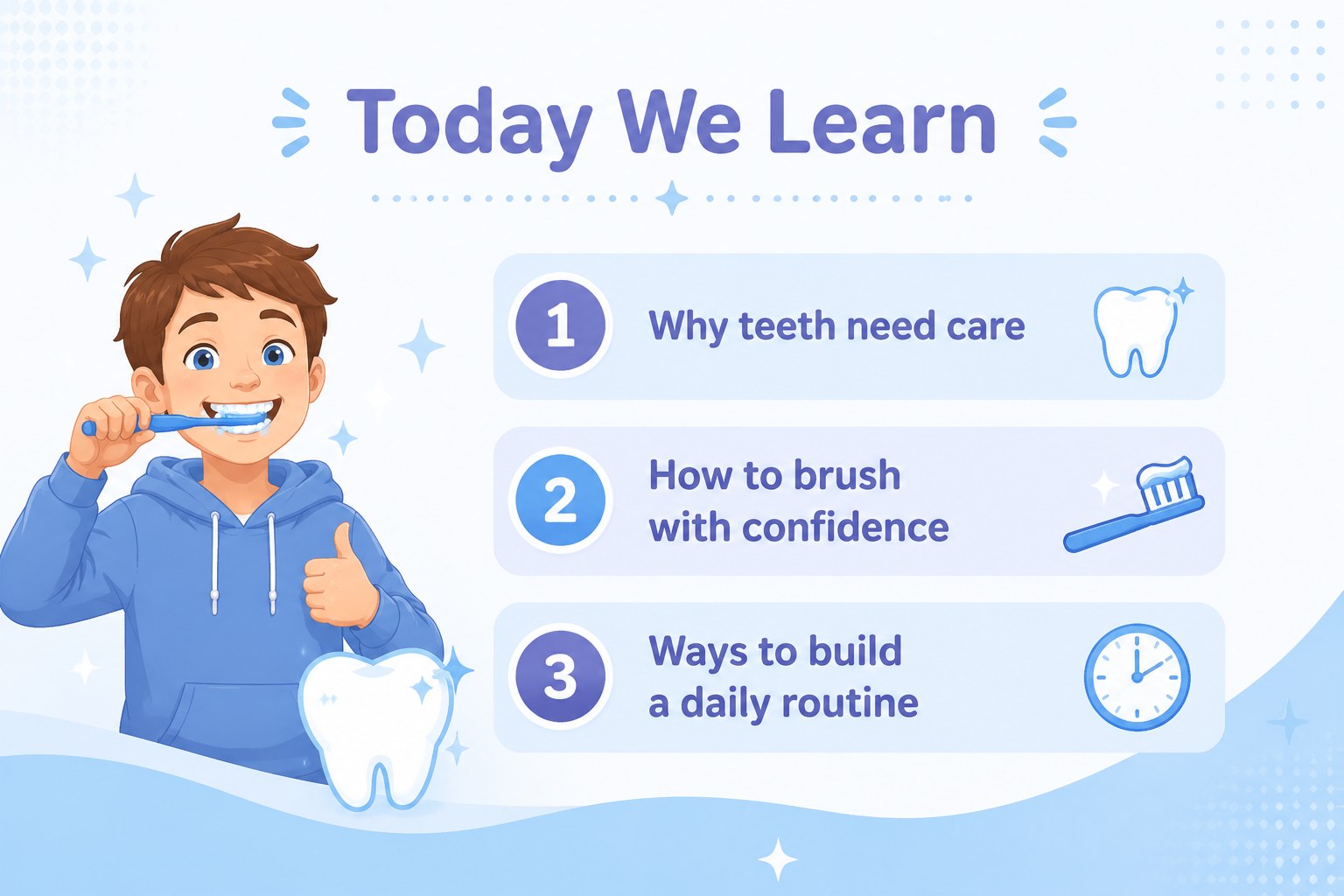
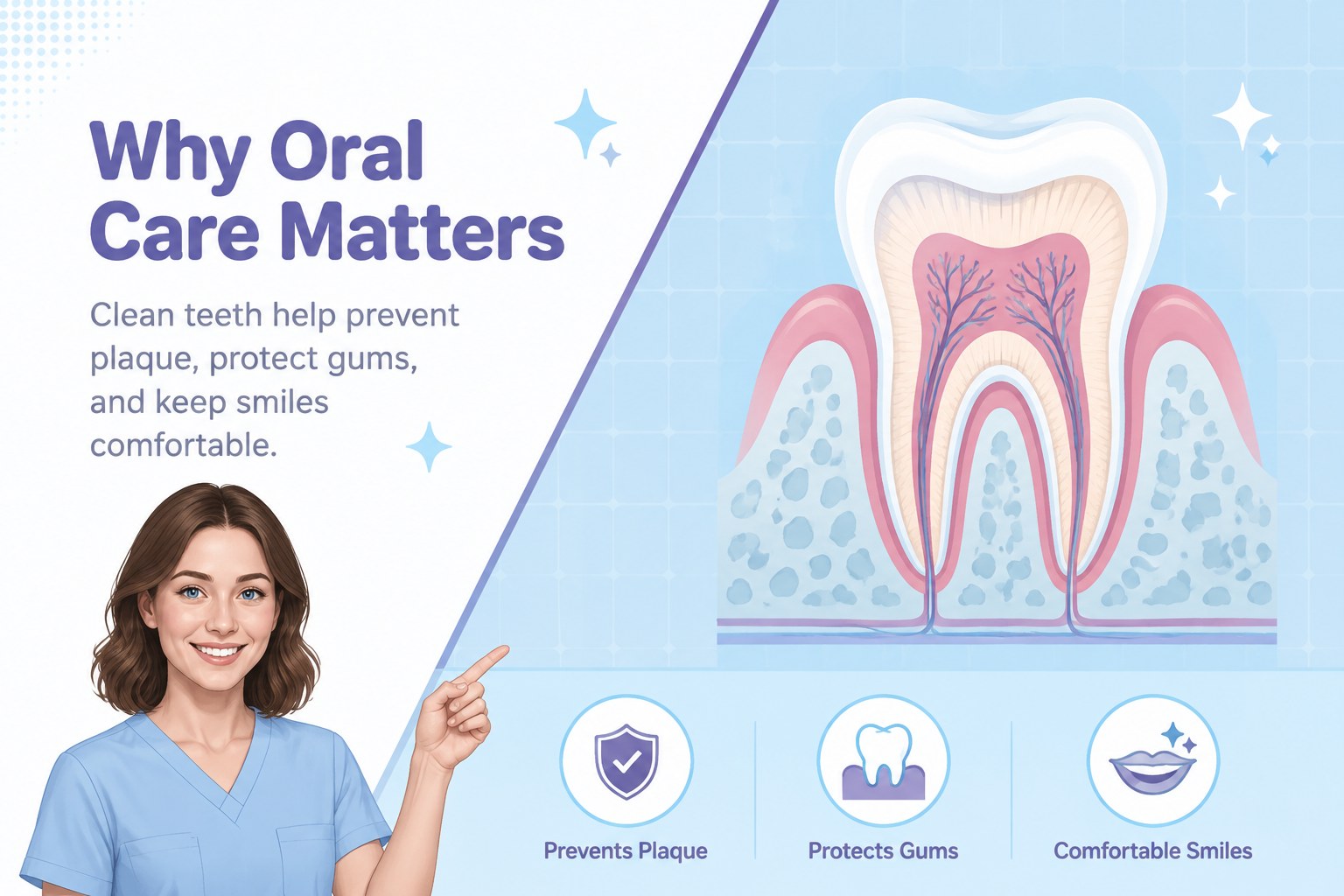
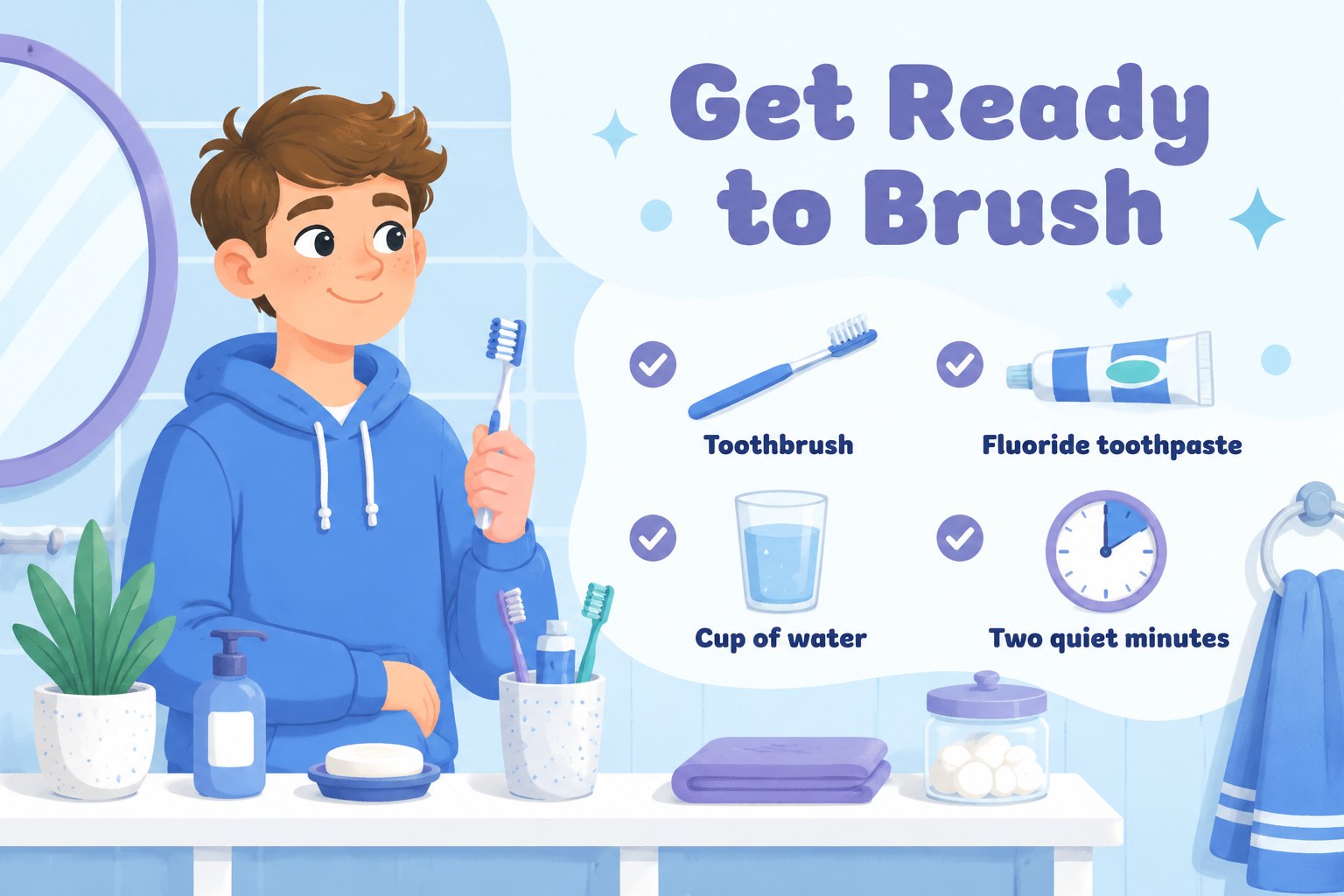
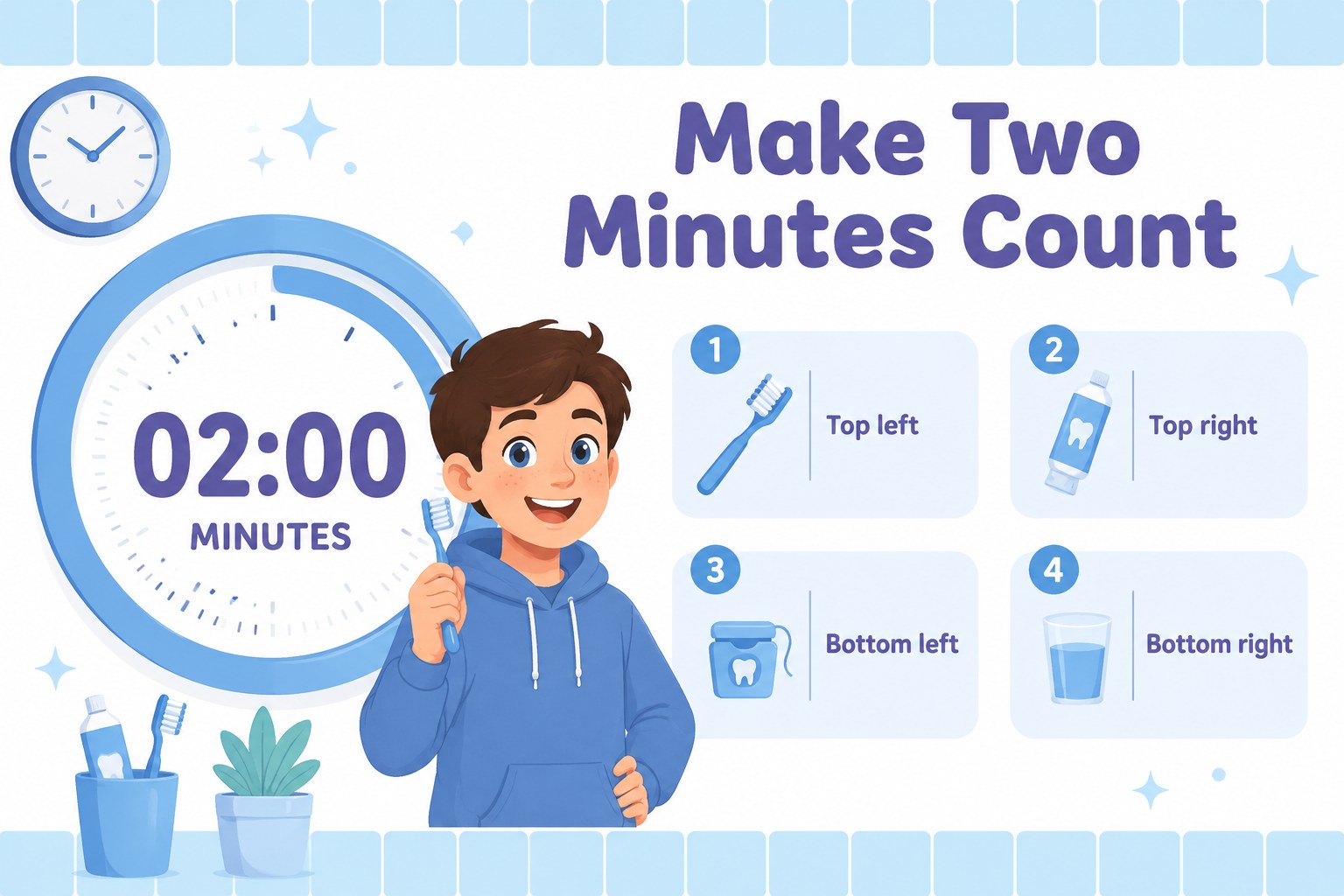
Inside, you will find a welcoming cover, learning goals, a simple explanation of why dental care matters, brushing preparation, step-by-step technique guidance, suggested timing, reminders for hard-to-reach areas, flossing basics, helpful and less helpful food choices, and a daily routine recap. The 15-slide structure works well as a dental hygiene lesson slides deck, classroom activity, clinic handout presentation, or family education resource.
Teachers can use it for health lessons and school demonstrations, while dentists, hygienists, parents, and community educators can adapt it for patient conversations or oral health workshops. Edit the text, icons, illustrations, charts, and layouts in PowerPoint or Google Slides to match different ages and teaching goals. Add local care recommendations, discussion prompts, or a take-home checklist to create a practical kids oral care presentation that supports healthy habits beyond the lesson.
Perfect for: elementary school health lesson; dental clinic patient education; community oral health workshop; parent-led brushing activity; children's wellness presentation.
Frequently asked questions
Can I edit the lesson in PowerPoint and Google Slides? Yes. The presentation is designed for editing in both PowerPoint and Google Slides. You can change the wording, colors, illustrations, icons, and layout elements to fit your audience.
Practical details
Yes. The presentation is designed for editing in both PowerPoint and Google Slides. You can change the wording, colors, illustrations, icons, and layout elements to fit your audience.
The friendly illustrations and short, ordered explanations are suited to elementary-age learners. Teachers and dental professionals can simplify or expand the text for different reading levels.
Yes. Each instructional section can be adapted with your preferred brushing method, timing guidance, or local recommendations. You can also add speaker notes, questions, and a printable routine checklist.
The deck covers brushing preparation, technique, timing, hard-to-reach areas, flossing, food choices, and daily oral care habits. It can also support a broader dental health lesson with your own examples.
Keep exploring
15Build stronger academic arguments with a college essay thesis builder featuring guided examples, revision prompts, and editable PowerPoint and Google Slides.
 15
15Build an engaging World UFO Day session with this flying saucer history lesson deck, featuring retro green-and-brown slides for PowerPoint and Google Slides.
 14
14Plan a memorable Lunar New Year campaign with the 2036 Dragon Year Celebration Theme, featuring bold red-and-yellow slides for lessons and events.
 15
15Build a thoughtful classroom discussion with this interfaith awareness lesson deck, featuring editable blue-and-white slides for PowerPoint and Google Slides.
 15
15Use this environmental awareness lesson deck to teach climate action through illustrated activities, discussion prompts, and ready-to-edit visuals.
 15
15Build playful lessons and party stories with a kid-friendly zombie celebration theme in purple, green and pastel blue for PowerPoint and Google Slides.
 15
15Build eerie lessons, campaigns, and story pitches with an undead survival scenario theme featuring editable slides for PowerPoint and Google Slides.
 16
16Turn environmental research into a clear story with a Watercolor Ecology Presentation Theme for PowerPoint and Google Slides in calming green and blue.