
 15
15presentation
College Essay Thesis Builder Slides
Build stronger academic arguments with a college essay thesis builder featuring guided examples, revision prompts, and editable PowerPoint and Google Slides.
Google SlidesPowerPoint
presentation · English
Make event announcements stand out with New Year celebration poster slides, bold color, playful type, and editable layouts for PowerPoint and Google Slides.


Design notes
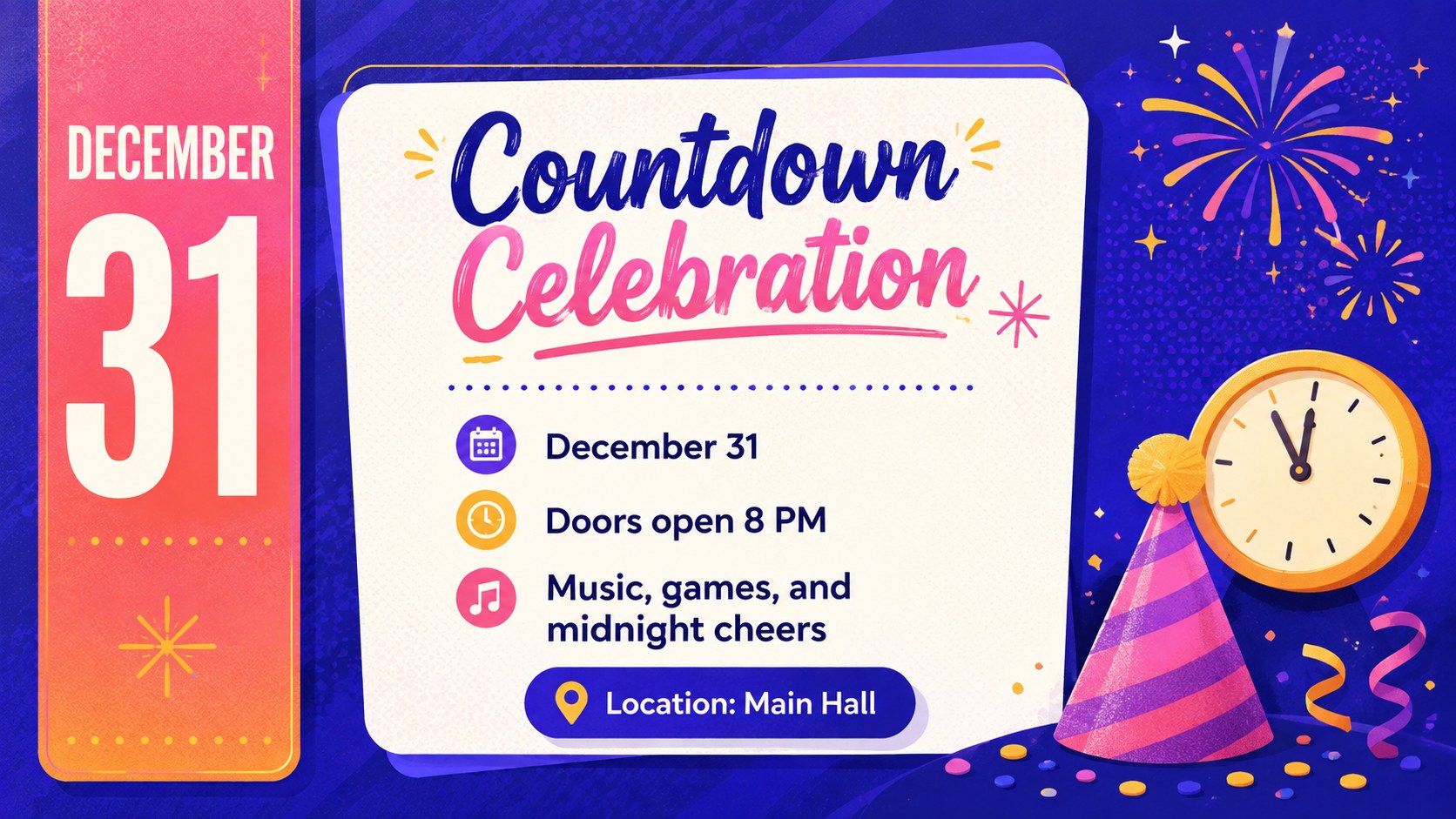
Bright New Year Celebration Poster Slides bring countdown energy to announcements, greetings, classroom activities, and team events. The vibrant palette, playful typography, and cheerful illustrated accents help important details stand out without making the design difficult to scan. Adapt the layouts as an editable New Year event poster for digital sharing, widescreen displays, or printed handouts.
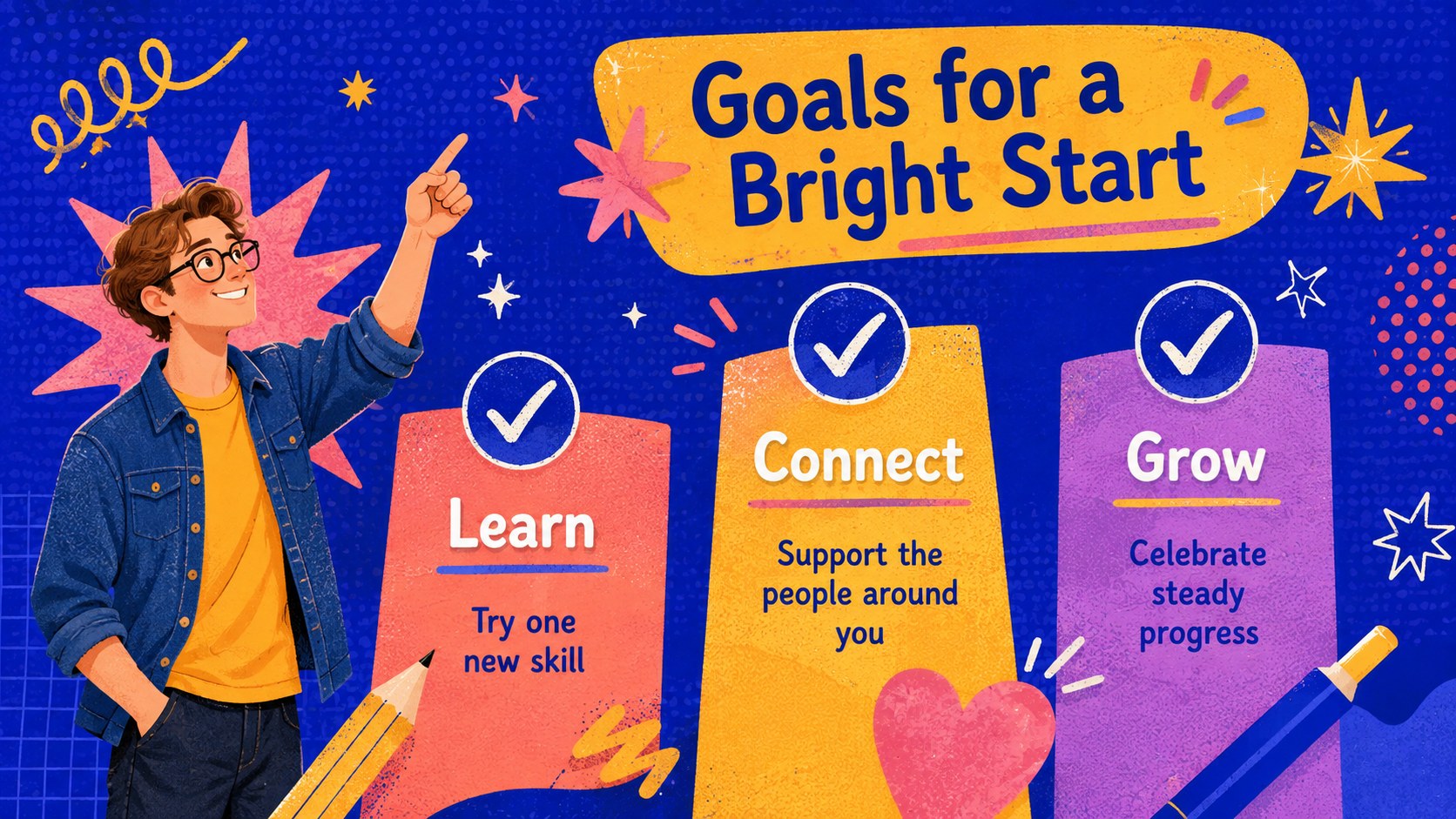
The four-slide set includes a festive opening poster, an event information layout, a resolutions page, and a year-in-review design. Replace the sample wording with party times, locations, goals, achievements, photos, or calls to action. Each layout provides clear space for concise messages while maintaining a colorful celebratory style. PowerPoint and Google Slides make it straightforward to update text, adjust colors, move graphics, and add a school, organization, or event logo.
Teachers can create New Year resolution slides for school activities or welcome students back after the holiday break. Event organizers can publish countdown schedules and venue information, while communication teams can prepare an office New Year celebration presentation for employees. The designs also work for community gatherings, family parties, social posts, seasonal newsletters, and quick recap presentations. Use the complete sequence as a compact deck or select one layout as a standalone announcement.
Perfect for: New Year party announcement; classroom resolution activity; office celebration briefing; community countdown event; annual highlights recap.
Frequently asked questions
Can I edit every part of these slides? Yes. You can replace the text, reposition visual elements, change colors, and add photos or a logo to suit your event.
Practical details
Yes. You can replace the text, reposition visual elements, change colors, and add photos or a logo to suit your event.
The template is designed for PowerPoint and Google Slides. Review font substitutions after importing so the playful typography remains consistent.
Yes. Choose the layout you need, adjust the content for print, and export it as a high-quality PDF. Check printer margins and scaling before producing multiple copies.
Replace the sample event details with class goals, team achievements, schedules, or welcome messages. You can also apply your institution's colors while retaining a few bright accents from the original palette.
Keep exploring
15Build stronger academic arguments with a college essay thesis builder featuring guided examples, revision prompts, and editable PowerPoint and Google Slides.
 15
15Build an engaging World UFO Day session with this flying saucer history lesson deck, featuring retro green-and-brown slides for PowerPoint and Google Slides.
 14
14Plan a memorable Lunar New Year campaign with the 2036 Dragon Year Celebration Theme, featuring bold red-and-yellow slides for lessons and events.
 15
15Build a thoughtful classroom discussion with this interfaith awareness lesson deck, featuring editable blue-and-white slides for PowerPoint and Google Slides.
 15
15Use this environmental awareness lesson deck to teach climate action through illustrated activities, discussion prompts, and ready-to-edit visuals.
 15
15Build playful lessons and party stories with a kid-friendly zombie celebration theme in purple, green and pastel blue for PowerPoint and Google Slides.
 15
15Build eerie lessons, campaigns, and story pitches with an undead survival scenario theme featuring editable slides for PowerPoint and Google Slides.
 16
16Turn environmental research into a clear story with a Watercolor Ecology Presentation Theme for PowerPoint and Google Slides in calming green and blue.