
 15
15presentation
College Essay Thesis Builder Slides
Build stronger academic arguments with a college essay thesis builder featuring guided examples, revision prompts, and editable PowerPoint and Google Slides.
Google SlidesPowerPoint
presentation · English
Plan lessons, transitions, and class activities with a bright lesson flow organizer for teachers and students, editable in PowerPoint and Google Slides.


Design notes
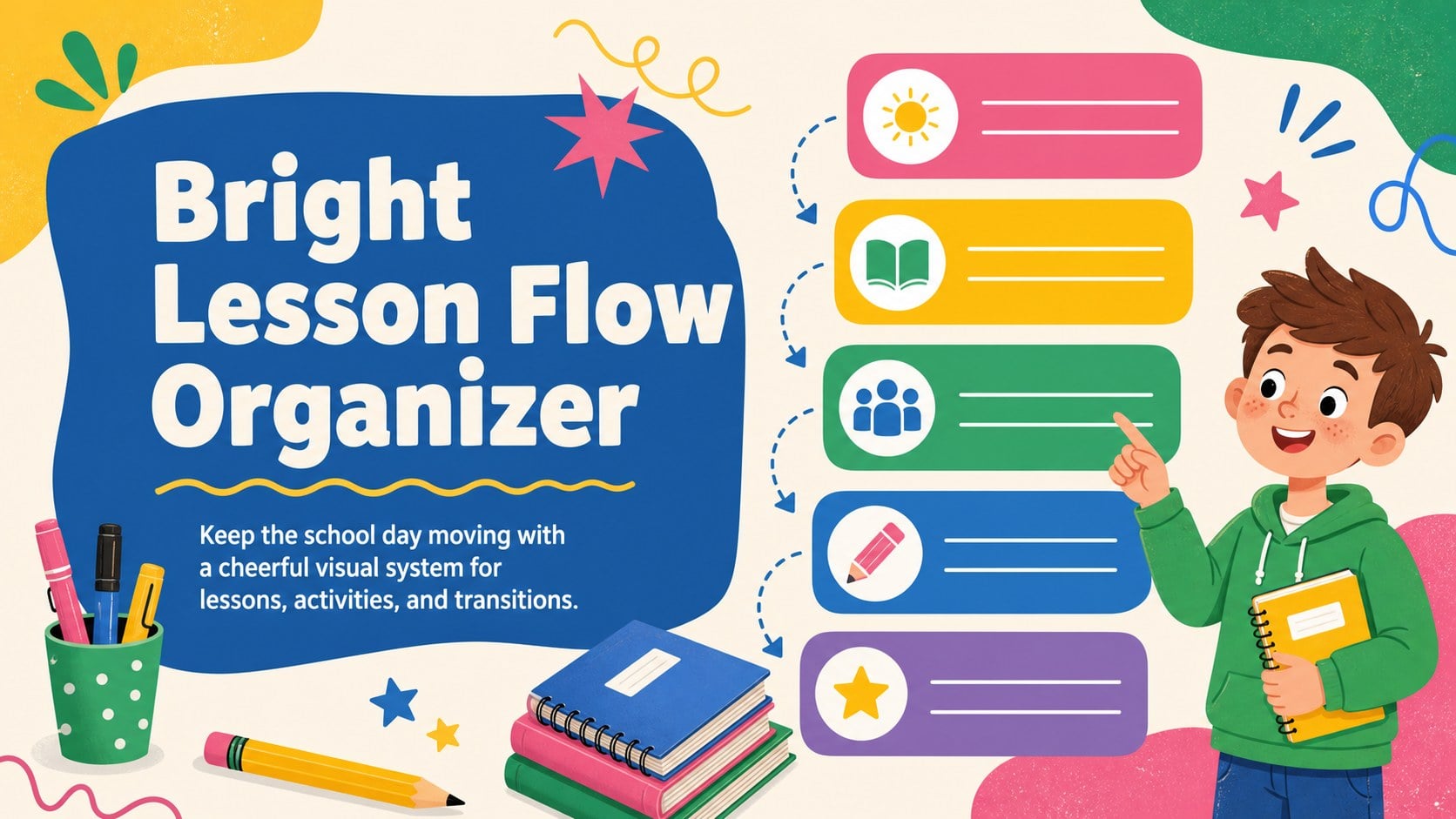
Keep the school day moving with a cheerful visual system for lessons, activities, and transitions. Bright Lesson Flow Organizer gives teachers and students a clear way to map the day, highlight priorities, and make classroom routines easier to follow. Its playful illustrated look brings energy to everyday planning while keeping information easy to scan.
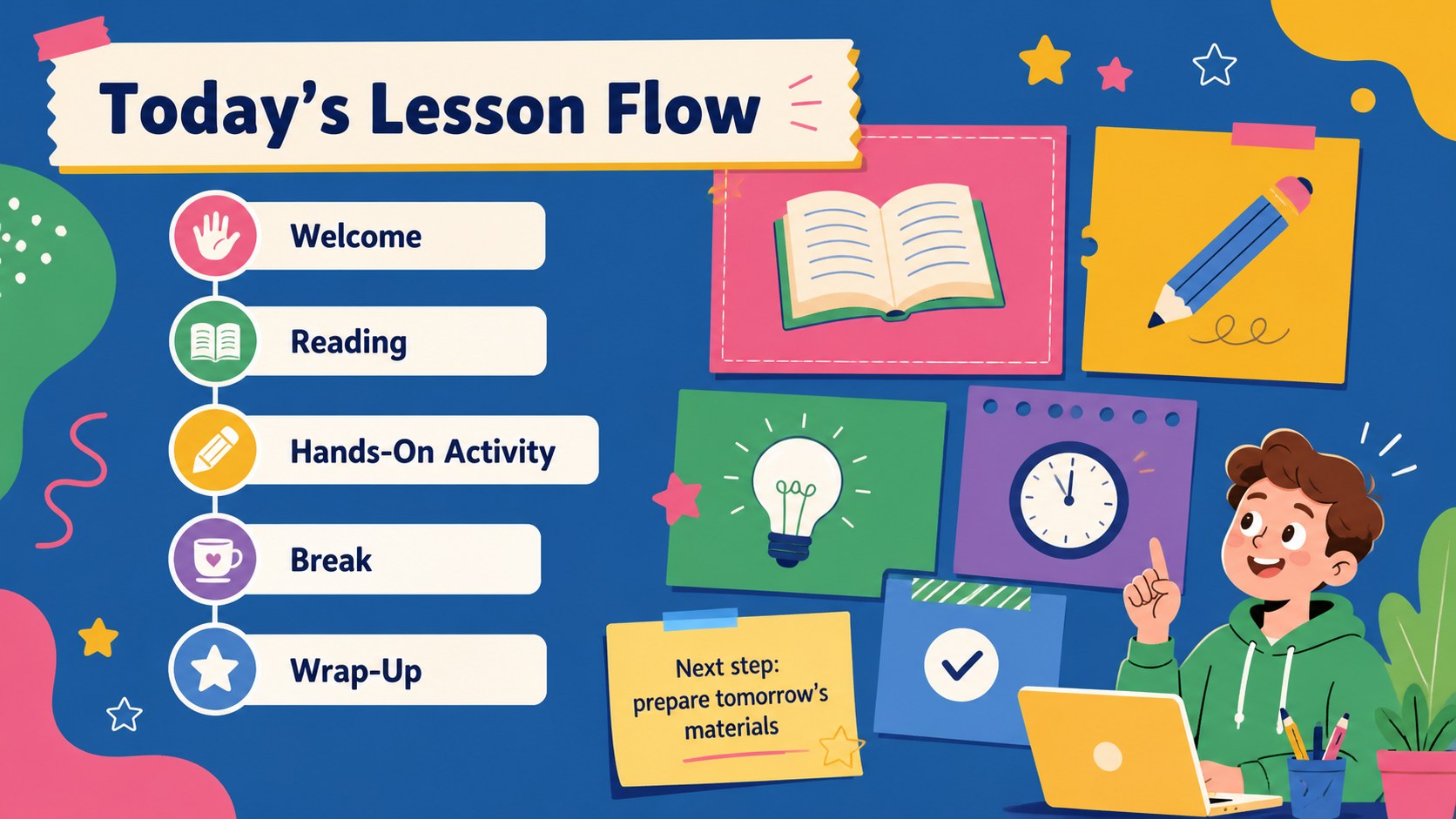
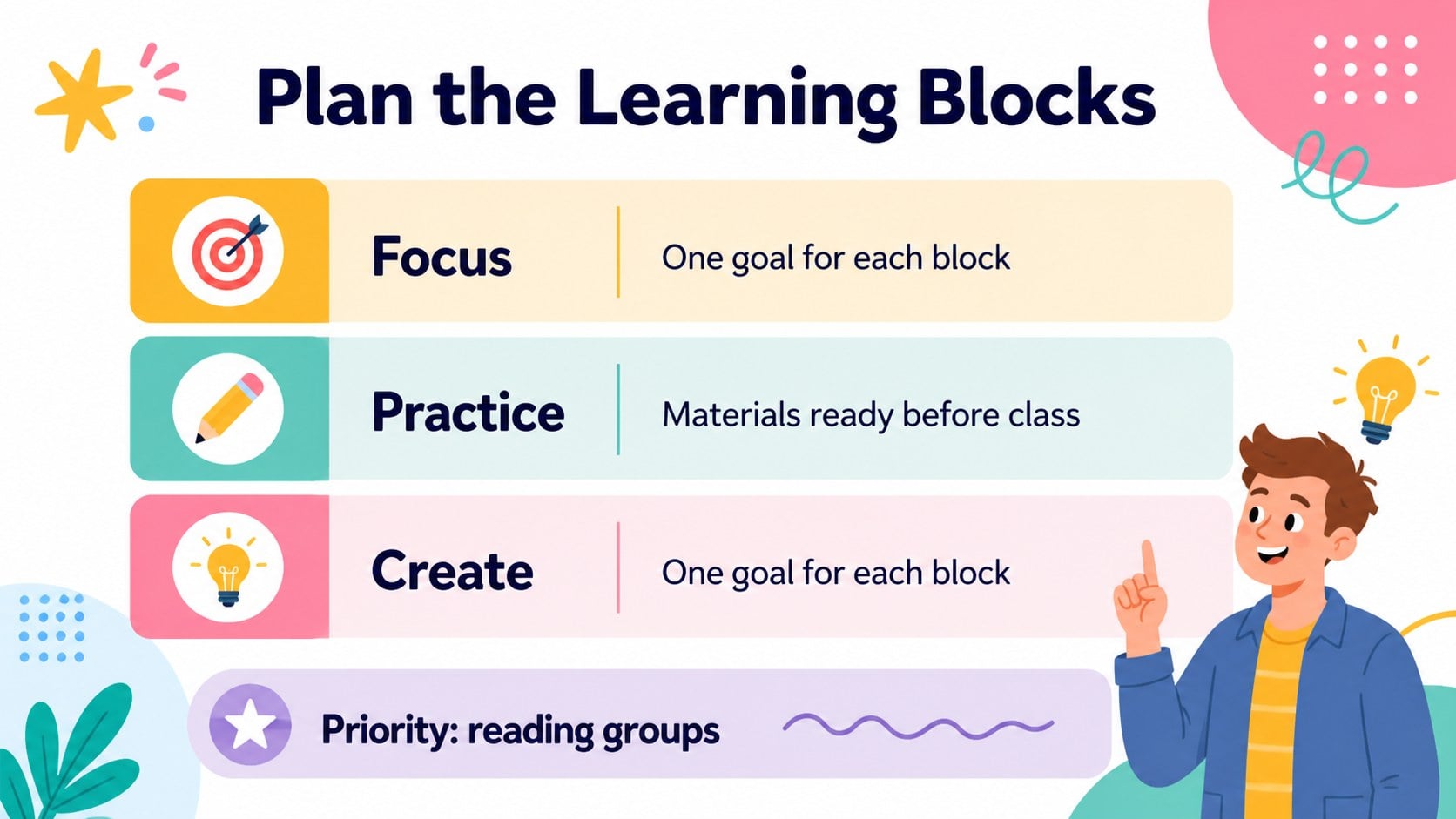
Inside, you’ll find five A4-format planner slides with space for daily subjects, time blocks, activities, reminders, and visual notes. Use the charts, frames, lines, and shapes to build a layout that matches your timetable or learning environment. The bright palette and friendly graphics work well for a daily classroom routine slides collection, a colorful lesson planning deck, or a teacher day schedule presentation.
This template is designed for elementary and middle-school educators, teaching assistants, tutors, and students who want a more engaging approach to organizing schoolwork. Edit text, resize elements, adjust colors, and add images in PowerPoint or Google Slides. It is useful for morning overviews, substitute-teacher plans, homework tracking, subject rotations, and end-of-day checklists. Download the deck, tailor each page to your workflow, and create a consistent visual rhythm for the classroom.
Perfect for: elementary classroom morning overview; weekly lesson rotation; substitute-teacher day plan; student homework organization; tutor activity schedule.
Frequently asked questions
Can I edit this template in PowerPoint? Yes. Open the downloaded presentation in PowerPoint and replace the sample text with your subjects, time blocks, and activities. Shapes, colors, and illustrations can also be adjusted to fit your classroom.
Practical details
Yes. Open the downloaded presentation in PowerPoint and replace the sample text with your subjects, time blocks, and activities. Shapes, colors, and illustrations can also be adjusted to fit your classroom.
Yes. Upload the presentation file to Google Drive and open it with Google Slides. The editable text and layout elements can then be customized in your browser.
Use the pages for lesson objectives, class periods, activity instructions, transition reminders, homework, or important notices. The flexible layouts let you create a simple overview or a more detailed classroom plan.
Yes. Update the theme colors or select individual shapes and text elements to create a different emphasis. Keeping one or two accent colors consistent will preserve the deck’s organized visual style.
Keep exploring
15Build stronger academic arguments with a college essay thesis builder featuring guided examples, revision prompts, and editable PowerPoint and Google Slides.
 15
15Build an engaging World UFO Day session with this flying saucer history lesson deck, featuring retro green-and-brown slides for PowerPoint and Google Slides.
 14
14Plan a memorable Lunar New Year campaign with the 2036 Dragon Year Celebration Theme, featuring bold red-and-yellow slides for lessons and events.
 15
15Build a thoughtful classroom discussion with this interfaith awareness lesson deck, featuring editable blue-and-white slides for PowerPoint and Google Slides.
 15
15Use this environmental awareness lesson deck to teach climate action through illustrated activities, discussion prompts, and ready-to-edit visuals.
 15
15Build playful lessons and party stories with a kid-friendly zombie celebration theme in purple, green and pastel blue for PowerPoint and Google Slides.
 15
15Build eerie lessons, campaigns, and story pitches with an undead survival scenario theme featuring editable slides for PowerPoint and Google Slides.
 16
16Turn environmental research into a clear story with a Watercolor Ecology Presentation Theme for PowerPoint and Google Slides in calming green and blue.