
 15
15presentation
College Essay Thesis Builder Slides
Build stronger academic arguments with a college essay thesis builder featuring guided examples, revision prompts, and editable PowerPoint and Google Slides.
Google SlidesPowerPoint
presentation · English
Plan a vivid September 7 lesson with the Brazil independence celebration lesson deck, featuring editable slides for PowerPoint and Google Slides.
Design notes
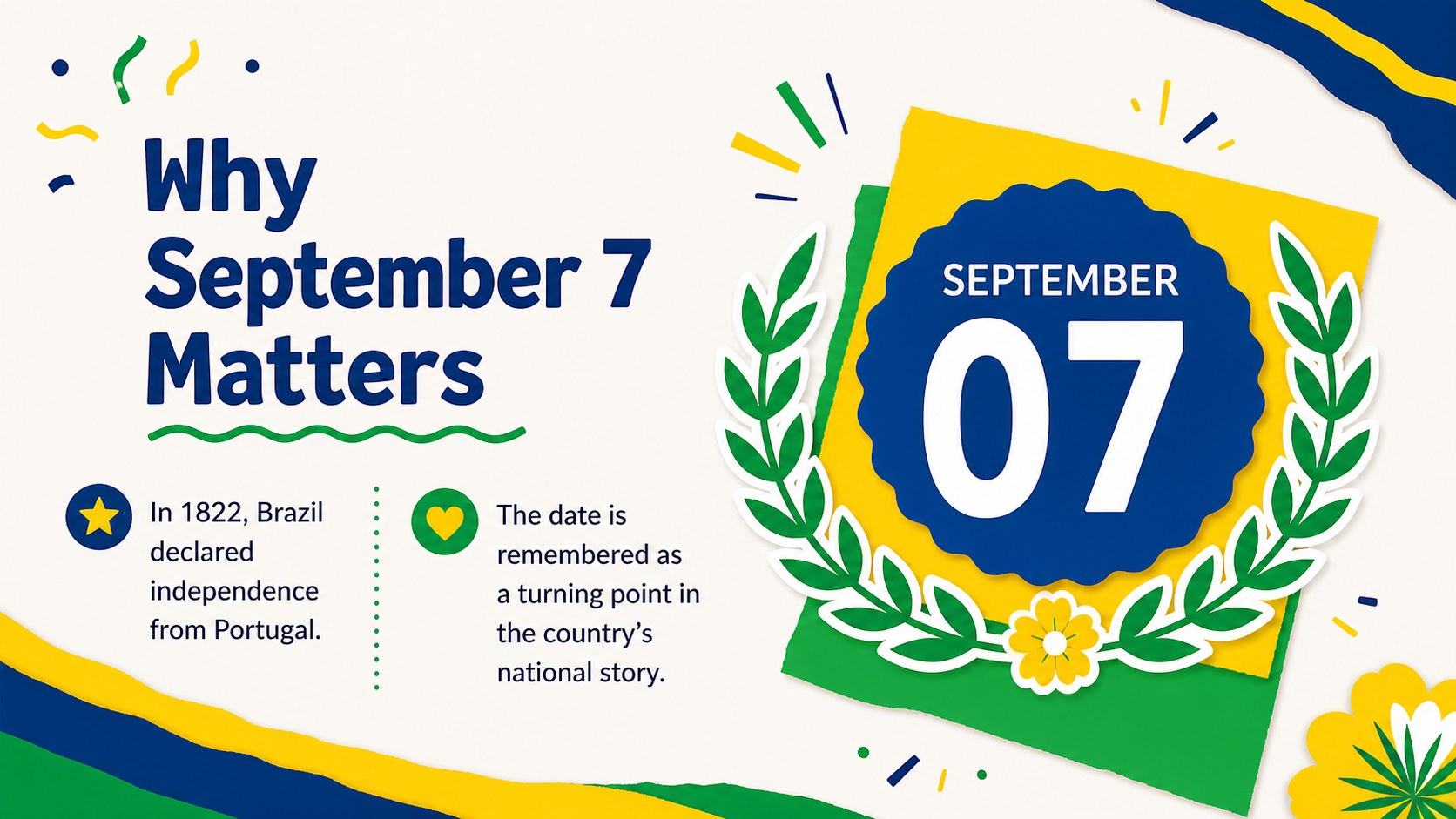
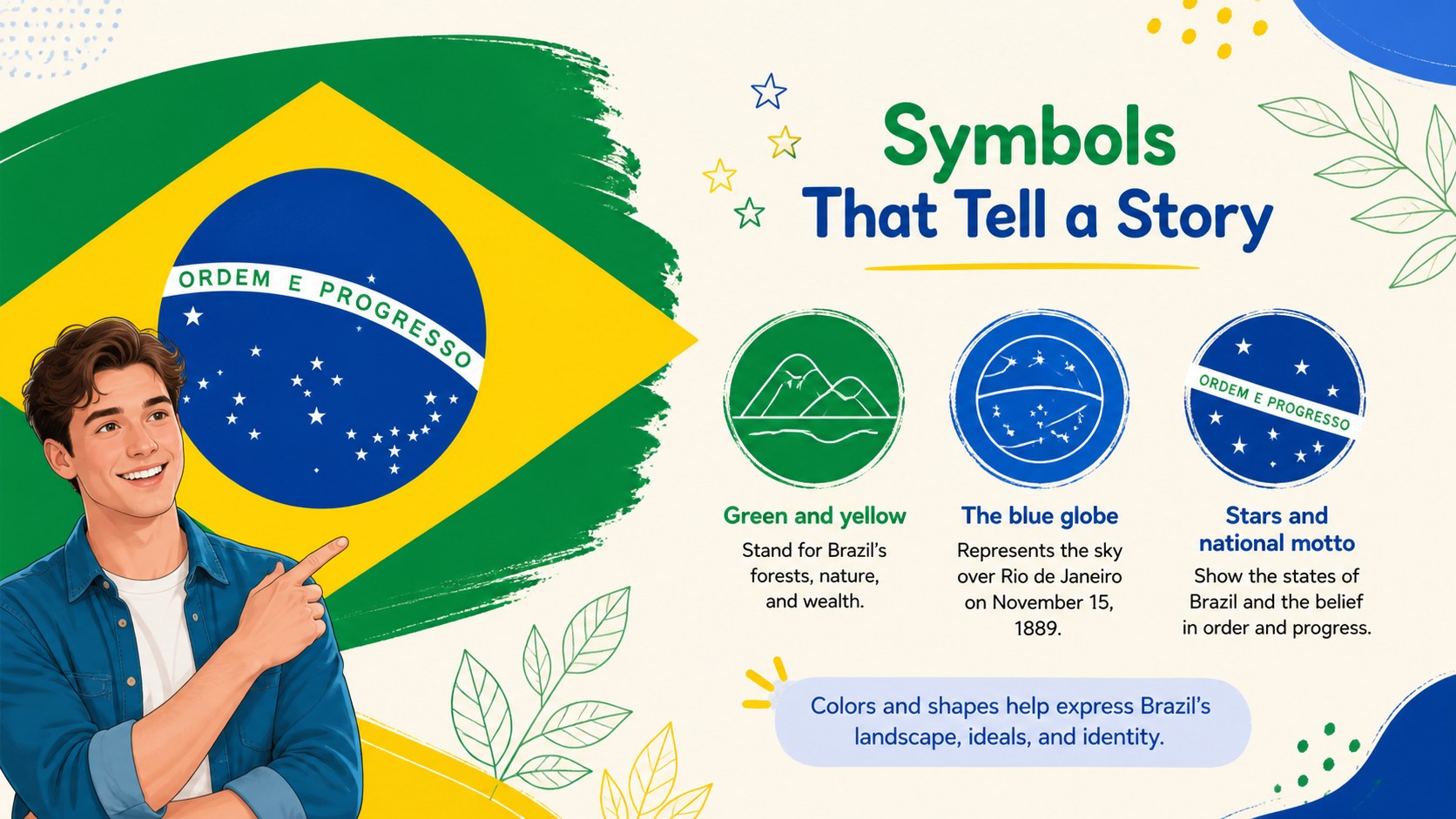
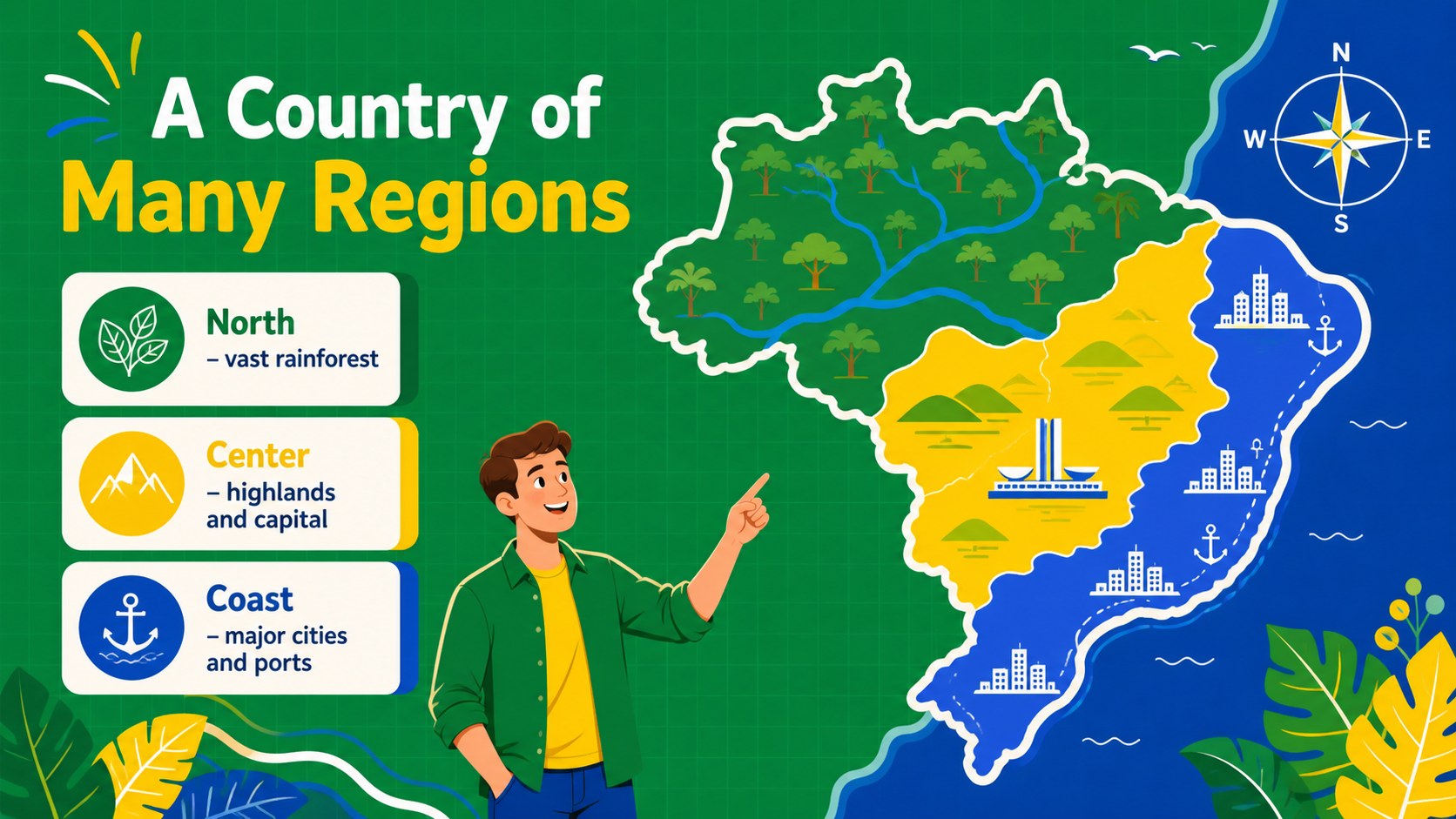
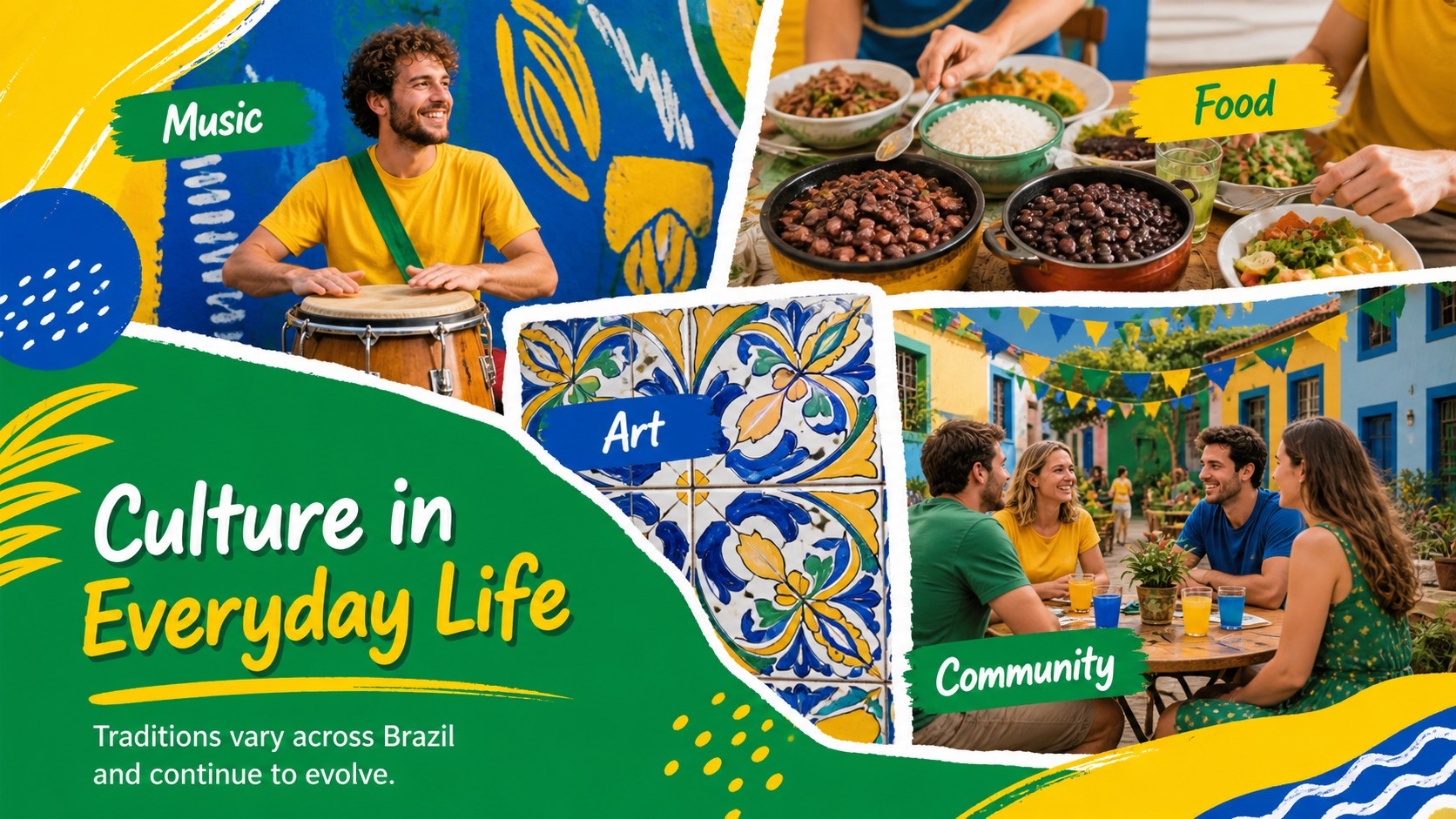
Bring history, culture, and national pride into focus with the Brazil independence celebration lesson deck. Its energetic abstract illustrations, hand-drawn accents, and vivid green-and-yellow palette create an inviting setting for exploring September 7. Use it to introduce key events, explain important symbols, or connect Brazil's independence story with its modern cultural identity.
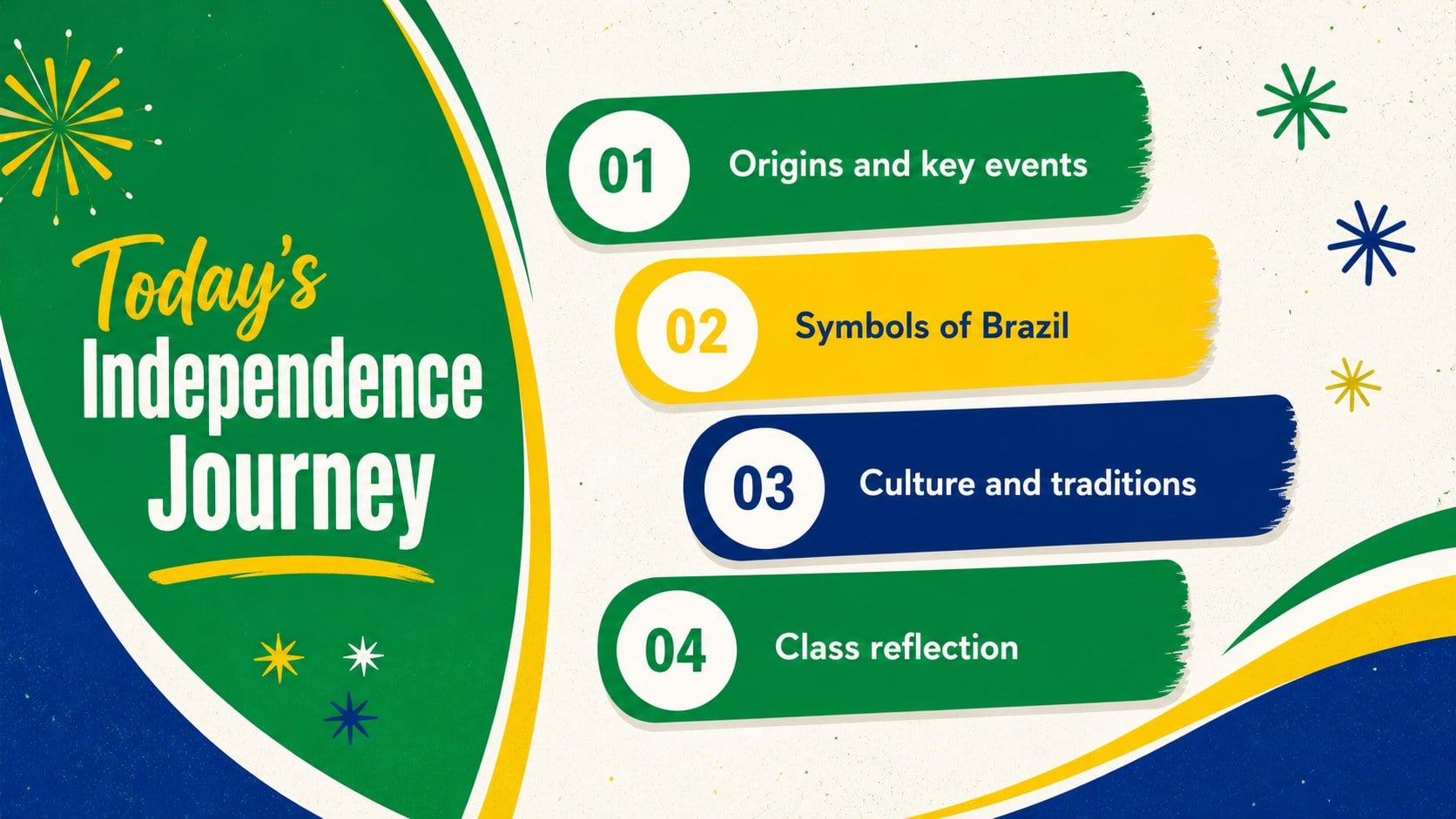
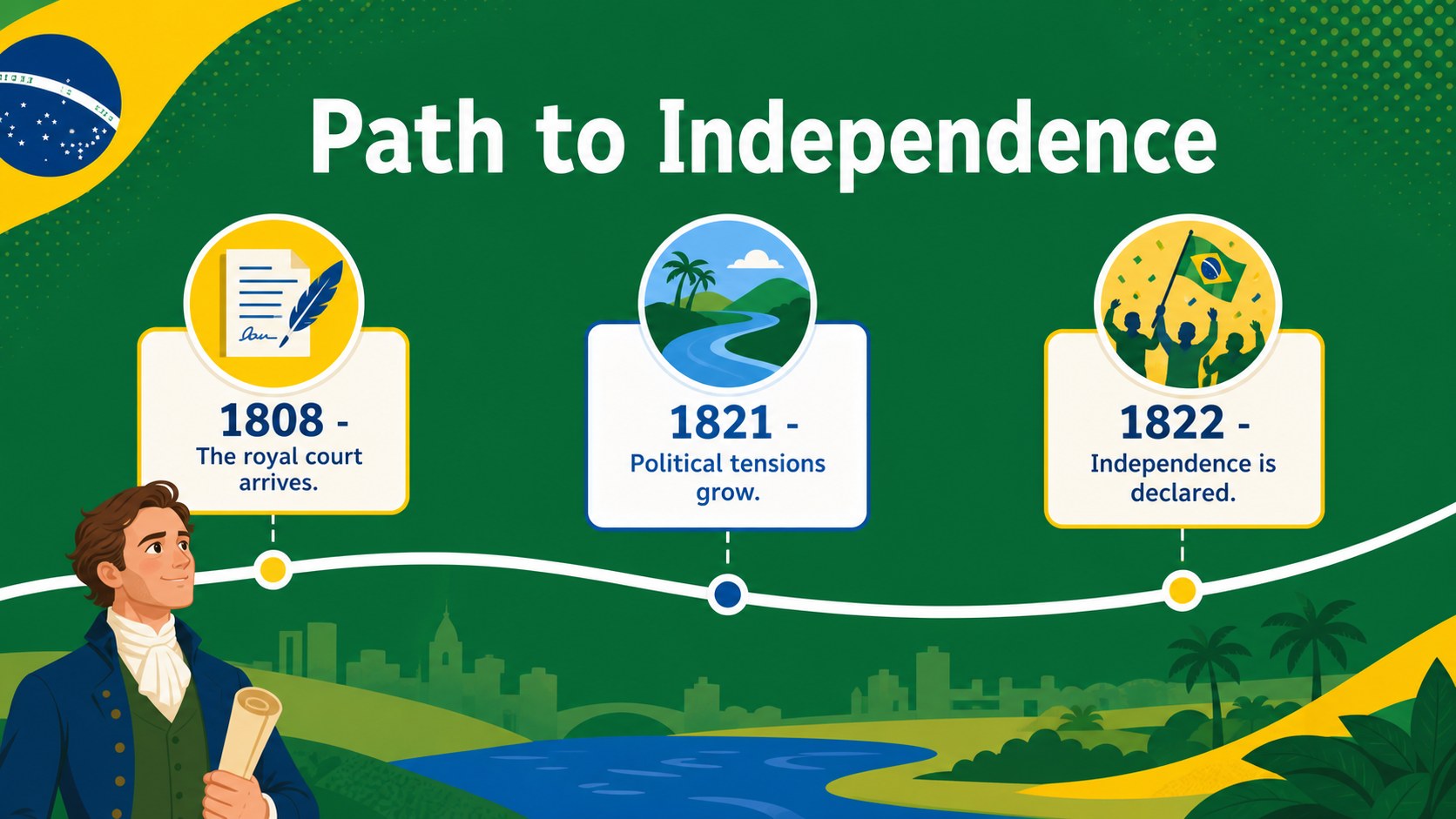
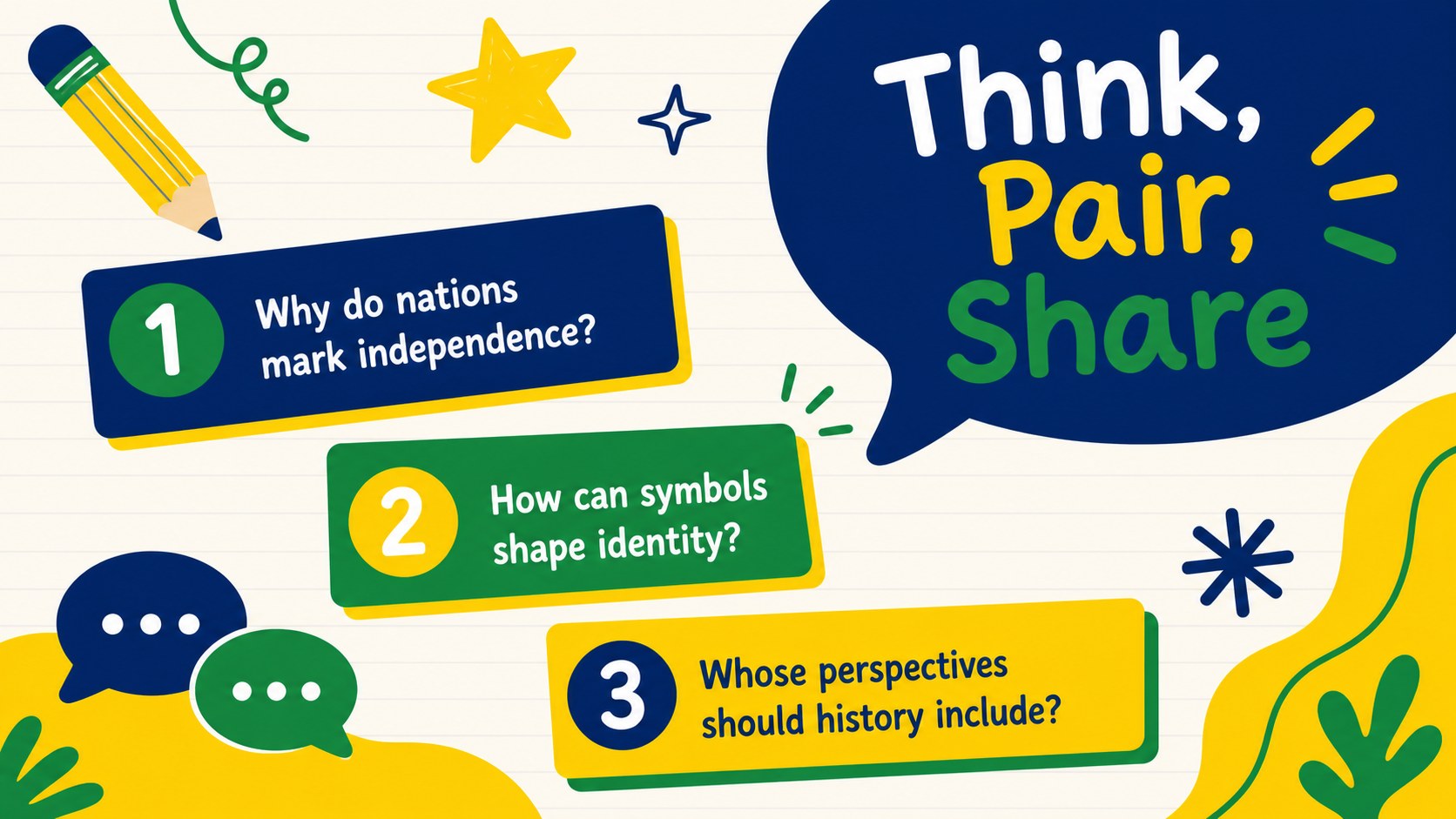
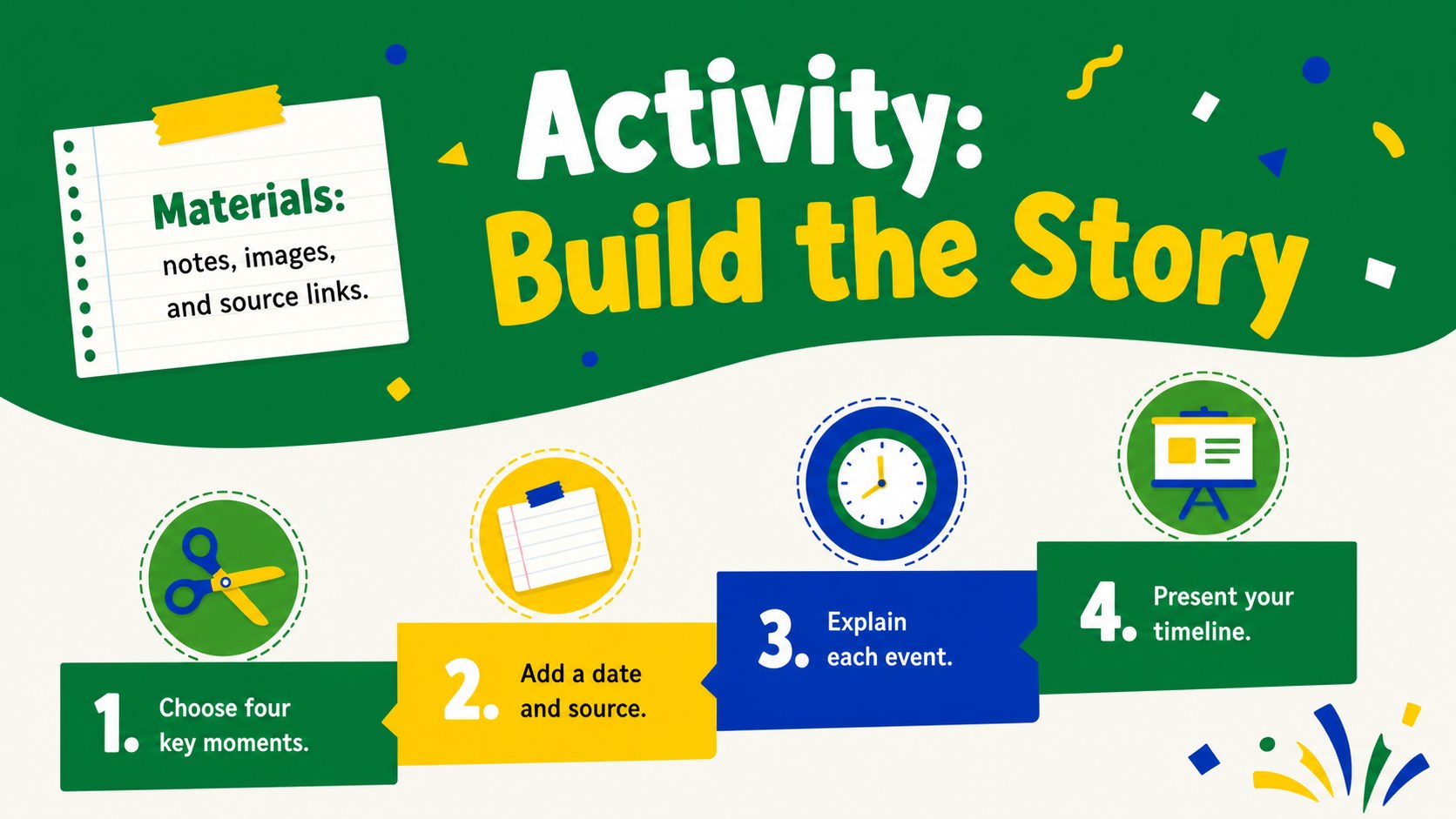
The deck includes 15 editable 16:9 layouts for PowerPoint and Google Slides. Inside, you will find a lesson opener, historical overview, timeline, national symbols page, geography layout, cultural traditions feature, discussion prompts, activity instructions, quick facts, and a closing reflection. Flexible text areas and visual layouts make it equally useful as a Brazilian Independence Day classroom presentation or a September 7 history lesson template. Charts, image frames, timelines, and comparison sections can be adapted to suit different age groups and presentation lengths.
Designed for teachers, students, cultural organizations, community coordinators, and workplace event teams, this green and yellow Brazil presentation theme works for both educational and celebratory settings. Add your own dates, photographs, maps, speaker notes, and local event details while preserving the cheerful illustrated style. Whether you are preparing a social studies lesson, a school assembly, or a public heritage program, the layouts help organize information into a clear and engaging narrative.
Perfect for: September 7 classroom lesson; Brazil history school assembly; Community heritage celebration; National symbols student project; Workplace cultural event.
Frequently asked questions
Which presentation platforms support this deck? The deck is designed for PowerPoint and Google Slides. Open it in your preferred platform to edit text, rearrange layouts, and present in a standard 16:9 format.
Practical details
The deck is designed for PowerPoint and Google Slides. Open it in your preferred platform to edit text, rearrange layouts, and present in a standard 16:9 format.
Yes. Replace the sample wording with age-appropriate explanations, shorten timelines for younger learners, or add primary sources and discussion questions for advanced classes.
You can change fonts, colors, illustrations, photographs, and layout elements while keeping the green-and-yellow celebration palette. Image frames and text areas can also be resized or duplicated.
Yes. The layouts suit community programs, cultural events, workplace observances, and public history talks. Update the agenda, activity, and closing slides with details for your audience.
Keep exploring
15Build stronger academic arguments with a college essay thesis builder featuring guided examples, revision prompts, and editable PowerPoint and Google Slides.
 15
15Build an engaging World UFO Day session with this flying saucer history lesson deck, featuring retro green-and-brown slides for PowerPoint and Google Slides.
 14
14Plan a memorable Lunar New Year campaign with the 2036 Dragon Year Celebration Theme, featuring bold red-and-yellow slides for lessons and events.
 15
15Build a thoughtful classroom discussion with this interfaith awareness lesson deck, featuring editable blue-and-white slides for PowerPoint and Google Slides.
 15
15Use this environmental awareness lesson deck to teach climate action through illustrated activities, discussion prompts, and ready-to-edit visuals.
 15
15Build playful lessons and party stories with a kid-friendly zombie celebration theme in purple, green and pastel blue for PowerPoint and Google Slides.
 15
15Build eerie lessons, campaigns, and story pitches with an undead survival scenario theme featuring editable slides for PowerPoint and Google Slides.
 16
16Turn environmental research into a clear story with a Watercolor Ecology Presentation Theme for PowerPoint and Google Slides in calming green and blue.