
 15
15presentation
College Essay Thesis Builder Slides
Build stronger academic arguments with a college essay thesis builder featuring guided examples, revision prompts, and editable PowerPoint and Google Slides.
Google SlidesPowerPoint
presentation · English
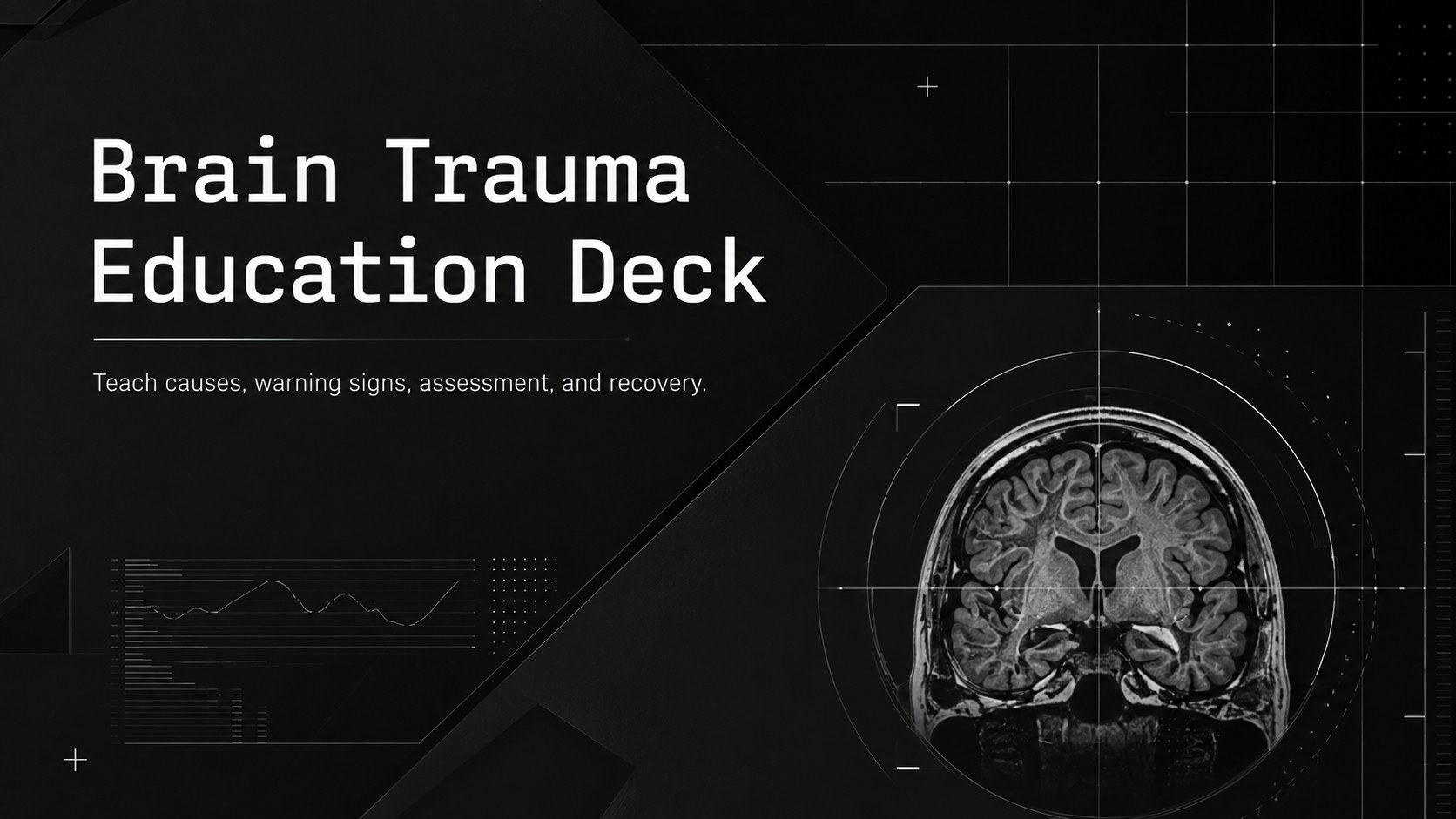
Build clear, classroom-ready lessons with this brain trauma education deck, using dark modern visuals for PowerPoint, Google Slides, and clinical training.
Design notes
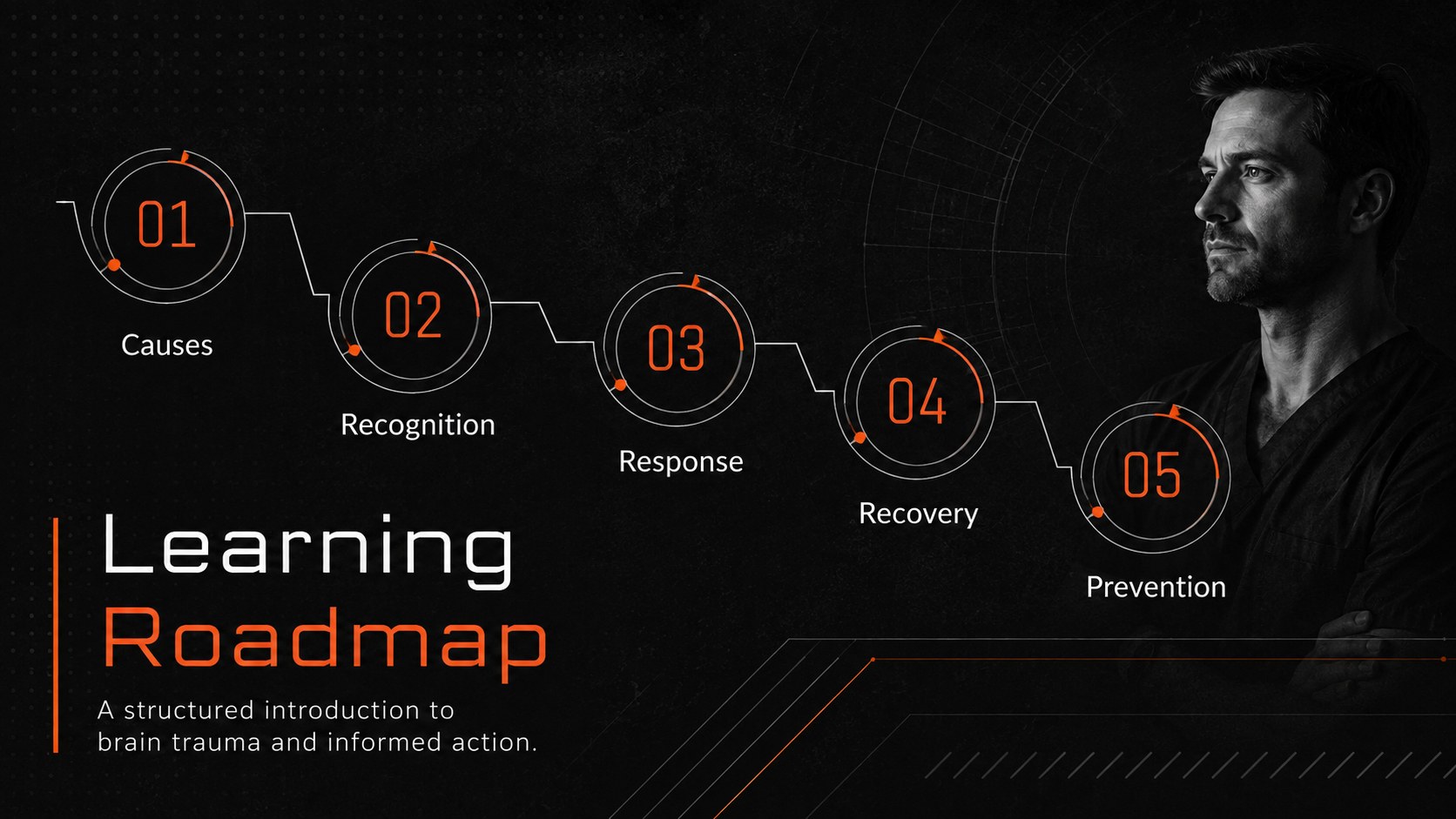
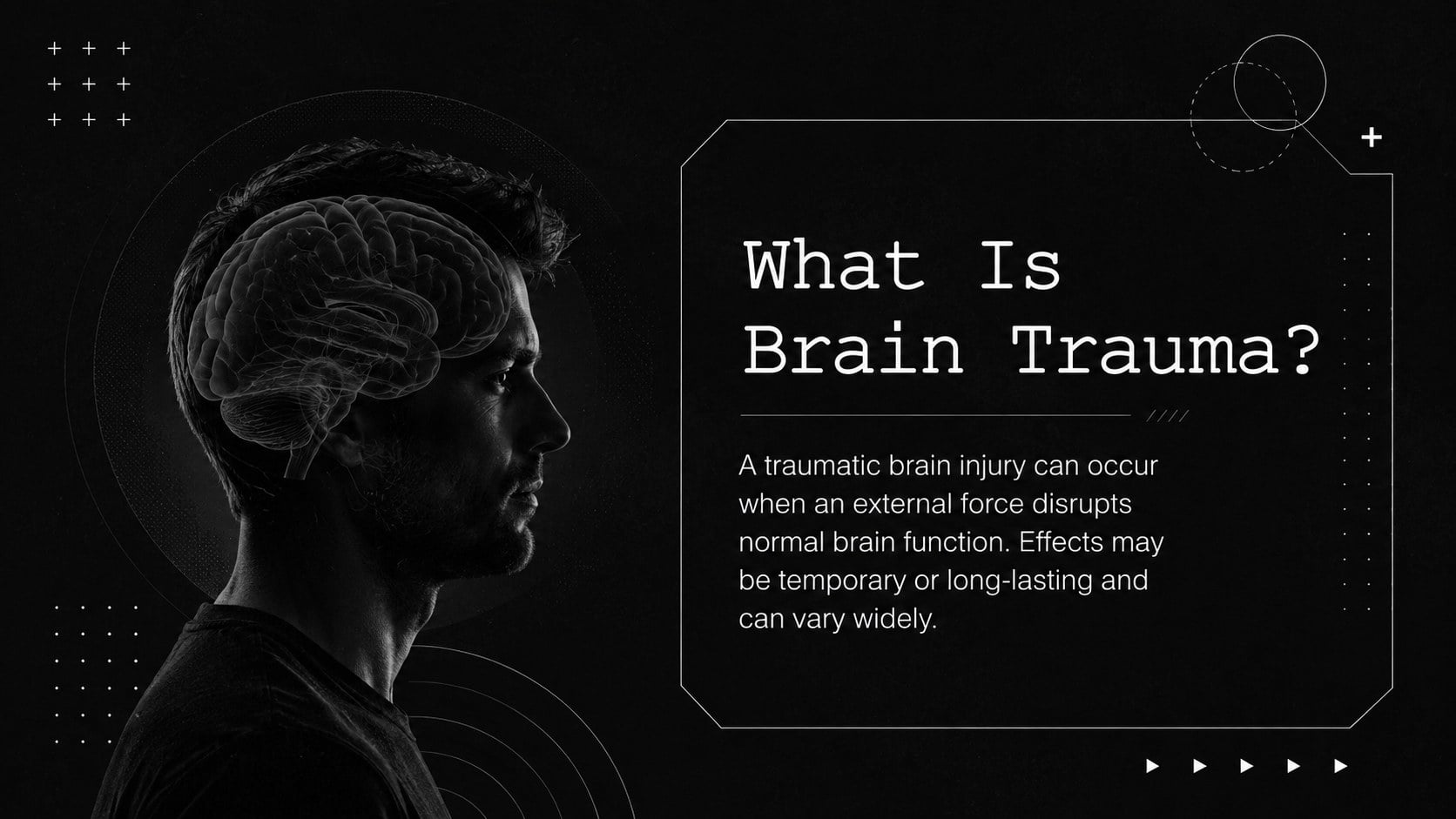
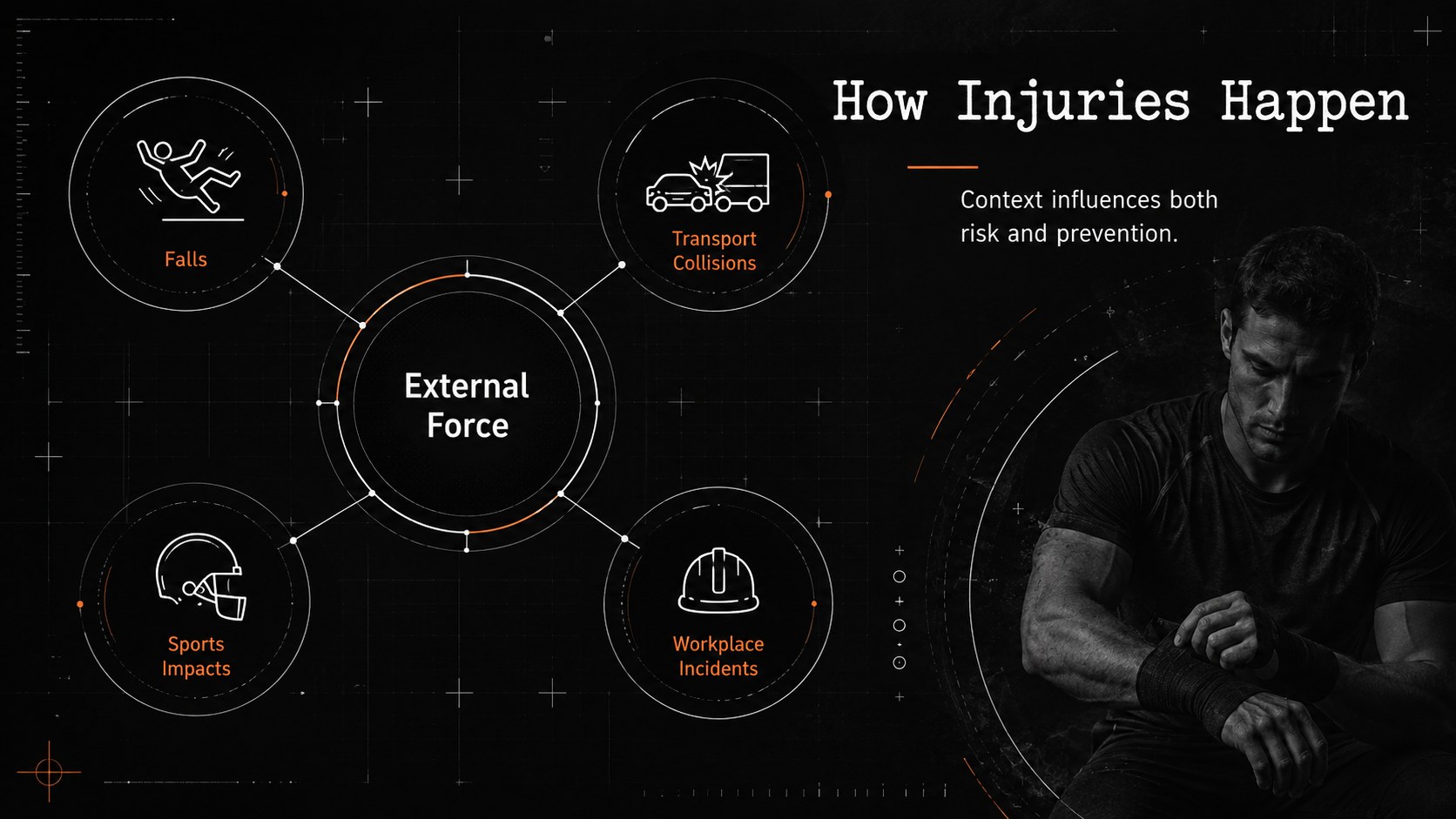
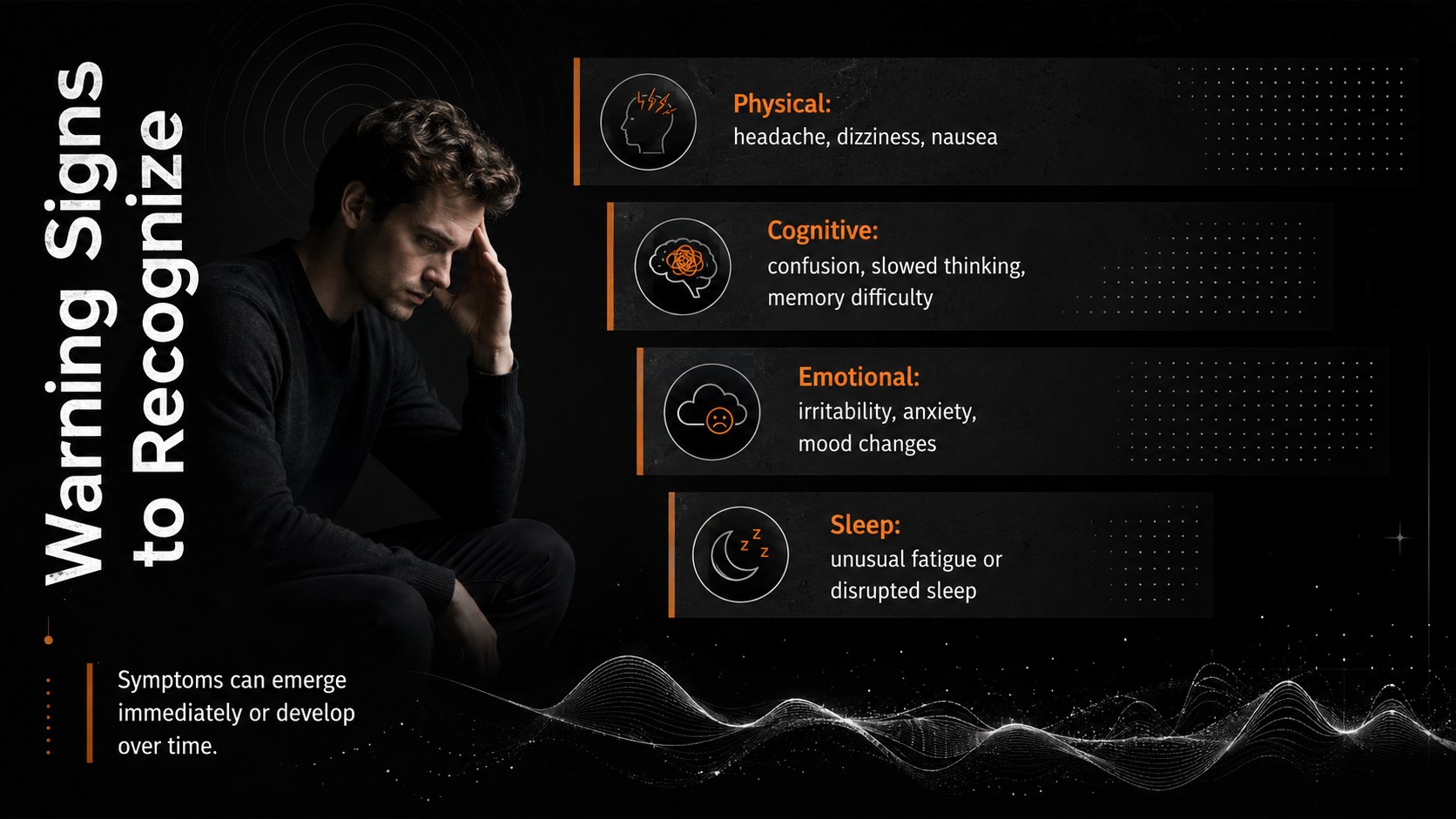
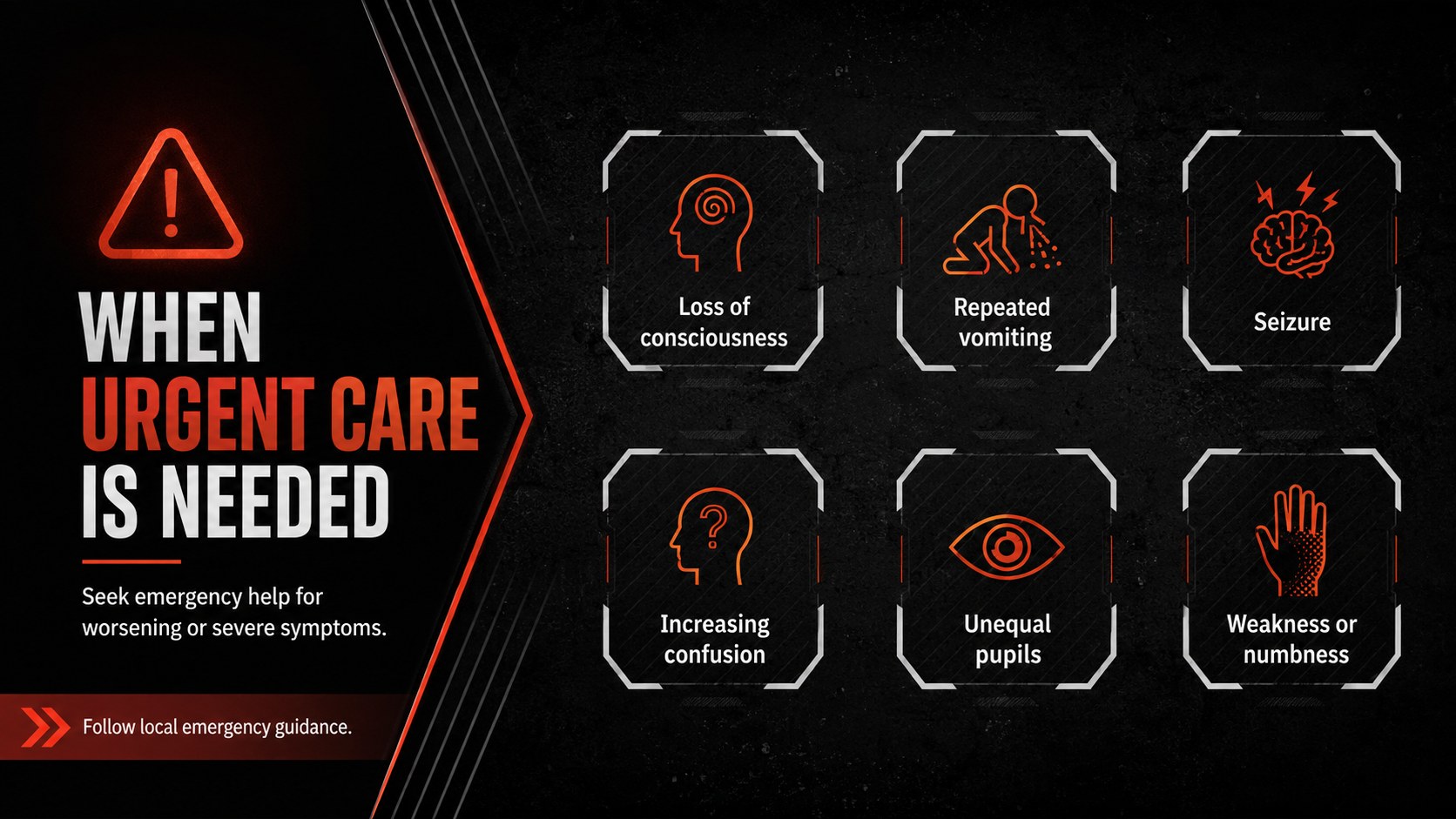
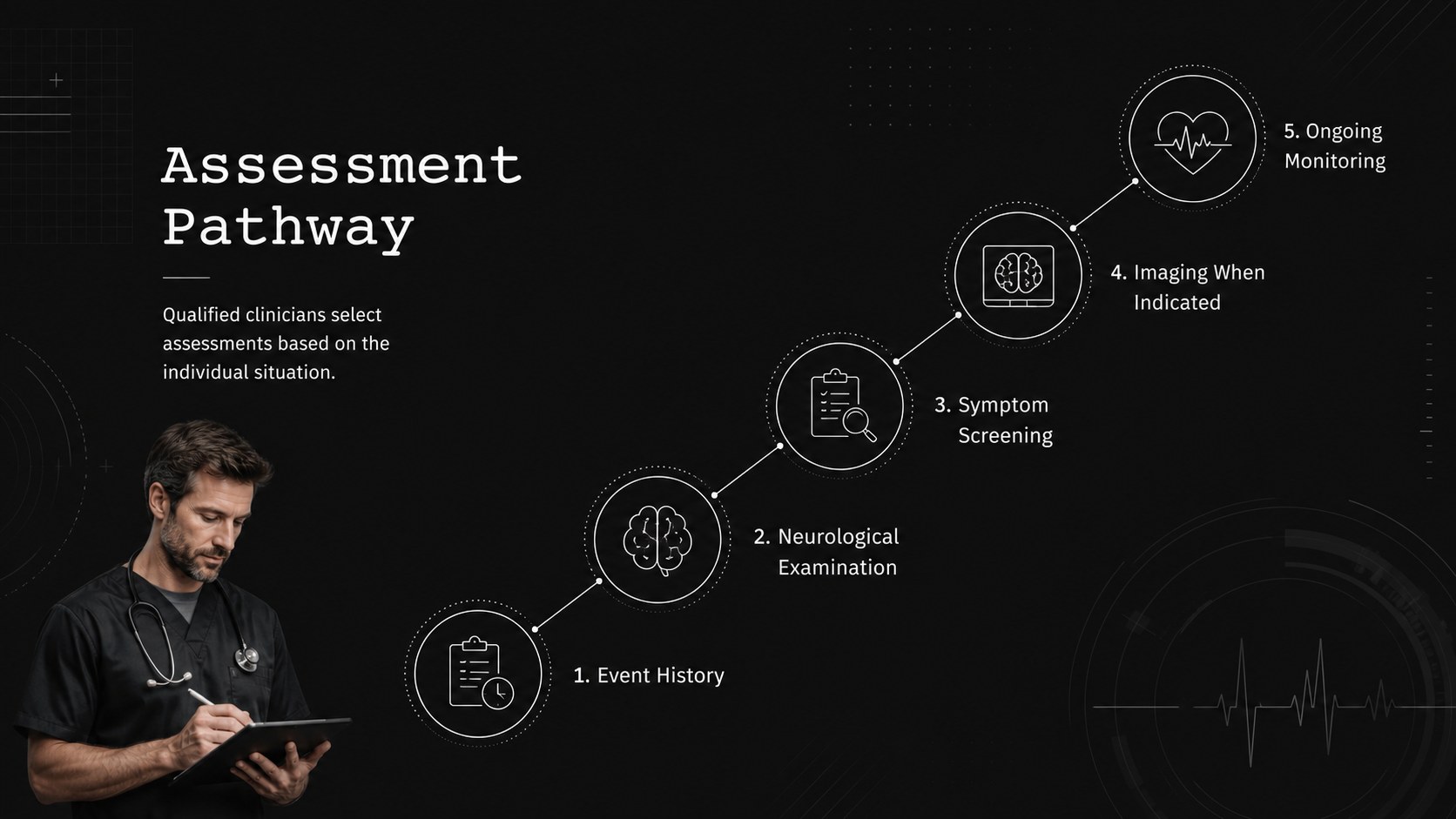
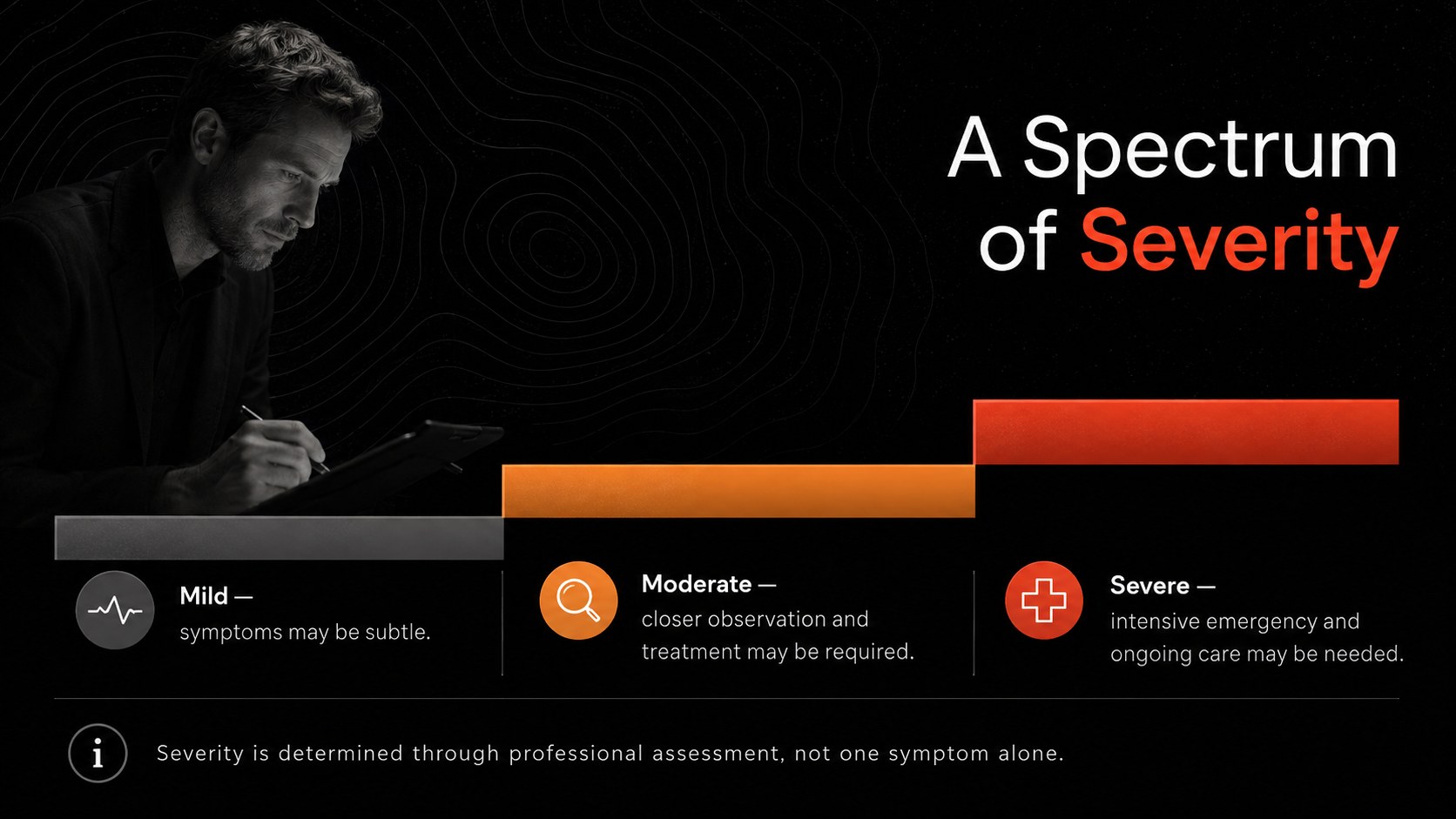
The Brain Trauma Education Deck helps educators and healthcare trainers explain traumatic brain injury with clarity and appropriate visual restraint. Its black palette, crisp typography, geometric accents, and structured layouts create a focused setting for discussing causes, symptoms, evaluation, treatment, and prevention. Use it as a head trauma classroom presentation or adapt it into a concussion awareness PowerPoint template for community programs.
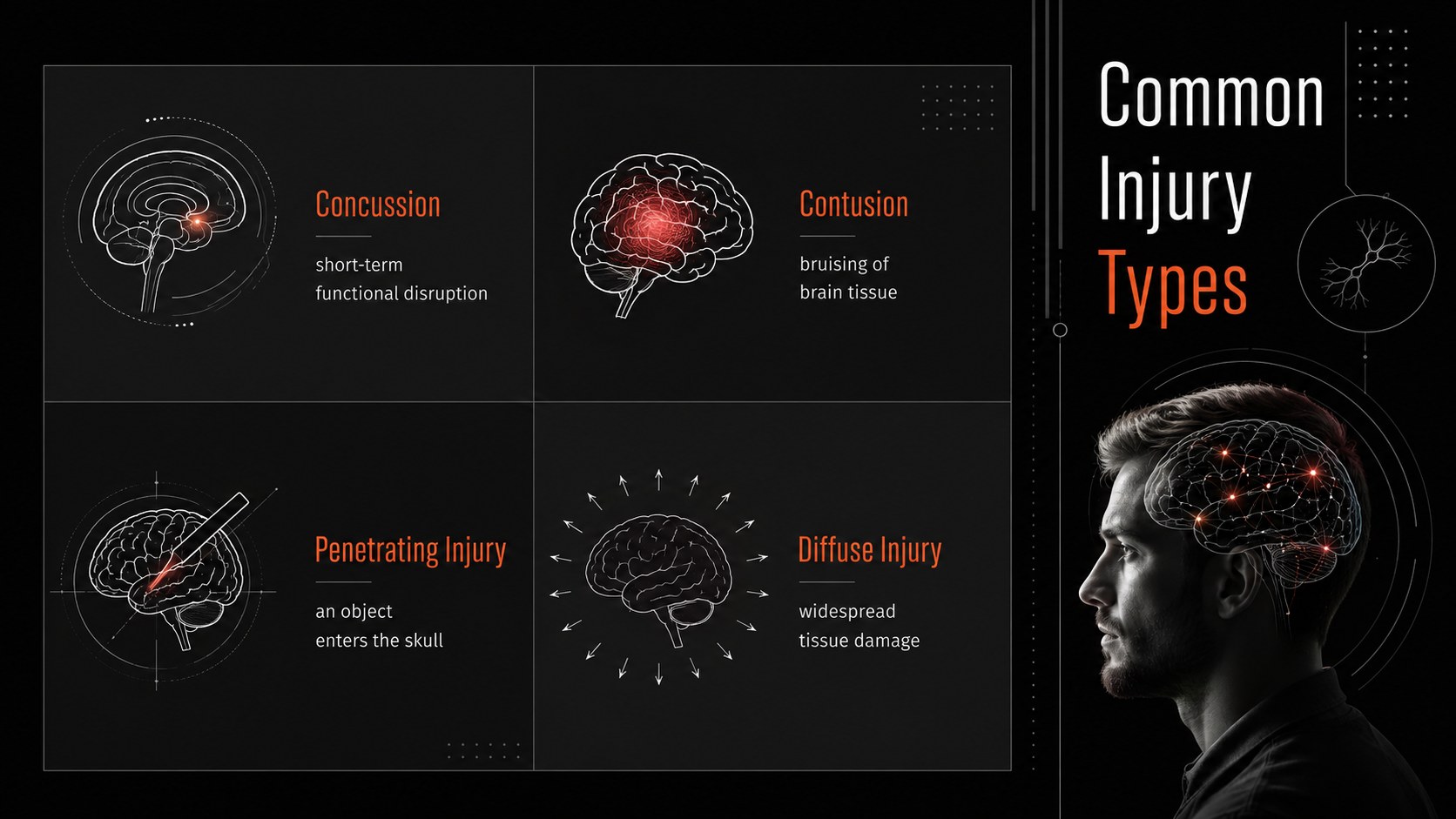
Inside are 15 editable 16:9 layouts covering learning goals, injury types, mechanisms, warning signs, assessment steps, treatment pathways, recovery phases, risk factors, prevention, and key takeaways. Charts, timelines, comparison panels, process diagrams, and data-focused layouts make complex material easier to organize. Every element can be adjusted in PowerPoint or Google Slides, including colors, text, diagrams, and image placeholders.
This brain trauma education deck is designed for secondary and higher education instructors, nursing and medical faculty, rehabilitation teams, athletic trainers, workplace safety leaders, and conference speakers. It also works as brain injury education slides for teachers who need an accessible lesson structure or as a TBI symptoms and recovery slide deck for professional development. Add local protocols, verified statistics, clinical examples, and citations to match your audience. The template supports education rather than diagnosis, allowing presenters to deliver evidence-based information while directing learners to qualified medical professionals for individual concerns.
Perfect for: university neuroscience lecture; clinical staff training; concussion awareness workshop; athletic safety briefing; rehabilitation education session.
Frequently asked questions
Can I edit every part of this presentation? Yes. Text, colors, charts, diagrams, and image placeholders can be customized to fit your lesson, organization, or local clinical guidance.
Practical details
Yes. Text, colors, charts, diagrams, and image placeholders can be customized to fit your lesson, organization, or local clinical guidance.
The deck is designed for Microsoft PowerPoint and Google Slides. Some fonts or transitions may render slightly differently between platforms, so review the final presentation before delivering it.
Yes. Replace technical terminology with plain-language explanations and focus on recognition, prevention, and appropriate response. Keep emergency guidance aligned with current recommendations from qualified health authorities.
No. It provides an editable structure for educational content and should not replace professional diagnosis or treatment. Presenters should add reviewed sources, current protocols, and suitable disclaimers.
Keep exploring
15Build stronger academic arguments with a college essay thesis builder featuring guided examples, revision prompts, and editable PowerPoint and Google Slides.
 15
15Build an engaging World UFO Day session with this flying saucer history lesson deck, featuring retro green-and-brown slides for PowerPoint and Google Slides.
 14
14Plan a memorable Lunar New Year campaign with the 2036 Dragon Year Celebration Theme, featuring bold red-and-yellow slides for lessons and events.
 15
15Build a thoughtful classroom discussion with this interfaith awareness lesson deck, featuring editable blue-and-white slides for PowerPoint and Google Slides.
 15
15Use this environmental awareness lesson deck to teach climate action through illustrated activities, discussion prompts, and ready-to-edit visuals.
 15
15Build playful lessons and party stories with a kid-friendly zombie celebration theme in purple, green and pastel blue for PowerPoint and Google Slides.
 15
15Build eerie lessons, campaigns, and story pitches with an undead survival scenario theme featuring editable slides for PowerPoint and Google Slides.
 16
16Turn environmental research into a clear story with a Watercolor Ecology Presentation Theme for PowerPoint and Google Slides in calming green and blue.