
 15
15presentation
College Essay Thesis Builder Slides
Build stronger academic arguments with a college essay thesis builder featuring guided examples, revision prompts, and editable PowerPoint and Google Slides.
Google SlidesPowerPoint
presentation · English
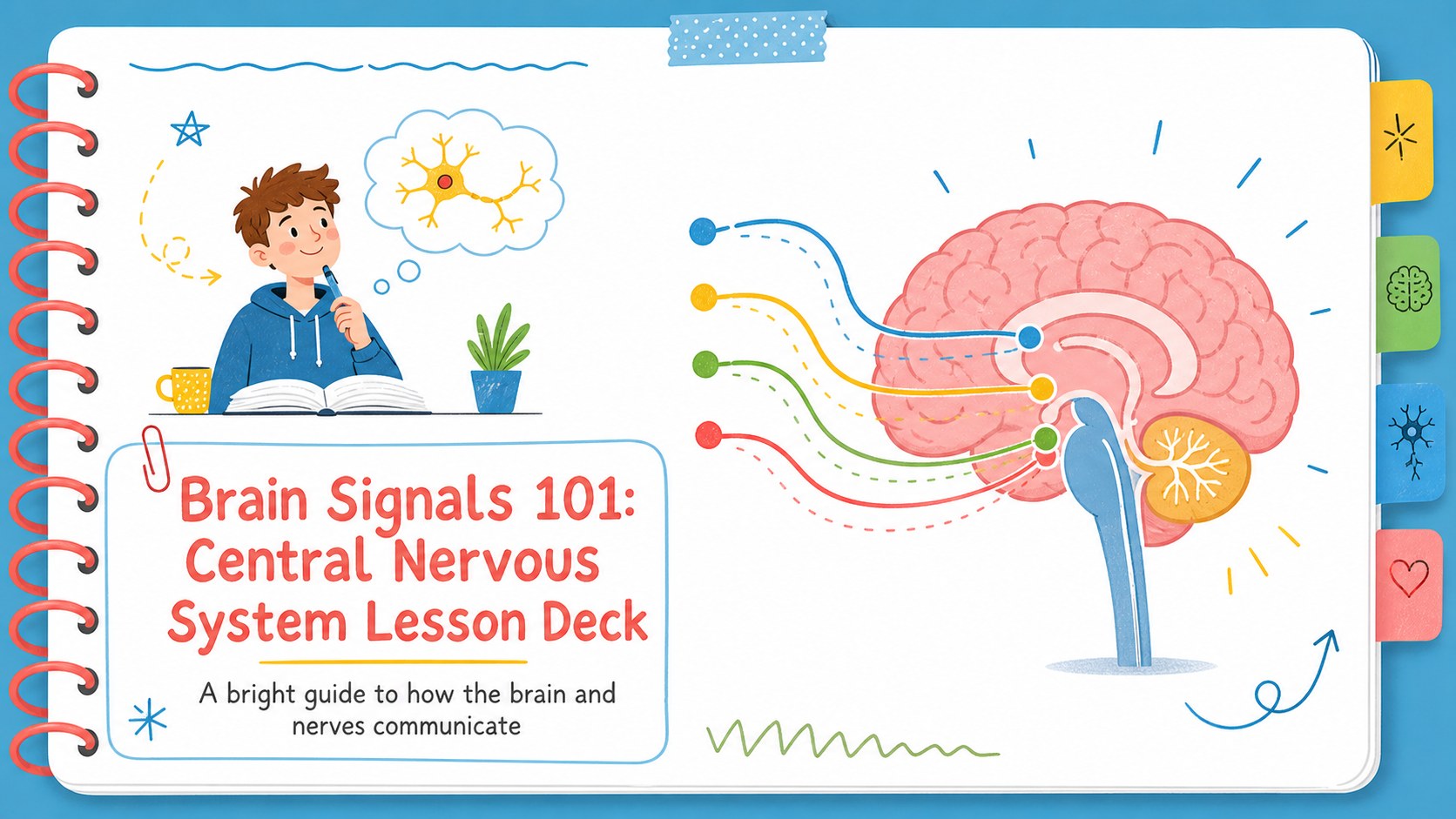
Teach brain and nerve basics with a bright central nervous system lesson deck for PowerPoint and Google Slides, built for clear, engaging science classes.
Design notes
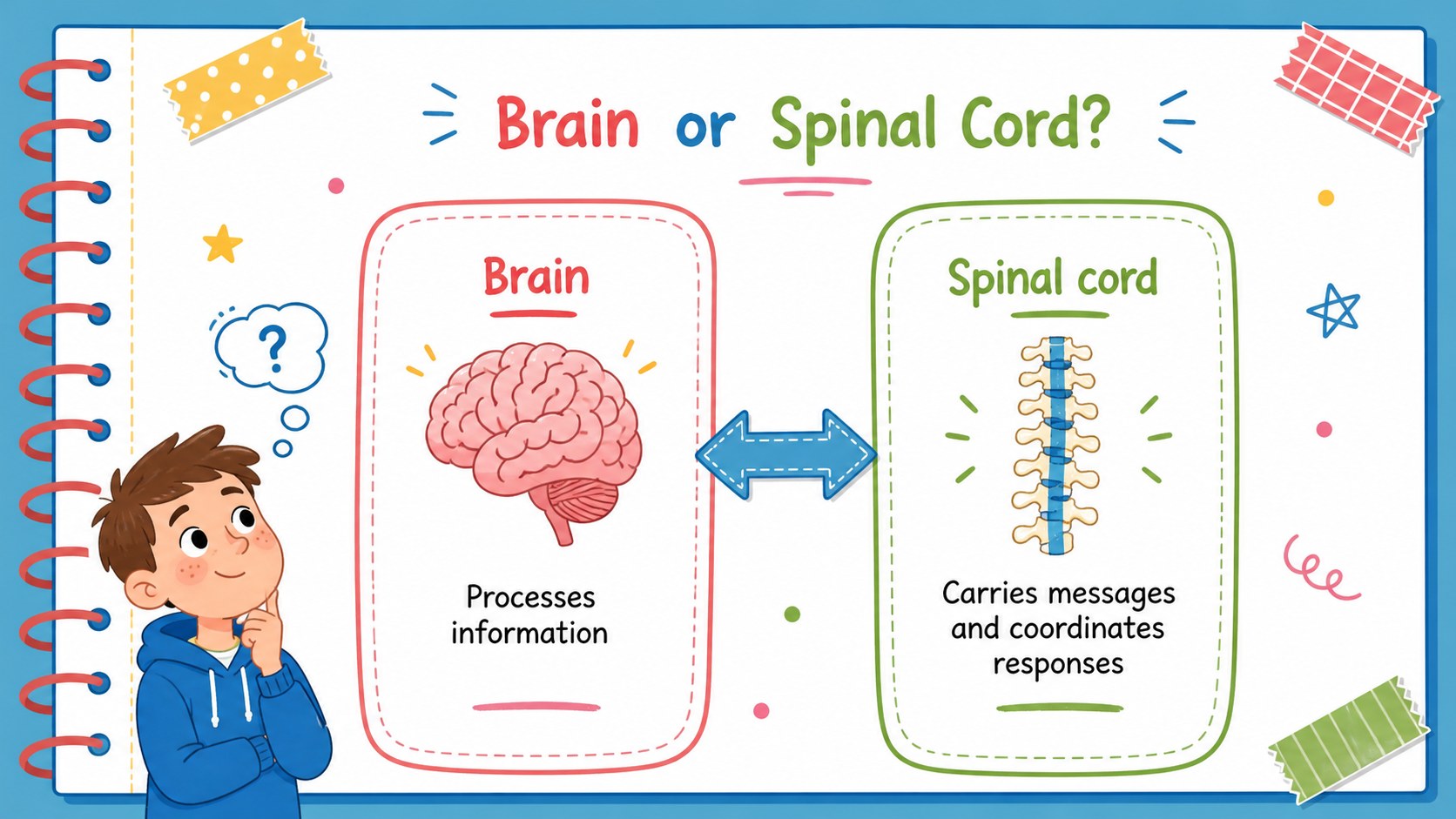
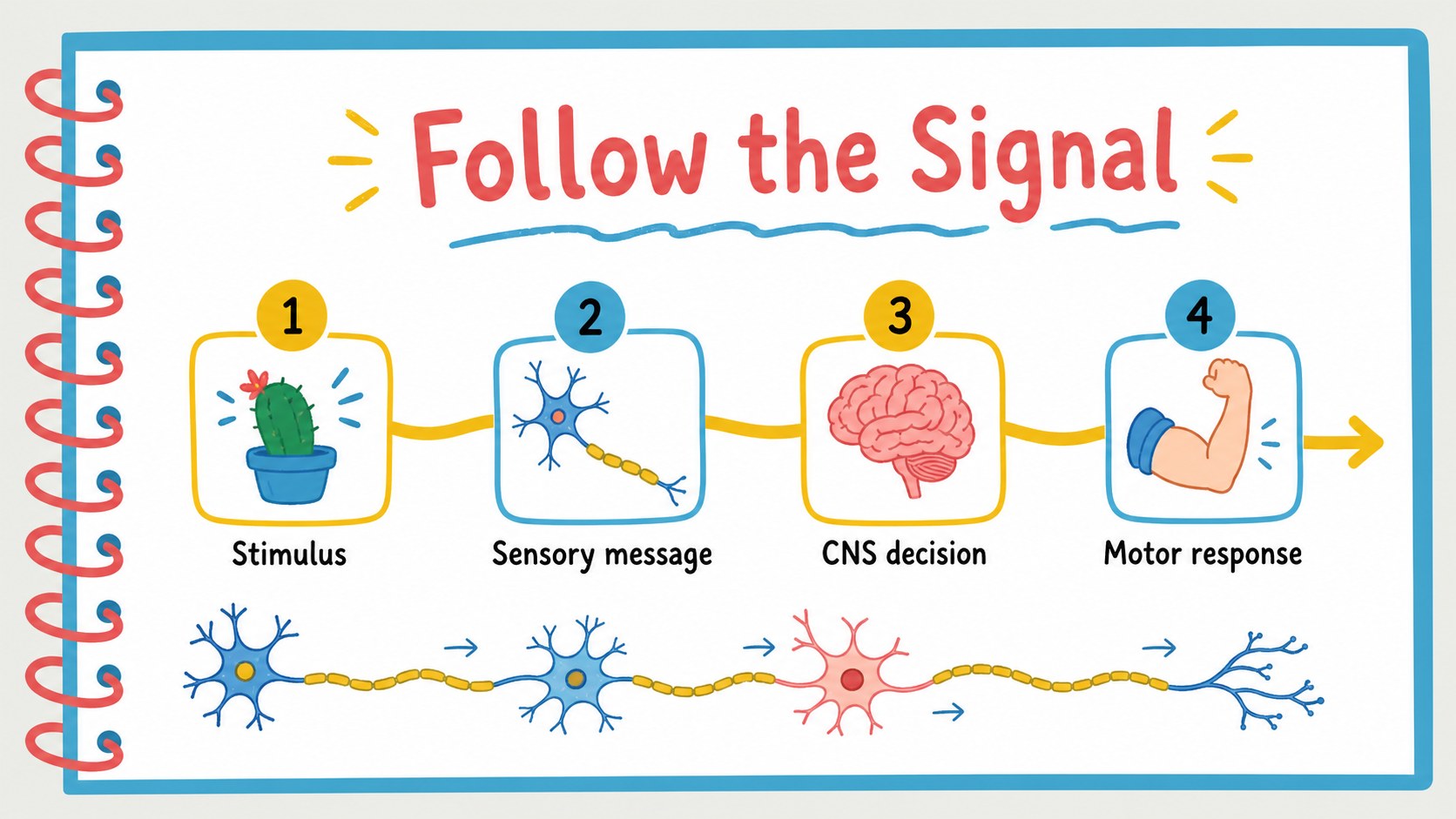
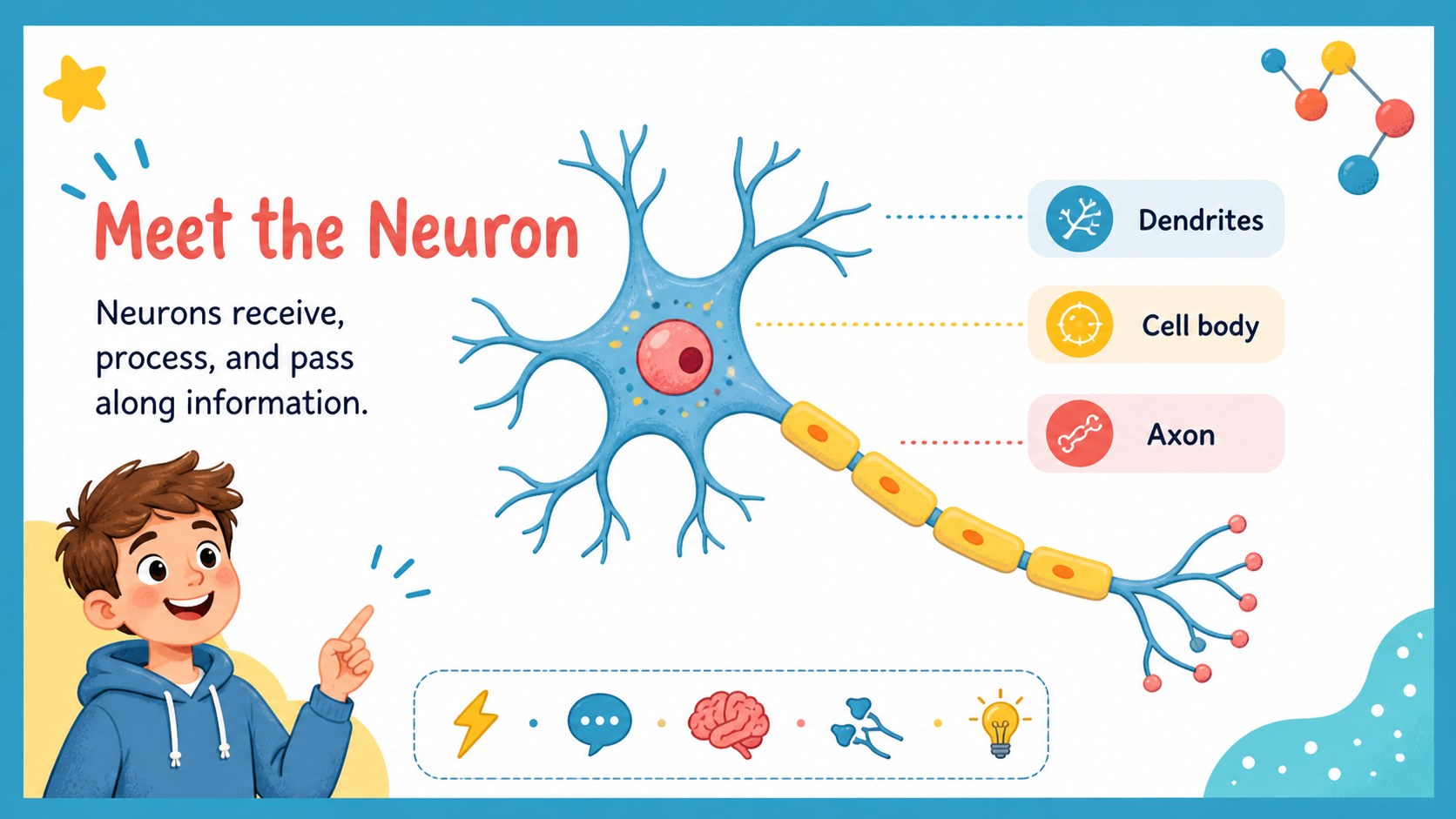
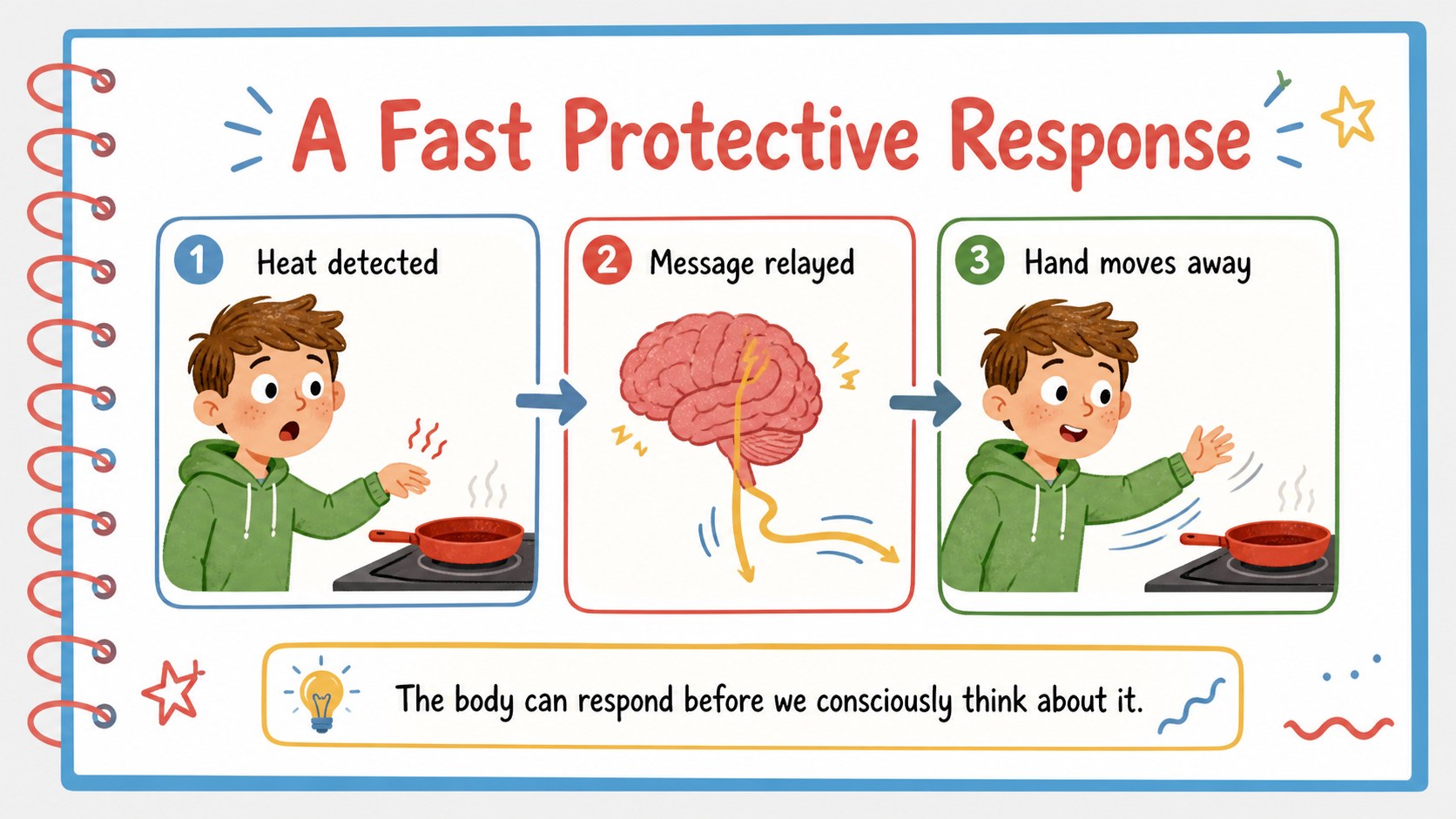
Brain Signals 101 is a central nervous system lesson deck designed to help students understand how the brain, spinal cord, and nerves work together. Its colorful notebook-inspired visuals turn technical biology concepts into approachable classroom moments, while the clean white background keeps diagrams, labels, and key definitions easy to follow.
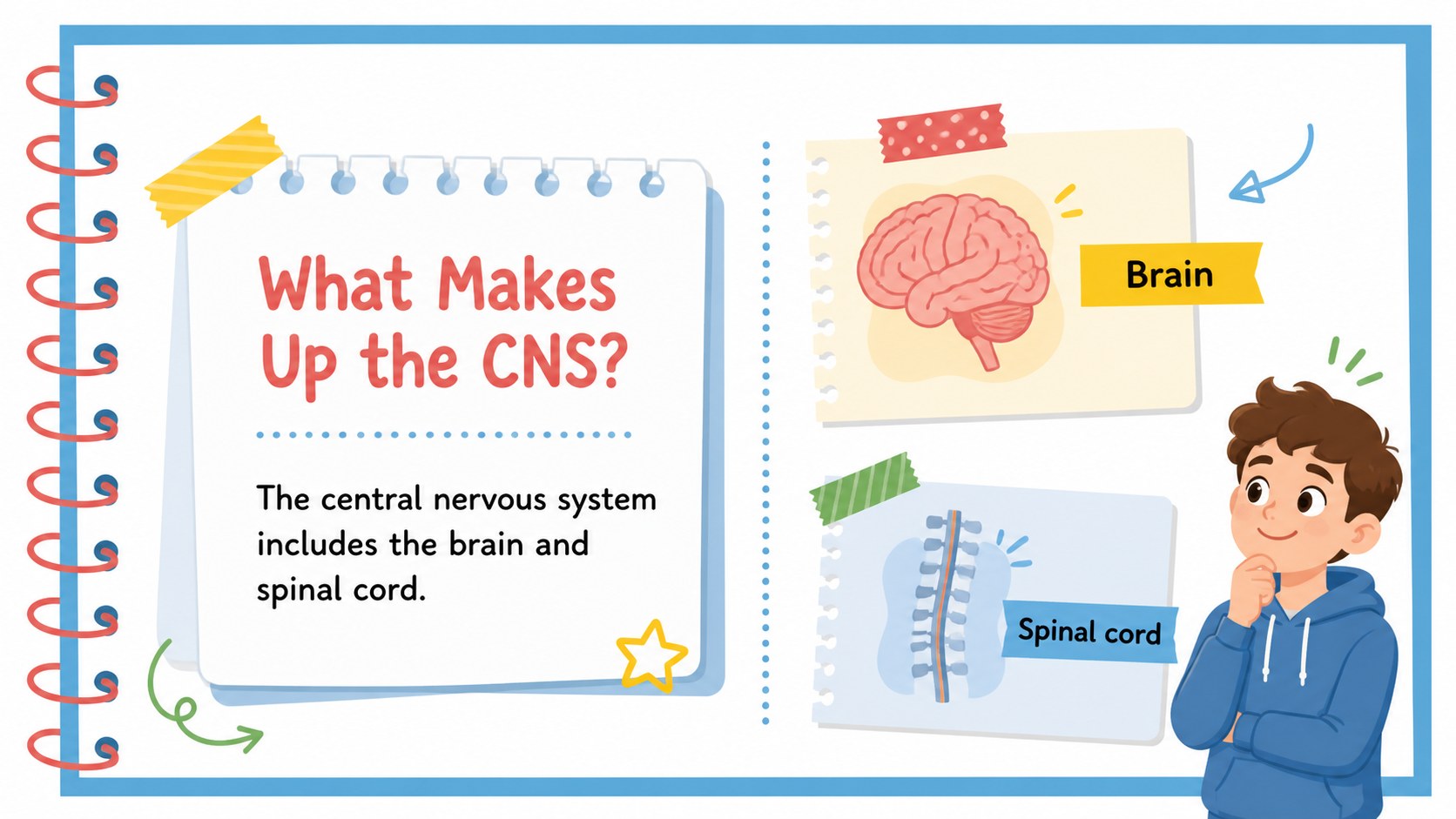
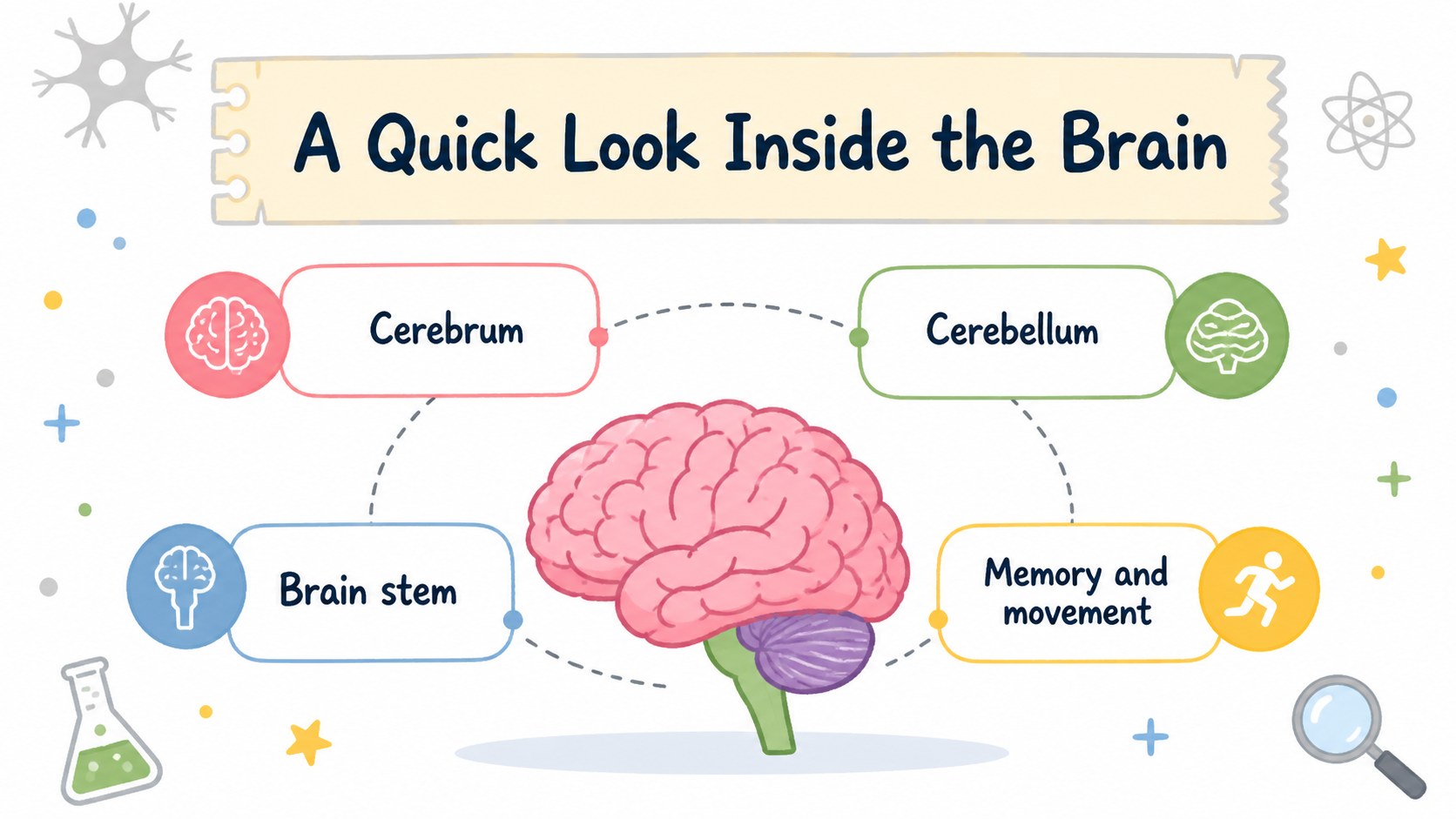
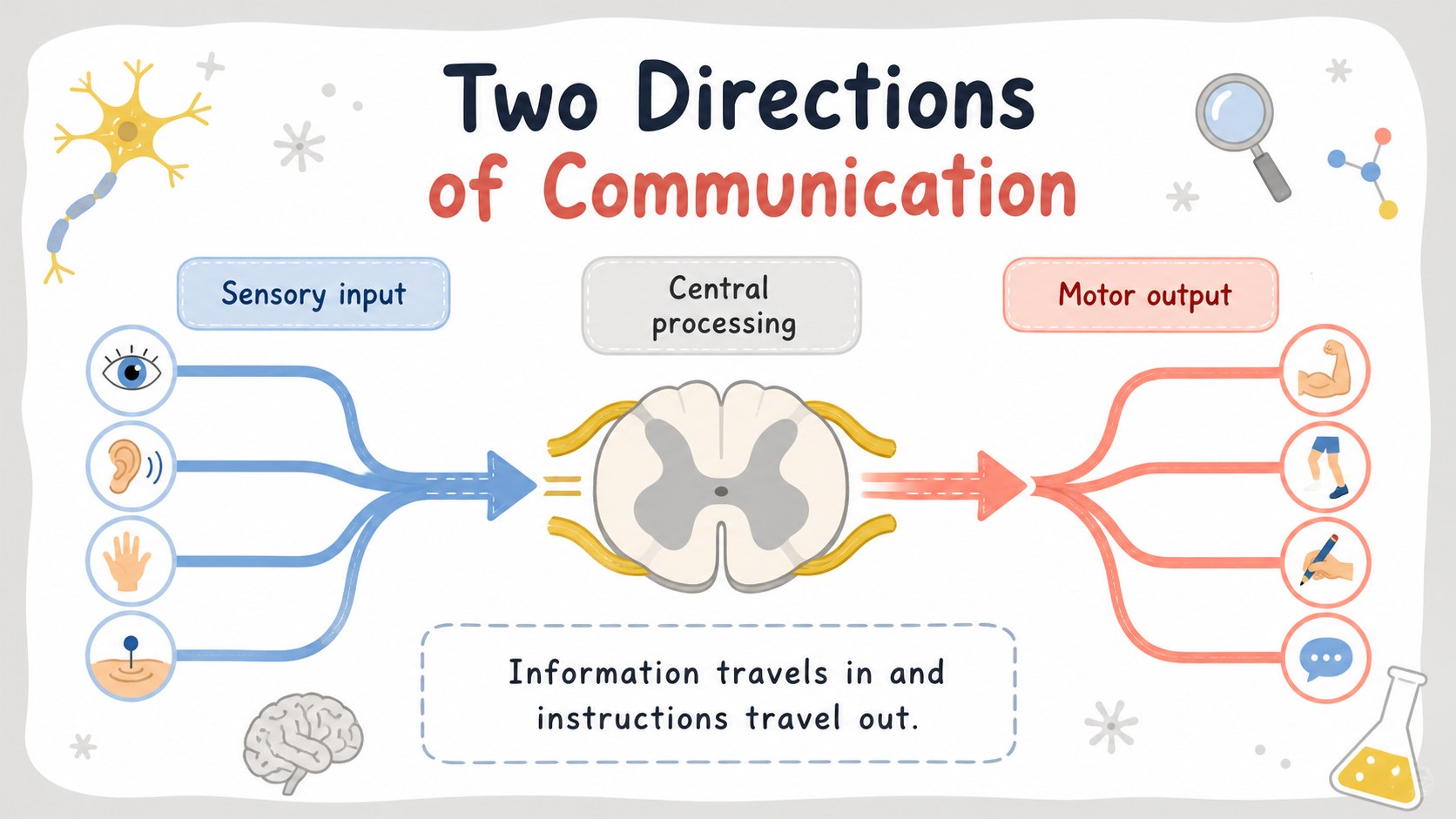
Inside, you’ll find 15 editable widescreen slides for introducing the central nervous system, comparing major structures, mapping signal pathways, and checking student understanding. Use the layouts for a central nervous system classroom presentation, a short science lecture, a revision session, or an interactive anatomy activity. Visual callouts, simple diagrams, question prompts, and comparison sections make it easier to move from basic vocabulary to more detailed explanations.
This template suits middle school and high school science teachers, homeschool educators, tutors, and health education presenters. Edit the text, illustrations, colors, and visual examples in PowerPoint or Google Slides, then adapt the pacing to your class. The bright illustrated style is friendly without losing its educational focus, making complex nervous system content feel structured, memorable, and ready to teach.
Perfect for: middle school biology lesson; high school anatomy introduction; homeschool science unit; nervous system revision session; health education workshop.
Frequently asked questions
Can I edit this lesson deck in PowerPoint? Yes. The slides are designed for PowerPoint editing, so you can change text, colors, diagrams, and images. Use the widescreen format for classroom displays and online teaching.
Practical details
Yes. The slides are designed for PowerPoint editing, so you can change text, colors, diagrams, and images. Use the widescreen format for classroom displays and online teaching.
Yes, you can open and customize the presentation in Google Slides. Review fonts and illustration placement after importing, since some elements may render slightly differently between platforms.
Absolutely. Simplify the vocabulary for younger learners or add terminology, case examples, and review questions for advanced students. The modular layouts make it easy to adjust the lesson sequence.
The deck supports lessons about the brain, spinal cord, neurons, nerve signals, sensory responses, and basic central nervous system functions. Add your own diagrams or examples to match your curriculum.
Keep exploring
15Build stronger academic arguments with a college essay thesis builder featuring guided examples, revision prompts, and editable PowerPoint and Google Slides.
 15
15Build an engaging World UFO Day session with this flying saucer history lesson deck, featuring retro green-and-brown slides for PowerPoint and Google Slides.
 14
14Plan a memorable Lunar New Year campaign with the 2036 Dragon Year Celebration Theme, featuring bold red-and-yellow slides for lessons and events.
 15
15Build a thoughtful classroom discussion with this interfaith awareness lesson deck, featuring editable blue-and-white slides for PowerPoint and Google Slides.
 15
15Use this environmental awareness lesson deck to teach climate action through illustrated activities, discussion prompts, and ready-to-edit visuals.
 15
15Build playful lessons and party stories with a kid-friendly zombie celebration theme in purple, green and pastel blue for PowerPoint and Google Slides.
 15
15Build eerie lessons, campaigns, and story pitches with an undead survival scenario theme featuring editable slides for PowerPoint and Google Slides.
 16
16Turn environmental research into a clear story with a Watercolor Ecology Presentation Theme for PowerPoint and Google Slides in calming green and blue.