
 15
15presentation
College Essay Thesis Builder Slides
Build stronger academic arguments with a college essay thesis builder featuring guided examples, revision prompts, and editable PowerPoint and Google Slides.
Google SlidesPowerPoint
presentation · English
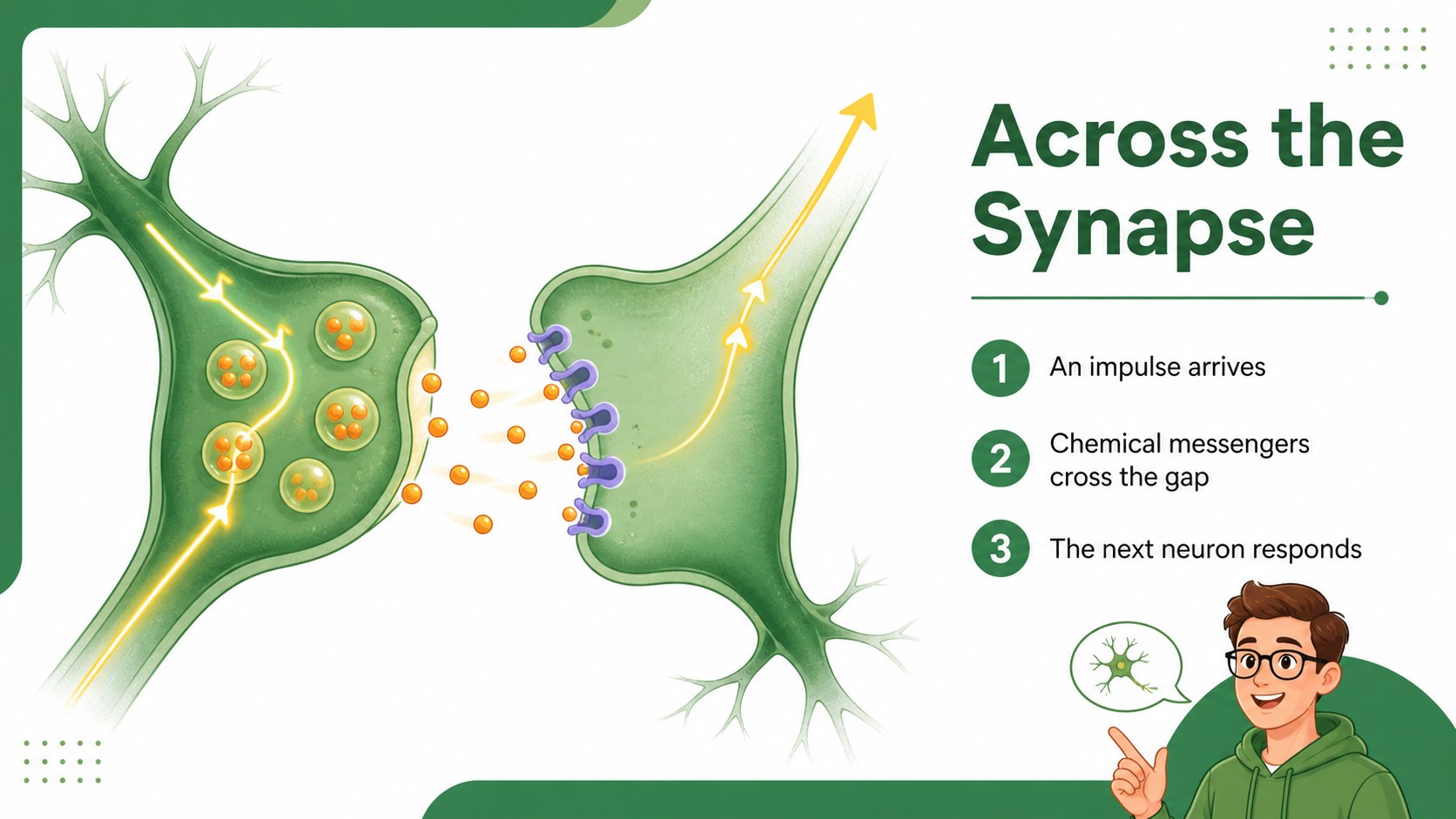
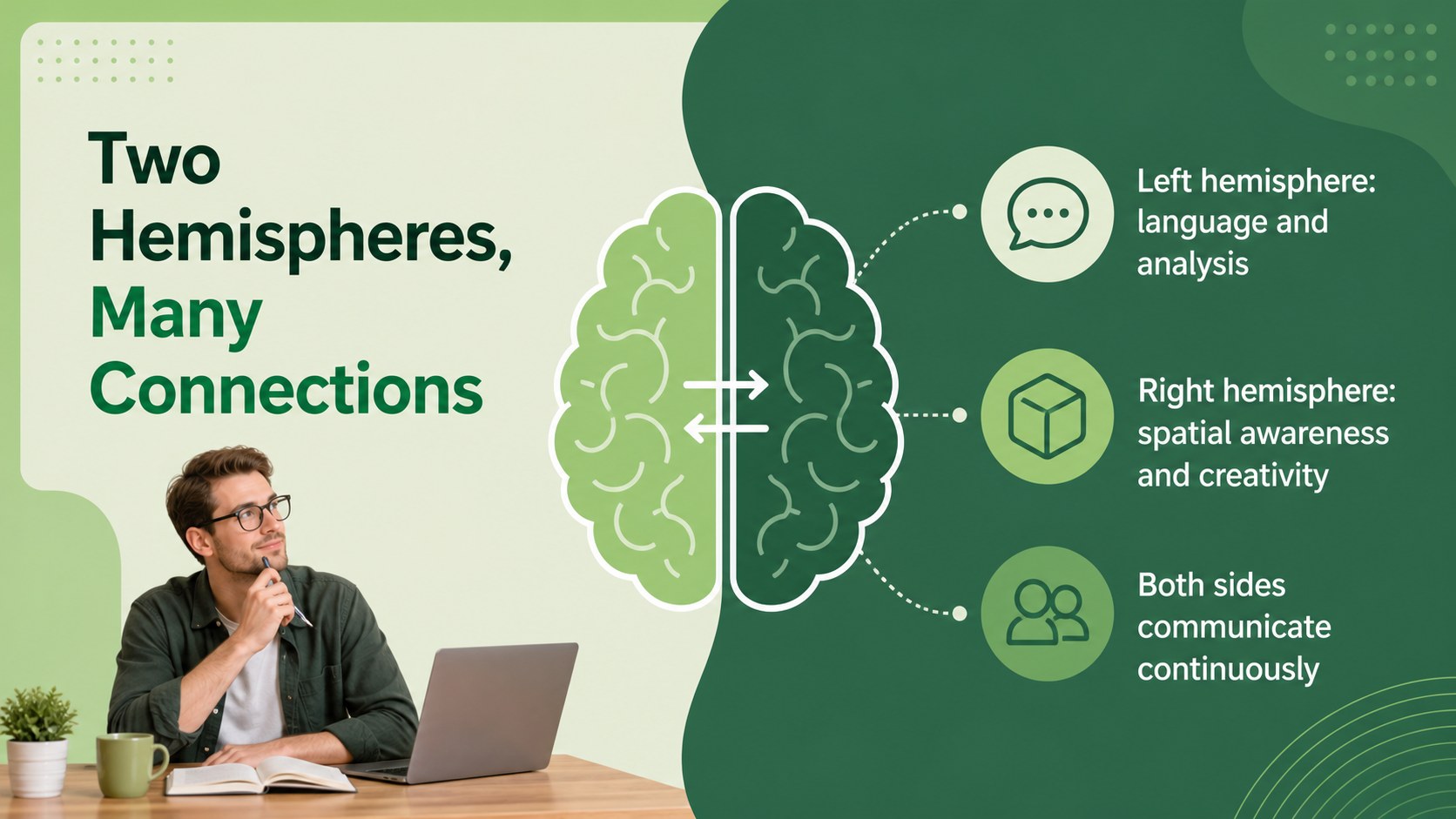
Teach brain anatomy and neural systems with a clean green lesson deck for biology, health, and neuroscience classes in PowerPoint or Google Slides.
Design notes
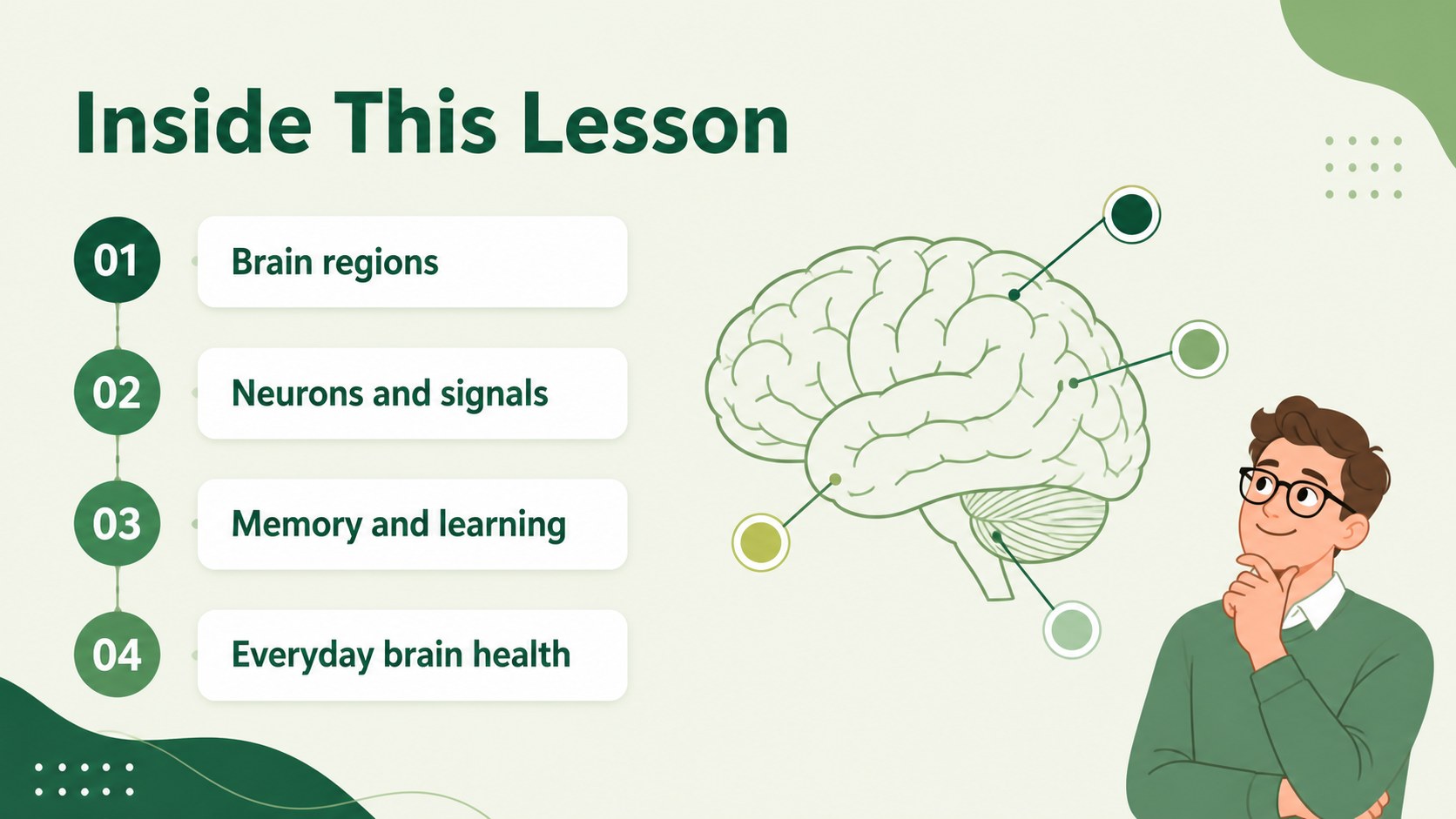
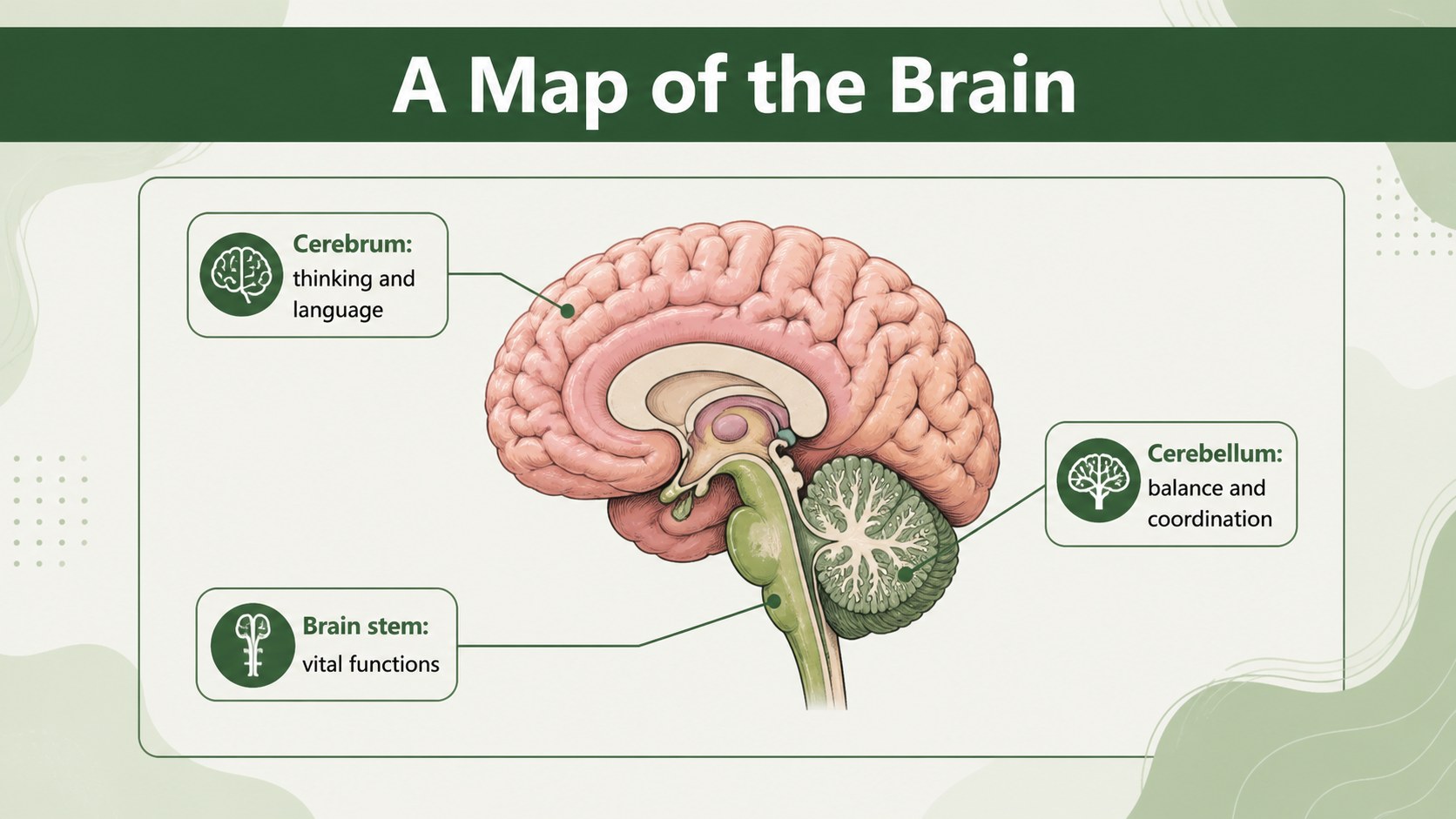
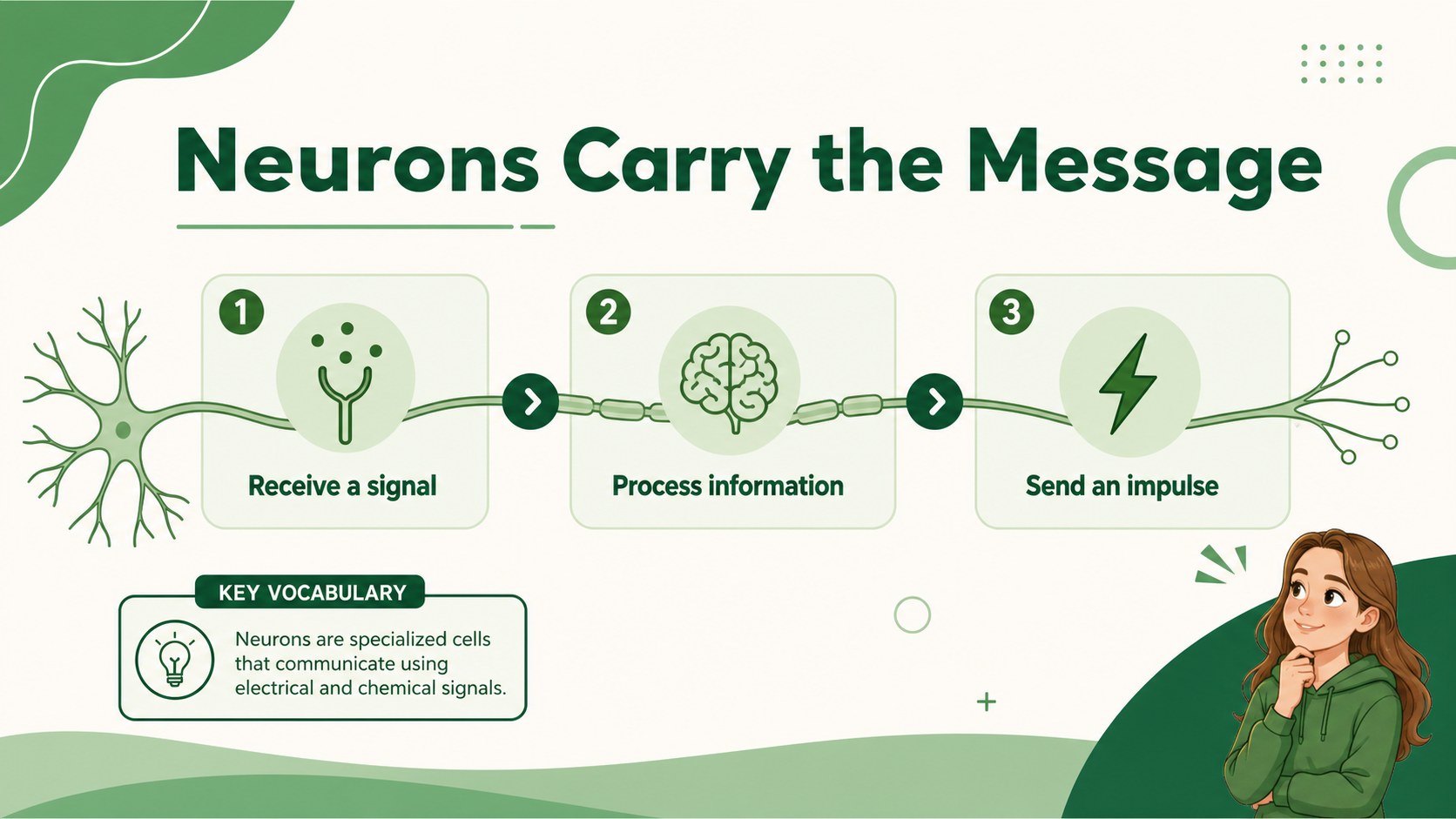
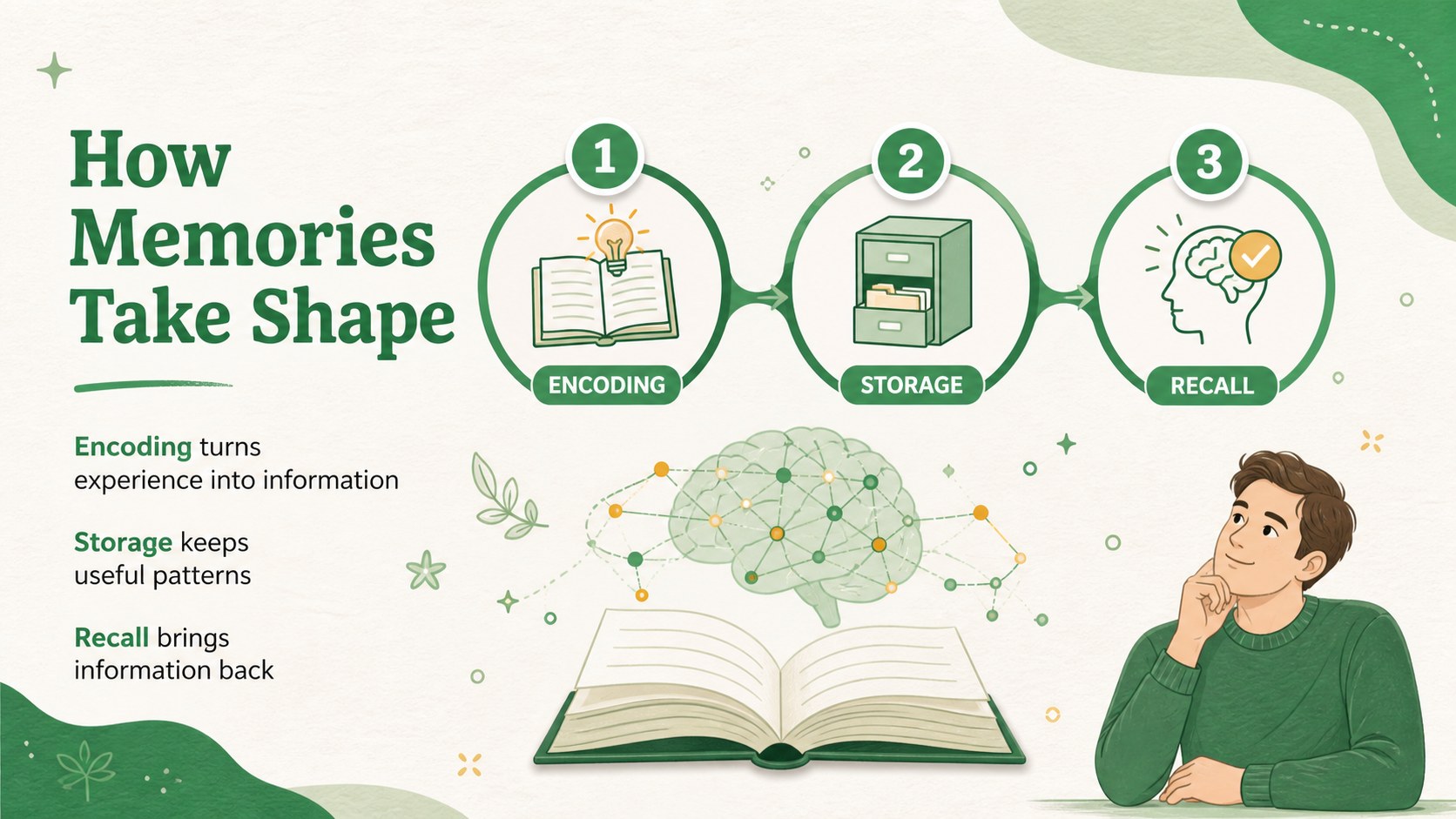
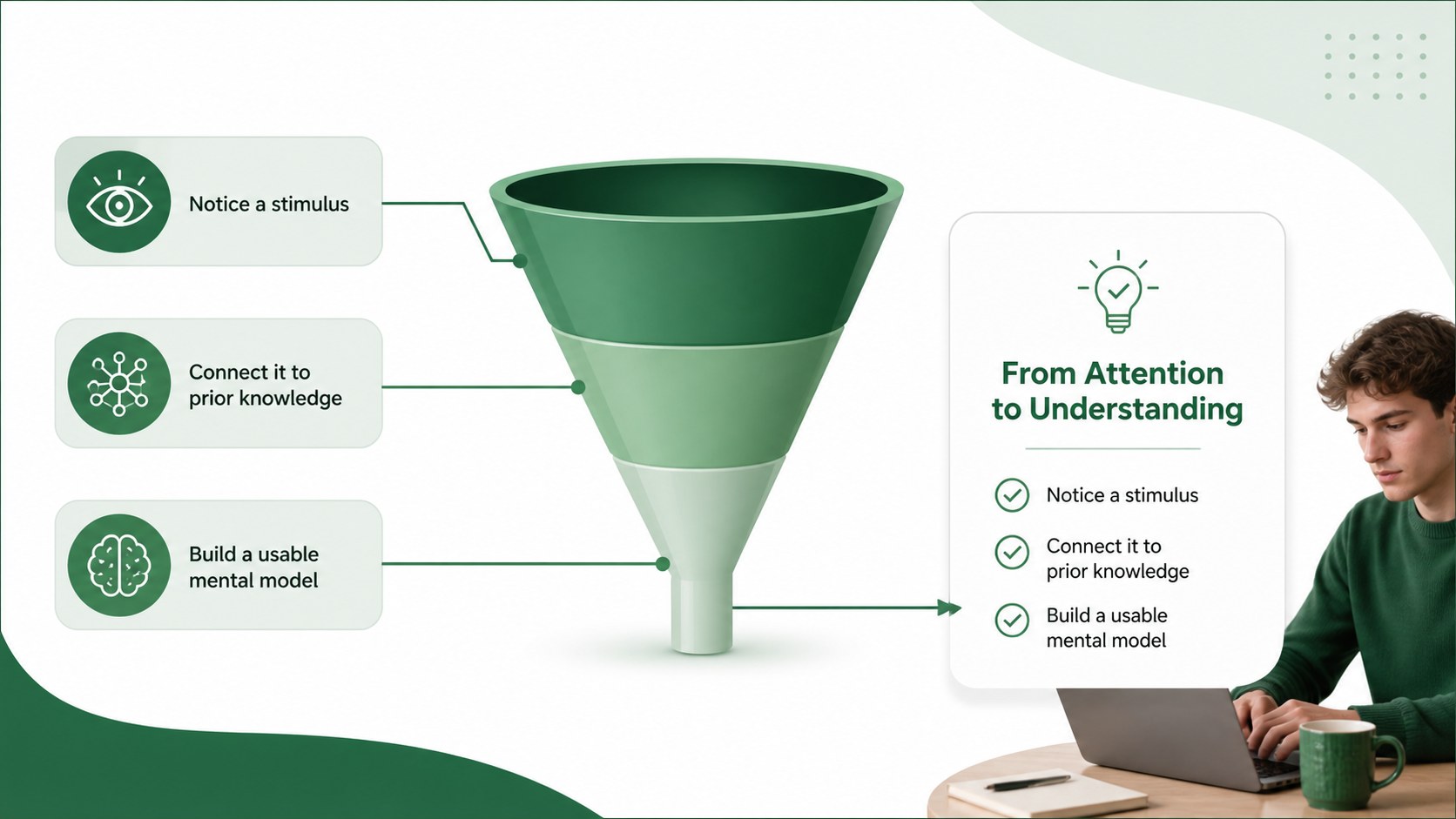
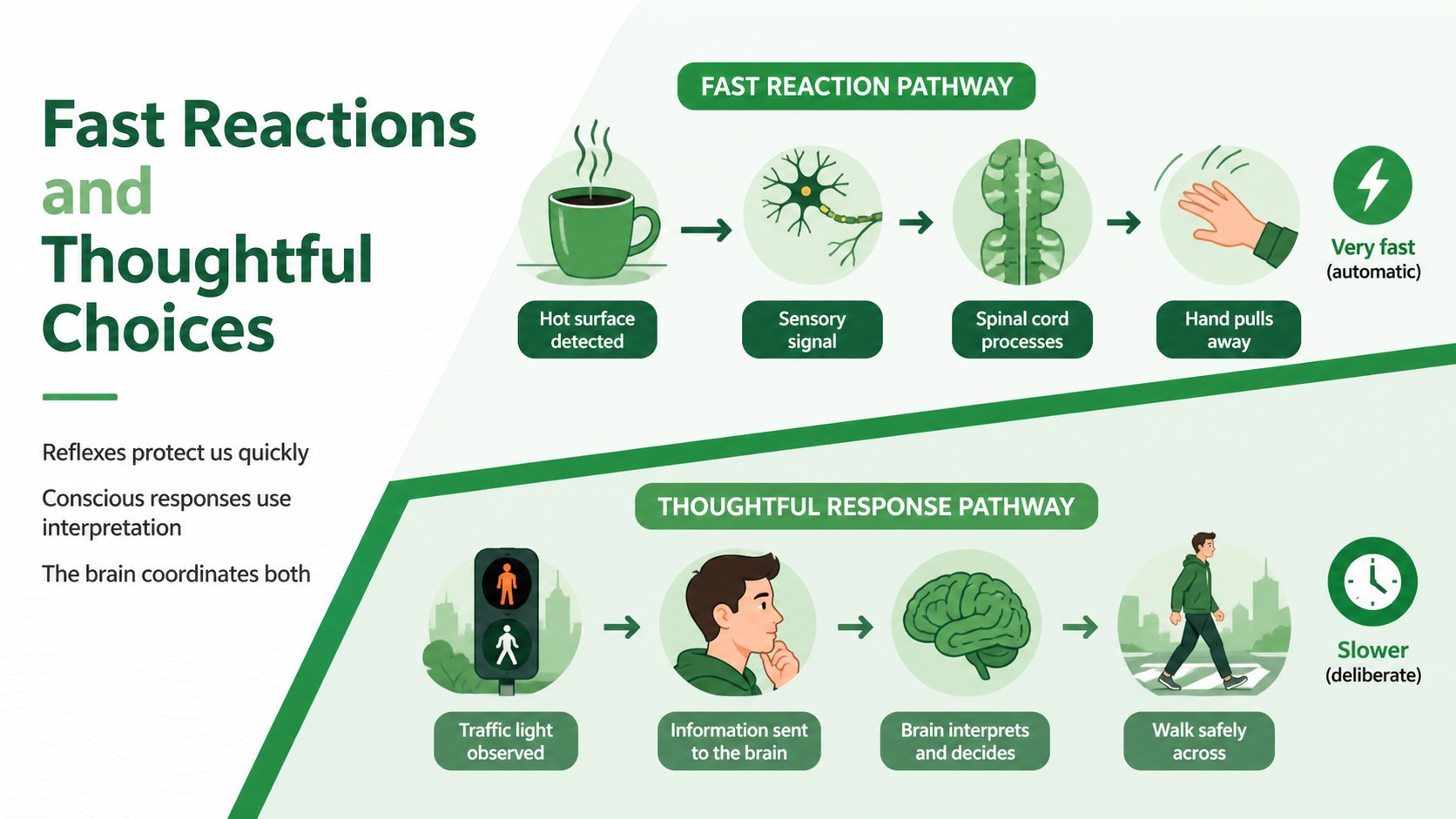
Brain Science Lesson Slides gives educators a clear, modern framework for introducing the brain and its remarkable systems. The green visual style, simple diagrams, and spacious layouts help students follow technical ideas without overwhelming them. Use the deck to move from basic brain anatomy to neurons, communication, memory, and everyday brain health.
Inside, you will find 19 adaptable 16:9 slides with layouts for definitions, labeled structures, process explanations, comparisons, key facts, and recap activities. The presentation works well as brain anatomy presentation material, a neuroscience classroom slides resource, or a visual support deck for health education. Edit the text, rearrange sections, add diagrams, and insert your own examples in PowerPoint or Google Slides.
This template is designed for middle school and high school teachers, biology instructors, student presenters, and health educators. It can support a full lesson, a short classroom talk, a revision session, or a group project. Charts, frames, lines, shapes, transitions, and editable typography make it easy to adapt while preserving the calm green palette and straightforward educational tone. The files can be customized for different age groups, learning objectives, and presentation lengths.
Perfect for: high school biology lesson; neuroscience class introduction; health education workshop; student science project; brain anatomy revision session.
Frequently asked questions
Can I edit these slides in PowerPoint? Yes. The deck is designed for PowerPoint and uses editable text, shapes, diagrams, and layout elements. You can change the wording, colors, images, and slide order to match your lesson.
Practical details
Yes. The deck is designed for PowerPoint and uses editable text, shapes, diagrams, and layout elements. You can change the wording, colors, images, and slide order to match your lesson.
Yes, the presentation can be opened and customized in Google Slides. Review font substitutions and spacing after importing, then adjust any elements that need small layout changes.
It is suitable for middle school, high school, and introductory health or biology classes. The structure can be simplified for younger learners or expanded with additional research for advanced students.
Yes. All major colors can be adjusted to fit your classroom, school, or project identity. Keeping one primary accent color will preserve the deck's clean visual hierarchy.
Keep exploring
15Build stronger academic arguments with a college essay thesis builder featuring guided examples, revision prompts, and editable PowerPoint and Google Slides.
 15
15Build an engaging World UFO Day session with this flying saucer history lesson deck, featuring retro green-and-brown slides for PowerPoint and Google Slides.
 14
14Plan a memorable Lunar New Year campaign with the 2036 Dragon Year Celebration Theme, featuring bold red-and-yellow slides for lessons and events.
 15
15Build a thoughtful classroom discussion with this interfaith awareness lesson deck, featuring editable blue-and-white slides for PowerPoint and Google Slides.
 15
15Use this environmental awareness lesson deck to teach climate action through illustrated activities, discussion prompts, and ready-to-edit visuals.
 15
15Build playful lessons and party stories with a kid-friendly zombie celebration theme in purple, green and pastel blue for PowerPoint and Google Slides.
 15
15Build eerie lessons, campaigns, and story pitches with an undead survival scenario theme featuring editable slides for PowerPoint and Google Slides.
 16
16Turn environmental research into a clear story with a Watercolor Ecology Presentation Theme for PowerPoint and Google Slides in calming green and blue.