
 15
15presentation
College Essay Thesis Builder Slides
Build stronger academic arguments with a college essay thesis builder featuring guided examples, revision prompts, and editable PowerPoint and Google Slides.
Google SlidesPowerPoint
presentation · English
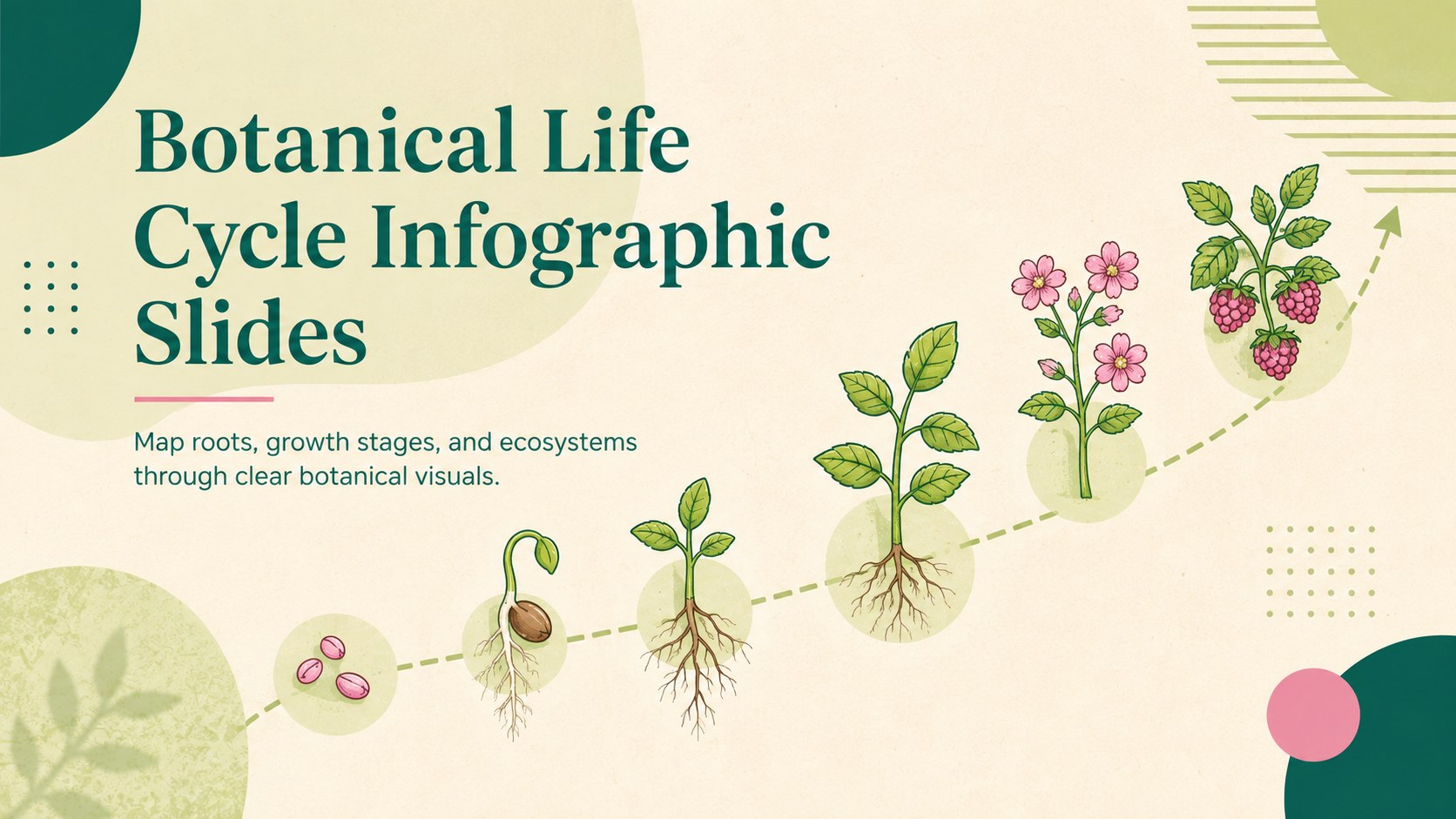
Teach growth stages and plant systems with Botanical Life Cycle Infographic Slides, an illustrated deck for PowerPoint and Google Slides.
Design notes
Botanical Life Cycle Infographic Slides turn plant science into a clear visual story for lessons, reports, and study materials. The illustrated design pairs fresh green, gentle pink, and warm beige with approachable diagrams that help audiences follow each concept. Use the deck in PowerPoint or Google Slides to explain how plants develop, reproduce, and interact with their surroundings.
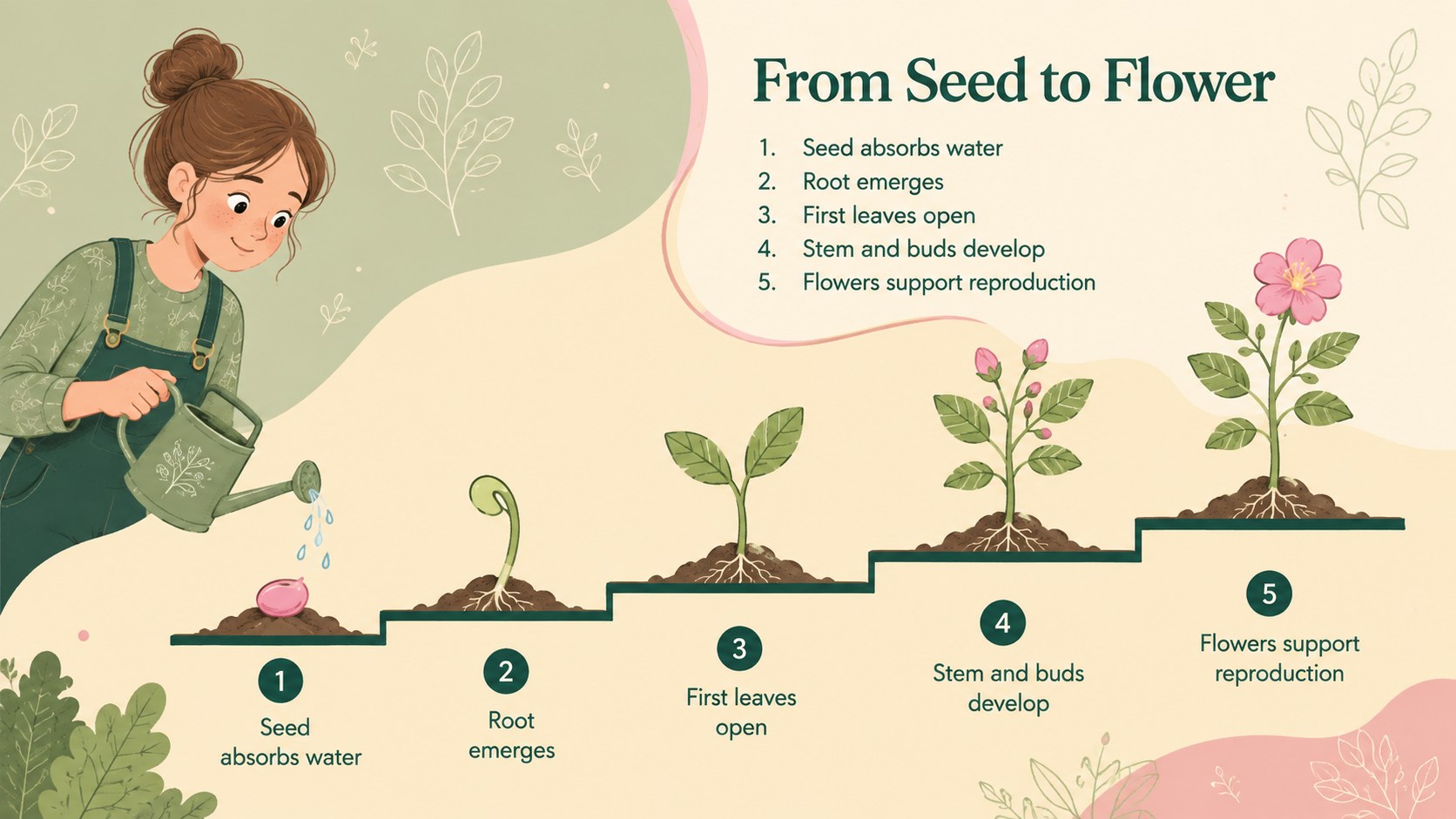
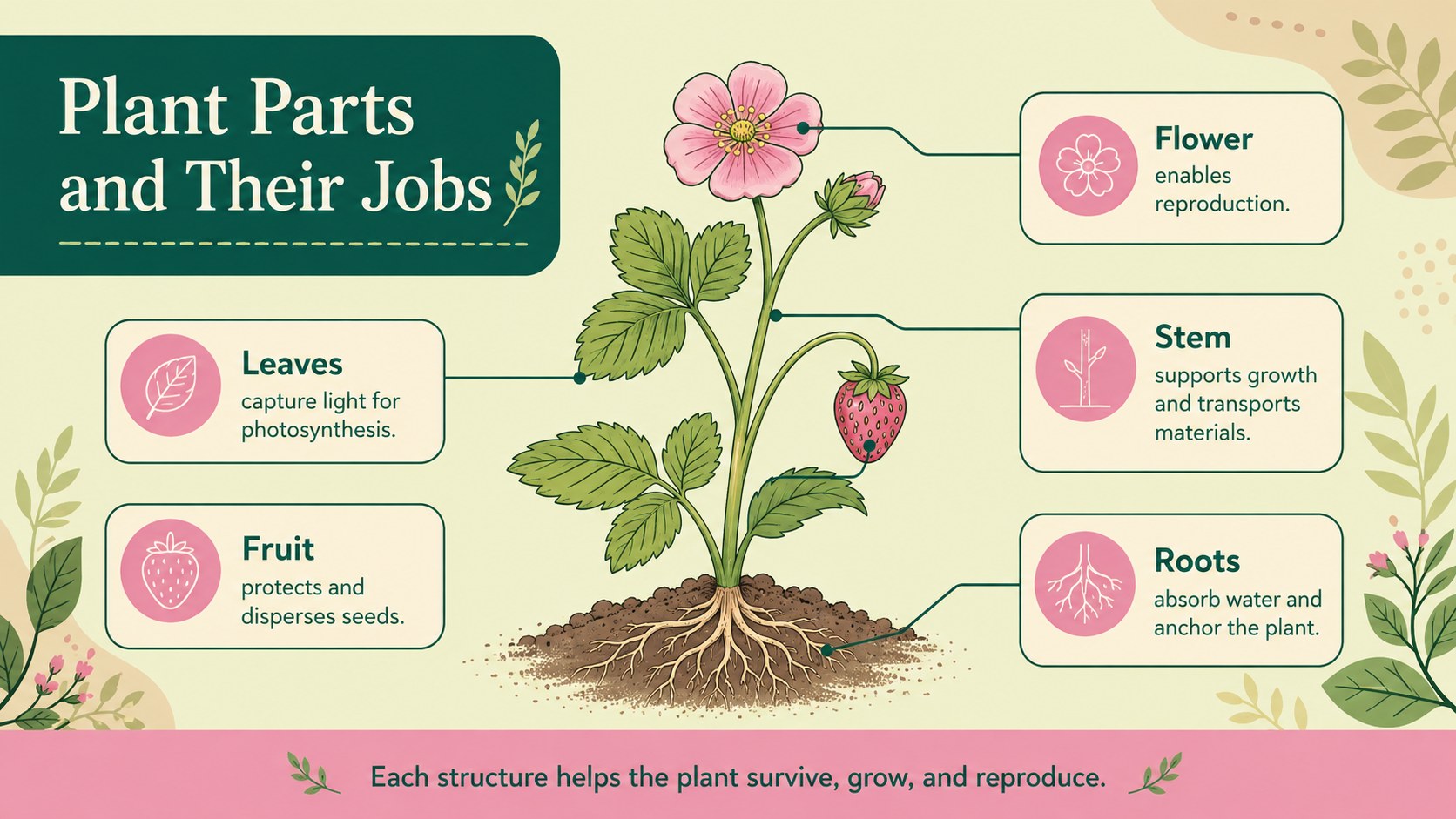
Inside, you will find adaptable layouts for a seed to flowering plant diagram, plant parts and functions chart, and classroom plant growth presentation. Visual sections support labels, short explanations, comparisons, process arrows, and ecosystem observations without overcrowding the page. Every element can be edited, so you can change the wording, reorganize stages, recolor shapes, replace illustrations, or add findings from a classroom experiment. The landscape format also works well for projected lessons and printable revision sheets.
These slides are designed for science teachers, elementary and middle school students, homeschool educators, and learners preparing biology projects. They can support a plant reproduction lesson for students, a germination experiment summary, an ecology discussion, or a botanical research assignment. The calm illustrated style keeps the material welcoming while giving diagrams enough structure for accurate scientific communication.
Perfect for: plant life cycle lesson; germination experiment summary; botany project presentation; ecosystem classroom discussion; plant science study guide.
Frequently asked questions
Can I edit the plant diagrams and labels? Yes. The text, shapes, colors, arrows, and diagram labels can be adjusted to match your lesson or research topic. You can also replace the illustrations and reorganize the growth stages.
Practical details
Yes. The text, shapes, colors, arrows, and diagram labels can be adjusted to match your lesson or research topic. You can also replace the illustrations and reorganize the growth stages.
The template is designed for PowerPoint and Google Slides. Review font availability after importing so the typography remains consistent across platforms.
Yes. Simplify the labels for elementary learners or add scientific vocabulary and detailed explanations for middle school and introductory biology classes. The modular layouts make either approach straightforward.
Replace the green, beige, and pink fills through the theme or individual shape controls in your presentation editor. Keep strong contrast between labels and backgrounds to preserve readability.
Keep exploring
15Build stronger academic arguments with a college essay thesis builder featuring guided examples, revision prompts, and editable PowerPoint and Google Slides.
 15
15Build an engaging World UFO Day session with this flying saucer history lesson deck, featuring retro green-and-brown slides for PowerPoint and Google Slides.
 14
14Plan a memorable Lunar New Year campaign with the 2036 Dragon Year Celebration Theme, featuring bold red-and-yellow slides for lessons and events.
 15
15Build a thoughtful classroom discussion with this interfaith awareness lesson deck, featuring editable blue-and-white slides for PowerPoint and Google Slides.
 15
15Use this environmental awareness lesson deck to teach climate action through illustrated activities, discussion prompts, and ready-to-edit visuals.
 15
15Build playful lessons and party stories with a kid-friendly zombie celebration theme in purple, green and pastel blue for PowerPoint and Google Slides.
 15
15Build eerie lessons, campaigns, and story pitches with an undead survival scenario theme featuring editable slides for PowerPoint and Google Slides.
 16
16Turn environmental research into a clear story with a Watercolor Ecology Presentation Theme for PowerPoint and Google Slides in calming green and blue.