
 15
15presentation
College Essay Thesis Builder Slides
Build stronger academic arguments with a college essay thesis builder featuring guided examples, revision prompts, and editable PowerPoint and Google Slides.
Google SlidesPowerPoint
presentation · English
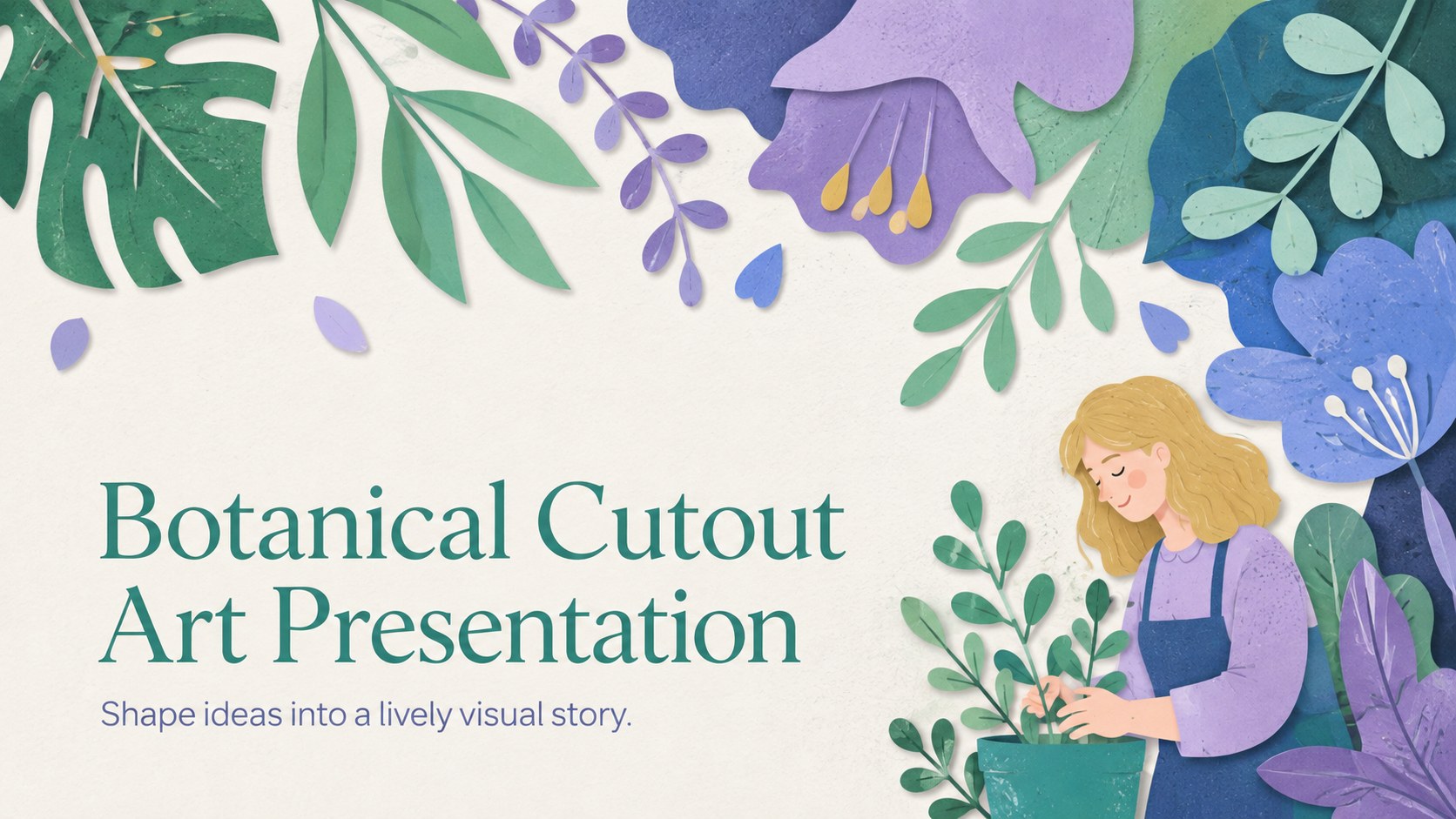
Build memorable lessons and campaigns with a botanical cutout art presentation in fresh green, blue, and purple for PowerPoint and Google Slides.
Design notes
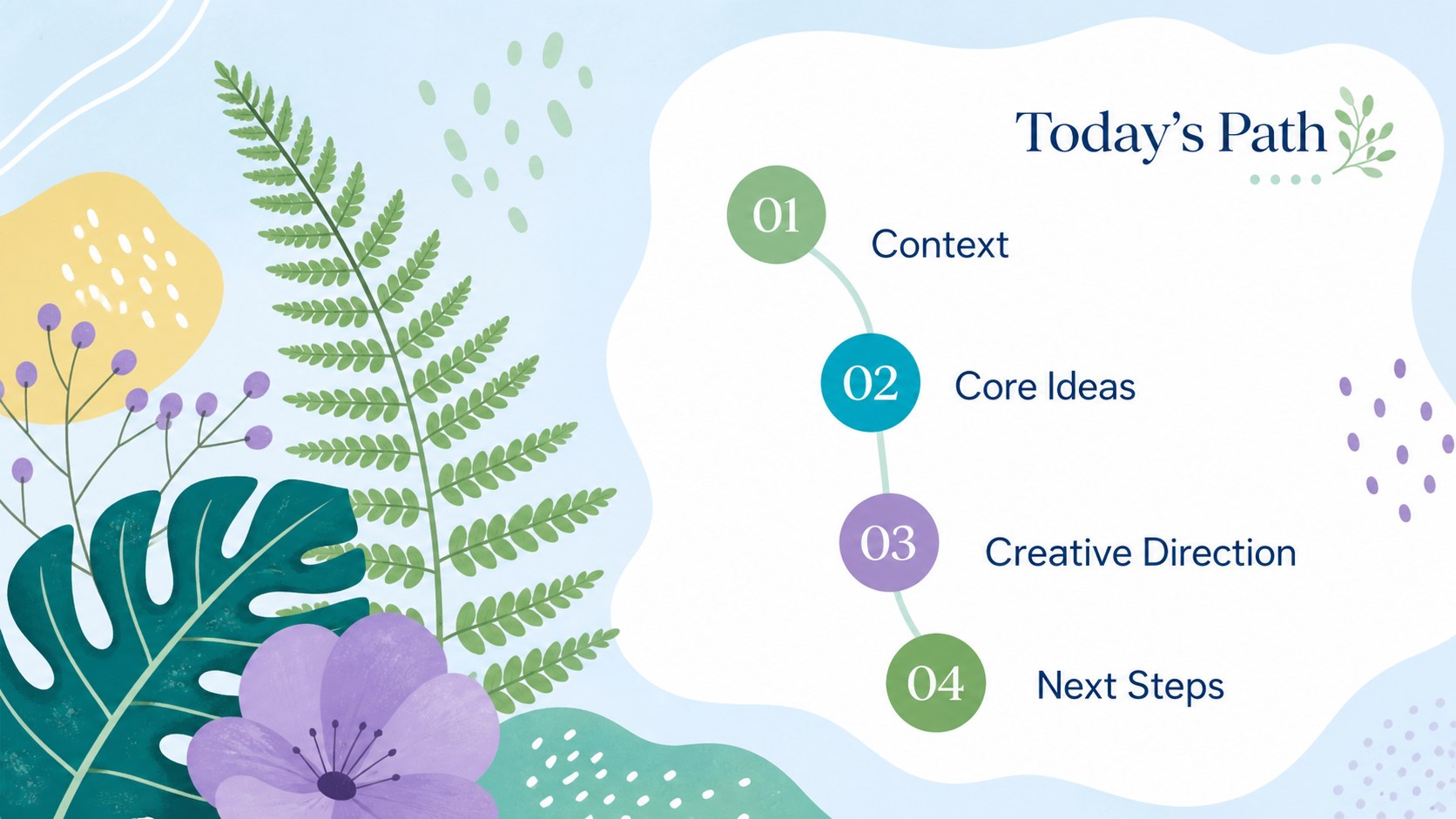
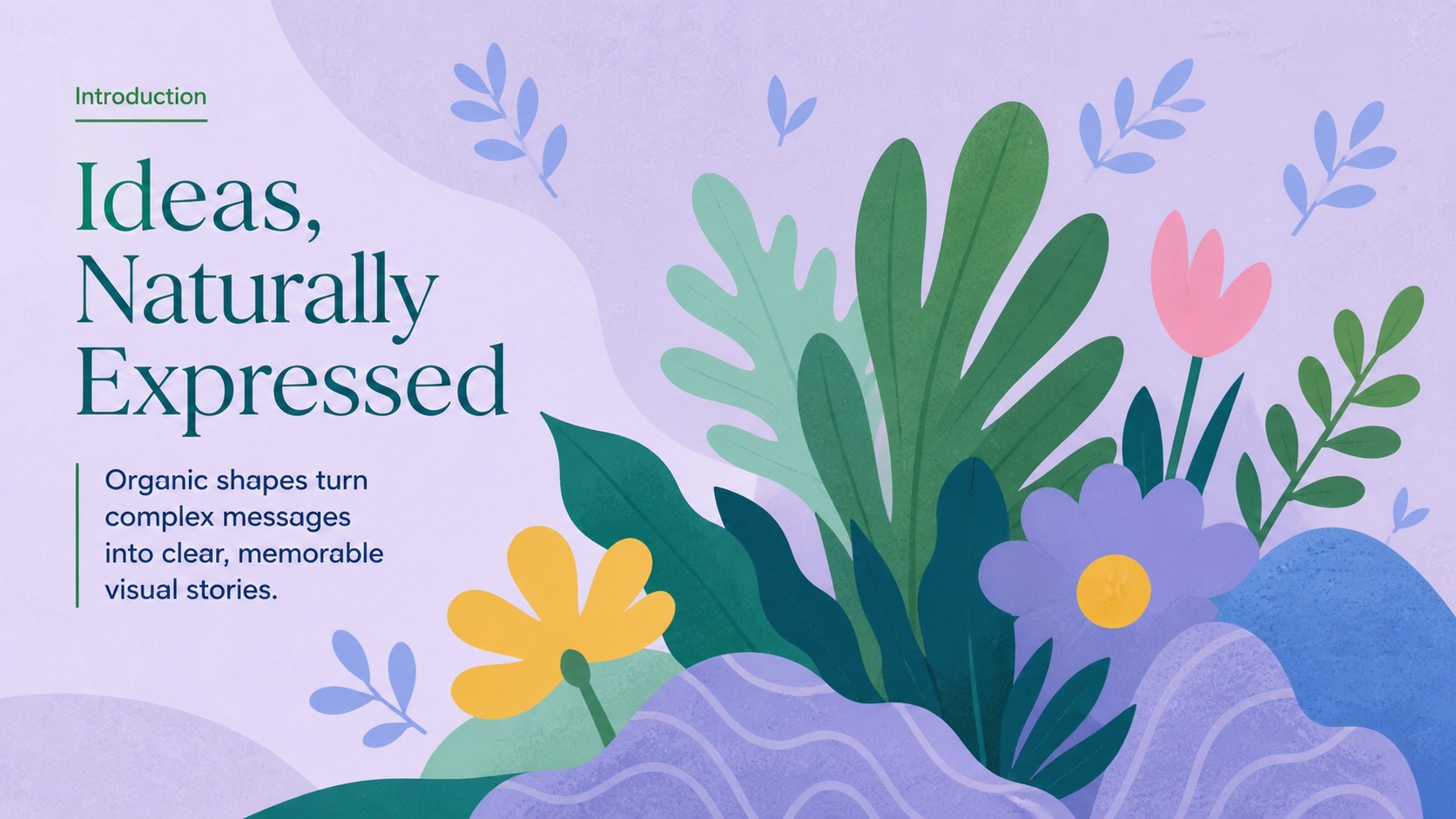
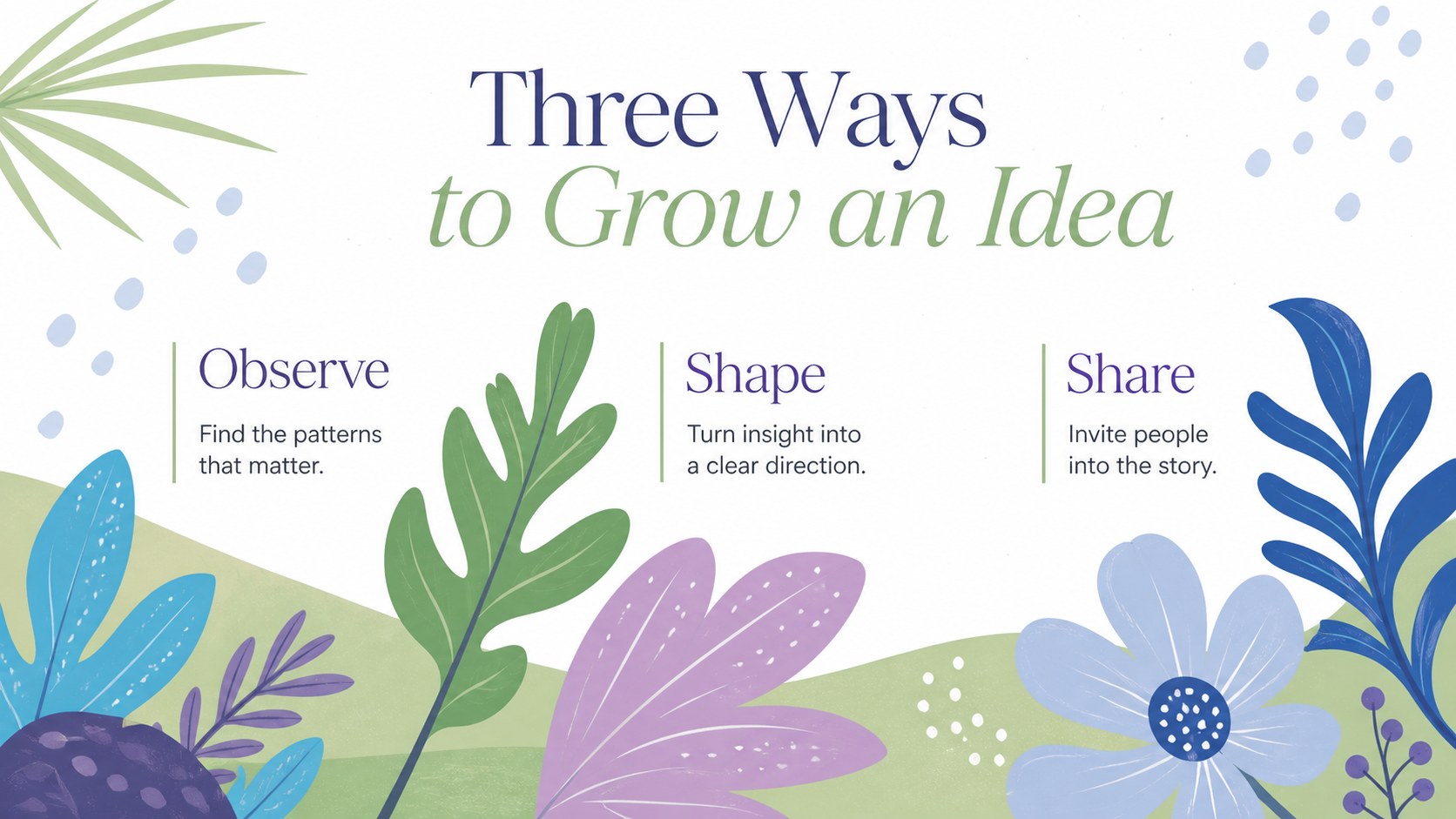
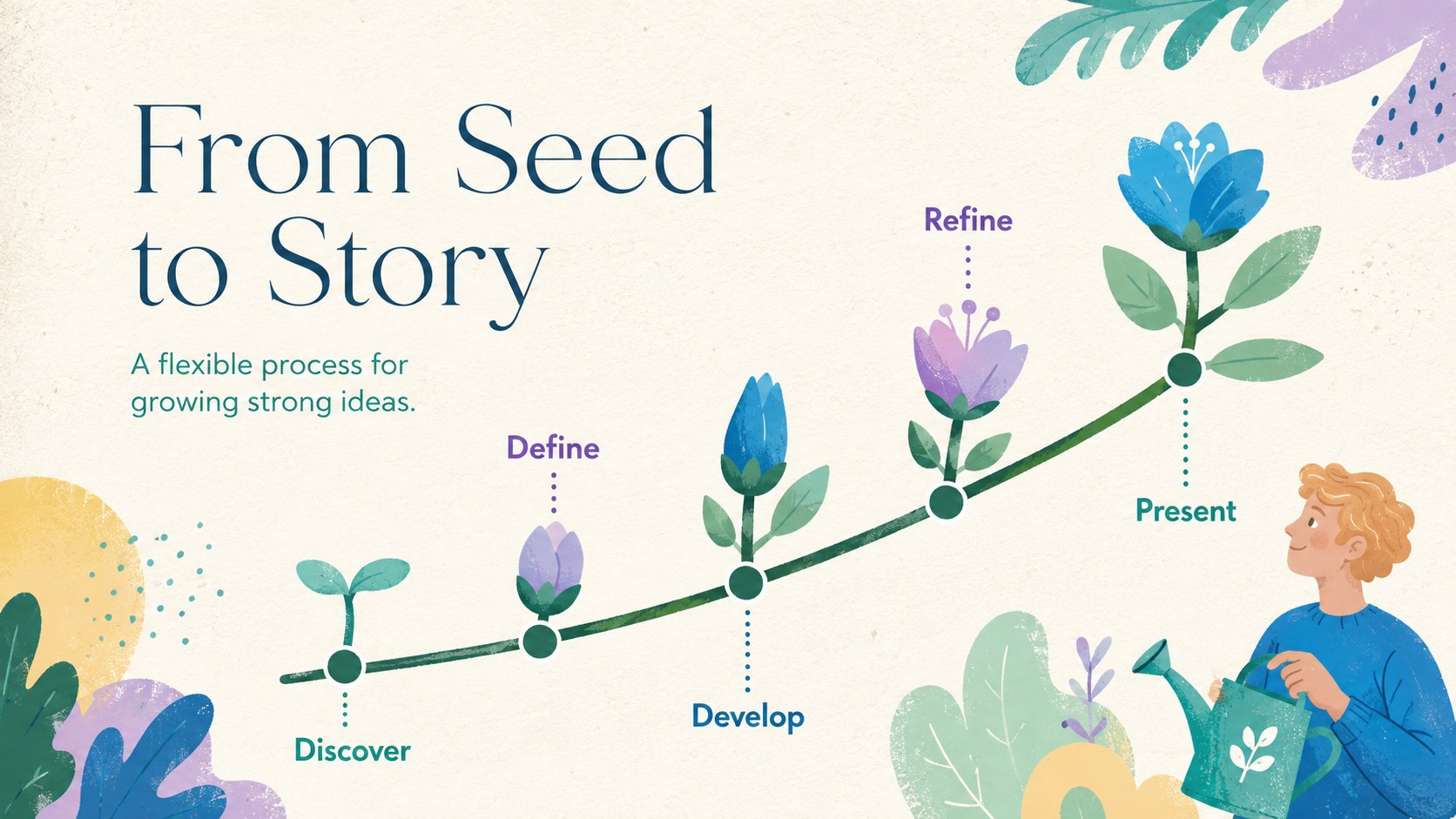
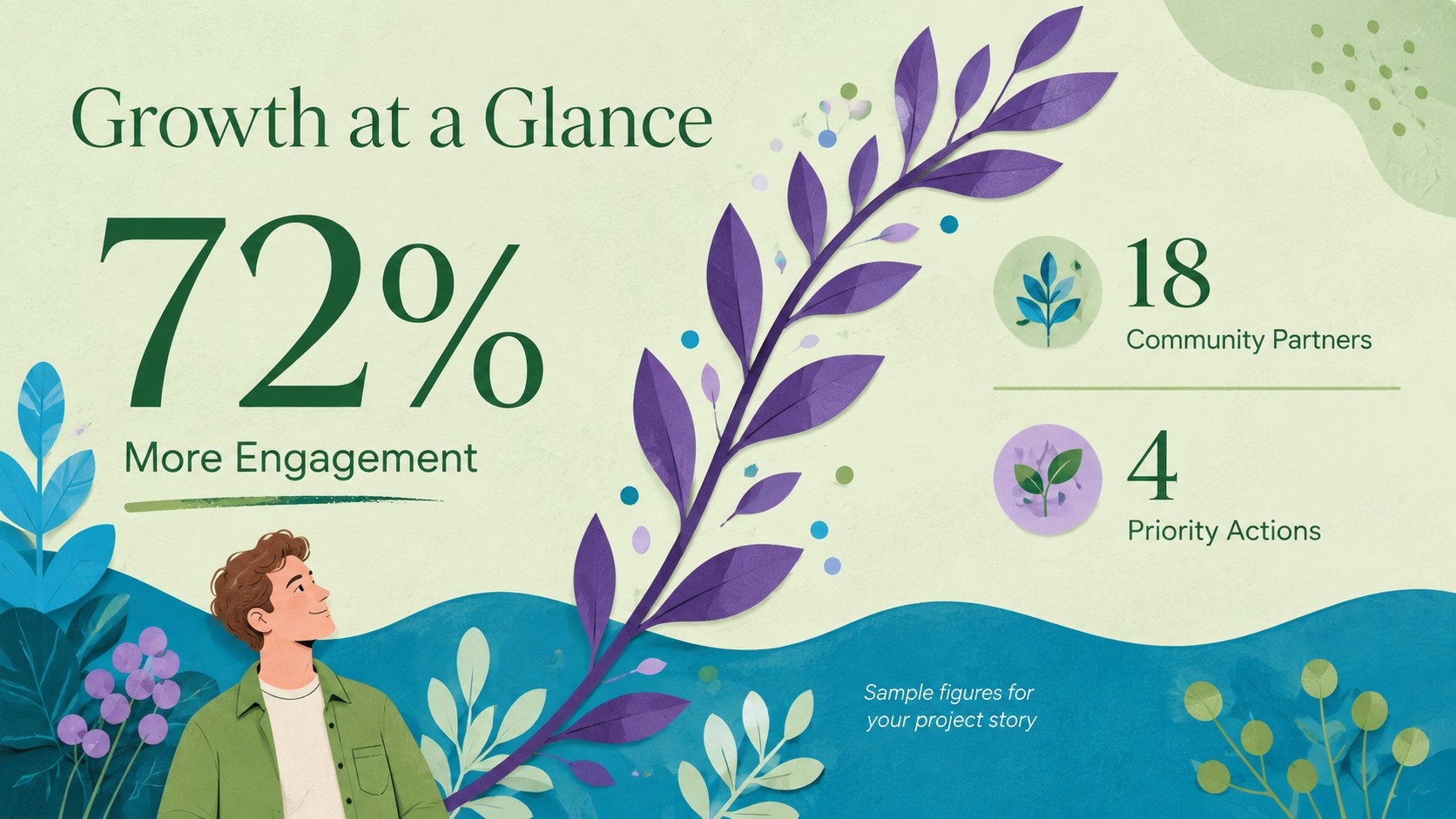
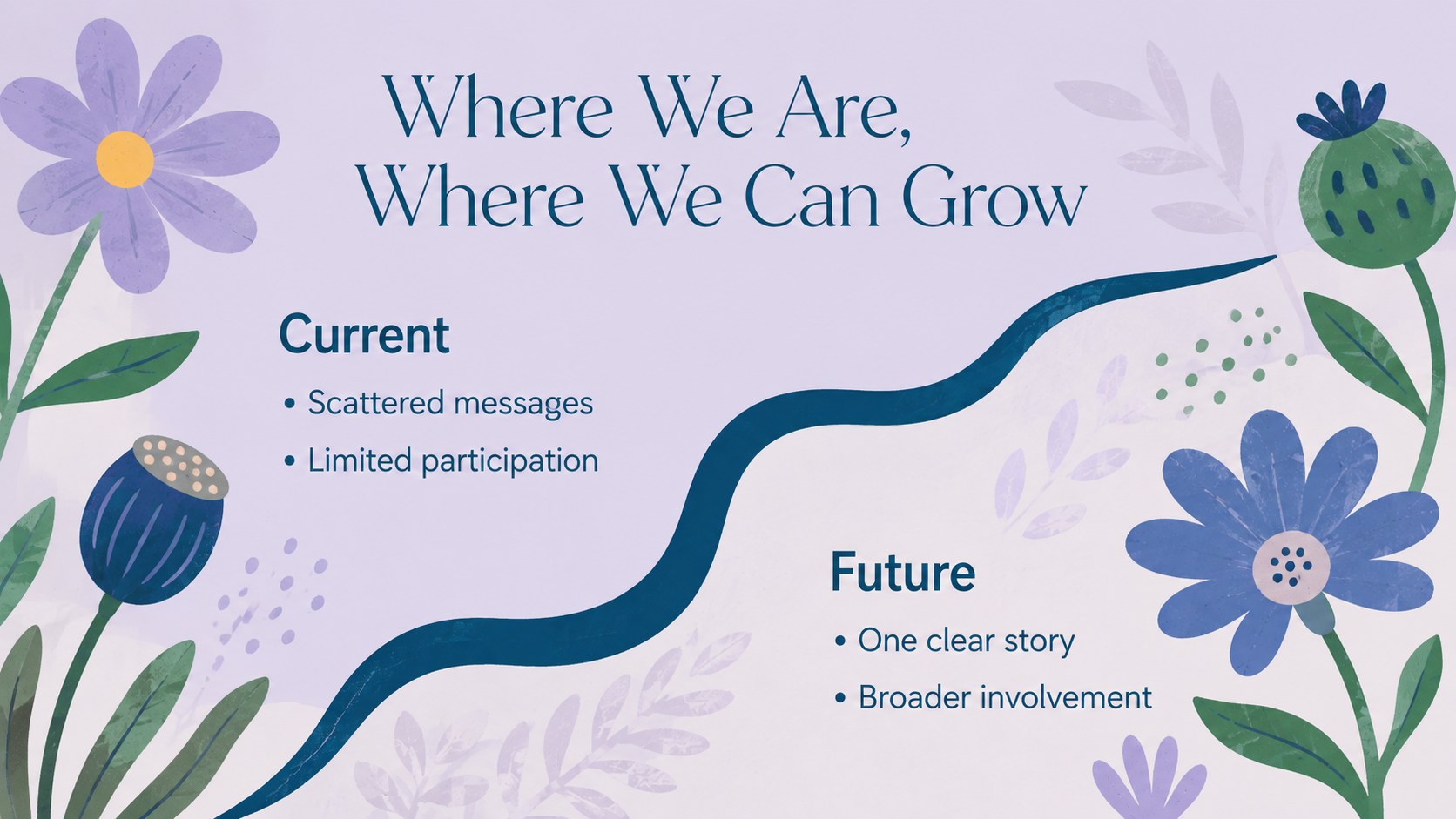
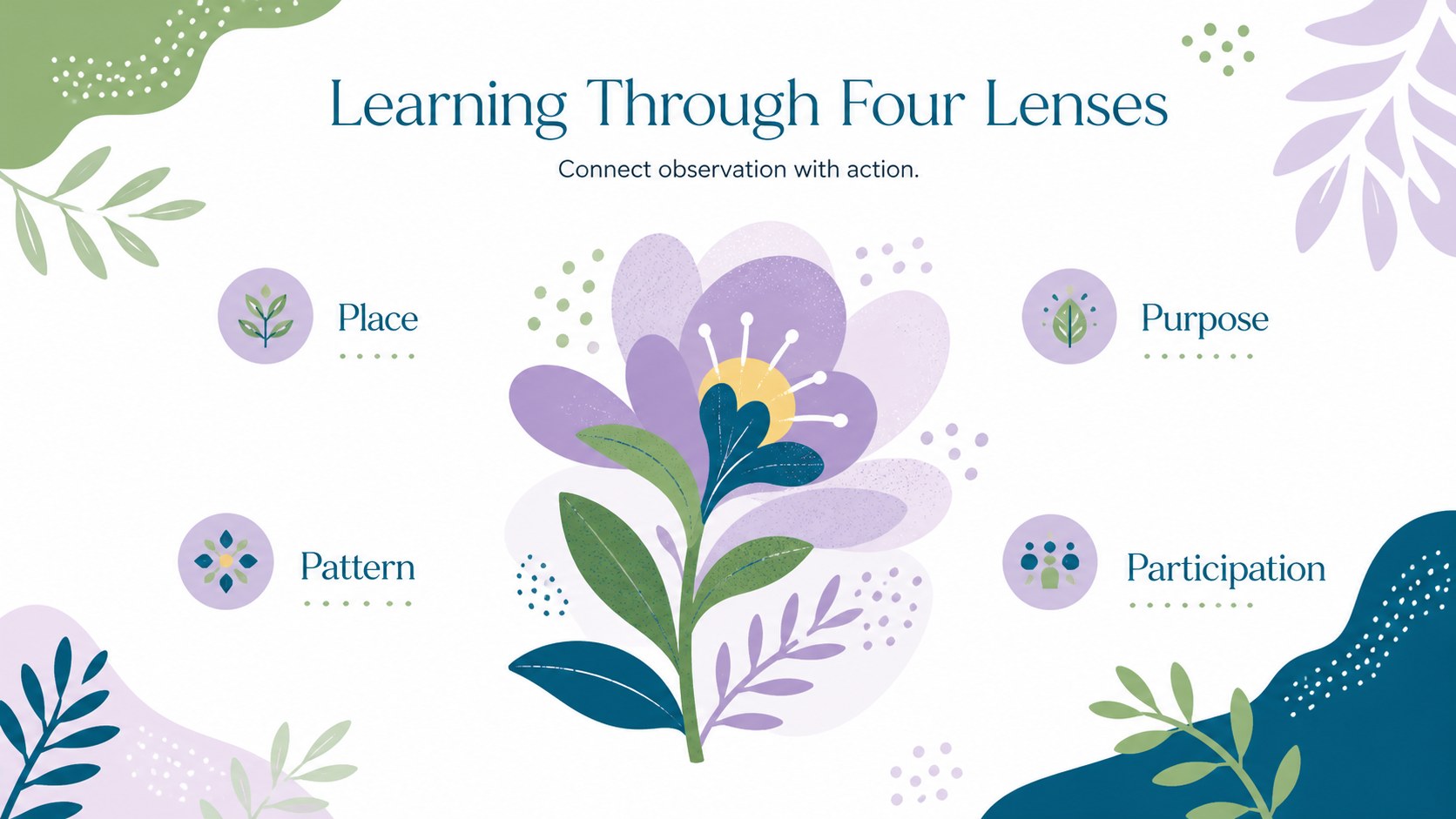
Bring movement and personality to your message with a botanical cutout art presentation inspired by expressive paper shapes and the natural world. Layers of green, blue, and purple create a fresh pastel atmosphere, while hand-cut leaves, flowers, and abstract organic forms frame your ideas without overwhelming them. The result feels artistic, modern, approachable, and gently playful.
Inside, you will find adaptable layouts for introductions, key themes, image-led stories, comparisons, timelines, data highlights, project steps, and closing remarks. Use the coordinated typography, illustrations, charts, and content blocks to build an organic shape Google Slides deck or a polished PowerPoint presentation. Every element can be edited, recolored, moved, or replaced to suit a lesson, campaign, nonprofit update, or creative proposal.
This design works especially well for teachers developing modern floral education slides, marketers assembling a paper cut nature marketing deck, and organizations discussing sustainability, gardening, wellness, or community projects. It can also support art history topics, creative portfolios, environmental reports, and child-friendly workshops. Add your own photographs and copy while retaining the green, blue, purple, and pastel visual system for a cohesive presentation from cover to conclusion.
Perfect for: environmental awareness lesson; botanical marketing campaign; creative project proposal; art history class; nonprofit impact update; wellness workshop.
Frequently asked questions
Can I edit this presentation in PowerPoint and Google Slides? Yes. The layouts, text, colors, and graphic elements are designed for editing in both PowerPoint and Google Slides. Some fonts or effects may render slightly differently between platforms, so review the finished deck before presenting.
Practical details
Yes. The layouts, text, colors, and graphic elements are designed for editing in both PowerPoint and Google Slides. Some fonts or effects may render slightly differently between platforms, so review the finished deck before presenting.
Replace the theme colors with your own brand or classroom palette, then apply the changes consistently across backgrounds, shapes, charts, and accents. Keeping three main colors and one light neutral will preserve the balanced cutout-art look.
Yes. Swap the leaves and flowers for photographs, icons, or illustrations related to your topic. Choose imagery with simple silhouettes and organic contours so it remains compatible with the visual style.
The deck suits educational topics, environmental campaigns, creative proposals, nonprofit updates, and visual storytelling. Its mix of text, image, timeline, comparison, and data layouts supports both short talks and longer presentations.
Keep exploring
15Build stronger academic arguments with a college essay thesis builder featuring guided examples, revision prompts, and editable PowerPoint and Google Slides.
 15
15Build an engaging World UFO Day session with this flying saucer history lesson deck, featuring retro green-and-brown slides for PowerPoint and Google Slides.
 14
14Plan a memorable Lunar New Year campaign with the 2036 Dragon Year Celebration Theme, featuring bold red-and-yellow slides for lessons and events.
 15
15Build a thoughtful classroom discussion with this interfaith awareness lesson deck, featuring editable blue-and-white slides for PowerPoint and Google Slides.
 15
15Use this environmental awareness lesson deck to teach climate action through illustrated activities, discussion prompts, and ready-to-edit visuals.
 15
15Build playful lessons and party stories with a kid-friendly zombie celebration theme in purple, green and pastel blue for PowerPoint and Google Slides.
 15
15Build eerie lessons, campaigns, and story pitches with an undead survival scenario theme featuring editable slides for PowerPoint and Google Slides.
 16
16Turn environmental research into a clear story with a Watercolor Ecology Presentation Theme for PowerPoint and Google Slides in calming green and blue.