
 15
15presentation
College Essay Thesis Builder Slides
Build stronger academic arguments with a college essay thesis builder featuring guided examples, revision prompts, and editable PowerPoint and Google Slides.
Google SlidesPowerPoint
presentation · English
Create clear school updates with classroom notice board slides in bold blue geometric layouts, editable in PowerPoint and Google Slides for everyday use.
Design notes
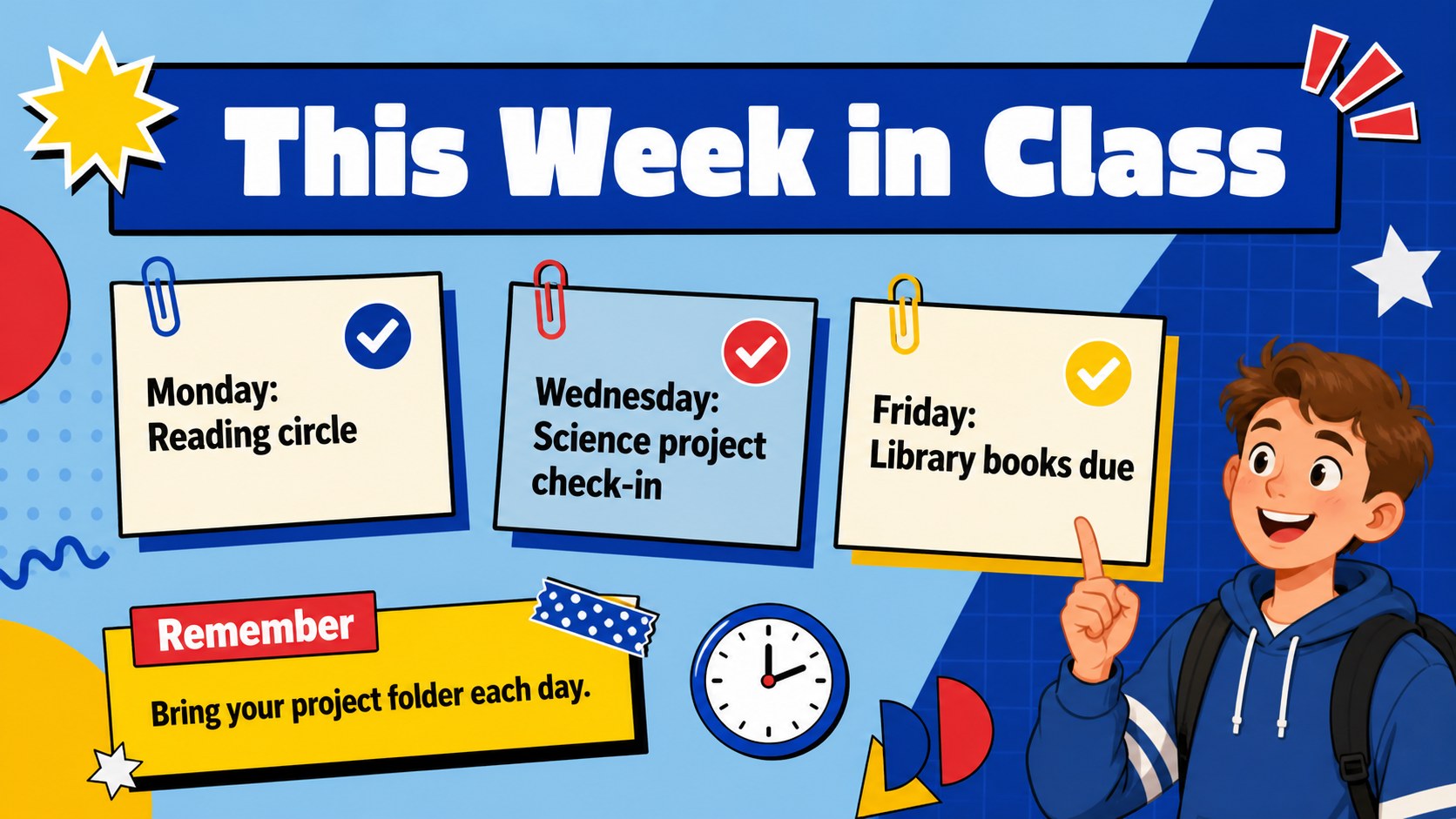
Make important information easy to spot with Bold Classroom Notice Board Slides, a lively set of blue geometric layouts designed for everyday school communication. This classroom notice board slides collection gives educators a polished way to present reminders, schedules, celebrations, and activity details without crowding the message.
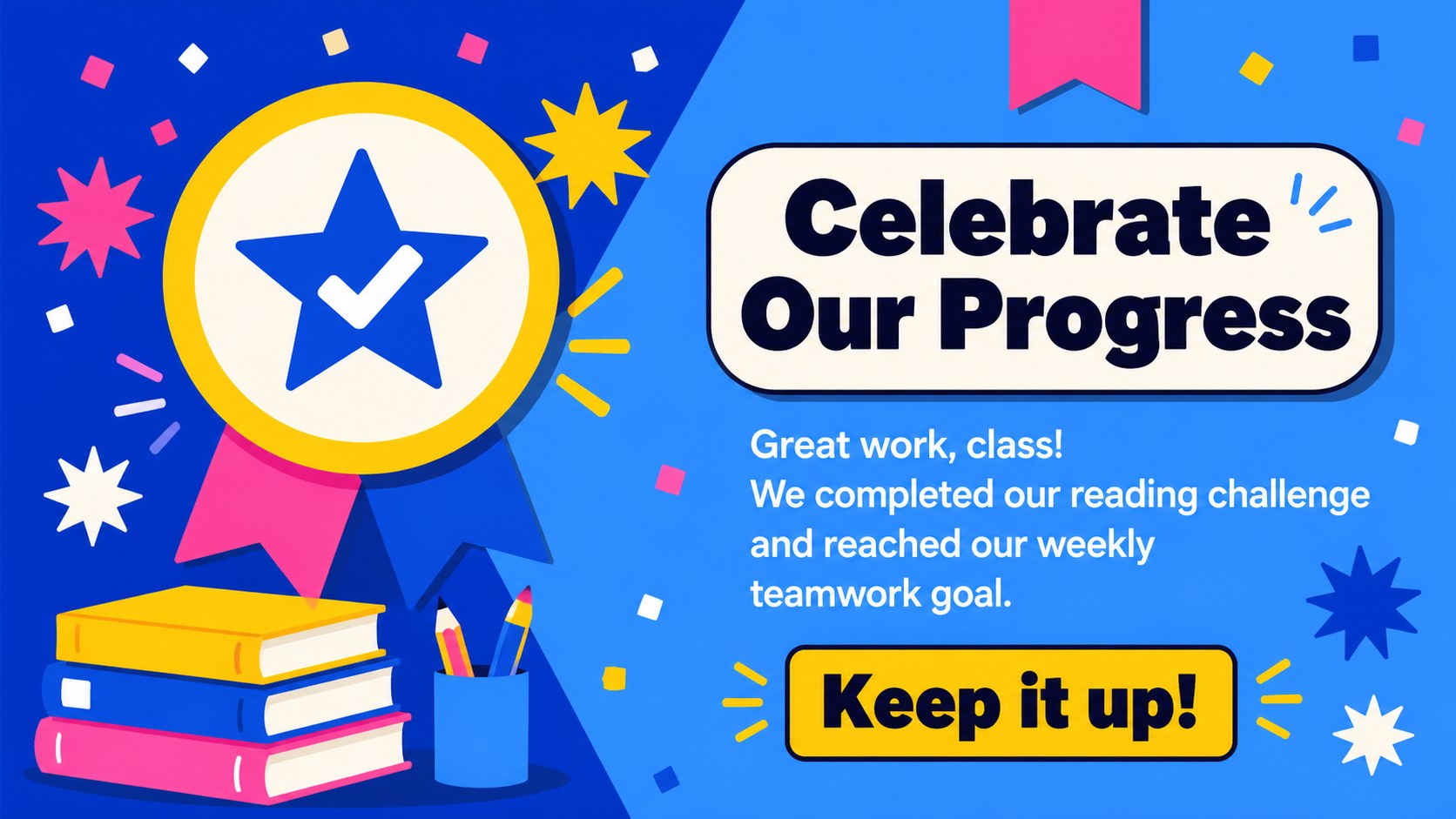
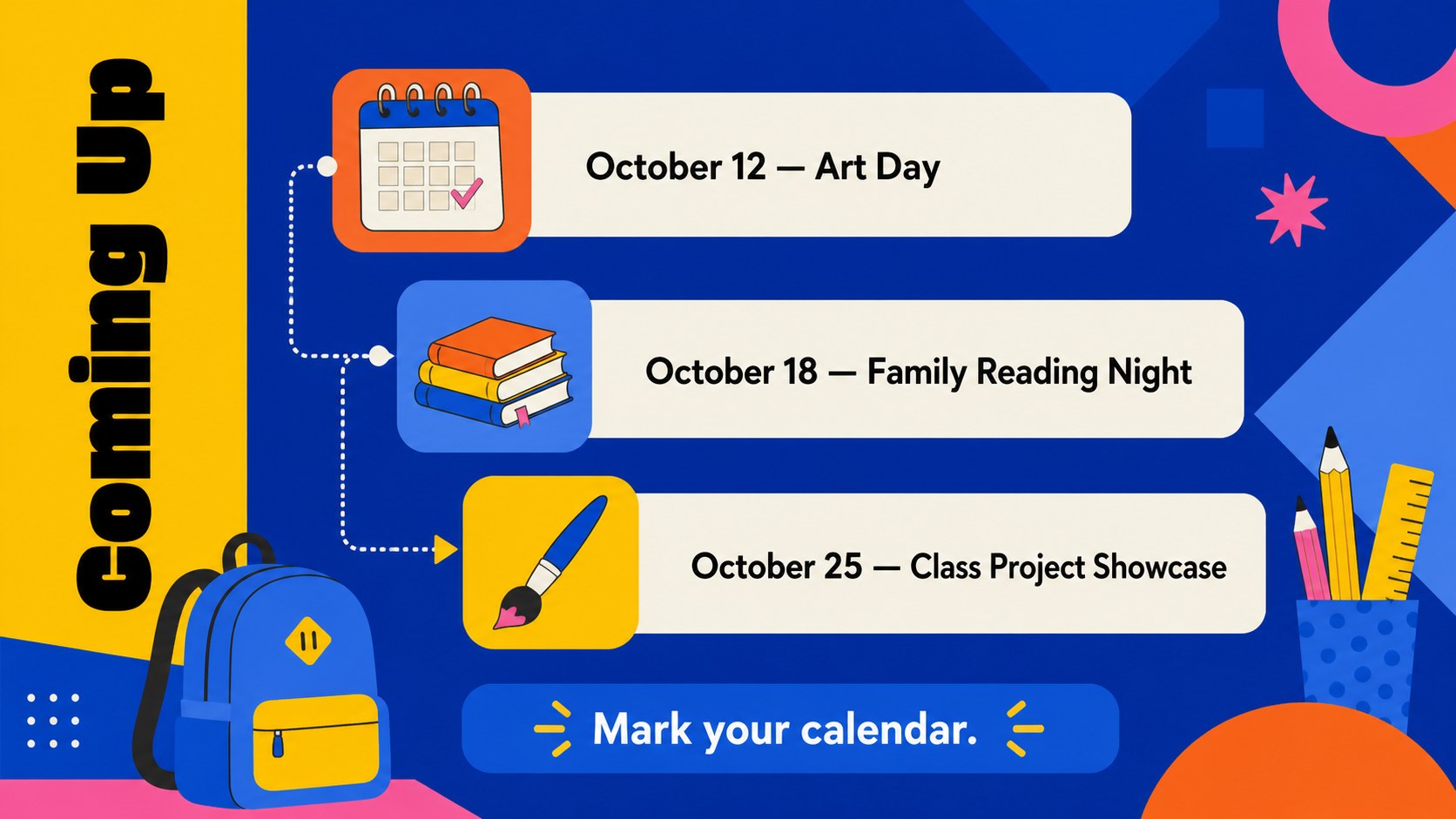
The four-slide set includes a strong opening notice, a weekly updates layout, a student recognition page, and an upcoming events screen. Use it as an editable teacher announcement presentation during morning meetings, on a classroom display, or as part of a virtual lesson. Clear text areas, playful flat shapes, and colorful accents keep each message approachable while preserving a consistent visual structure.
Created for teachers, teaching assistants, school coordinators, and education program leaders, this blue geometric school notice template can be adapted for different grades and subjects. Replace the sample wording, adjust the colors, move the decorative elements, and add class-specific dates in PowerPoint or Google Slides. It also works well for student achievement announcement slides, parent information sessions, club reminders, and back-to-school updates. Whether projected on a screen or shared digitally, the deck helps classroom news feel organized, upbeat, and easy to understand.
Perfect for: weekly classroom updates; student achievement recognition; morning meeting announcements; school event reminders; back-to-school information.
Frequently asked questions
Can I edit these slides in PowerPoint and Google Slides? Yes. The text, colors, shapes, and layout elements can be customized in PowerPoint or Google Slides. Some fonts or effects may vary slightly between the two platforms.
Practical details
Yes. The text, colors, shapes, and layout elements can be customized in PowerPoint or Google Slides. Some fonts or effects may vary slightly between the two platforms.
Yes. Replace the sample text with age-appropriate reminders, schedules, or event details for any grade. You can also simplify or expand each text area to suit your students.
Select the geometric shapes, backgrounds, and accent elements to apply your preferred colors. For a consistent result, use the same small palette across all four layouts.
Yes. The 16:9 format is suitable for projectors, interactive displays, and online class meetings. Keep replacement text concise so announcements remain readable from across the room.
Keep exploring
15Build stronger academic arguments with a college essay thesis builder featuring guided examples, revision prompts, and editable PowerPoint and Google Slides.
 15
15Build an engaging World UFO Day session with this flying saucer history lesson deck, featuring retro green-and-brown slides for PowerPoint and Google Slides.
 14
14Plan a memorable Lunar New Year campaign with the 2036 Dragon Year Celebration Theme, featuring bold red-and-yellow slides for lessons and events.
 15
15Build a thoughtful classroom discussion with this interfaith awareness lesson deck, featuring editable blue-and-white slides for PowerPoint and Google Slides.
 15
15Use this environmental awareness lesson deck to teach climate action through illustrated activities, discussion prompts, and ready-to-edit visuals.
 15
15Build playful lessons and party stories with a kid-friendly zombie celebration theme in purple, green and pastel blue for PowerPoint and Google Slides.
 15
15Build eerie lessons, campaigns, and story pitches with an undead survival scenario theme featuring editable slides for PowerPoint and Google Slides.
 16
16Turn environmental research into a clear story with a Watercolor Ecology Presentation Theme for PowerPoint and Google Slides in calming green and blue.