
 15
15presentation
College Essay Thesis Builder Slides
Build stronger academic arguments with a college essay thesis builder featuring guided examples, revision prompts, and editable PowerPoint and Google Slides.
Google SlidesPowerPoint
spreadsheet · English
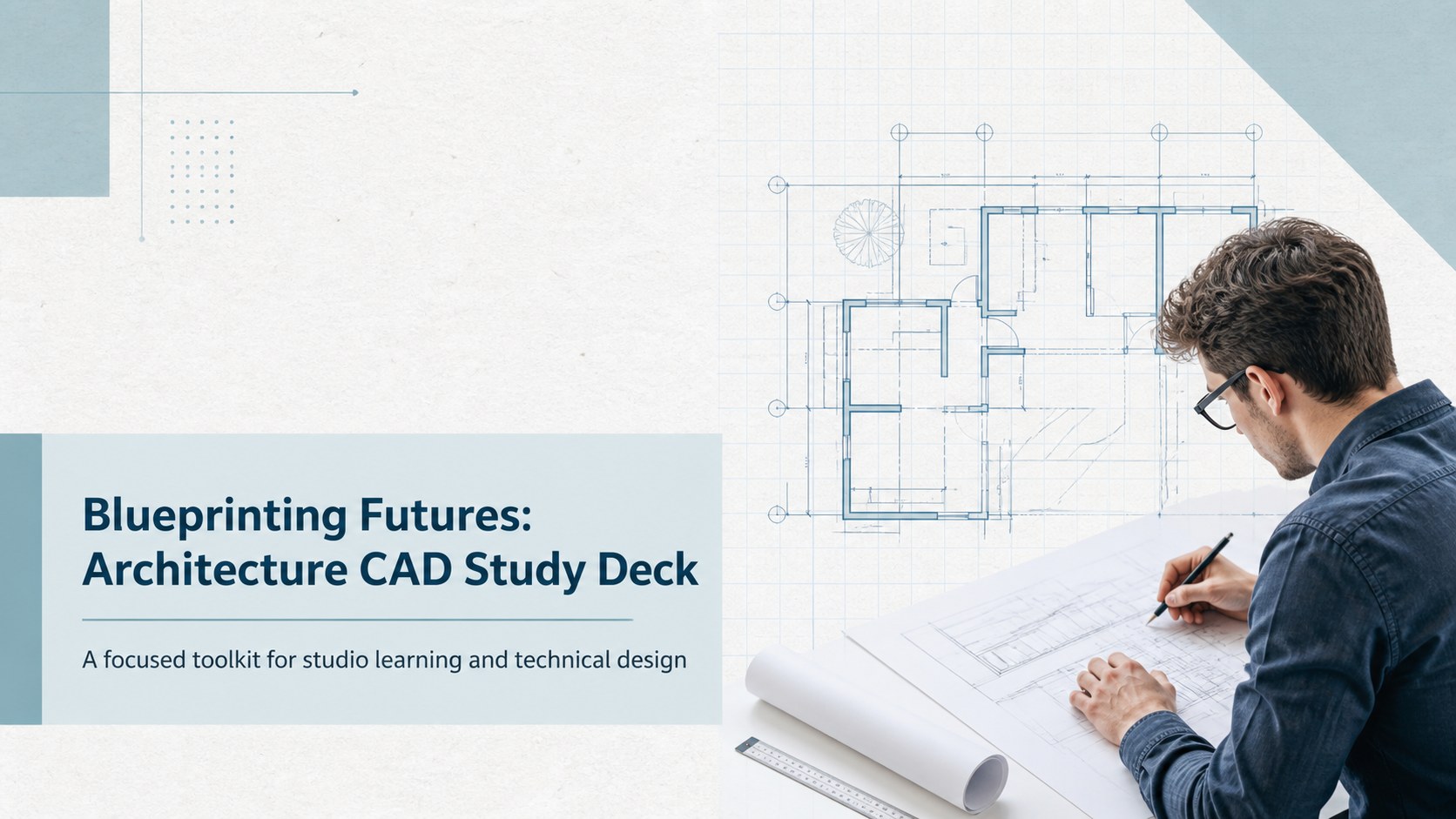
Plan studio critiques, CAD lessons, and portfolio reviews with an architecture CAD study deck in a crisp blue layout for college presentations and workshops.

Design notes
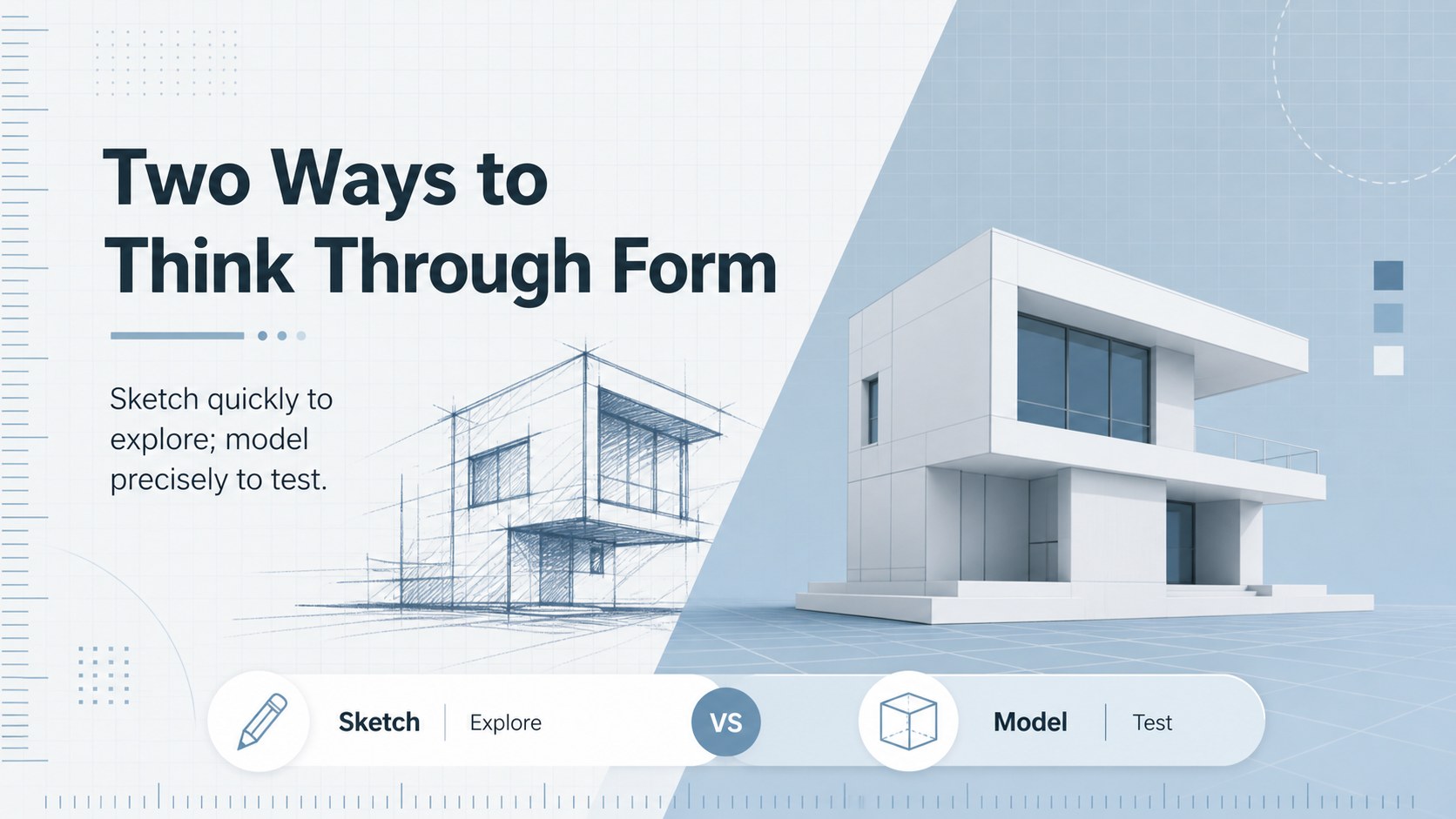
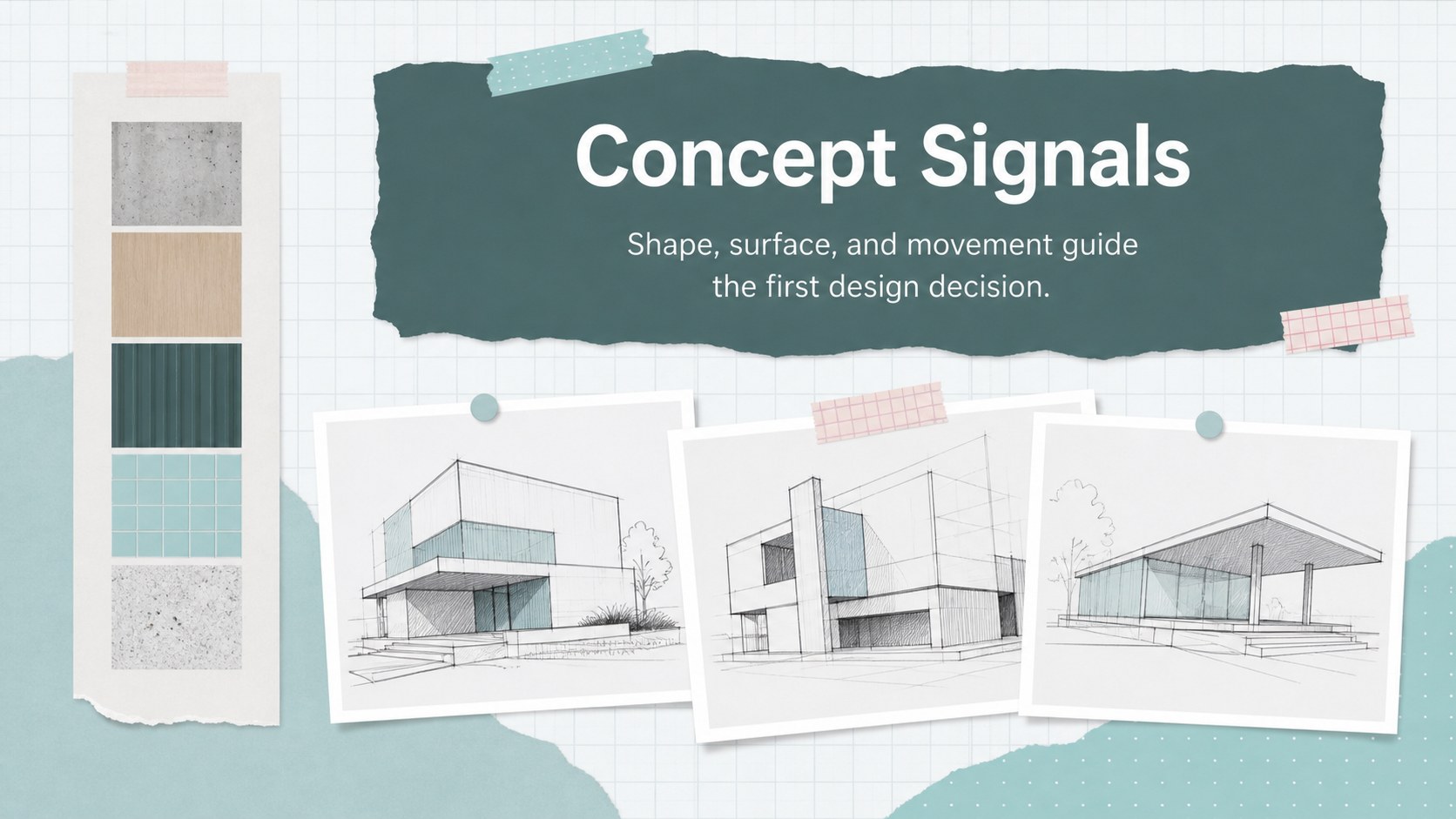
Architecture CAD study deck is a practical presentation template for turning technical coursework into clear, visually organized lessons. Its minimal blue palette, generous spacing, and paper-inspired details create a focused setting for explaining drafting principles, software processes, studio projects, and design outcomes. Use the layouts to make complex information easier to follow without losing the precision expected in an architecture classroom.
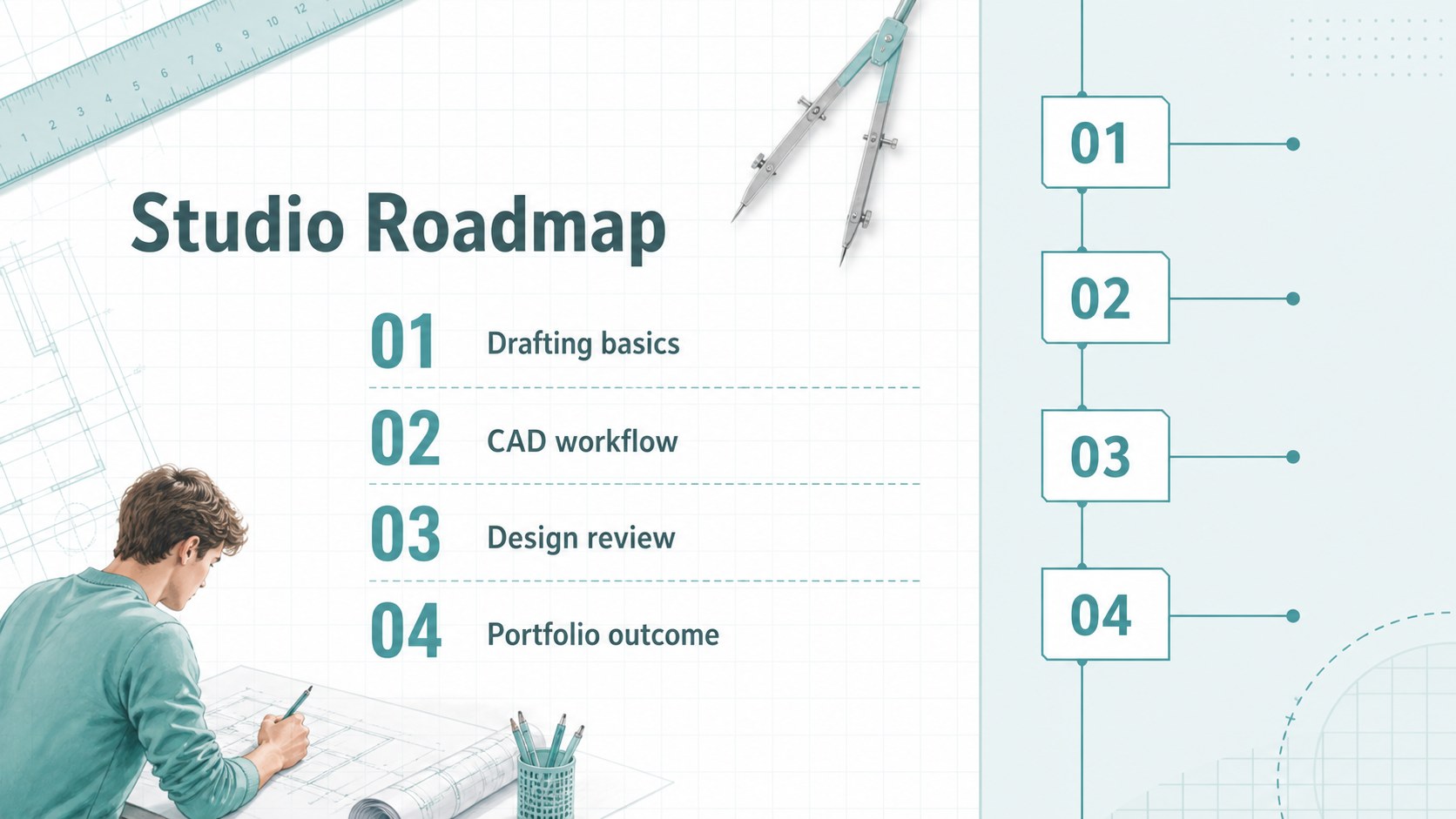
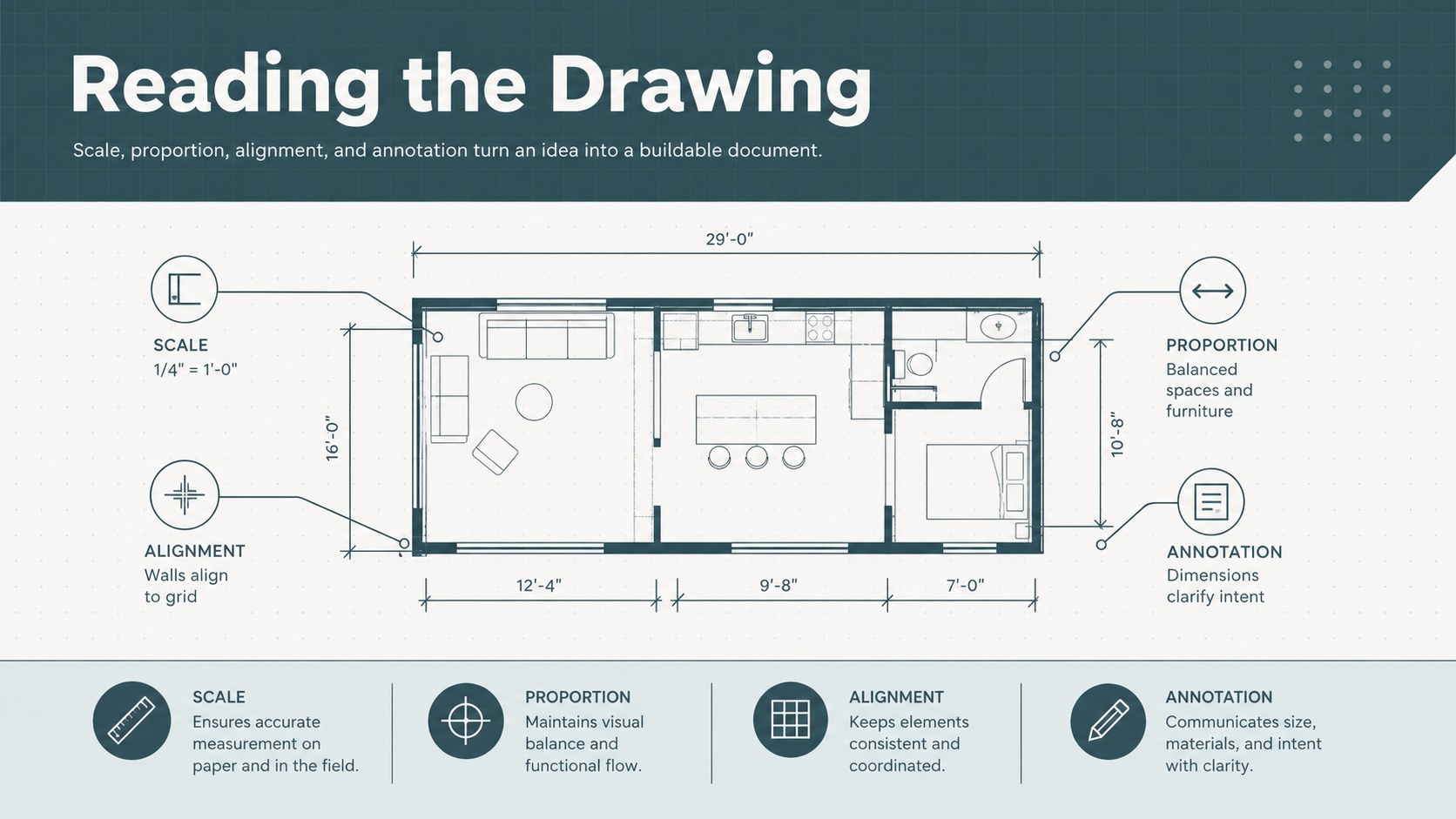
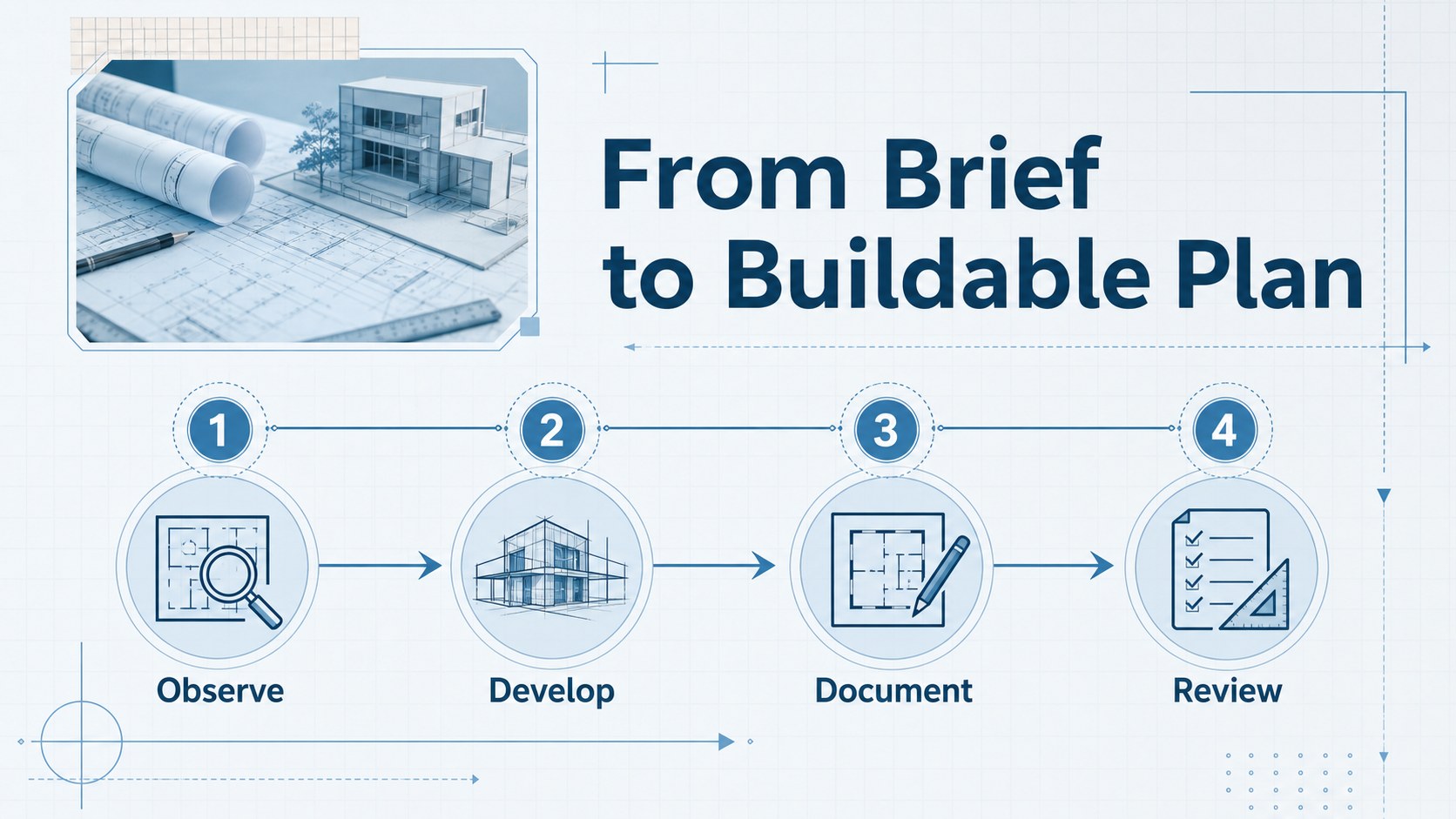
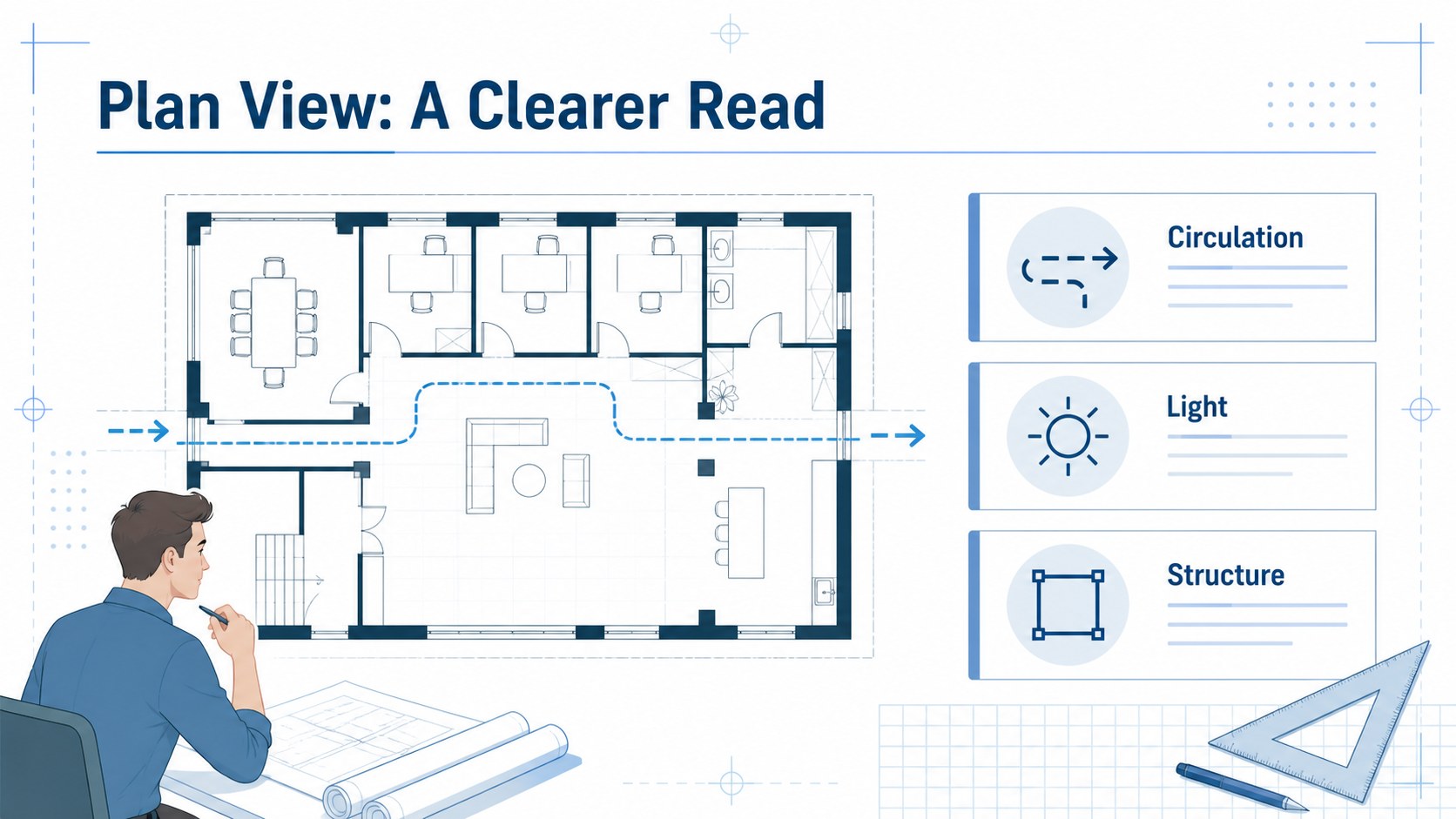
Inside, you will find adaptable slides for introducing a project, mapping a CAD workflow, comparing drawing types, presenting measurements, documenting revisions, and reviewing a final concept. Charts, frames, diagrams, image areas, and editable text blocks support both visual research and technical explanation. The 16:9 format works well for classroom screens, online critiques, and portfolio preparation.
This deck is designed for architecture students, CAD instructors, technical educators, university departments, and emerging designers. Customize it in Google Slides or PowerPoint by changing typography, diagrams, images, and project colors while keeping the clean blue visual system intact. It is especially useful for a college architecture presentation, a drafting process walkthrough, or a student portfolio review where clarity and structure matter.
Perfect for: college architecture studio presentation; CAD workflow lesson; technical drafting critique; student portfolio review; architecture department workshop.
Frequently asked questions
Can I edit this deck without design experience? Yes. The layouts use editable text boxes, shapes, diagrams, and image placeholders. You can replace the sample content and adjust the arrangement using familiar presentation tools.
Practical details
Yes. The layouts use editable text boxes, shapes, diagrams, and image placeholders. You can replace the sample content and adjust the arrangement using familiar presentation tools.
The template is suitable for Google Slides and PowerPoint. Export options also make it practical for PDF handouts or online sharing.
Yes. Use the image frames to insert CAD screenshots, floor plans, elevations, or 3D models. Crop and reposition each image to preserve the clean visual hierarchy.
Yes. The blue palette can be adapted to match a school, studio, or portfolio identity. Keep the original blue accents or replace them with your preferred brand colors.
Keep exploring
15Build stronger academic arguments with a college essay thesis builder featuring guided examples, revision prompts, and editable PowerPoint and Google Slides.
 15
15Build an engaging World UFO Day session with this flying saucer history lesson deck, featuring retro green-and-brown slides for PowerPoint and Google Slides.
 14
14Plan a memorable Lunar New Year campaign with the 2036 Dragon Year Celebration Theme, featuring bold red-and-yellow slides for lessons and events.
 15
15Build a thoughtful classroom discussion with this interfaith awareness lesson deck, featuring editable blue-and-white slides for PowerPoint and Google Slides.
 15
15Use this environmental awareness lesson deck to teach climate action through illustrated activities, discussion prompts, and ready-to-edit visuals.
 15
15Build playful lessons and party stories with a kid-friendly zombie celebration theme in purple, green and pastel blue for PowerPoint and Google Slides.
 15
15Build eerie lessons, campaigns, and story pitches with an undead survival scenario theme featuring editable slides for PowerPoint and Google Slides.
 16
16Turn environmental research into a clear story with a Watercolor Ecology Presentation Theme for PowerPoint and Google Slides in calming green and blue.