
 15
15presentation
College Essay Thesis Builder Slides
Build stronger academic arguments with a college essay thesis builder featuring guided examples, revision prompts, and editable PowerPoint and Google Slides.
Google SlidesPowerPoint
presentation · English
Present methods, evidence, and conclusions with a blue science fair poster kit built for clear editing in PowerPoint and Google Slides classrooms.
Design notes
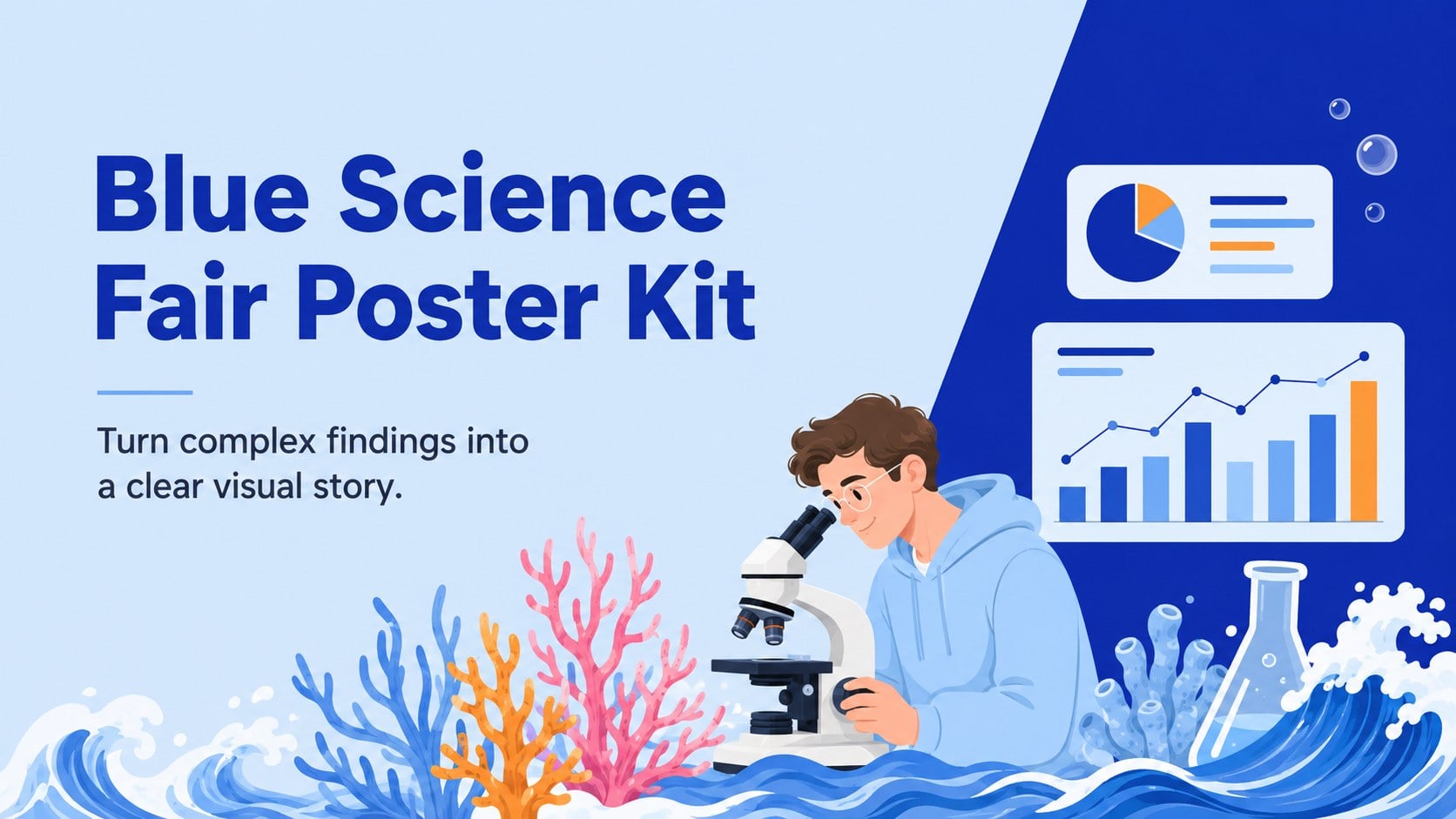
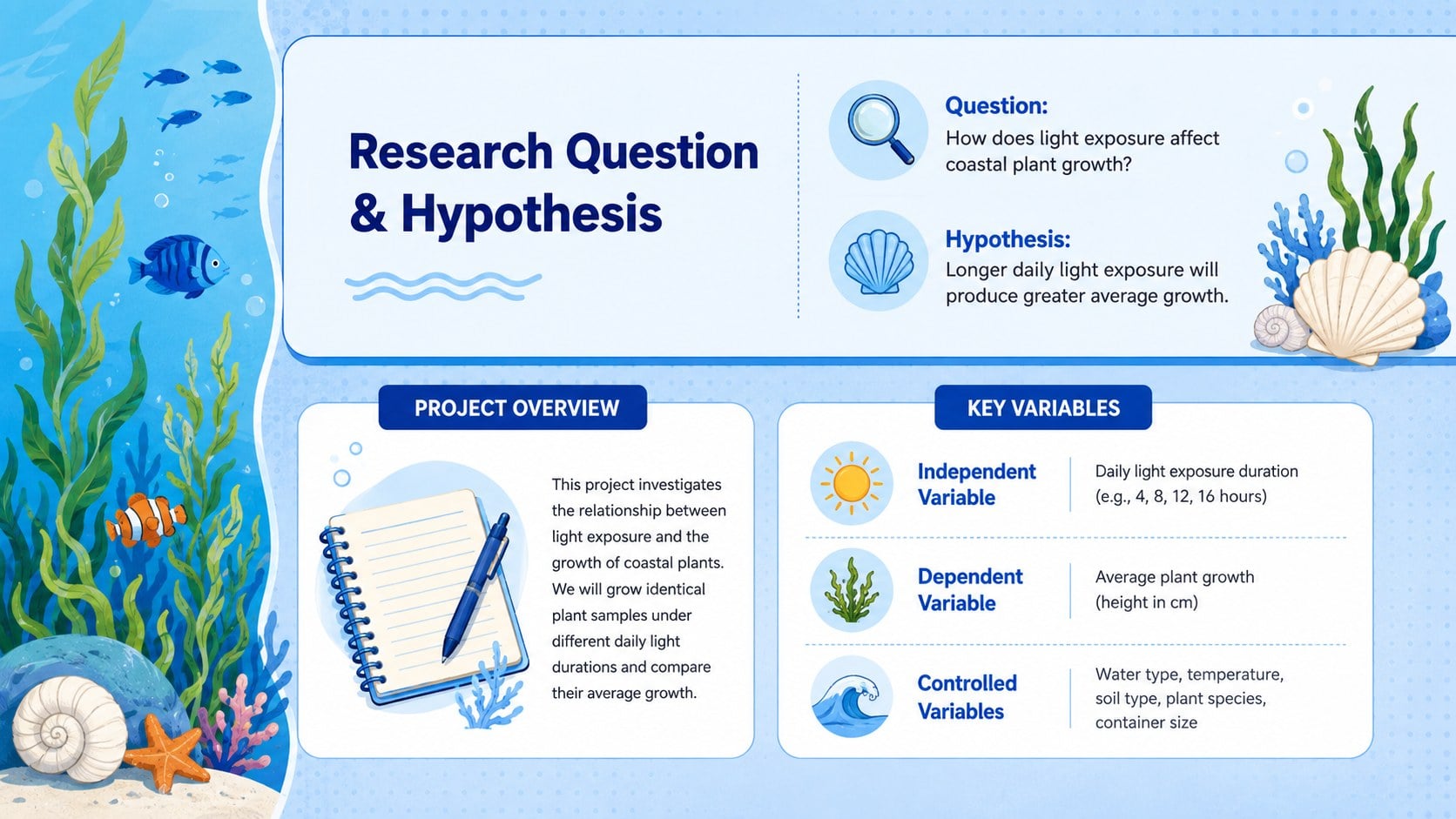
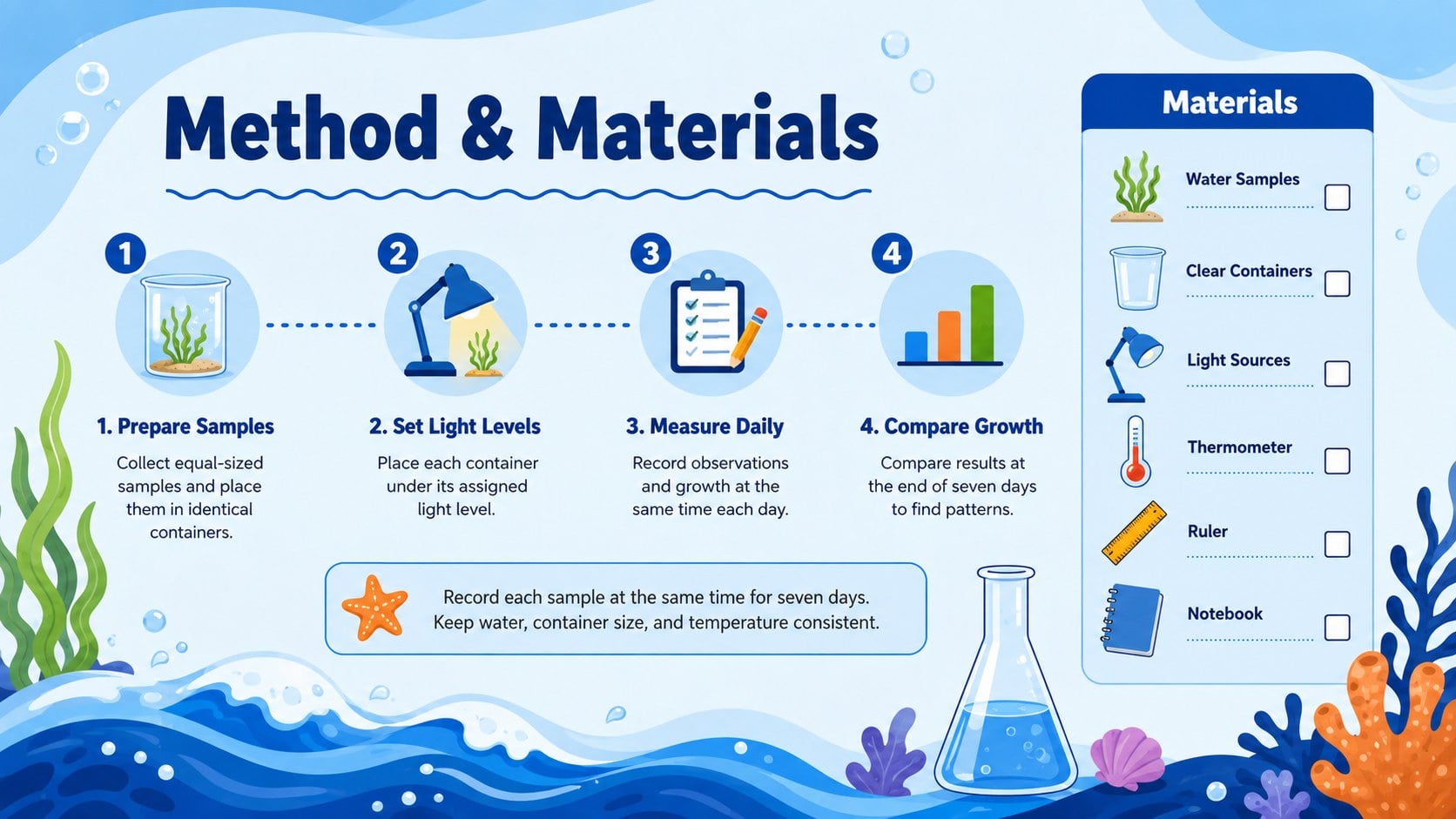
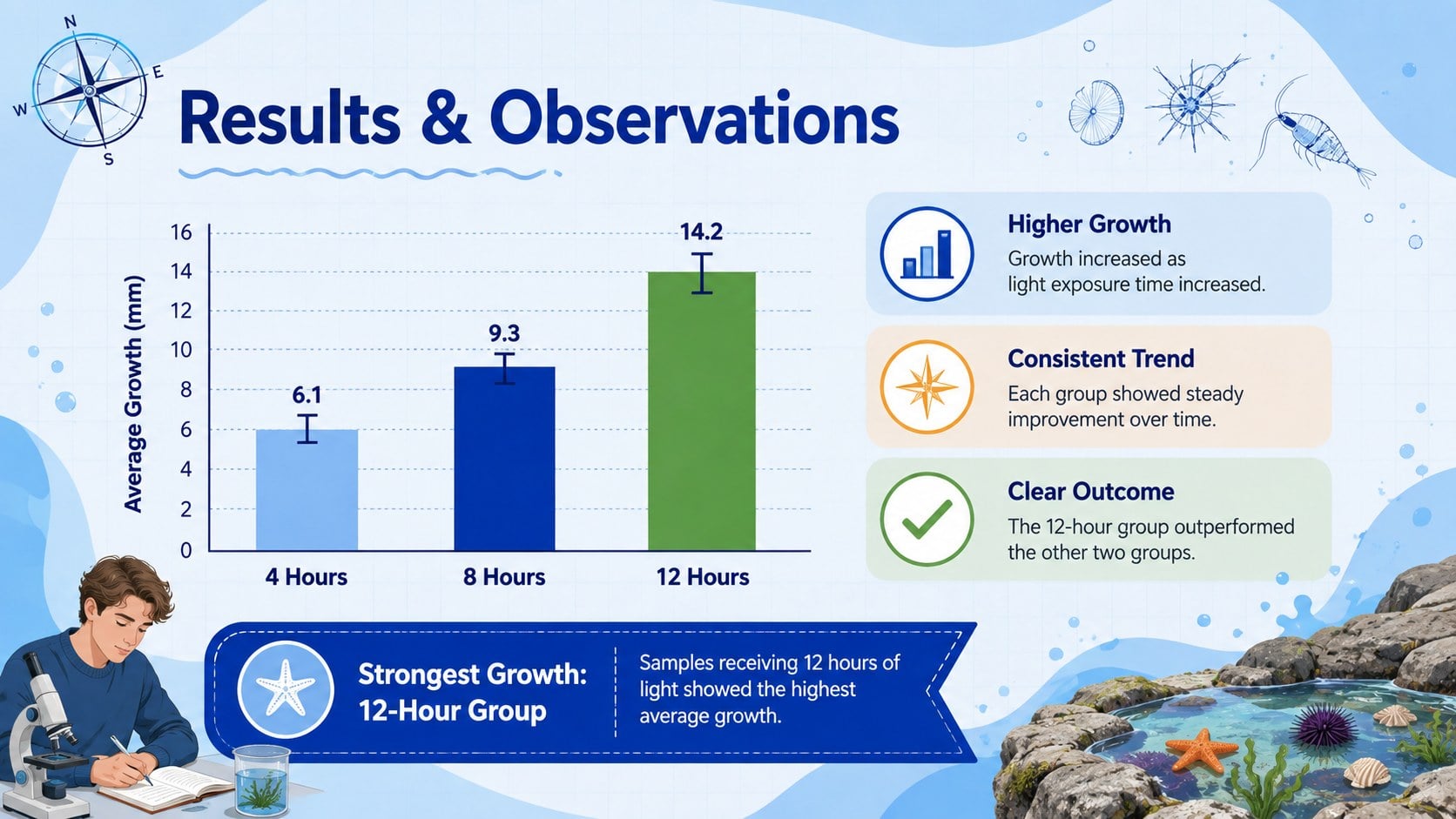
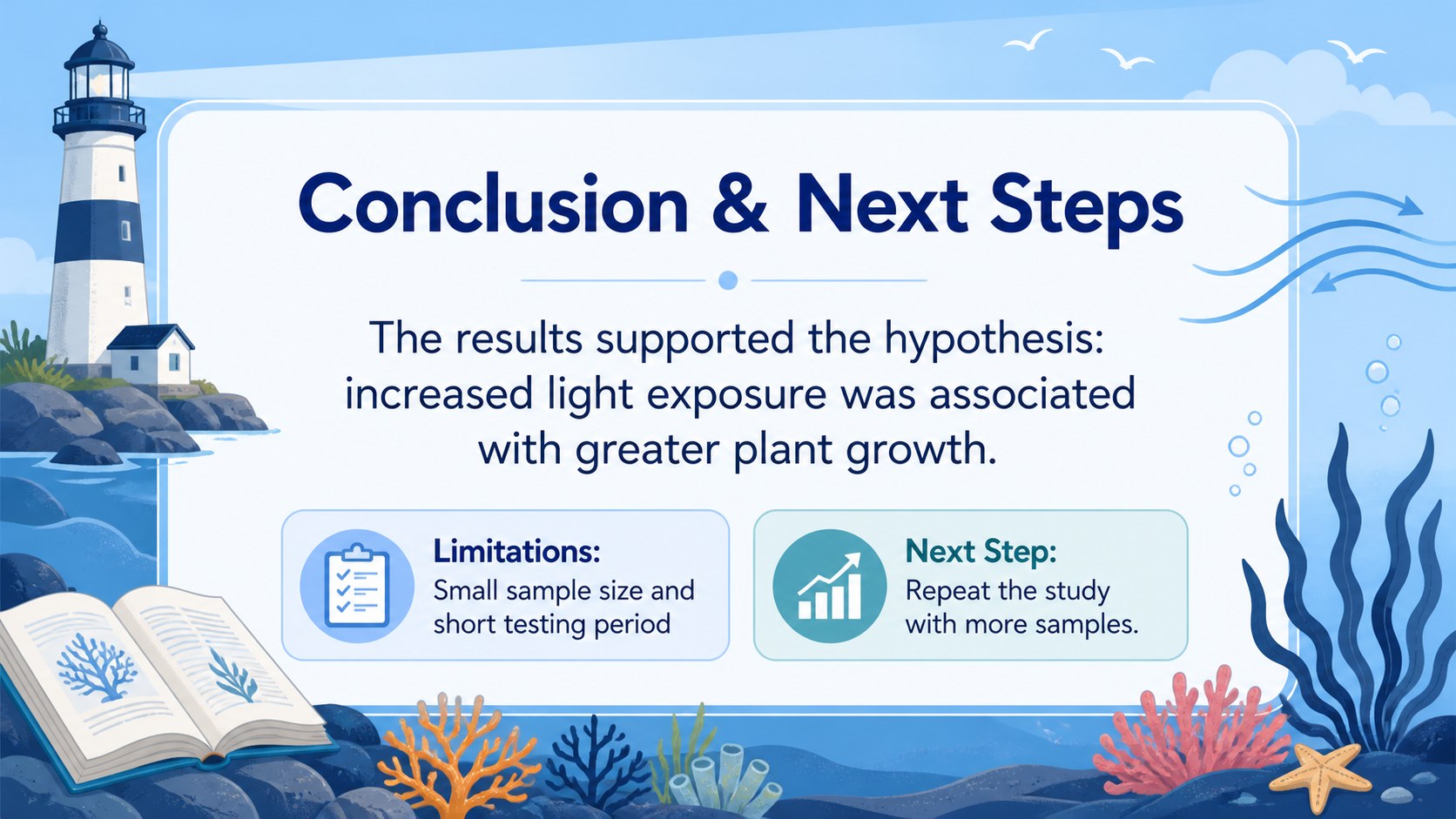
Turn observations, evidence, and conclusions into an organized visual story with the Blue Science Fair Poster Kit. Its lively ocean-inspired illustrations, crisp typography, and cool blue palette create a friendly setting for presenting serious information without making the page feel crowded. Every layout is designed to help viewers follow a project from the central question through the final takeaway.
The kit includes four coordinated 48 x 36 poster layouts with dedicated areas for an abstract, research question, hypothesis, methods, results, charts, images, references, and acknowledgments. Editable text blocks, data graphics, frames, lines, and shapes make it easy to adapt the design for a classroom experiment or an ocean themed academic poster. Heebo and Poppins fonts maintain strong readability across headings, captions, and supporting details. The blue science fair poster kit can be customized in PowerPoint or Google Slides, then exported for printing or digital display.
Students can use these layouts for science fairs, capstone projects, and lab presentations, while teachers can prepare a visual research project guide or a model poster for class. The same system also suits university researchers, conference presenters, and professionals who need an illustrated scientific findings poster with an approachable tone. Replace the sample wording, insert your own photographs or charts, adjust the colors if needed, and tailor each section to the requirements of your event or course.
Perfect for: school science fair exhibit; student experiment presentation; academic conference display; classroom research assignment; lab findings summary.
Frequently asked questions
Can I edit every section of the poster? Yes. Headings, body text, colors, shapes, charts, image areas, and section labels can be changed to match your project and submission requirements.
Practical details
Yes. Headings, body text, colors, shapes, charts, image areas, and section labels can be changed to match your project and submission requirements.
The layouts are designed for PowerPoint and Google Slides. You can edit online or on desktop, depending on the platform and version you use.
Yes. The poster layouts are organized around a 48 x 36 format, but you should confirm the required dimensions with your school, conference, or print provider before exporting.
Replace the decorative artwork with icons or images related to your topic while retaining the structured content areas. You can also recolor accents and backgrounds without changing the overall information hierarchy.
Keep exploring
15Build stronger academic arguments with a college essay thesis builder featuring guided examples, revision prompts, and editable PowerPoint and Google Slides.
 15
15Build an engaging World UFO Day session with this flying saucer history lesson deck, featuring retro green-and-brown slides for PowerPoint and Google Slides.
 14
14Plan a memorable Lunar New Year campaign with the 2036 Dragon Year Celebration Theme, featuring bold red-and-yellow slides for lessons and events.
 15
15Build a thoughtful classroom discussion with this interfaith awareness lesson deck, featuring editable blue-and-white slides for PowerPoint and Google Slides.
 15
15Use this environmental awareness lesson deck to teach climate action through illustrated activities, discussion prompts, and ready-to-edit visuals.
 15
15Build playful lessons and party stories with a kid-friendly zombie celebration theme in purple, green and pastel blue for PowerPoint and Google Slides.
 15
15Build eerie lessons, campaigns, and story pitches with an undead survival scenario theme featuring editable slides for PowerPoint and Google Slides.
 16
16Turn environmental research into a clear story with a Watercolor Ecology Presentation Theme for PowerPoint and Google Slides in calming green and blue.