
 15
15presentation
College Essay Thesis Builder Slides
Build stronger academic arguments with a college essay thesis builder featuring guided examples, revision prompts, and editable PowerPoint and Google Slides.
Google SlidesPowerPoint
presentation · English
Build lively workshops with a blue pixel idea mapping deck: editable slides for classes, team ideation, and playful project planning.



Design notes
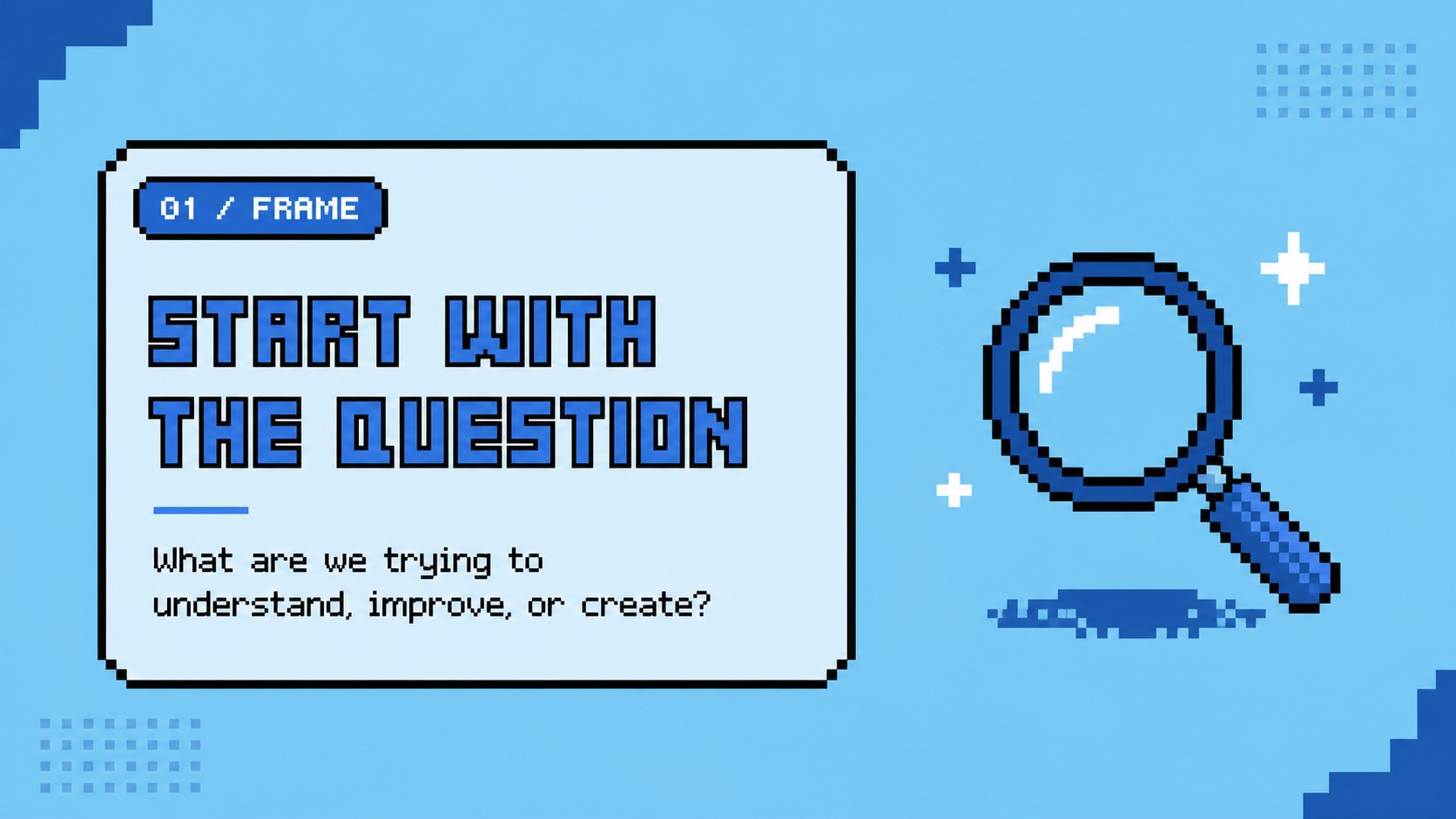
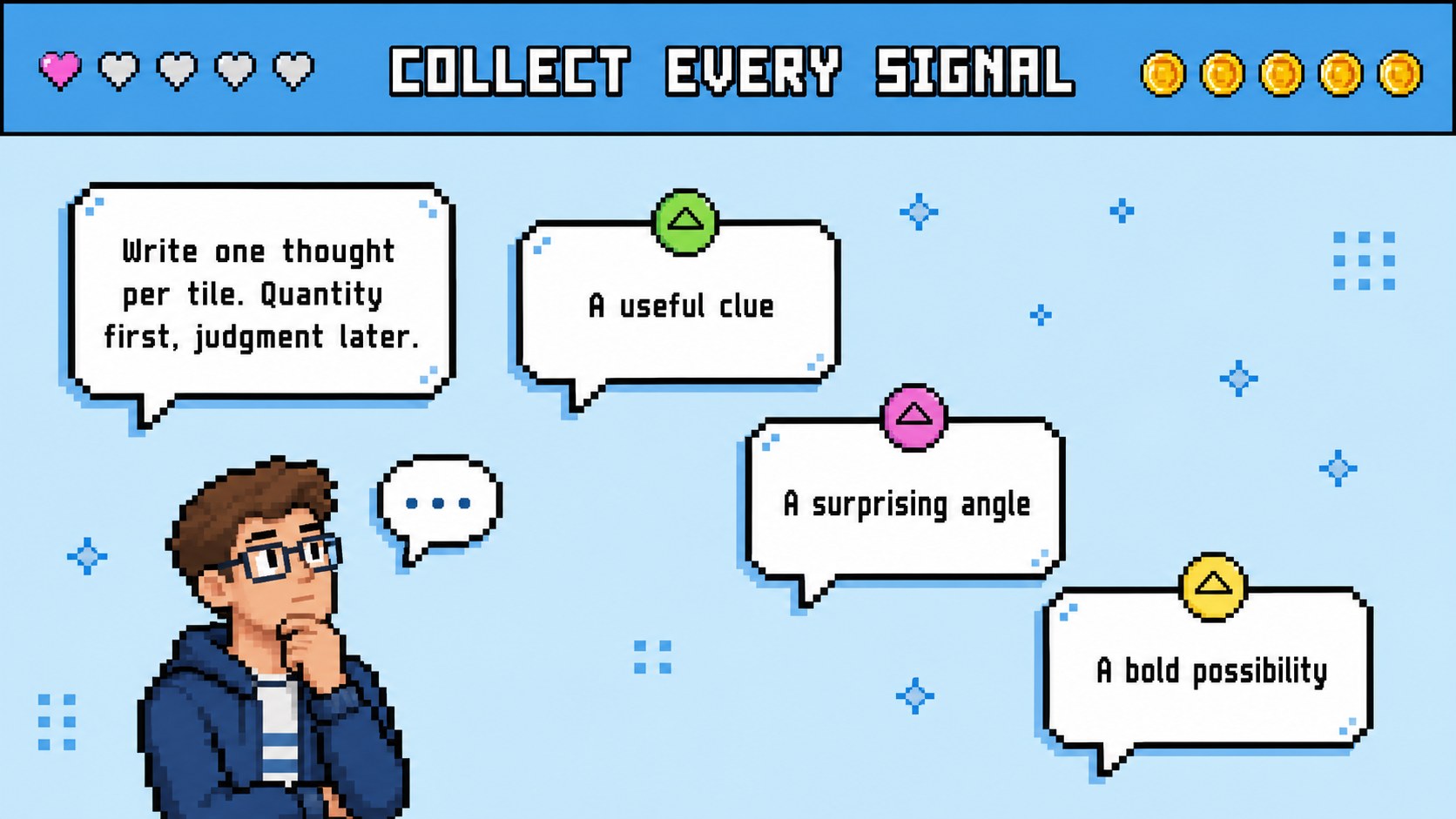
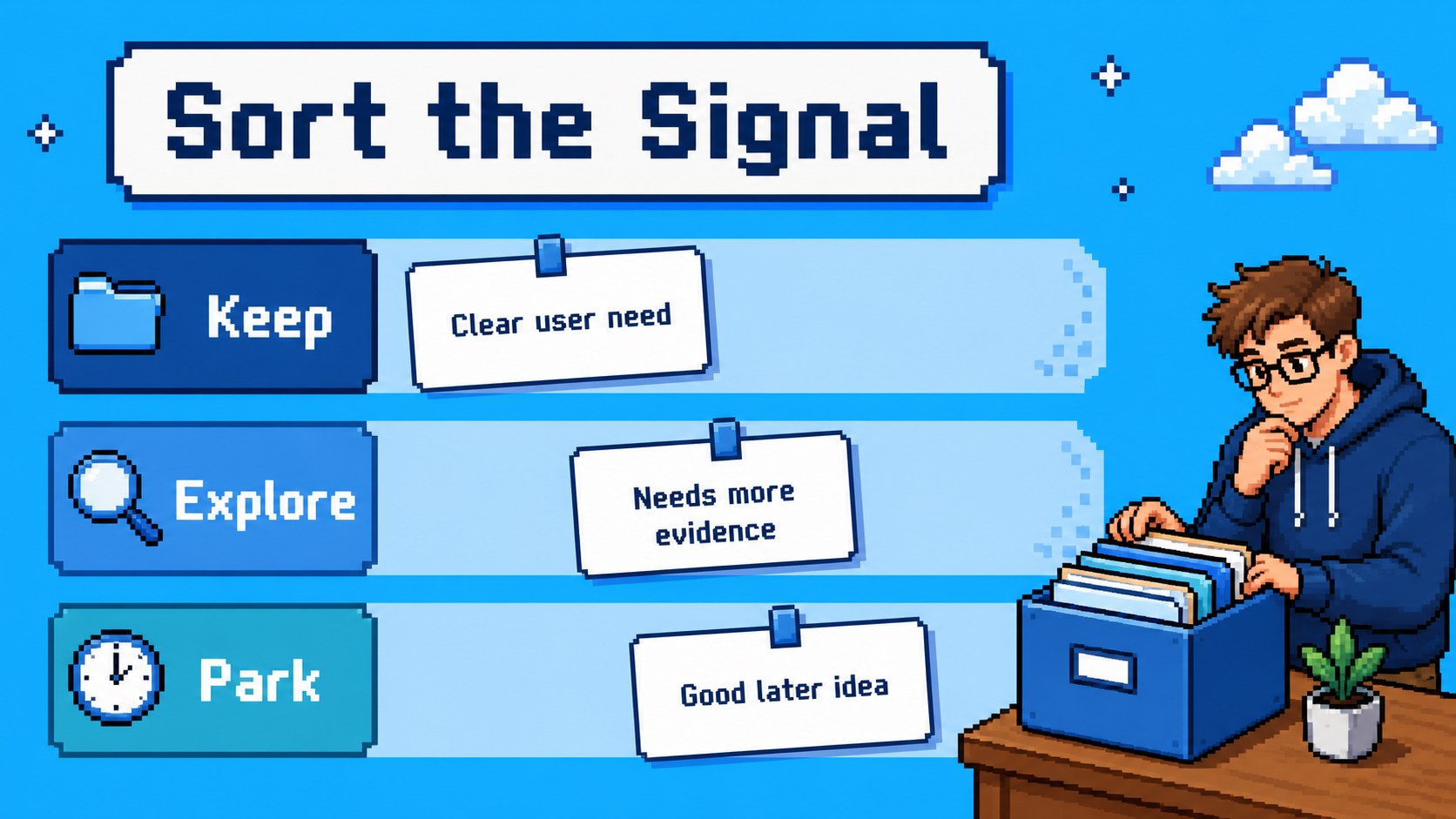
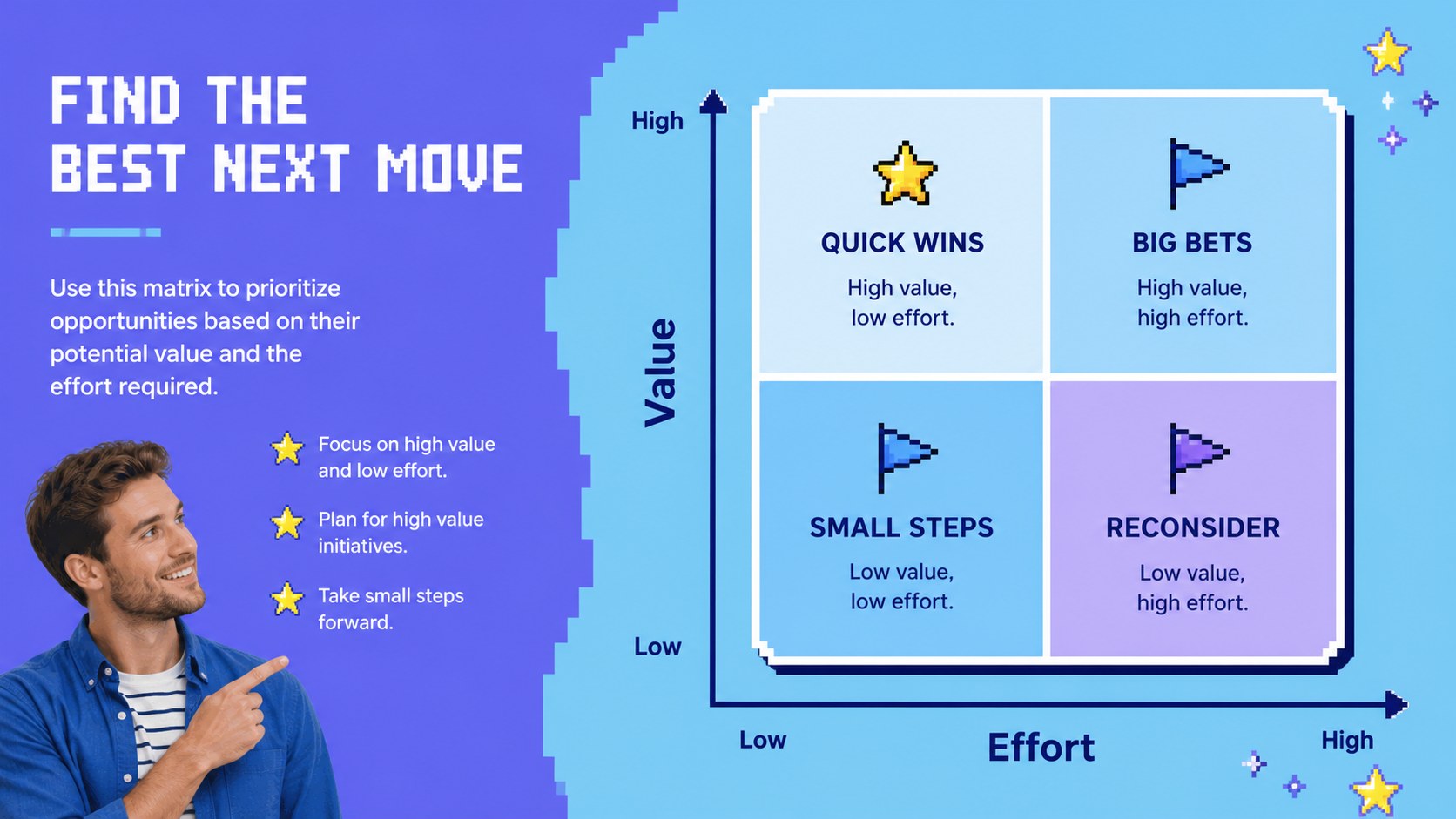
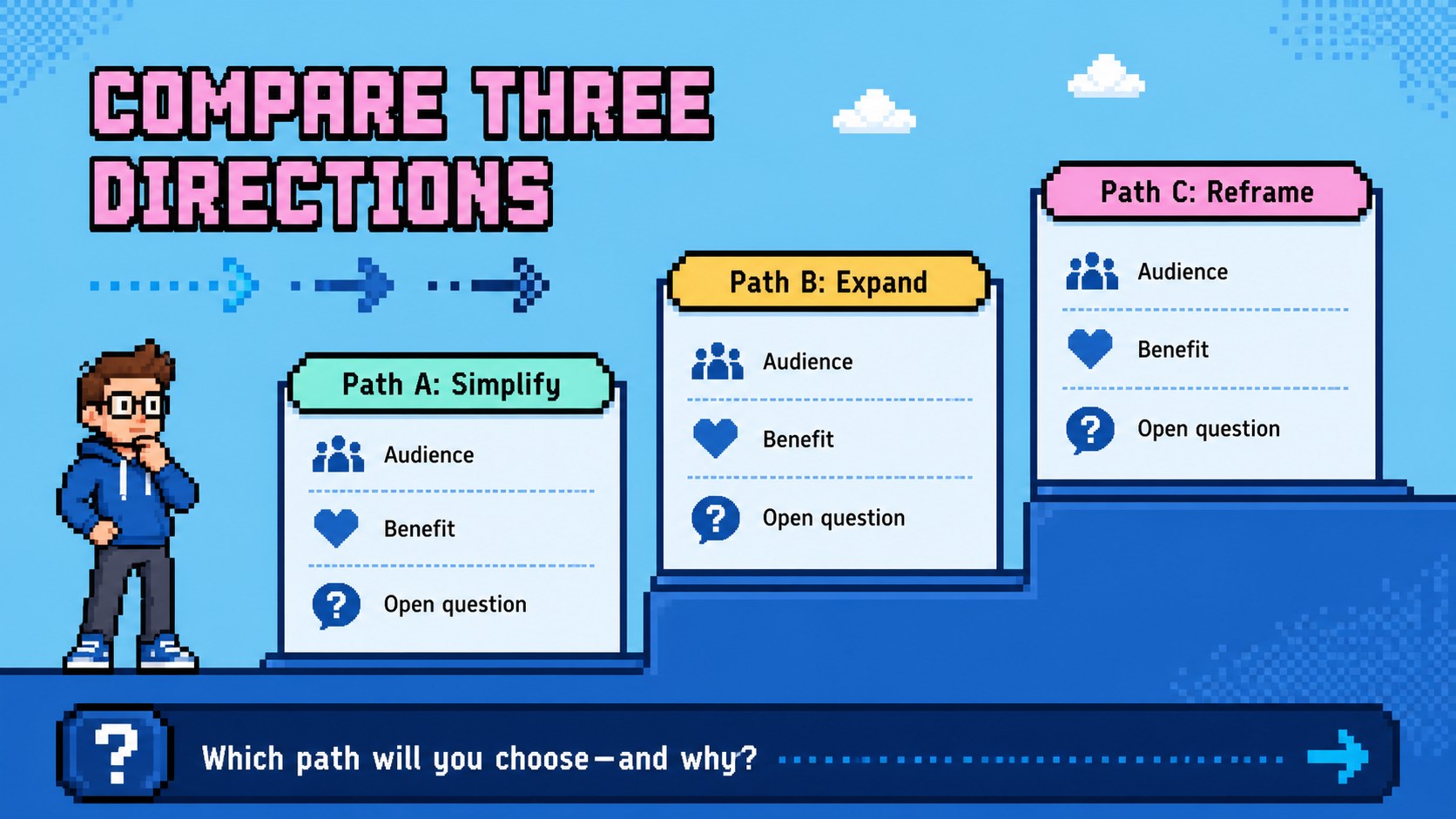
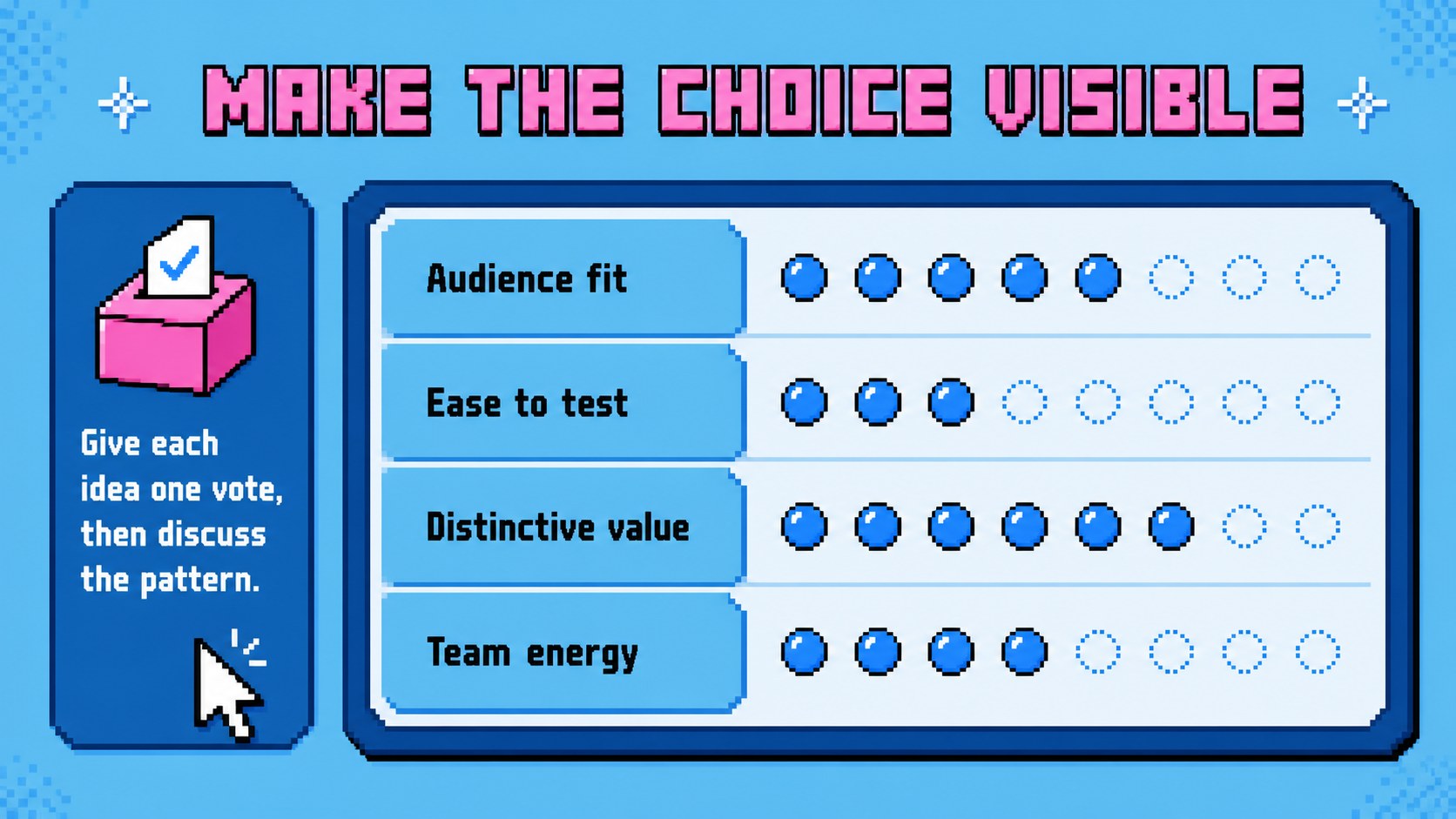
The blue pixel idea mapping deck gives teachers, facilitators, and creative teams a lively way to organize thinking. Its blue-led palette, retro game-inspired graphics, and friendly layouts make complex ideas feel approachable without losing structure. Use the slides to introduce a challenge, collect suggestions, group related thoughts, and move from exploration toward action.
Inside, you will find 15 editable 16:9 slides for workshop openings, idea collection, mind-map exploration, category sorting, priority setting, simple charts, action planning, and closing reflections. Pixel icons, colorful blocks, visual connectors, and animated-style details create energy across the deck while leaving room for your own wording, examples, and images. The layouts work well for classroom activities, project kickoffs, design thinking sessions, and informal team meetings.
This pixel brainstorming workshop template is designed for and can also be exported for PowerPoint or Google Slides. Adjust the blue color system, replace the illustrations, add charts, or rearrange the content with drag-and-drop editing. Whether you are planning a lesson, leading a creative sprint, or explaining a new concept, the deck helps your audience follow the journey from first thought to shared direction.
Perfect for: classroom brainstorming activity; startup project kickoff; design thinking workshop; creative team ideation; lesson concept mapping.
Frequently asked questions
Can I edit this deck? Yes. The layouts, text, colors, shapes, and illustrations can be adjusted. Replace the sample content with your own workshop prompts, examples, and branding.
Practical details
Yes. The layouts, text, colors, shapes, and illustrations can be adjusted. Replace the sample content with your own workshop prompts, examples, and branding.
Yes. Open the template and use the sharing or download options to export a PowerPoint file or save an editable copy to Google Drive. Some -only animation and editing features may not transfer exactly.
Yes. The clear visual structure and playful pixel style suit student activities, concept mapping, project introductions, and group discussions. You can simplify the wording or add age-appropriate examples for different learners.
Yes. lets you replace the main blue shades with another color system while preserving the layout. Keep strong contrast between text and backgrounds so the map, labels, and charts remain easy to read.
Keep exploring
15Build stronger academic arguments with a college essay thesis builder featuring guided examples, revision prompts, and editable PowerPoint and Google Slides.
 15
15Build an engaging World UFO Day session with this flying saucer history lesson deck, featuring retro green-and-brown slides for PowerPoint and Google Slides.
 14
14Plan a memorable Lunar New Year campaign with the 2036 Dragon Year Celebration Theme, featuring bold red-and-yellow slides for lessons and events.
 15
15Build a thoughtful classroom discussion with this interfaith awareness lesson deck, featuring editable blue-and-white slides for PowerPoint and Google Slides.
 15
15Use this environmental awareness lesson deck to teach climate action through illustrated activities, discussion prompts, and ready-to-edit visuals.
 15
15Build playful lessons and party stories with a kid-friendly zombie celebration theme in purple, green and pastel blue for PowerPoint and Google Slides.
 15
15Build eerie lessons, campaigns, and story pitches with an undead survival scenario theme featuring editable slides for PowerPoint and Google Slides.
 16
16Turn environmental research into a clear story with a Watercolor Ecology Presentation Theme for PowerPoint and Google Slides in calming green and blue.