
 15
15presentation
College Essay Thesis Builder Slides
Build stronger academic arguments with a college essay thesis builder featuring guided examples, revision prompts, and editable PowerPoint and Google Slides.
Google SlidesPowerPoint
presentation · English
Run focused idea sessions with a Blue Grey Brainstorming Workshop Deck featuring editable mind maps, prompts, and action plans for PowerPoint and Google…

Design notes
Bring order to creative discussions with the Blue Grey Brainstorming Workshop Deck, a clean presentation system built for generating, sorting, and refining ideas. Its restrained blue, grey, and white palette creates a focused setting where contributions remain easy to read and the strongest concepts stand out.
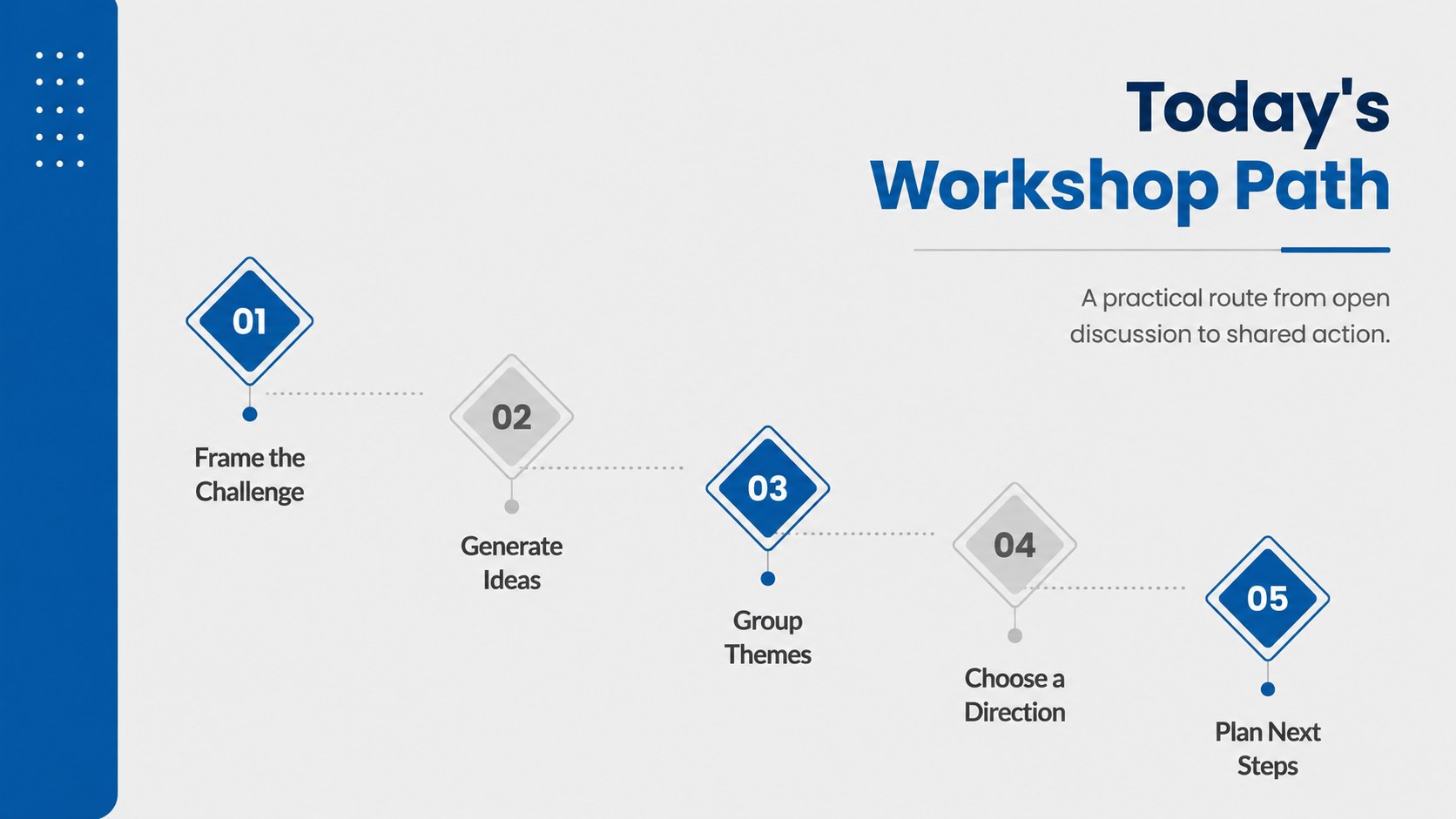
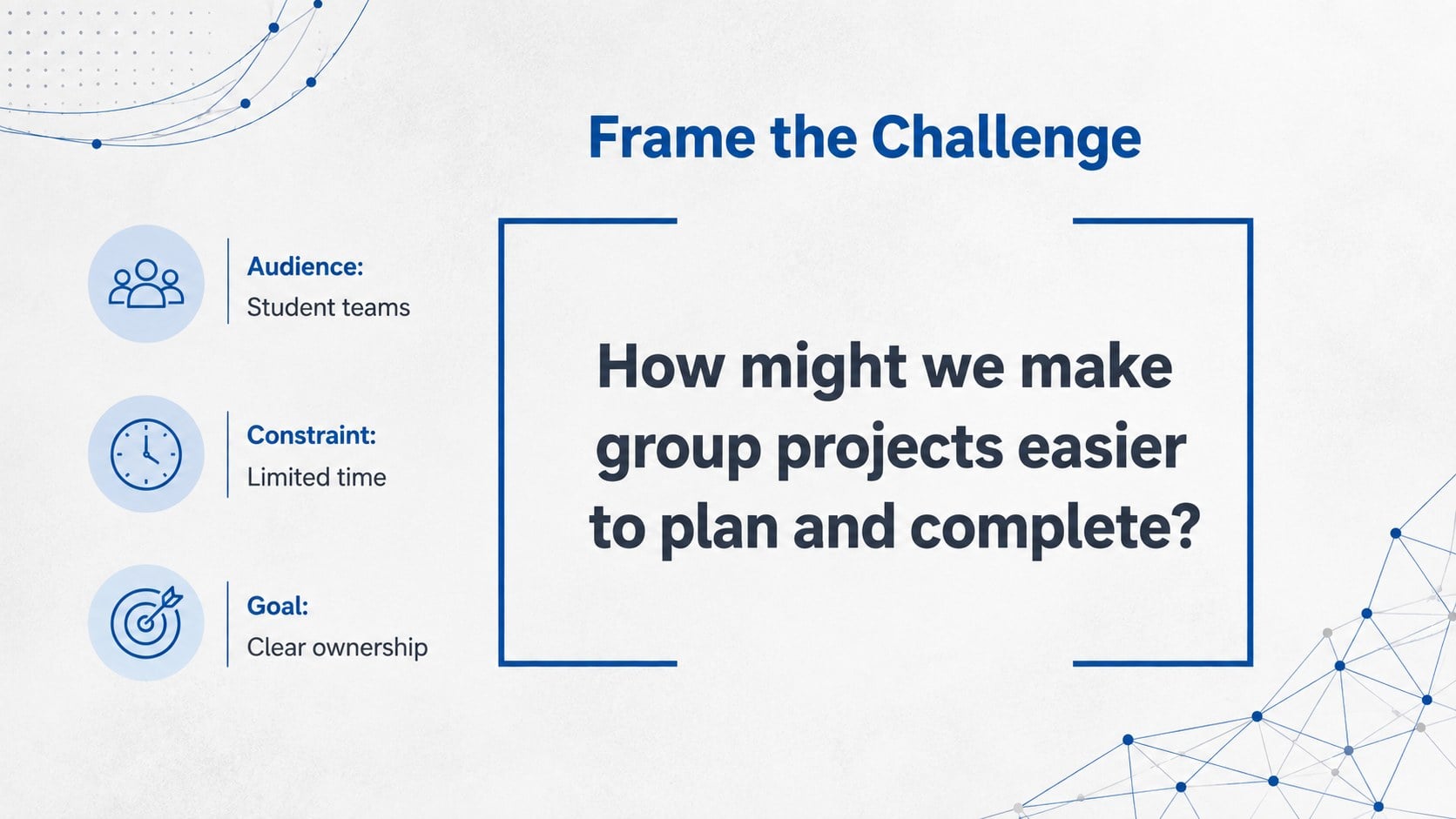
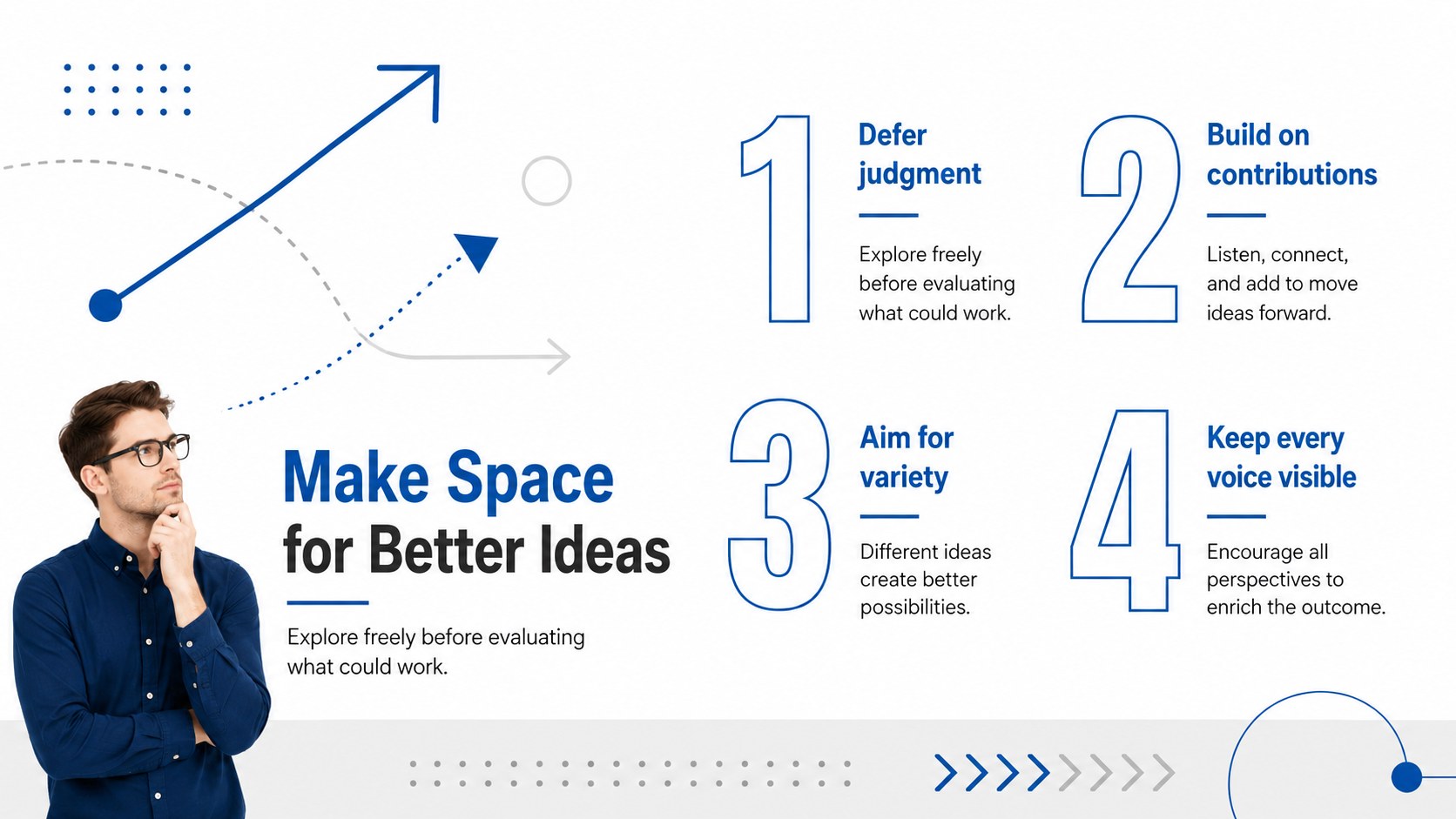
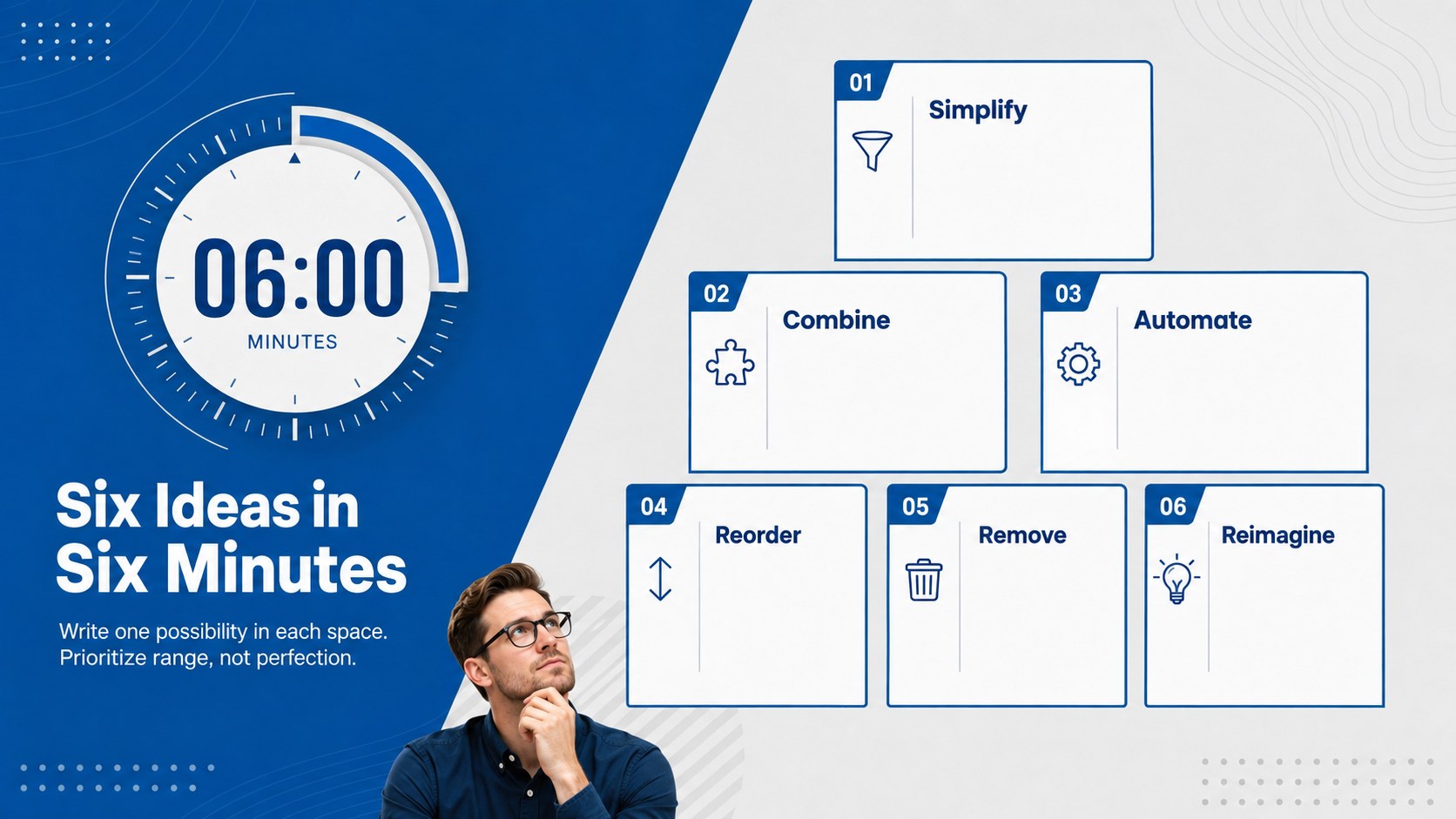
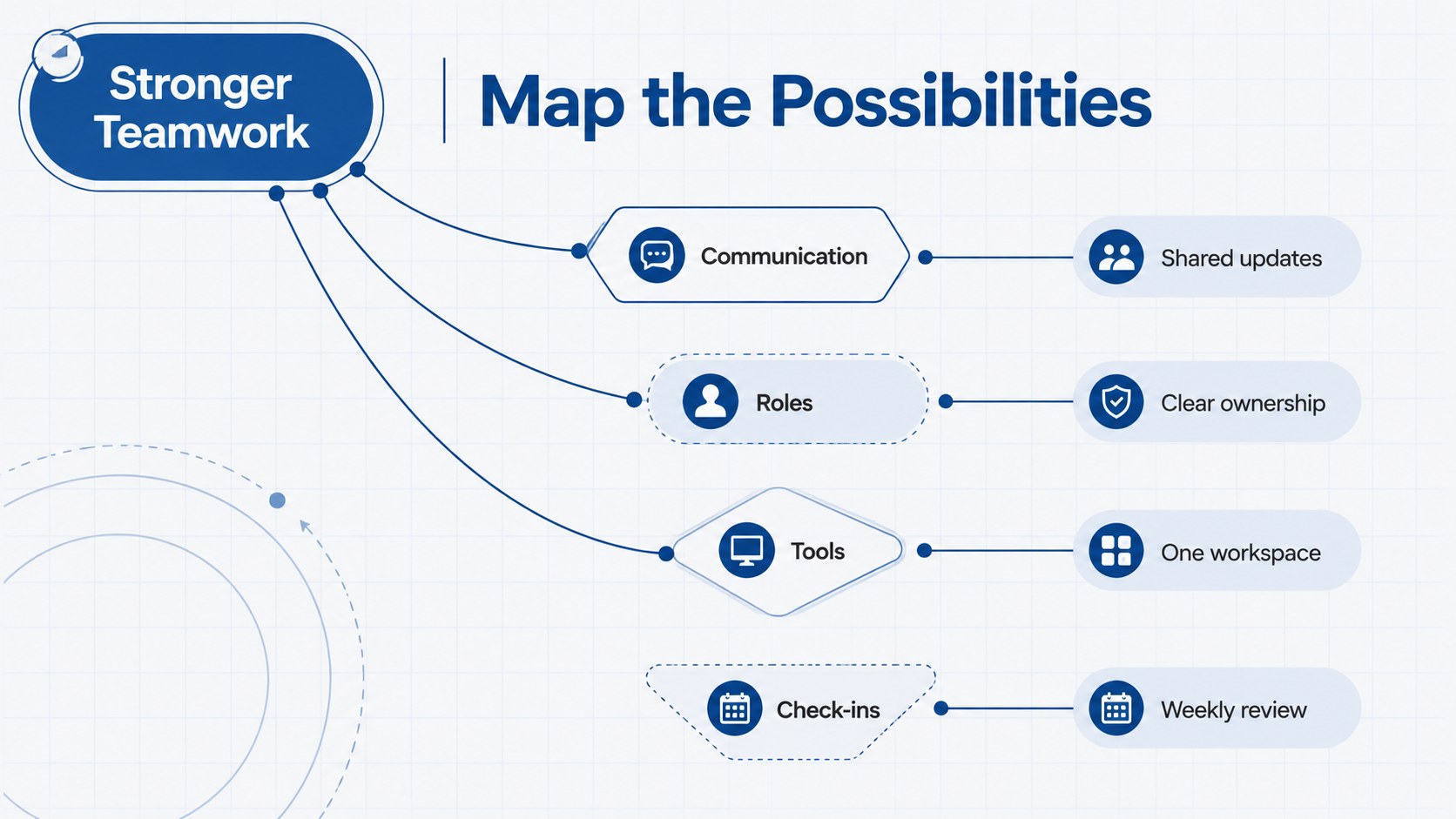
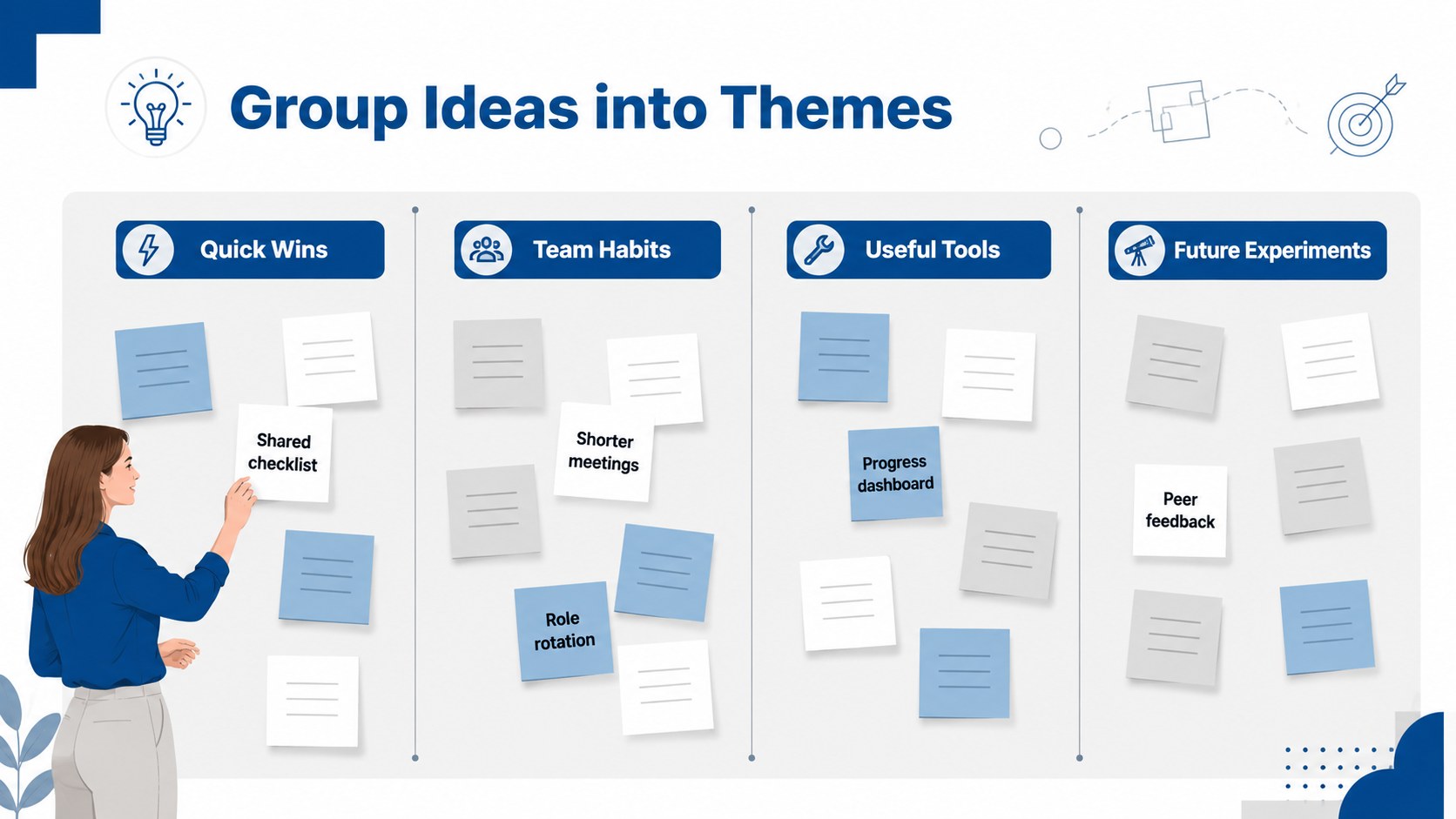
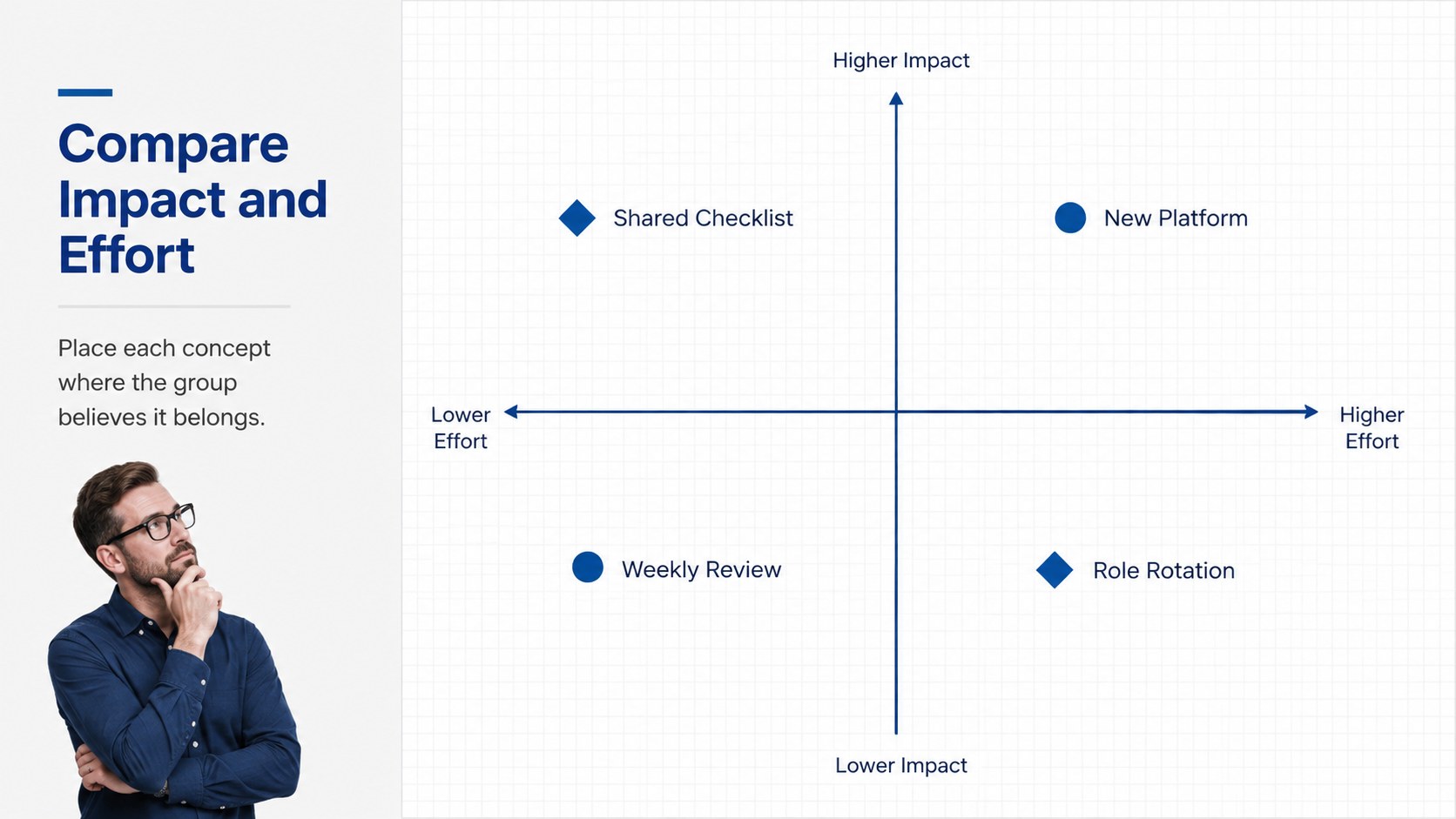
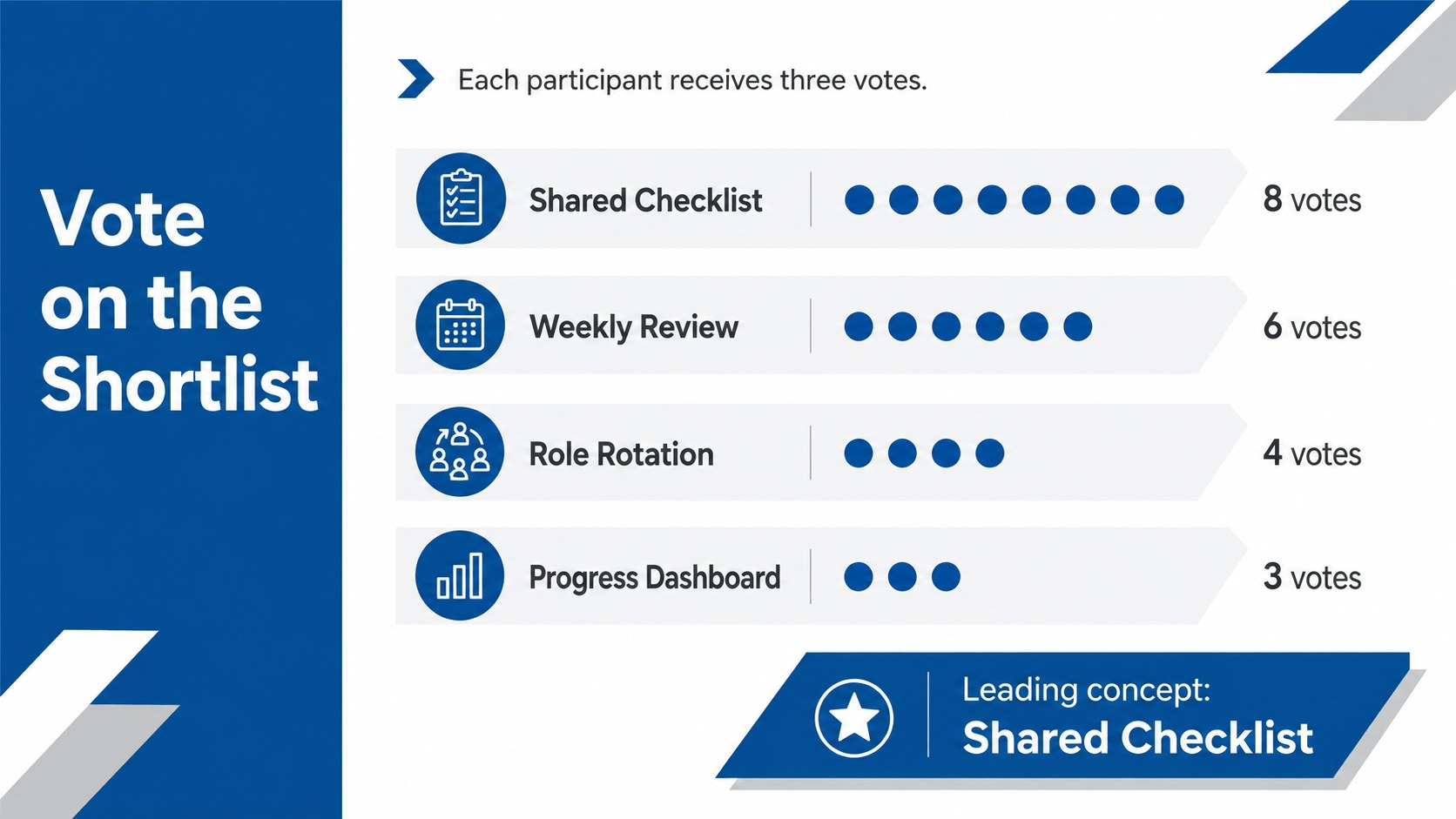
The deck includes 15 editable 16:9 layouts for workshop goals, ground rules, challenge framing, rapid idea generation, mind mapping, affinity grouping, concept comparison, voting, and action planning. Use the visual brainstorming slides for students to document group thinking, or adapt the structured ideation presentation template for a business meeting. Simple diagrams, geometric shapes, timelines, and organized text areas help presenters move from an open discussion to practical decisions without crowding the screen.
Designed for PowerPoint and Google Slides, every page can be adjusted to match a class, project, or organization. Change the wording, rearrange sections, recolor shapes, and replace sample content using familiar editing tools. The professional brainstorming workshop slides suit classroom projects, study groups, team planning sessions, creative reviews, and early-stage strategy work. Poppins typography and minimalist visual styling keep the presentation approachable while maintaining a credible, work-ready appearance.
Perfect for: classroom group project; team ideation workshop; creative concept review; project planning session; student research discussion.
Frequently asked questions
Can I edit every part of this brainstorming deck? Yes. Text, shapes, diagrams, colors, and layout elements can be adjusted to fit your workshop or class project. You can also duplicate or remove slides to create a shorter session.
Practical details
Yes. Text, shapes, diagrams, colors, and layout elements can be adjusted to fit your workshop or class project. You can also duplicate or remove slides to create a shorter session.
The deck is designed for Microsoft PowerPoint and Google Slides. Upload or open the appropriate file, then use the platform's standard editing and presenting tools.
Replace the sample prompts with your challenge statement, add your preferred fonts or colors, and insert your own project details. Keep the high-contrast blue, grey, and white structure if readability is a priority.
Yes. The layouts are simple enough for classroom brainstorming while remaining polished for workplace planning, creative reviews, and collaborative strategy sessions.
Keep exploring
15Build stronger academic arguments with a college essay thesis builder featuring guided examples, revision prompts, and editable PowerPoint and Google Slides.
 15
15Build an engaging World UFO Day session with this flying saucer history lesson deck, featuring retro green-and-brown slides for PowerPoint and Google Slides.
 14
14Plan a memorable Lunar New Year campaign with the 2036 Dragon Year Celebration Theme, featuring bold red-and-yellow slides for lessons and events.
 15
15Build a thoughtful classroom discussion with this interfaith awareness lesson deck, featuring editable blue-and-white slides for PowerPoint and Google Slides.
 15
15Use this environmental awareness lesson deck to teach climate action through illustrated activities, discussion prompts, and ready-to-edit visuals.
 15
15Build playful lessons and party stories with a kid-friendly zombie celebration theme in purple, green and pastel blue for PowerPoint and Google Slides.
 15
15Build eerie lessons, campaigns, and story pitches with an undead survival scenario theme featuring editable slides for PowerPoint and Google Slides.
 16
16Turn environmental research into a clear story with a Watercolor Ecology Presentation Theme for PowerPoint and Google Slides in calming green and blue.