
 15
15presentation
College Essay Thesis Builder Slides
Build stronger academic arguments with a college essay thesis builder featuring guided examples, revision prompts, and editable PowerPoint and Google Slides.
Google SlidesPowerPoint
presentation · English
Turn weekly updates into a clear, engaging blue geometric school bulletin deck for middle school announcements, events, highlights, and reminders.




Design notes
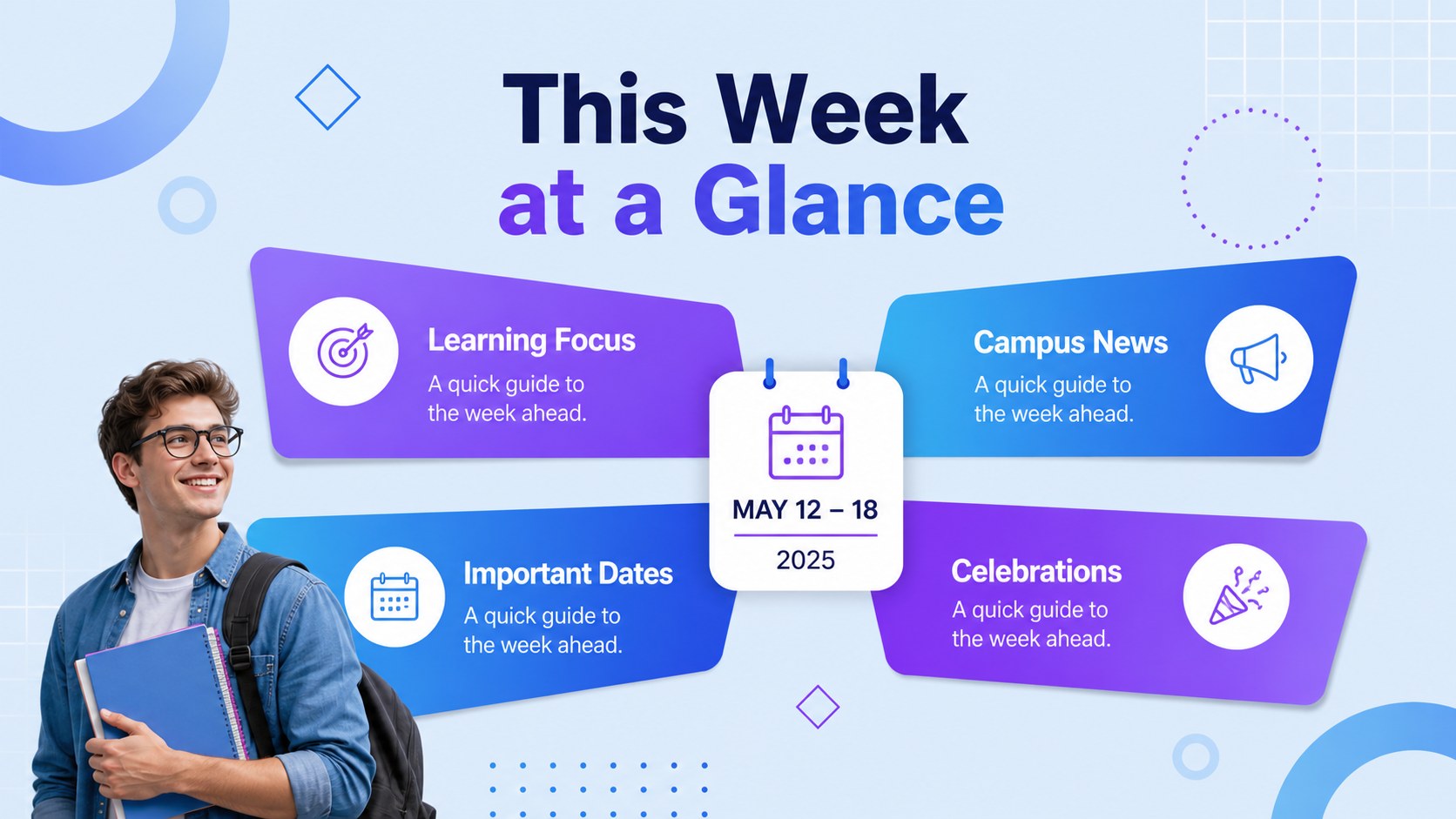
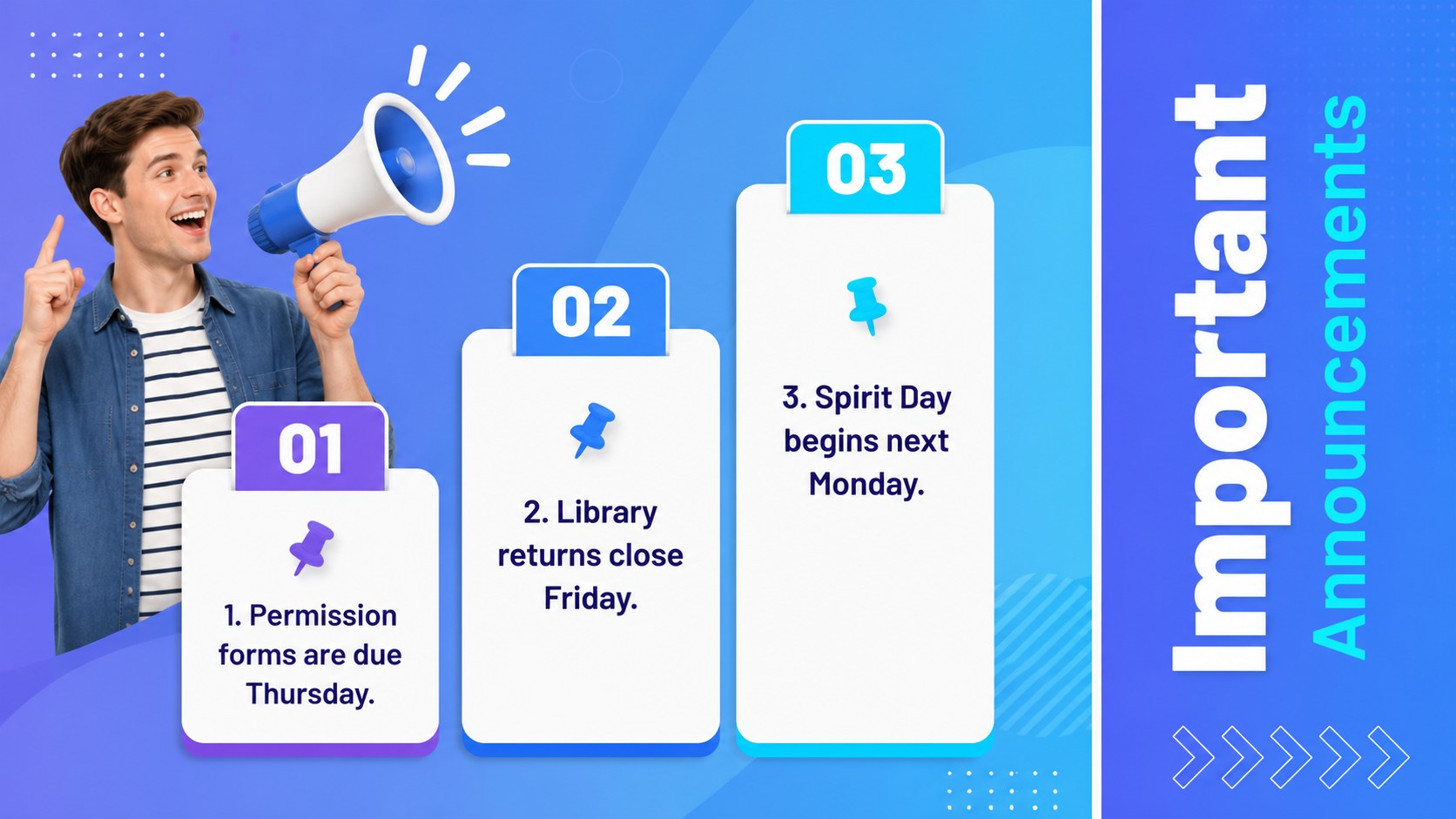
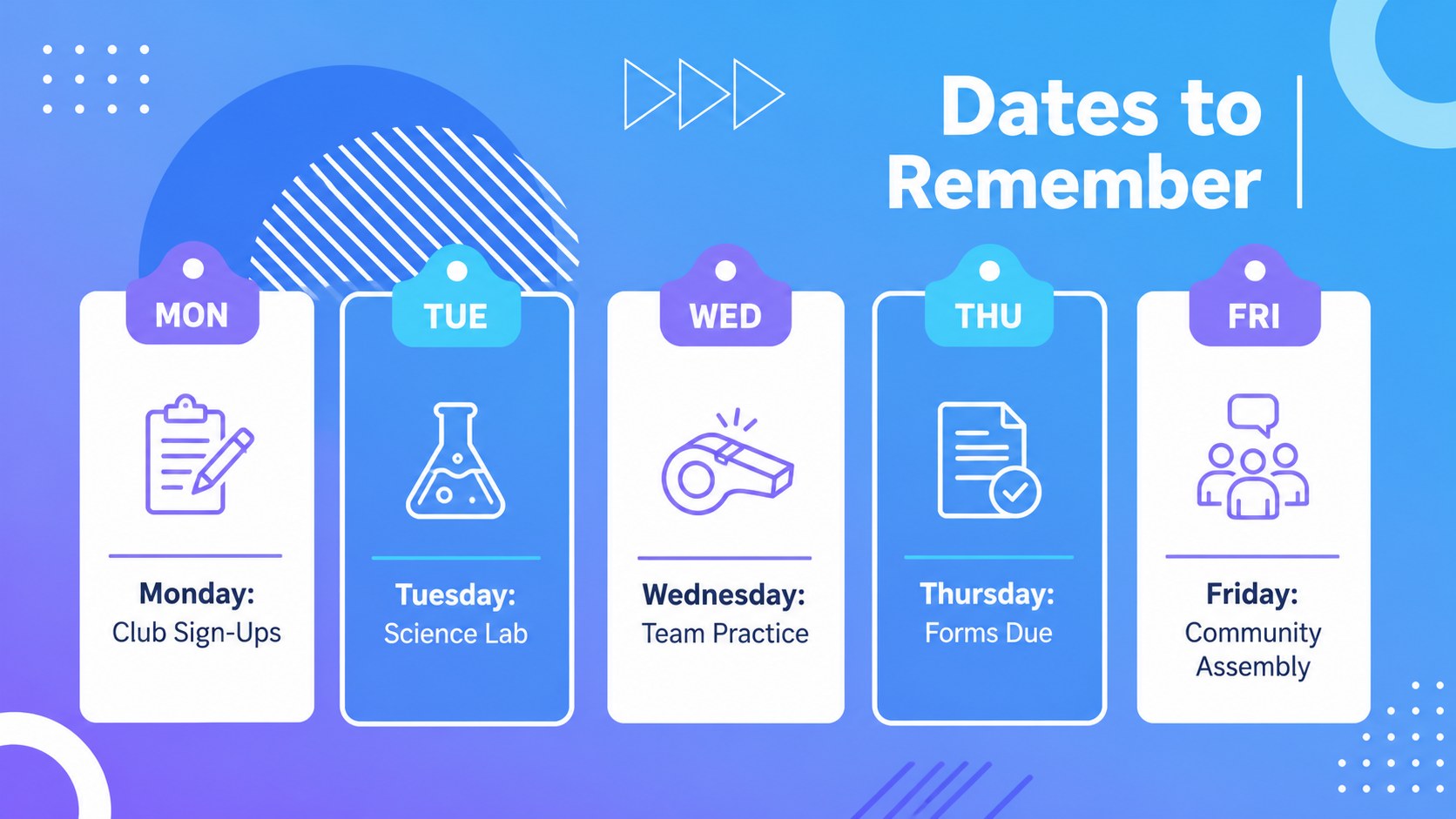
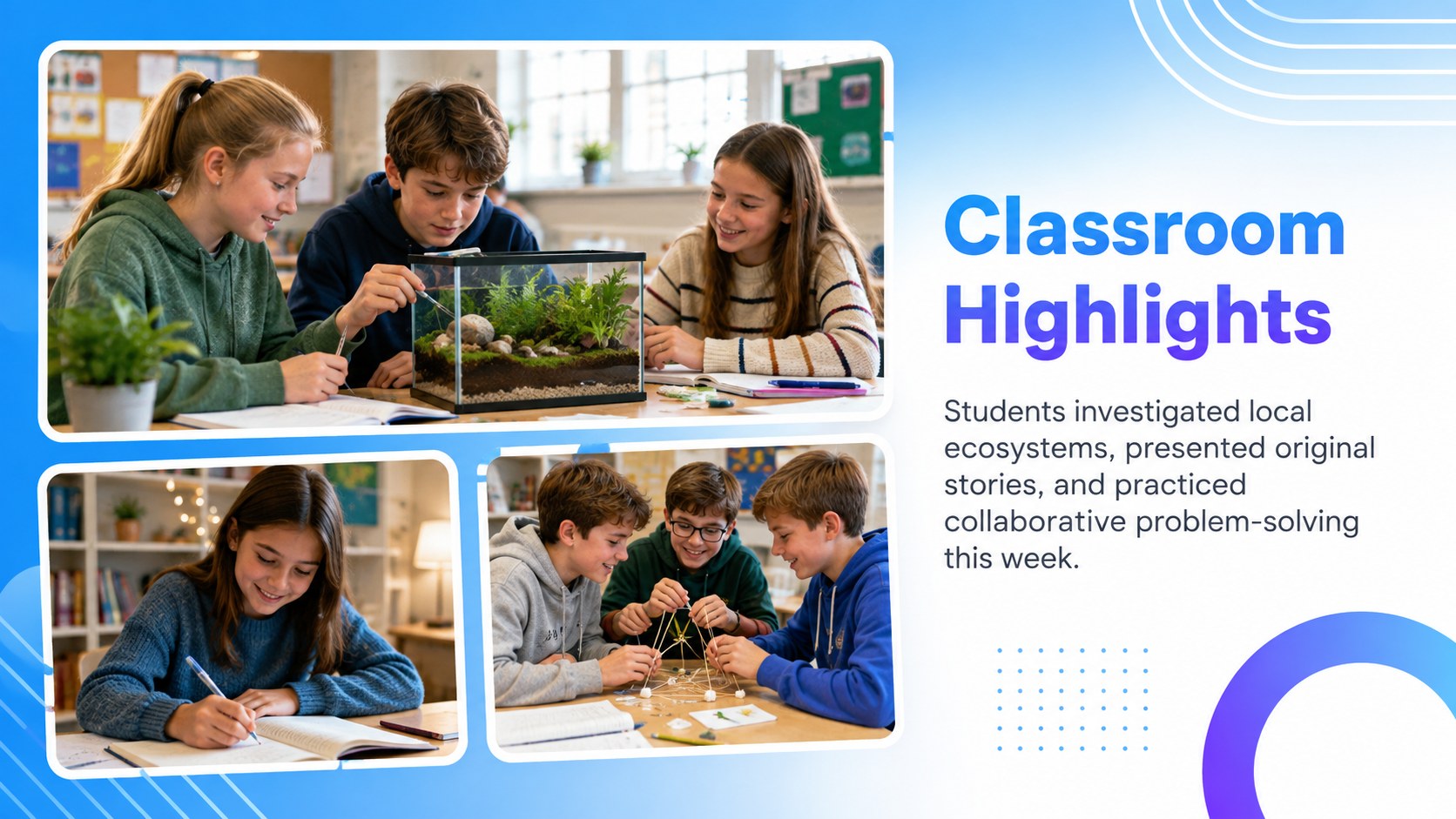
Keep students, families, and faculty aligned with a blue geometric school bulletin deck designed for clear, consistent weekly communication. Its colorful blue palette, crisp typography, layered shapes, and modern gradient accents create an upbeat school look while keeping every update easy to scan.
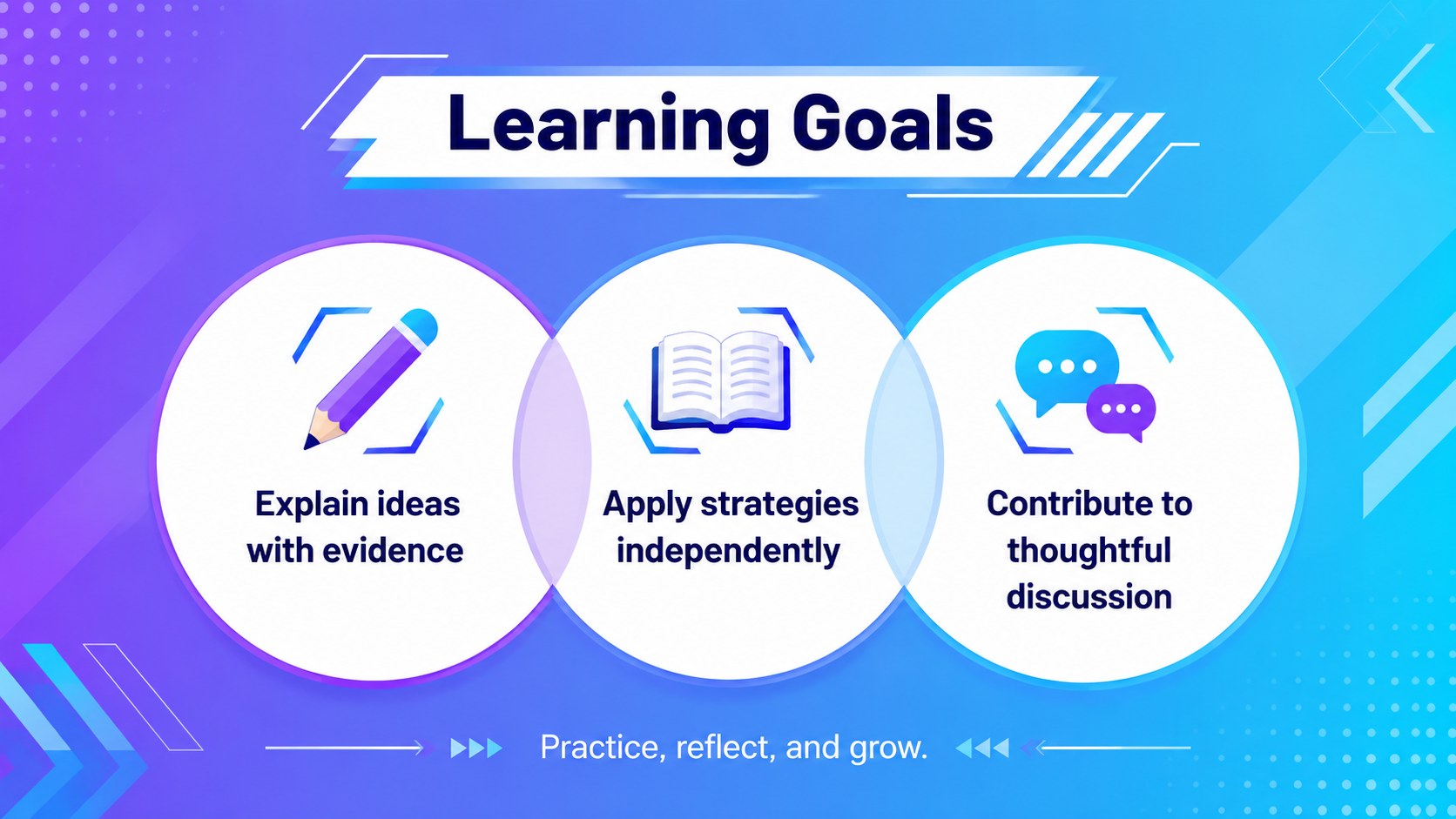
The deck includes 15 customizable slides for a weekly overview, important announcements, calendar dates, classroom highlights, student recognition, club news, event reminders, learning goals, helpful resources, and contact details. Flexible text areas and visual placeholders make it suitable for a weekly classroom announcements presentation or a broader campus update. Use the coordinated layouts to build middle school parent update slides without forcing every topic into the same format. A student achievement newsletter template is also included for celebrating academic progress, creative work, leadership, attendance, or community contributions.
Teachers can present the bulletin at the start of class, advisors can use it during homeroom, and school administrators can share it at assemblies or family information sessions. Every slide can be edited in PowerPoint or Google Slides, including the wording, colors, shapes, images, and ordering. The 16:9 format works well for classroom displays, projectors, virtual meetings, and exported PDF handouts. Replace the sample content with current information, apply your school colors where needed, and reuse the deck as a dependable communication system from one week to the next.
Perfect for: Monday homeroom briefing; weekly family update; school event announcements; student achievement showcase; faculty and campus news.
Frequently asked questions
Can I edit every part of the bulletin deck? Yes. You can replace the sample wording, move or resize shapes, change the blue palette, add school photos, and reorder the slides to match your weekly communication needs.
Practical details
Yes. You can replace the sample wording, move or resize shapes, change the blue palette, add school photos, and reorder the slides to match your weekly communication needs.
The deck is designed for PowerPoint and Google Slides. Both platforms support editing, presenting, collaboration, and export to common formats such as PDF.
Add your school name, colors, logo, calendar dates, contact details, and current photos. Keep the coordinated typography and geometric accents in place for a consistent visual system across weekly editions.
Yes. Duplicate the file for each week, update the dates and announcements, and retain recurring sections such as reminders, celebrations, and upcoming events.
Keep exploring
15Build stronger academic arguments with a college essay thesis builder featuring guided examples, revision prompts, and editable PowerPoint and Google Slides.
 15
15Build an engaging World UFO Day session with this flying saucer history lesson deck, featuring retro green-and-brown slides for PowerPoint and Google Slides.
 14
14Plan a memorable Lunar New Year campaign with the 2036 Dragon Year Celebration Theme, featuring bold red-and-yellow slides for lessons and events.
 15
15Build a thoughtful classroom discussion with this interfaith awareness lesson deck, featuring editable blue-and-white slides for PowerPoint and Google Slides.
 15
15Use this environmental awareness lesson deck to teach climate action through illustrated activities, discussion prompts, and ready-to-edit visuals.
 15
15Build playful lessons and party stories with a kid-friendly zombie celebration theme in purple, green and pastel blue for PowerPoint and Google Slides.
 15
15Build eerie lessons, campaigns, and story pitches with an undead survival scenario theme featuring editable slides for PowerPoint and Google Slides.
 16
16Turn environmental research into a clear story with a Watercolor Ecology Presentation Theme for PowerPoint and Google Slides in calming green and blue.