
 15
15presentation
College Essay Thesis Builder Slides
Build stronger academic arguments with a college essay thesis builder featuring guided examples, revision prompts, and editable PowerPoint and Google Slides.
Google SlidesPowerPoint
presentation · English
Build a thoughtful blue floral journal presentation with editable pages for reflection, note-taking, sketching, and creative planning in PowerPoint or…
Design notes
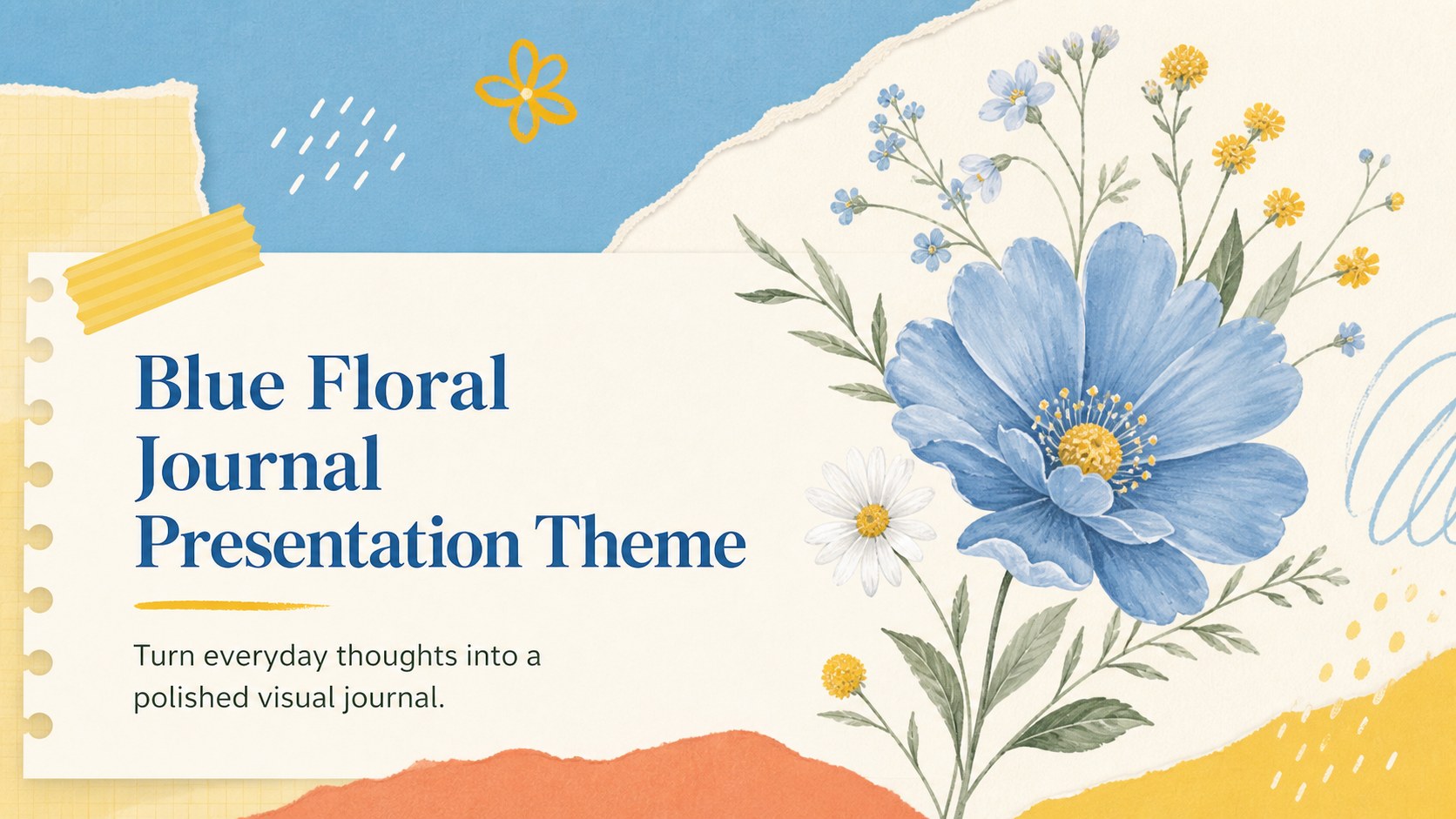
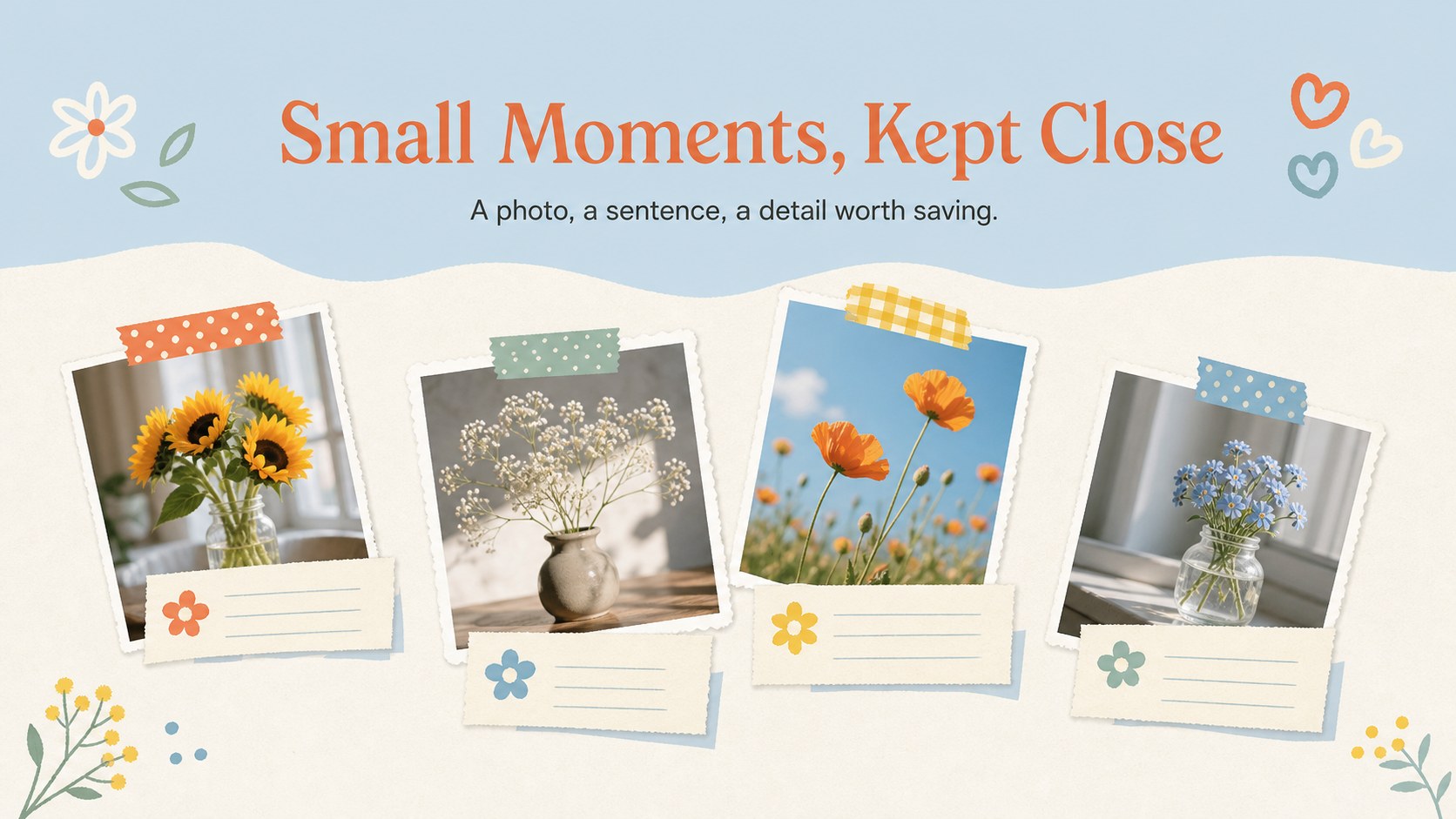
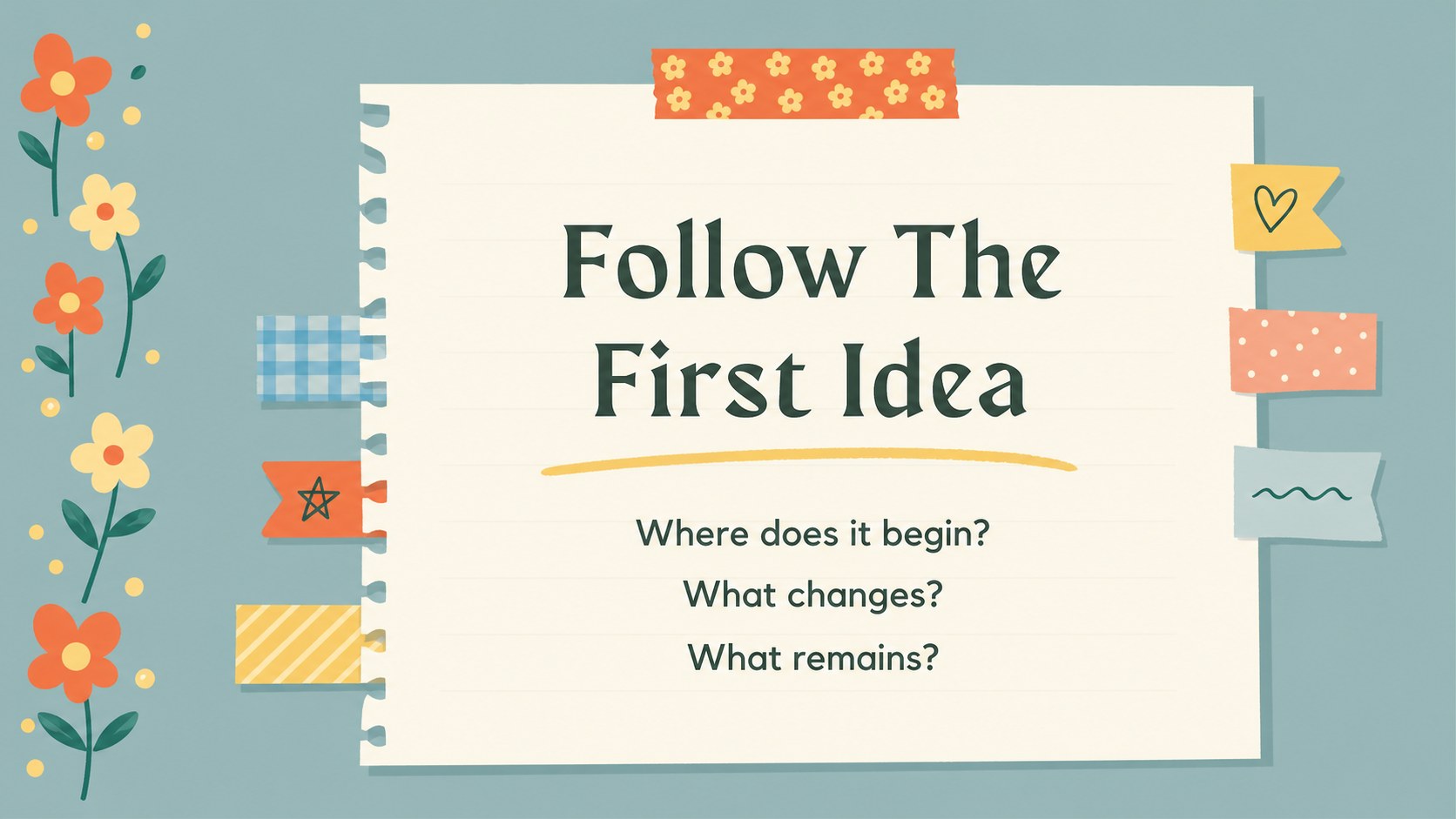
Make space for ideas, memories, and personal goals with this blue floral journal presentation. The design combines a cheerful blue, yellow, and orange palette with paper textures, illustrated blooms, tape-inspired accents, and friendly scrapbook details. It feels warm and expressive while leaving plenty of room for handwritten notes, images, lists, and sketches.
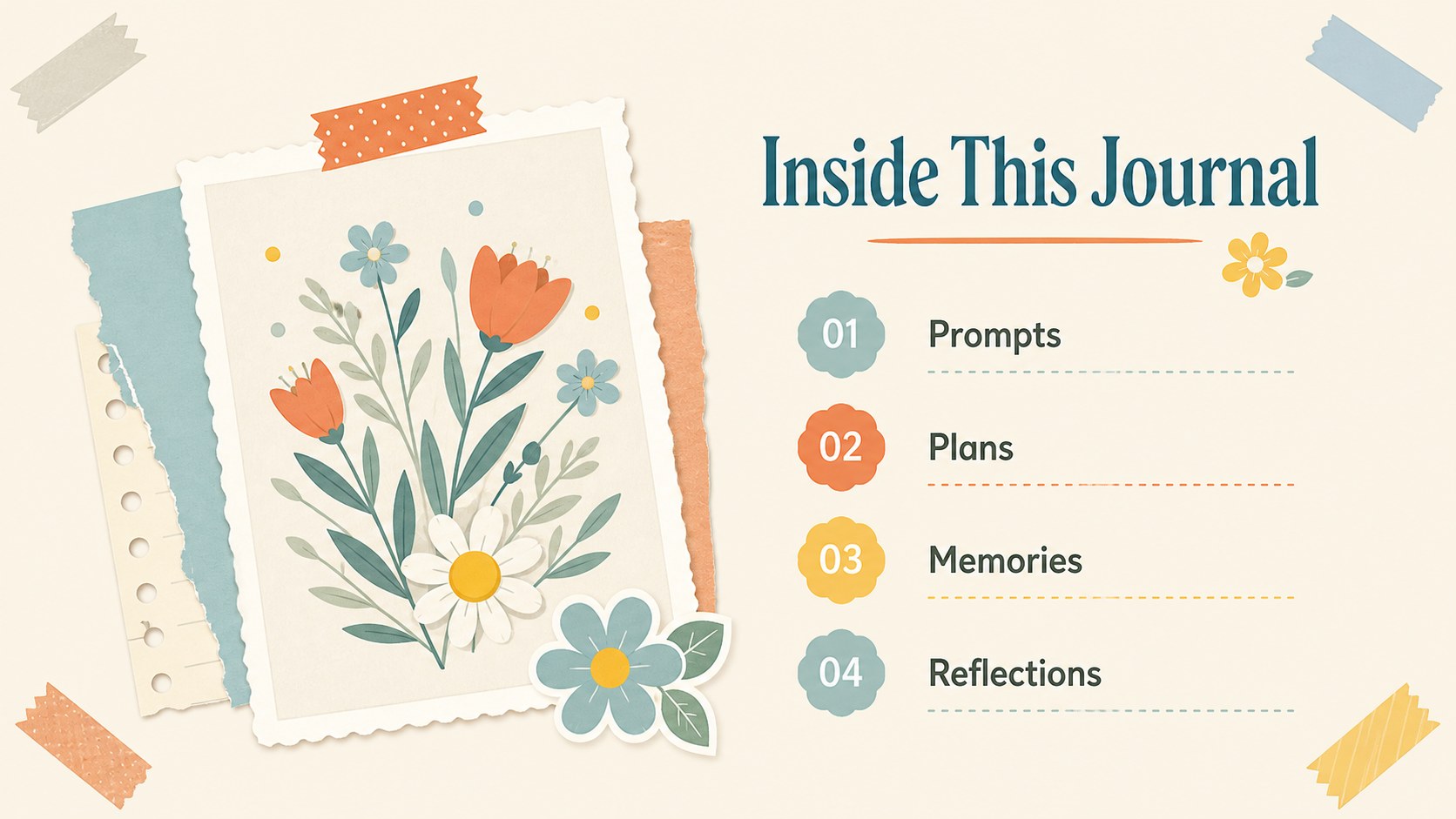
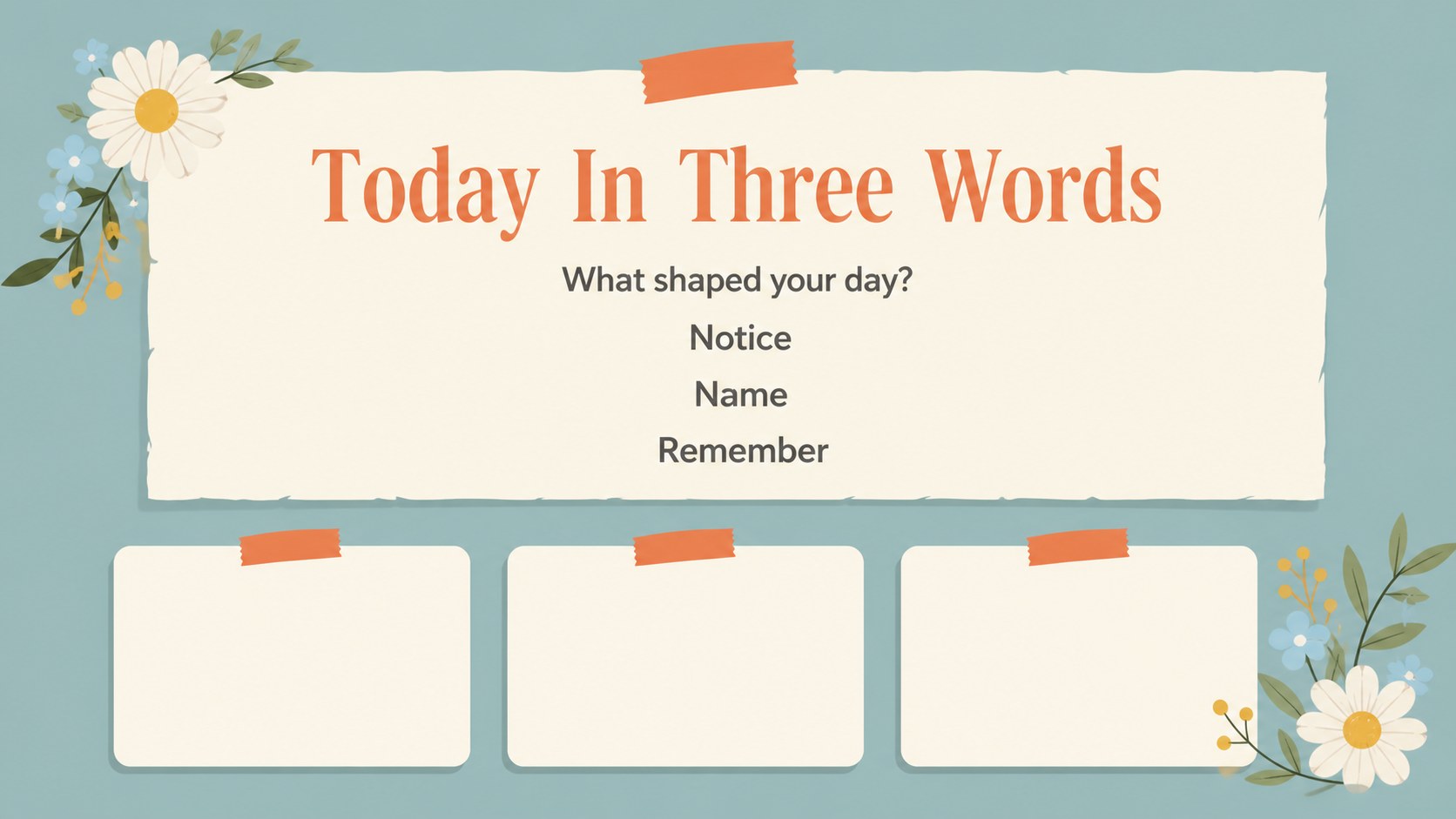
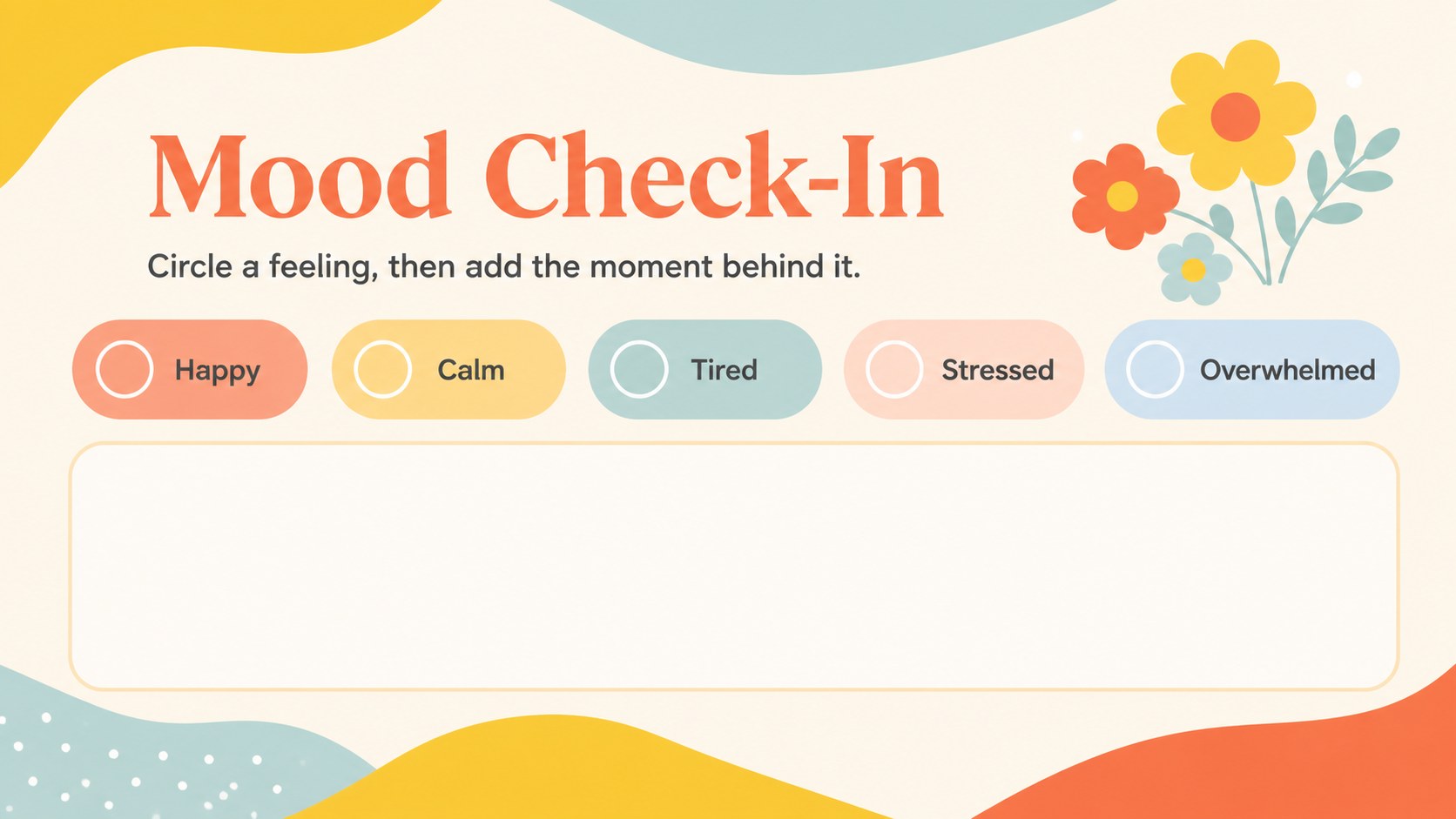
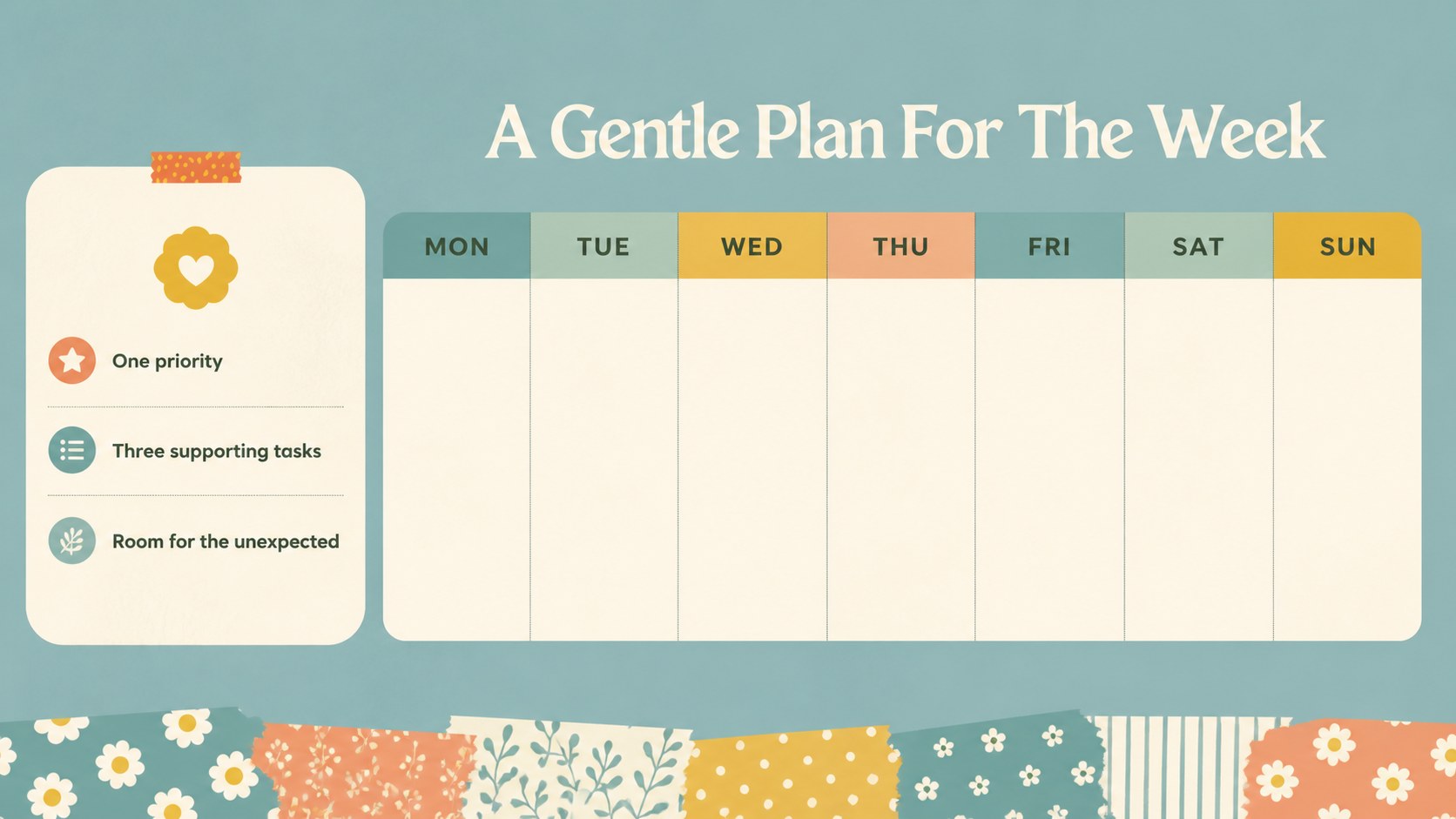
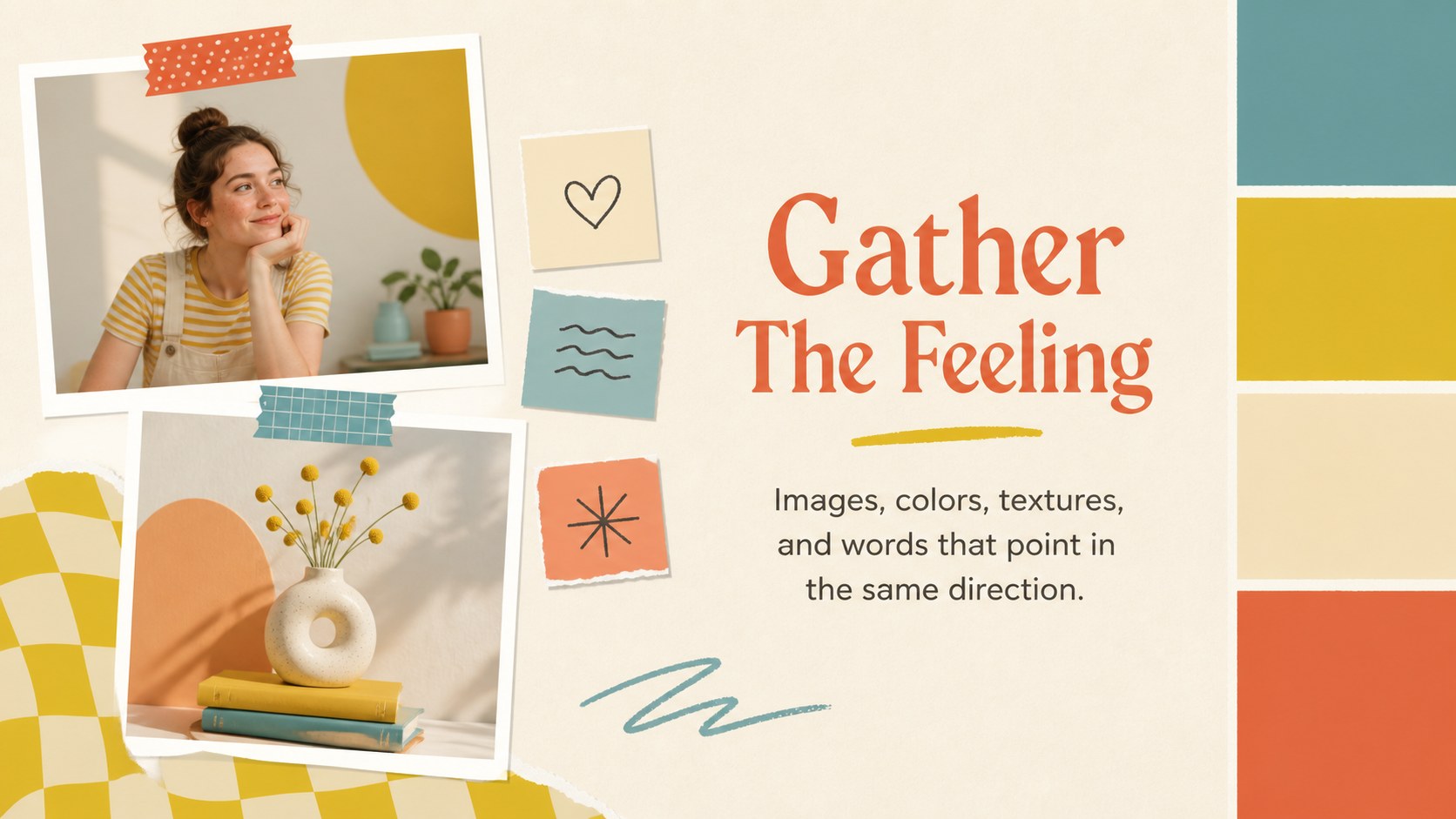
Inside, you will find more than 25 editable slide layouts for opening pages, table of contents sections, daily prompts, mood boards, weekly plans, memory collections, progress check-ins, and closing reflections. Use the layouts to build a digital journal presentation, classroom activity, creative portfolio, or personal planning deck. Visual elements such as frames, charts, lines, shapes, and image placeholders make it simple to organize both short notes and longer entries.
This template is designed for students, teachers, writers, hobbyists, scrapbookers, and anyone who wants a more visual way to document ideas. It also works well as floral scrapbook slides for workshops, journaling clubs, wellness sessions, and creative reflection deck projects. Edit the text, colors, photos, and page order in PowerPoint or Google Slides, then present, print, or share the finished journal in the format that suits your project.
Perfect for: personal visual diary; student reflection journal; creative writing workshop; wellness journaling session; scrapbooking club activity.
Frequently asked questions
Can I edit the journal pages in PowerPoint? Yes. The layouts are editable in PowerPoint, including text, colors, images, shapes, and decorative elements. You can also reorder or remove pages to match your journal structure.
Practical details
Yes. The layouts are editable in PowerPoint, including text, colors, images, shapes, and decorative elements. You can also reorder or remove pages to match your journal structure.
Yes, you can open and customize the presentation in Google Slides. Replace the sample text and images, adjust the page sequence, and collaborate with others through your Google Drive workflow.
The layouts suit classroom reflection, creative writing, memory keeping, and project planning. Teachers can adapt the prompts and visual pages for individual work, group exercises, or student portfolios.
Yes. The blue, yellow, and orange palette can be adjusted to suit your project while preserving the scrapbook-inspired look. You can also swap the floral illustrations and paper accents for your own images.
Keep exploring
15Build stronger academic arguments with a college essay thesis builder featuring guided examples, revision prompts, and editable PowerPoint and Google Slides.
 15
15Build an engaging World UFO Day session with this flying saucer history lesson deck, featuring retro green-and-brown slides for PowerPoint and Google Slides.
 14
14Plan a memorable Lunar New Year campaign with the 2036 Dragon Year Celebration Theme, featuring bold red-and-yellow slides for lessons and events.
 15
15Build a thoughtful classroom discussion with this interfaith awareness lesson deck, featuring editable blue-and-white slides for PowerPoint and Google Slides.
 15
15Use this environmental awareness lesson deck to teach climate action through illustrated activities, discussion prompts, and ready-to-edit visuals.
 15
15Build playful lessons and party stories with a kid-friendly zombie celebration theme in purple, green and pastel blue for PowerPoint and Google Slides.
 15
15Build eerie lessons, campaigns, and story pitches with an undead survival scenario theme featuring editable slides for PowerPoint and Google Slides.
 16
16Turn environmental research into a clear story with a Watercolor Ecology Presentation Theme for PowerPoint and Google Slides in calming green and blue.