
 15
15presentation
College Essay Thesis Builder Slides
Build stronger academic arguments with a college essay thesis builder featuring guided examples, revision prompts, and editable PowerPoint and Google Slides.
Google SlidesPowerPoint
presentation · English
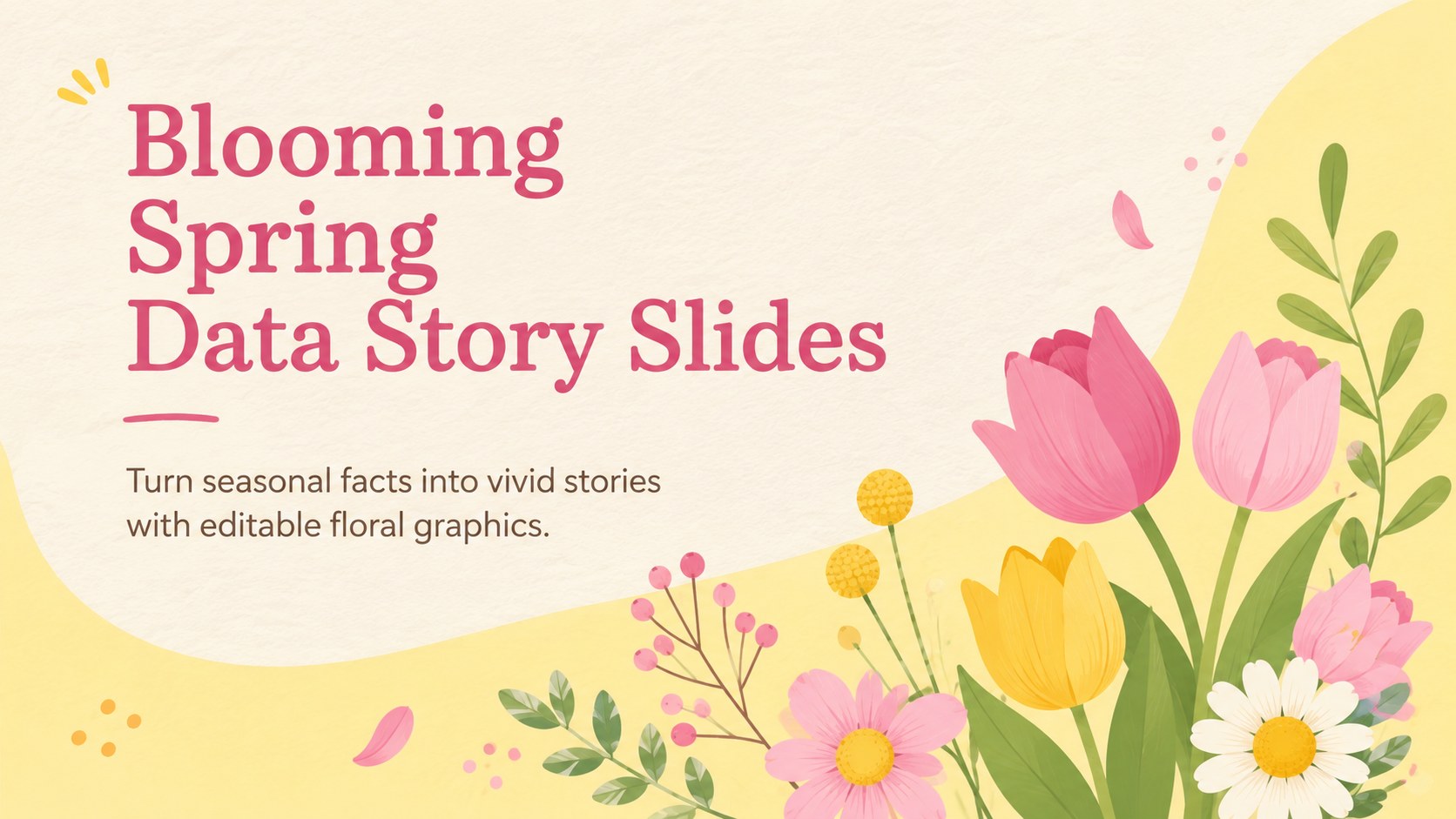
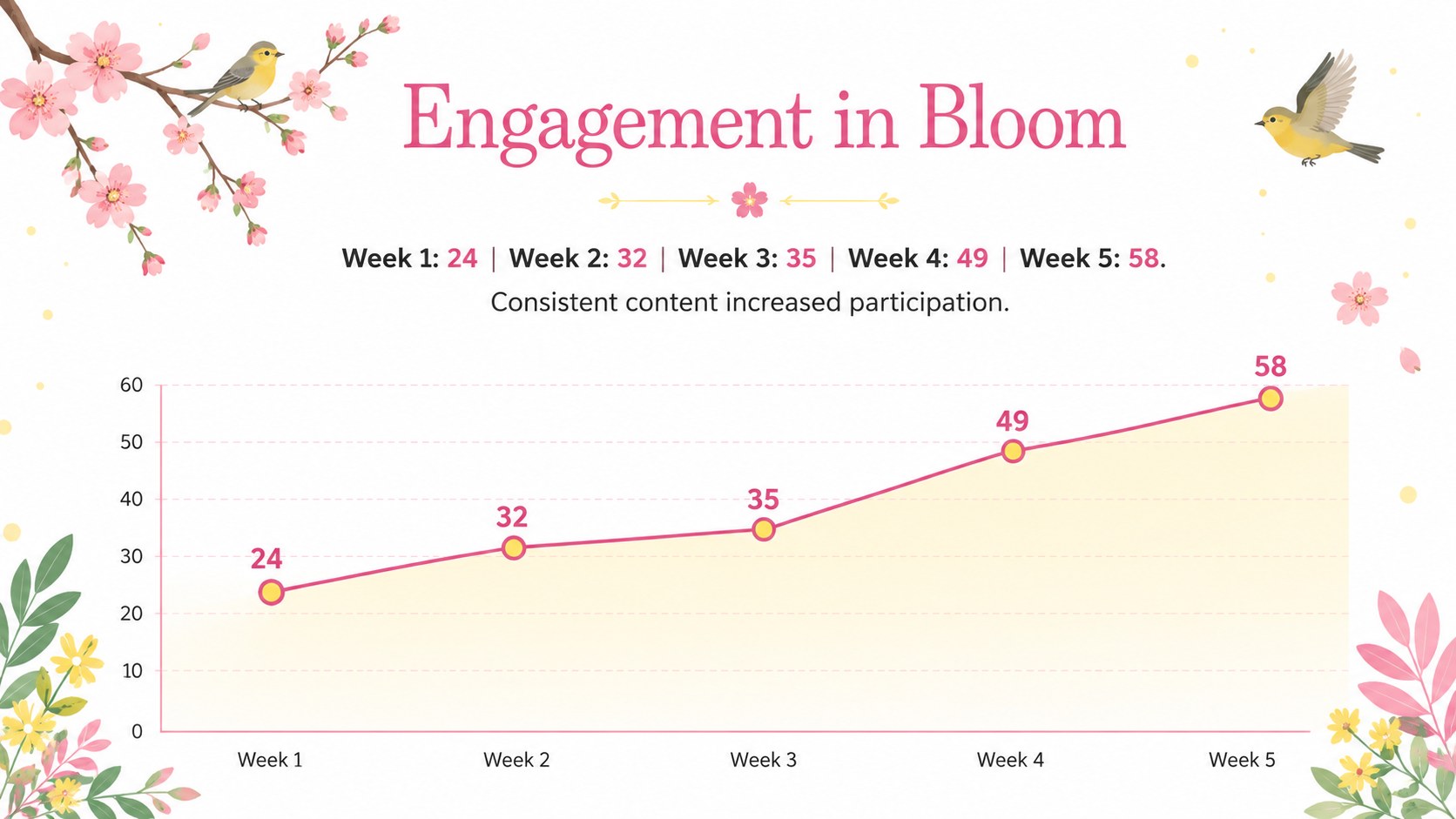
Turn seasonal facts into vivid stories with Spring Data Story Slides, featuring editable yellow and pink floral graphics for PowerPoint and Google Slides.
Design notes
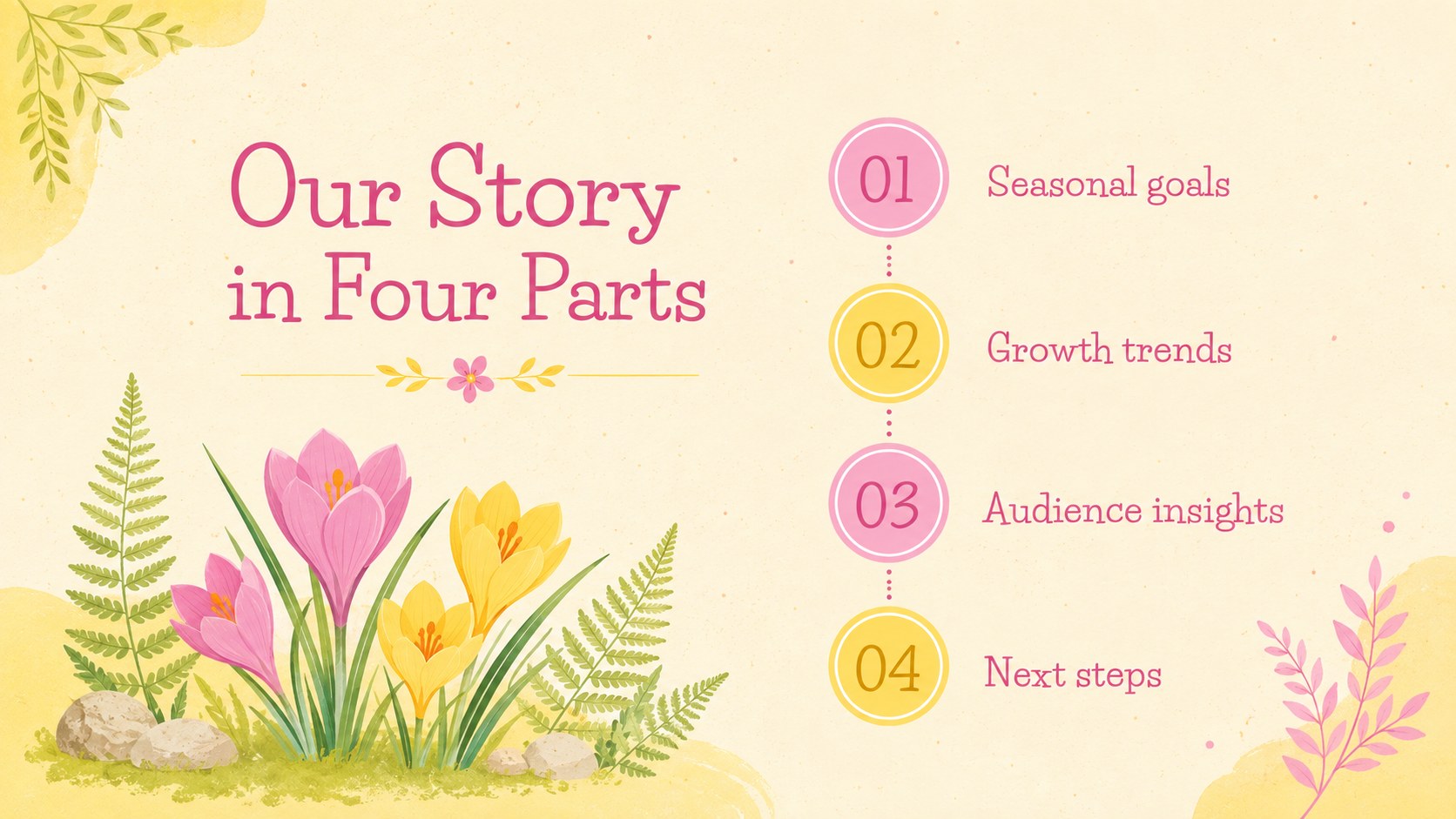
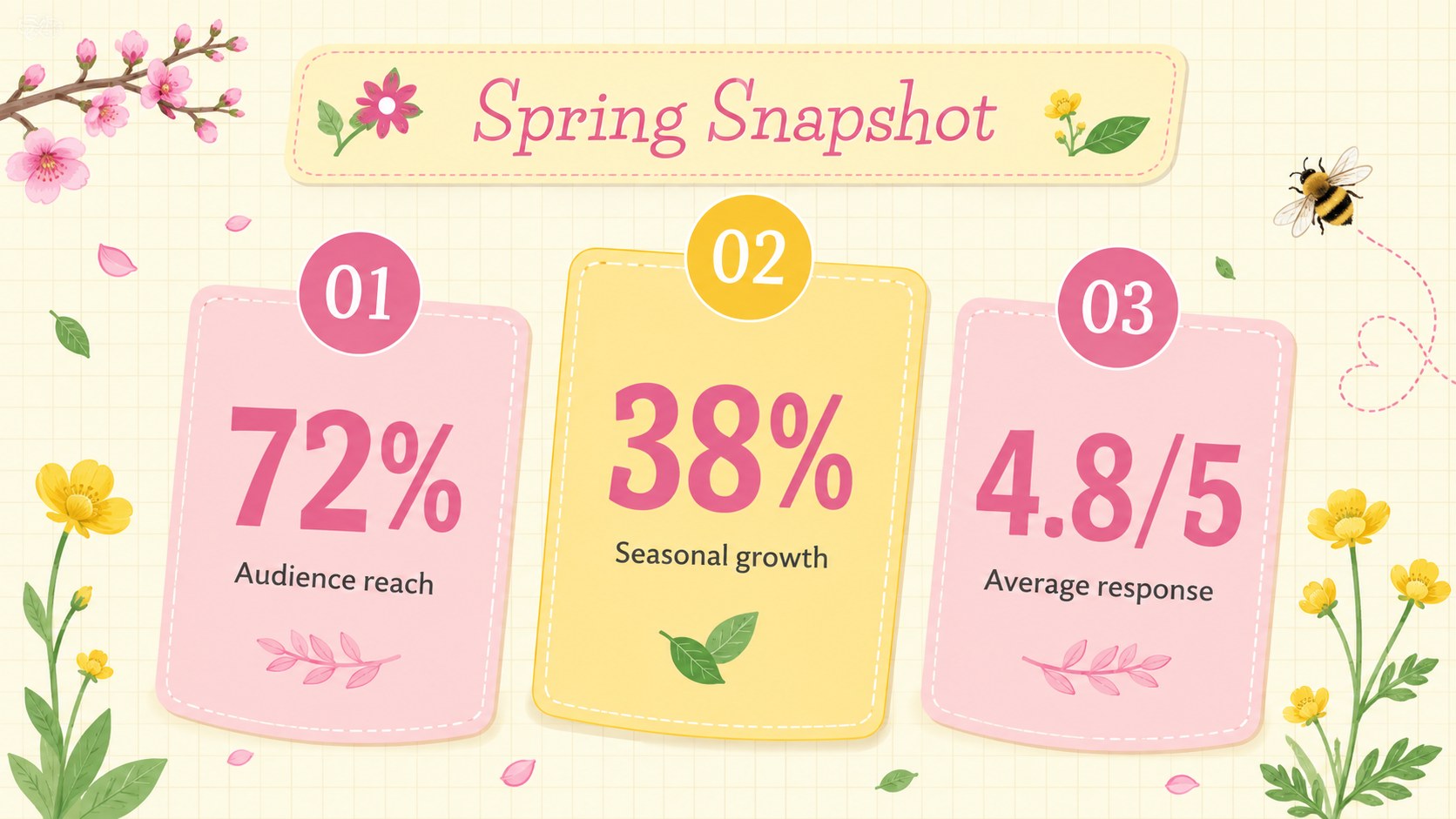
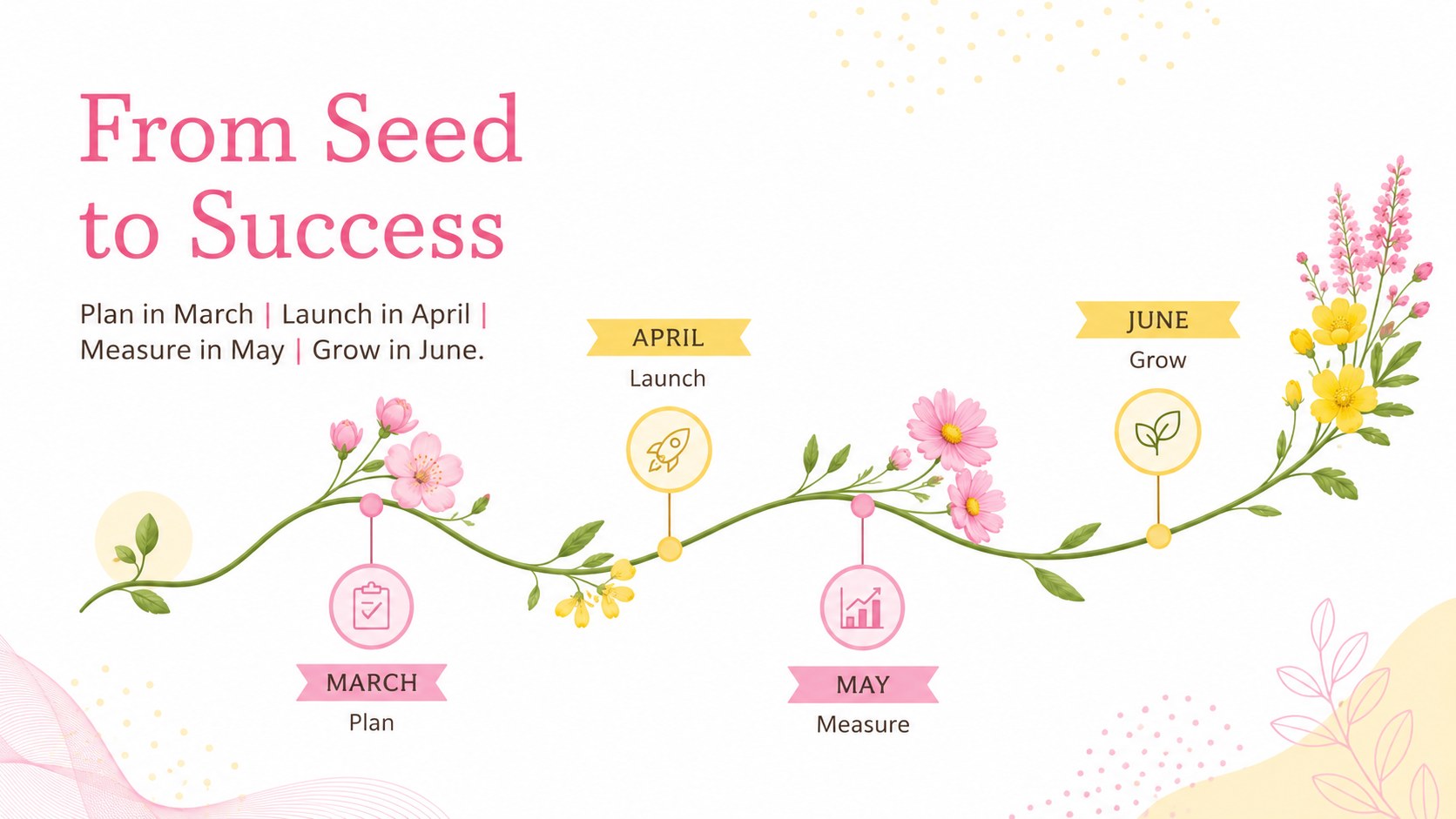
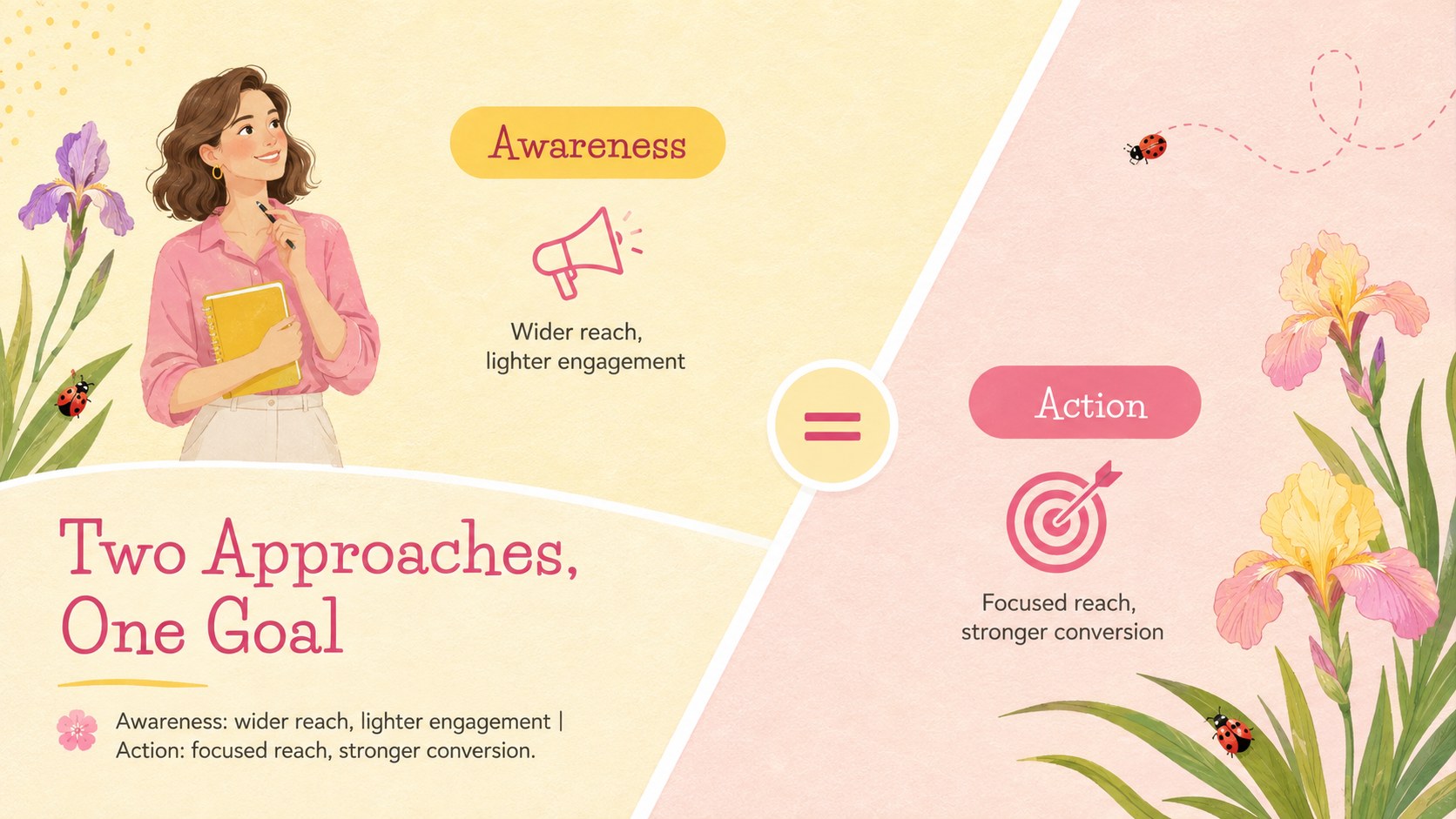
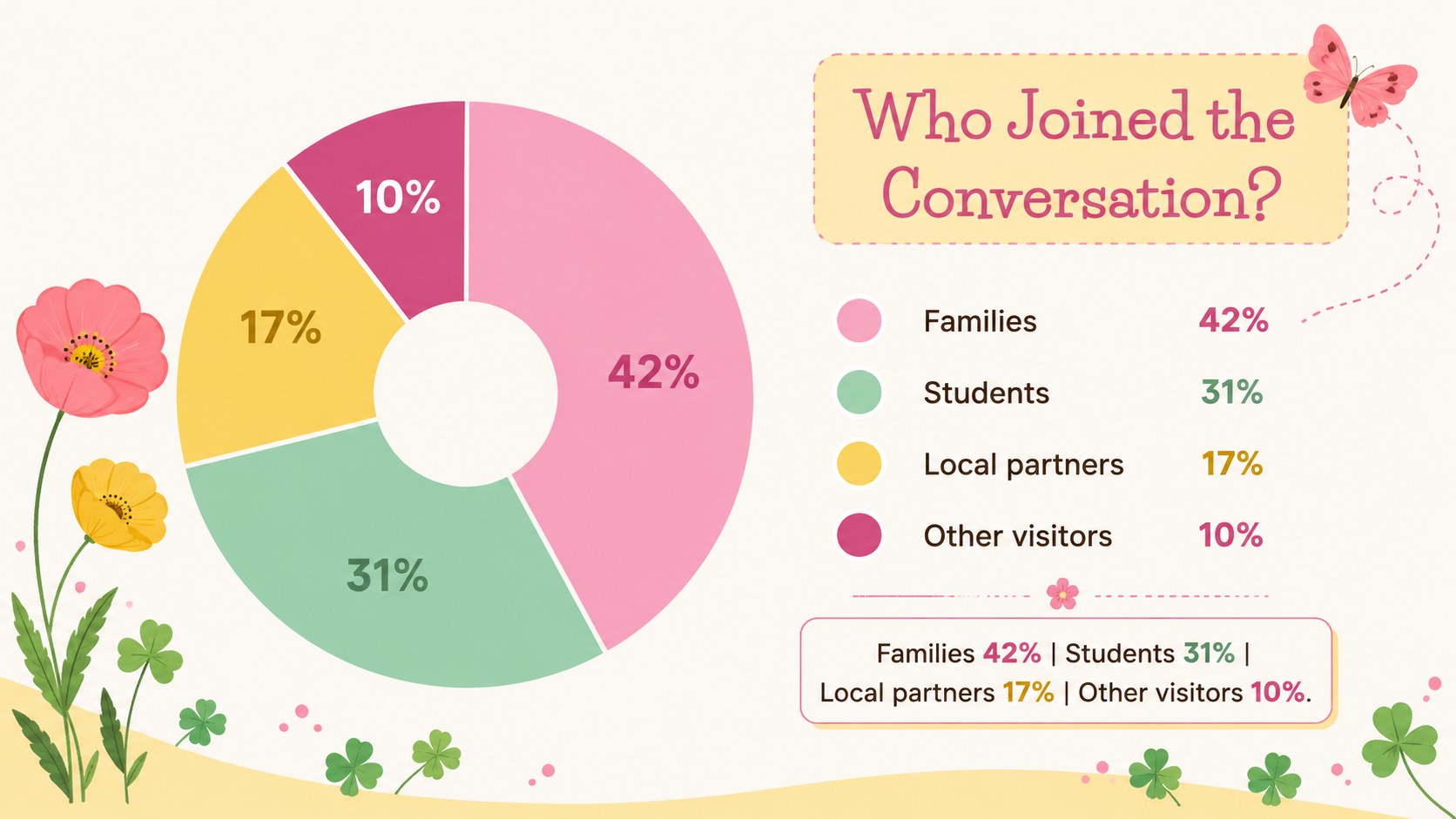
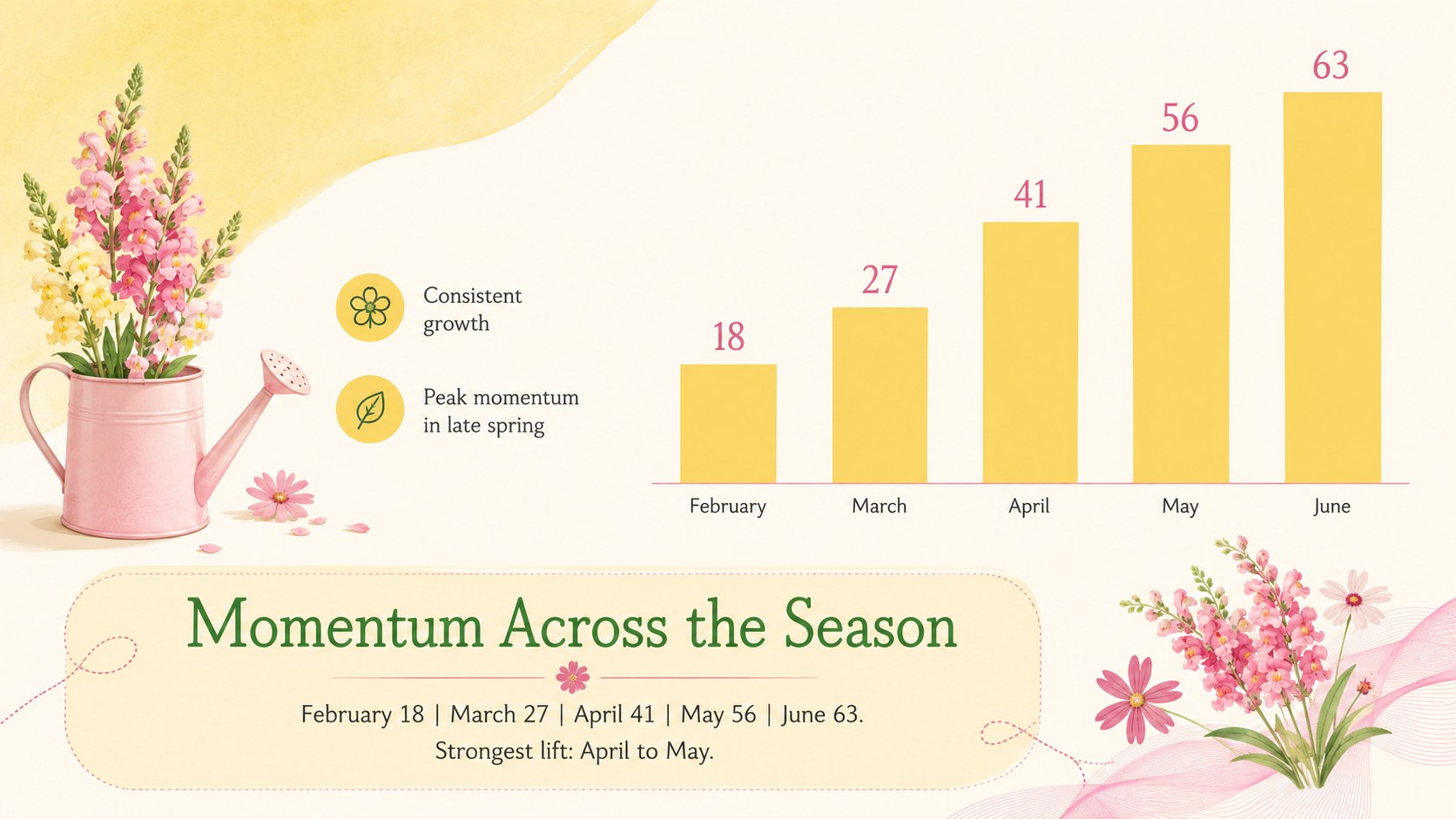
Spring Data Story Slides turn seasonal facts, project updates, and campaign results into a bright visual narrative. Sunny yellow, lively pink, and fresh floral illustrations give the deck an upbeat character while keeping information clear and easy to scan. Use the layouts to explain growth, compare options, introduce a process, or highlight the numbers behind a spring initiative.
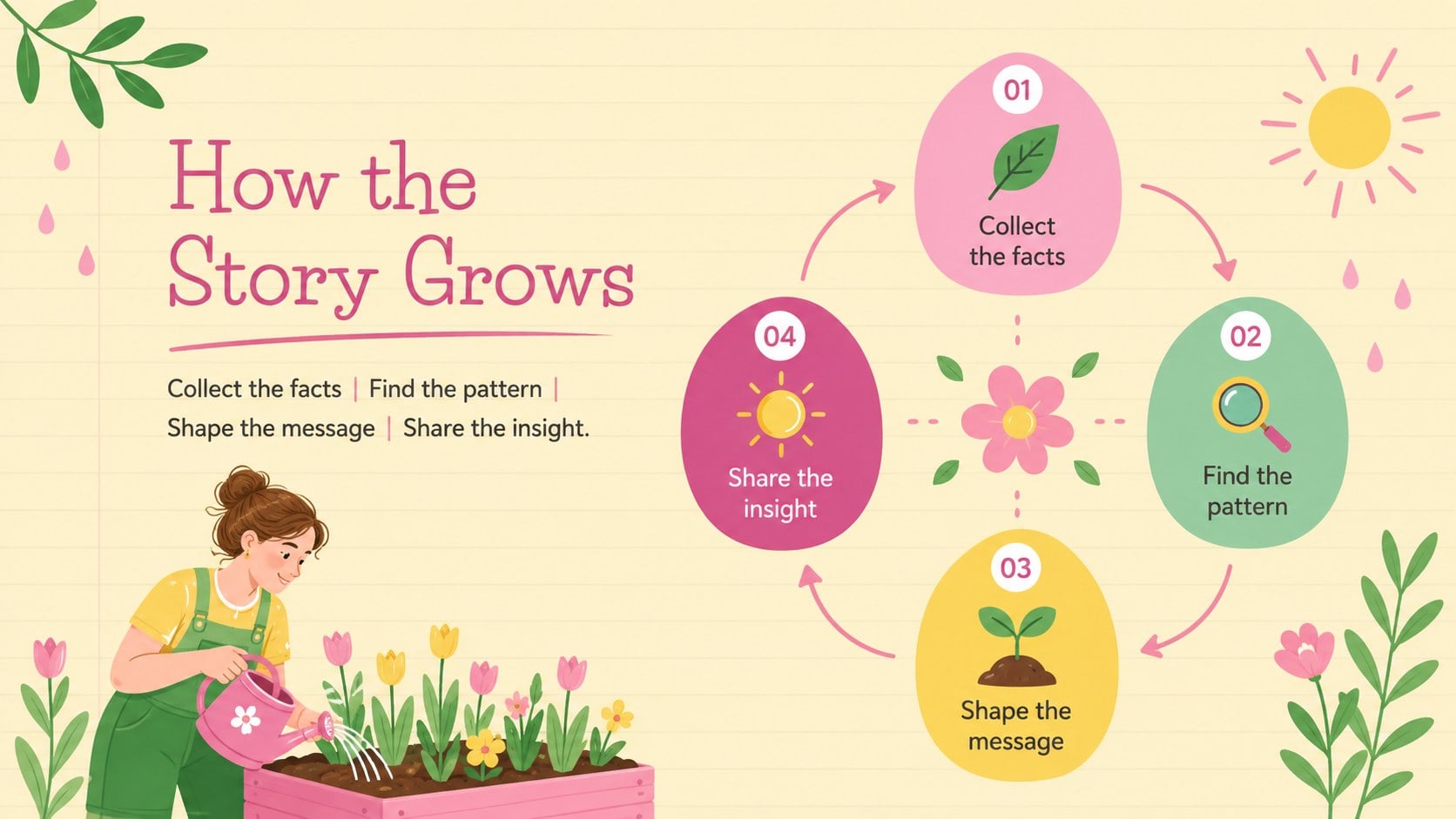
Inside, you will find editable spring infographic slides for statistics, charts, timelines, cycles, comparisons, milestones, and short summaries. The varied layouts balance concise text with practical data visualization, offering enough structure for quick editing without limiting your ideas. Every 16:9 slide can be adapted in PowerPoint or Google Slides by changing the wording, colors, icons, charts, and arrangement of visual elements.
This floral data visualization template works well for teachers presenting seasonal topics, marketers reviewing spring campaigns, small businesses sharing quarterly progress, and community groups promoting nature-focused programs. It can also become a spring marketing report presentation for product launches, event recaps, audience insights, or social media planning. Replace the sample figures with your own information, select the layouts that fit your story, and build a polished presentation that feels warm, organized, and energetic.
Perfect for: spring campaign performance report; seasonal classroom lesson; garden program presentation; quarterly business update; community event recap.
Frequently asked questions
Can I edit every element in this presentation? Yes. The text, colors, icons, shapes, and chart data can be customized to match your subject or visual identity. Decorative elements may also be moved, resized, duplicated, or removed.
Practical details
Yes. The text, colors, icons, shapes, and chart data can be customized to match your subject or visual identity. Decorative elements may also be moved, resized, duplicated, or removed.
The template is designed for Microsoft PowerPoint and Google Slides. Open it in your preferred platform and create a working copy before replacing the sample content.
Replace the sample values and labels with your figures, then adjust the chart proportions where necessary. Keep labels concise so each visualization remains readable during a presentation.
Yes. You can replace the accent colors with your brand, school, or event palette while retaining the floral layout system. Check text contrast after editing to ensure that headings and figures remain accessible.
Keep exploring
15Build stronger academic arguments with a college essay thesis builder featuring guided examples, revision prompts, and editable PowerPoint and Google Slides.
 15
15Build an engaging World UFO Day session with this flying saucer history lesson deck, featuring retro green-and-brown slides for PowerPoint and Google Slides.
 14
14Plan a memorable Lunar New Year campaign with the 2036 Dragon Year Celebration Theme, featuring bold red-and-yellow slides for lessons and events.
 15
15Build a thoughtful classroom discussion with this interfaith awareness lesson deck, featuring editable blue-and-white slides for PowerPoint and Google Slides.
 15
15Use this environmental awareness lesson deck to teach climate action through illustrated activities, discussion prompts, and ready-to-edit visuals.
 15
15Build playful lessons and party stories with a kid-friendly zombie celebration theme in purple, green and pastel blue for PowerPoint and Google Slides.
 15
15Build eerie lessons, campaigns, and story pitches with an undead survival scenario theme featuring editable slides for PowerPoint and Google Slides.
 16
16Turn environmental research into a clear story with a Watercolor Ecology Presentation Theme for PowerPoint and Google Slides in calming green and blue.