
 15
15presentation
College Essay Thesis Builder Slides
Build stronger academic arguments with a college essay thesis builder featuring guided examples, revision prompts, and editable PowerPoint and Google Slides.
Google SlidesPowerPoint
presentation · English
Build clearer lessons with a violet illustrated blood sugar basics lesson deck for biology and health classes, editable in PowerPoint and Google Slides.


Design notes
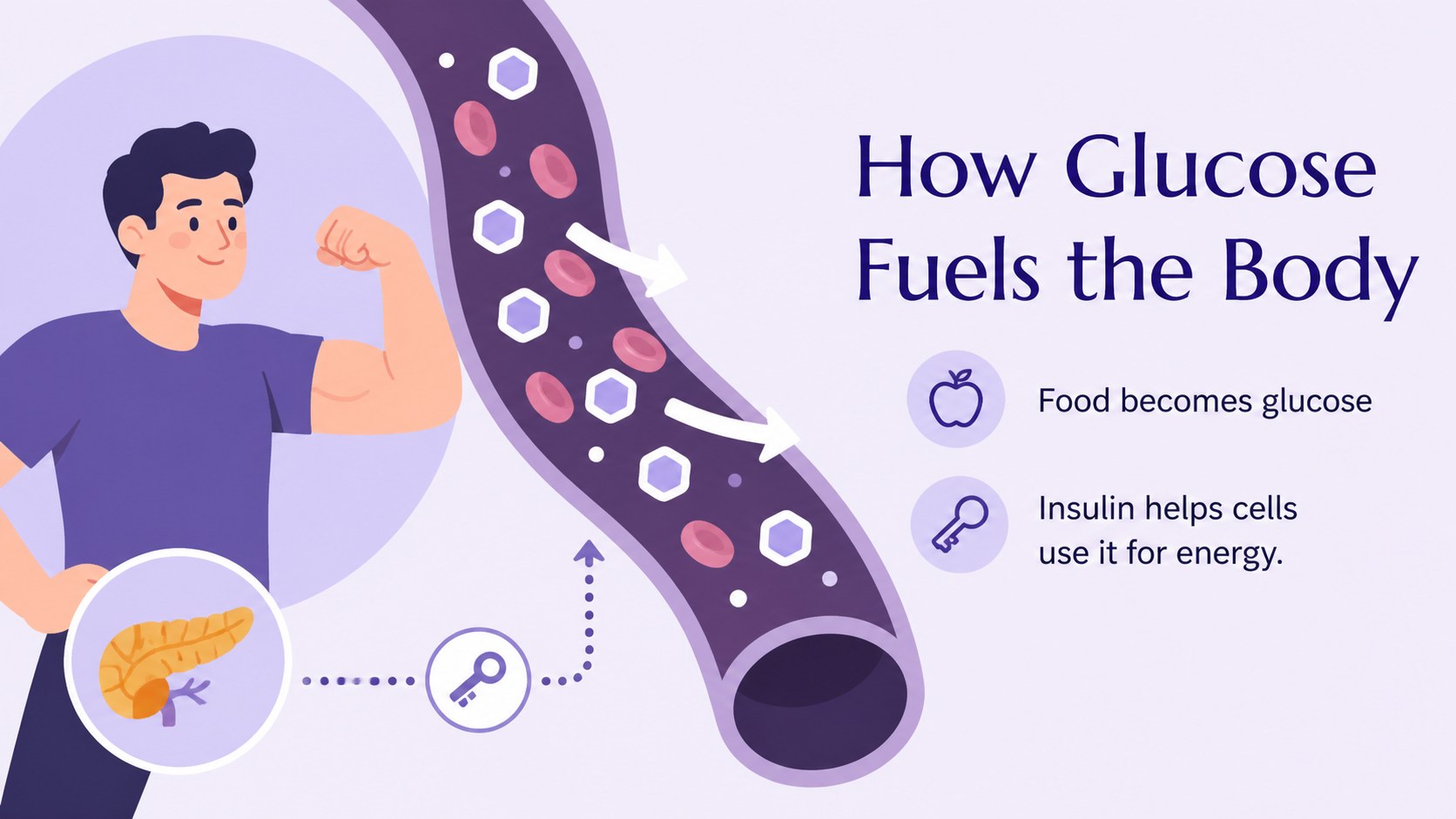
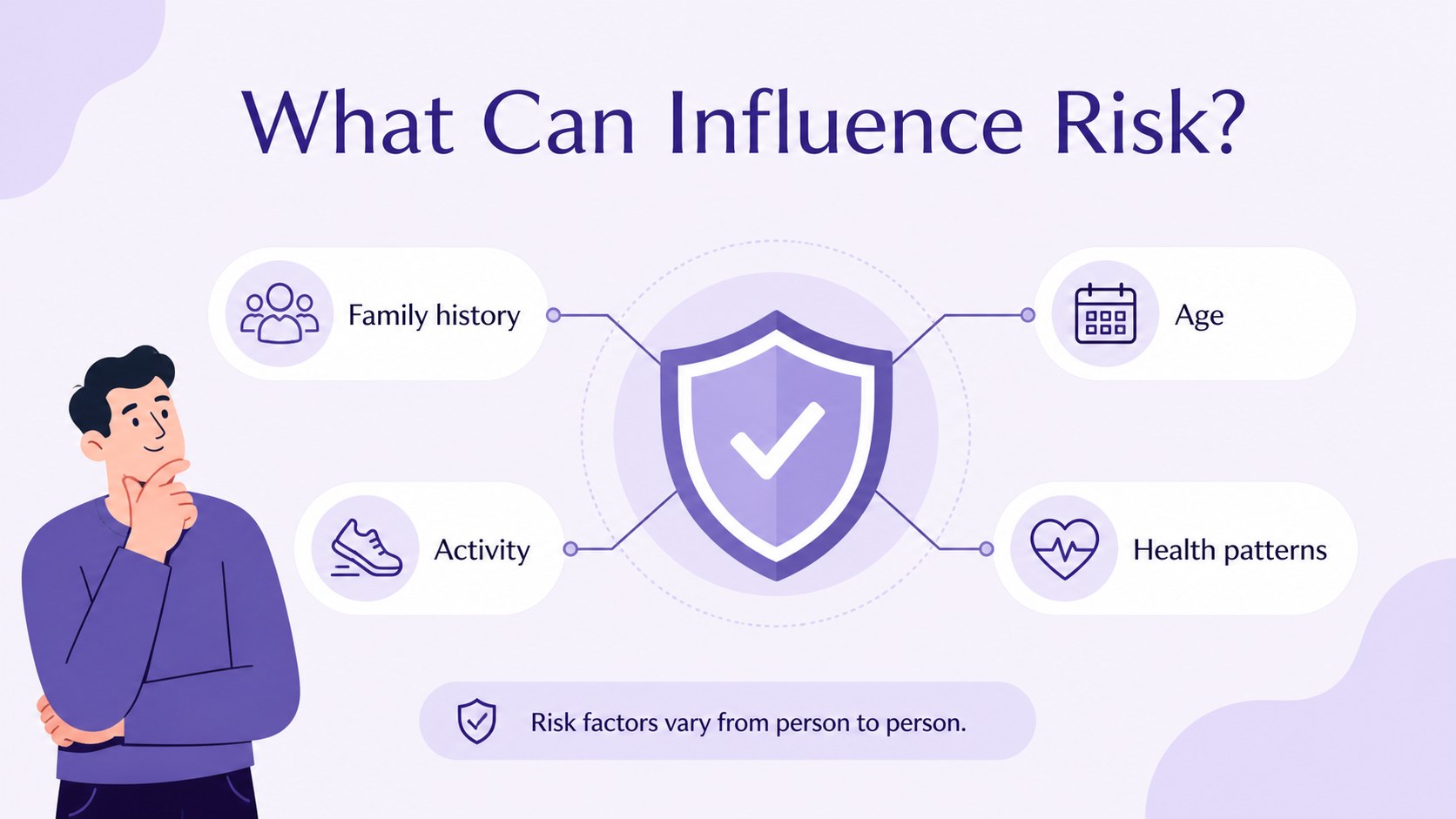
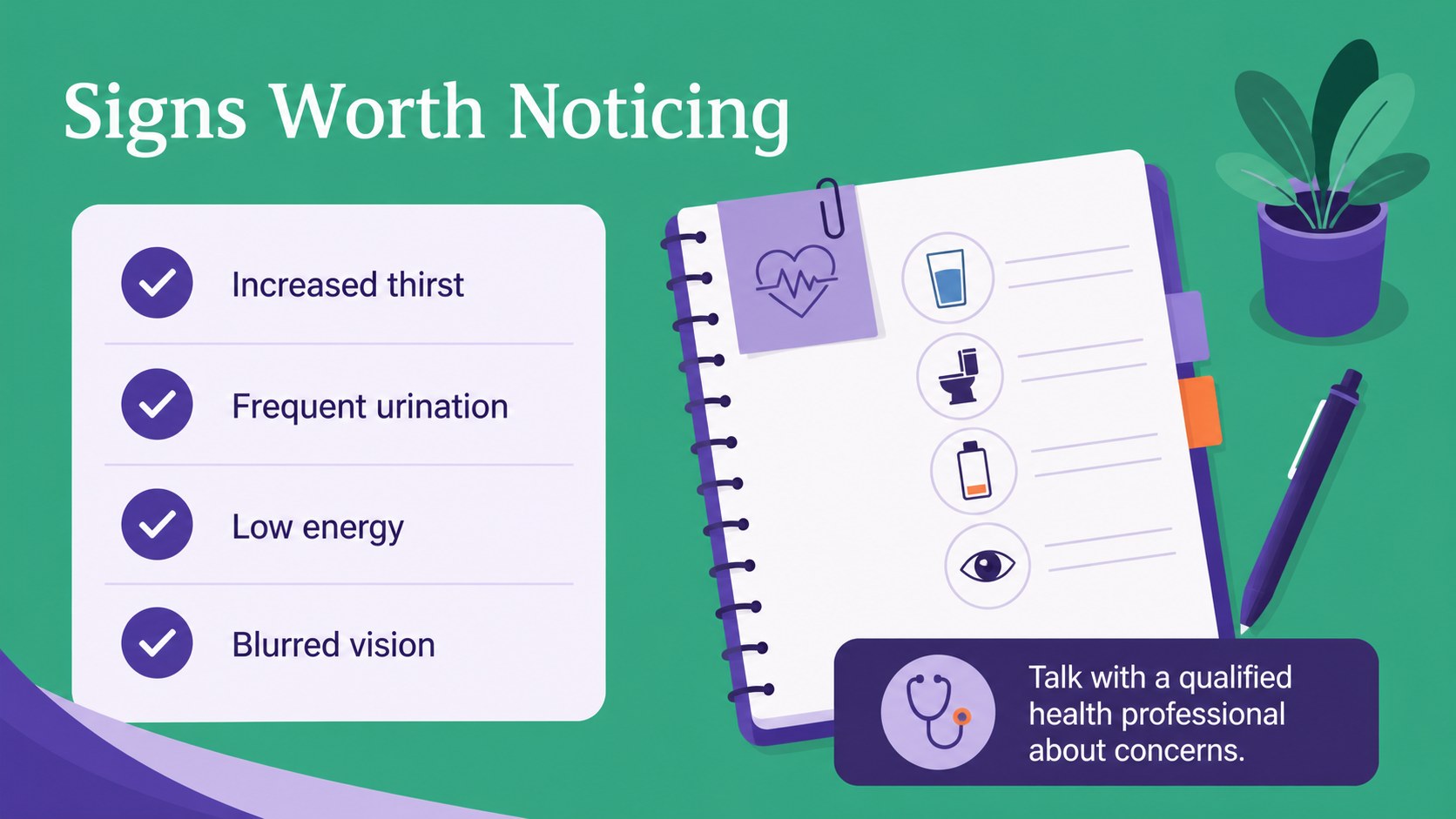
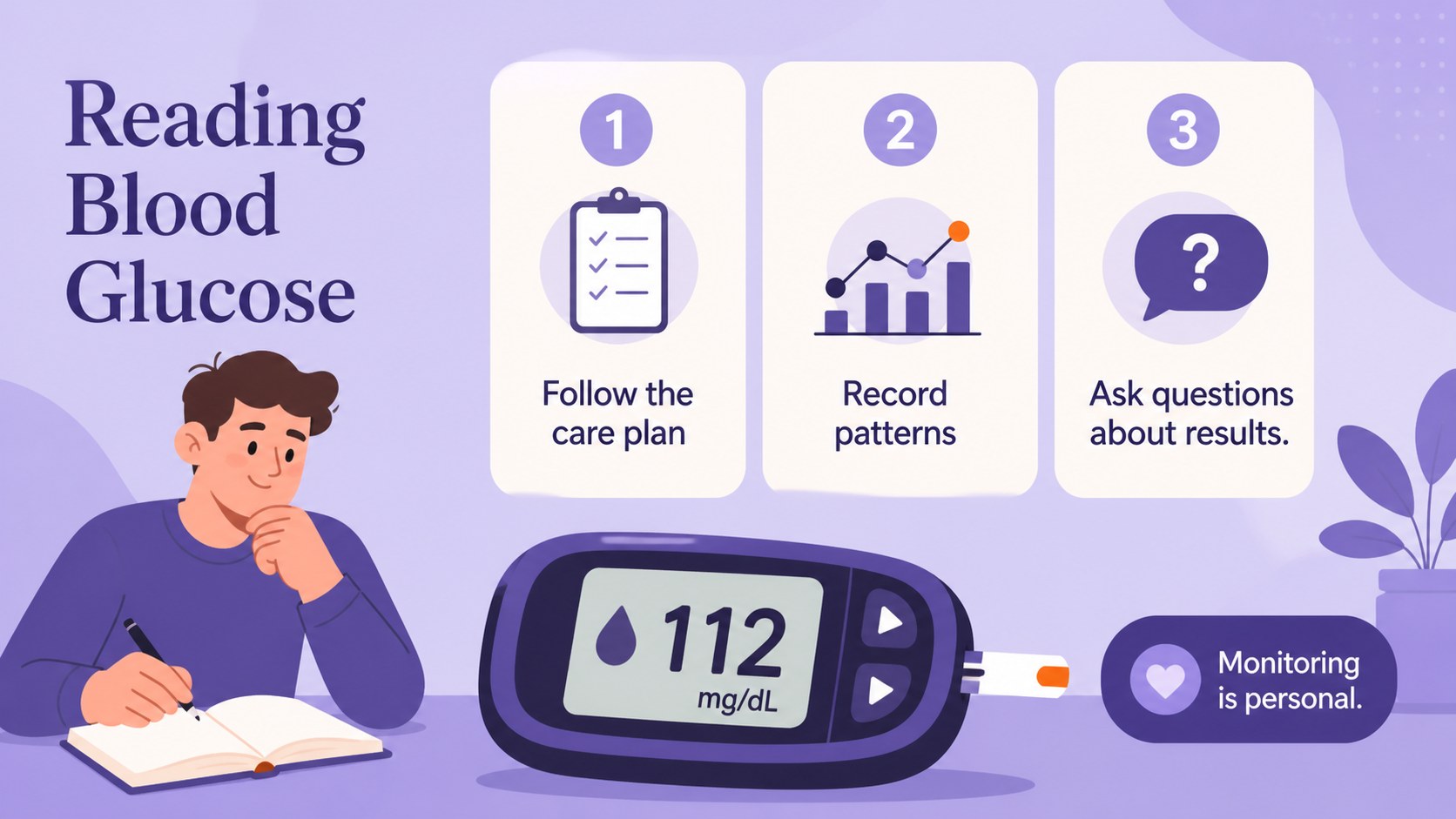
Help learners understand diabetes through a structured, visual lesson designed for clear classroom communication. This blood sugar basics lesson deck uses a soothing violet palette, friendly illustrations, and approachable layouts to explain how blood glucose works without overwhelming students. It is a practical choice for biology teachers, health educators, nursing instructors, and anyone preparing an introductory diabetes presentation.
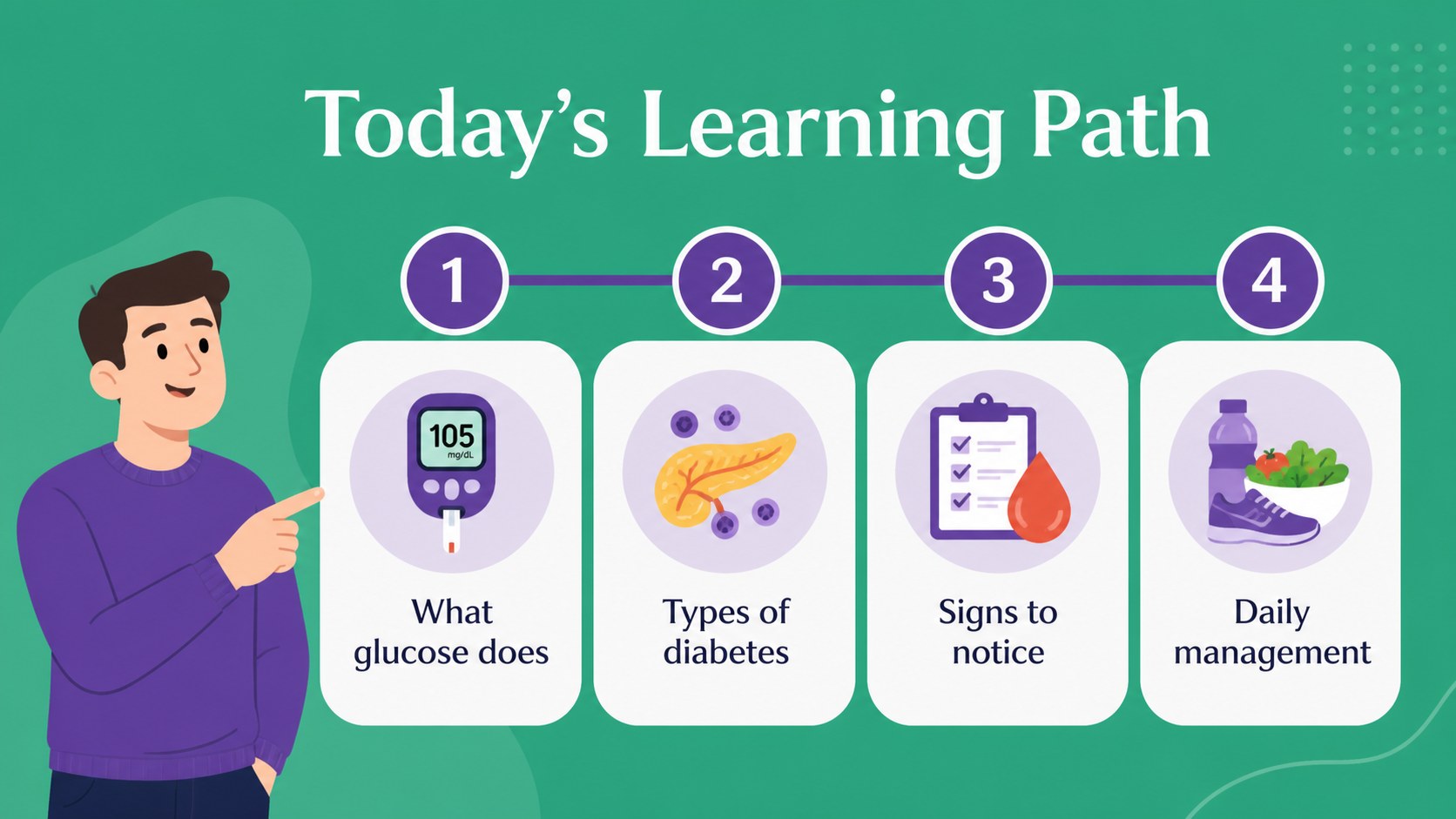
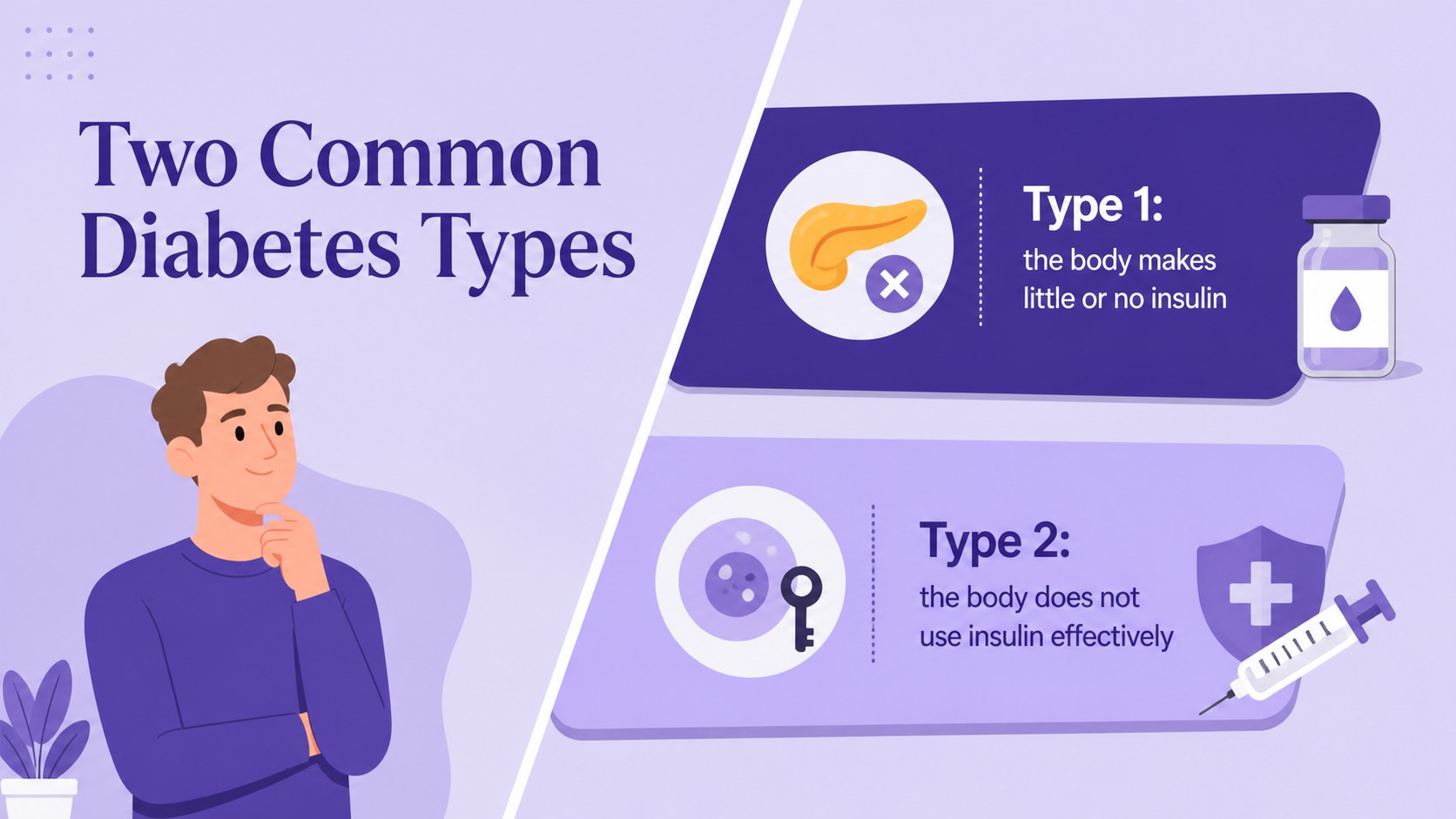
Inside, you will find 15 editable 16:9 slides for introducing key terms, comparing diabetes types, mapping causes and risk factors, reviewing symptoms, and discussing everyday management. Use visual diagrams, comparison tables, charts, timelines, and callout sections to make complex information easier to remember. The layouts can also support a blood glucose classroom activity, a patient education session, or a short health science project.
Edit the text, icons, diagrams, colors, and illustrations in PowerPoint or Google Slides. The Marcellus and Roboto font pairing gives the presentation an approachable editorial feel, while the purple and violet palette keeps the subject focused and calm. Add your own statistics, local resources, learning objectives, or discussion questions to create a lesson that fits your audience.
Perfect for: biology class lesson; health science project; nursing fundamentals lecture; patient education session; student study guide.
Frequently asked questions
Can I edit this diabetes lesson deck in PowerPoint? Yes. The presentation is designed for PowerPoint and includes editable text, shapes, diagrams, and visual elements. Replace the sample content with your own lesson objectives, statistics, and references.
Practical details
Yes. The presentation is designed for PowerPoint and includes editable text, shapes, diagrams, and visual elements. Replace the sample content with your own lesson objectives, statistics, and references.
Yes, you can open and customize the deck in Google Slides. Check the font availability after importing and adjust any substituted typefaces if necessary.
It suits biology and health teachers, nursing instructors, patient educators, and students preparing a health science project. The layouts support introductory explanations rather than advanced clinical training.
Yes. You can change the color palette, edit the illustrations, rearrange layouts, and add charts or classroom questions. Keep medically important wording accurate and include trusted sources for statistics or treatment information.
Keep exploring
15Build stronger academic arguments with a college essay thesis builder featuring guided examples, revision prompts, and editable PowerPoint and Google Slides.
 15
15Build an engaging World UFO Day session with this flying saucer history lesson deck, featuring retro green-and-brown slides for PowerPoint and Google Slides.
 14
14Plan a memorable Lunar New Year campaign with the 2036 Dragon Year Celebration Theme, featuring bold red-and-yellow slides for lessons and events.
 15
15Build a thoughtful classroom discussion with this interfaith awareness lesson deck, featuring editable blue-and-white slides for PowerPoint and Google Slides.
 15
15Use this environmental awareness lesson deck to teach climate action through illustrated activities, discussion prompts, and ready-to-edit visuals.
 15
15Build playful lessons and party stories with a kid-friendly zombie celebration theme in purple, green and pastel blue for PowerPoint and Google Slides.
 15
15Build eerie lessons, campaigns, and story pitches with an undead survival scenario theme featuring editable slides for PowerPoint and Google Slides.
 16
16Turn environmental research into a clear story with a Watercolor Ecology Presentation Theme for PowerPoint and Google Slides in calming green and blue.