
 15
15presentation
College Essay Thesis Builder Slides
Build stronger academic arguments with a college essay thesis builder featuring guided examples, revision prompts, and editable PowerPoint and Google Slides.
Google SlidesPowerPoint
presentation · English
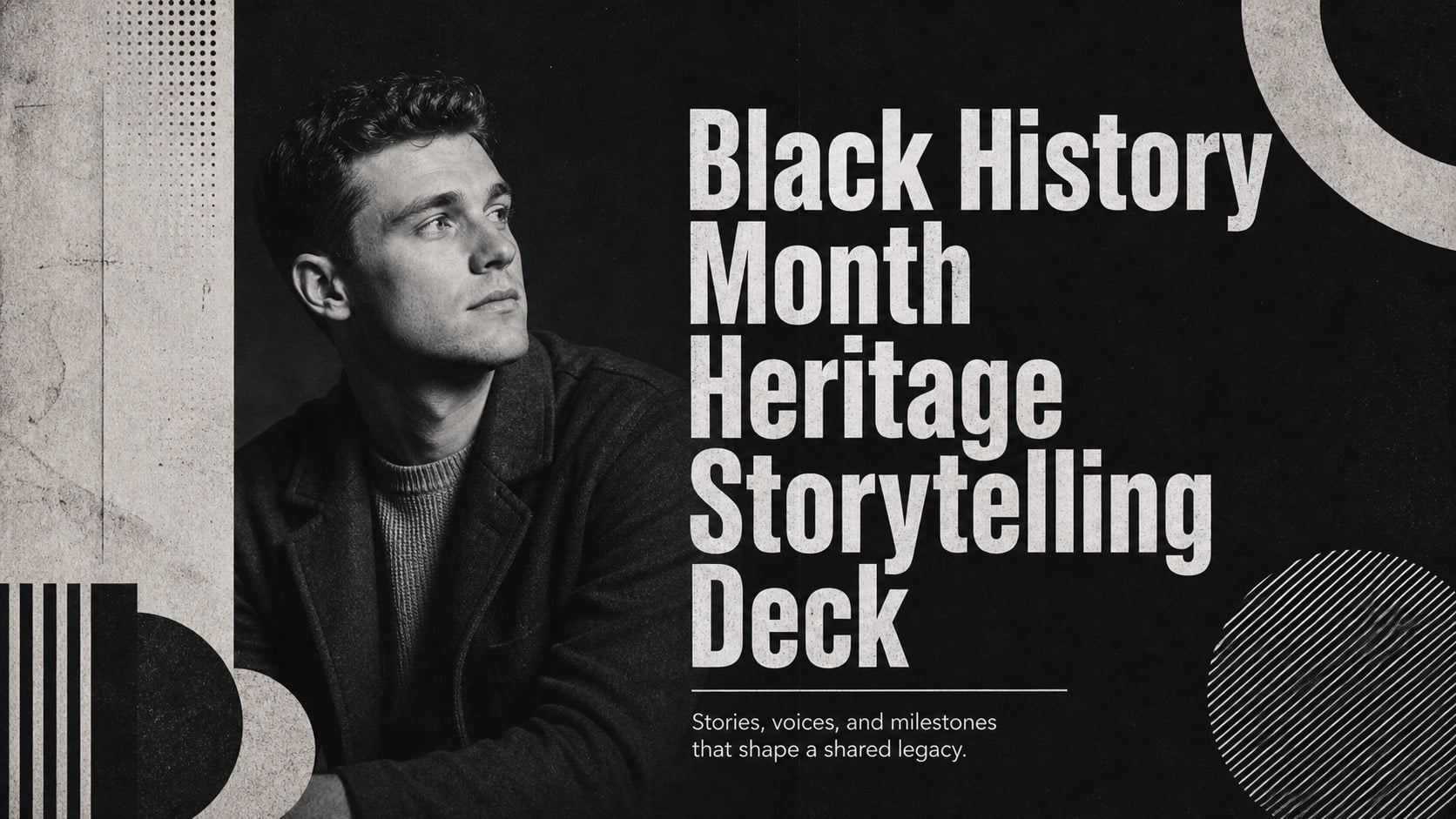
Build a memorable black history month storytelling deck with bold monochrome retro visuals for classrooms, community programs, and cultural presentations.
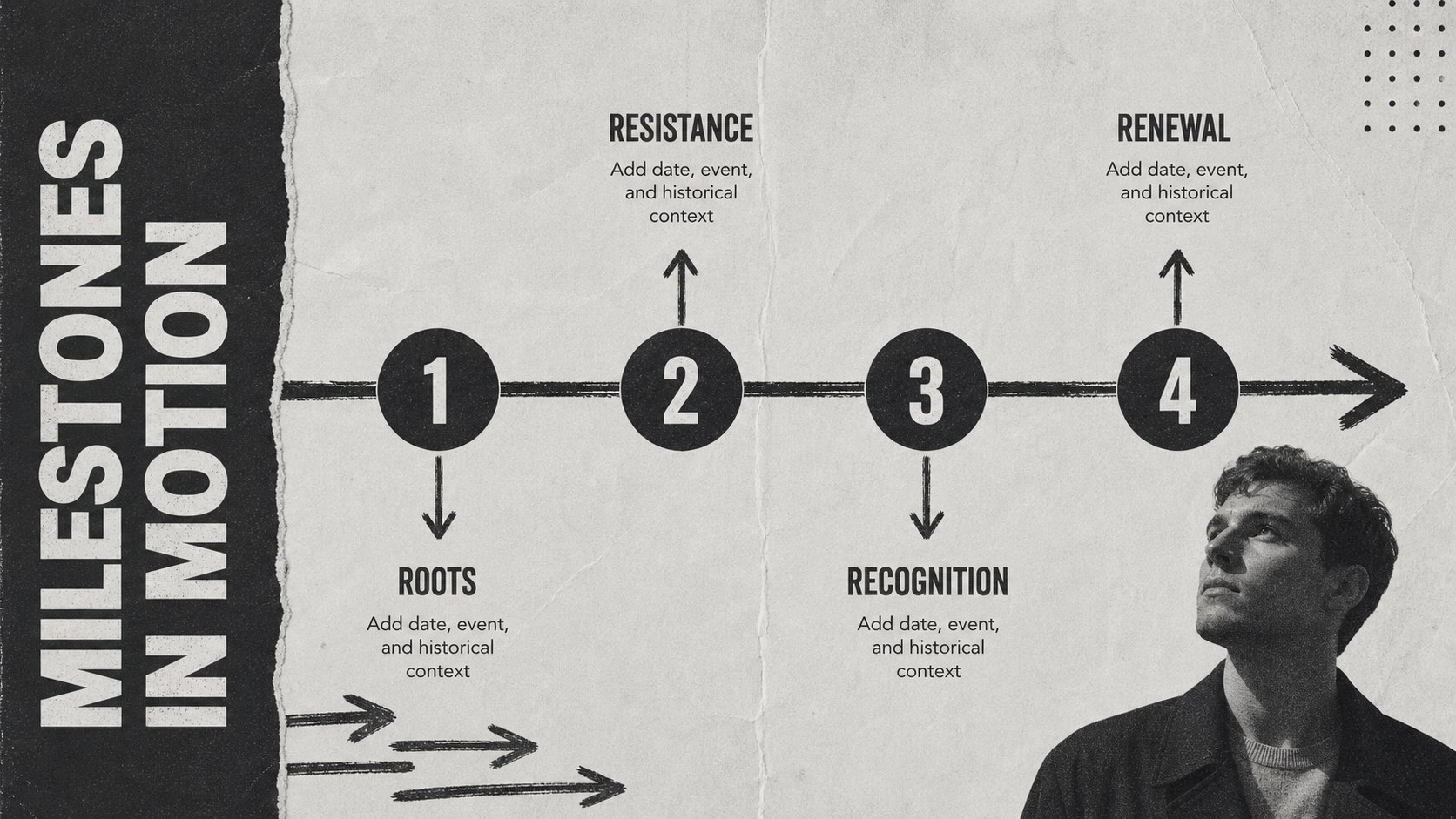
Design notes
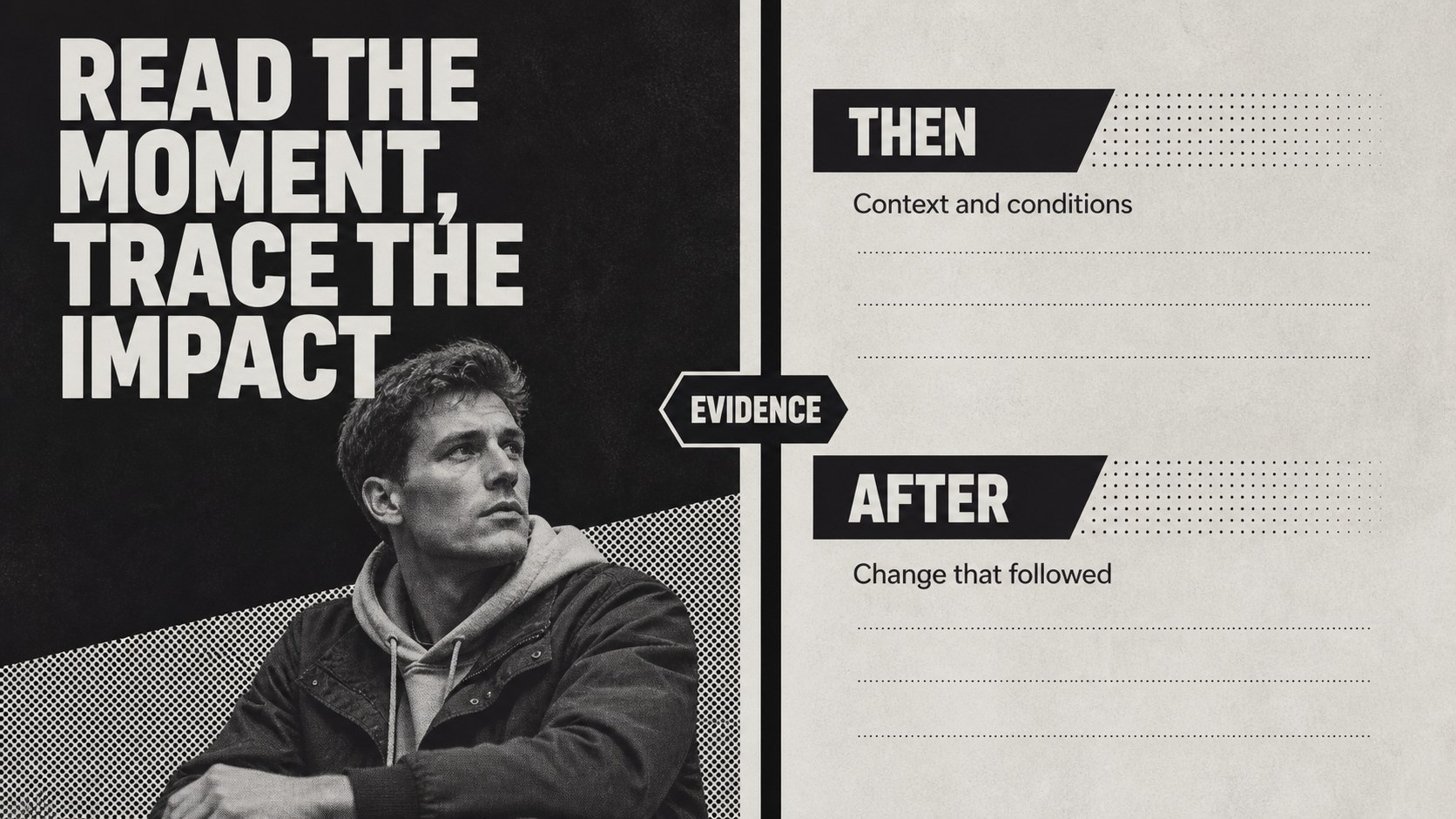
Create a memorable black history month storytelling deck for lessons, assemblies, cultural programs, and community conversations. Its black-and-white palette, bold typography, and retro editorial mood give historical research a confident visual structure while leaving room for thoughtful context and personal reflection.
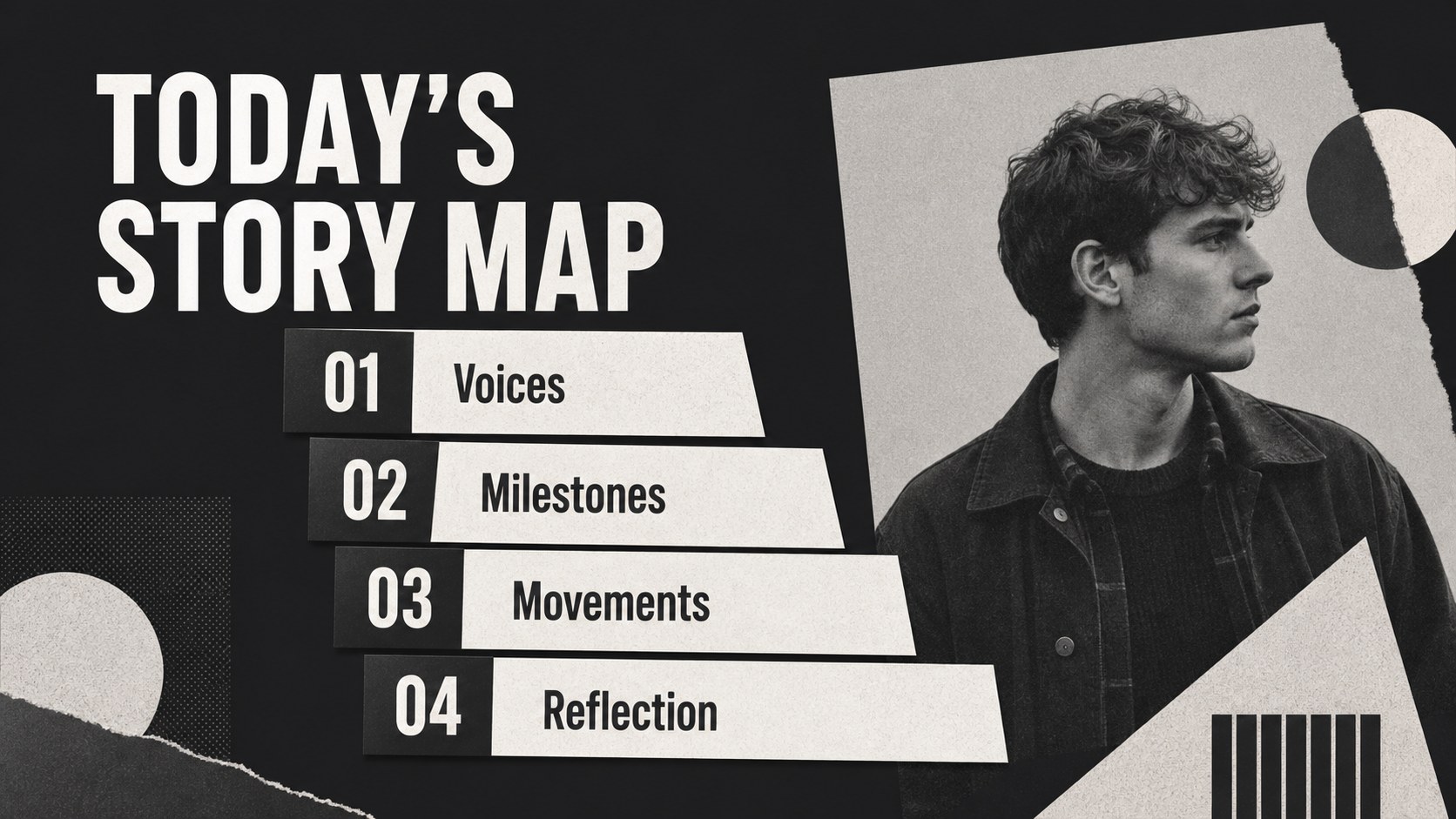
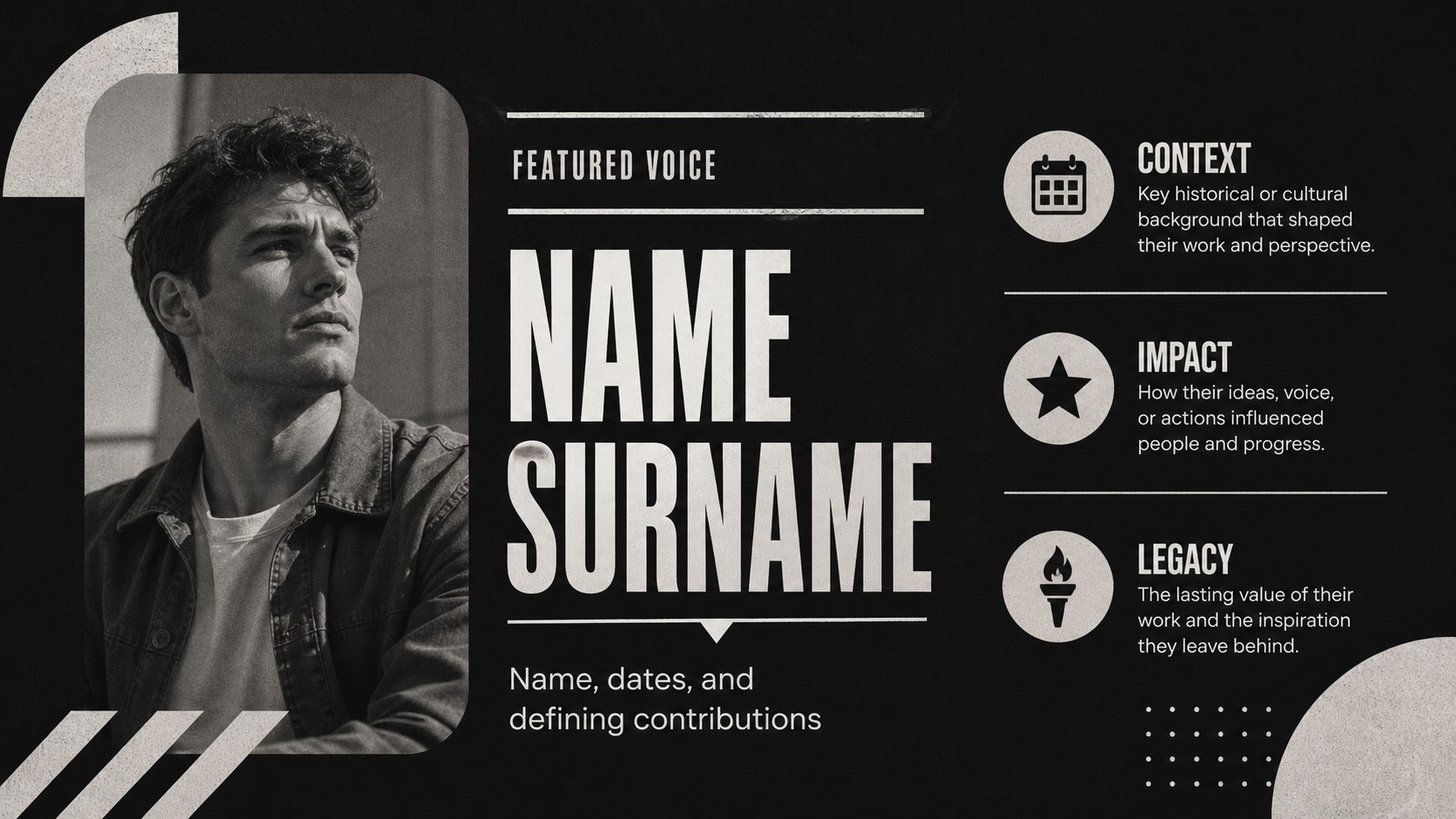
Inside, you will find 15 widescreen slides for an opening statement, presentation roadmap, historical timeline, biography profile, quote feature, key achievement, cultural movement, comparison layout, statistics, image-led story, discussion prompt, resource list, and closing message. The layouts are designed for clear classroom storytelling, museum-style overviews, and nonprofit education campaigns. Replace the sample copy with dates, archival images, speaker notes, citations, and local history.
Edit the deck in PowerPoint or Google Slides, adjust the typography and contrast, and rearrange sections to match your audience. It works well for teachers, students, community organizers, historians, and workplace culture teams planning a February presentation. Use the included layouts to build an African American history lesson, a civil rights timeline presentation, or a Black culture education slideshow without starting from a blank page.
Perfect for: Black History Month classroom lesson; civil rights timeline presentation; community heritage program; historical biography report; workplace culture discussion; nonprofit education campaign.
Frequently asked questions
Can I edit this deck in PowerPoint? Yes. The slides are designed for PowerPoint and can be edited with your own text, images, colors, charts, and citations. You can also duplicate, delete, or reorder layouts as your story develops.
Practical details
Yes. The slides are designed for PowerPoint and can be edited with your own text, images, colors, charts, and citations. You can also duplicate, delete, or reorder layouts as your story develops.
Yes, you can open or import the presentation in Google Slides and continue customizing it in the browser. Check fonts and image placement after importing, then adjust them to match your preferred setup.
The deck supports biographies, historical milestones, civil rights timelines, quotes, statistics, discussion questions, and resource lists. It can be adapted for student projects, public programs, or workplace learning sessions.
Yes. The black-and-white styling is easy to modify, while preserving the bold retro character of the design. Add an accent color for your organization, school, event, or presentation series.
Keep exploring
15Build stronger academic arguments with a college essay thesis builder featuring guided examples, revision prompts, and editable PowerPoint and Google Slides.
 15
15Build an engaging World UFO Day session with this flying saucer history lesson deck, featuring retro green-and-brown slides for PowerPoint and Google Slides.
 14
14Plan a memorable Lunar New Year campaign with the 2036 Dragon Year Celebration Theme, featuring bold red-and-yellow slides for lessons and events.
 15
15Build a thoughtful classroom discussion with this interfaith awareness lesson deck, featuring editable blue-and-white slides for PowerPoint and Google Slides.
 15
15Use this environmental awareness lesson deck to teach climate action through illustrated activities, discussion prompts, and ready-to-edit visuals.
 15
15Build playful lessons and party stories with a kid-friendly zombie celebration theme in purple, green and pastel blue for PowerPoint and Google Slides.
 15
15Build eerie lessons, campaigns, and story pitches with an undead survival scenario theme featuring editable slides for PowerPoint and Google Slides.
 16
16Turn environmental research into a clear story with a Watercolor Ecology Presentation Theme for PowerPoint and Google Slides in calming green and blue.