
 15
15presentation
College Essay Thesis Builder Slides
Build stronger academic arguments with a college essay thesis builder featuring guided examples, revision prompts, and editable PowerPoint and Google Slides.
Google SlidesPowerPoint
presentation · English
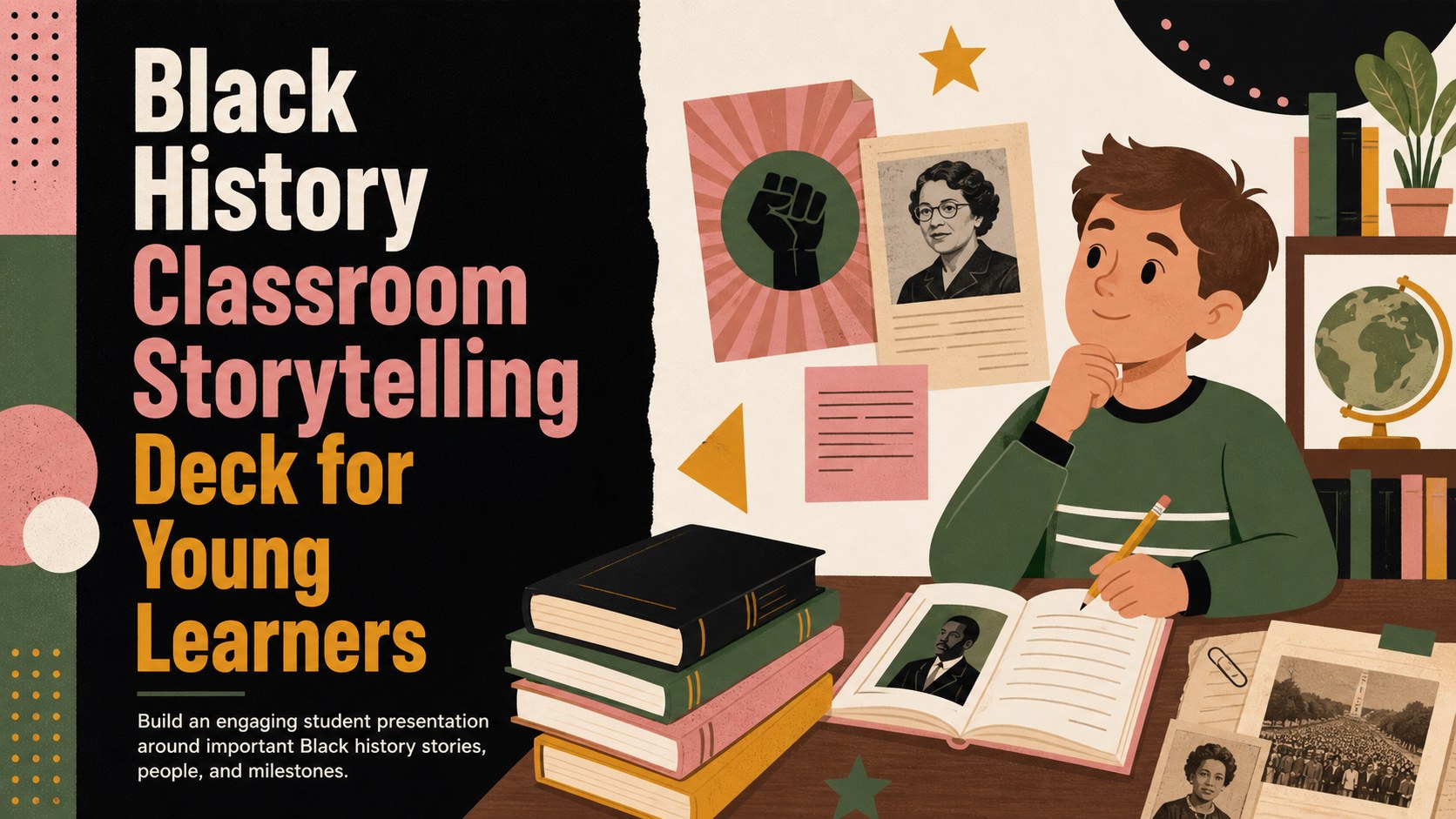
Create a lively black history classroom storytelling deck with editable slides, colorful illustrations, timelines, and student-friendly layouts for young…
Design notes
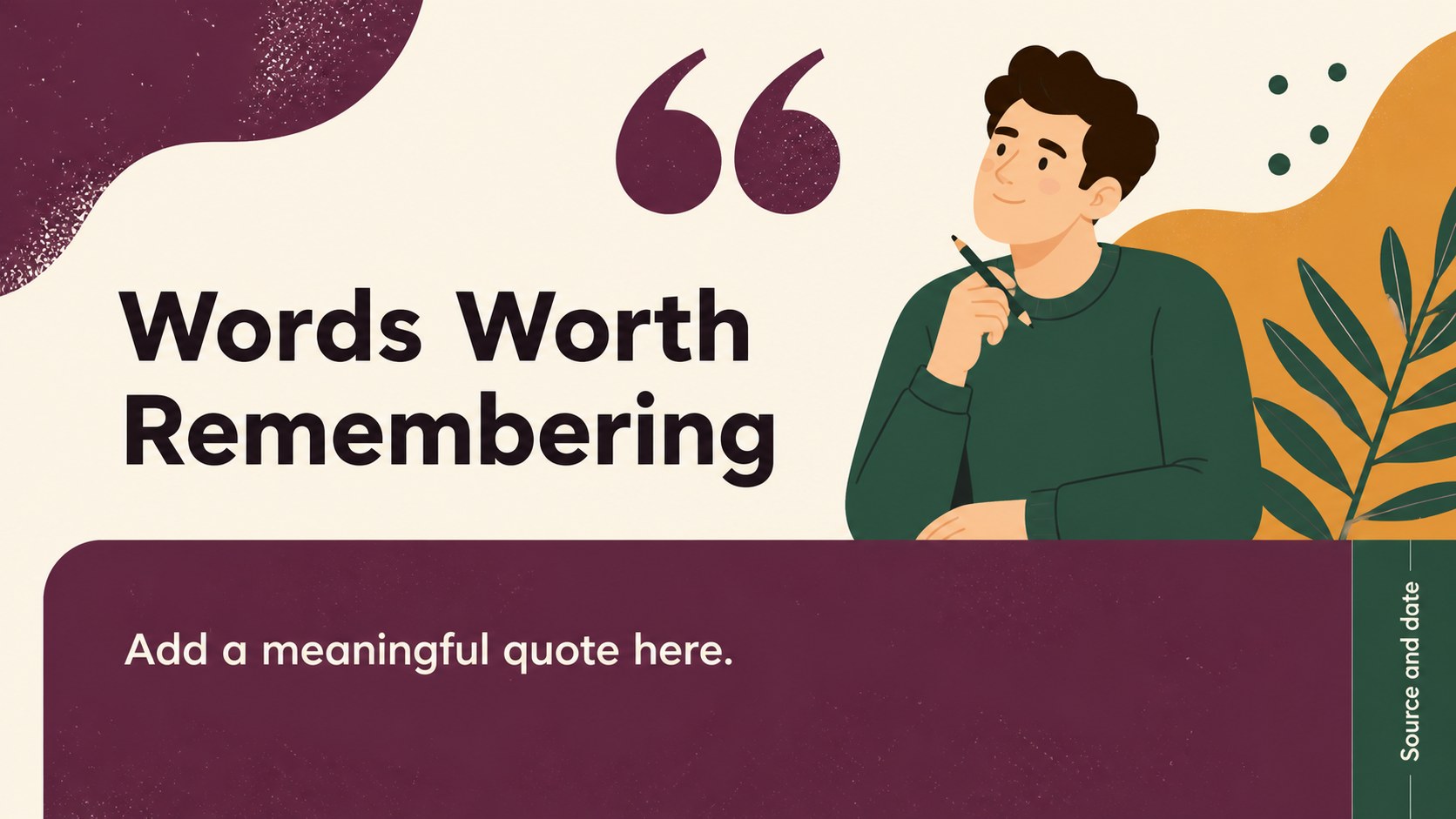
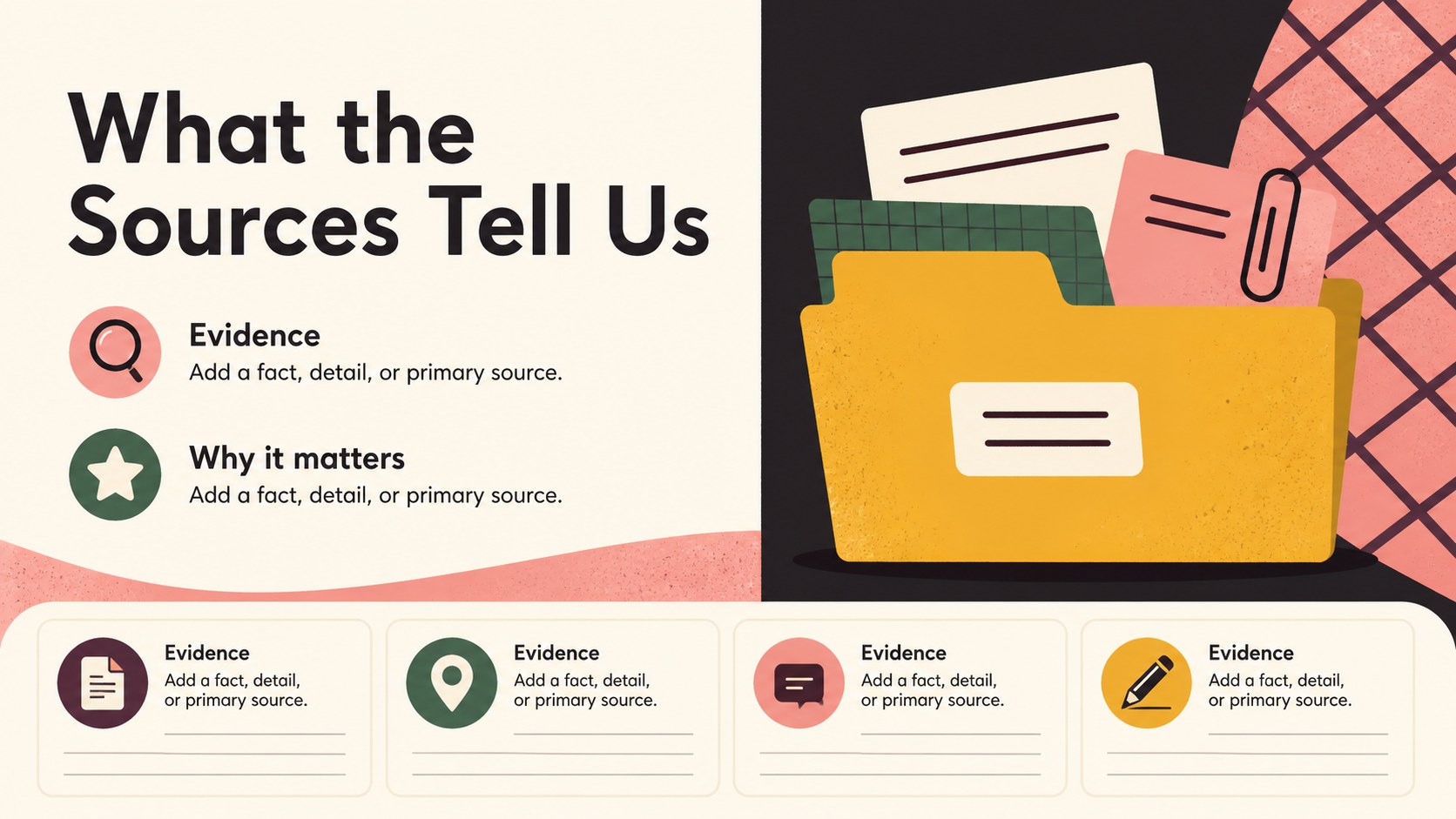
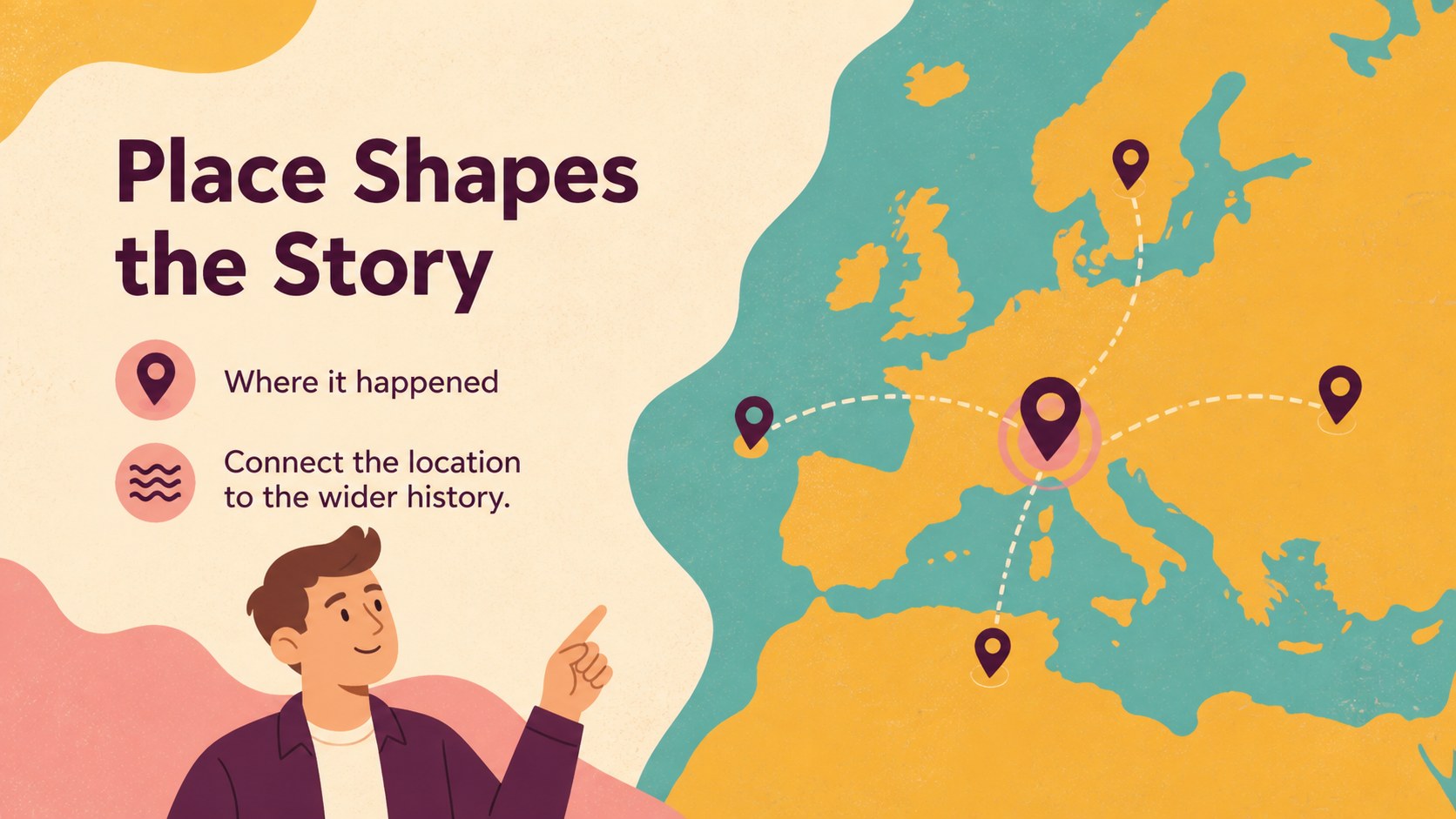
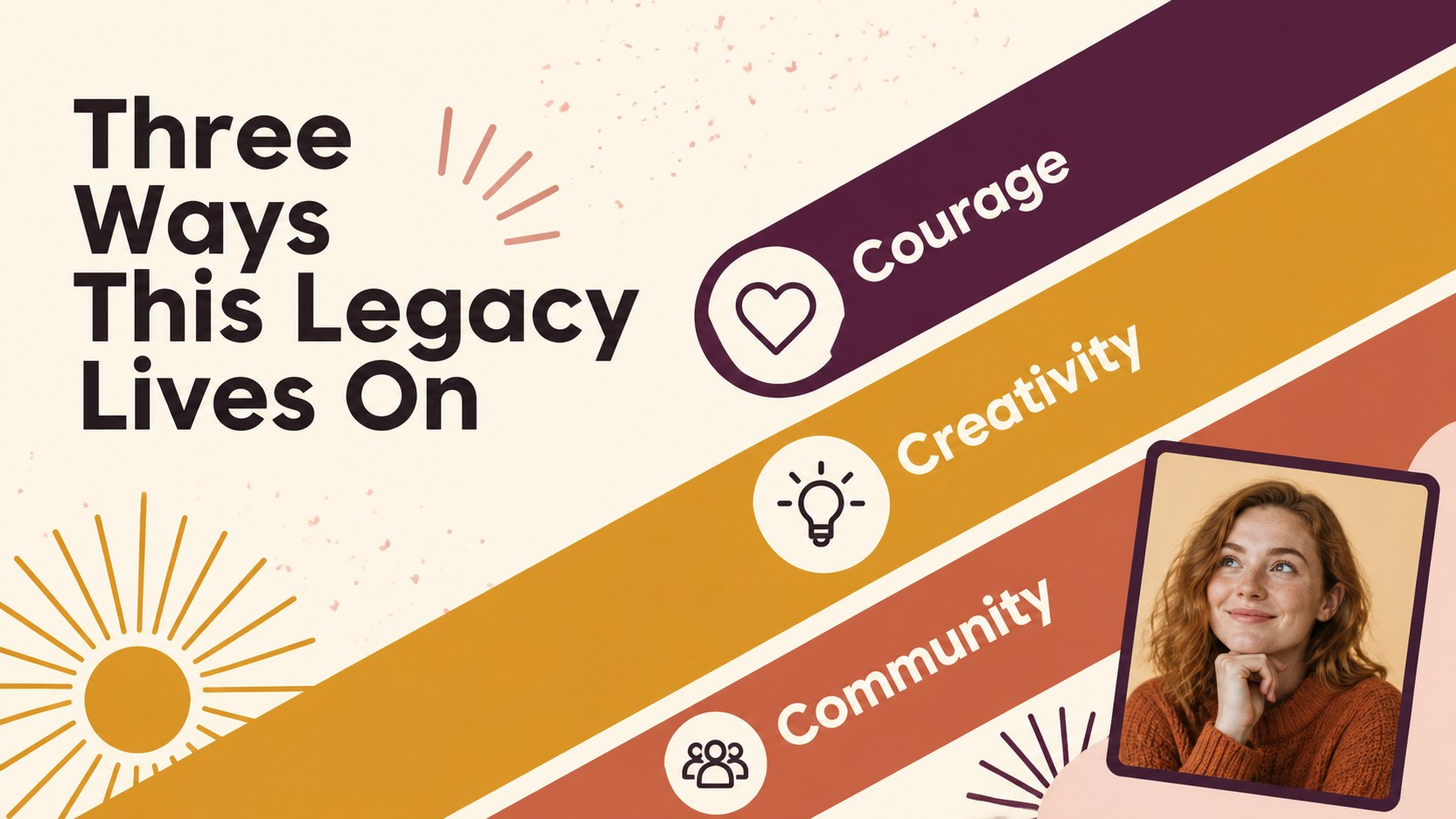
Make classroom research more memorable with a black history classroom storytelling deck designed for elementary learners. Its bright illustrated style, animated visual energy, and clear page structure help students organize facts while giving every story room to stand out. Use it for a single biography, a cultural heritage presentation, or a broader lesson about important milestones and contributions.
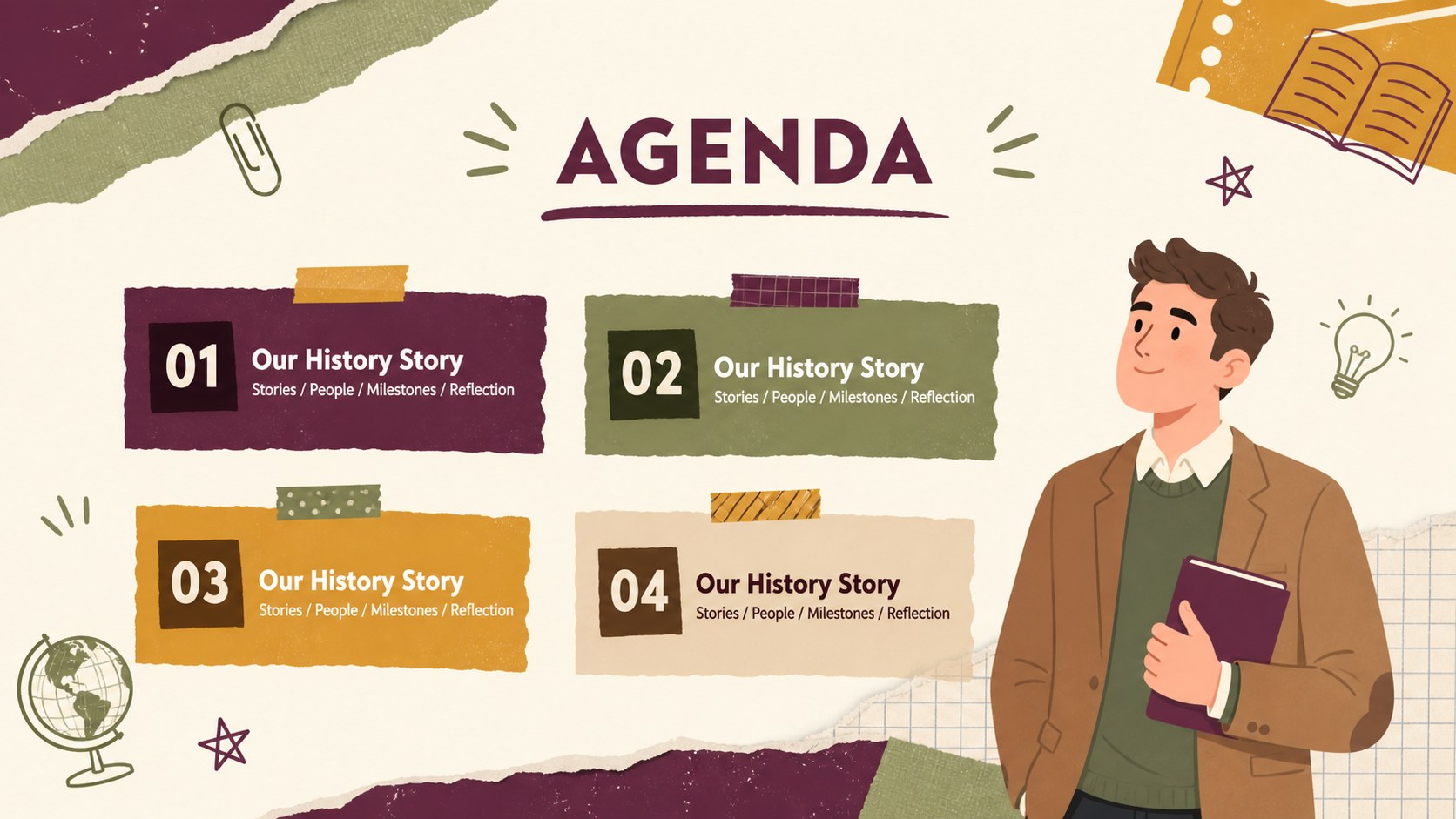
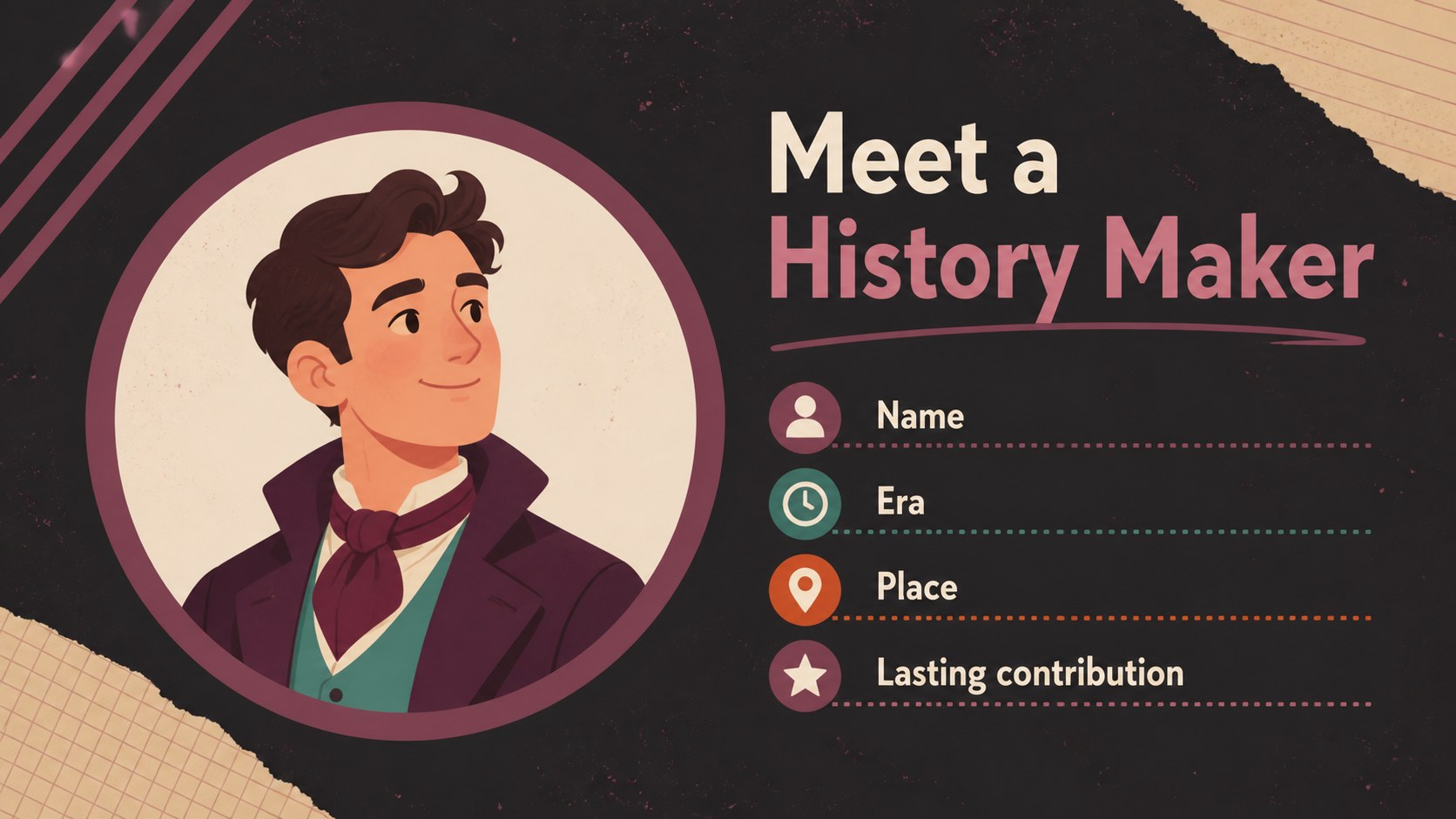
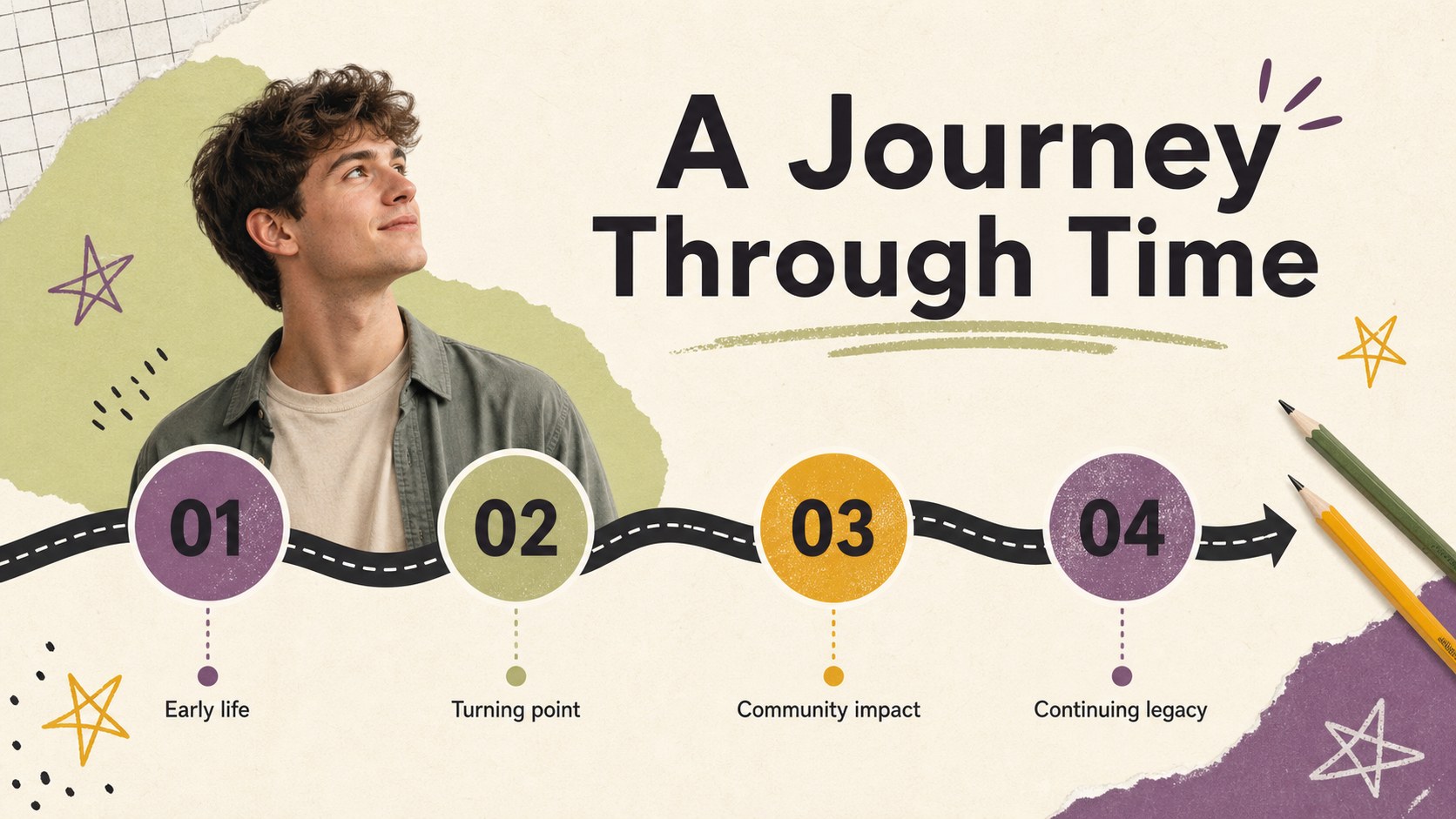
The template includes 20 editable 16:9 slides with cover, agenda, profile, timeline, comparison, quote, image, infographic, and conclusion layouts. Add portraits, dates, primary-source excerpts, maps, charts, and discussion questions using PowerPoint or Google Slides. Hundreds of editable shapes, lines, frames, charts, icons, and color options make it simple to adapt the design for different reading levels and assignment formats. Animation and transition tools can add movement without changing the core visual system.
This deck is suited to elementary school reports, library activities, homeschool projects, social studies units, and Black History Month classroom presentations. Teachers can prepare lesson materials quickly, while students can use the layouts to build a clear history project presentation with a strong beginning, organized evidence, and thoughtful closing. The Arimo and Josefin Sans font pairing supports readable body copy and expressive headings.
Perfect for: elementary Black History Month report; student biography presentation; social studies classroom lesson; library research project; homeschool history assignment.
Frequently asked questions
Can students edit this deck in Google Slides? Yes. Upload the PowerPoint file to Google Drive and open it with Google Slides, or use the provided Google Slides version. Text, images, colors, shapes, and layouts can be adjusted.
Practical details
Yes. Upload the PowerPoint file to Google Drive and open it with Google Slides, or use the provided Google Slides version. Text, images, colors, shapes, and layouts can be adjusted.
Yes. The visual layouts are designed for clear, student-friendly storytelling and can support biography reports, timeline projects, and Black History Month presentations. Teachers can simplify or expand the content for different grade levels.
You can replace images, edit illustrations where supported, change accent colors, and rearrange design elements. The original colorful palette can also be adapted to match a classroom theme or school branding.
The template is available for PowerPoint and Google Slides. users can also use drag-and-drop editing, animation, media libraries, presenter tools, notes, and collaboration features.
Keep exploring
15Build stronger academic arguments with a college essay thesis builder featuring guided examples, revision prompts, and editable PowerPoint and Google Slides.
 15
15Build an engaging World UFO Day session with this flying saucer history lesson deck, featuring retro green-and-brown slides for PowerPoint and Google Slides.
 14
14Plan a memorable Lunar New Year campaign with the 2036 Dragon Year Celebration Theme, featuring bold red-and-yellow slides for lessons and events.
 15
15Build a thoughtful classroom discussion with this interfaith awareness lesson deck, featuring editable blue-and-white slides for PowerPoint and Google Slides.
 15
15Use this environmental awareness lesson deck to teach climate action through illustrated activities, discussion prompts, and ready-to-edit visuals.
 15
15Build playful lessons and party stories with a kid-friendly zombie celebration theme in purple, green and pastel blue for PowerPoint and Google Slides.
 15
15Build eerie lessons, campaigns, and story pitches with an undead survival scenario theme featuring editable slides for PowerPoint and Google Slides.
 16
16Turn environmental research into a clear story with a Watercolor Ecology Presentation Theme for PowerPoint and Google Slides in calming green and blue.