
 15
15presentation
College Essay Thesis Builder Slides
Build stronger academic arguments with a college essay thesis builder featuring guided examples, revision prompts, and editable PowerPoint and Google Slides.
Google SlidesPowerPoint
presentation · English
Build an engaging black history changemakers deck with bold geometric visuals, editable biography layouts, and classroom-ready slides for meaningful stories.


Design notes
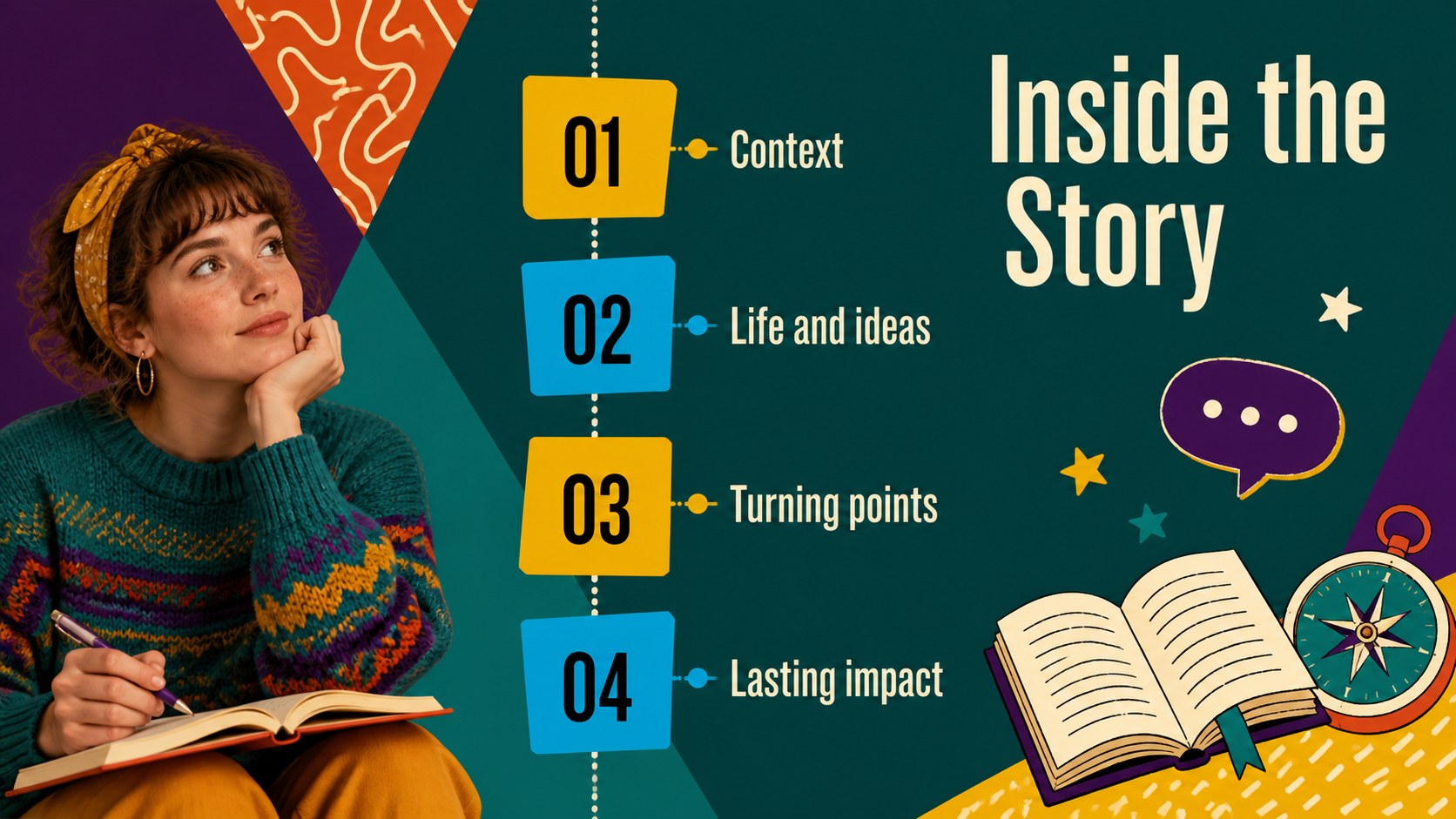
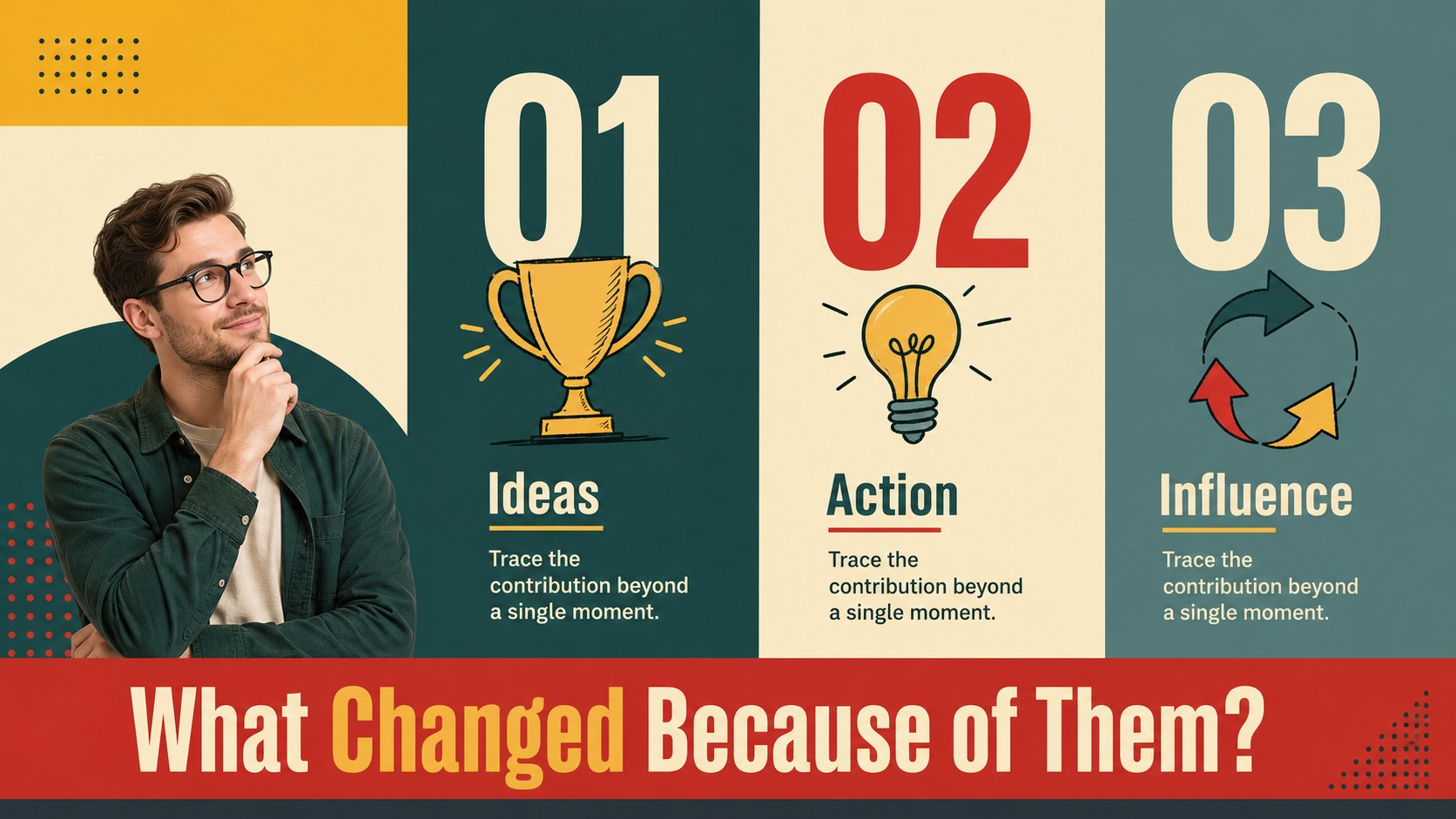
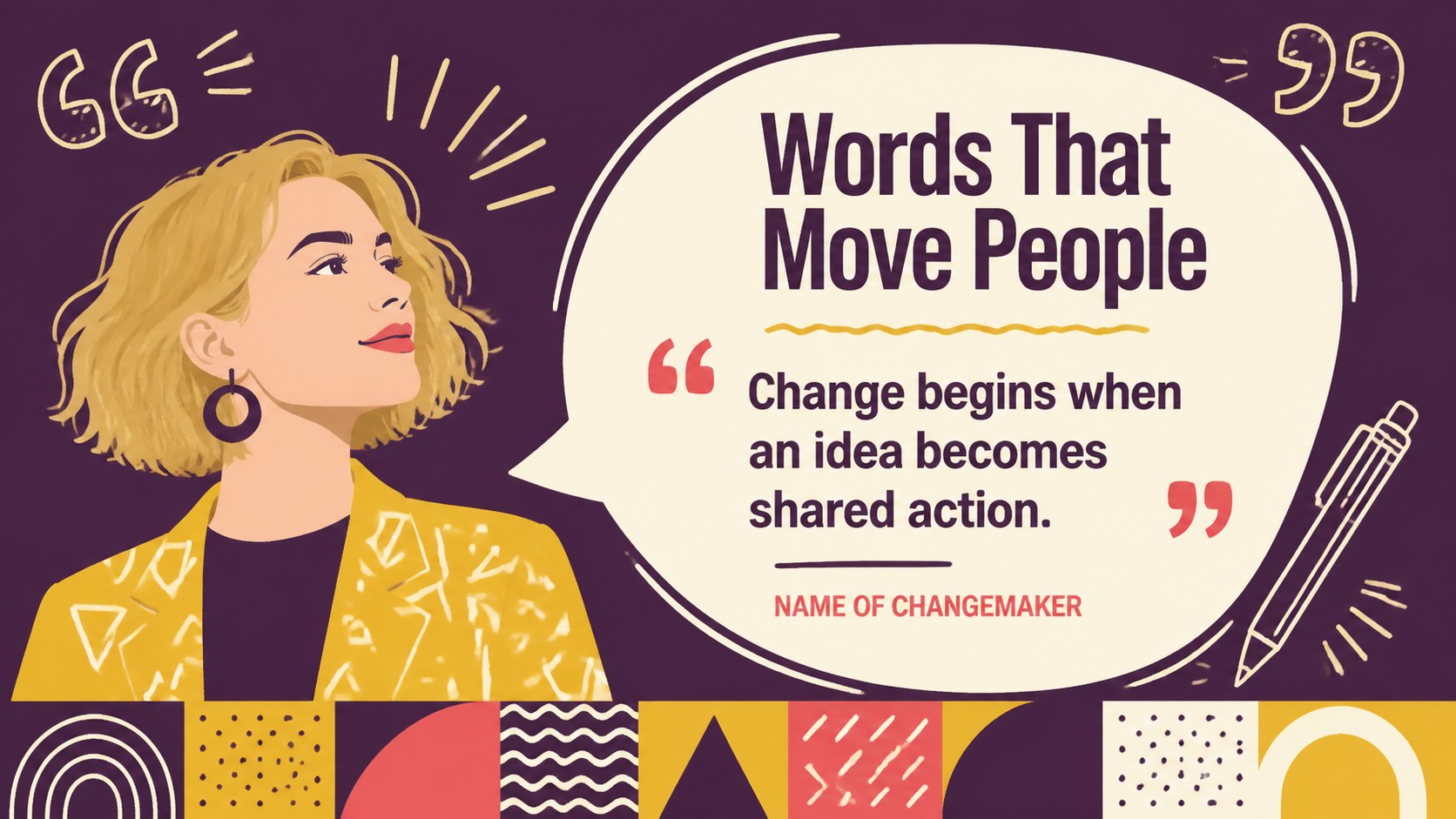
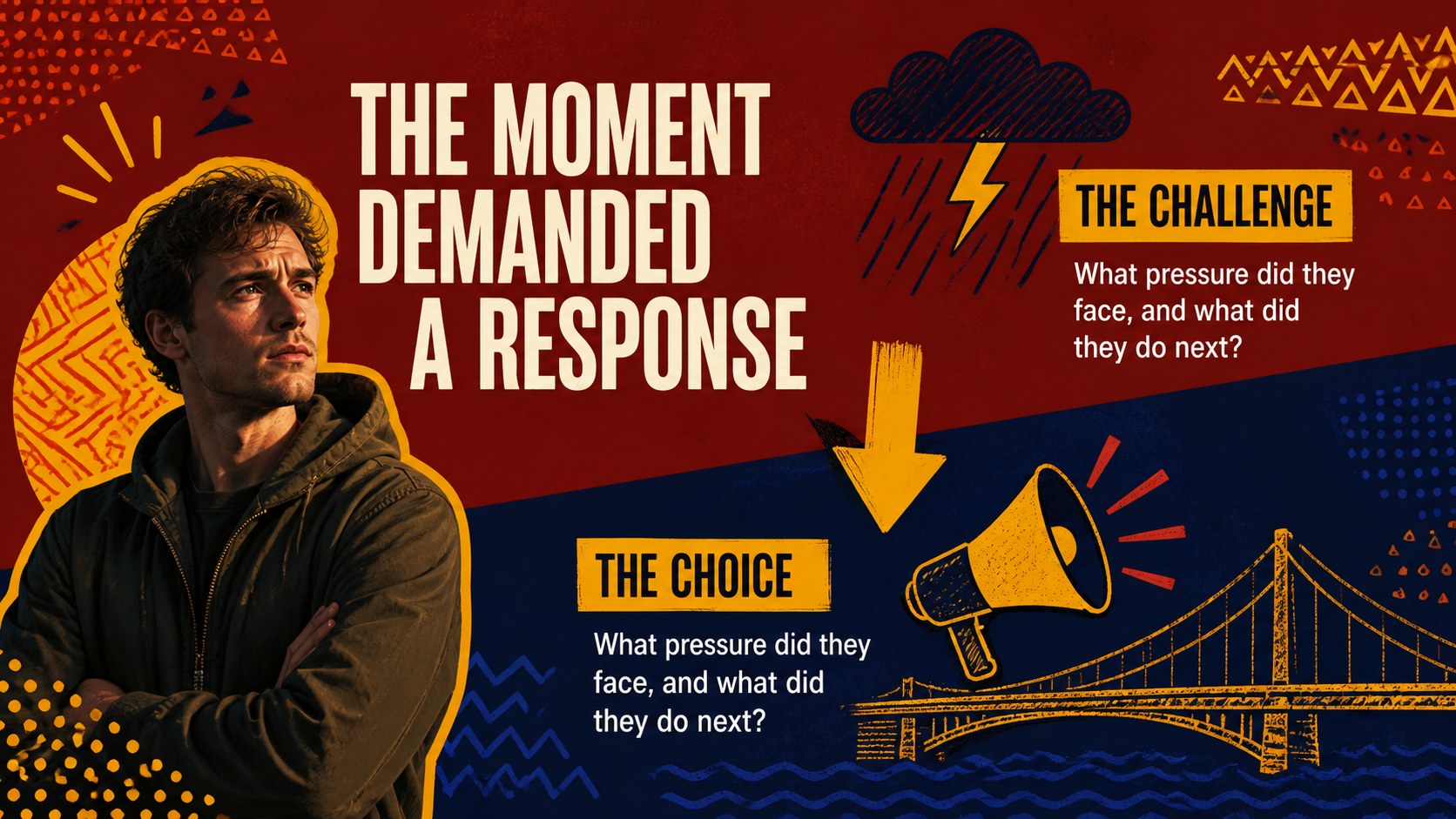
Use this black history changemakers deck to present the lives, ideas, and achievements of influential figures with clarity and energy. The design combines a vivid palette, geometric blocks, playful doodle details, and flexible biography layouts, giving educators and students a polished way to connect personal stories with wider historical movements. It works equally well for a single profile or a comparison of several leaders, artists, scientists, organizers, and community builders.
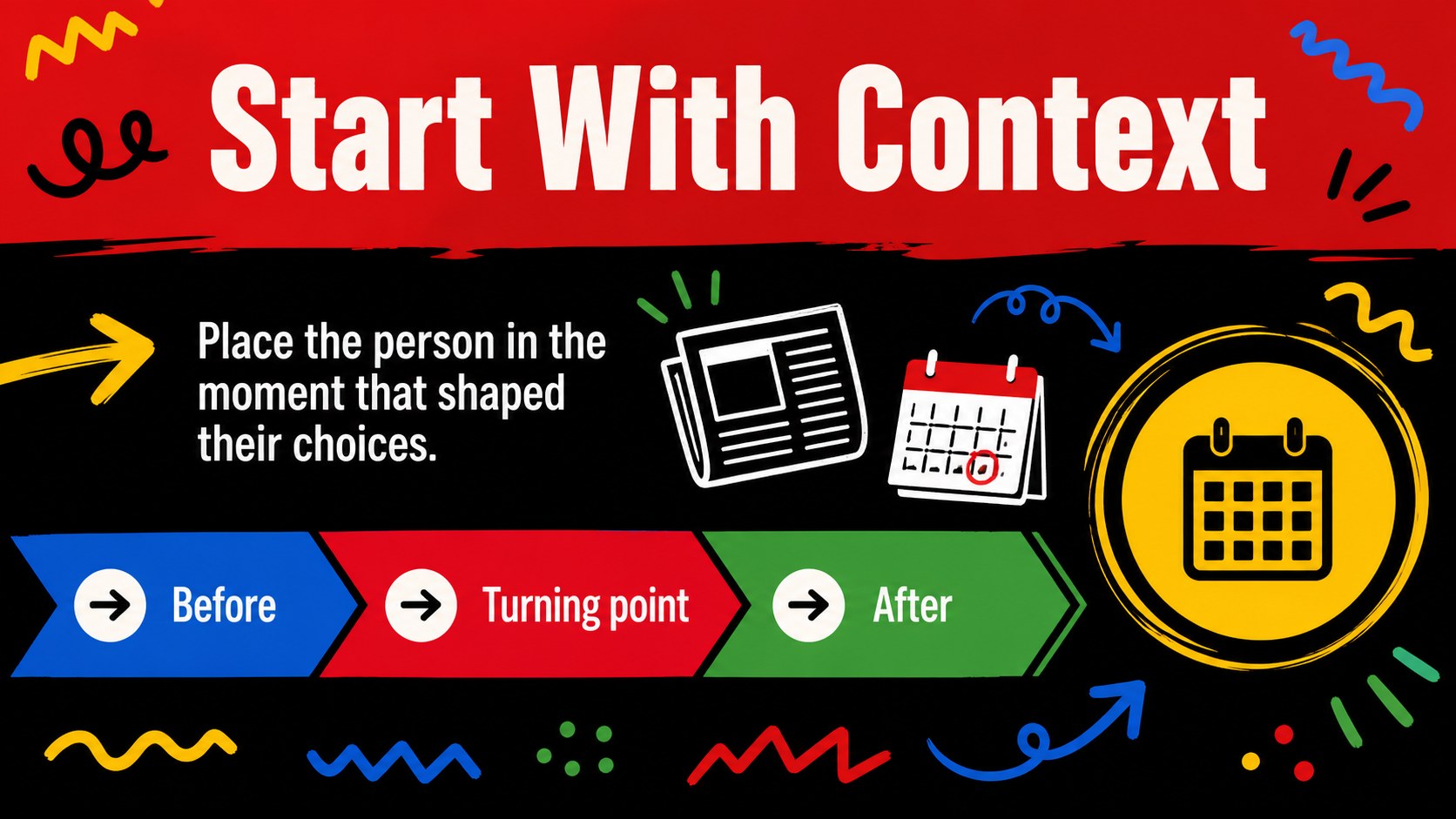
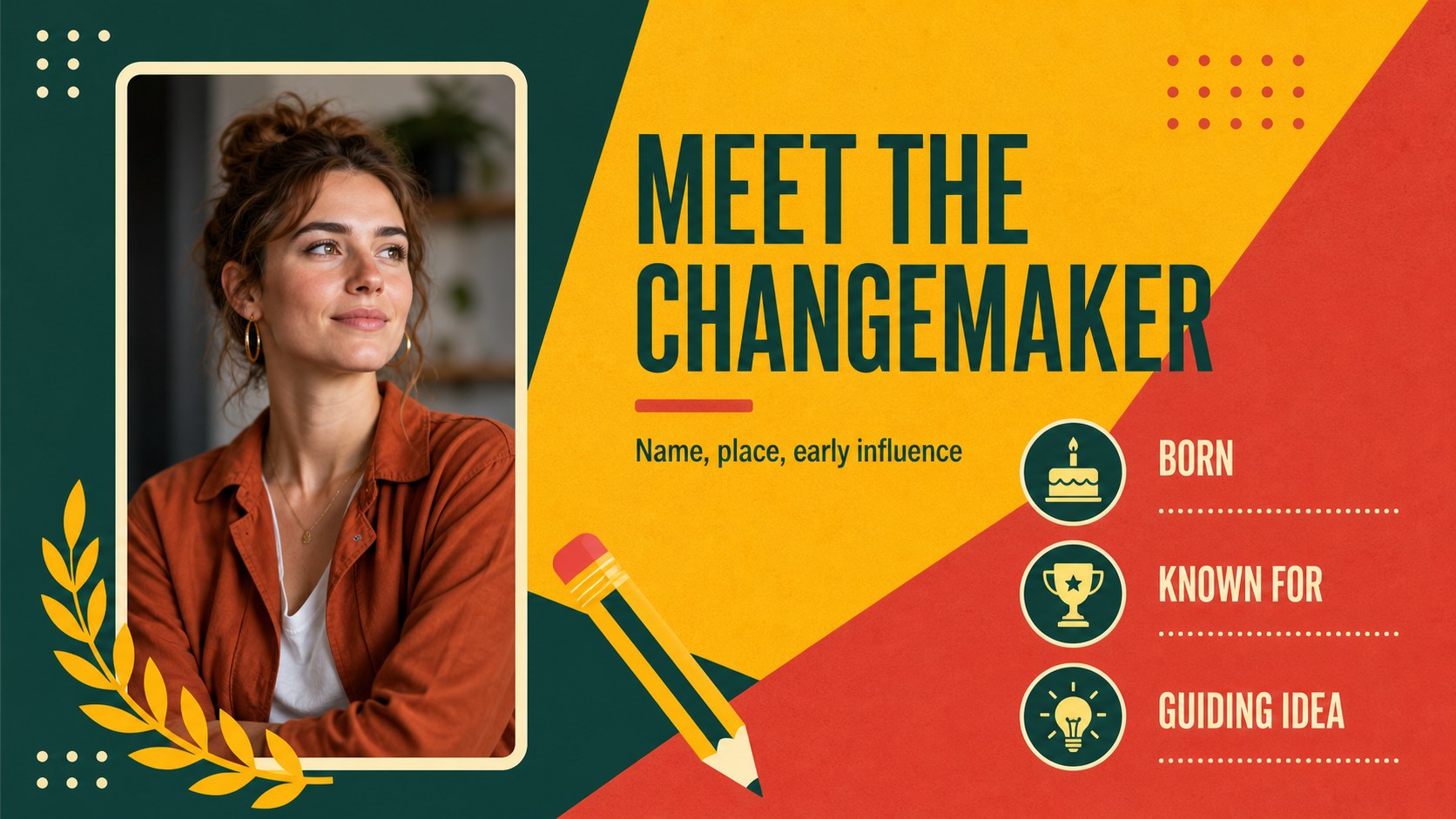
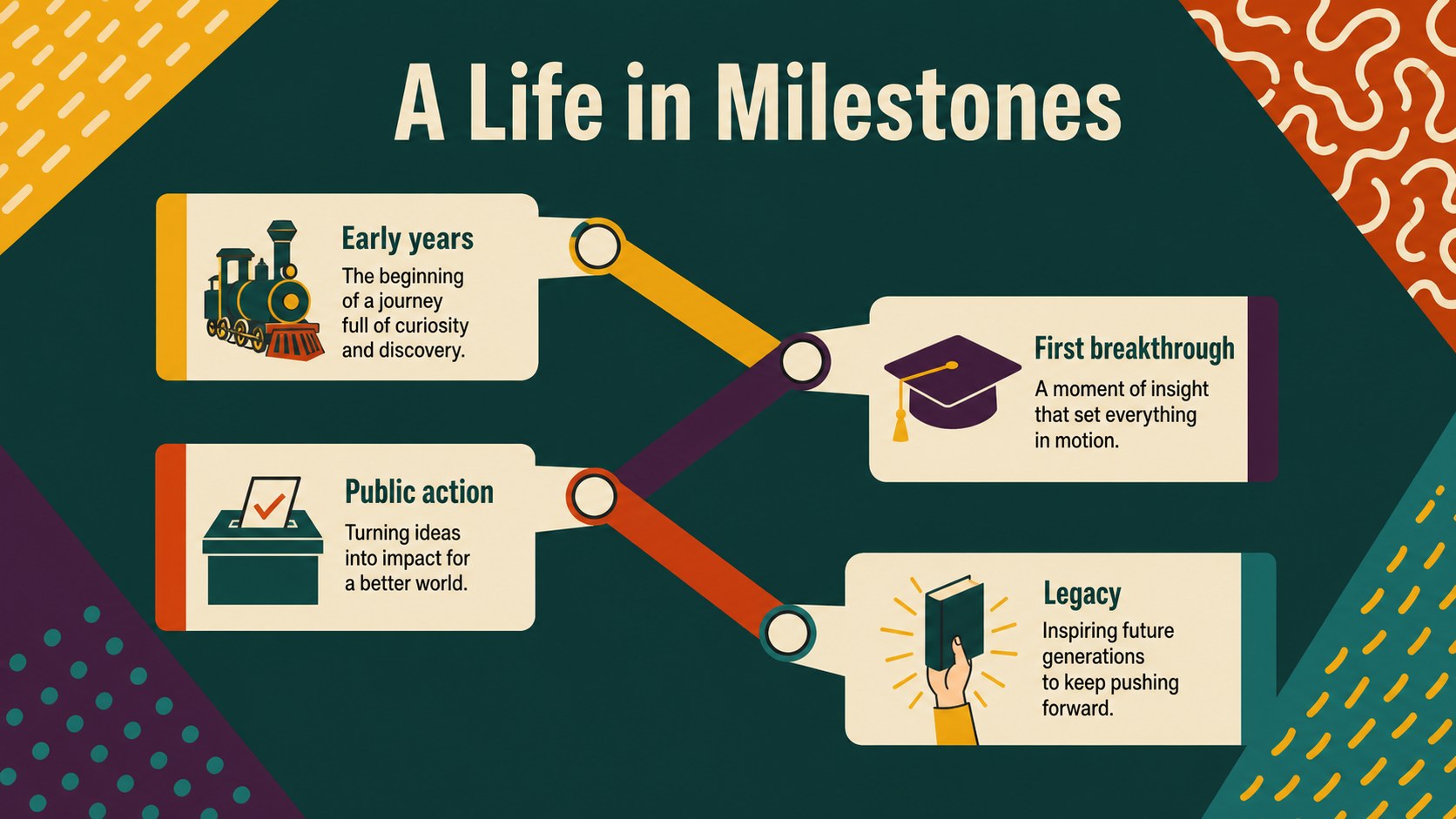
Inside, you’ll find 15 editable 16:9 slides for a cover, agenda, historical context, profile introduction, timeline, key achievements, quote feature, challenge-and-response story, impact map, comparison layout, image-led biography, reflection page, discussion prompts, source notes, and a closing slide. Use the black history biography lesson slides for classroom instruction, a museum education session, a library presentation, or a family learning activity. The layouts also suit student research presentations and community history events.
Edit the deck, then export it for PowerPoint or Google Slides when needed. Replace text, photos, colors, charts, and icons without rebuilding the visual system. The result is a focused, respectful presentation that helps audiences remember both the individual and the change they helped create.
Perfect for: Black History Month classroom lesson; student biography research project; civil rights history workshop; museum education presentation; library community event.
Frequently asked questions
Can I edit this deck? Yes. Open the template to change the text, images, colors, fonts, shapes, and page order. Its drag-and-drop editor makes it practical for both teachers and students.
Practical details
Yes. Open the template to change the text, images, colors, fonts, shapes, and page order. Its drag-and-drop editor makes it practical for both teachers and students.
Yes. allows you to download an editable PowerPoint file or save a copy to Google Drive for Google Slides. Some design elements may need minor adjustments after export.
Yes. Duplicate the profile, timeline, quote, and achievement layouts to build a multi-person presentation. You can also remove sections when creating a shorter biography lesson.
The layouts are ready for your own images, captions, and source information. Add properly licensed photography and references that match your chosen historical figures and assignment requirements.
Keep exploring
15Build stronger academic arguments with a college essay thesis builder featuring guided examples, revision prompts, and editable PowerPoint and Google Slides.
 15
15Build an engaging World UFO Day session with this flying saucer history lesson deck, featuring retro green-and-brown slides for PowerPoint and Google Slides.
 14
14Plan a memorable Lunar New Year campaign with the 2036 Dragon Year Celebration Theme, featuring bold red-and-yellow slides for lessons and events.
 15
15Build a thoughtful classroom discussion with this interfaith awareness lesson deck, featuring editable blue-and-white slides for PowerPoint and Google Slides.
 15
15Use this environmental awareness lesson deck to teach climate action through illustrated activities, discussion prompts, and ready-to-edit visuals.
 15
15Build playful lessons and party stories with a kid-friendly zombie celebration theme in purple, green and pastel blue for PowerPoint and Google Slides.
 15
15Build eerie lessons, campaigns, and story pitches with an undead survival scenario theme featuring editable slides for PowerPoint and Google Slides.
 16
16Turn environmental research into a clear story with a Watercolor Ecology Presentation Theme for PowerPoint and Google Slides in calming green and blue.