
 15
15presentation
College Essay Thesis Builder Slides
Build stronger academic arguments with a college essay thesis builder featuring guided examples, revision prompts, and editable PowerPoint and Google Slides.
Google SlidesPowerPoint
presentation · English
Build a memorable medieval history class with Black Death History Lesson Slides featuring editable Gothic layouts for PowerPoint and Google Slides.
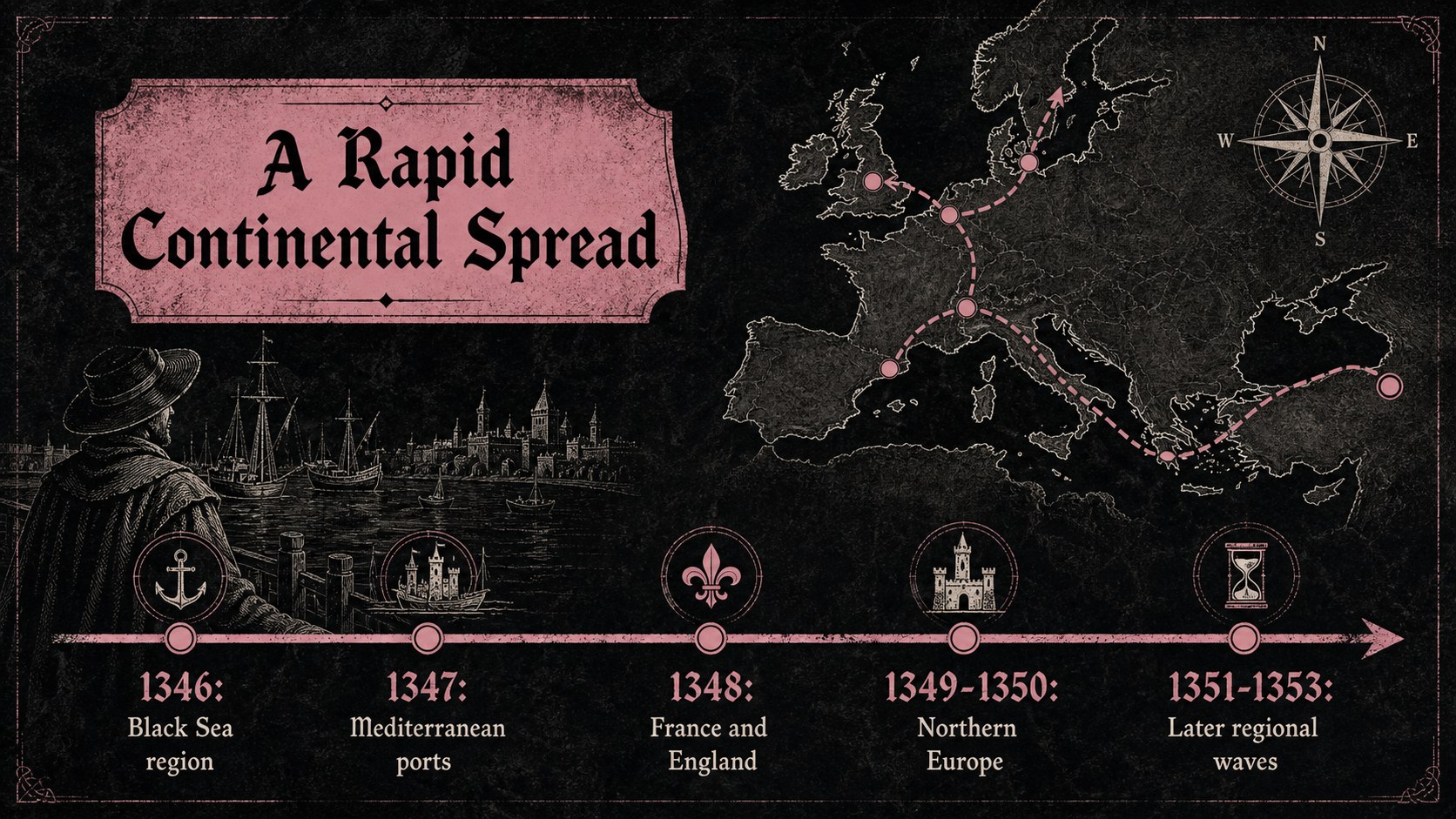
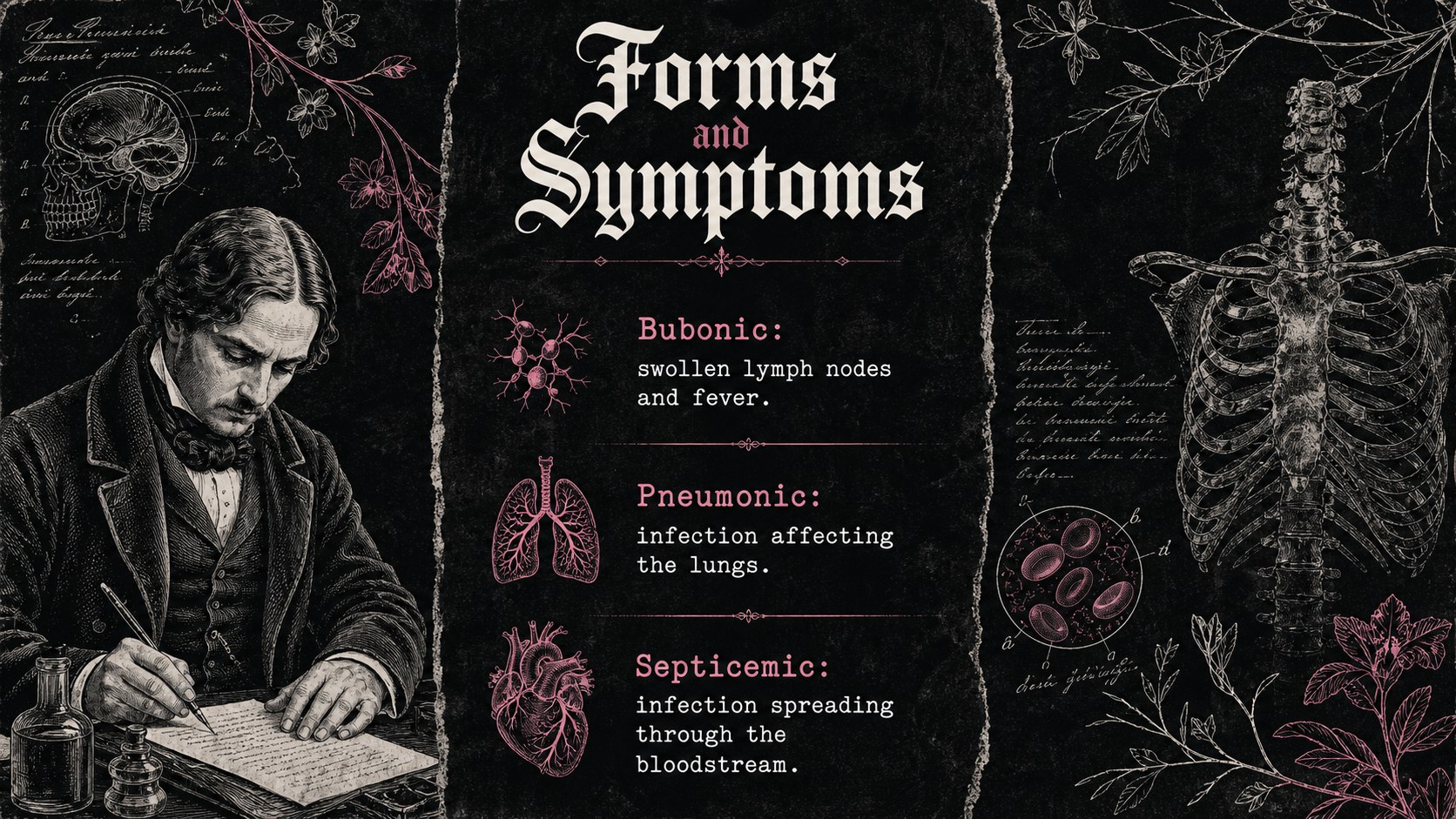
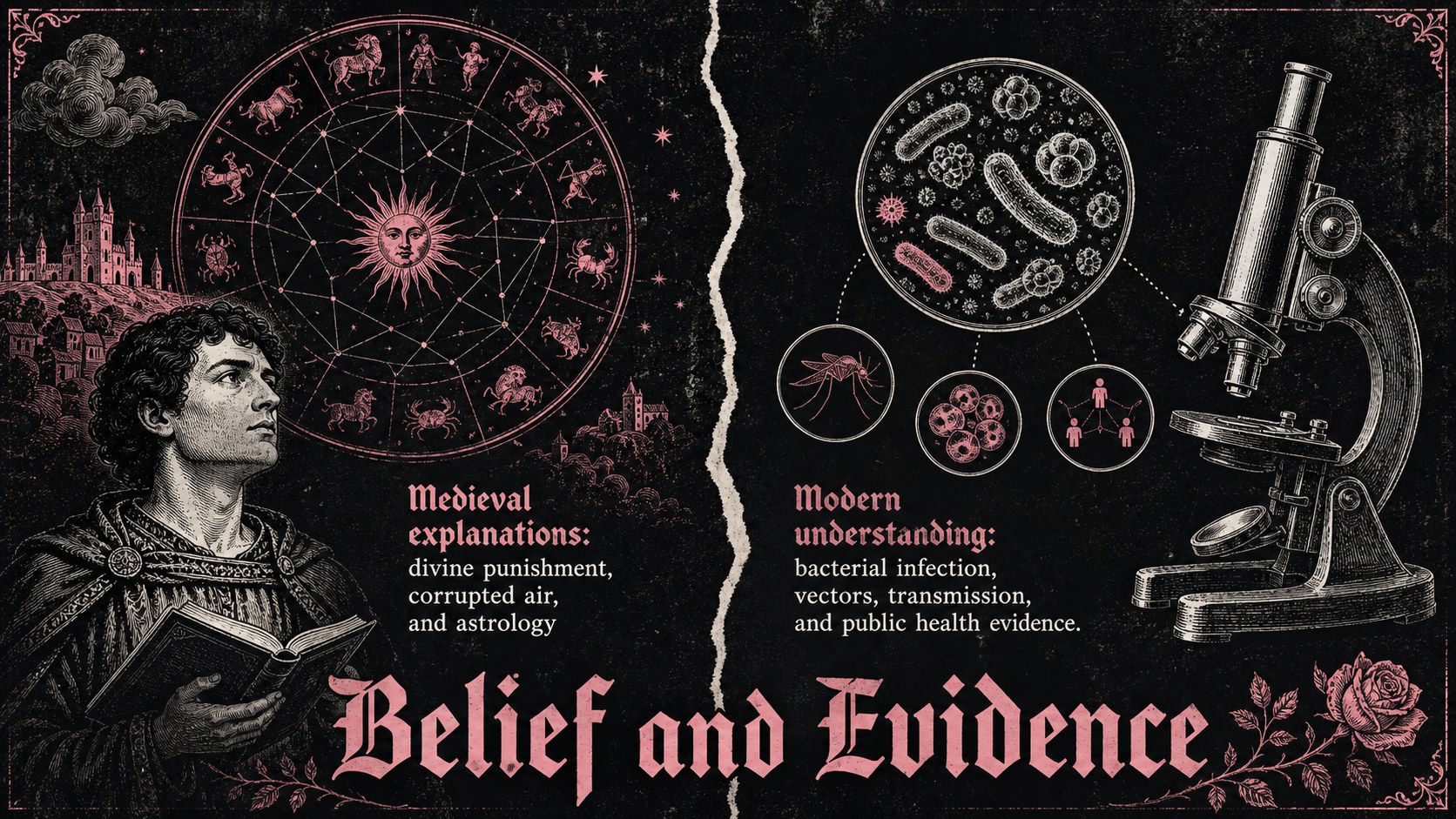
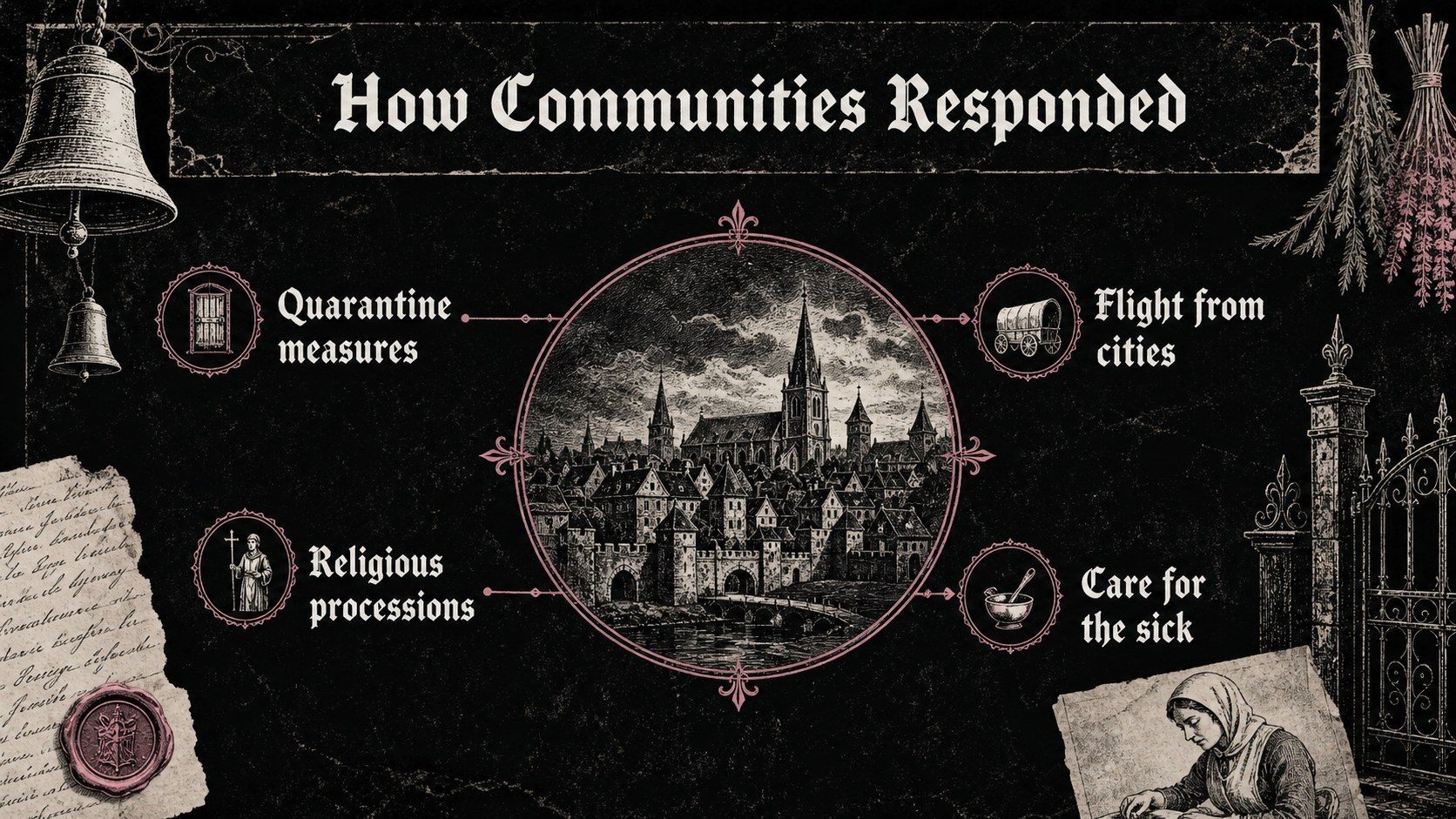
Design notes
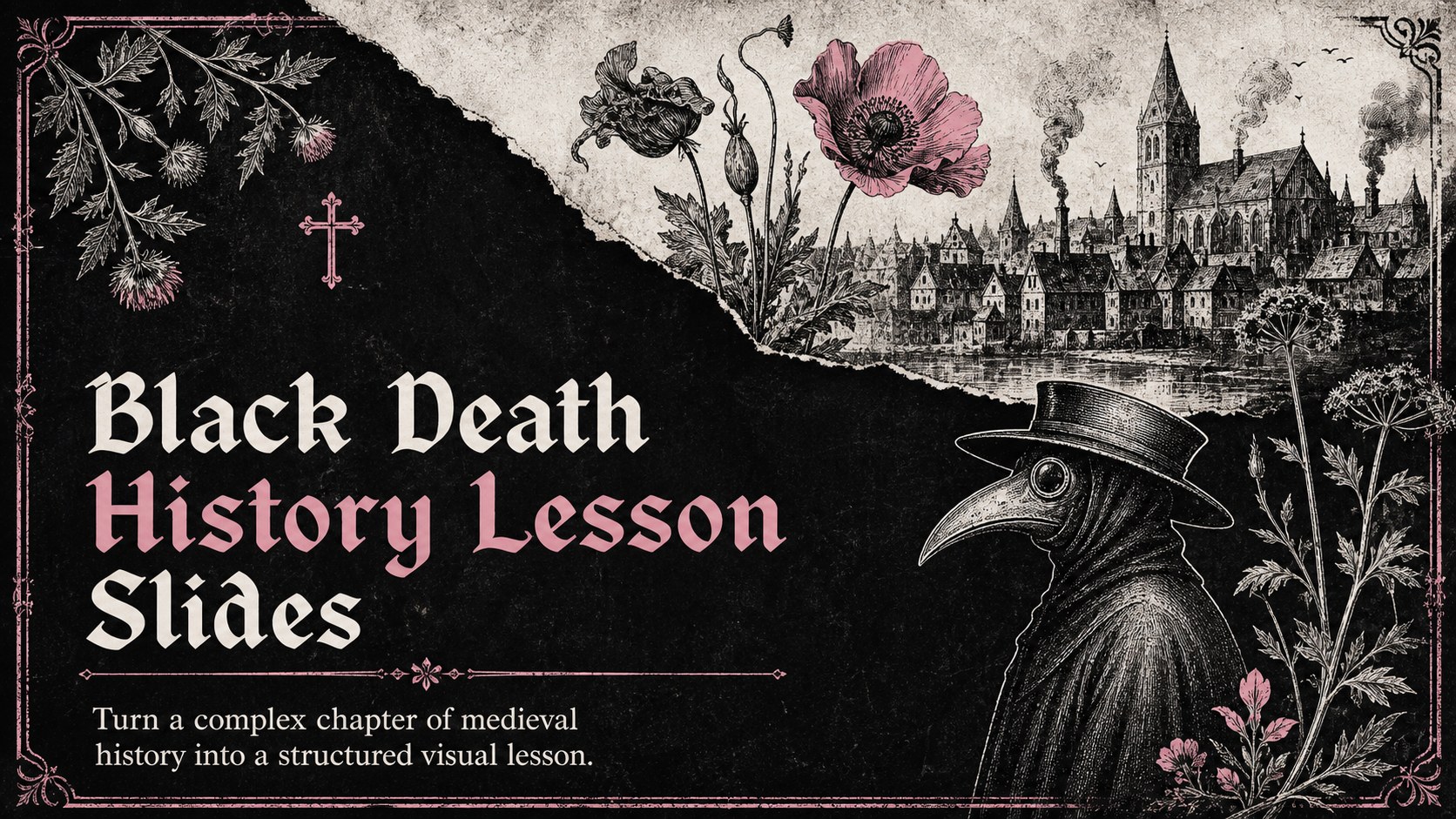
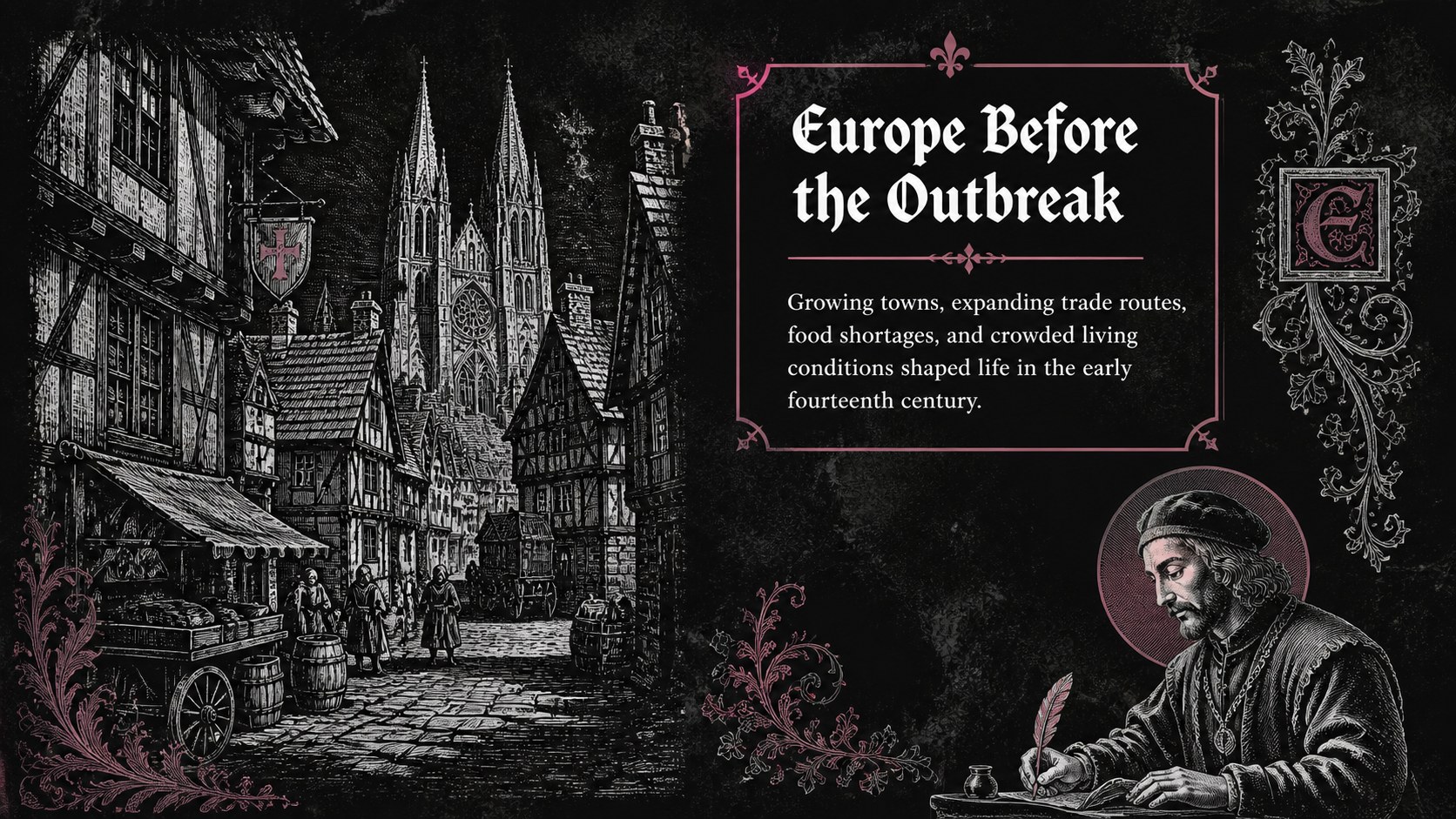
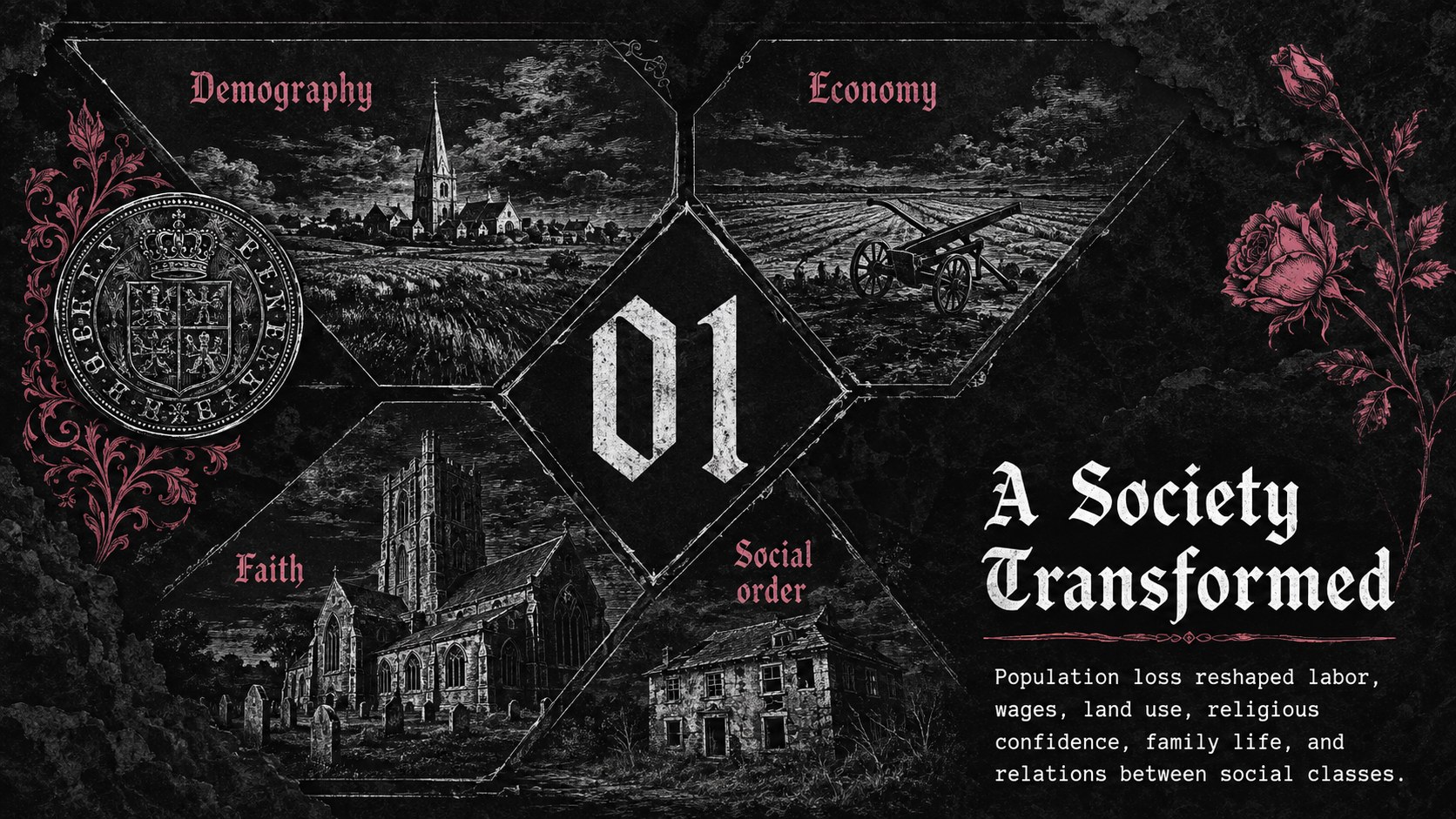
Black Death History Lesson Slides help educators present the causes, spread, and consequences of medieval plague through a visually focused classroom narrative. Designed in a distressed Gothic style, the deck combines black and white foundations with sharp pink accents, aged paper textures, floral details, and historical imagery. Every layout can be edited in PowerPoint or Google Slides.
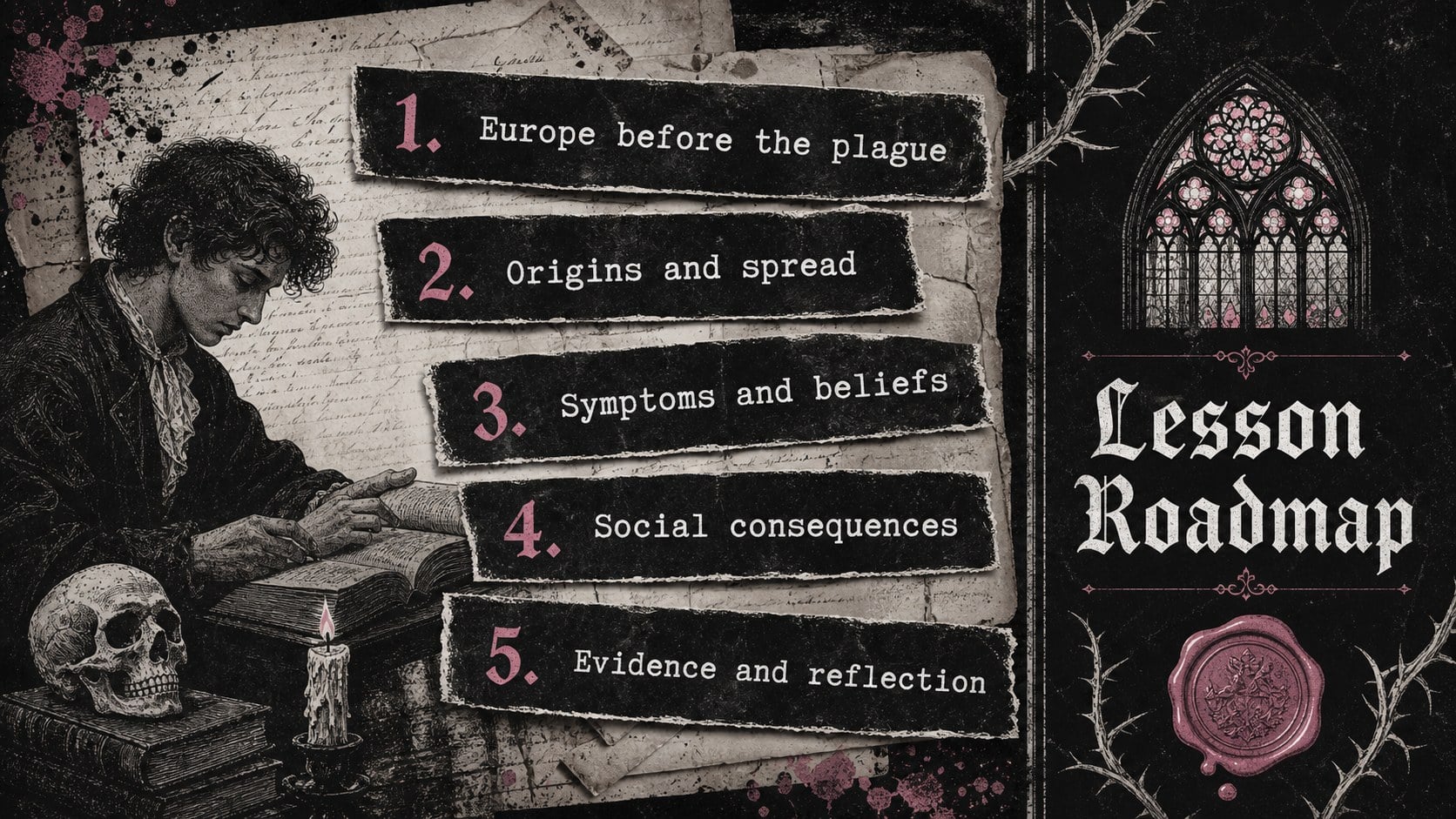
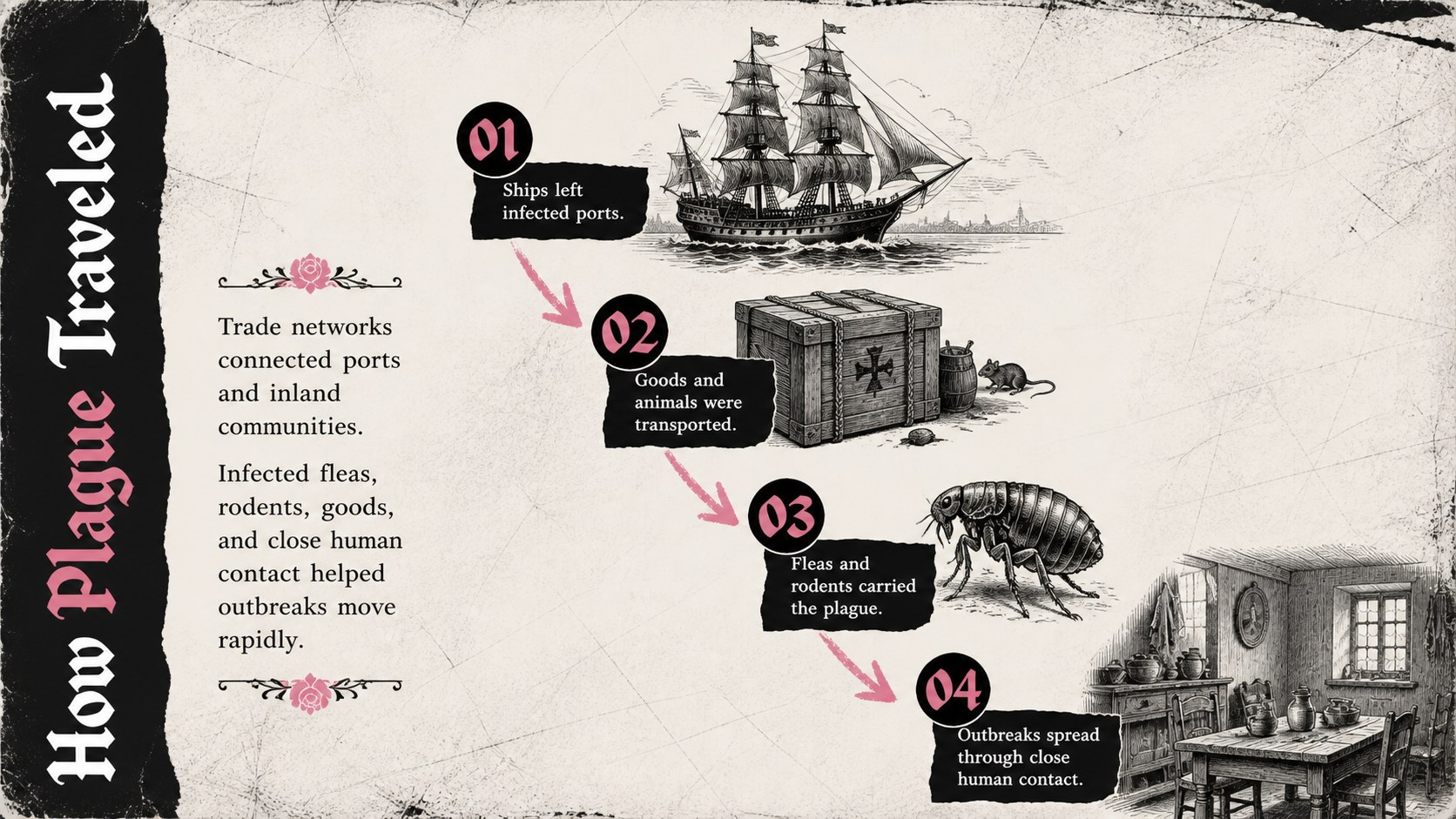
Build a complete medieval plague classroom presentation with sections for prior knowledge, historical context, transmission routes, symptoms, contemporary beliefs, social responses, and long-term change. A black death timeline for students supports chronological understanding, while map, quotation, comparison, and source-analysis layouts encourage closer investigation. The collection also includes discussion prompts, key-term pages, data displays, and a concluding reflection activity.
This Gothic history PowerPoint template is intended for middle school and high school history teachers, homeschool instructors, museum educators, and students preparing research reports. Use the ready-made structure for a full lesson, adapt individual slides for a broader Middle Ages unit, or turn the layouts into an assessment review. Fonts, colors, text, images, charts, and decorative elements are customizable, making it easy to match local curriculum requirements while preserving the dark vintage atmosphere. The design balances dramatic visuals with readable content areas so historical evidence remains central to the lesson.
Perfect for: Black Death classroom lesson; medieval history unit; primary source analysis; plague timeline activity; student history report.
Frequently asked questions
Can I edit these slides in PowerPoint and Google Slides? Yes. The deck is designed for both PowerPoint and Google Slides, with editable text, colors, images, and layout elements. Minor font or spacing adjustments may be needed when moving between platforms.
Practical details
Yes. The deck is designed for both PowerPoint and Google Slides, with editable text, colors, images, and layout elements. Minor font or spacing adjustments may be needed when moving between platforms.
Yes. Shorten the text and emphasize vocabulary for younger learners, or add primary sources, statistics, and historiographical questions for advanced classes. The modular layouts make it easy to remove or reorder sections.
Replace photos, adjust the pink accent color, and modify the paper or floral decorations while retaining the black-and-white base. You can also apply your school fonts and add a course title without changing the overall Gothic mood.
Yes. It provides formats for timelines, maps, key terms, quotations, comparisons, data, source analysis, discussion, and reflection. Teachers should review and update factual details to align with their curriculum and selected sources.
Keep exploring
15Build stronger academic arguments with a college essay thesis builder featuring guided examples, revision prompts, and editable PowerPoint and Google Slides.
 15
15Build an engaging World UFO Day session with this flying saucer history lesson deck, featuring retro green-and-brown slides for PowerPoint and Google Slides.
 14
14Plan a memorable Lunar New Year campaign with the 2036 Dragon Year Celebration Theme, featuring bold red-and-yellow slides for lessons and events.
 15
15Build a thoughtful classroom discussion with this interfaith awareness lesson deck, featuring editable blue-and-white slides for PowerPoint and Google Slides.
 15
15Use this environmental awareness lesson deck to teach climate action through illustrated activities, discussion prompts, and ready-to-edit visuals.
 15
15Build playful lessons and party stories with a kid-friendly zombie celebration theme in purple, green and pastel blue for PowerPoint and Google Slides.
 15
15Build eerie lessons, campaigns, and story pitches with an undead survival scenario theme featuring editable slides for PowerPoint and Google Slides.
 16
16Turn environmental research into a clear story with a Watercolor Ecology Presentation Theme for PowerPoint and Google Slides in calming green and blue.