
 15
15presentation
College Essay Thesis Builder Slides
Build stronger academic arguments with a college essay thesis builder featuring guided examples, revision prompts, and editable PowerPoint and Google Slides.
Google SlidesPowerPoint
presentation · English
Turn birthday party memory book slides into a colorful keepsake for photos, guest messages, party schedules, and playful storytelling in editable PowerPoint…

Design notes
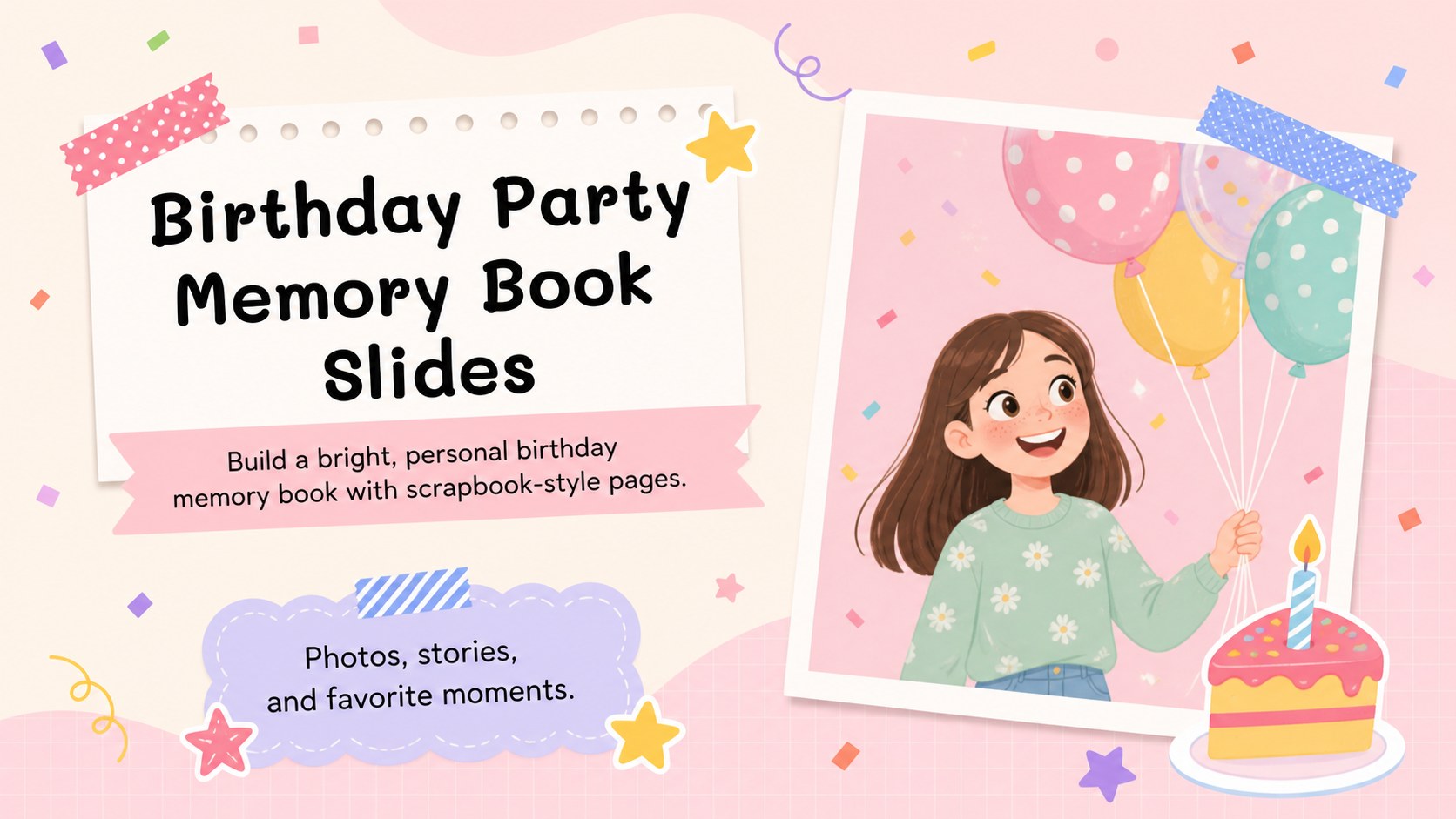
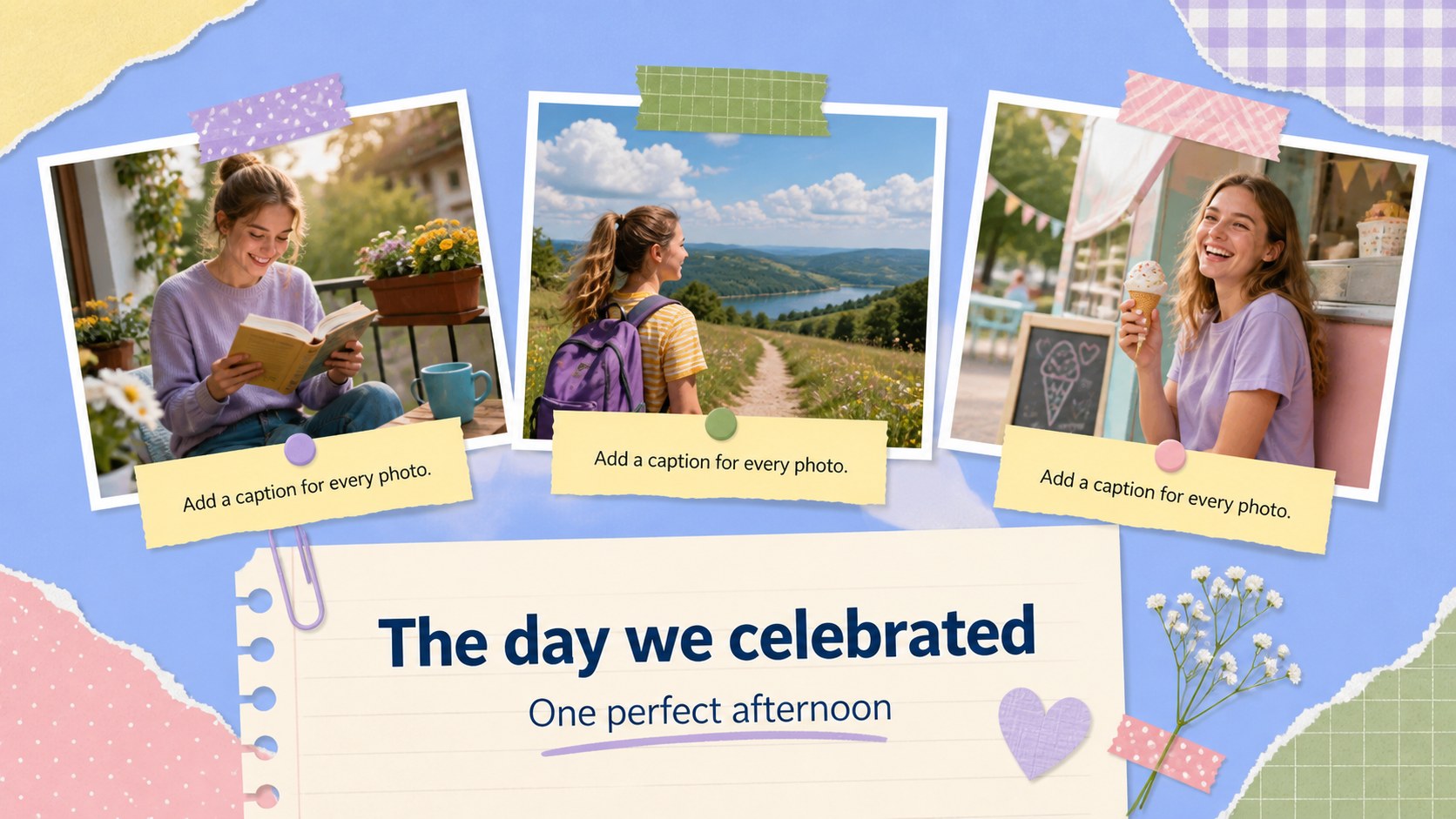
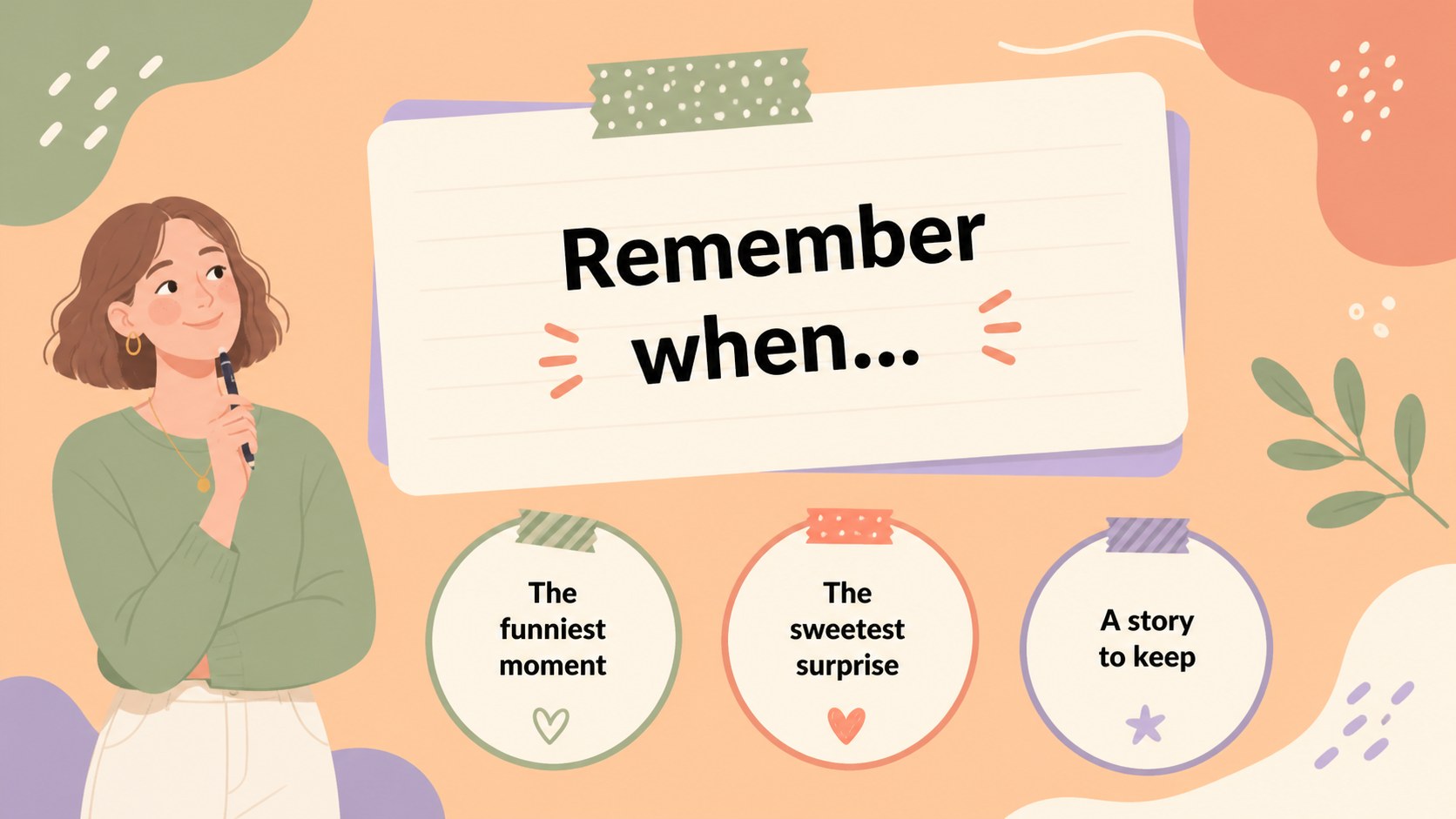
Birthday party memory book slides give you a cheerful way to collect the moments, people, and details that make a celebration special. Pastel colors, playful cartoon accents, paper-inspired frames, and friendly typography create a colorful scrapbook mood while leaving plenty of room for your own photos and words. Use the deck as a digital keepsake, a party-day visual guide, or a presentation to share after the event.
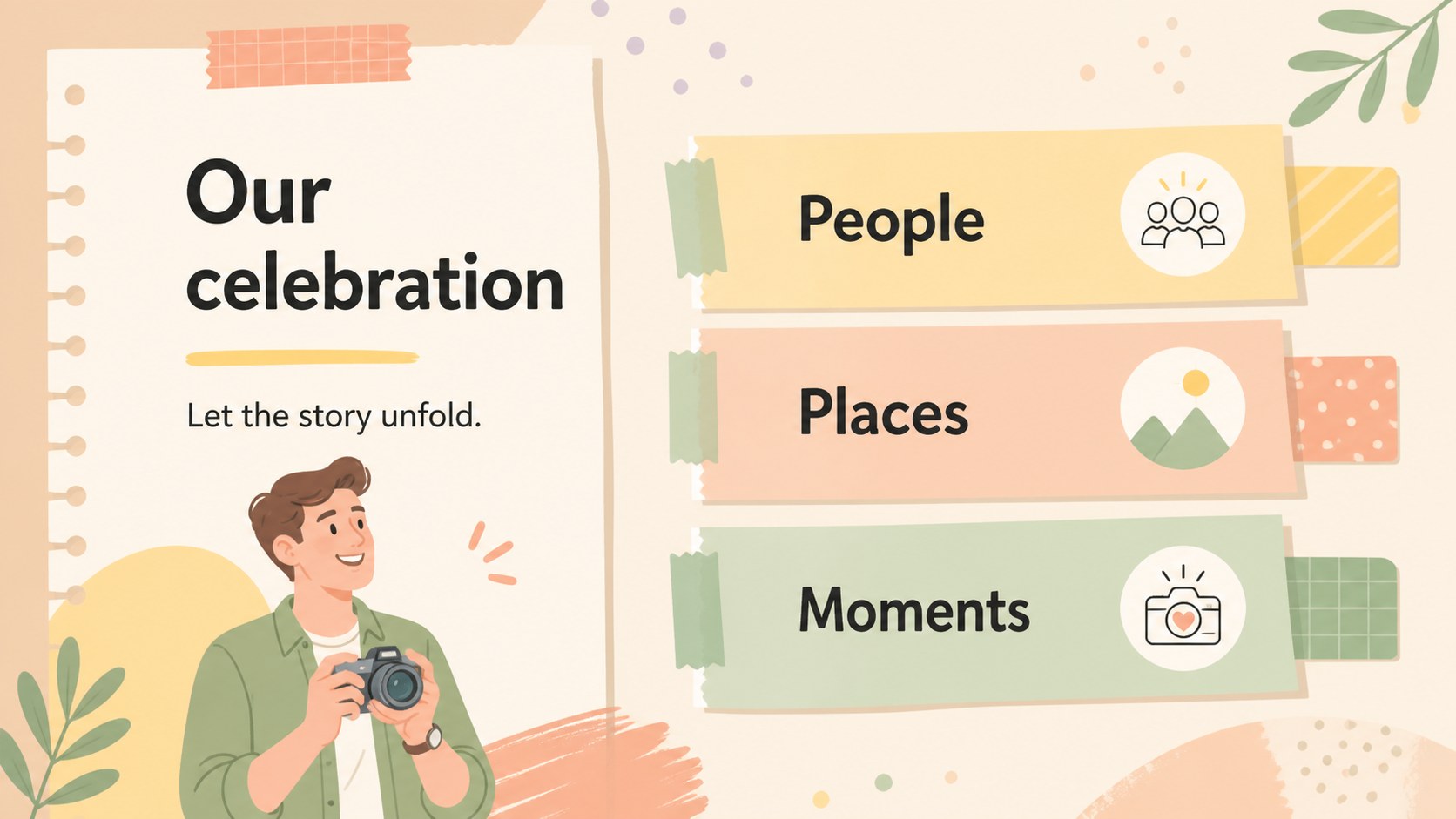
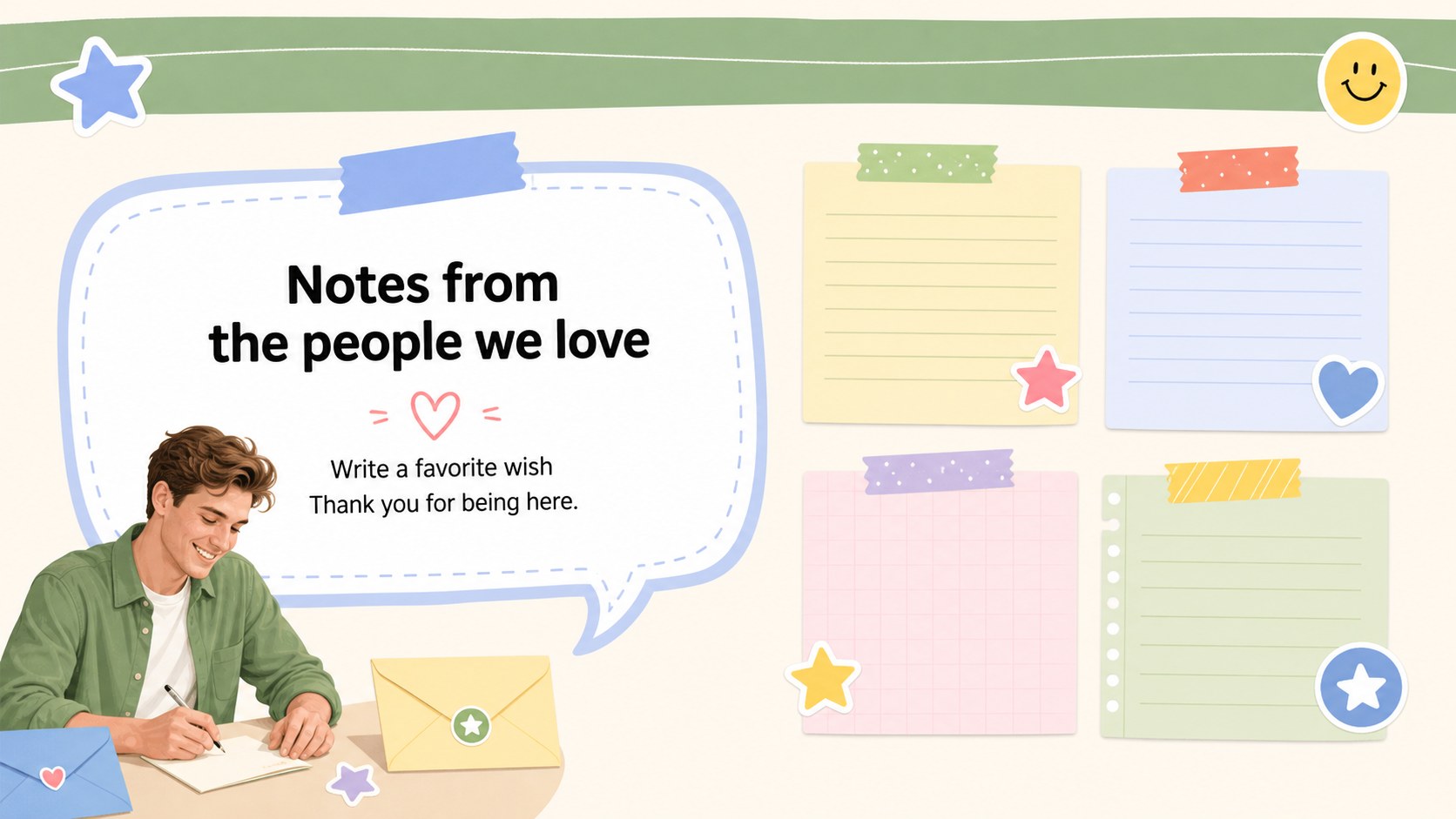
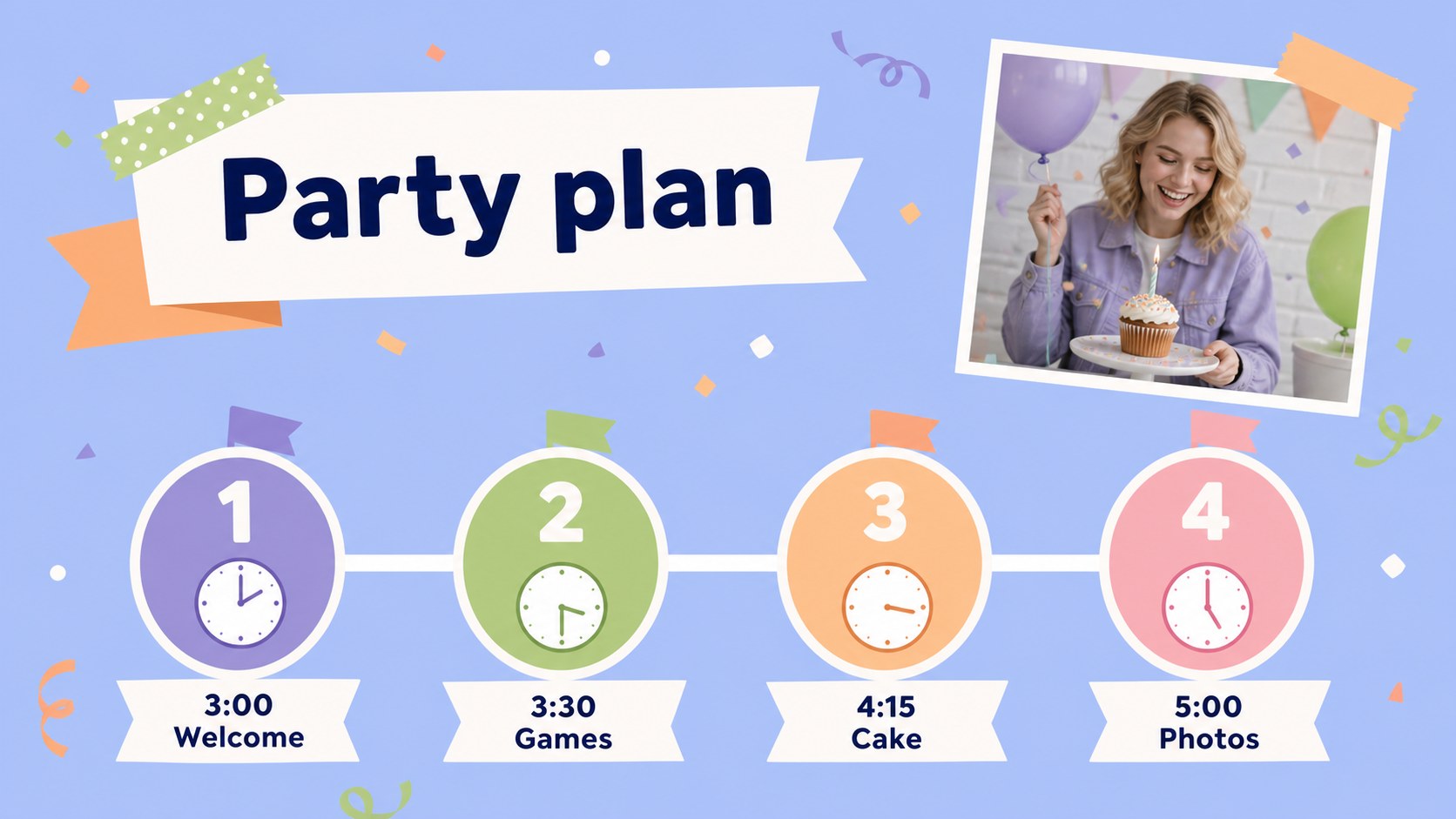
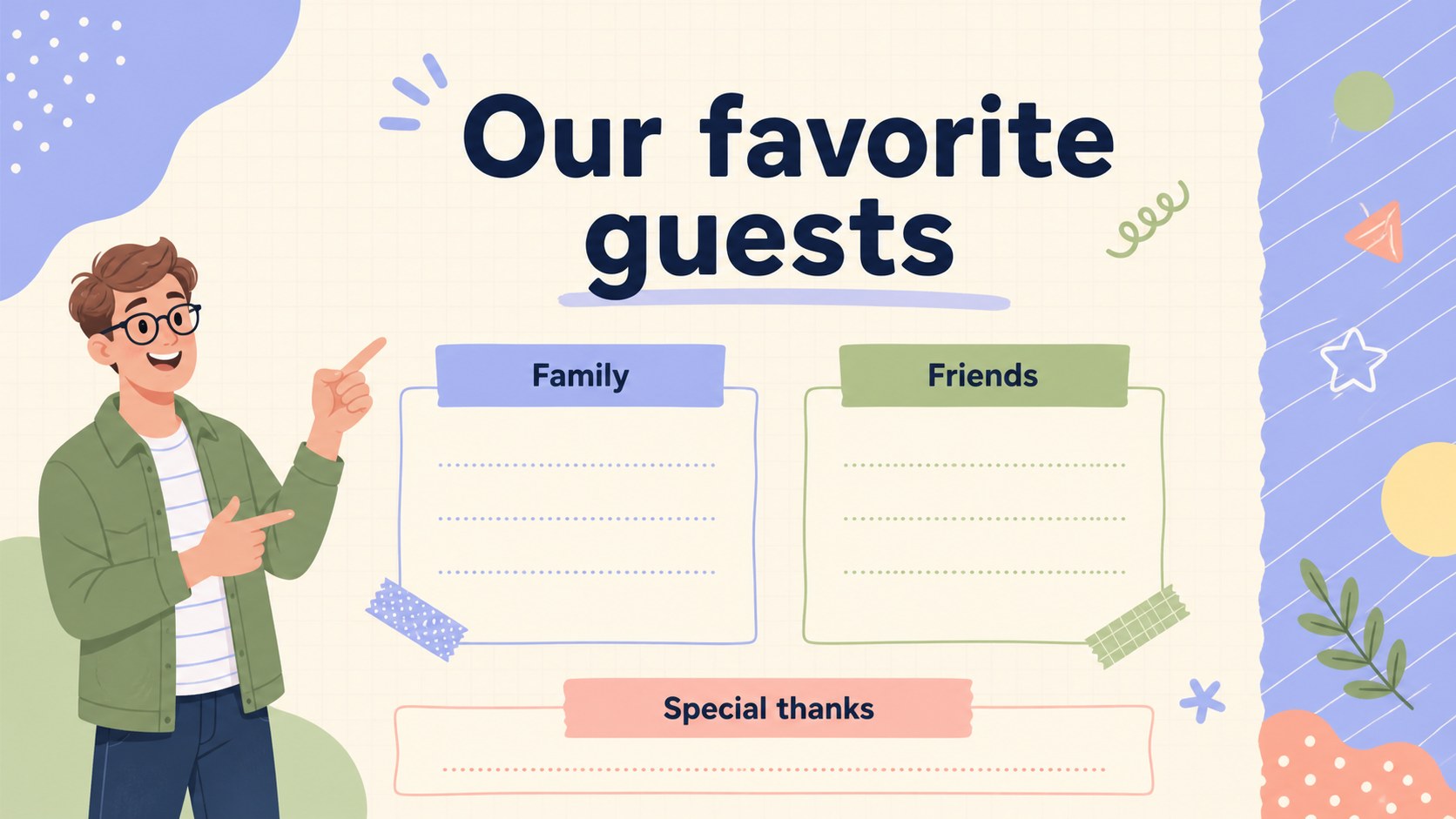
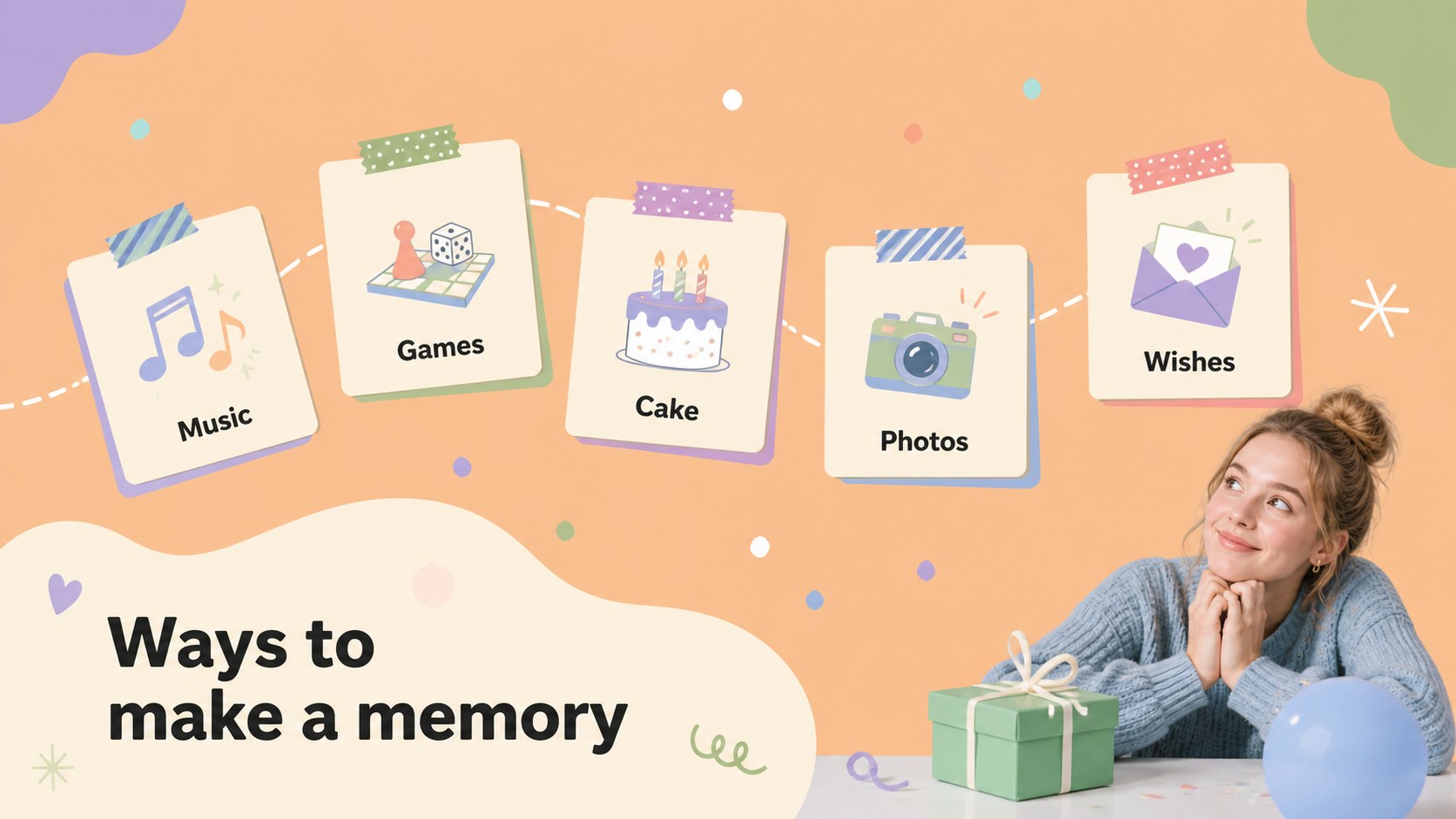
Inside, you will find a cover, welcome page, celebration overview, photo layouts, guest message pages, memory prompts, a party schedule, guest list, activity ideas, thank-you page, and closing slide. The flexible layouts also work well for a birthday photo album presentation, a family slideshow, or a child-friendly celebration recap. Rearrange the pages, duplicate your favorite compositions, and replace the sample copy with personal notes, captions, dates, and snapshots.
This free birthday scrapbook deck is designed for families, friends, party organizers, teachers, and anyone creating a warm visual record of a milestone. Edit it in PowerPoint or Google Slides, adjust the pastel palette and typography, and export the finished story for sharing or printing. The Mali and Nunito fonts support the template’s informal, welcoming character.
Perfect for: family birthday photo album; child birthday party recap; milestone celebration keepsake; guest message slideshow; birthday party schedule.
Frequently asked questions
Can I edit these slides in PowerPoint? Yes. The layouts are editable in PowerPoint, including text, colors, shapes, illustrations, and image placeholders. Replace the sample content with your own celebration details and photos.
Practical details
Yes. The layouts are editable in PowerPoint, including text, colors, shapes, illustrations, and image placeholders. Replace the sample content with your own celebration details and photos.
Yes, you can use the template in Google Slides and collaborate with family or friends while preparing it. Check the font availability after importing and substitute a similar font if needed.
Add portraits, group photos, guest notes, favorite memories, party activities, a schedule, and a thank-you message. You can duplicate the photo and message layouts to create a longer keepsake.
Yes. Update the background colors, paper accents, frames, and typography while keeping the playful visual structure. The design can be adapted for adults, children, family gatherings, or milestone birthdays.
Keep exploring
15Build stronger academic arguments with a college essay thesis builder featuring guided examples, revision prompts, and editable PowerPoint and Google Slides.
 15
15Build an engaging World UFO Day session with this flying saucer history lesson deck, featuring retro green-and-brown slides for PowerPoint and Google Slides.
 14
14Plan a memorable Lunar New Year campaign with the 2036 Dragon Year Celebration Theme, featuring bold red-and-yellow slides for lessons and events.
 15
15Build a thoughtful classroom discussion with this interfaith awareness lesson deck, featuring editable blue-and-white slides for PowerPoint and Google Slides.
 15
15Use this environmental awareness lesson deck to teach climate action through illustrated activities, discussion prompts, and ready-to-edit visuals.
 15
15Build playful lessons and party stories with a kid-friendly zombie celebration theme in purple, green and pastel blue for PowerPoint and Google Slides.
 15
15Build eerie lessons, campaigns, and story pitches with an undead survival scenario theme featuring editable slides for PowerPoint and Google Slides.
 16
16Turn environmental research into a clear story with a Watercolor Ecology Presentation Theme for PowerPoint and Google Slides in calming green and blue.