
 15
15presentation
College Essay Thesis Builder Slides
Build stronger academic arguments with a college essay thesis builder featuring guided examples, revision prompts, and editable PowerPoint and Google Slides.
Google SlidesPowerPoint
presentation · English
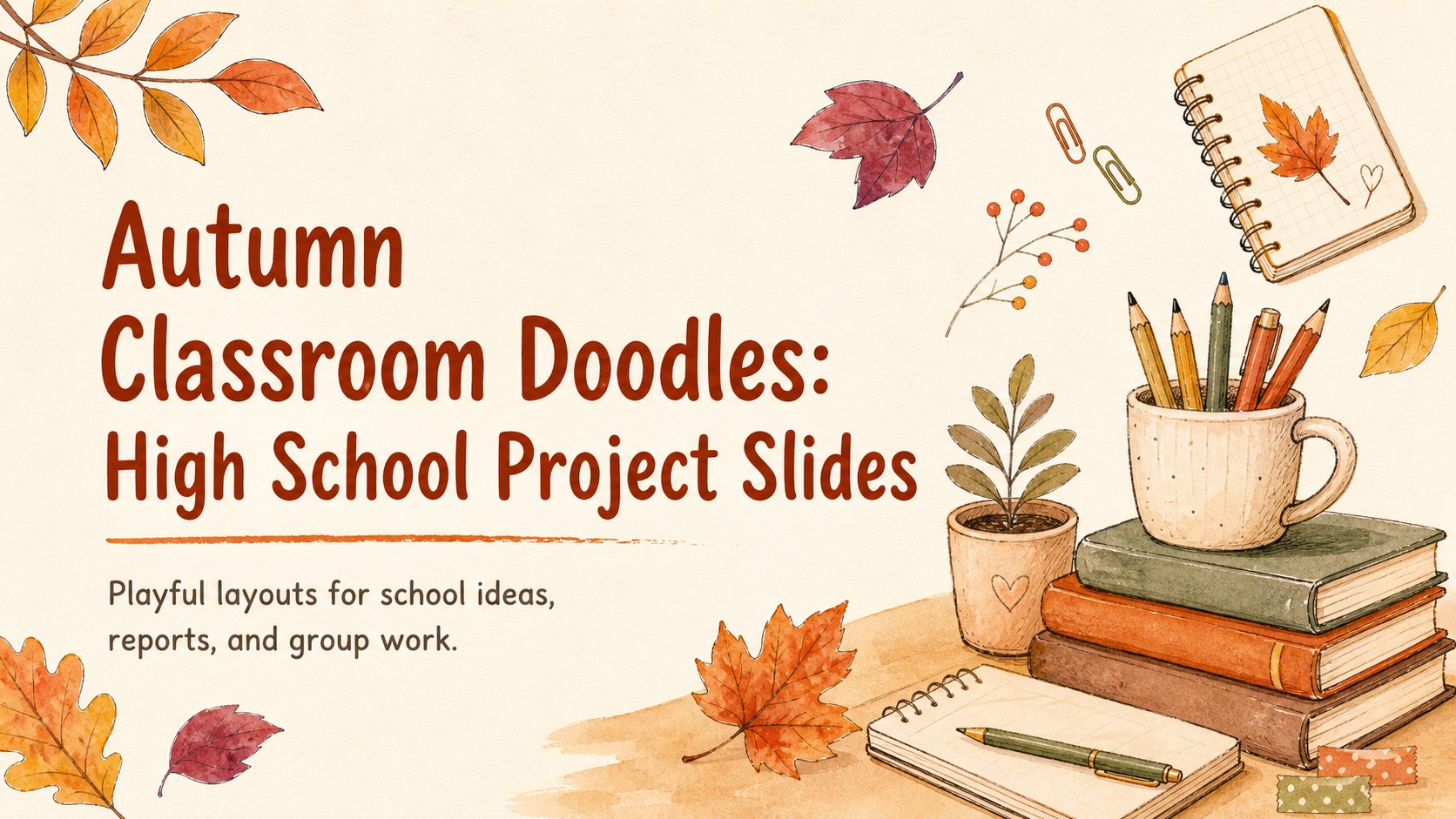
Create engaging autumn classroom presentation slides with playful watercolor doodles, flexible layouts, and warm orange accents for high school projects.
Design notes
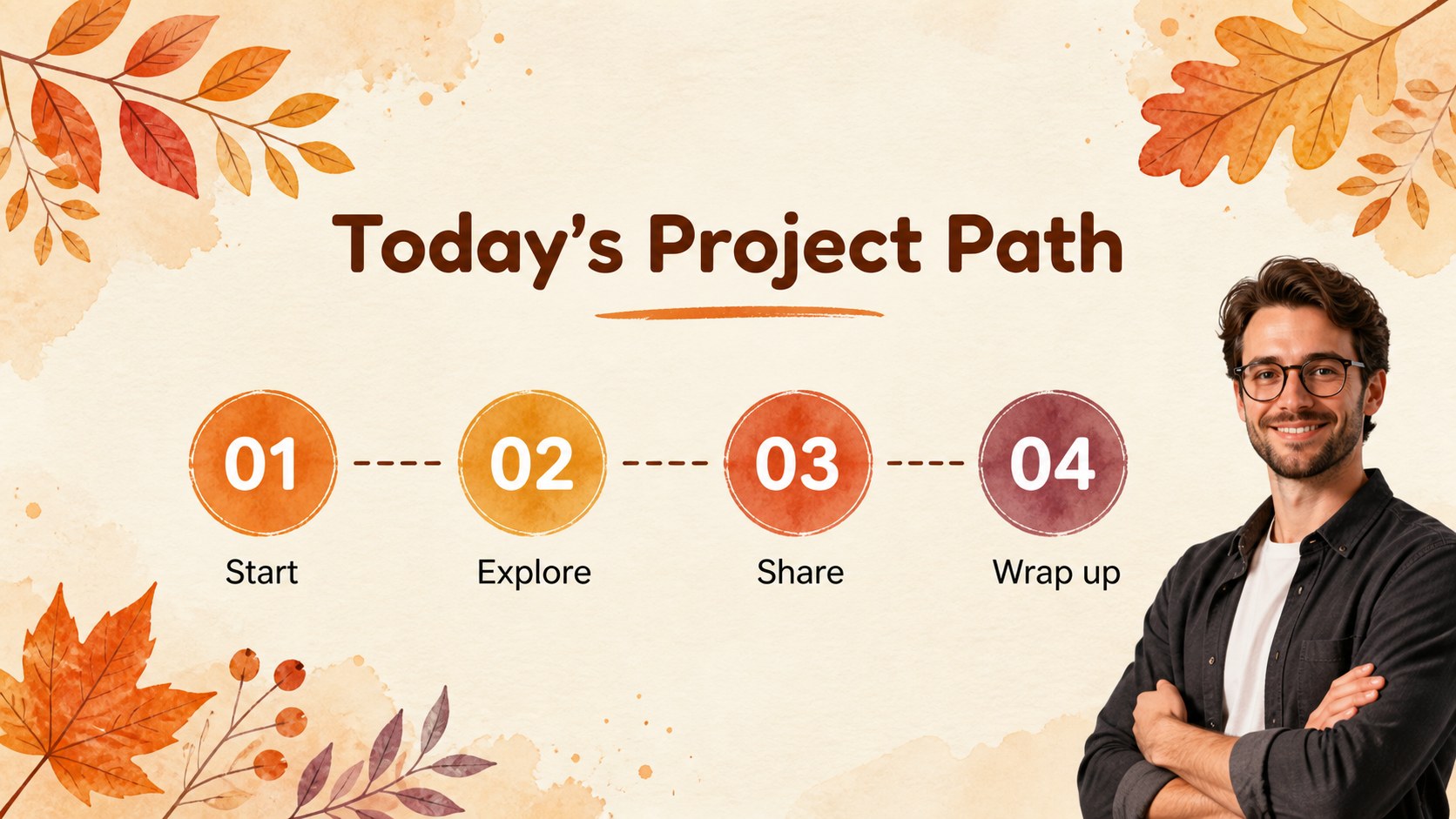
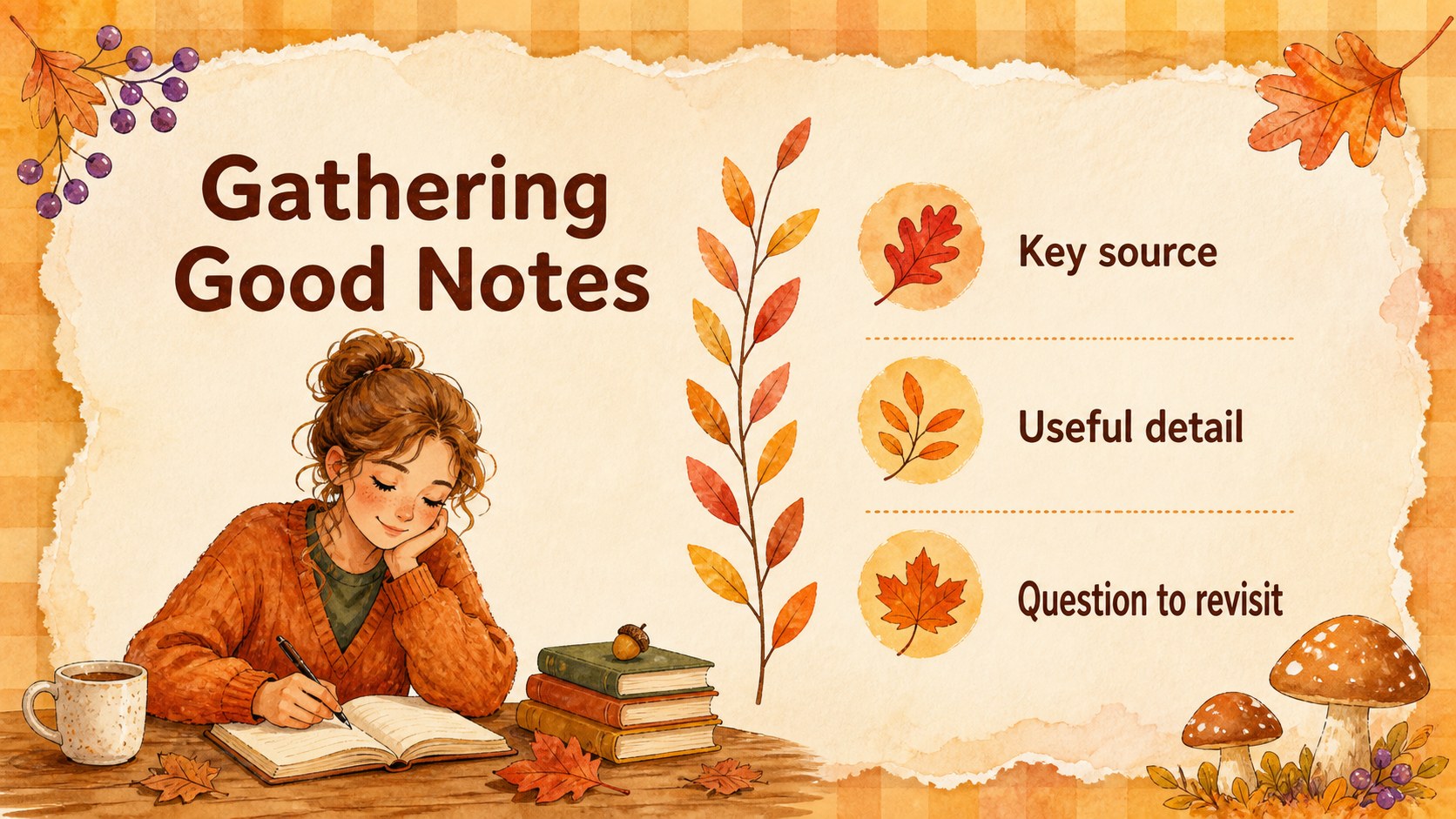
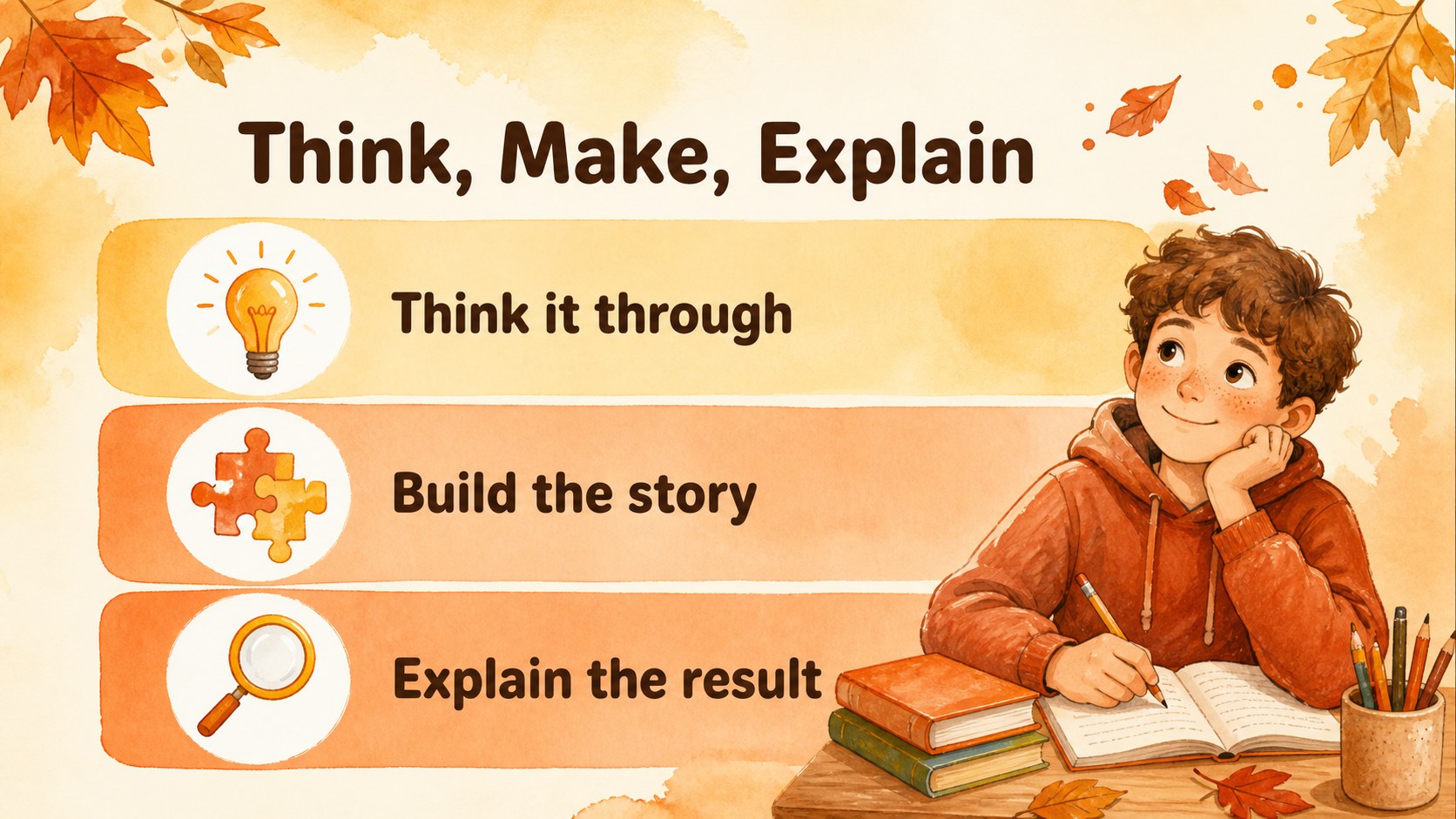
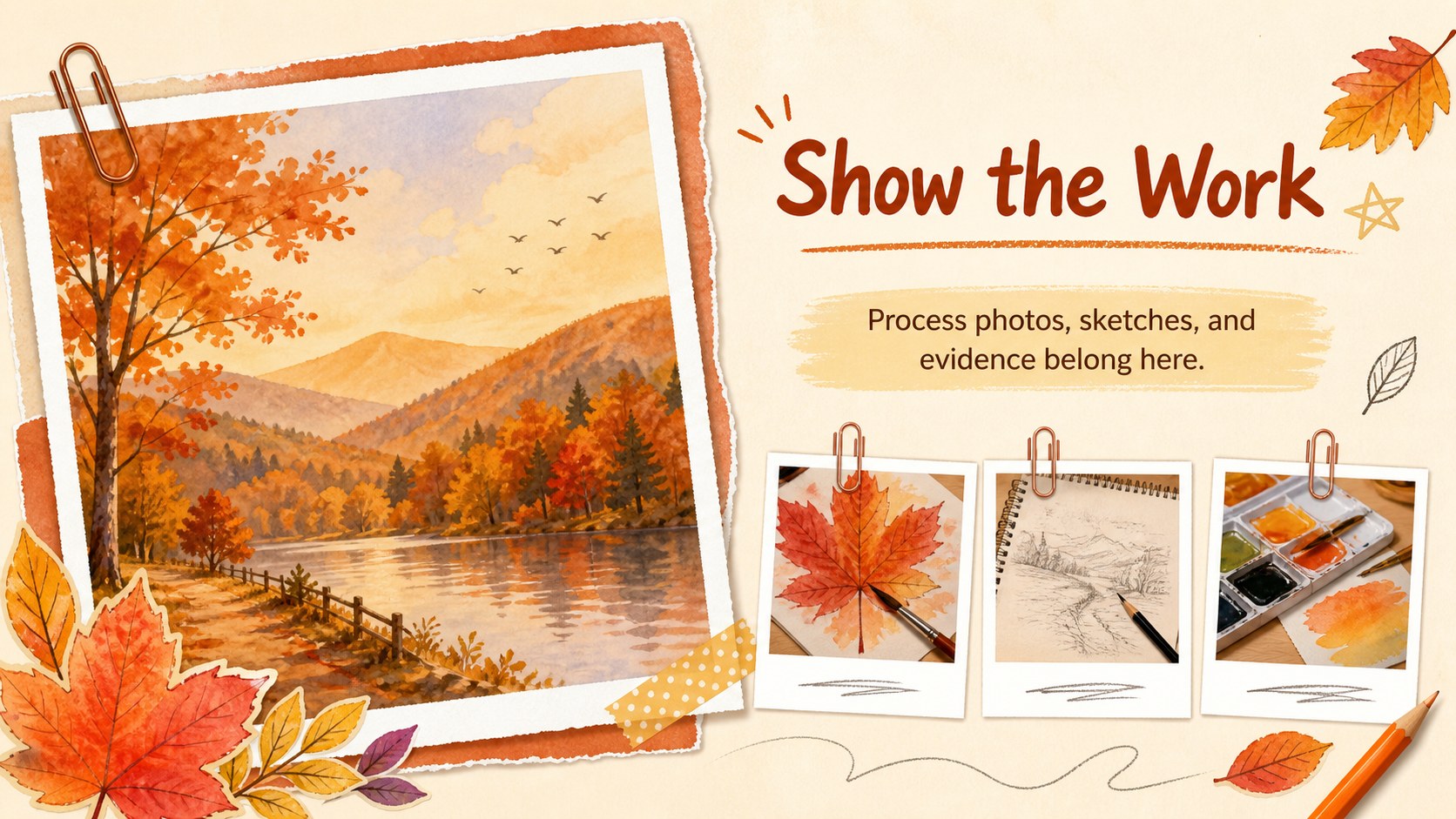
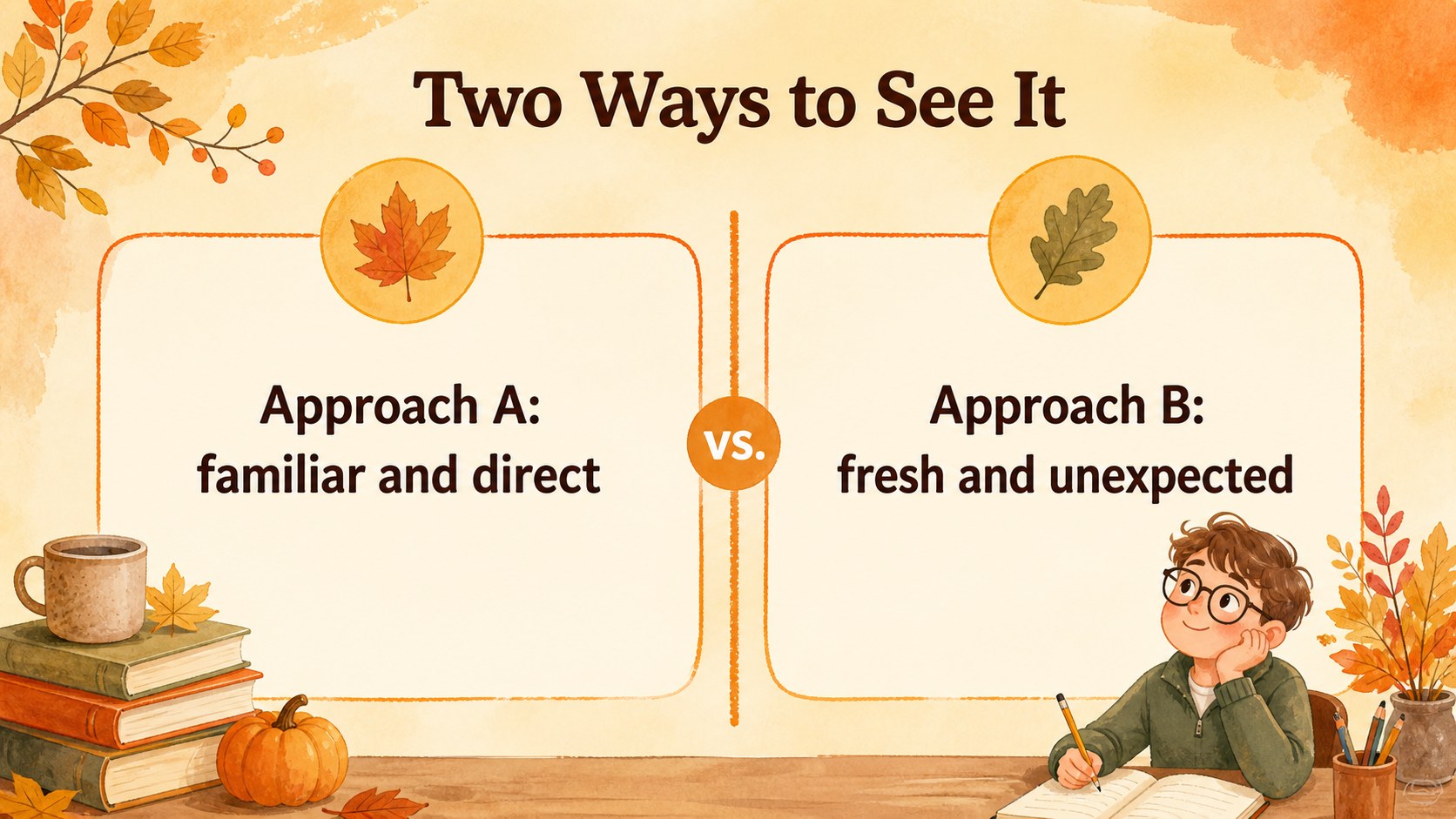
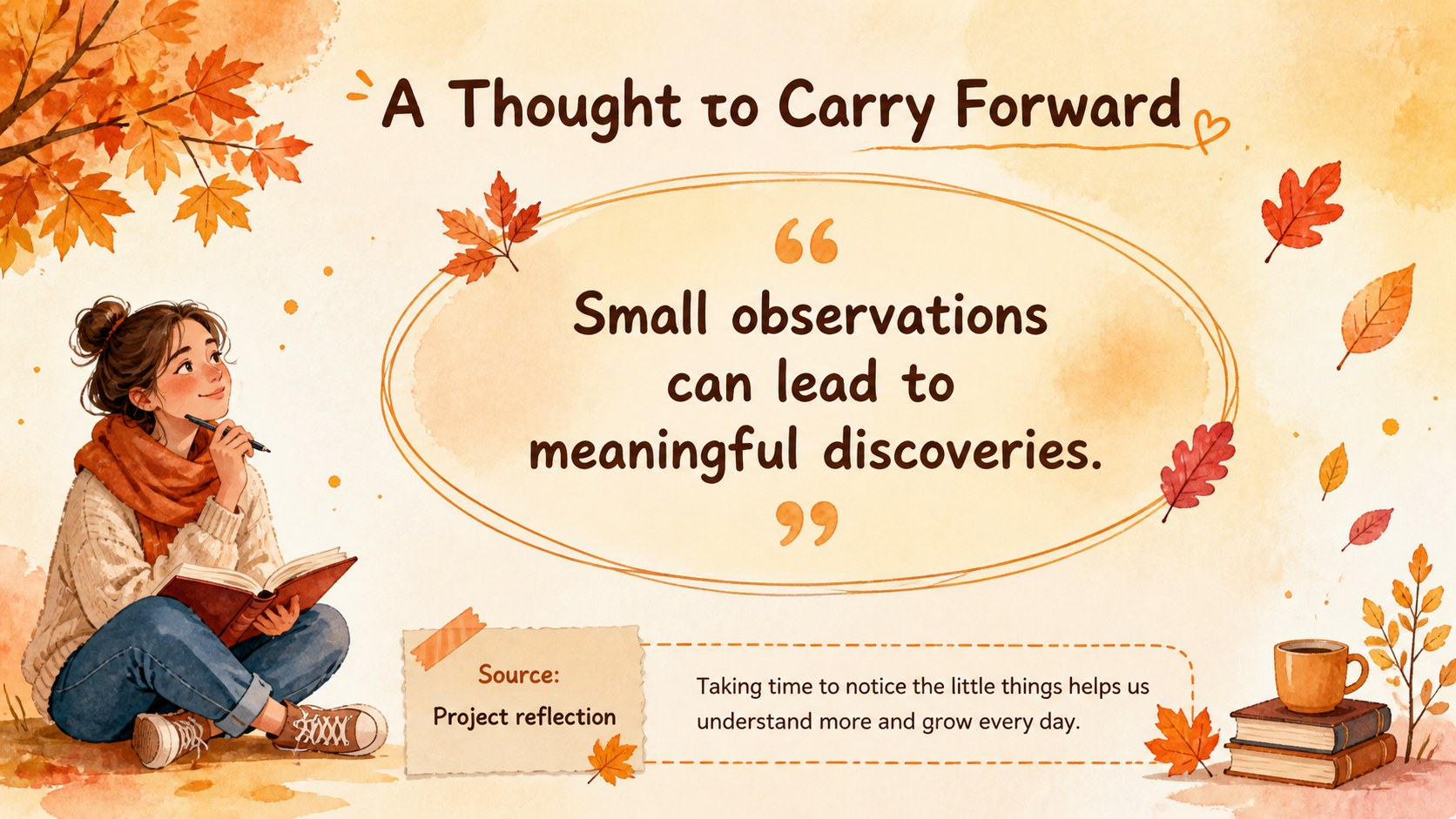
Autumn classroom presentation slides make it easy to give schoolwork a lively seasonal look without sacrificing clarity. Designed for high school students, this warm orange watercolor deck combines cheerful leaf doodles, friendly illustrated details, and clean spaces for headlines, notes, images, and project highlights. Use it for a literature response, science report, history topic, club update, or a creative group presentation.
Inside, you will find 15 fully editable 16:9 layouts with title slides, section dividers, comparison areas, image frames, list structures, quote pages, and a closing slide. The autumn school project theme keeps the mood approachable while giving important information enough room to breathe. Add charts, photos, diagrams, stickers, or handwritten-style annotations to make each assignment feel personal.
The template works in Google Slides and PowerPoint, so students and teachers can choose the editing workflow that fits their classroom. It is also useful for back-to-school introductions, fall event planning, reading presentations, and peer collaboration. Customize the text, images, fonts, and decorative elements while keeping the playful orange palette and cozy seasonal character.
Perfect for: high school class assignment; fall club activity update; seasonal book report; back-to-school introduction; group project presentation.
Frequently asked questions
Can I edit these autumn classroom presentation slides in Google Slides? Yes. The layouts can be opened and edited in Google Slides or PowerPoint. Replace the sample text, images, and graphics with your own classroom content.
Practical details
Yes. The layouts can be opened and edited in Google Slides or PowerPoint. Replace the sample text, images, and graphics with your own classroom content.
Yes. You can adjust the warm orange palette, change fonts, recolor shapes, and remove or reposition the leaf doodles. The illustrated elements can be adapted to match your project.
It is designed for collaborative schoolwork and includes layouts for sections, comparisons, images, lists, and conclusions. Students can divide the slides among team members and work together or Google Slides.
Use it for reports, book reviews, science assignments, history topics, club updates, and fall event plans. The flexible layouts support both visual projects and text-based presentations.
Keep exploring
15Build stronger academic arguments with a college essay thesis builder featuring guided examples, revision prompts, and editable PowerPoint and Google Slides.
 15
15Build an engaging World UFO Day session with this flying saucer history lesson deck, featuring retro green-and-brown slides for PowerPoint and Google Slides.
 14
14Plan a memorable Lunar New Year campaign with the 2036 Dragon Year Celebration Theme, featuring bold red-and-yellow slides for lessons and events.
 15
15Build a thoughtful classroom discussion with this interfaith awareness lesson deck, featuring editable blue-and-white slides for PowerPoint and Google Slides.
 15
15Use this environmental awareness lesson deck to teach climate action through illustrated activities, discussion prompts, and ready-to-edit visuals.
 15
15Build playful lessons and party stories with a kid-friendly zombie celebration theme in purple, green and pastel blue for PowerPoint and Google Slides.
 15
15Build eerie lessons, campaigns, and story pitches with an undead survival scenario theme featuring editable slides for PowerPoint and Google Slides.
 16
16Turn environmental research into a clear story with a Watercolor Ecology Presentation Theme for PowerPoint and Google Slides in calming green and blue.