
 15
15presentation
College Essay Thesis Builder Slides
Build stronger academic arguments with a college essay thesis builder featuring guided examples, revision prompts, and editable PowerPoint and Google Slides.
Google SlidesPowerPoint
presentation · English
Create Australia Day Classroom Slides for lessons, assemblies, and events, with cheerful yellow-and-green storybook art for PowerPoint and Google Slides.
Design notes
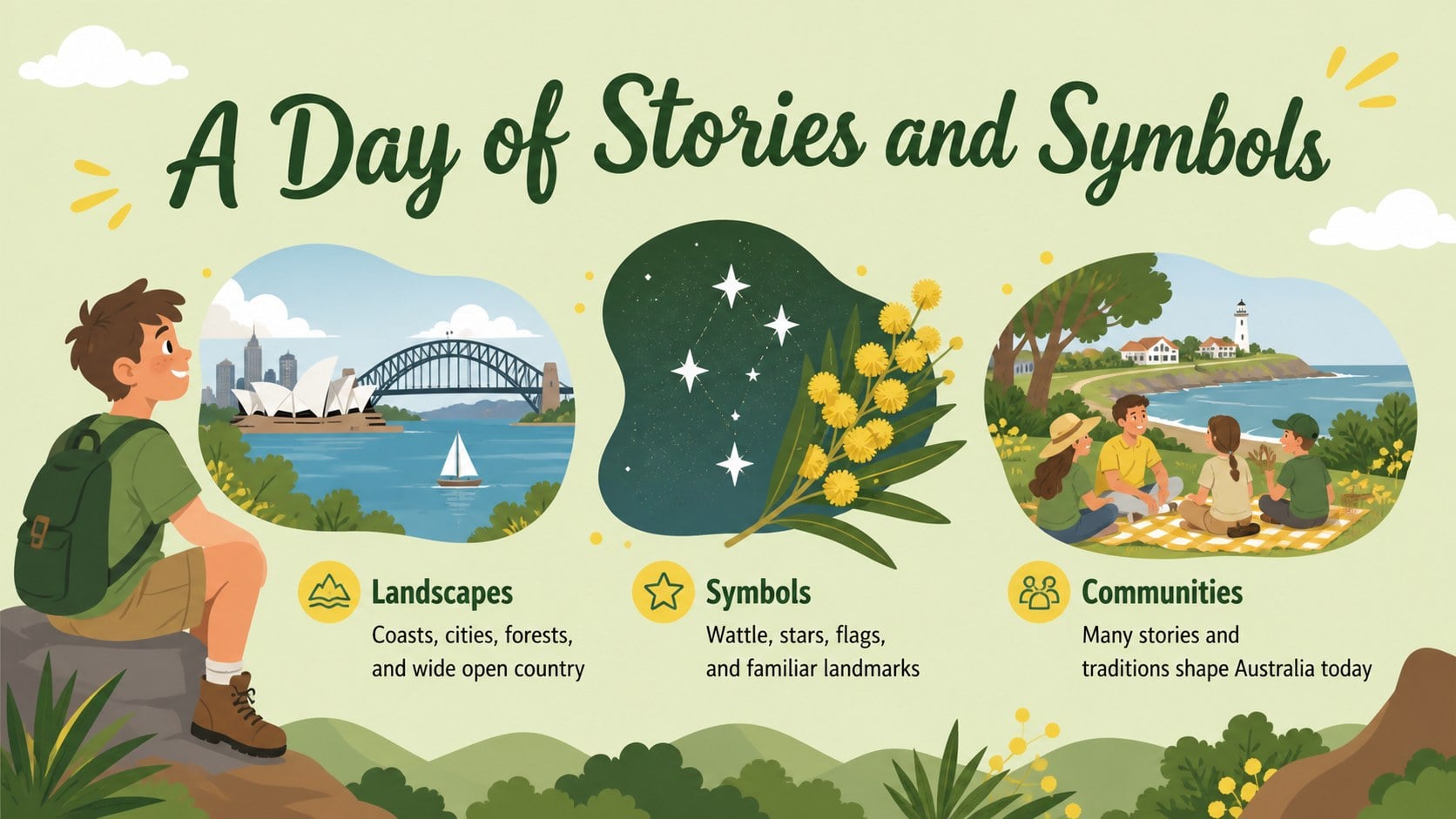
Australia Day Classroom Slides with Storybook Style offer a lively way to explore the country’s culture, places, traditions, and national symbols. Cheerful illustrations, sunny yellow accents, and fresh green details create a welcoming visual style that works especially well for younger audiences. Use the deck as an Australia Day lesson presentation or adapt it for a school-wide celebration.
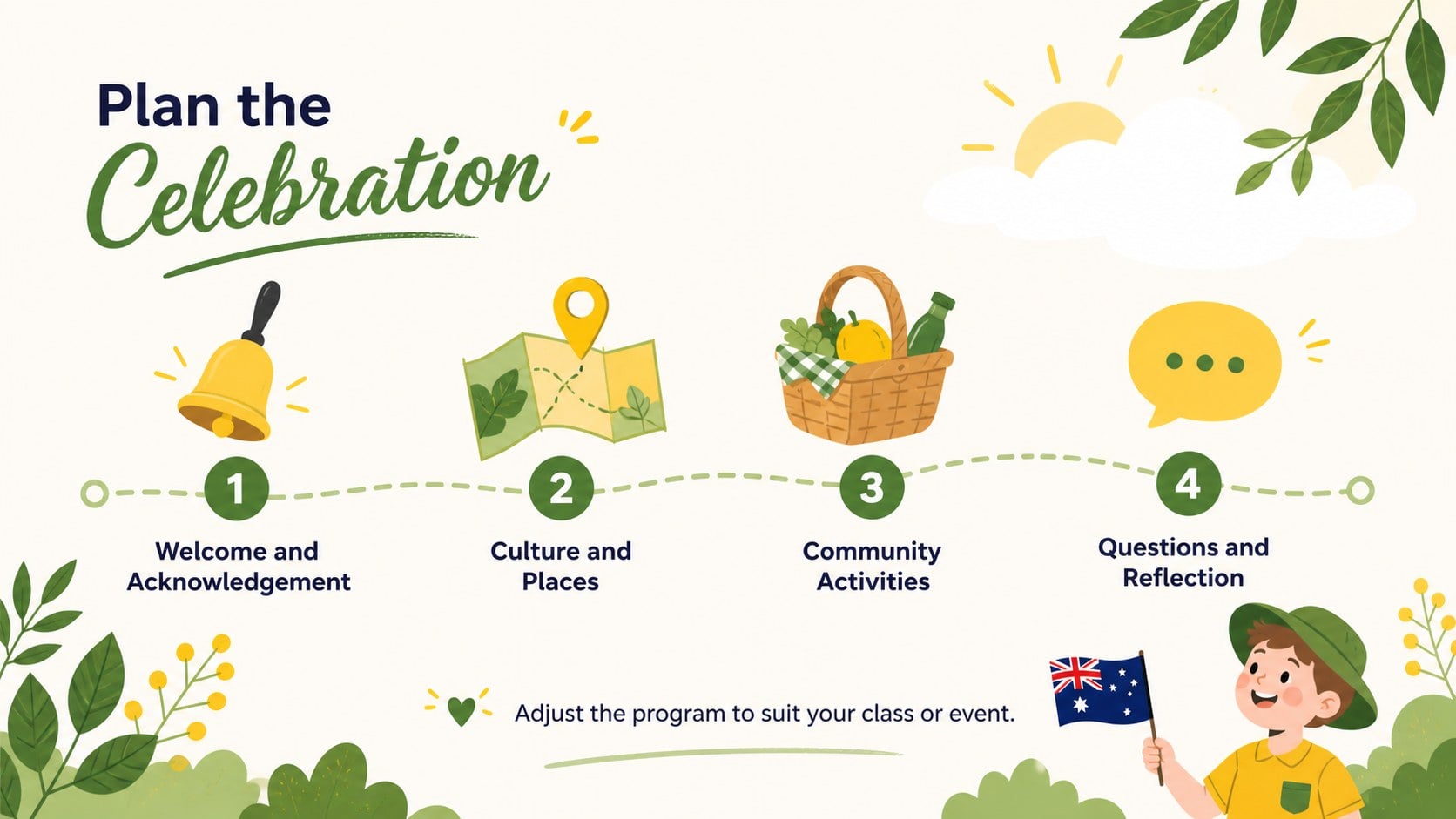
The template includes more than 25 editable layouts for introductions, cultural facts, event schedules, timelines, maps, discussion prompts, image showcases, and closing reflections. Charts, frames, shapes, and infographic elements help organize information without making slides feel crowded. Short headings and flexible content areas also make it easy to build engaging Australia Day assembly slides with a consistent storybook look.
Teachers can create an Australian culture presentation for students, while learners can use the layouts for classroom reports or group projects. Event coordinators, tourism teams, and community organizations can customize the same design for festival programs, visitor information, or public announcements. Replace the sample text, adjust colors, add photographs, and reorganize sections directly in PowerPoint or Google Slides. The yellow-and-green palette can be retained for a festive result or modified to match a school, organization, or event identity.
Perfect for: Australia Day classroom lesson; school assembly presentation; student culture report; community festival program; Australian symbols activity; tourism event briefing.
Frequently asked questions
Can I edit these slides in PowerPoint and Google Slides? Yes. The layouts are designed for editing in both PowerPoint and Google Slides, including the text, colors, images, and graphic elements. Some fonts or transitions may vary slightly between platforms.
Practical details
Yes. The layouts are designed for editing in both PowerPoint and Google Slides, including the text, colors, images, and graphic elements. Some fonts or transitions may vary slightly between platforms.
Use shorter sentences, larger type, and image-led activities for younger students. For older learners, add historical context, discussion questions, timelines, and research prompts.
Yes. You can replace the theme colors with school, organization, or event colors while keeping the illustrated storybook style. Check text contrast after changing backgrounds or accent colors.
The layouts can cover national symbols, geography, cultural traditions, notable places, community events, and reflection questions. Present cultural and historical topics with accurate sources and age-appropriate context.
Keep exploring
15Build stronger academic arguments with a college essay thesis builder featuring guided examples, revision prompts, and editable PowerPoint and Google Slides.
 15
15Build an engaging World UFO Day session with this flying saucer history lesson deck, featuring retro green-and-brown slides for PowerPoint and Google Slides.
 14
14Plan a memorable Lunar New Year campaign with the 2036 Dragon Year Celebration Theme, featuring bold red-and-yellow slides for lessons and events.
 15
15Build a thoughtful classroom discussion with this interfaith awareness lesson deck, featuring editable blue-and-white slides for PowerPoint and Google Slides.
 15
15Use this environmental awareness lesson deck to teach climate action through illustrated activities, discussion prompts, and ready-to-edit visuals.
 15
15Build playful lessons and party stories with a kid-friendly zombie celebration theme in purple, green and pastel blue for PowerPoint and Google Slides.
 15
15Build eerie lessons, campaigns, and story pitches with an undead survival scenario theme featuring editable slides for PowerPoint and Google Slides.
 16
16Turn environmental research into a clear story with a Watercolor Ecology Presentation Theme for PowerPoint and Google Slides in calming green and blue.