
 15
15presentation
College Essay Thesis Builder Slides
Build stronger academic arguments with a college essay thesis builder featuring guided examples, revision prompts, and editable PowerPoint and Google Slides.
Google SlidesPowerPoint
presentation · English
Build memorable art lessons with art history classroom slides for Google Slides and PowerPoint, featuring flexible layouts, timelines, and visual analysis.
Design notes
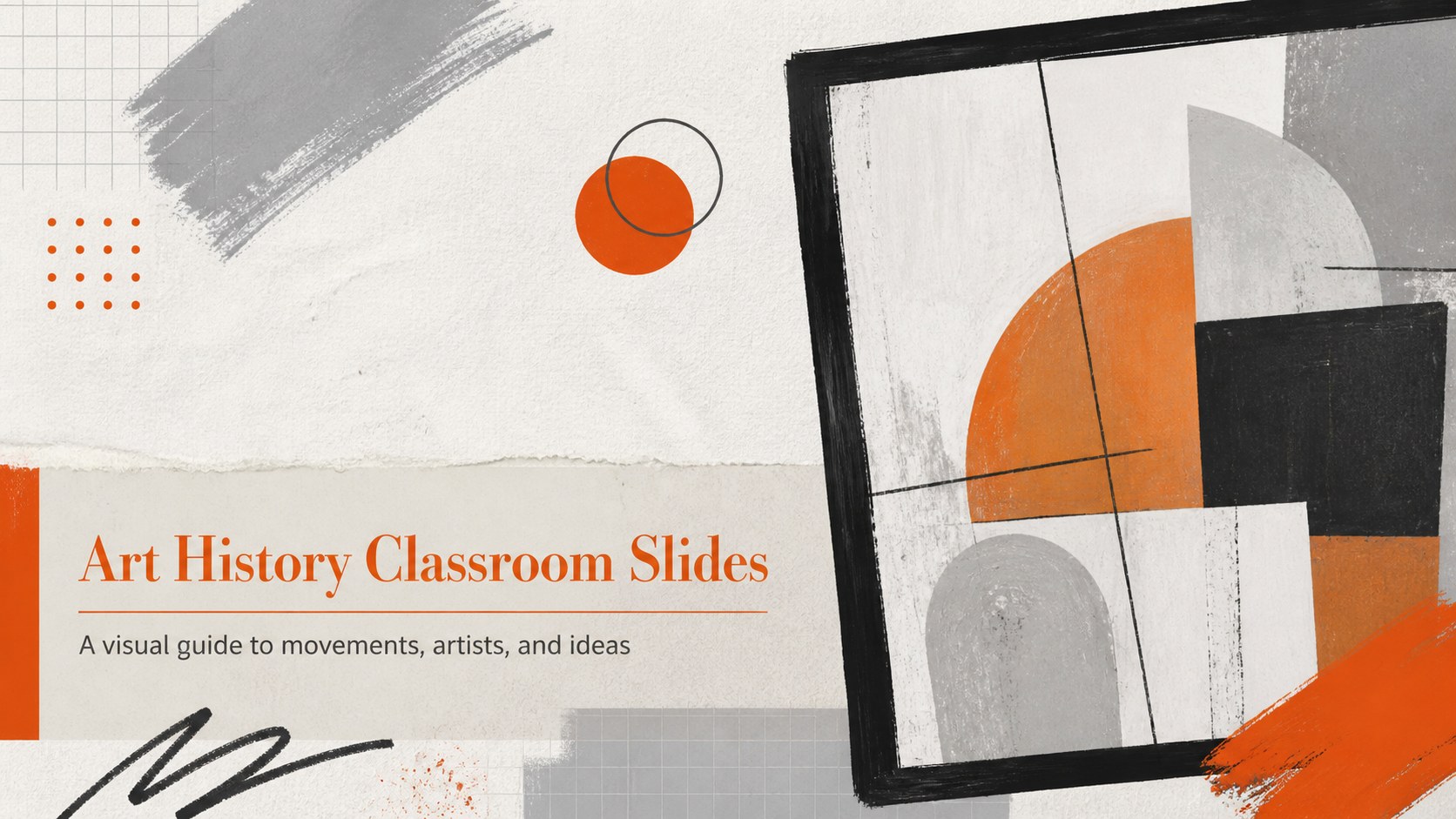
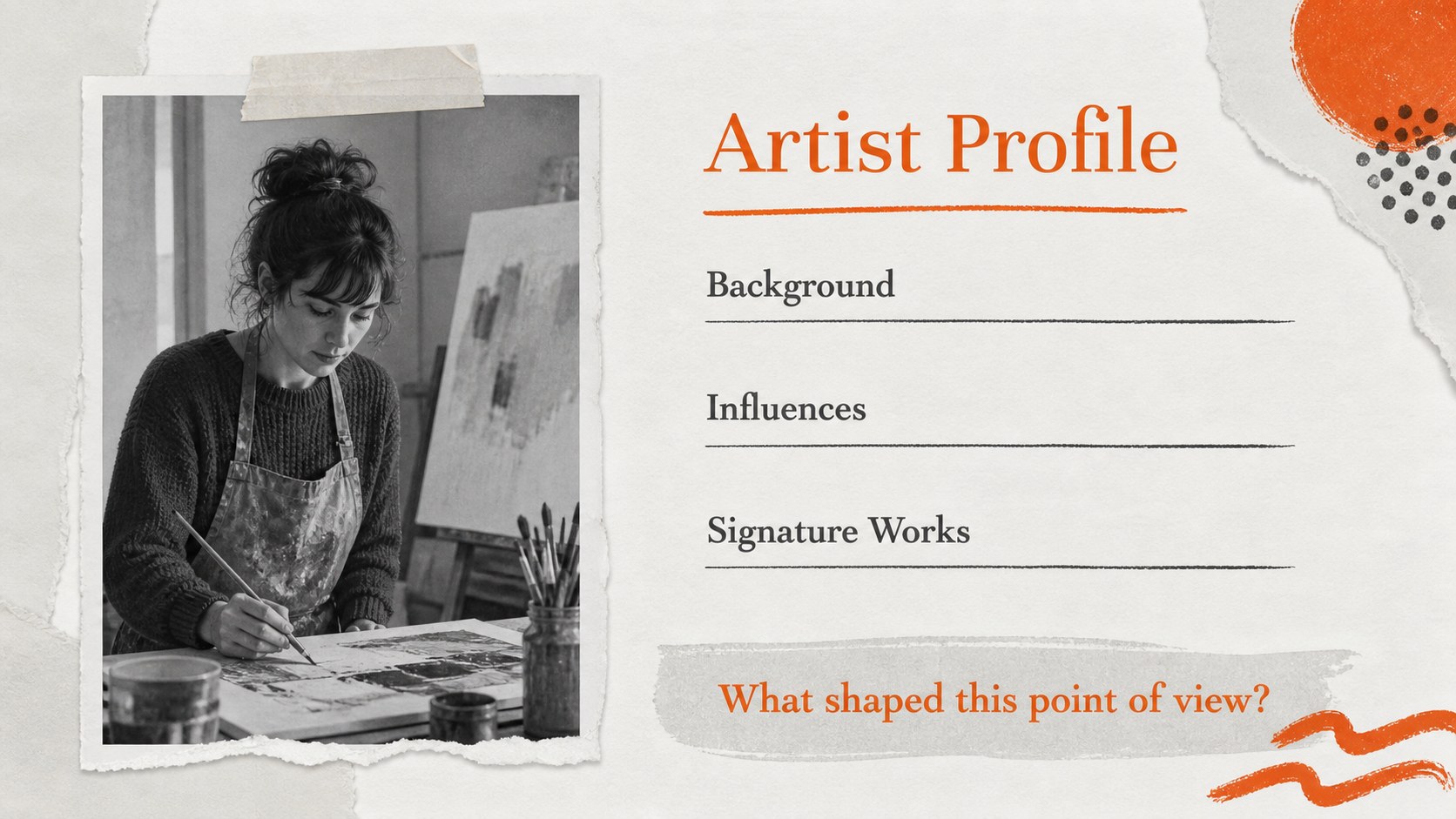
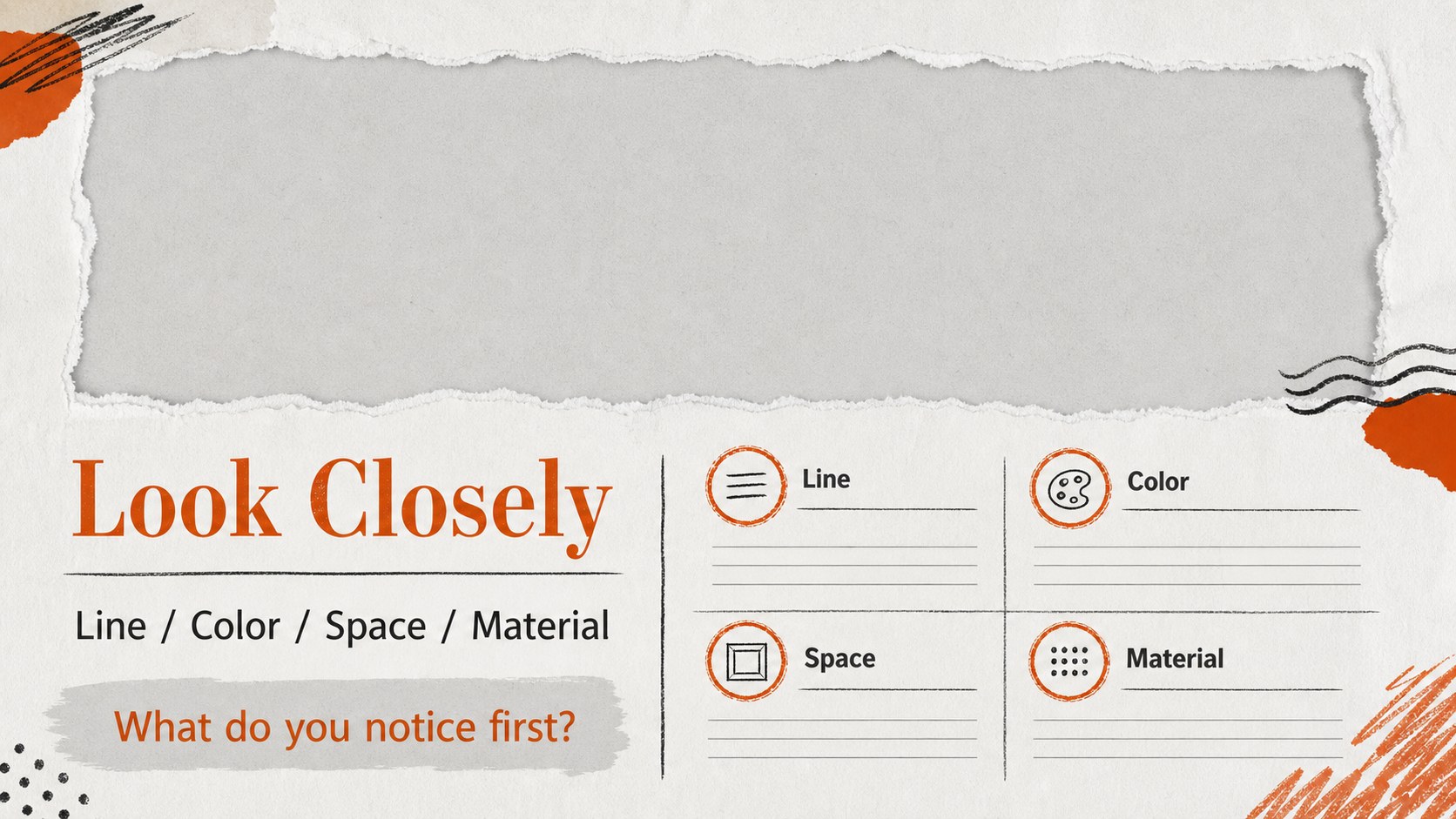
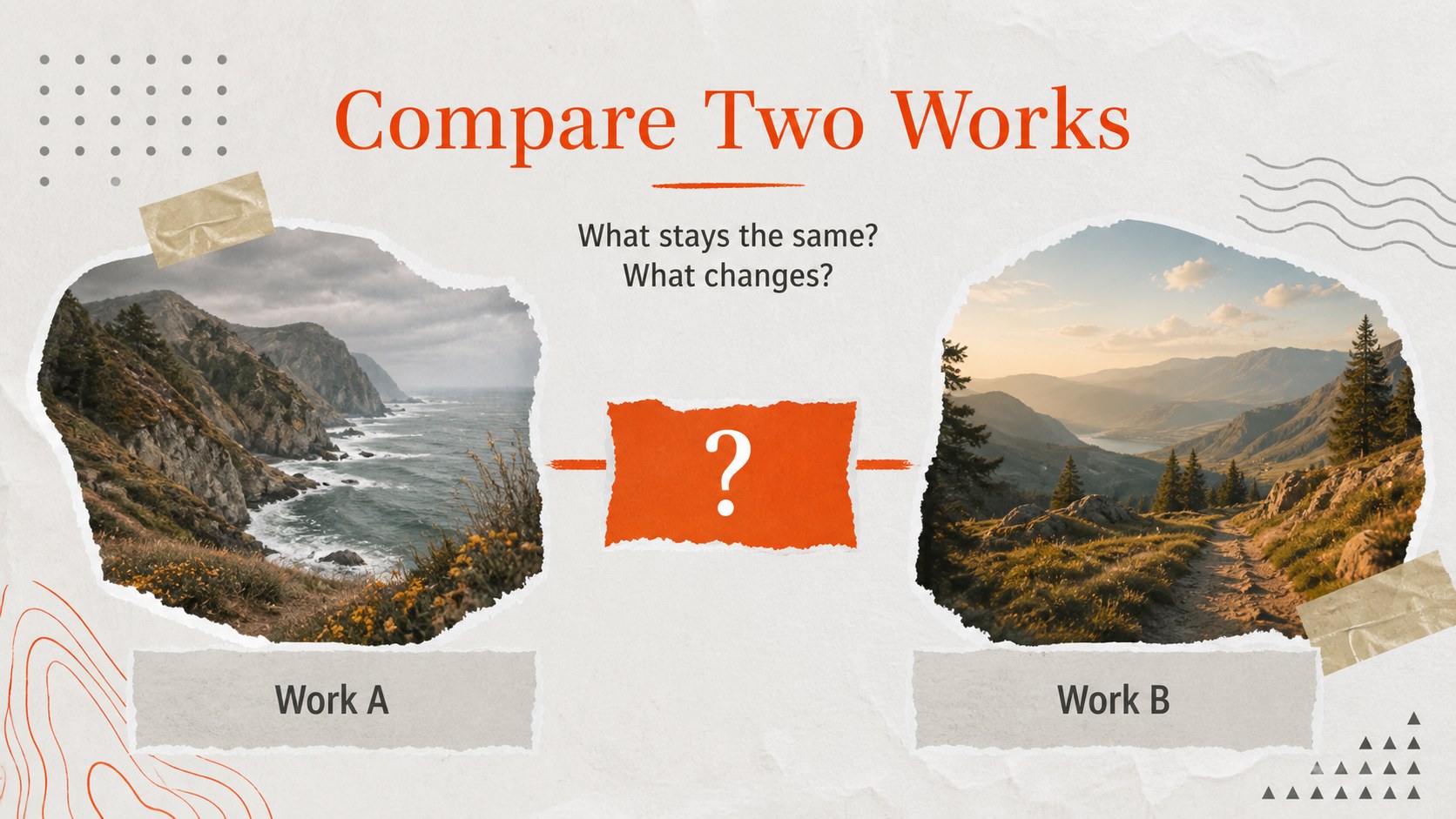
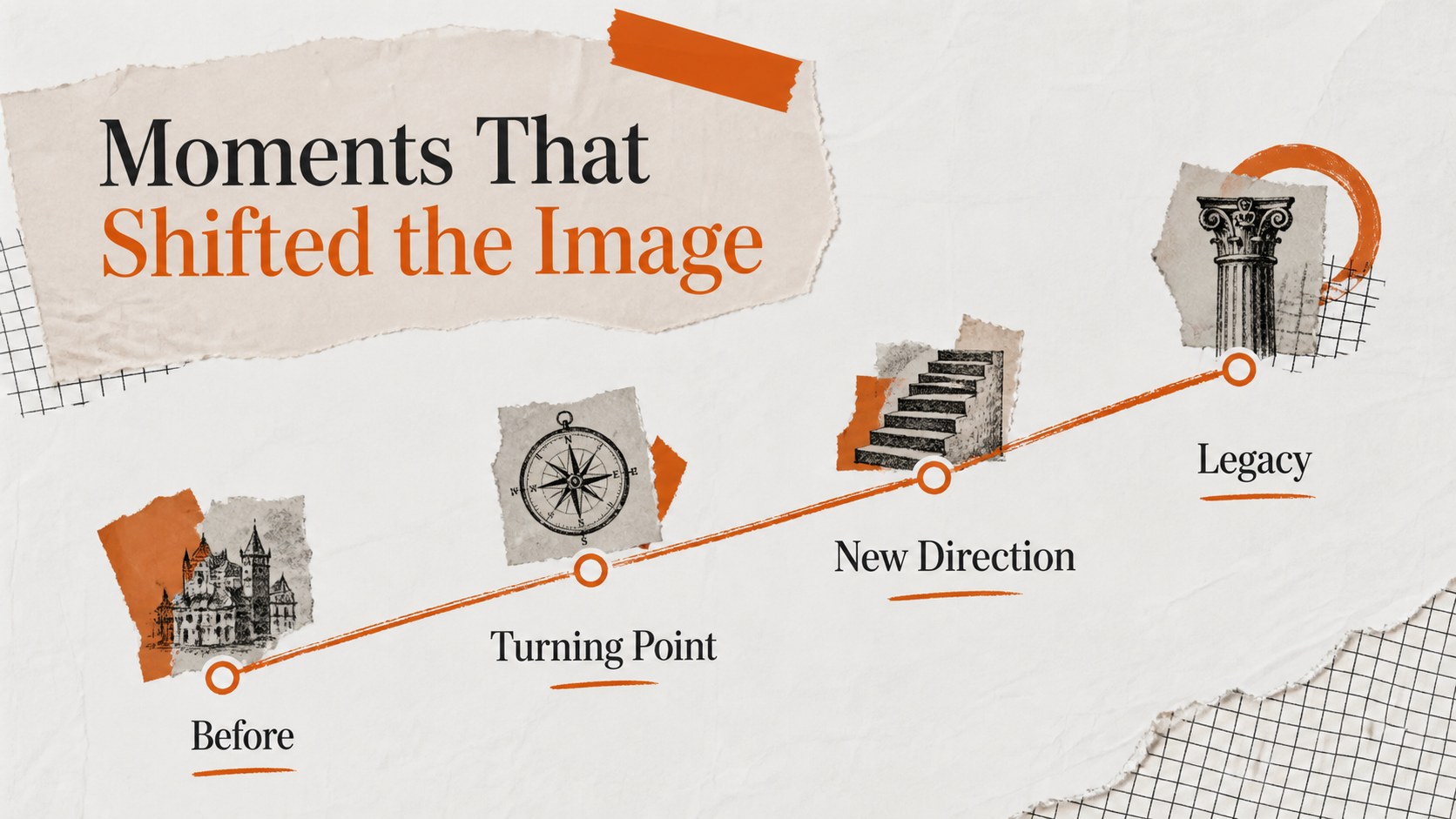
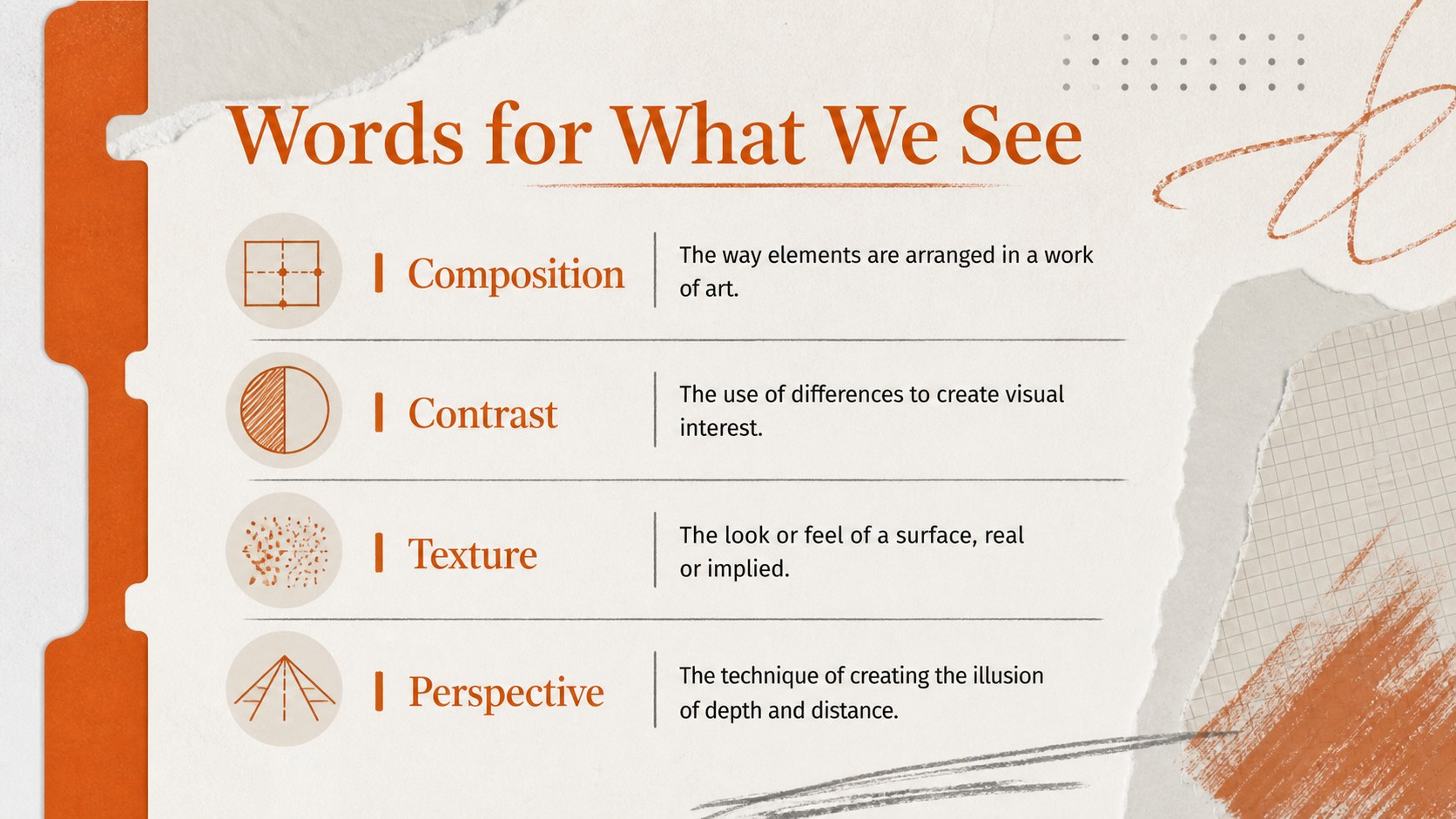
Make art history easier to explore with art history classroom slides designed for thoughtful, visual teaching. The presentation style pairs a calm grey foundation with energetic orange accents, paper-inspired details, and editorial typography to give every movement, artist, and artwork room to stand out. Use the deck to guide students from early traditions to modern creative practice without overwhelming them with dense text.
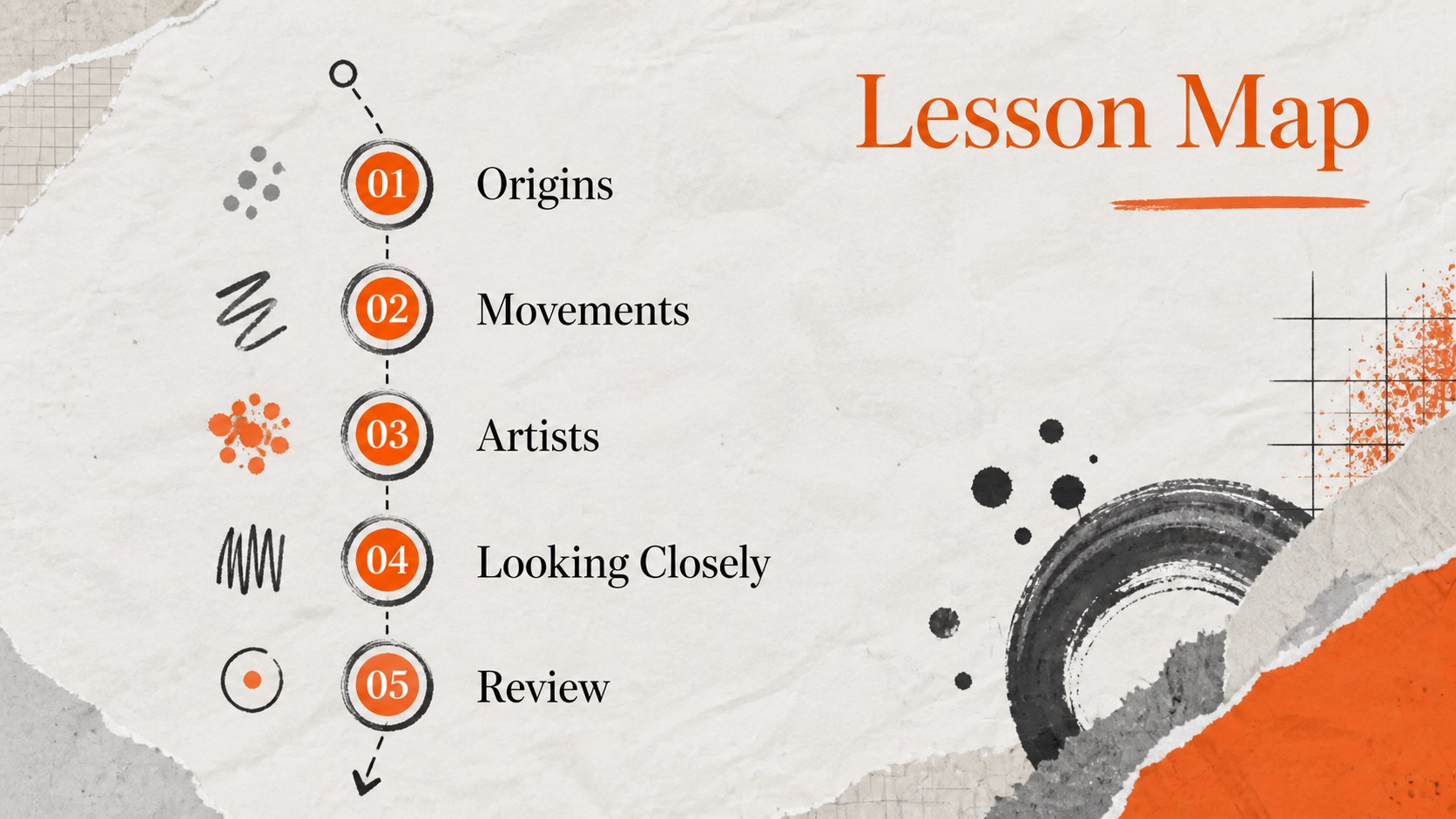
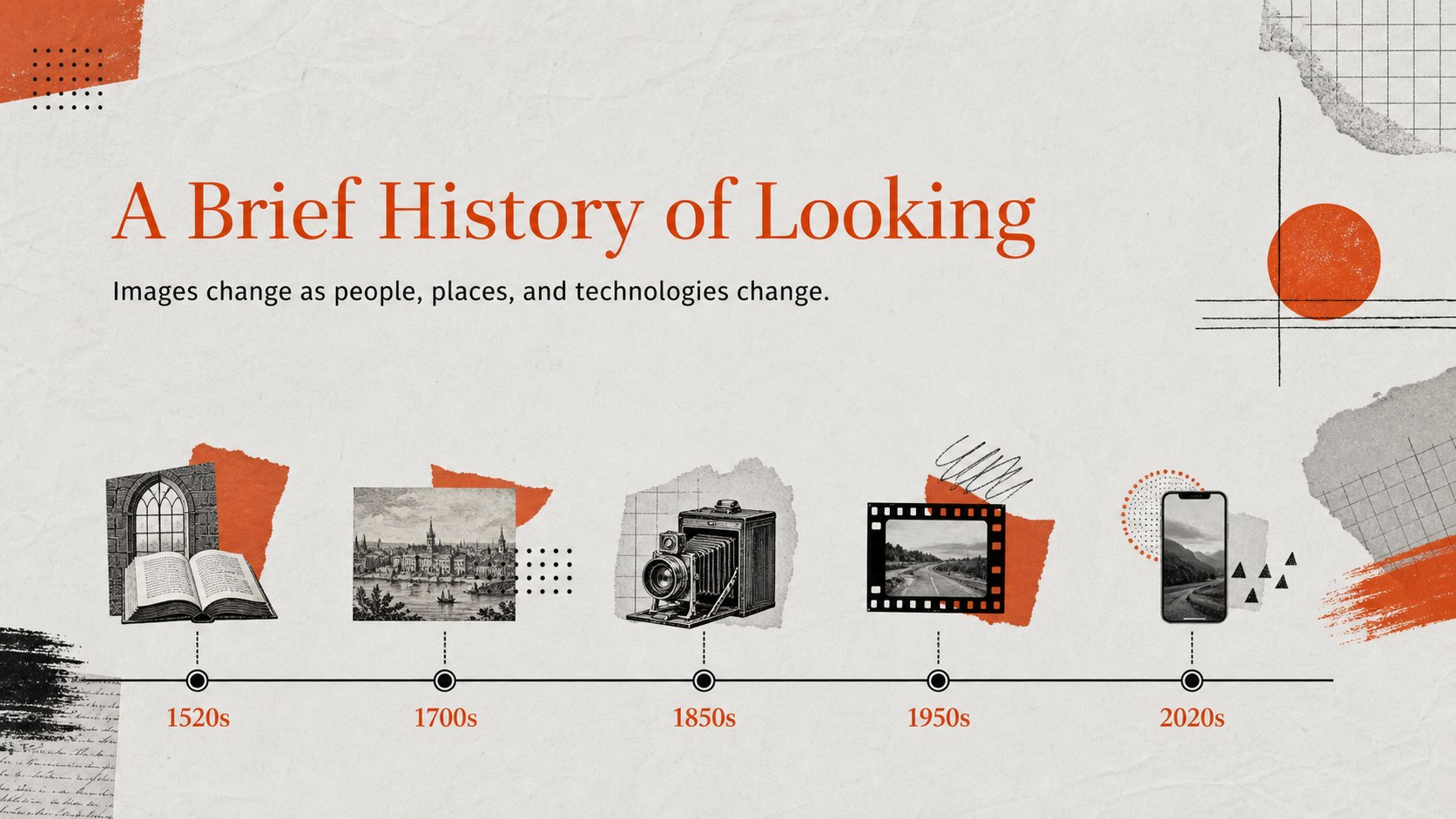
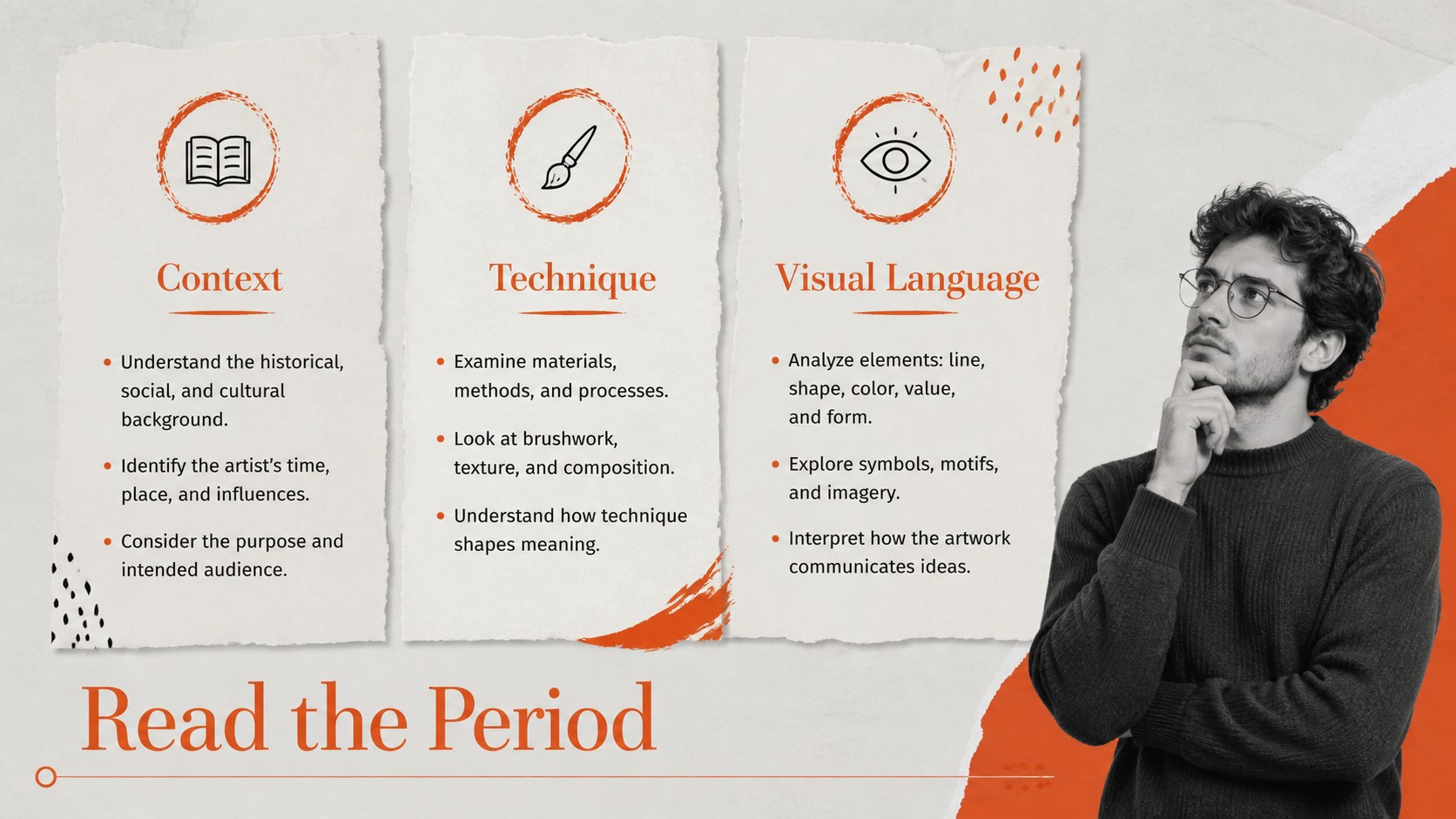
Inside, you’ll find more than 25 editable layouts for an art movements lesson presentation, including title pages, period overviews, artist profiles, artwork close-ups, comparison slides, timelines, vocabulary pages, discussion prompts, and recap activities. Add images, captions, notes, charts, shapes, video, or audio through Google Slides or PowerPoint. Fira Sans and Unna provide a readable combination for classroom projection and printed handouts.
This template suits elementary and secondary teachers, homeschool educators, museum educators, and students preparing an art history project. Customize colors, fonts, imagery, and section labels to match your curriculum, then share the finished lesson with colleagues or learners. It also works well for visual culture units, gallery talks, substitute-teacher materials, and introductory art appreciation courses.
Perfect for: secondary art history lesson; museum education workshop; homeschool art appreciation class; student art movements project; gallery talk presentation.
Frequently asked questions
Can I edit these slides in Google Slides? Yes. The template is designed for Google Slides and can be customized in your browser. Replace text, images, colors, shapes, and layout elements without changing the overall design system.
Practical details
Yes. The template is designed for Google Slides and can be customized in your browser. Replace text, images, colors, shapes, and layout elements without changing the overall design system.
Yes. It is available for Google Slides and PowerPoint. Some animation or font behavior may vary slightly between platforms, so review the presentation after importing it.
You can simplify the language and reduce the number of content sections for younger students, or add detailed analysis and historical context for advanced classes. The modular layouts support both short lessons and complete units.
Yes. Add artwork images, captions, source details, speaker notes, discussion questions, and links to museum collections. The layouts provide dedicated space for both visual references and explanatory material.
Keep exploring
15Build stronger academic arguments with a college essay thesis builder featuring guided examples, revision prompts, and editable PowerPoint and Google Slides.
 15
15Build an engaging World UFO Day session with this flying saucer history lesson deck, featuring retro green-and-brown slides for PowerPoint and Google Slides.
 14
14Plan a memorable Lunar New Year campaign with the 2036 Dragon Year Celebration Theme, featuring bold red-and-yellow slides for lessons and events.
 15
15Build a thoughtful classroom discussion with this interfaith awareness lesson deck, featuring editable blue-and-white slides for PowerPoint and Google Slides.
 15
15Use this environmental awareness lesson deck to teach climate action through illustrated activities, discussion prompts, and ready-to-edit visuals.
 15
15Build playful lessons and party stories with a kid-friendly zombie celebration theme in purple, green and pastel blue for PowerPoint and Google Slides.
 15
15Build eerie lessons, campaigns, and story pitches with an undead survival scenario theme featuring editable slides for PowerPoint and Google Slides.
 16
16Turn environmental research into a clear story with a Watercolor Ecology Presentation Theme for PowerPoint and Google Slides in calming green and blue.