
 15
15presentation
College Essay Thesis Builder Slides
Build stronger academic arguments with a college essay thesis builder featuring guided examples, revision prompts, and editable PowerPoint and Google Slides.
Google SlidesPowerPoint
presentation · English
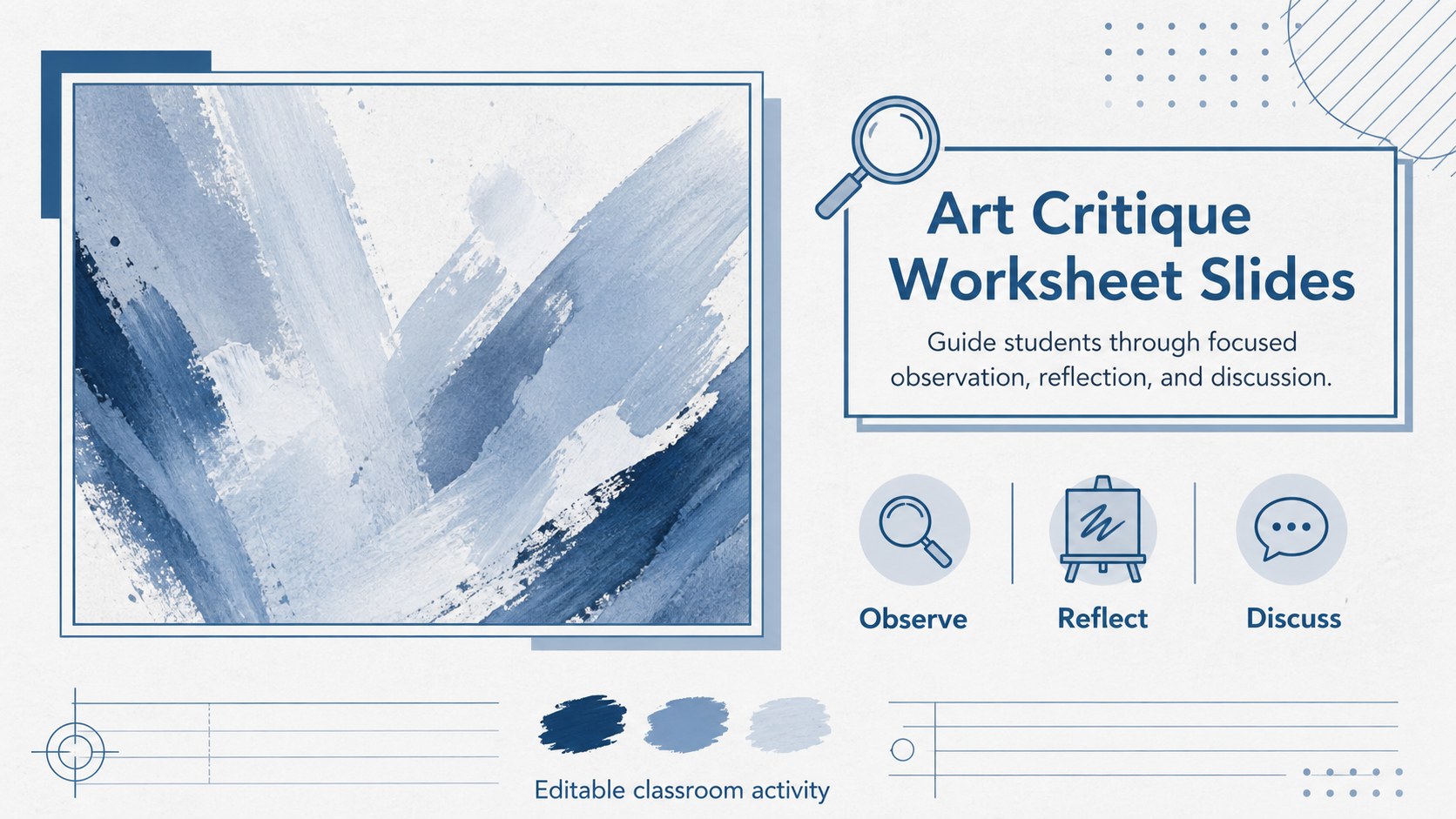
Use this art critique worksheet slides template for classroom observation, museum reflections, and art discussions in clean blue-and-white PowerPoint and…
Design notes
Art critique worksheet slides give learners a clear path from first impressions to thoughtful interpretation. This clean blue-and-white deck supports classroom conversations, independent study, museum follow-up work, and group presentations without making the analysis process feel intimidating. Its paper-inspired layout and simple visual structure keep attention on the artwork and the student’s own response.
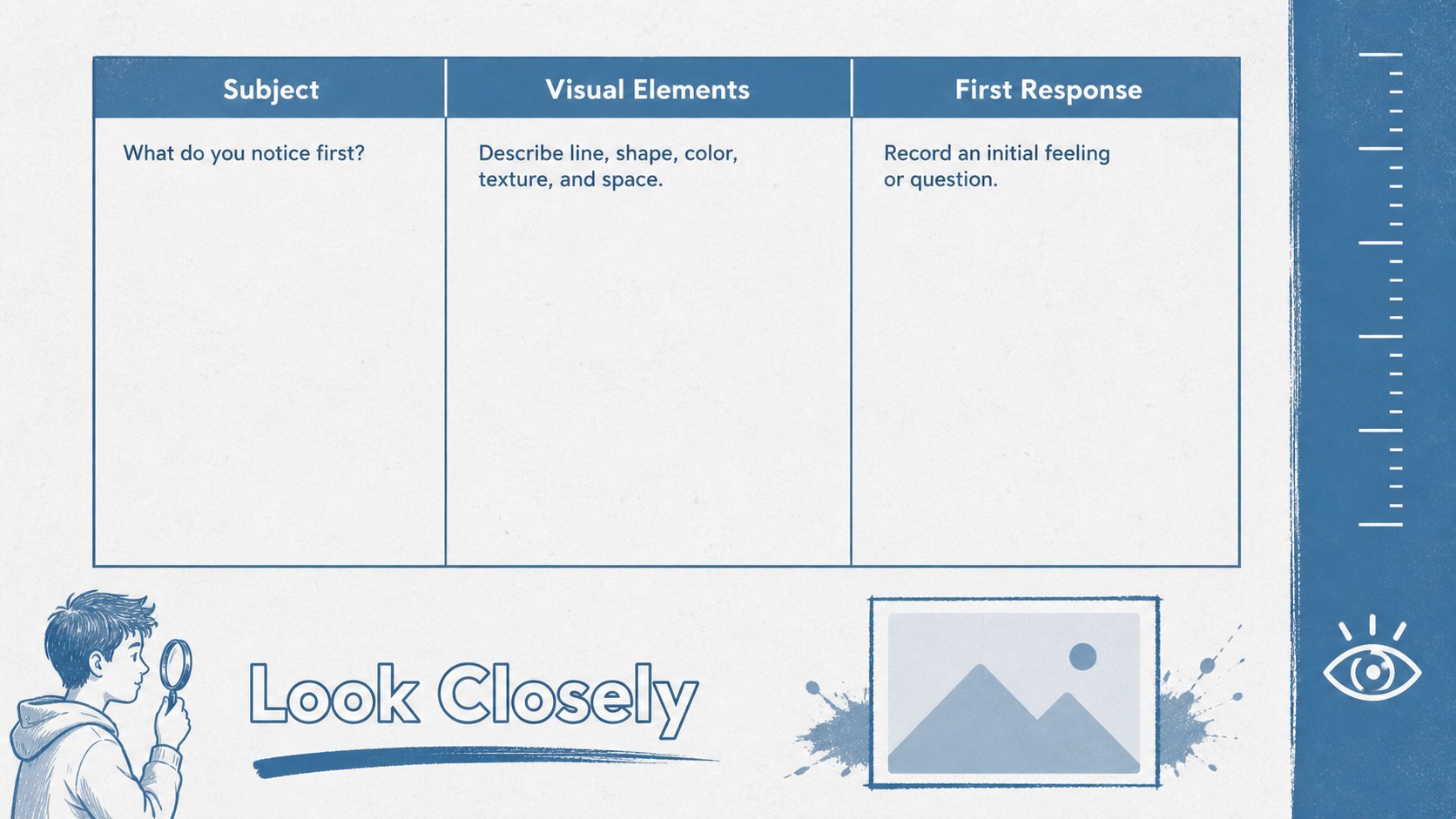
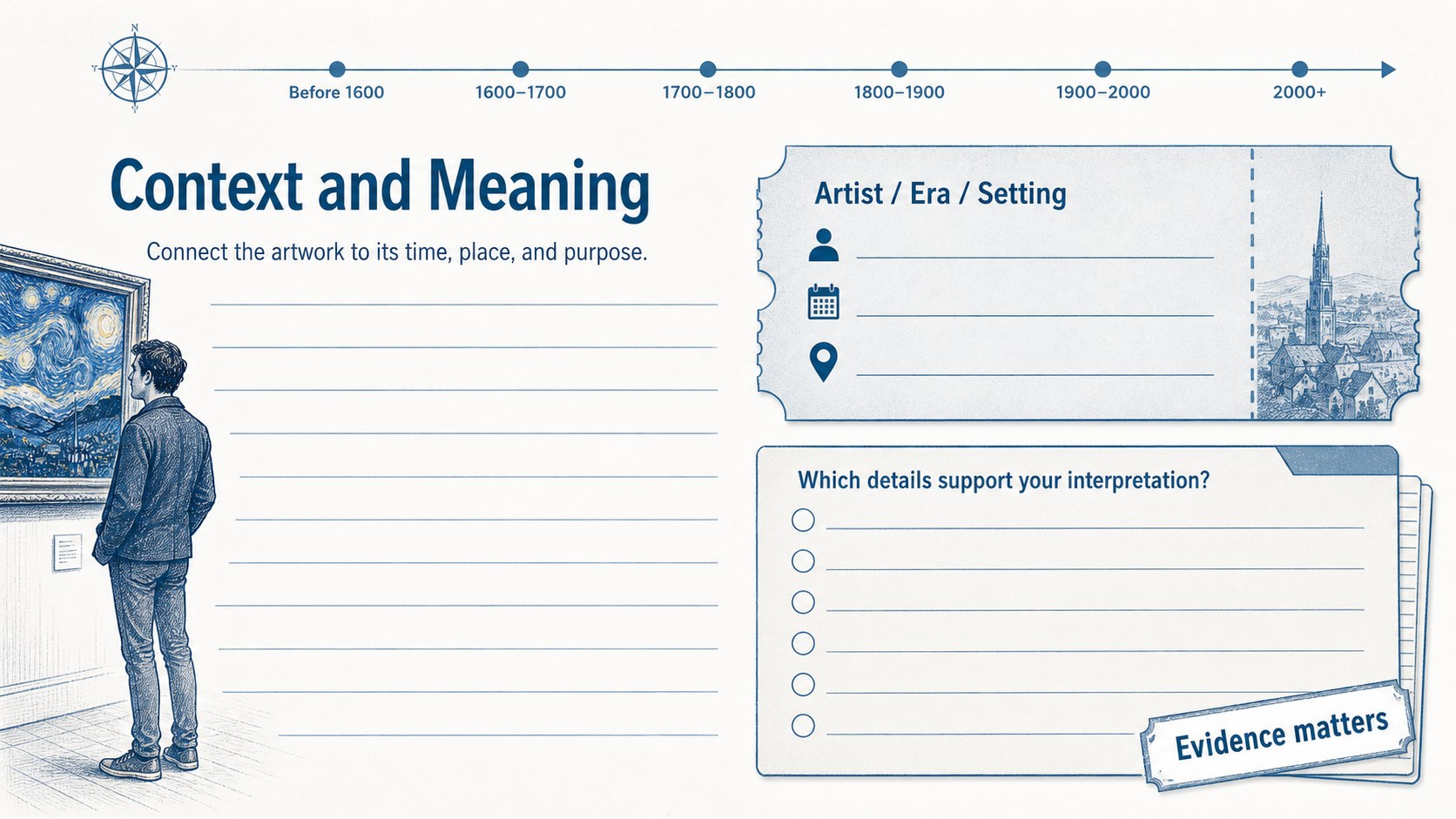
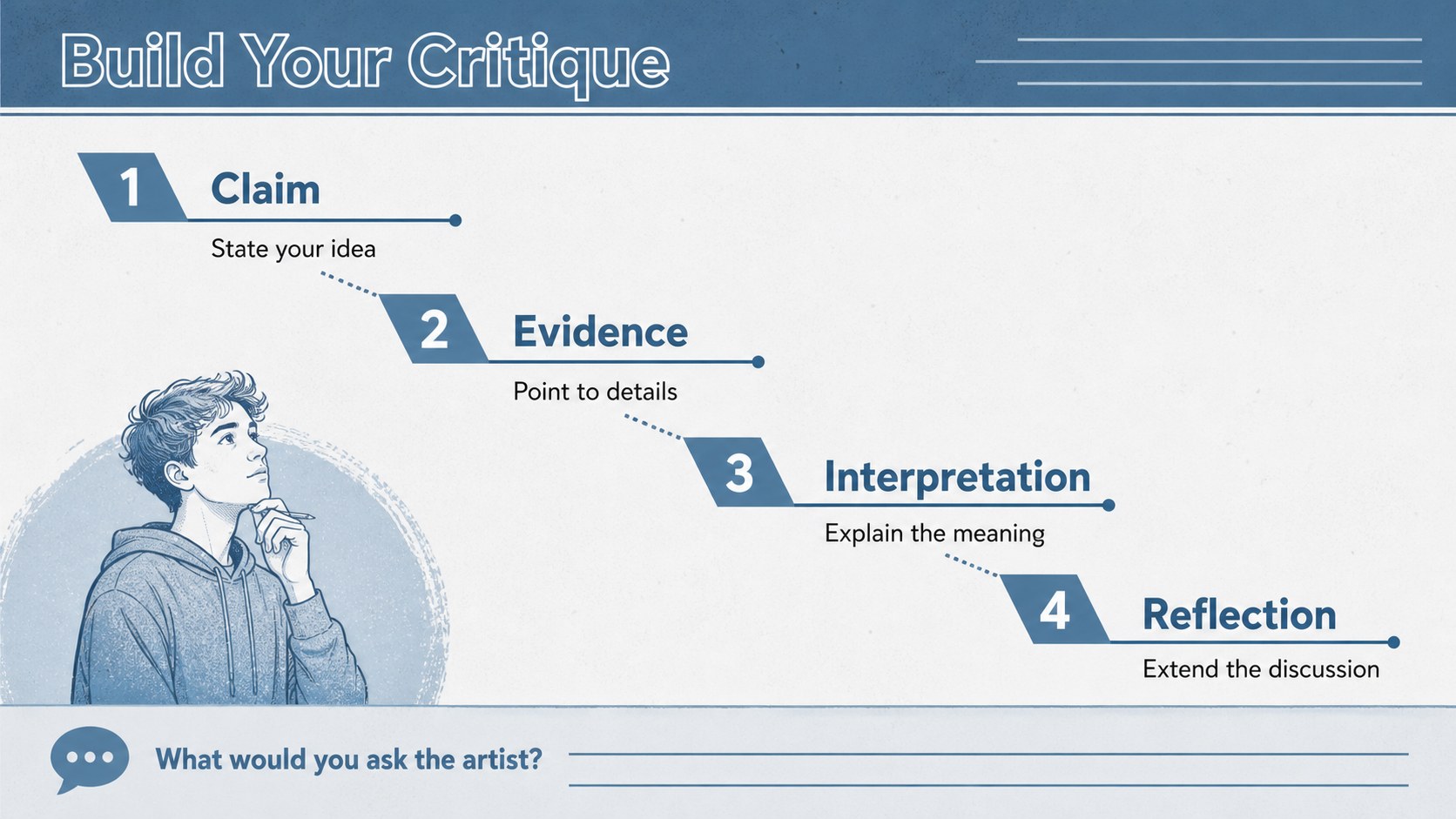
Inside, you’ll find four adaptable slide layouts for introducing an artwork, recording visual observations, connecting the piece to historical or cultural context, and shaping a supported critique. Use the prompts as provided or replace them with questions about composition, color, technique, symbolism, or artist intent. The structure also works as a museum reflection worksheet, a visual analysis lesson slide sequence, or an art critique presentation for students.
The template is designed for art teachers, elementary and secondary students, university classes, museum educators, and anyone building guided critique activities. Add artwork images, reference links, grading criteria, or discussion notes to match your lesson. Edit the text, colors, and arrangement in PowerPoint or Google Slides, then export or share the completed activity in the format your class needs.
Perfect for: guided classroom art critique; museum visit reflection; student artwork evaluation; visual analysis lesson; independent art study; group critique presentation.
Frequently asked questions
Can I edit these slides in PowerPoint and Google Slides? Yes. The layouts are intended for both PowerPoint and Google Slides, so you can revise the prompts, add artwork, and adjust the slide sequence in your preferred platform.
Practical details
Yes. The layouts are intended for both PowerPoint and Google Slides, so you can revise the prompts, add artwork, and adjust the slide sequence in your preferred platform.
Yes. Replace the sample prompts with simpler observation questions for younger learners or more detailed questions about context, technique, and interpretation for advanced classes. You can also add a grading rubric or response area.
Use it for guided art observation, museum reflections, peer critique, exam preparation, or a short group presentation. The layouts can support one artwork, a comparison of two pieces, or a longer artist study.
Yes. Insert artwork images, artist biographies, museum links, and class notes directly into the editable layouts. Keep image captions and source information in the areas provided for a clear teaching resource.
Keep exploring
15Build stronger academic arguments with a college essay thesis builder featuring guided examples, revision prompts, and editable PowerPoint and Google Slides.
 15
15Build an engaging World UFO Day session with this flying saucer history lesson deck, featuring retro green-and-brown slides for PowerPoint and Google Slides.
 14
14Plan a memorable Lunar New Year campaign with the 2036 Dragon Year Celebration Theme, featuring bold red-and-yellow slides for lessons and events.
 15
15Build a thoughtful classroom discussion with this interfaith awareness lesson deck, featuring editable blue-and-white slides for PowerPoint and Google Slides.
 15
15Use this environmental awareness lesson deck to teach climate action through illustrated activities, discussion prompts, and ready-to-edit visuals.
 15
15Build playful lessons and party stories with a kid-friendly zombie celebration theme in purple, green and pastel blue for PowerPoint and Google Slides.
 15
15Build eerie lessons, campaigns, and story pitches with an undead survival scenario theme featuring editable slides for PowerPoint and Google Slides.
 16
16Turn environmental research into a clear story with a Watercolor Ecology Presentation Theme for PowerPoint and Google Slides in calming green and blue.