
 15
15presentation
College Essay Thesis Builder Slides
Build stronger academic arguments with a college essay thesis builder featuring guided examples, revision prompts, and editable PowerPoint and Google Slides.
Google SlidesPowerPoint
presentation · English
Teach landmark movements with Architecture History Comparison Slides, a vintage collage deck for visual contrasts in PowerPoint and Google Slides.
Design notes
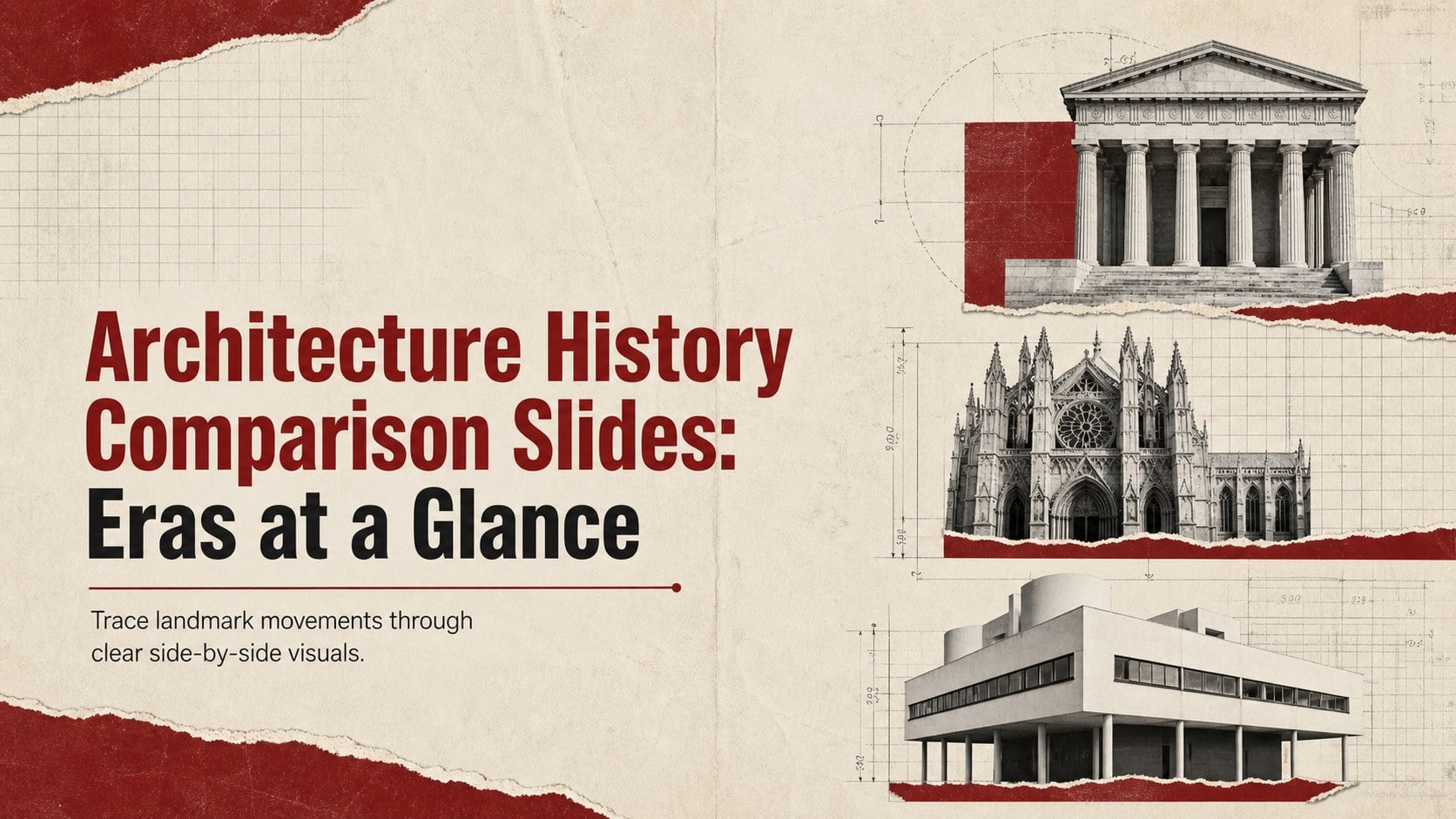
Explore how buildings evolved across centuries with Architecture History Comparison Slides designed for visual learning and concise storytelling. A bold vintage collage aesthetic combines beige paper textures, black typography, and deep red accents, giving each comparison a distinctive editorial character without sacrificing clarity.
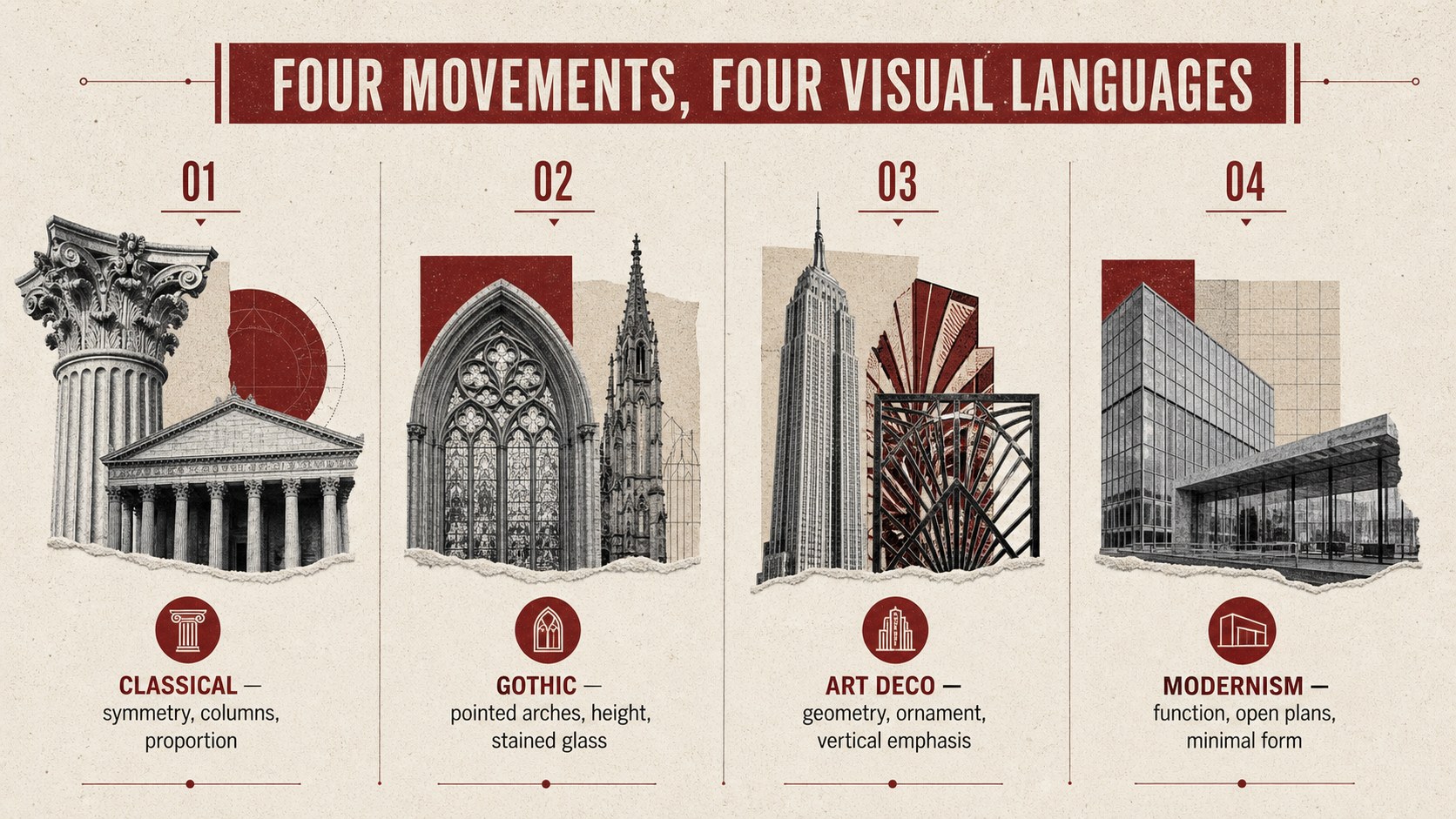
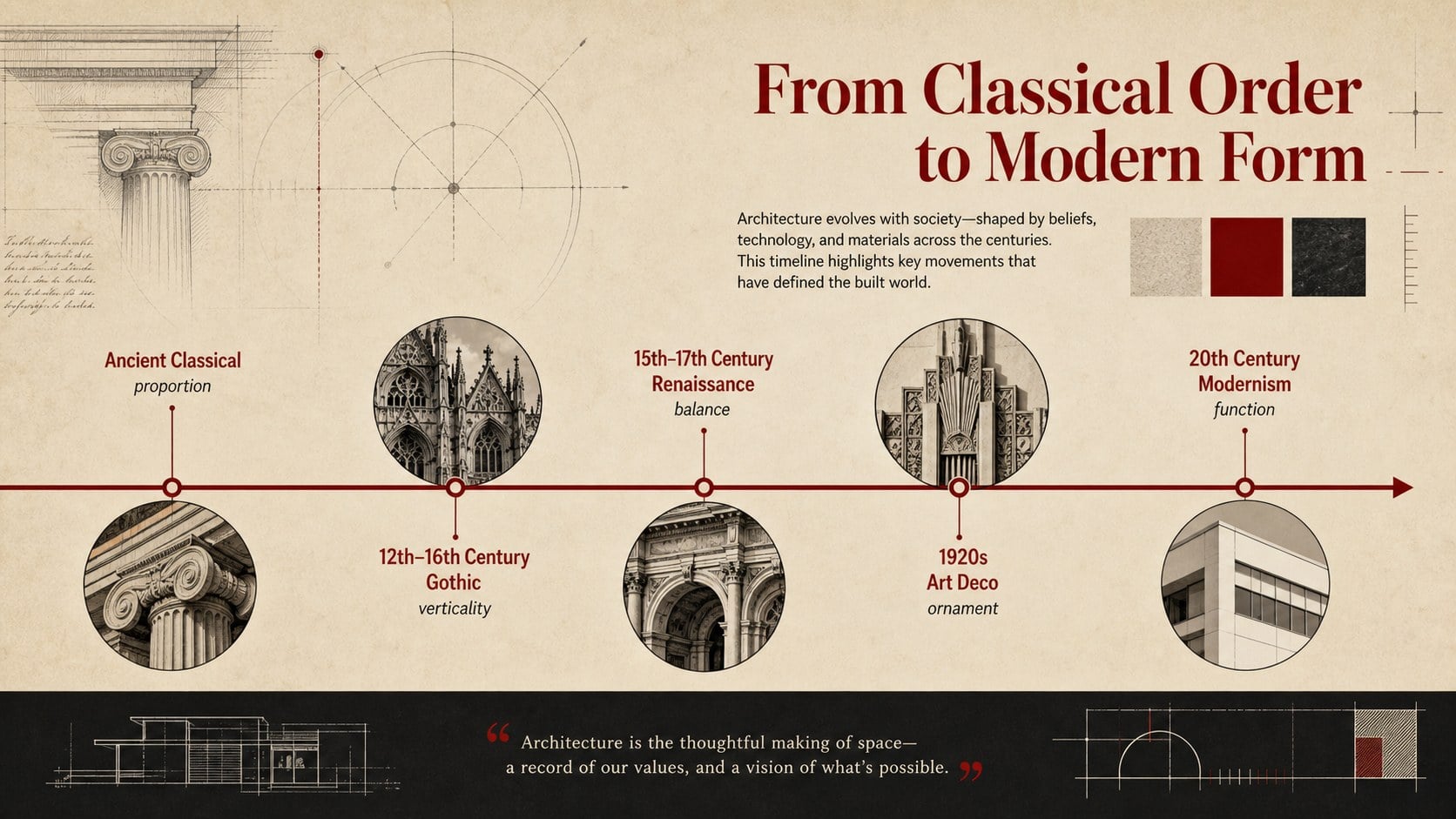
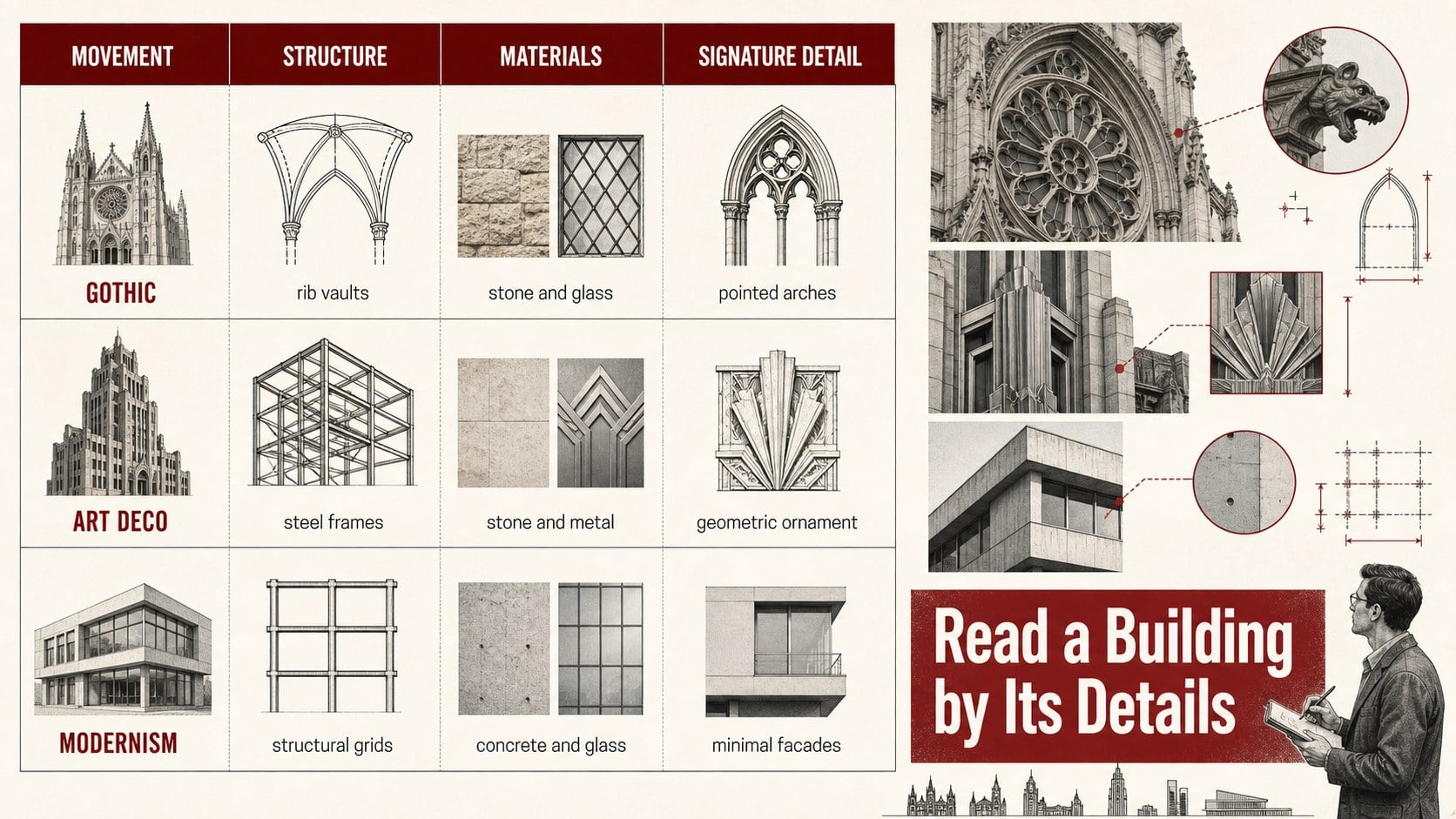
Inside, you will find layouts for introducing major movements, comparing defining features, arranging periods on a timeline, and reviewing recognizable materials and structural details. Use the architecture history presentation template to contrast Gothic arches with Classical columns, Art Deco geometry, or Modernist forms. The deck also works as vintage architecture infographic slides for mapping influences, locations, construction methods, and cultural context. Replace the sample wording, insert photographs of facades or interiors, adjust fonts and colors, and reorganize sections to fit your lesson or research topic.
The template is suited to architecture and design students, history teachers, urban planning classes, museum educators, and creative professionals preparing talks or portfolio case studies. It can support classroom lectures, seminar reports, exhibition notes, visual essays, and an architectural movements classroom presentation. All four layouts are built for straightforward editing in PowerPoint and Google Slides, allowing presenters to adapt the visual hierarchy while preserving the retro red, beige, and black design system.
Perfect for: architecture history lesson; student seminar presentation; building style comparison; museum education talk; urban design portfolio; architectural timeline lecture.
Frequently asked questions
Can I edit the architectural periods and examples? Yes. Replace every heading, description, date, and image with the movements or buildings relevant to your topic. The comparison layouts can be expanded or simplified for different class levels.
Practical details
Yes. Replace every heading, description, date, and image with the movements or buildings relevant to your topic. The comparison layouts can be expanded or simplified for different class levels.
The deck is designed for PowerPoint and Google Slides. Typography and image placement may vary slightly between platforms, so review the final layout before presenting.
Swap in your own facade photography, paper textures, maps, and archival details while retaining the beige, black, and red palette. You can also change the typefaces and decorative shapes to match a specific historical period.
Yes. The layouts are suitable for project research, precedent studies, exhibition proposals, and urban design case studies. Replace the classroom examples with project-specific analysis and properly licensed images.
Keep exploring
15Build stronger academic arguments with a college essay thesis builder featuring guided examples, revision prompts, and editable PowerPoint and Google Slides.
 15
15Build an engaging World UFO Day session with this flying saucer history lesson deck, featuring retro green-and-brown slides for PowerPoint and Google Slides.
 14
14Plan a memorable Lunar New Year campaign with the 2036 Dragon Year Celebration Theme, featuring bold red-and-yellow slides for lessons and events.
 15
15Build a thoughtful classroom discussion with this interfaith awareness lesson deck, featuring editable blue-and-white slides for PowerPoint and Google Slides.
 15
15Use this environmental awareness lesson deck to teach climate action through illustrated activities, discussion prompts, and ready-to-edit visuals.
 15
15Build playful lessons and party stories with a kid-friendly zombie celebration theme in purple, green and pastel blue for PowerPoint and Google Slides.
 15
15Build eerie lessons, campaigns, and story pitches with an undead survival scenario theme featuring editable slides for PowerPoint and Google Slides.
 16
16Turn environmental research into a clear story with a Watercolor Ecology Presentation Theme for PowerPoint and Google Slides in calming green and blue.